
As I have said in countless other racing game reviews, variety is the spice that makes life worth driving. In NASCAR 26 that rings true in its own way as iRacing Studios has dropped the next iteration of its NASCAR racing games.
Everything you loved about NASCAR 25 is back this year, and there have been some notable improvements and additions as well to expand on the racing experience. As was the case last year, I began my game with Career Mode and started at the bottom to work my way up through the series to the top. The basics of Career Mode are the same as last year: you race, repair the car, adjust any crew that you can, and move on to the next race weekend.
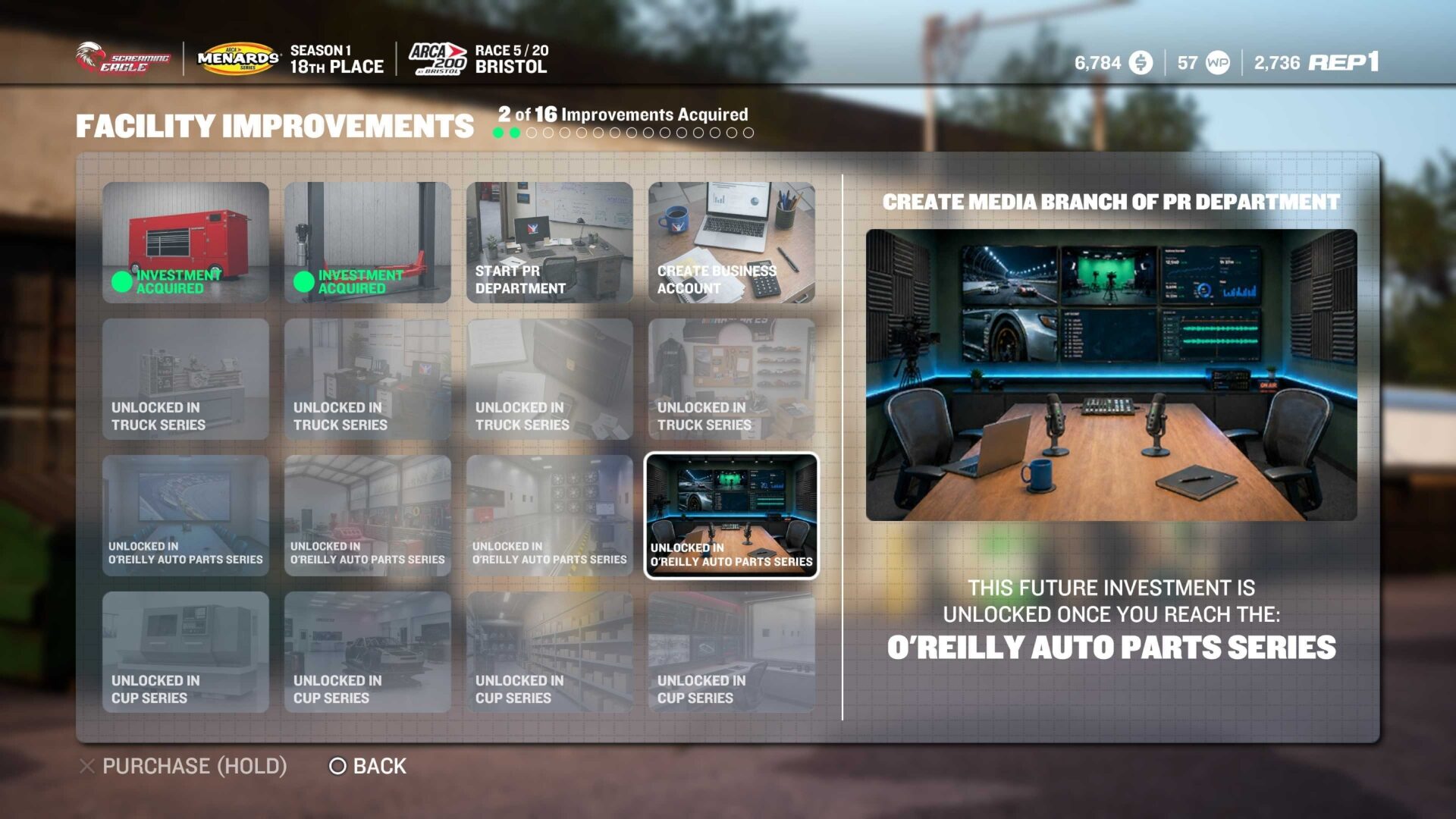
There is a new feature in Career Mode called Facility Upgrades that allows you to hire staff, obtain new PR opportunities and Reputation bonuses, access and develop higher-quality parts, and more. There are 16 total Facility Upgrades to be purchased, but only 4 are available at the start, and the next 4 are unlocked when you move up to the next racing series above where you are. In terms of user experience, it makes sense to have it that way, so your facilities don’t become so overpowered that the series you’re running in is too easy.
“Everything you loved about NASCAR 25 is back this year, and there have been some notable improvements and additions as well to expand on the racing experience.”
The Career Mode in NASCAR 26 features the same 4 series as last year’s title, as they haven’t changed in real life: The ARCA Menard’s Series, the Craftsman Truck Series, The O’Reilly Auto Parts Series, and the Cup Series. Each series features cars of different driving styles and machinery, especially the Truck series. Completing the season in one series unlocks the next level up and so on until all 4 are available. It’s a simple progression that can be easy or difficult depending on how high your AI difficulty is set.
The AI difficulty slider can be adjusted at any time and ranges from its lowest value of 85 and goes up to 105. I was driving at 94 and found it pretty close to my driving level, especially when my car had some performance drop due to part wear.
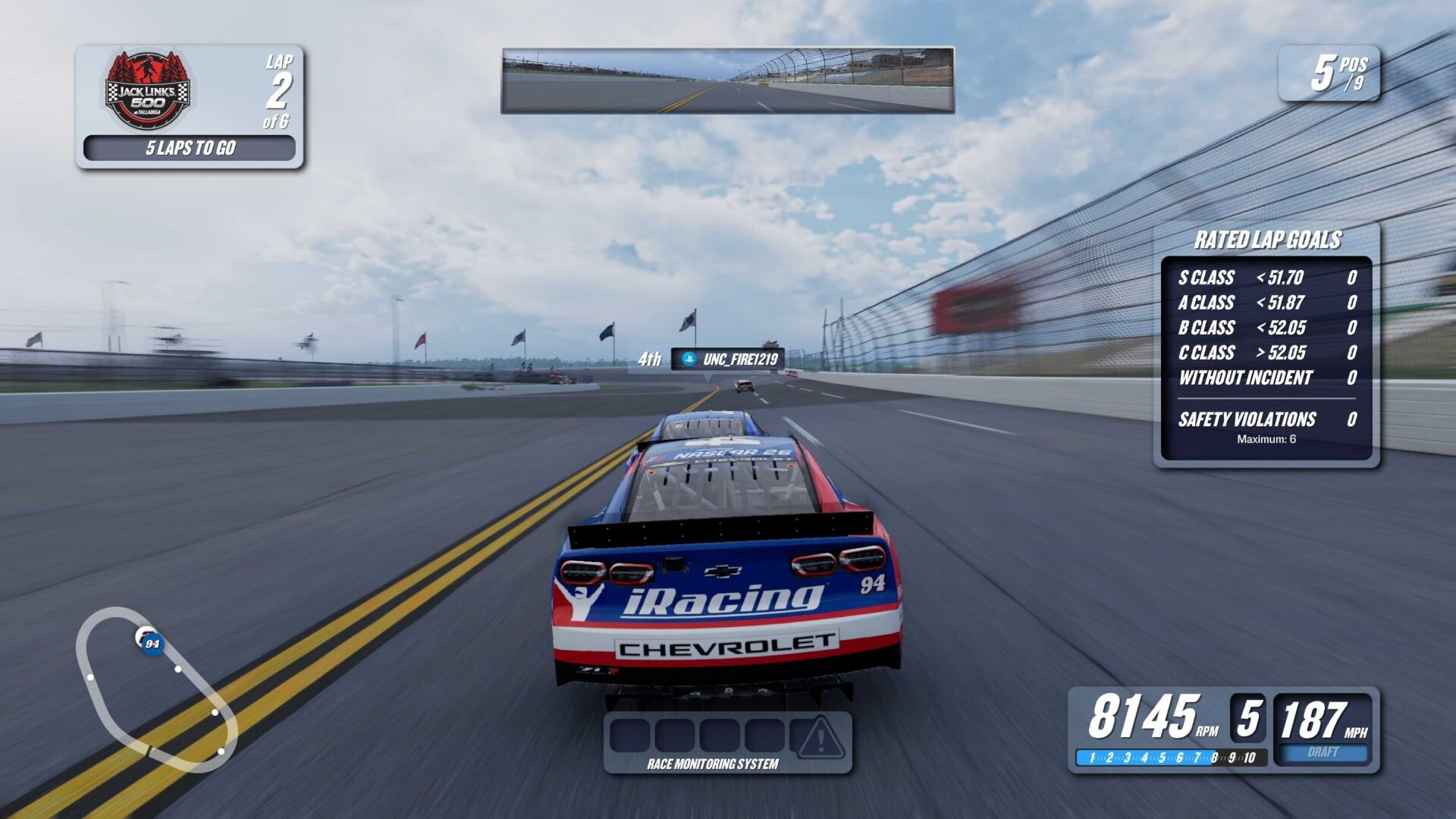
The biggest thing to learn about career mode is that you aren’t going to win every race you enter (unless you turn the difficulty all the way down to its minimum). The NASCAR 26 career mode is more about results you can work towards and improve over the length of the season. As your car improves during the season, so, too, will your results, both qualifying and race.
Online racing in NASCAR 26 is still a mixed bag. You have essentially two options when you go into the online section: Regular Lobbies or a Current Live Event. The regular lobbies are exactly as they sound; you can join or host one on the track of your choice with the settings that the host has set. The Current Live Event option is run each week from Thursdays to Sundays and features the track that is currently on the NASCAR Cup Series schedule; at the time of writing, the current Live Event is Kansas Speedway.
There are some brand-new game mods in NASCAR 26 to speak of, and my favourite is something called Peak Performance. Peak Performance is a training mode designed to teach you the track (i.e. where to brake, where to lift off the accelerator, when to press the accelerator, etc.) and offers training from NASCAR greats Steve Letarte and Jamie McMurray. I really enjoyed the guidance for the tracks, especially the smaller ones like Bristol, even though once you learn one turn, you’ve basically learned them all, save for the road courses.
The other new mode in NASCAR 26 is called The Chase, and it is designed to let players fight for the championship in the last 10 races of the season. The Chase gives all the payoff if you don’t feel like going through the motions of a full season of either the NASCAR Cup Series, the NASCAR O’Reilly Auto Parts Series, or the NASCAR Craftsman Truck Series.
“NASCAR 26 has a lot of good things to stand on, but there are some things that need either improvement or adding outright.”
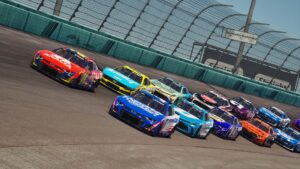
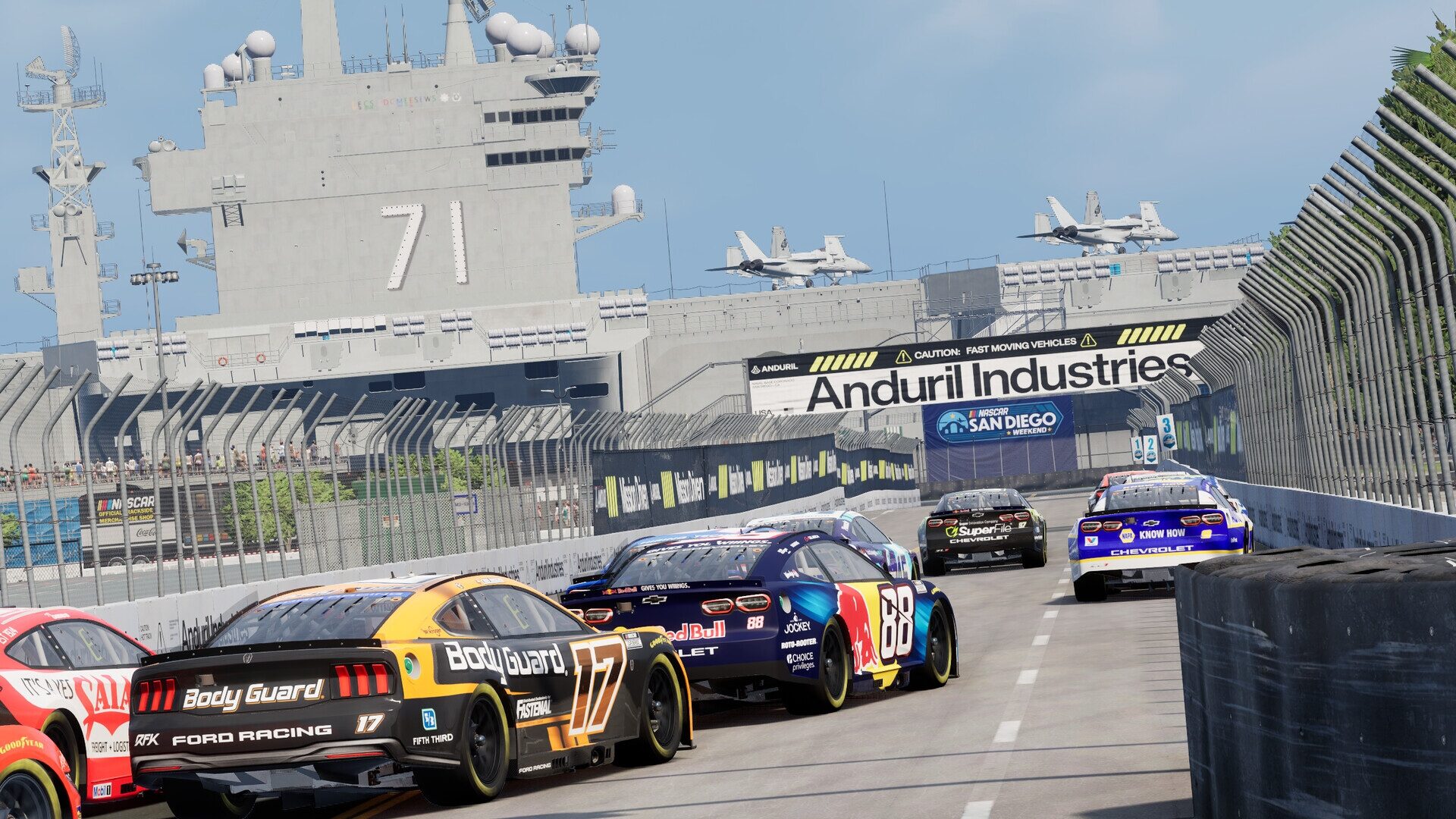
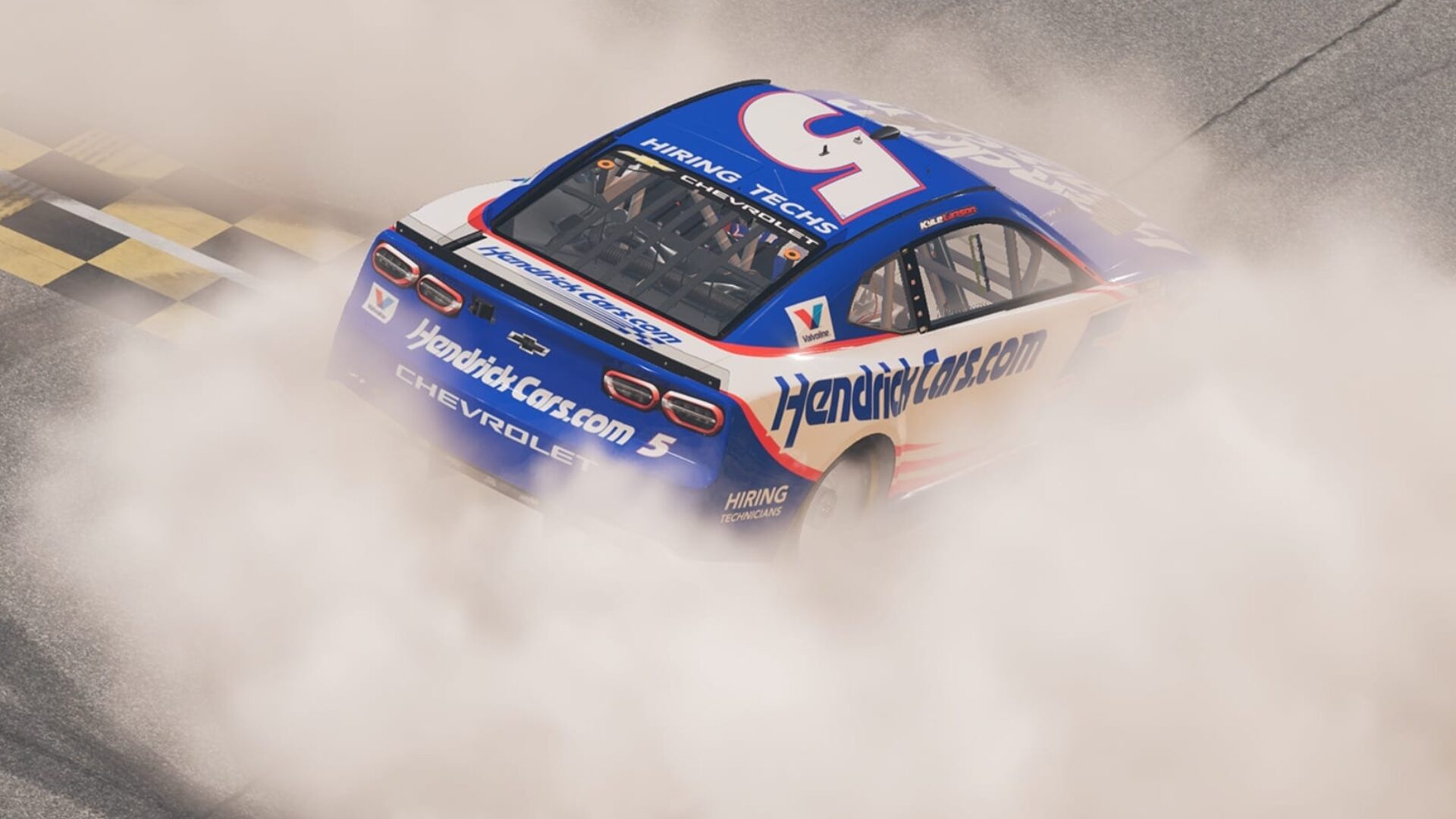
Visually, NASCAR 26 is an improvement over its predecessor, with dynamic lighting and updated motion blur settings. I must say that Daytona at night looks incredible and quickly became my favorite track and time of day to race as a result, even if you can’t set a time of day in Quick Race.
NASCAR 26 has a lot of good things to stand on, but there are some things that need either improvement or adding outright. The first of which is local multiplayer. NASCAR 26 does not feature split-screen multiplayer for some reason, and when the barrier to entry is so low, there needs to be a local multiplayer feature so you can play with your friends & family members.
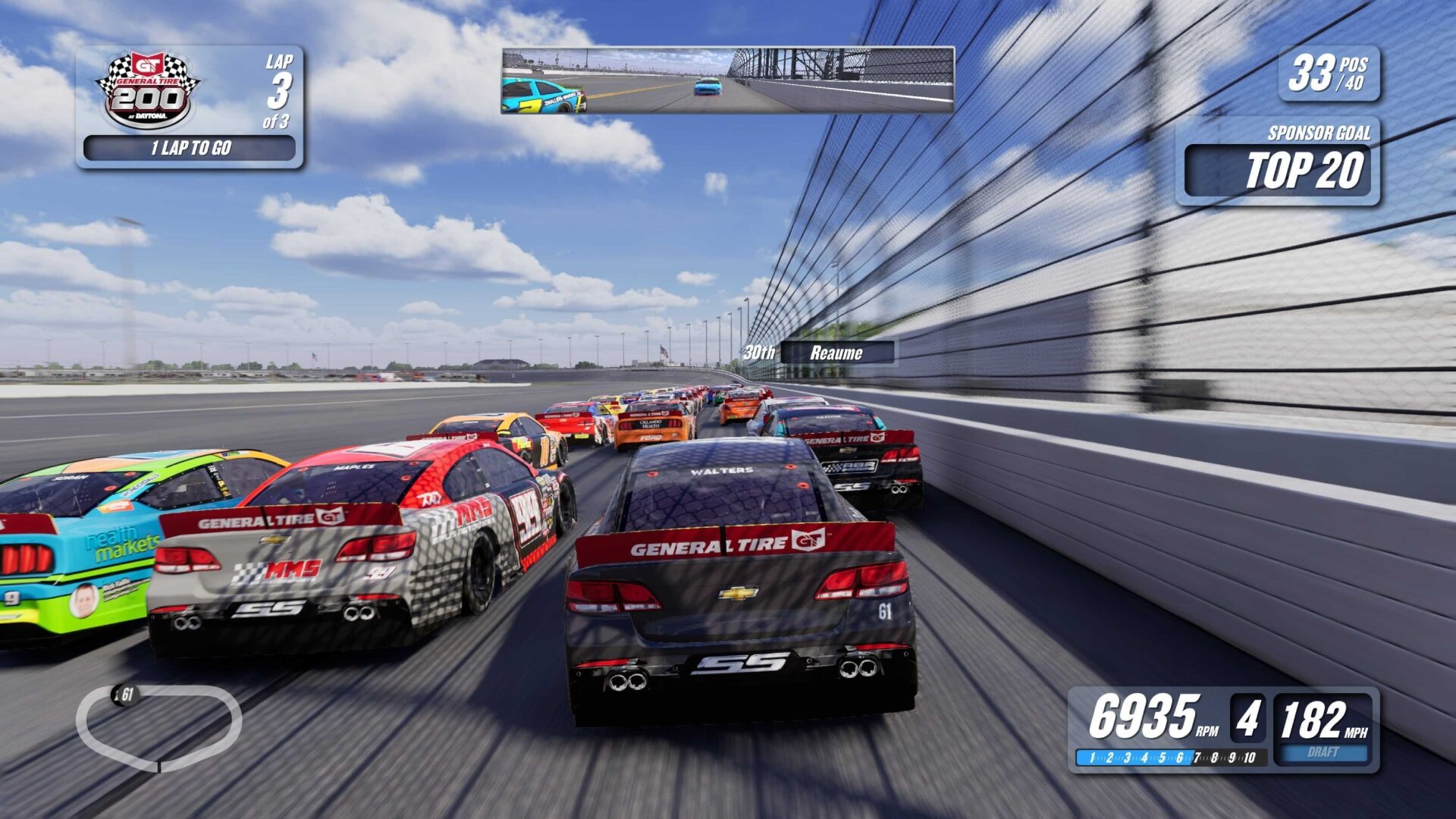
Another thing would be a bespoke livery editor akin to something Gran Turismo 7 has that lets you customise your car any way you want. As it stands, the default livery is boring and bland and the other options aren’t much better. Sure, you can change up your colour schemes, some of the logos on the car, and things like that, but I want to be able to upload my own decals and make my car truly my own.
All told, NASCAR 26 is a serviceable and enjoyable update to NASCAR 25 and sits in the weird sim-racing sweet spot between authentic sim and arcade racer; think Forza Motorsport instead of Mario Kart or Wreckfest (some online races may as well be from Wreckfest) and you’ll start to understand what I mean. NASCAR 26 is fun for what it offers and that’s about all I can ask for from a racing game that fits one exact corner of the market.