
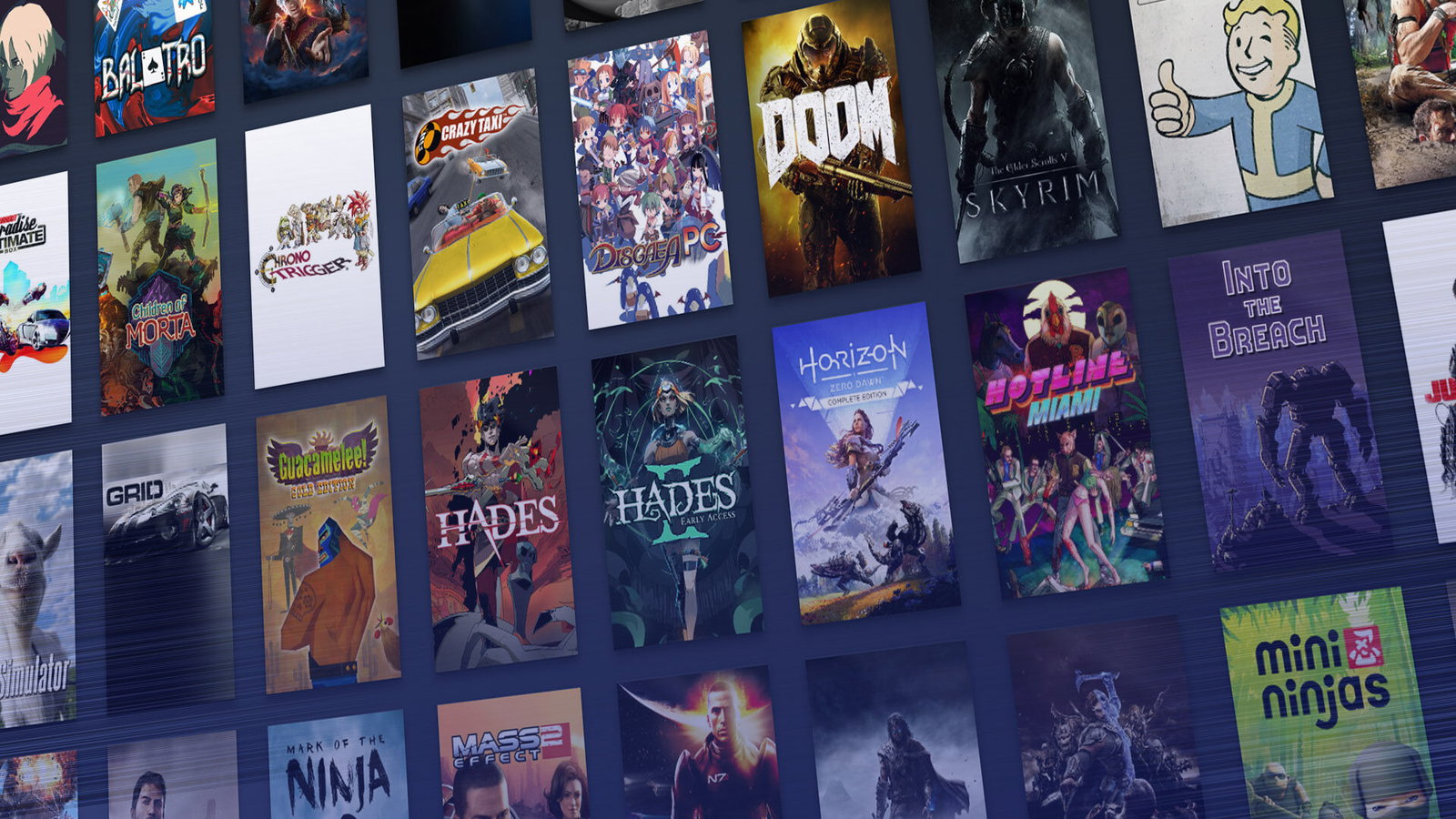
A modern game purchase can arrive by half a dozen routes before you have had time to think. A wishlist email lands. A creator posts a discount code. Steam puts something old and tempting in front of you for $7.99. Nintendo revives something from your childhood. PlayStation waves a remaster at you. Xbox folds a purchase into a system already full of subscriptions, add-ons, and stored payment details. The sale looks tidy. The risk usually hides in the bits around it. In 2025, U.S. consumer spending on video games reached $60.7 billion, which gives you some sense of the scale and the speed of this market.
Buying safely comes down to being a little slower than the storefront wants you to be. Read the version. Read the seller. Read the refund terms. Use a payment method with a paper trail. Keep the account secure. The official stores do at least give you known rules, known support pages, and known account systems, which is a great deal better than wiring money into the dark because a key site claimed to have Monster Hunter Wilds for the price of a sandwich.
There is a similar habit in iGaming, where players compare payment methods before they trust a site with a deposit. Comparison pages such as onlinecasino.ca lean heavily on that because payment choice tells people a lot about the service behind the screen. American Express is a popular choice there alongside Visa, Mastercard, Interac, PayPal, and prepaid routes, and the instinct carries neatly into game buying too. You are usually safer when you pay through a familiar method with a proper statement trail than when you chase a bargain through a storefront you have never heard of.

Buy from stores that say who they are
Steam, Epic Games Store, Xbox, PlayStation Store, and Nintendo eShop each ask for slightly different loyalties, though they all share one useful quality. You know who runs them. You can find the support pages. You can read the payment settings before you buy Baldur’s Gate 3, a stack of Fortnite currency, or a discounted copy of Resident Evil 4. A safe storefront tells you what edition you are buying, when the charge is taken, how the download works, and what happens if you change your mind. Official stores are clearer about this than third-party key sellers.
Refund policy is where quality becomes visible very quickly. Steam says most games and software can be refunded within 14 days of purchase if playtime stays under two hours. Epic says many products marked refundable or self-refundable can be refunded within 14 days if the runtime stays under two hours. PlayStation says you can cancel a game or add-on purchase within 14 days if you have not started downloading or streaming it, while Nintendo says it does not provide refunds or exchanges for mistaken digital purchases or for games you simply did not like. Those differences are worth knowing before you buy.
Don’t rush through the checkout

Payment method isn’t the exciting part of buying a game, which is exactly why it deserves attention. If you already have a trusted card or wallet linked to your account, checkout is quick and boring in the best possible way. PlayStation lists accepted payment methods by region, Xbox lets you add or edit methods through payment settings, and Epic makes the point that available options vary by country. That means the sensible move is to use what the store itself offers in your region and what your bank can easily track.
A familiar paper trail helps when a purchase goes wrong or when you are trying to work out what you actually bought. Deluxe editions, season passes, early access packages, soundtrack bundles, and virtual currency can turn an otherwise simple $24.99 purchase into a rather epic receipt. That is how people end up buying the wrong version of a sports game, pre-ordering a title twice, or paying for content they assumed was in the standard edition. Safe buying is often less about spotting an outright scam and more about refusing to let a checkout rush you past the details. The cleaner the receipt, the easier the conversation with support if you end up needing one.
Your account is part of the purchase

The account itself now carries almost as much value as the latest game in your basket. Your Steam library, your Xbox purchase history, your PlayStation subscriptions, your Nintendo downloads, and your saved card details all sit behind one login. Steam Guard adds another security layer, and Microsoft says two-step verification makes sign-in much harder for anyone who has only your password. Those are small chores that spare you a large headache later.
Cheap keys and urgent links warrant suspicion
The risky corner of online game buying still looks familiar. A brand new release appears at a price that makes little sense. A message offers a free code, beta pass, or rare skin if you just sign in through an external link. A fake support email claims there is a problem with your account and asks you to confirm details on a page that looks almost right. CISA’s phishing guidance remains useful here because the method is always the same at heart. Somebody wants your login, your payment details, or both, and they would like you to hand them over in a hurry. Game culture gives these tricks endless cover because urgency already belongs to launch days, sales, patches, and timed rewards.