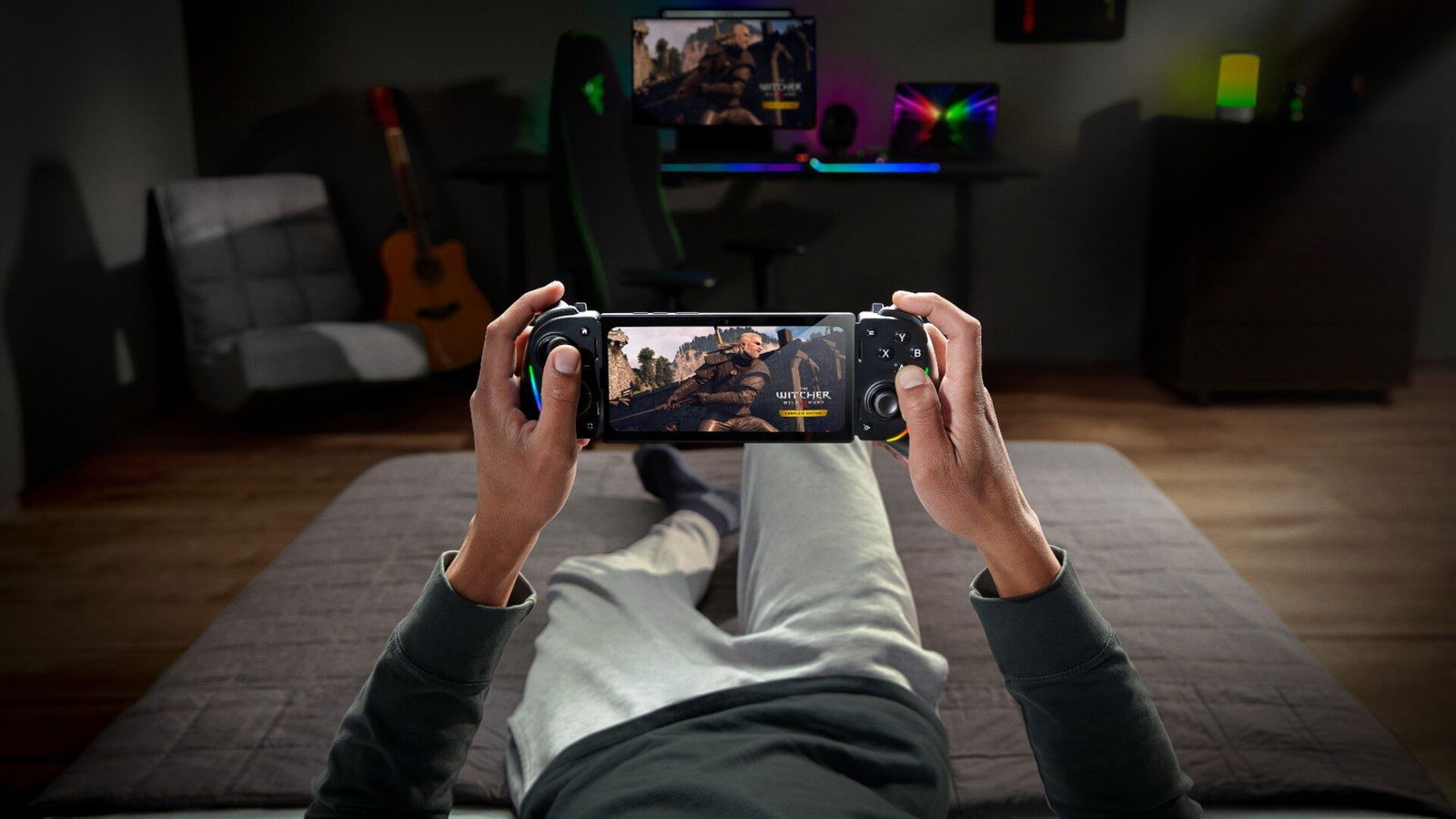
After introducing the platform at CES 2025, Razer has officially launched its new game streaming service — Razer PC Remote Play.
Unlike other streaming services, such as Nvidia GeForce Now, Razer Remote Play doesn’t require you to invest in a subscription service — but rather works to launch and play your own games on mobile devices via streaming.
You’ll need a Razer account to use it, but all you need to do is have Razer Cortex installed on both your PC and your mobile device. Once set up, you’ll be able to launch your games directly from your mobile device. Remote Play currently supports Steam, Epic Games Store, PC Game Pass, and more. Of course, you’ll also need a device with iOS 18 or Android 14+.
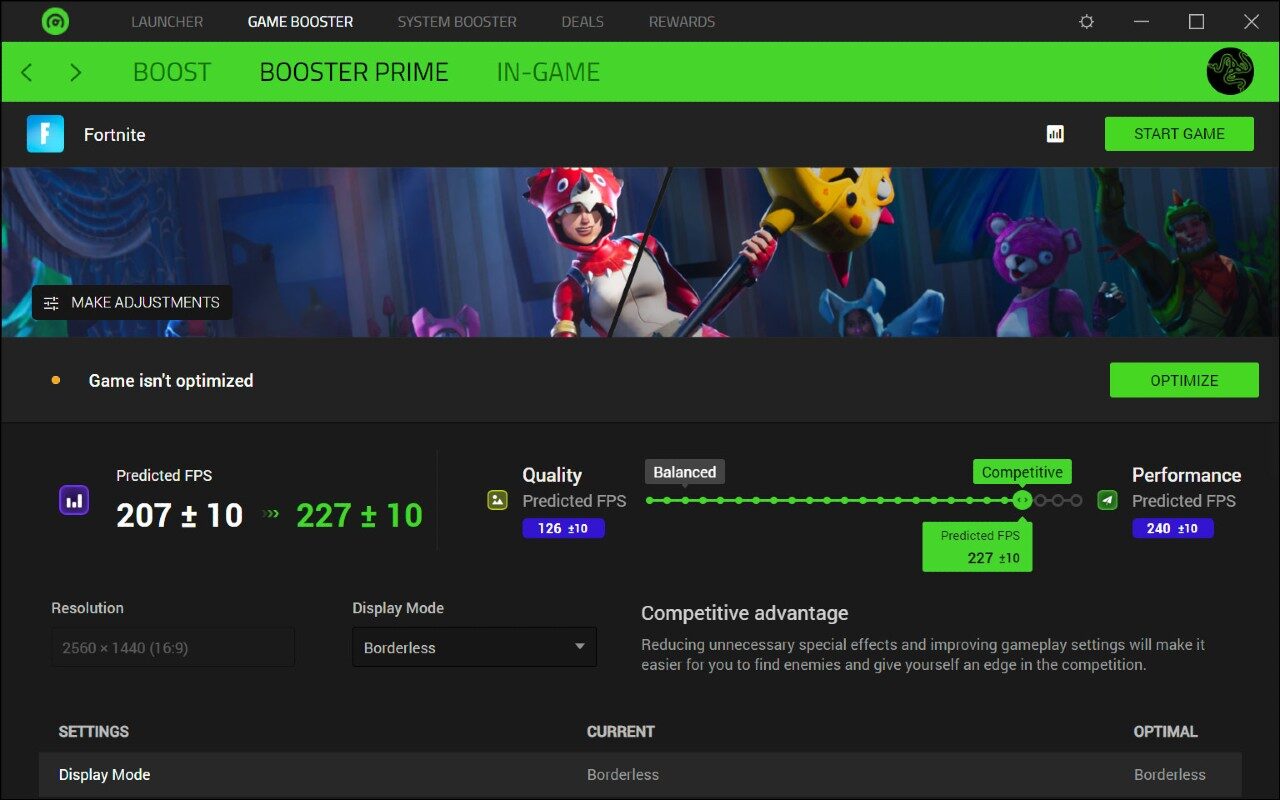
Perhaps most interestingly, however, the app has optimization features to help players make the most out of their rig. Here’s an overview of the key features from Razer.
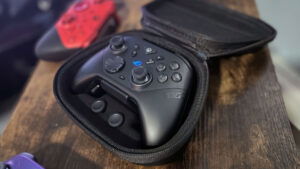
- Expansive controller compatibility: Full support for Razer Kishi and all iOS and Android compatible controllers for uncompromised console-class mobile experience with the power of your gaming PC.
- All your PC games within Razer Nexus: Browse, configure, and launch PC games directly from your mobile device. Instantly launch your PC games, customize your controls, record and share gameplay, and keep your controller updated- all with one app.
- Automatic optimization that takes full advantage of your device’s powerful display: Enjoy incredibly sharp, smooth visuals on your device. Razer PC Remote Play automatically optimizes for the device’s maximum resolution and refresh rate, without locking gameplay to fixed aspect ratios.
- Immersive play with Razer Sensa HD Haptics: Experience realistic tactile sensations that sync with in-game actions—from explosive gunfire to rumbling vehicle engines—when pairing Razer Kishi Ultra controllers with Android devices.
If you want to learn more about Razer Remote Play and download the app, head to the official website.