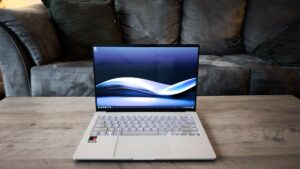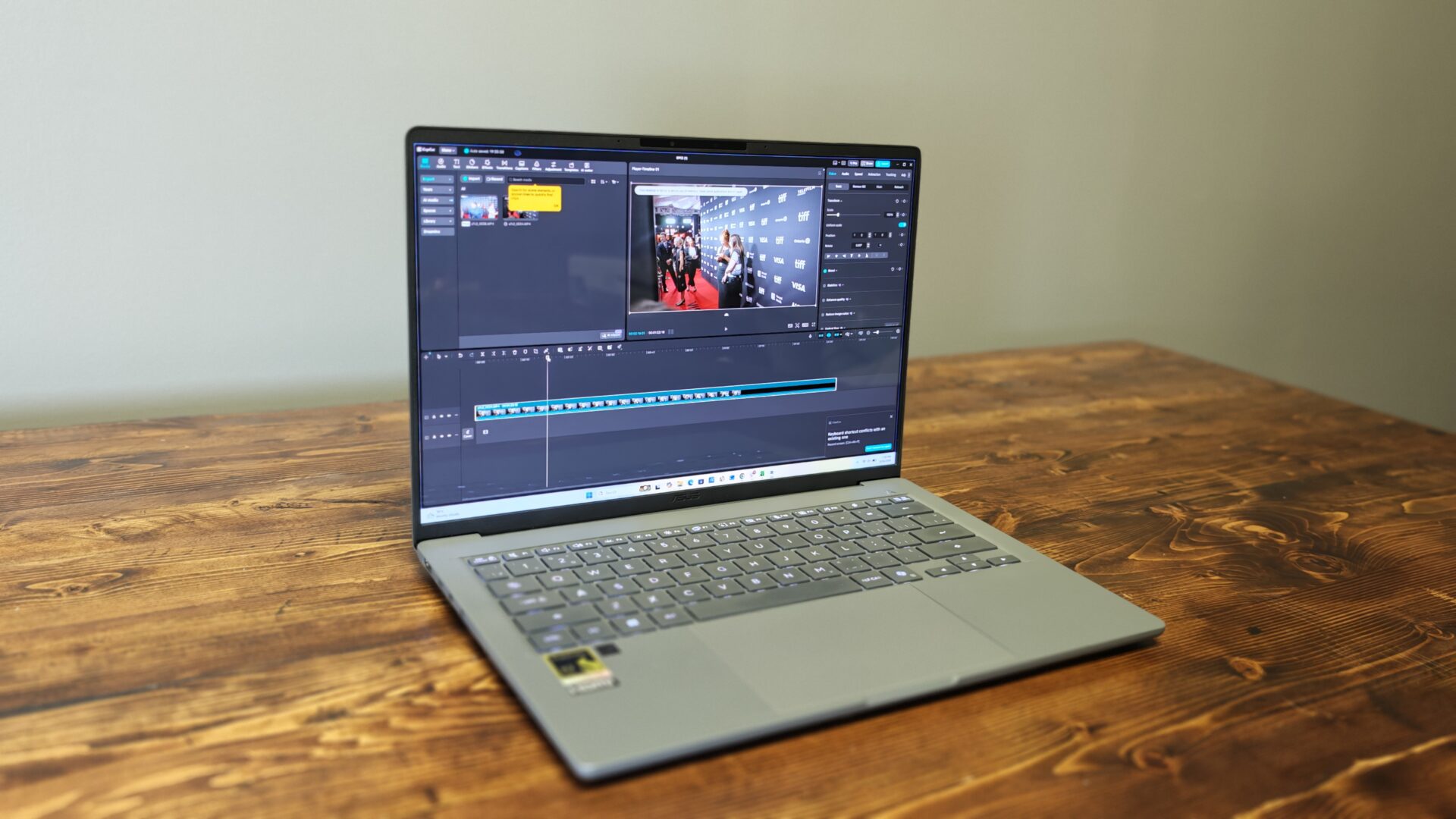


The ASUS Zenbook range has always offered some of the slimmest and most stylish laptops you can buy on the Windows side of things. The lineup includes a range of interesting concepts that push the limits of what you can expect from a thin-and-light laptop, and the latest Qualcomm-based model, the ASUS Zenbook A14, does all that and more. With its clean design, Ceraluminum body, genuinely powerful mobile chip and battery life I could not have imagined from a Windows machine years ago, the ASUS Zenbook A14 is one of the best Zenbooks I have reviewed to date, provided you are not looking to game on your machine.
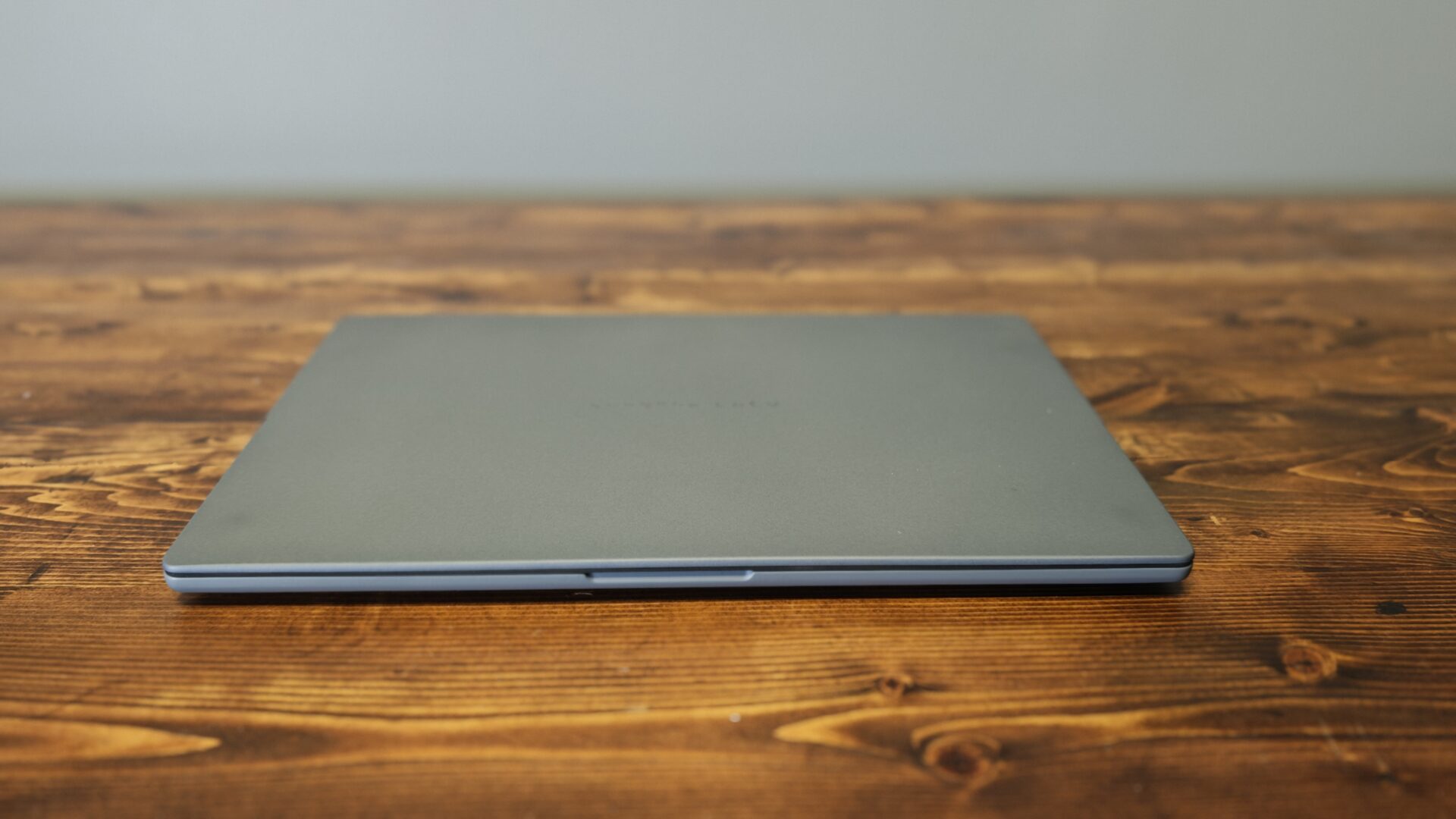
Opening the box, I was impressed by how light the ASUS Zenbook A14 was and how it managed to look so modern while still offering a solid selection of ports and connections considering its size. At 13.4 mm thick and roughly 1.1 kg, it undercuts nearly every 14-inch ultraportable on the market, and it does so without the creaky feel that can sometimes come with trimming weight. The hinge feels strong from the first use, and the overall feel of the laptop is incredibly premium. I would even say it feels too light to feel this premium, but ASUS somehow managed it.
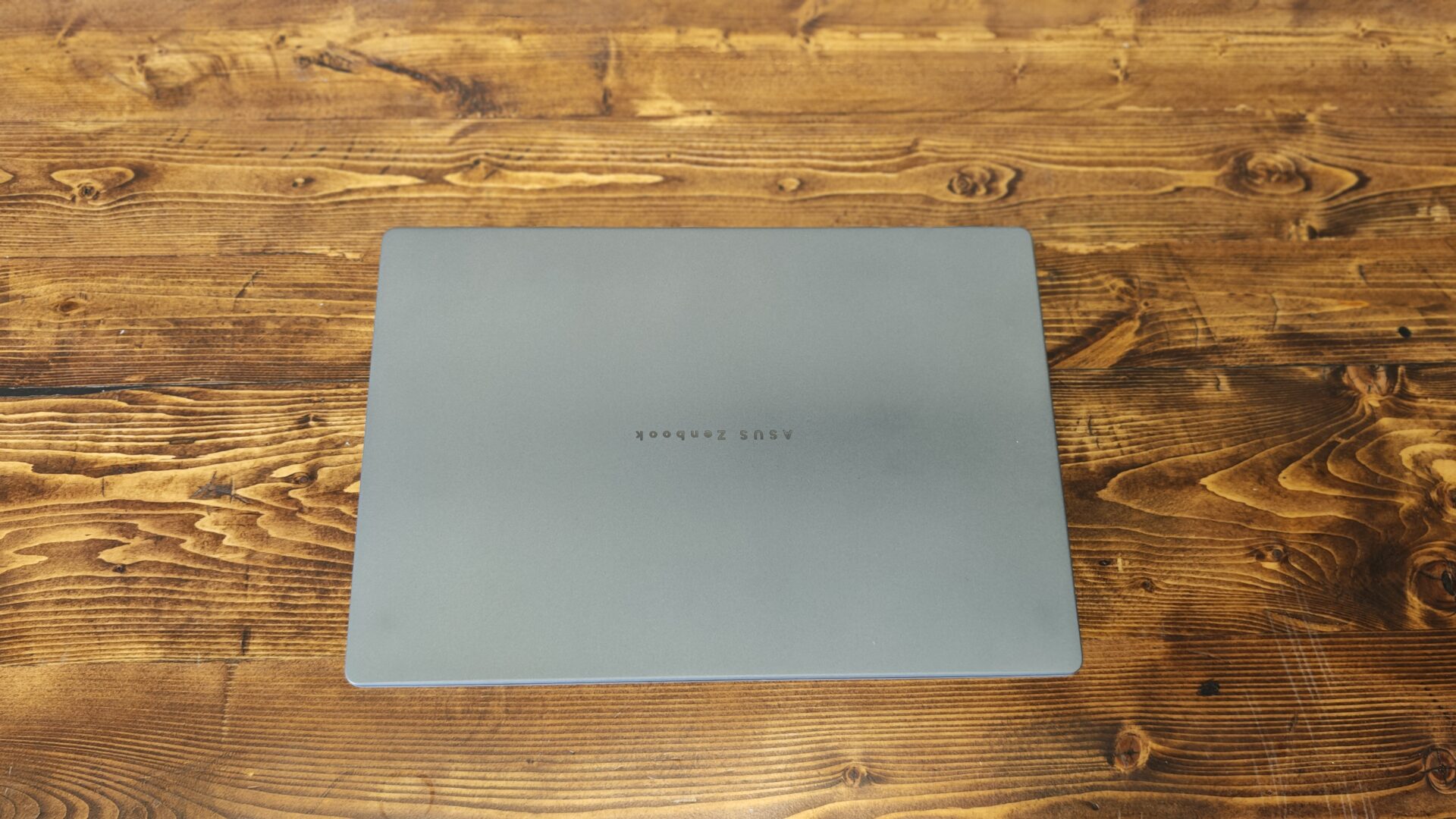
Part of what makes the ASUS Zenbook A14 feel so good is the Ceraluminum material used across the lid and deck. The ceramic-aluminum material is rigid, reassuringly solid and resistant to scratches and fingerprints, while the matte finish holds up well to daily handling. The colour runs through the material itself rather than sitting on top as paint, with the chassis offered in Iceland Grey and Zabriskie Beige, both achieved through an oxidation process. I have seen Ceraluminum used on the Zenbook S14, but there is something about the material that still feels unique and helps the A14 stand out from many laptops currently on the market.
That design extends to the screen, with the thin-bezel 14-inch OLED greeting you when you open the laptop, and I have to say, it is stunning. Our unit features a 1,920 by 1,200 panel at 60 Hz, with a 2.8K 120 Hz option available for those willing to spend more. A 1080p IR camera sits above the screen for Windows Hello sign-ins. The single hinge spans nearly the full width of the display, allowing the lid to open with one finger while holding its position with minimal wobble.
“Part of what makes the ASUS Zenbook A14 feel so good is the Ceraluminum material used across the lid and deck.”
In testing, the panel reproduced 100% of the sRGB gamut and 97% of both the Adobe RGB and DCI-P3 colour spaces, putting it comfortably in range for photo editing and light content-creation work. Streaming video and casual gaming also look great, with deep blues and vivid greens coming through with real depth. The display is a treat for watching content, with movies and games coming to life on the screen. There is also something to be said for the deep blacks that only OLED can deliver.
The display carries DisplayHDR True Black 600 certification, and ASUS rates peak brightness at up to 600 nits for HDR content, although sustained full-screen brightness sits closer to 400 nits. That is plenty for indoor work and even a bright café, though direct sunlight remains a challenge, as it does for most OLED ultraportables. TÜV Rheinland low blue light certification rounds things out for longer work sessions.
It is not the brightest laptop we have used, but for most of the work I put it through, it more than delivers. I would still like to see ASUS increase the brightness in future revisions. I will also note that while 60 Hz is not a deal-breaker, it feels a little dated in the modern laptop landscape. Still, it does a serviceable job, and since you will not be playing AAA titles at more than 200 FPS on this thing—more on that later—it handles most of the content you are likely to throw at it just fine.
On the connectivity front, the left edge of the ASUS Zenbook A14 features an HDMI 2.1 port, two 40 Gbps USB4 ports with DisplayPort and power delivery, and a 3.5 mm audio jack. The right edge keeps things simple with a 10 Gbps USB-A port for legacy accessories. There is no Thunderbolt support, a limitation of the Snapdragon platform rather than an oversight by ASUS. I will say that I lamented its absence a few times during testing, but thankfully I had alternative docks available and managed to make do throughout the review period.
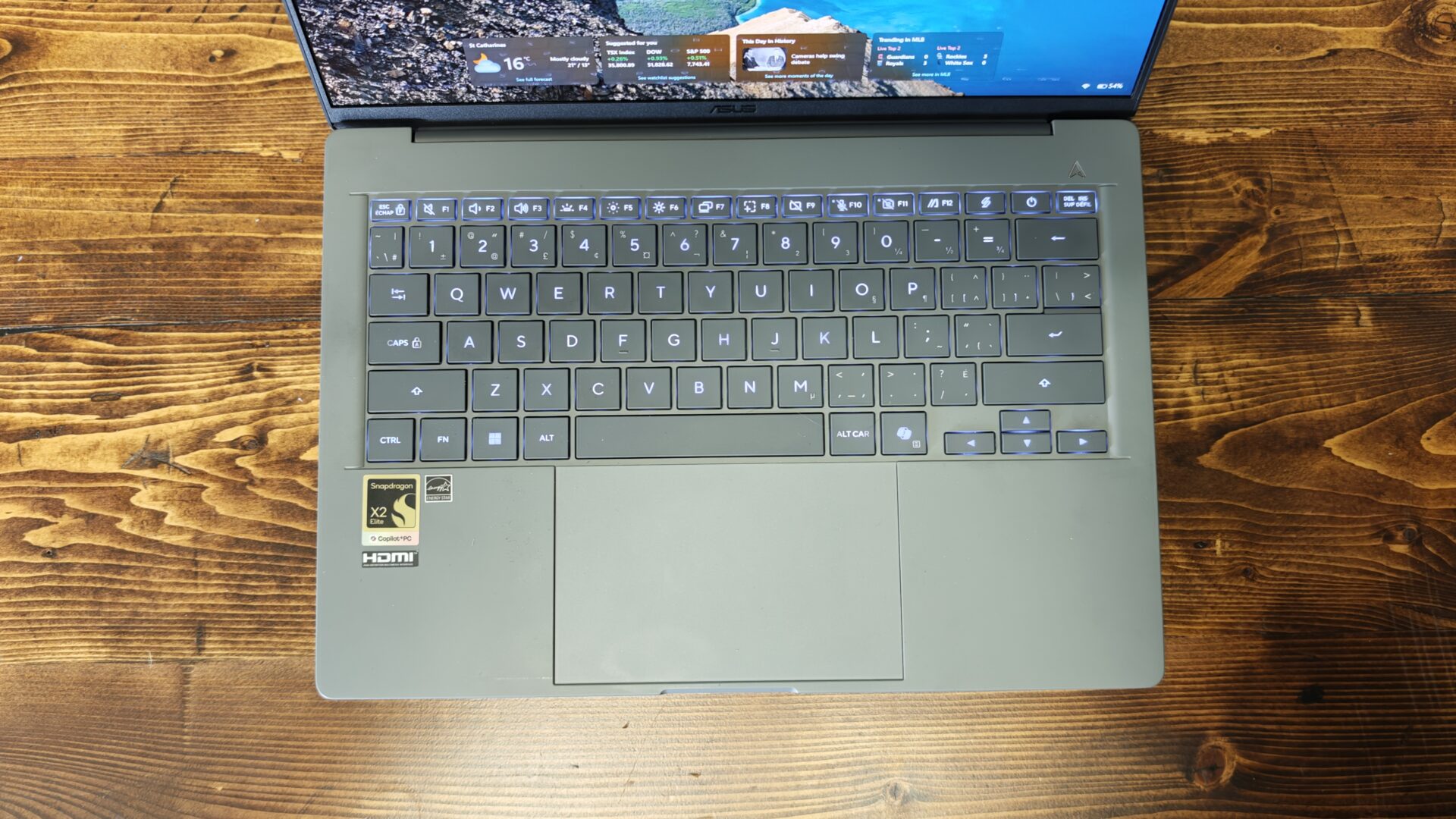
I have been a bit skeptical of ASUS keyboards in the past, but the A14 did not let me down and was a dream to type on. The backlit chiclet keyboard delivers 1.3 mm of key travel with a full-size 19.05 mm pitch, while a subtle 0.1 mm dish on each keycap helps guide your fingertips to the centre of every key.
In practice, the keyboard feels far better than a chassis this thin has any right to. Key presses land with a firm, clicky response, the deck underneath shows almost no flex under heavy typing, and a multi-level white backlight keeps everything legible after dark. ASUS also applies a smudge-resistant finish to the keycaps, and it works, although the trade-off is a slightly slick texture that can take a day or two to get used to.
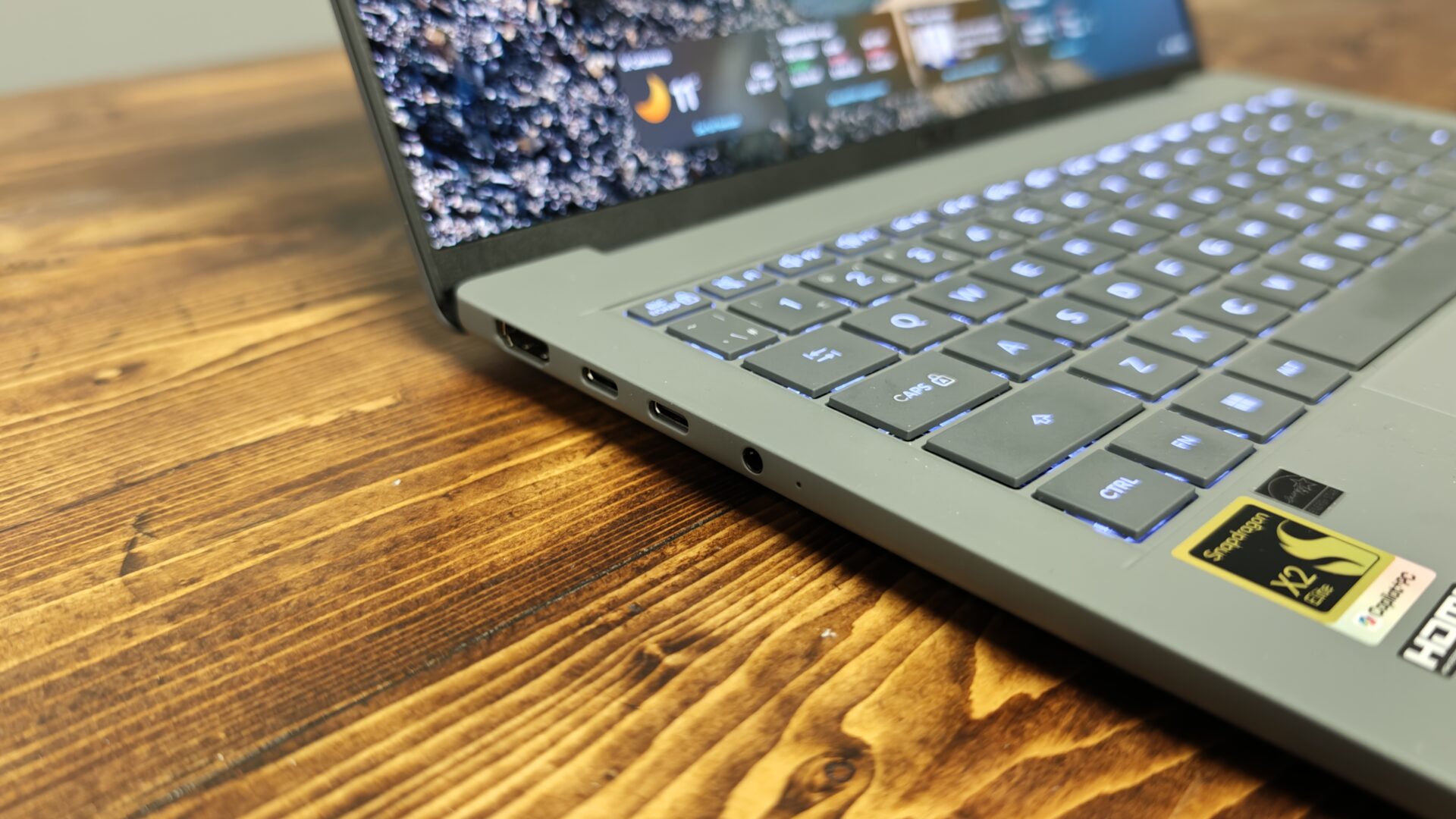
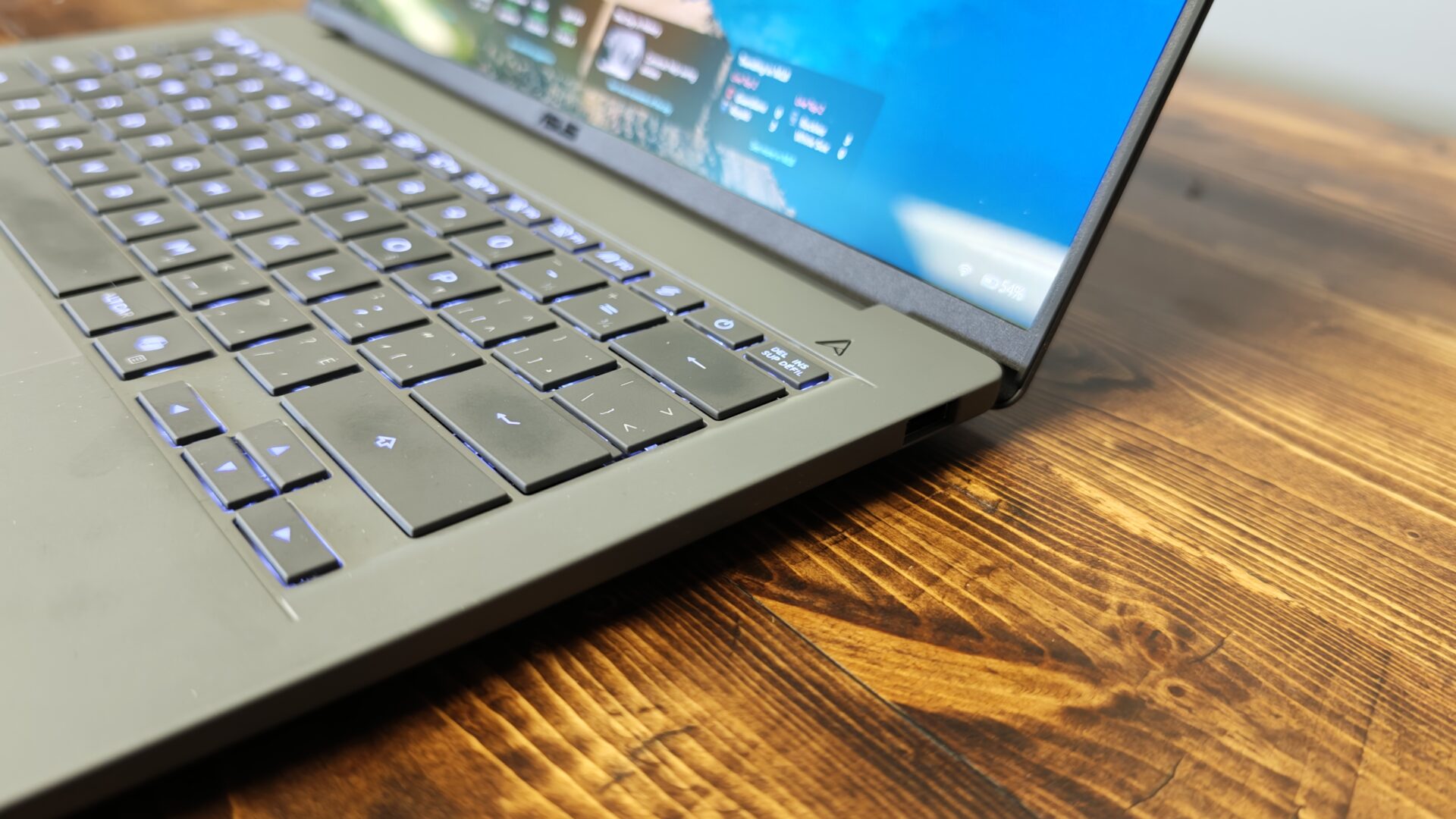
Not everything is perfect, though. If you are used to full-size keyboards, there are some compromises made to fit everything comfortably within the 14-inch form factor. The arrow keys are half-height, an ongoing annoyance on compact laptops, and the dedicated Copilot key will either earn its place or go largely ignored depending on how you feel about AI shortcuts. Neither issue derails the experience, but power users should know what they are getting into.
Even the glass trackpad managed to deliver a comfortable and smooth experience. The enlarged glass surface measures 127 by 80 mm, leaving plenty of room for multi-finger gestures, while tracking remains smooth and accurate even at speed. Palm rejection also holds up well when your hands drift across the pad mid-sentence.
It is a mechanical, diving-board-style trackpad with a 0.23 mm click depth. The click feels crisp and quiet near the bottom edge but noticeably less responsive toward the top, so it lacks the uniform feel of a proper haptic unit. That said, ASUS includes edge-based smart gestures for brightness, volume and media scrubbing, adding genuine day-to-day utility. It is not perfect, but honestly it feels great overall, and adds to the unit’s overall premium feel.
Under the hood, the Asus Zenbook A14 (UX3407N) features Qualcomm’s Snapdragon X2 Elite X2E-88-100, an 18-core Arm processor that boosts to 4.7 GHz on a single core, paired with an integrated Adreno GPU and a Hexagon NPU rated at up to 80 TOPS. That NPU figure is what qualifies the system as a Copilot+ PC, powering Windows 11’s on-device AI features without leaning on the cloud. Memory configurations top out at 32 GB of soldered LPDDR5X, with storage reaching 1 TB via a PCIe 4.0 NVMe SSD; we got the 16GB RAM and 512GB SSD for our review unit.
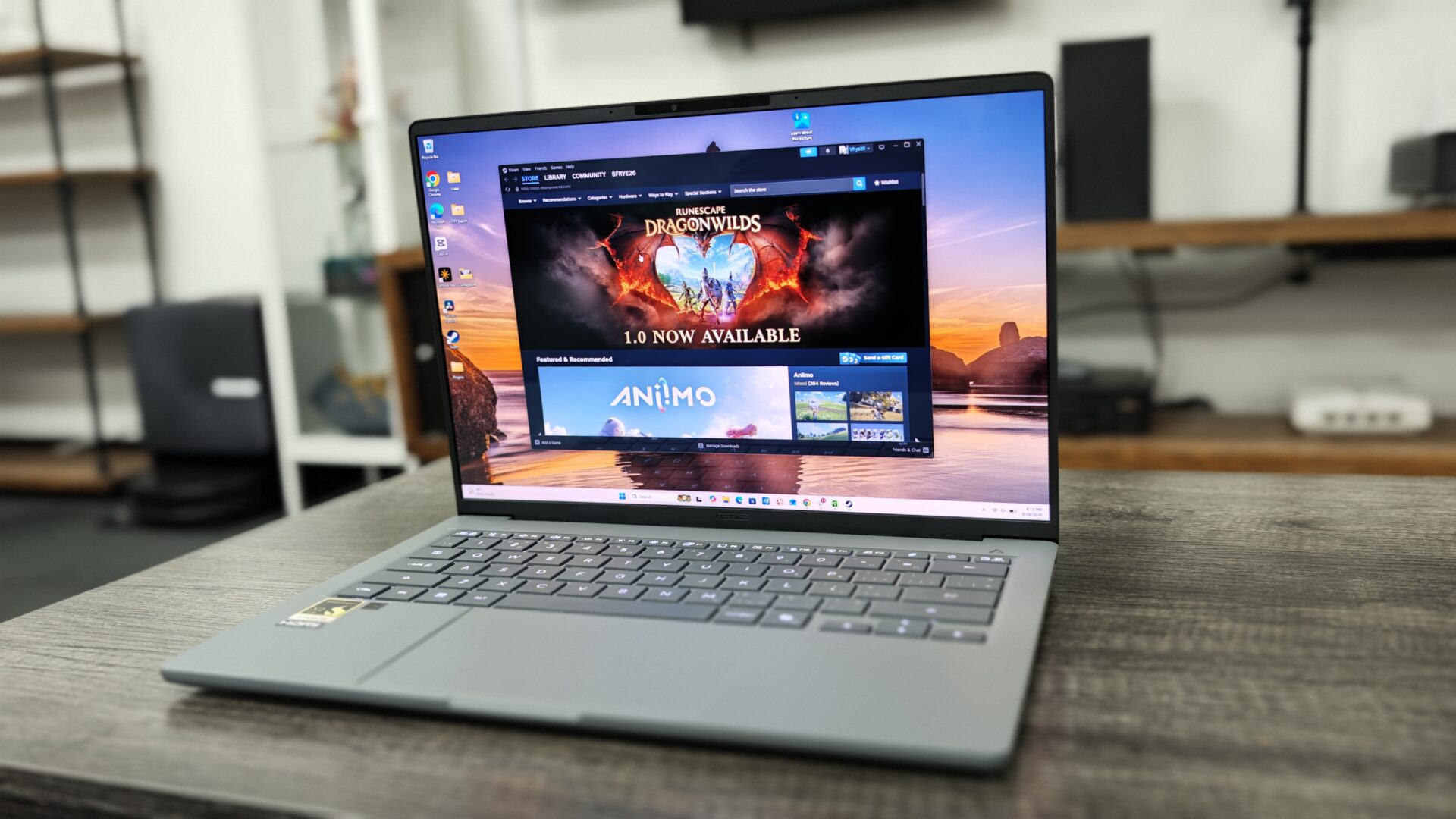
The 12-core Arm chip sprinted through everyday workloads, juggling a dozen browser tabs, Slack and Spotify without a stutter. It also sustained 3.42 GHz in short bursts, which is remarkable for a laptop this light. Under longer loads, it settles to 2.55 GHz, while the twin-fan cooling system keeps noise civilized even with the MyASUS “Full-speed” preset engaged.
I also managed to use both CapCut and DaVinci Resolve 21.1 on the ASUS Zenbook A14, and the experience was genuinely smooth. This was the laptop I brought with me to TIFF this year, so I relied on it for video editing, cleanup, colour grading and publishing, and it did a solid job. I found it was a bit slower when working with more complex 4K footage, but even then it managed to work through projects relatively smoothly. That included footage captured with my Sony a7C II, and the A14 did not struggle even with more complex edits.
“Battery life is where the Zenbook A14 truly shows why you may want to consider a Qualcomm-based laptop.”
When it comes to gaming, the story is still a bit more complicated. The updated Prism translation layer now supports AVX and AVX2 instructions, which means far more x86 apps and games simply run, and run well. It is still not a gaming laptop. The integrated Adreno GPU tops out at around 44 frames per second in a title like Total War: Warhammer III at 1080p on medium settings, while Baldur’s Gate 3 managed very playable frame rates at medium settings. I even managed to run Cyberpunk 2077 at around 40 FPS on medium settings. Granted, it is not an ideal gaming experience, but it is more than playable. For a machine weighing barely a kilogram, that borders on remarkable.
The biggest issue on the gaming side is inconsistency. The Prism emulation layer has come a long way, and more games are working than when I first tested a Qualcomm SoC with PC games, but the experience is still inconsistent. While more games can run now than a year ago, you will still find plenty that are unplayably slow, others that simply crash and some that rely on anti-cheat systems that have not been made to work with Qualcomm chips and therefore will not start at all. So, while gaming has improved, if you really want to play PC games, Intel or AMD are still the way to go, at least for now.
Battery life is where the Zenbook A14 truly shows why you may want to consider a Qualcomm-based laptop. ASUS pairs the power-sipping Snapdragon X silicon with a 70-watt-hour battery, a generous capacity for a laptop that weighs under a kilogram, and the result is endurance that borders on absurd. In testing with benchmark software, the A14 sailed past the 24-hour mark during continuous video streaming, while battery benchmarks elsewhere have pushed it to roughly 20 hours of video playback at 180 nits of brightness.
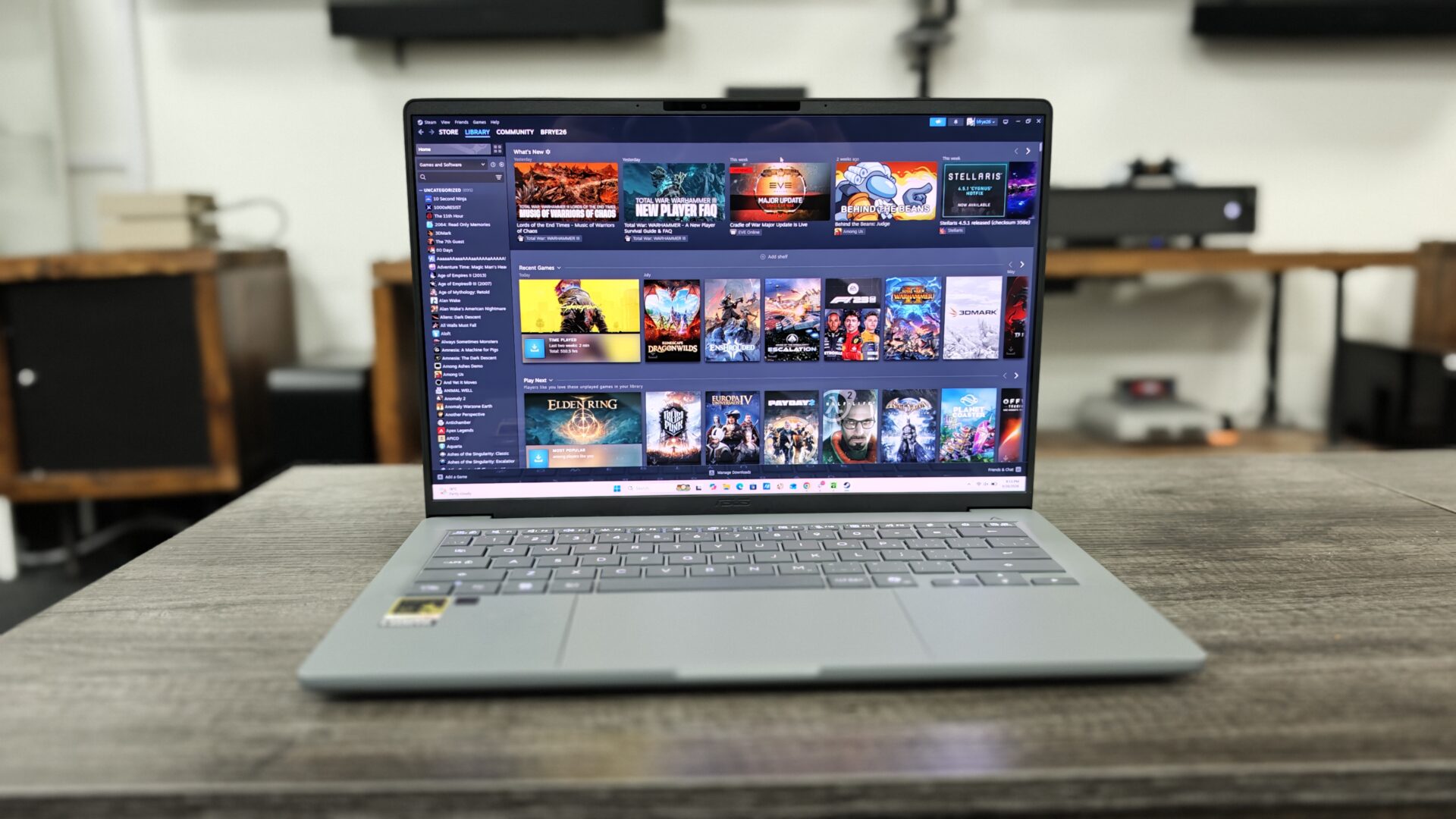
In real-world mixed use, including document work, browsing and video calls, I was able to comfortably use the laptop throughout the day and rarely needed to reach for the charger. While at TIFF, I managed to go about a day and a half without charging the laptop while handling video editing, writing and other internet-based tasks. That is something I could not imagine seeing from an Intel- or AMD-based machine.
There is a lot to like about this laptop, and considering it starts at $1,099.99 US and delivers this level of performance and longevity, it makes a strong case for the ASUS Zenbook A14. There are plenty of laptops that are more powerful or cheaper, but few can match its battery life or offer this level of premium design at such a competitive price.
Now, let’s be clear: the ASUS Zenbook A14 is not a gaming laptop. While it can play games, you would be better off looking at one of the latest Intel models if you want to push anything more taxing than a turn-based RPG or a casual game. Still, the fact that it can handle gaming at all is a welcome bonus.
What surprised me most was how well it handled content creation. It is not a powerhouse when it comes to video editing, but it performs well enough that you can leave your editing monster at home for most everyday tasks.
ASUS has knocked it out of the park with the Zenbook A14. I genuinely love this laptop and have made it my daily driver since it arrived in the office. I still reach for my more powerful laptops when I want to game or tackle something more demanding, but for travel, writing and everyday work, the A14 is a beast and more than capable of handling most business and casual needs. I am impressed with how well the latest Qualcomm chips perform, and I am excited to see how the next generation fares if we are already seeing this significant a leap in performance.
No products found.