

It is no secret that I am a big fan of Lenovo’s ThinkPad X1 series of laptops. They are powerful, incredibly lightweight and have that classic look I have grown to love. The latest iteration, the ThinkPad X1 Carbon Gen 14, keeps up that trend and delivers an incredibly powerful and fast laptop that not only provides one of the best road-warrior experiences, but is also a joy to use. While it definitely comes at a premium, for people who demand a powerful and portable laptop for everything from work to content creation, the ThinkPad X1 Carbon Gen 14 delivers in a way few laptops can.
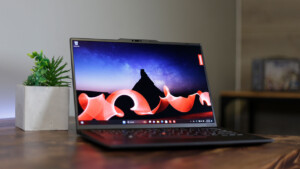
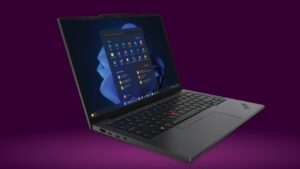
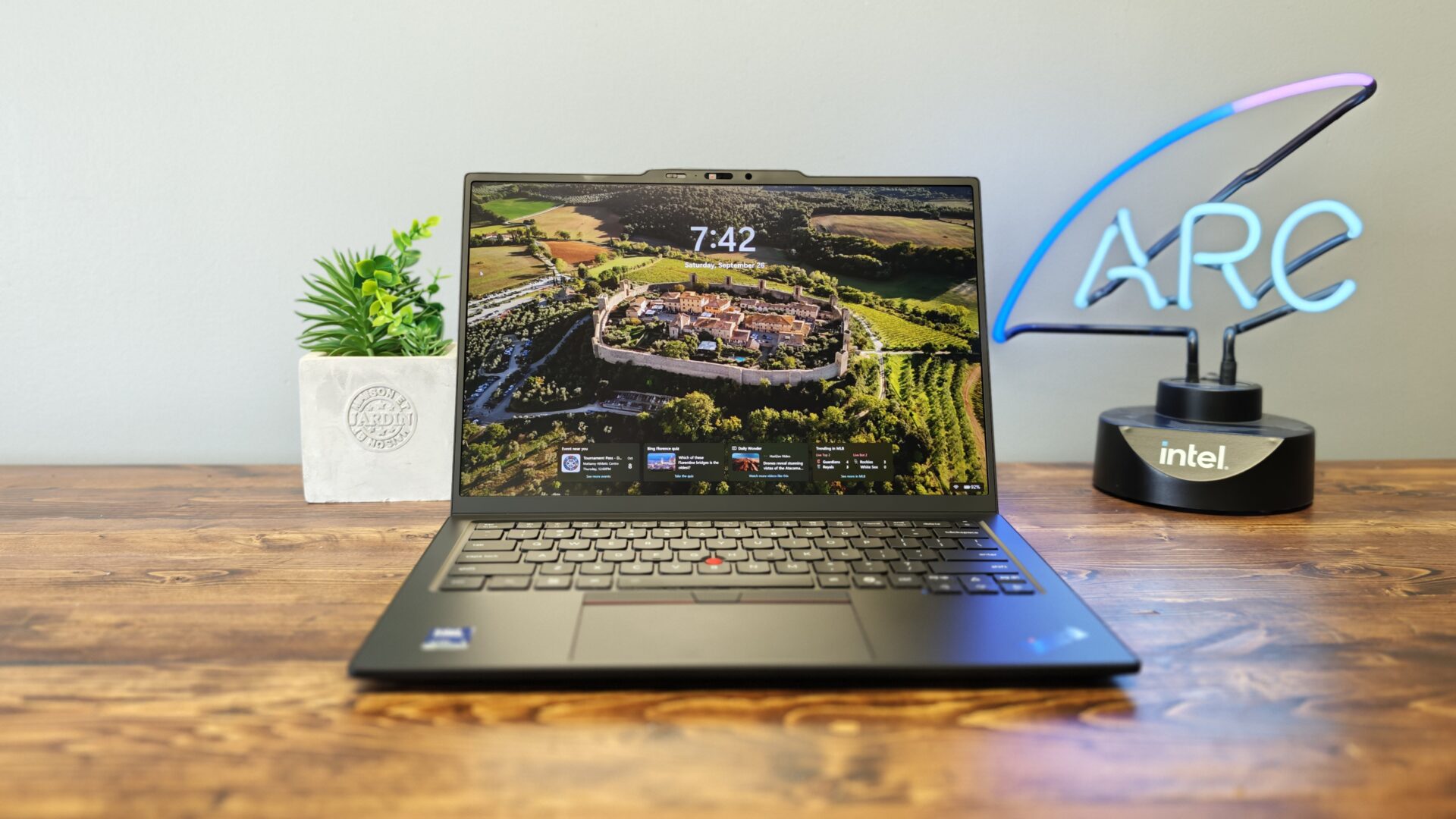
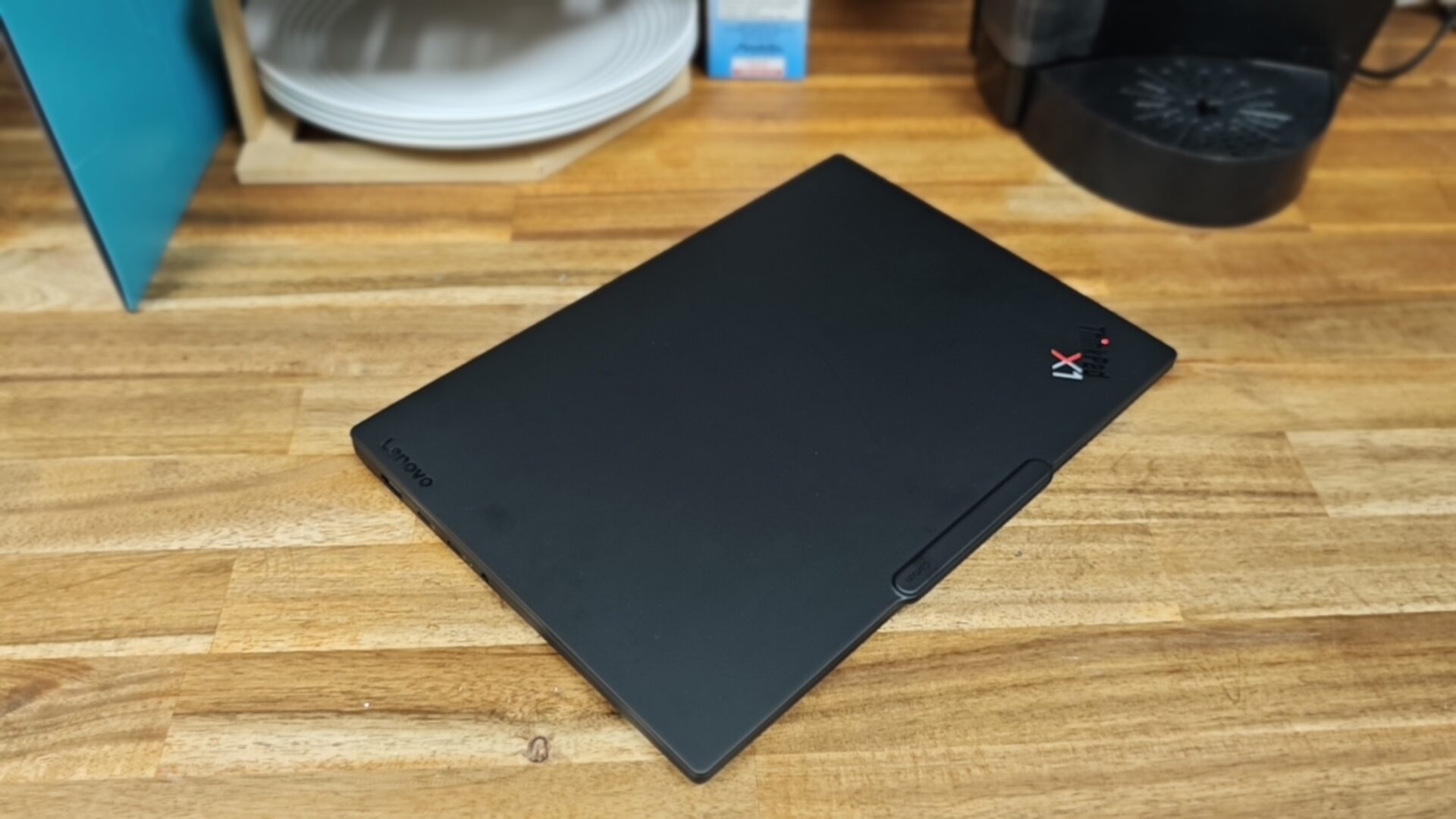
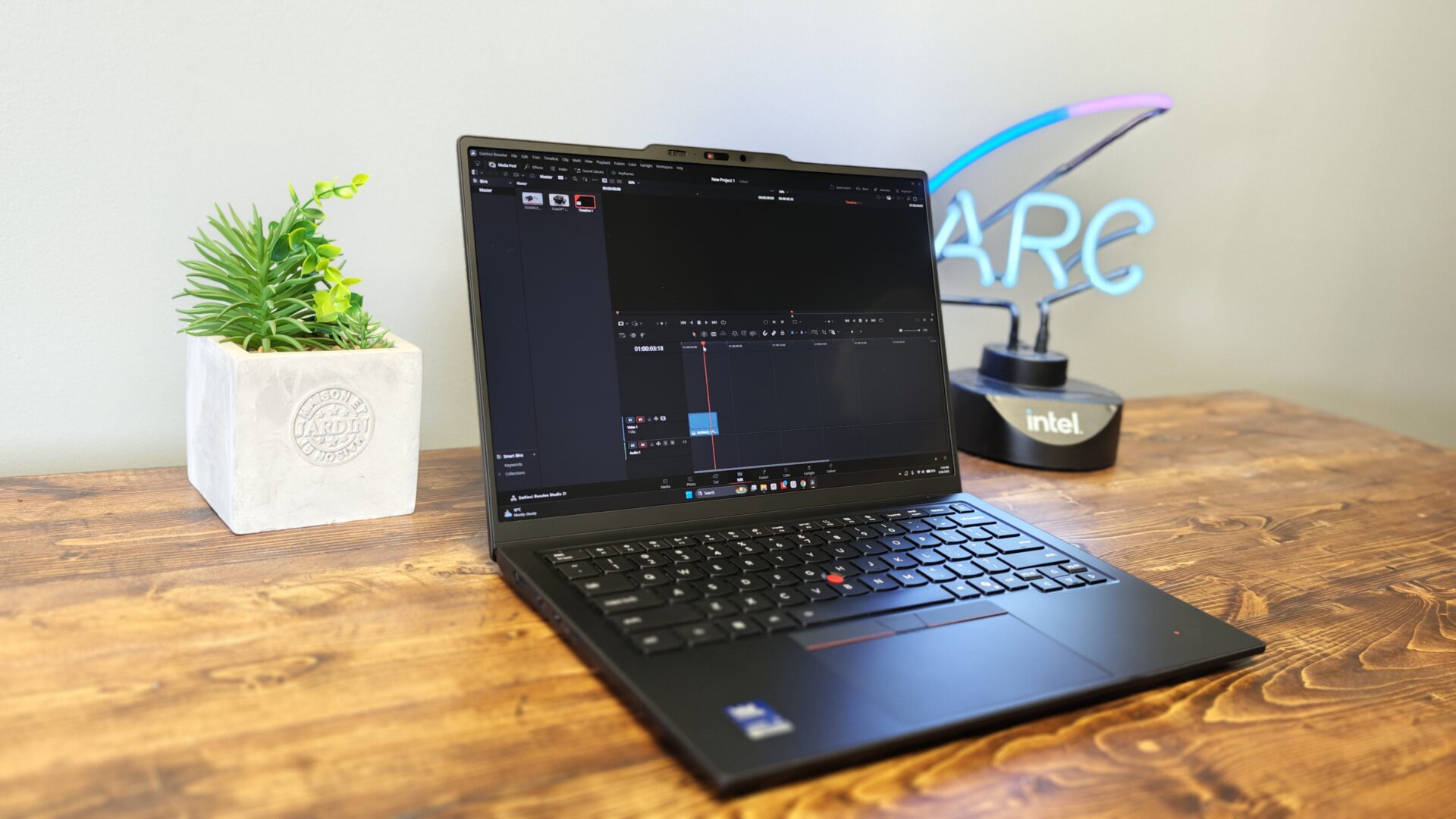
Unbox the ThinkPad X1 Carbon Gen 14, and you will find a very familiar-looking machine if you have used a ThinkPad in the past. Squared edges, matte black surfaces and the red TrackPoint accents all carry over, with the colourful X1 badge on the lid serving as the only real accent and maintaining the iconic look we all know and love.
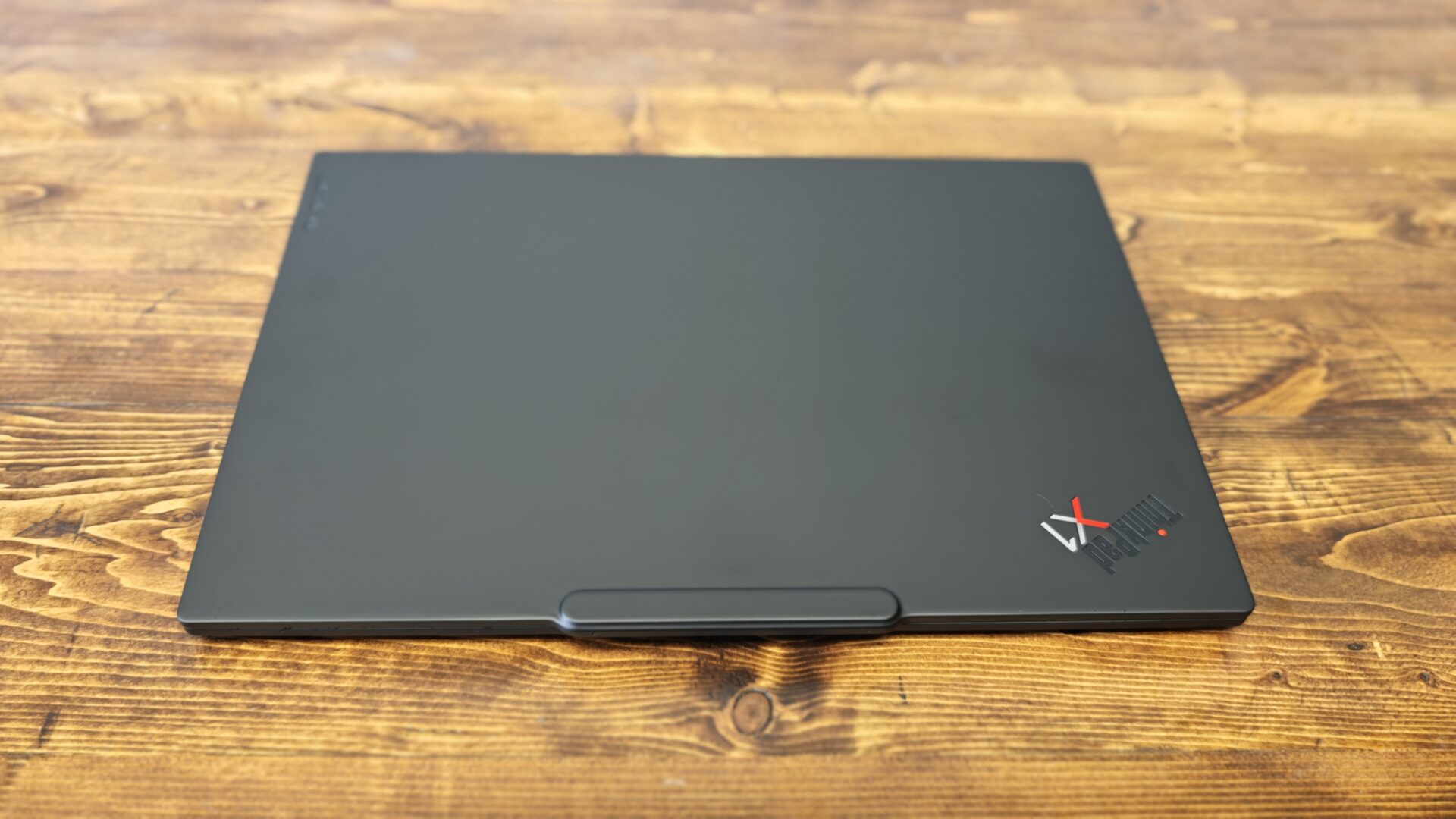
Lenovo built this generation around a re-engineered “Space Frame” chassis that mounts components on both sides of an internal plate, shrinking the mainboard footprint by 20% while improving airflow and making individual parts, including the battery, speakers and ports, far easier to replace. Lenovo says the design still passes MIL-STD-810H durability testing. While I have not tested the machine by dropping it, I have used it heavily over the past few months, and it has held up incredibly well. From travel to use around the CGM offices, the ThinkPad X1 Carbon Gen 14 looks basically as good as the day it arrived for review.
There are a few configurations of the X1 Carbon Gen 14, with every model getting a carbon fibre lid. OLED versions pair it with magnesium, while IPS models use aluminum. Our review unit came with the non-touch, anti-glare OLED display, 32 GB of RAM and a 512 GB SSD.
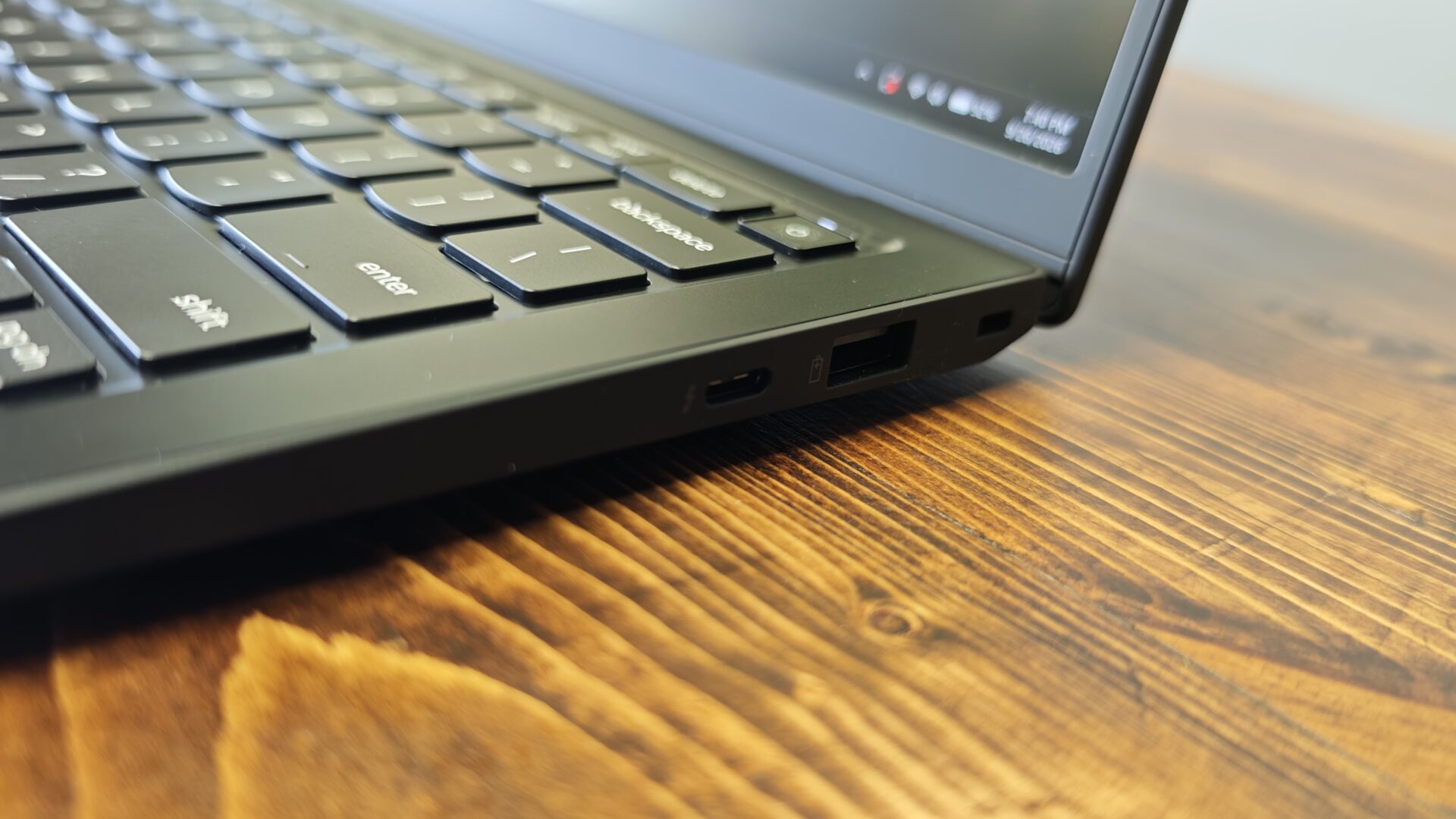
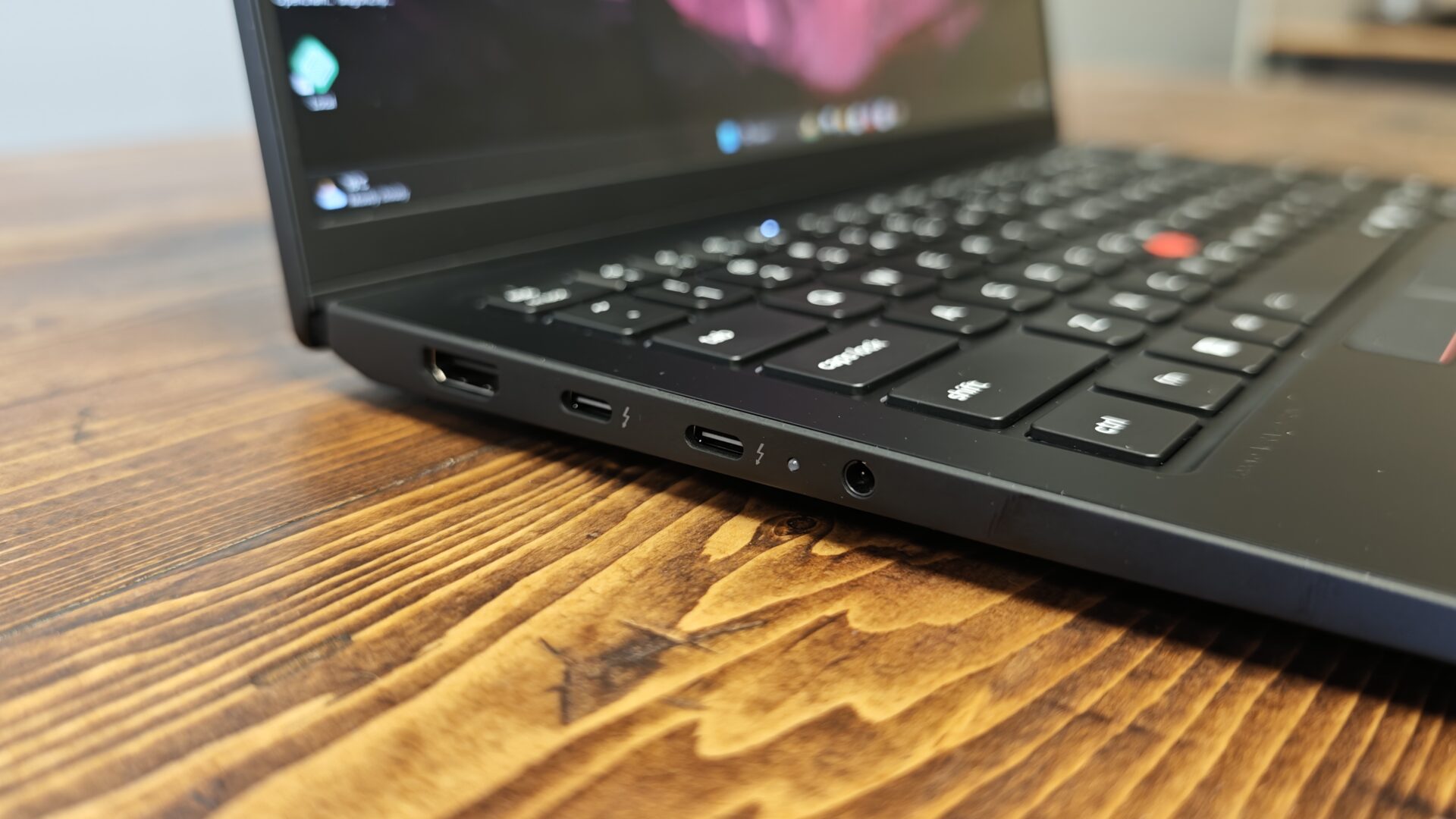
The magnesium models dip under one kilogram, or roughly 2.15 pounds, and the whole machine measures just under 17 mm at its thickest point, tapering to 7.7 mm at the front edge. It feels fantastic in the hand. Not only is it incredibly light, but it also has a robust build that feels ready for almost anything. The one misstep is a pronounced camera bump above the display that breaks up the otherwise clean lines, though connectivity remains generous, with three Thunderbolt 4 ports split between both sides.
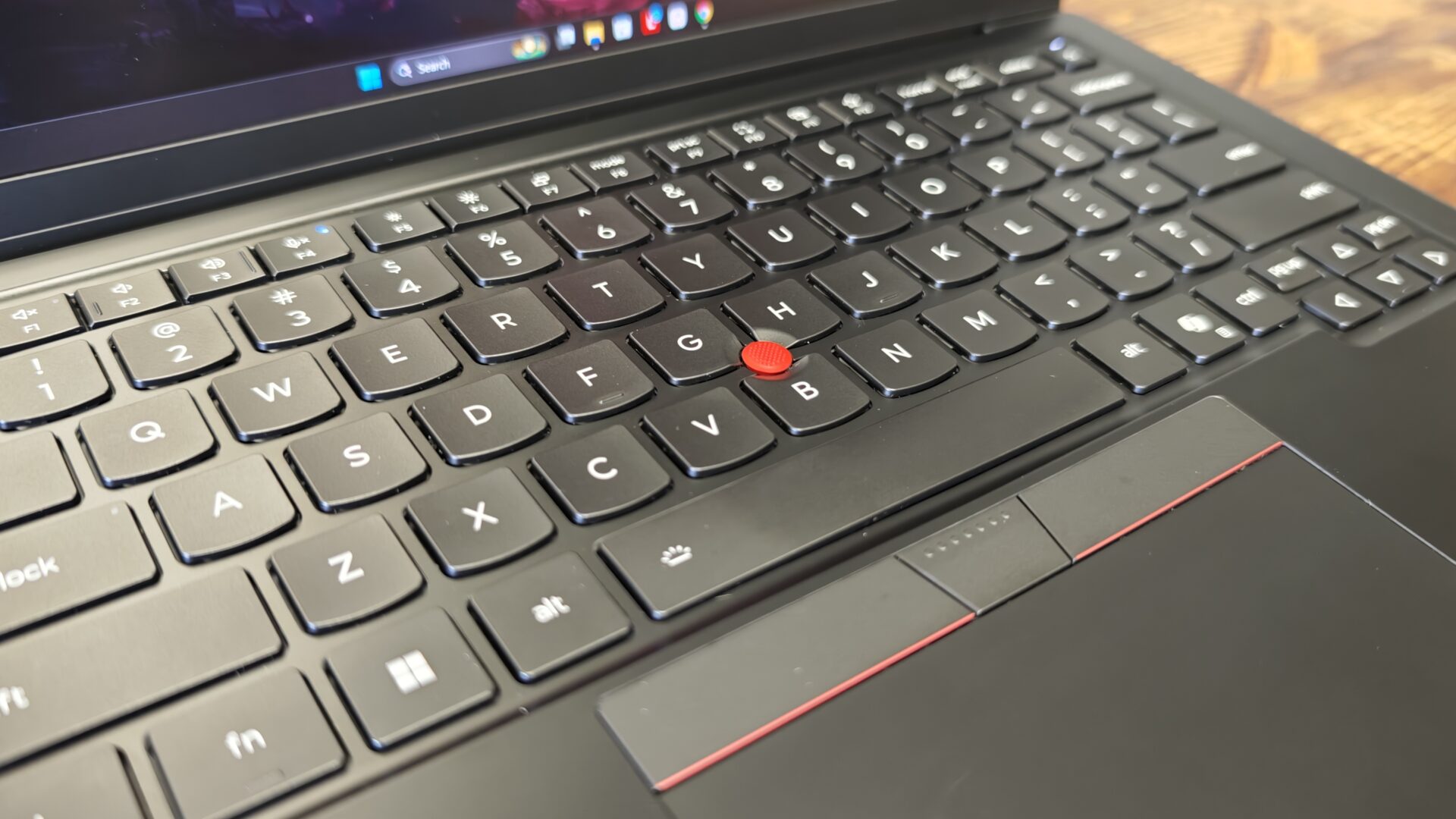
I have loved Lenovo ThinkPad keyboards for a while now, and that remains true with the ThinkPad X1 Carbon Gen 14. The six-row, spill-resistant layout keeps the 1.5 mm of key travel that defines the line, tapering to 1.35 mm on the function row and the keys surrounding the TrackPoint. Typing feels cushioned but precise, with each keystroke delivering clear feedback, and the deck shows no flex under pressure. White backlighting returns and can now switch on automatically in dim rooms.
“…the ThinkPad X1 Carbon Gen 14 delivers in a way few laptops can.”
The bigger changes are in the layout itself. Lettering now sits centred on the keycaps, the power button moves to the top-right corner with the fingerprint reader built in, and F12 doubles as a programmable shortcut key. Lenovo has also adopted the more conventional Ctrl and Fn arrangement, though longtime ThinkPad users can swap them back through the Vantage app. I will be honest, I adapted to the new arrangement pretty quickly with little trouble.
Below the keyboard, the TrackPoint pointing stick remains, paired with three physical buttons and a double-tap quick menu. The touchpad comes in two forms: a standard 120 by 80 mm mechanical unit with a Mylar surface or a larger 130 by 80 mm glass haptic pad offered as a no-cost option. The redesigned chassis makes the added size possible.
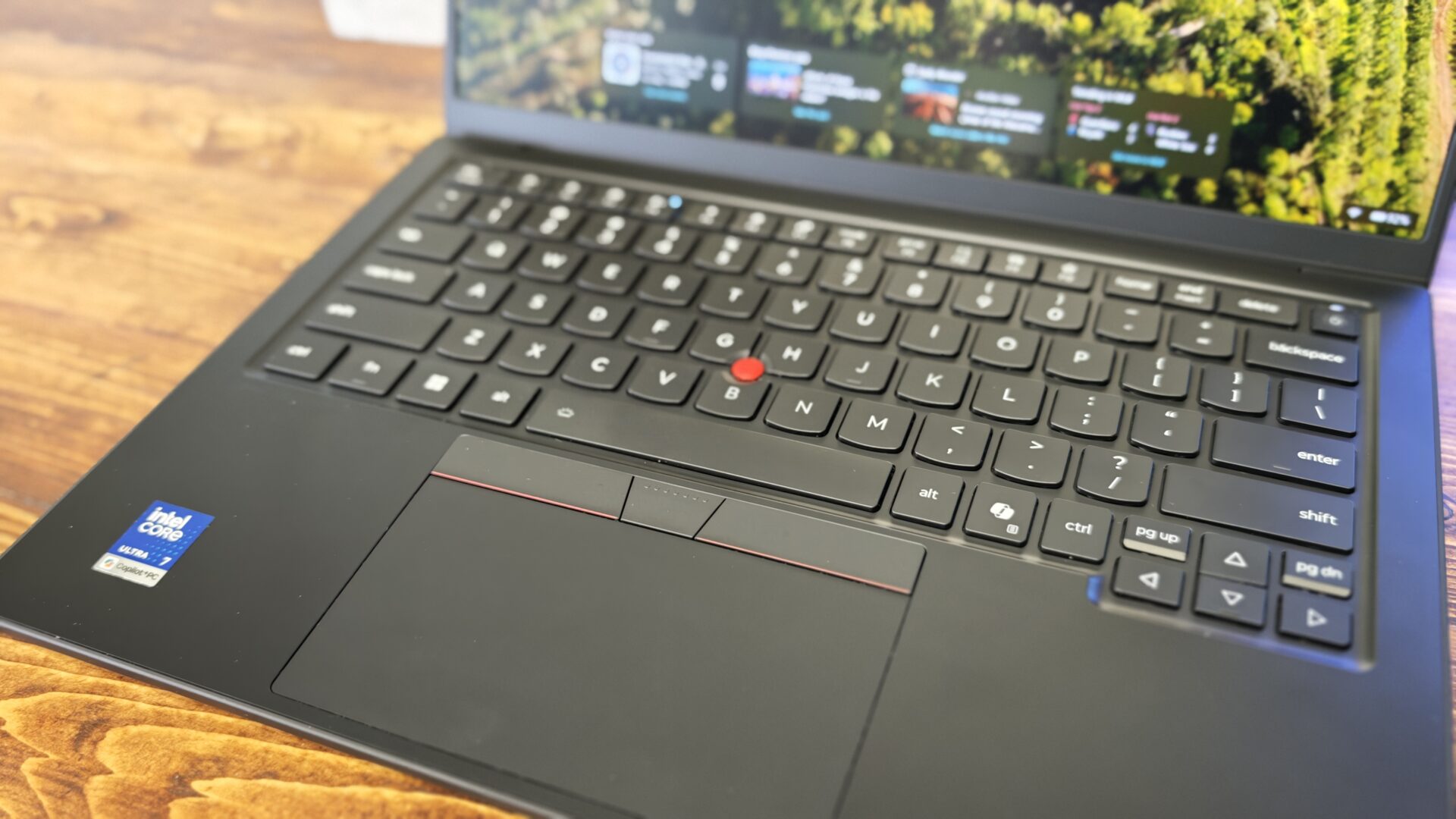
Either way, tracking is smooth and accurate, while the haptic version delivers a consistent response from edge to edge. For a machine built around all-day typing, the X1 Carbon Gen 14 offers one of the finest input setups I have used on a laptop this year. My review unit came with the non-haptic model, and it works well, but it is good to see Lenovo offering the choice. That said, Lenovo trackpads have been good for a while now, and that remains true with the ThinkPad X1 Carbon Gen 14. I am glad Lenovo did not mess with a good thing here.
I have not used many OLED screens with anti-glare coatings, but I feel it may be hard to go back to a glossy option. Our review unit shipped with a 14-inch, 2,880 by 1,800 OLED display with a 120 Hz variable refresh rate, and it looked excellent across everything from spreadsheets to streaming video.
Blacks are as deep as OLED promises, which pays off the moment you fire up a dark film or a moody game. Peak brightness hit 473 nits, a notable figure for an OLED panel, since many stop at or below 400. Colour coverage measured 82% of DCI-P3 and 115% of sRGB, while the anti-glare coating held up well under harsh office lighting.
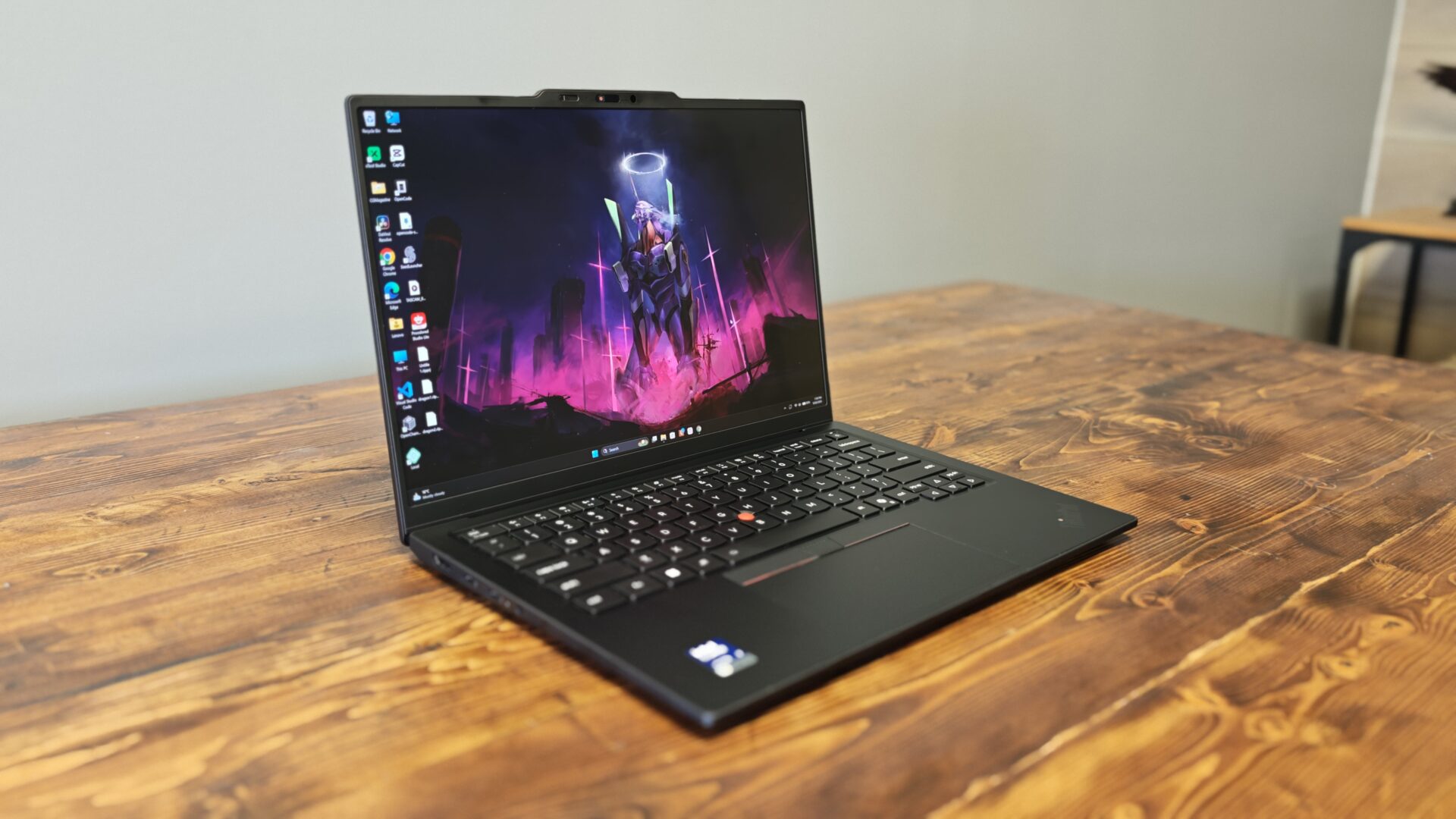
Lenovo still offers a 1920 x 1200 IPS panel at 60 Hz as the default, and touch is available as an option on both displays, but the OLED upgrade is the only way to reach 120 Hz. One omission stands out: there is no 4K option this generation, with Lenovo settling on 2.8K at a 16:10 aspect ratio. At 14 inches, I feel the resolution on offer is more than sufficient, but if you are someone who demands 4K on everything, you will sadly be disappointed here.
That said, this feels very much like a work machine, and the OLED does not look quite as inky black as some glossy options on the market. It is not bad by any stretch of the imagination. I may even say I prefer it, but for anyone used to how deep colours and blacks can look on a glossy OLED, there will be a bit of an adjustment.
For work and everyday use, though, the display is fantastic, and the laptop is a joy to pick up and use daily. I find it genuinely more comfortable to write on than my massive Samsung OLED at my desk, which is a testament to the overall design of the ThinkPad X1 Carbon Gen 14.
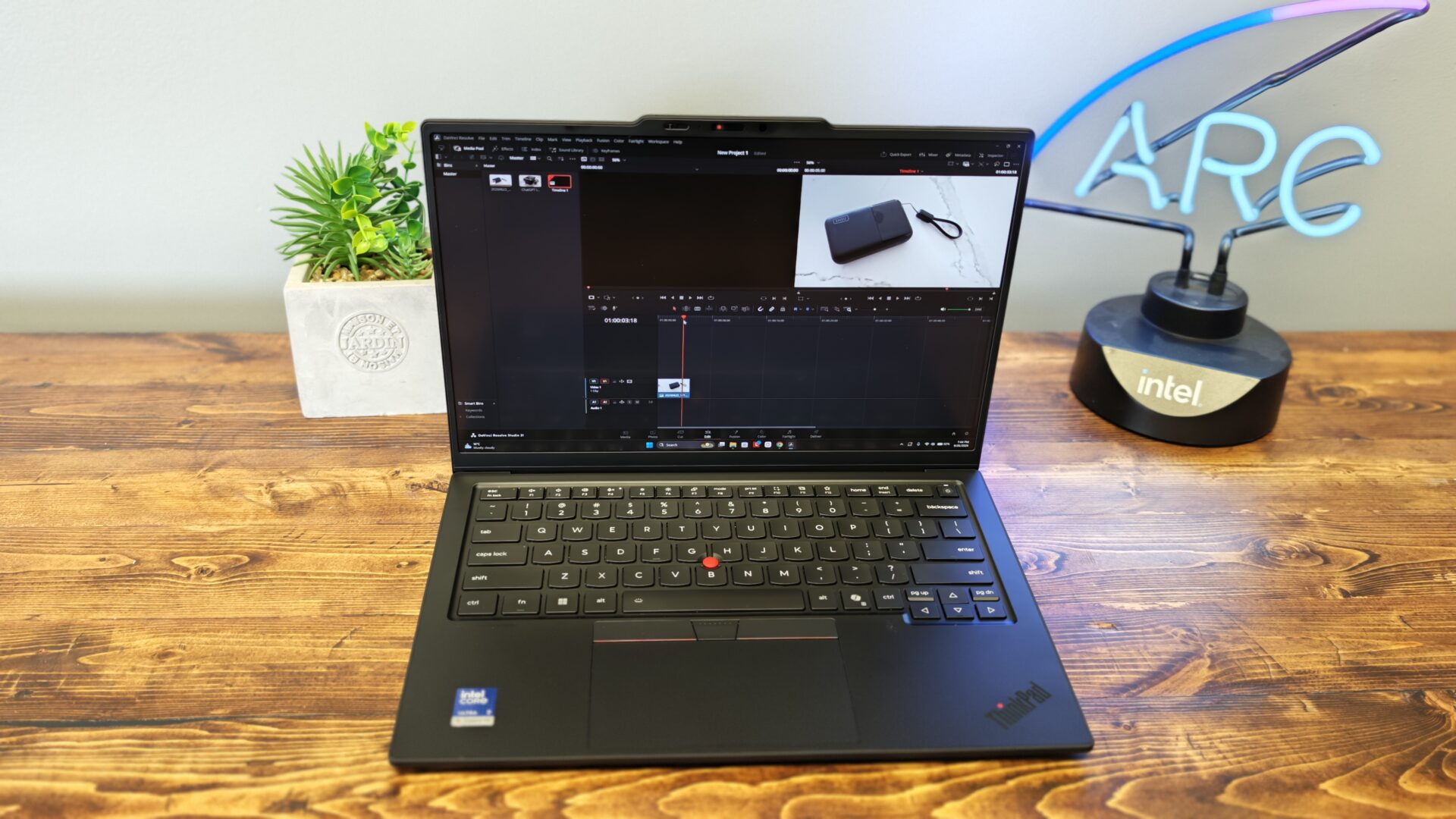
Powered by Intel’s Core Ultra 7 355 processor, one of the new Panther Lake CPUs, the ThinkPad X1 Carbon Gen 14 handles everyday business workloads with plenty of headroom. The chip pairs four Performance cores with four Low Power Efficiency cores, and in testing alongside 32 GB of LPDDR5X memory, the system moved through multitasking, heavy browser sessions and document work without hesitation. Benchmark results back that up, with the system posting a Geekbench 6 single-core score of 2,635 and a multi-core result of 11,107, placing it well ahead of rivals running the same silicon and marking a meaningful step up from last year’s model.
Sustained performance holds up, too. Across repeated stress-test loops, the ThinkPad stayed consistent without dramatic throttling, helped by a redesigned cooling system that Lenovo says is roughly 70% larger than before and can maintain up to 30 watts of power draw under demanding workloads. I found I could use it for video editing, writing, design work, photo editing and plenty of other tasks without any issues. It plowed through a wide range of workloads with ease, making it my go-to machine when I want to get real work done on the road.
Graphics are the one area where expectations should stay grounded. The integrated Intel Graphics are adequate for basic use and light creative work, but anyone planning serious rendering, editing or gaming will want to configure the system with one of the Core Ultra X chips, which pack a far more capable Arc B390 integrated GPU. For its intended audience, though, the ThinkPad delivers exactly where it counts.
It can also actually game. The Arc B390 may not deliver more than 100 FPS in the latest AAA titles, but it is more than capable of taking on games like Cyberpunk 2077, Total War: Warhammer III and, of course, Baldur’s Gate 3. I managed around 40 to 60 FPS in most of the titles I tested at medium to low settings and could even reach around 30 FPS when pushing some games to high settings.
You may even be able to play more demanding titles if you enable frame generation and keep your expectations for frame rates in check. While this is by no means a gaming machine, it is more than capable of handling some solid titles if you want to squeeze in a bit of gaming between meetings.
Our review unit paired a 58 watt-hour battery with the low-power IPS panel, and in everyday workloads, including web browsing, documents and email, it stretched to around 13 hours. That dropped considerably when we added video editing and, of course, some light gaming. The 2.8K OLED drains a bit more power thanks to the 120 Hz panel, bringing battery life down to around 10 to 12 hours depending on the power mode and how hard we pushed the machine during testing.
With the IPS option, you can get a more sustained experience, although you lose the 120 Hz refresh rate, so there are trade-offs depending on your needs. Lenovo claims rapid charging can restore 80% of the battery in an hour using the bundled 65-watt GaN adapter, and in testing, it came close. I found it took a bit longer than an hour, but for most people, this should be more than enough to top up the battery before heading out or jumping into some work. Standby behaviour is also excellent, with sleep draining only a few percentage points overnight. If endurance tops your list, the IPS model is the smarter buy, while the OLED is the prettier one.
At around $2,249 for the base model and topping out at roughly $3,499, the Lenovo ThinkPad X1 Carbon Gen 14 is a premium experience with a price to match. There are many laptops offering similar performance for less, but there is something to be said for just how sleek and light the X1 series really is. If you are someone who pushes a laptop hard for work and wants a Windows machine that can keep up, there are few options that feel or look this good.
It is not a gaming powerhouse by any means, but for almost everything else, this machine delivers. There is also something to be said for the iconic ThinkPad look, which still helps the X1 Carbon stand out in a crowded laptop market.
The Lenovo ThinkPad X1 Carbon Gen 14 will not be for everyone, especially with a price tag that could push some buyers away. However, if you are on Windows and want a refined, lightweight machine that can serve as an office on the go, few laptops compare. It offers an excellent typing experience, a great display and fantastic battery life, and if you can absorb the price, it is a machine that should last for years to come. Just do not expect it to compete with the beefier gaming machines on the market. There are limits, even for a thin-and-light laptop this capable.

- UNOPENED RETAIL PACKAGING, sold as configured by Lenovo. Includes Lenovo One Year On-site Warranty. Add up to 5 years of Lenovo Premier Onsite Support when you register your computer with Lenovo
- Featuring the AI-enhanced Intel Core Ultra 7 365 vPro processor, this Copilot+ X1 Carbon utilizes advanced AI to streamline task management, automate routine workflows, and offer personalized insights. It intelligently adapts to your preferences, efficiently assisting with tasks ranging from document creation to communication drafting.