
Just when I thought I could not possibly make room in my life for another vibrantly coloured, current-generation wireless controller, the 8BitDo Ultimate 2 Wireless Controller for PC and Android proved otherwise. It is yet another example of how the Shenzhen, China-based gaming accessory company continues to win me over with its charmingly designed gamepads. I already own the 8BitDo Arcade Stick and the Ultimate Wired Controller for Xbox. My only complaint about either product, aside from the Xbox controller being wired only, is that both were released exclusively in black and white, rather than the wide range of colours for which 8BitDo is typically known.
As its name suggests, the Ultimate 2 Wireless is not an officially licensed Xbox controller. Despite the close similarities between its button layout and form factor and those of Microsoft’s standard gamepads, 8BitDo’s so-called Ultimate Flagship Upgrade does not work with Xbox consoles. As a result, Xbox owners hoping for a definitive wireless Xbox controller from 8BitDo will need to wait a little longer. For PC and Android gamers, however, the picture is far more appealing. Anyone drawn to the functionality of the Xbox Elite Wireless Controller Series 2 or comparable third-party pro controllers, but unwilling to spend $250 US or more, may find the Ultimate 2 Wireless an attractive alternative. After all, almost everything is an Xbox now.

I am neither a gaming hardware designer nor an engineer, so it is difficult to pinpoint exactly what makes 8BitDo’s controller designs so appealing. That said, the Ultimate 2 Wireless is the first 8BitDo controller I do more than simply admire. I genuinely adore it. Available in black, white, dark purple and lime green, each controller includes a matching USB-C 2.4 GHz dongle and a charging dock that also stores the dongle when it is not in use. As with other 8BitDo charging docks, the company’s logo is subtly etched on the front, serving as a playful yet intentional nod to its fun-loving brand identity.
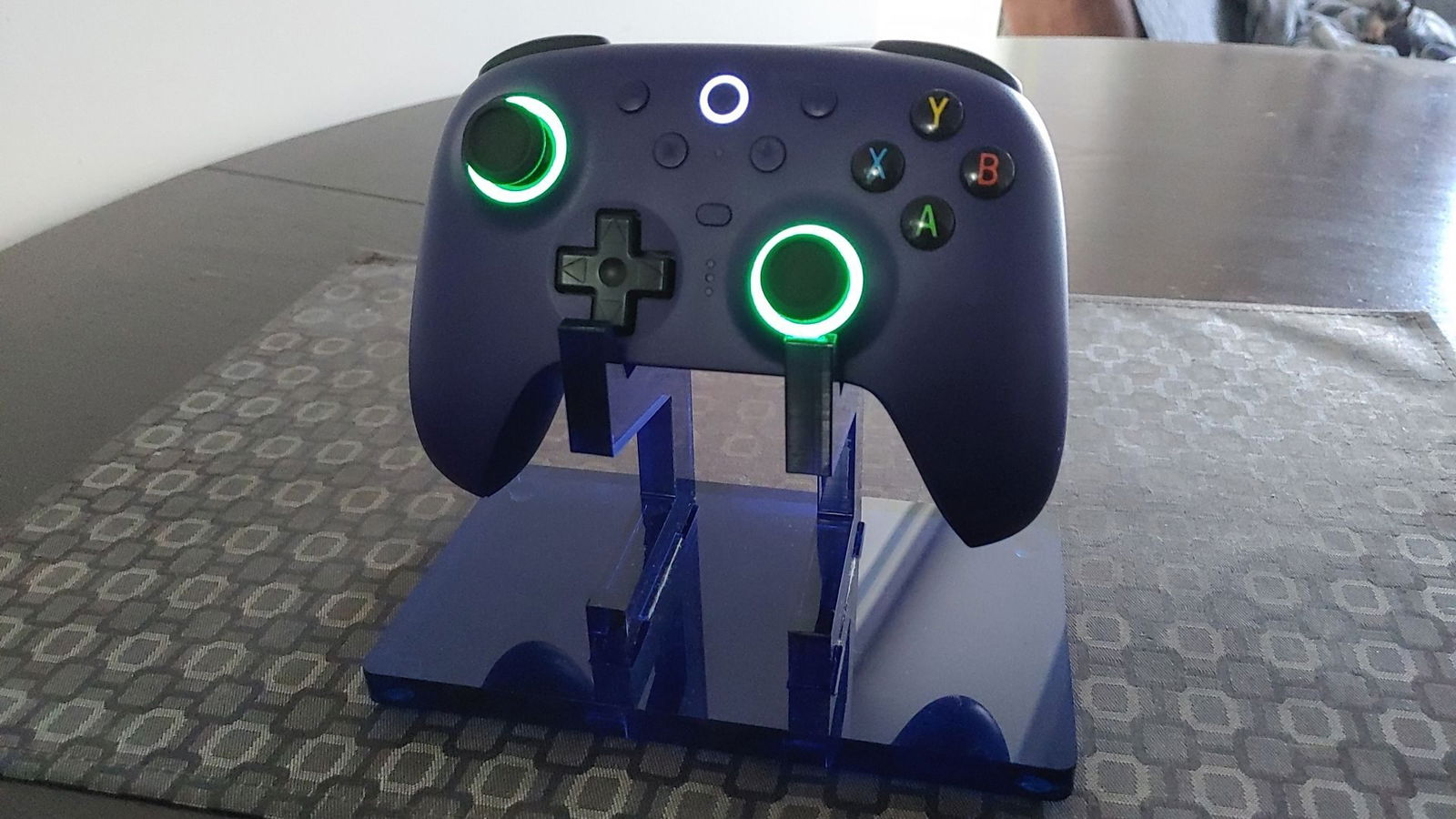
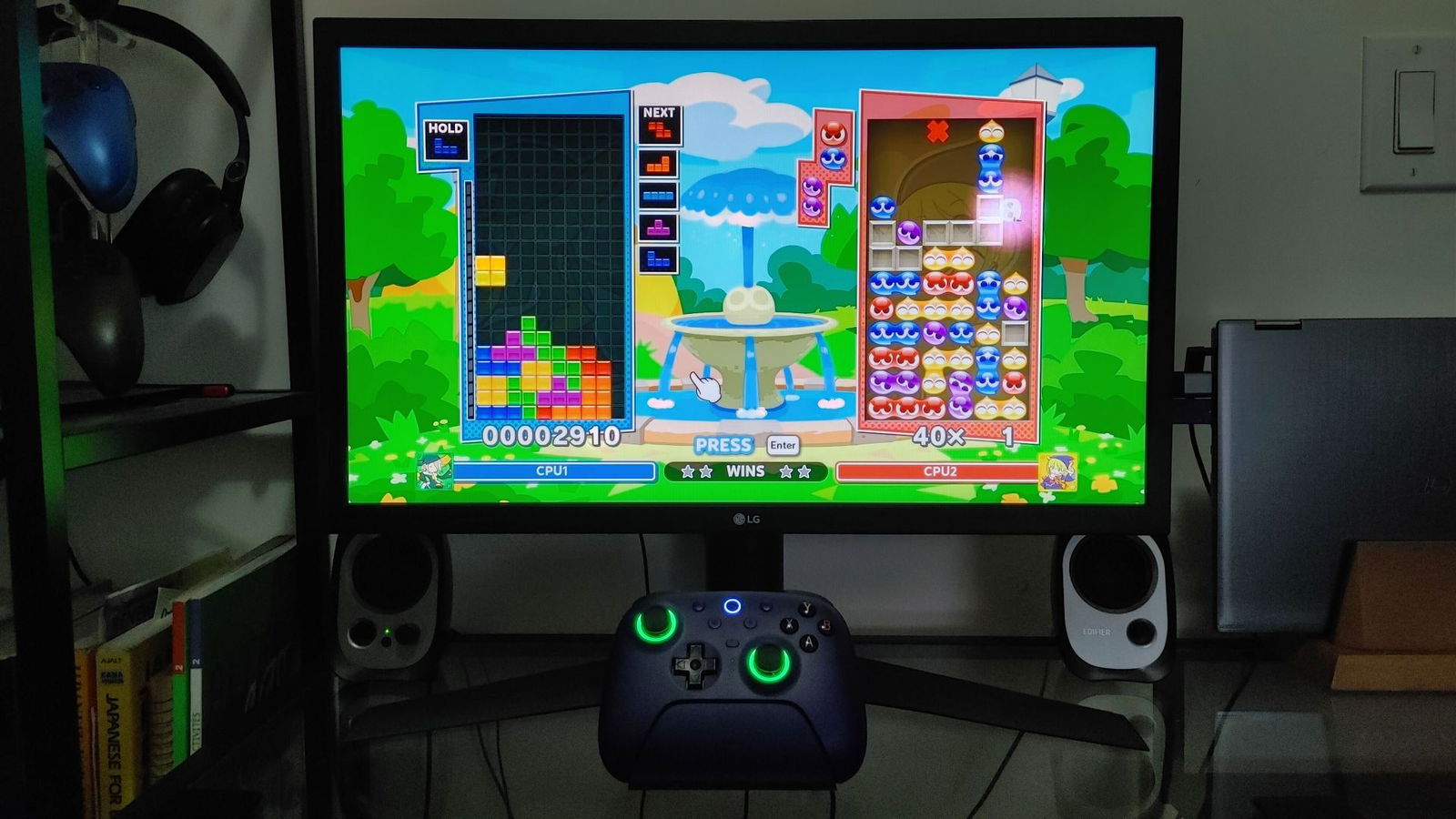
While we are on the subject of fun-loving design, simply waking the controller by removing it from the dock or pressing the centrally positioned Home button activates one of three distinct lighting modes. These effects appear through the RGB Fire Rings located at the base of each thumbstick. The default Fire Ring mode encircles the bottom of each stick with a synchronized, rotating orange flame effect.
Rainbow Ring mode assigns a single, solid colour to both sticks from a basic colour selection. Light Tracing mode responds interactively, following a single-colour light path based on which face buttons, triggers and D-pad inputs are pressed. RGB lighting can also be turned off entirely, and more advanced customization options are available through the companion software app, which will be discussed later.
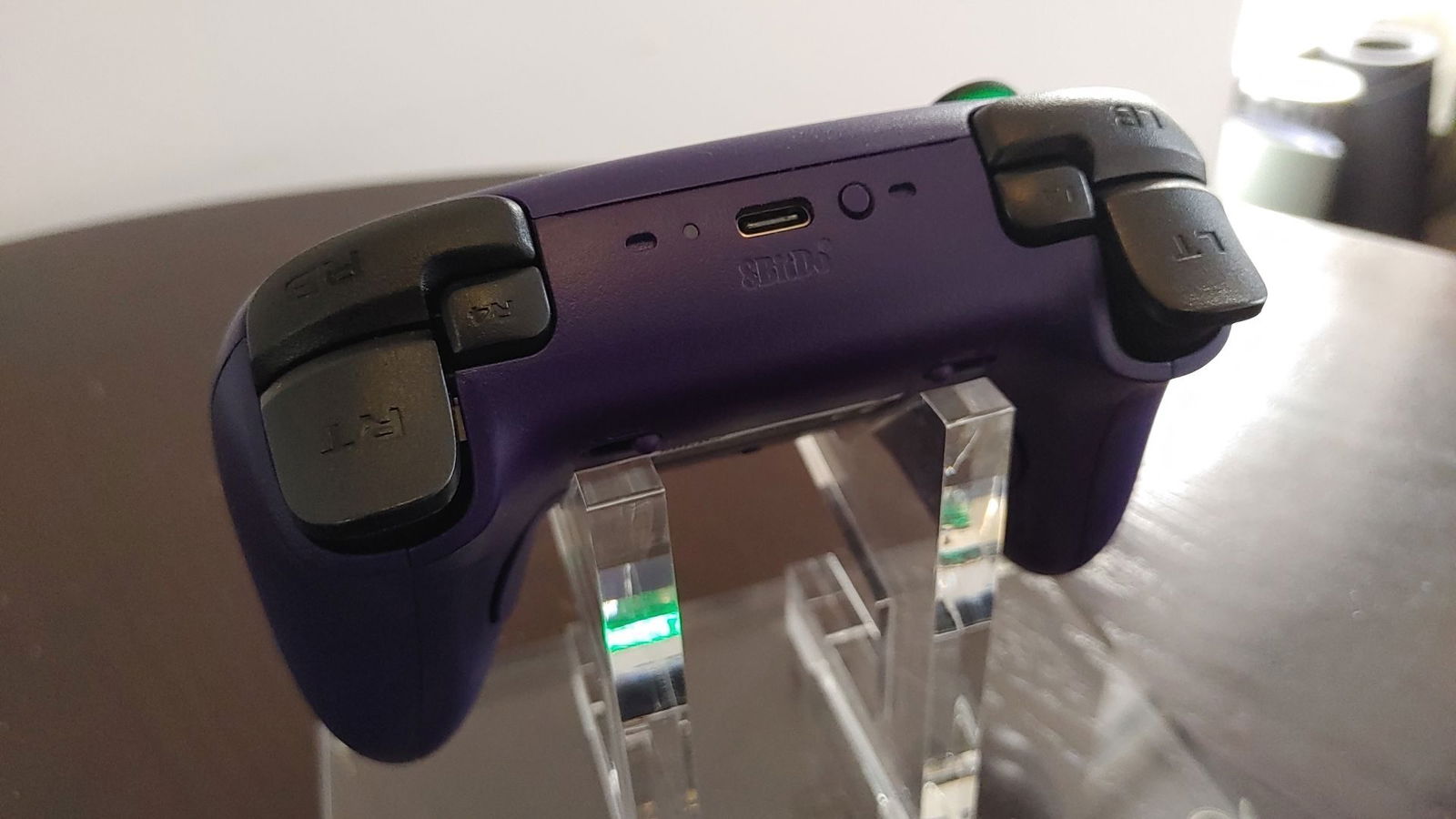
The Ultimate 2 Wireless shares nearly the same size and form factor as the Ultimate Wired Controller for Xbox, without the cable. As a result, picking it up feels immediately familiar. The textured grip on the rear handles, the placement of the programmable back buttons, labelled PR and PL and now standard on most 8BitDo controllers, and the classic D-pad all feel identical. While the controller body is noticeably narrower and more compact than an Xbox Series or Xbox Elite Series 2 controller, players with recent experience using Xbox controllers should adapt to 8BitDo’s interpretation quickly.
“The Ultimate 2 Wireless proved just as quick and responsive as the Elite.”
That said, it is important to reiterate that the Ultimate 2 Wireless is not an Xbox controller. It is designed for use with Windows, Android, Apple and Steam platforms. As a result, buyers coming directly from the Xbox ecosystem will notice several meaningful differences and omissions. Most notably, there is no microphone or headset jack, nor a mute switch, on the bottom of the controller. While this may initially seem like a significant omission, microphone jacks on controllers are largely associated with console use. There is also no Nexus, or Xbox sphere button.
The face buttons, aside from the familiar Xbox-inspired offset sticks, D-pad and ABXY configuration, have been reorganized. The Home, View, Menu, square, star and profile buttons are arranged in an inverted triangular layout, with the Home button centred at the top and the profile button positioned at the bottom, just above the profile LEDs. 8BitDo has a history of revising button layouts with each new generation. For now, however, the company appears to have settled on this triangular arrangement for the flagship Ultimate 2 Wireless and its limited-edition controllers.
Back in 2023, when I reviewed the HyperX Clutch Gladiate controller, I praised it for being an inexpensive, wired ”Pro-Lite” third-party Xbox controller that offered built-in, programmable back buttons, which was rare to see back then. I also selfishly lamented that a couple more couldn’t be included to bring the gamepad closer in functionality to that of the Xbox Elite Series 2.
To my delight, 8BitDo’s Ultimate 2 Wireless controller addresses this concern by incorporating a second pair of programmable, chiclet-style buttons, labelled L4 and R4, positioned alongside the shoulder and trigger buttons. For casual players, this may seem like a minor addition. For a core gamer like myself, however, particularly one who regularly plays first- and third-person action-adventure games and uses the Xbox Elite Series 2 as a daily controller, the extra shoulder buttons make a meaningful difference. Their placement is discreet yet easy to reach, allowing me to transfer long-established play habits from the Elite to the Ultimate 2 Wireless with minimal adjustment.
“Unfortunately, the software is the Ultimate 2 Wireless’s Achilles heel.”
Once I adapted to using the new shoulder buttons on the Ultimate 2 Wireless instead of the secondary paddles I had grown accustomed to on the Elite, returning to Halo Infinite multiplayer without relying on face buttons felt intuitive. Overall, the controller proved just as quick and responsive as the Elite, whether connected to a PC via 2.4 GHz wireless or Bluetooth.
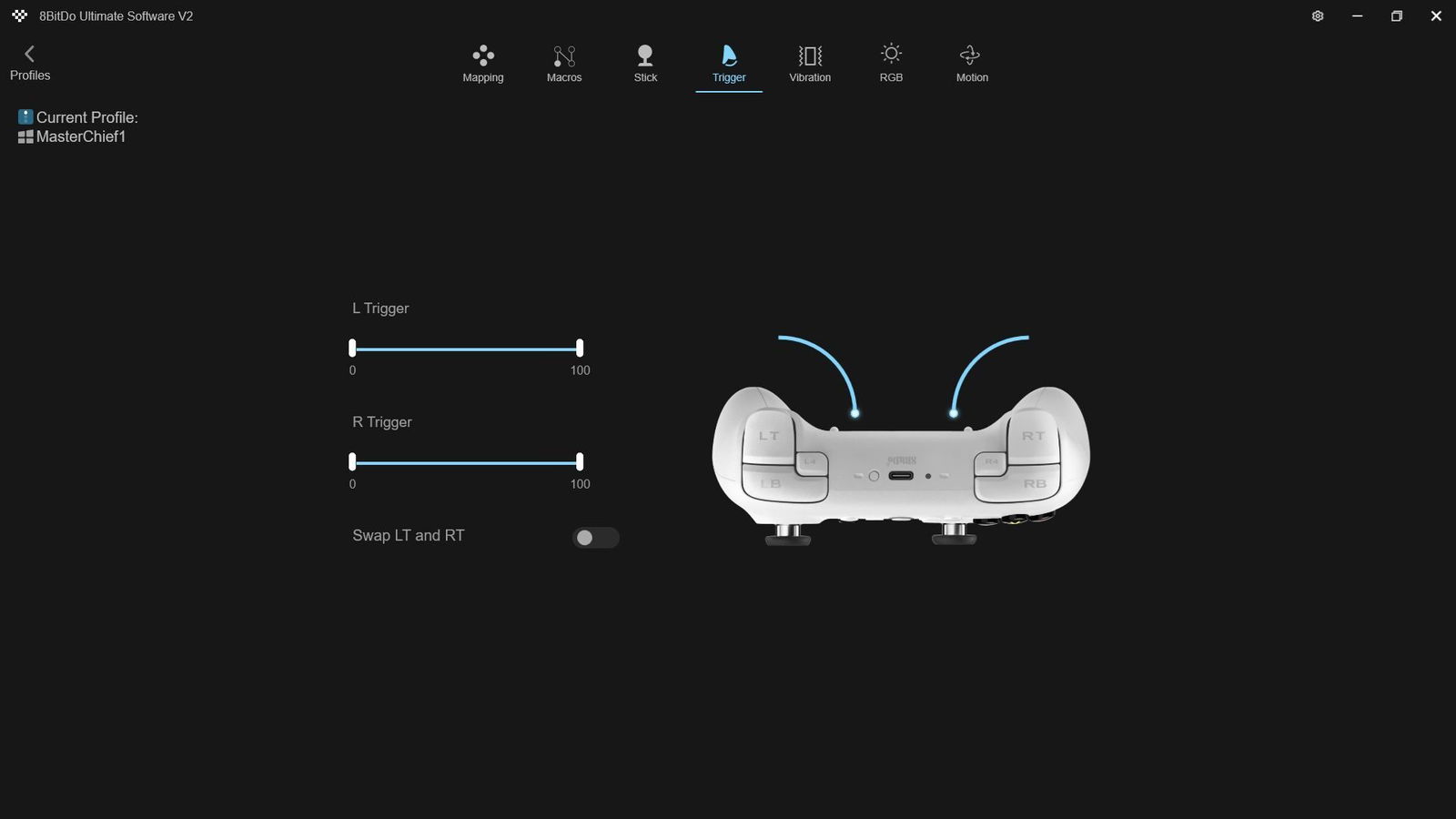
8BitDo’s new flagship controller also holds its own in the trigger department. The Ultimate 2 Wireless features its own take on the Elite’s adjustable trigger throw. While the triggers can only be toggled between hair-trigger and full-throw modes, 8BitDo has equipped them with linear Hall effect technology. At a minimum, this design promises reduced wear over time when the triggers are not set to hair-trigger mode.
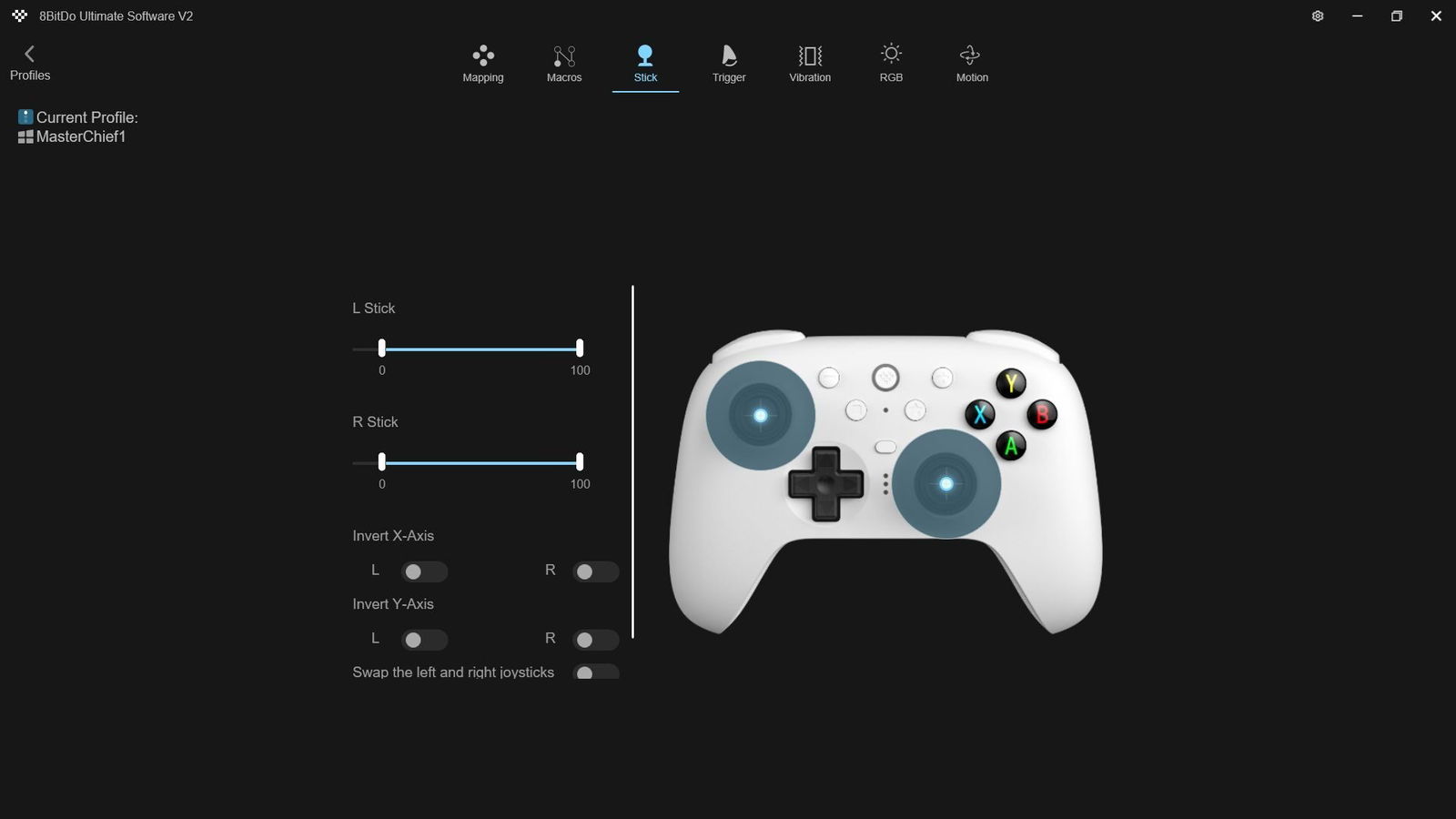
The thumbsticks use TMR, or tunnel magnetoresistance, rather than Hall effect technology. In practice, they offer similar benefits by relying on contactless input detection that uses magnets to register movement. It will take extended use to fully assess long-term durability under normal wear. For now, however, the official marketing makes familiar claims aimed at enthusiasts: higher sensitivity, greater precision and enhanced durability, while consuming less power.
Somewhat unexpectedly, or perhaps “DualShockingly,” the Ultimate 2 Wireless borrows from Sony’s PlayStation design playbook by introducing six-axis motion control. This should not be confused with Sony’s PS3-era SIXAXIS controller technology, which was later replaced by the DualShock 3. When used in 2.4 GHz mode with the included wireless dongle, the Ultimate 2 Wireless allows players to take advantage of built-in gyro controls, adding a greater sense of dynamism and immersion to first- and third-person games.
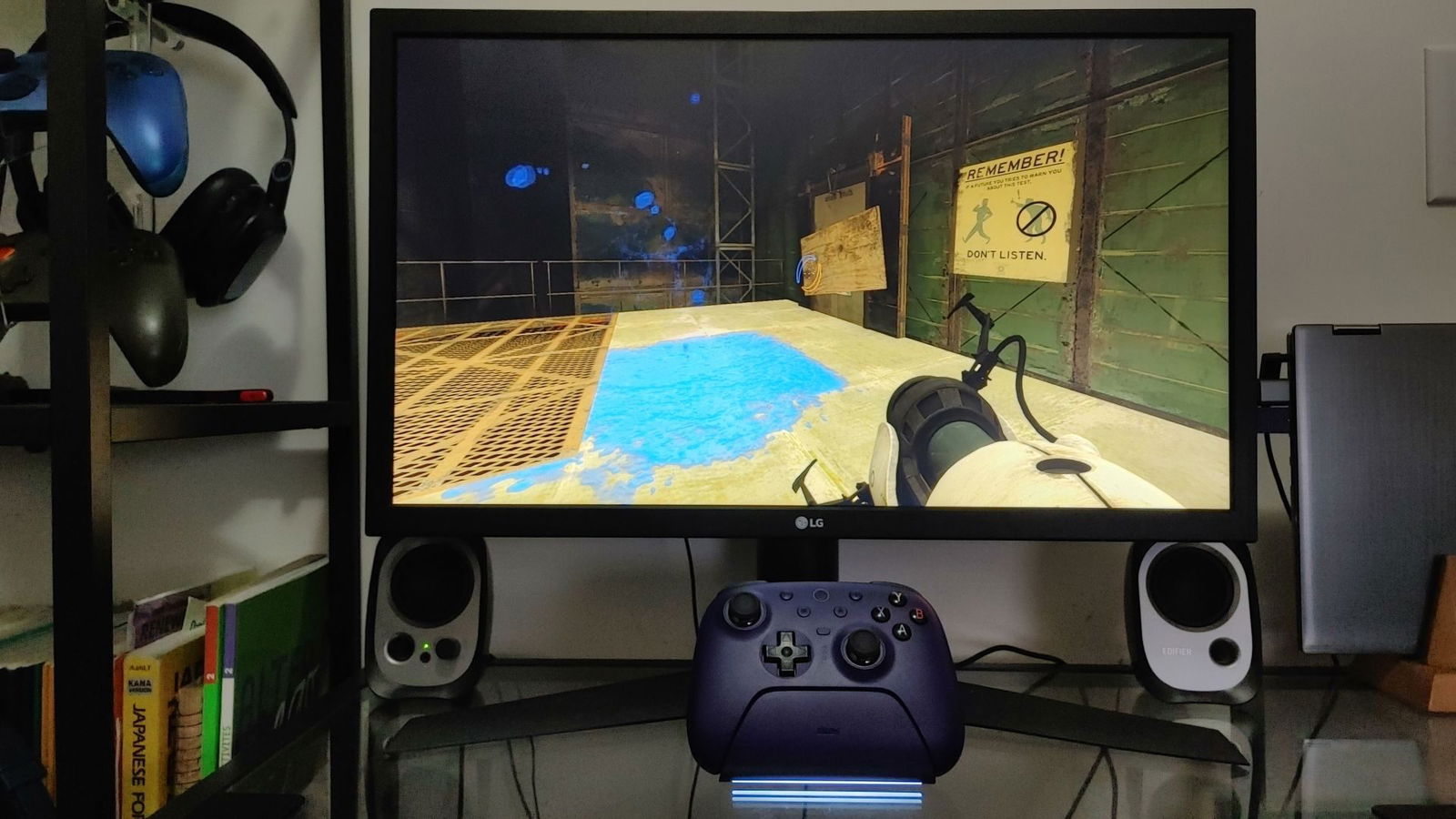
I first encountered the feature while testing the controller with Portal 2, where it was activated by default and caught me by surprise. I am not particularly fond of motion controls, so I quickly disabled the feature in the settings. That said, its usefulness will largely depend on personal preference and play style.
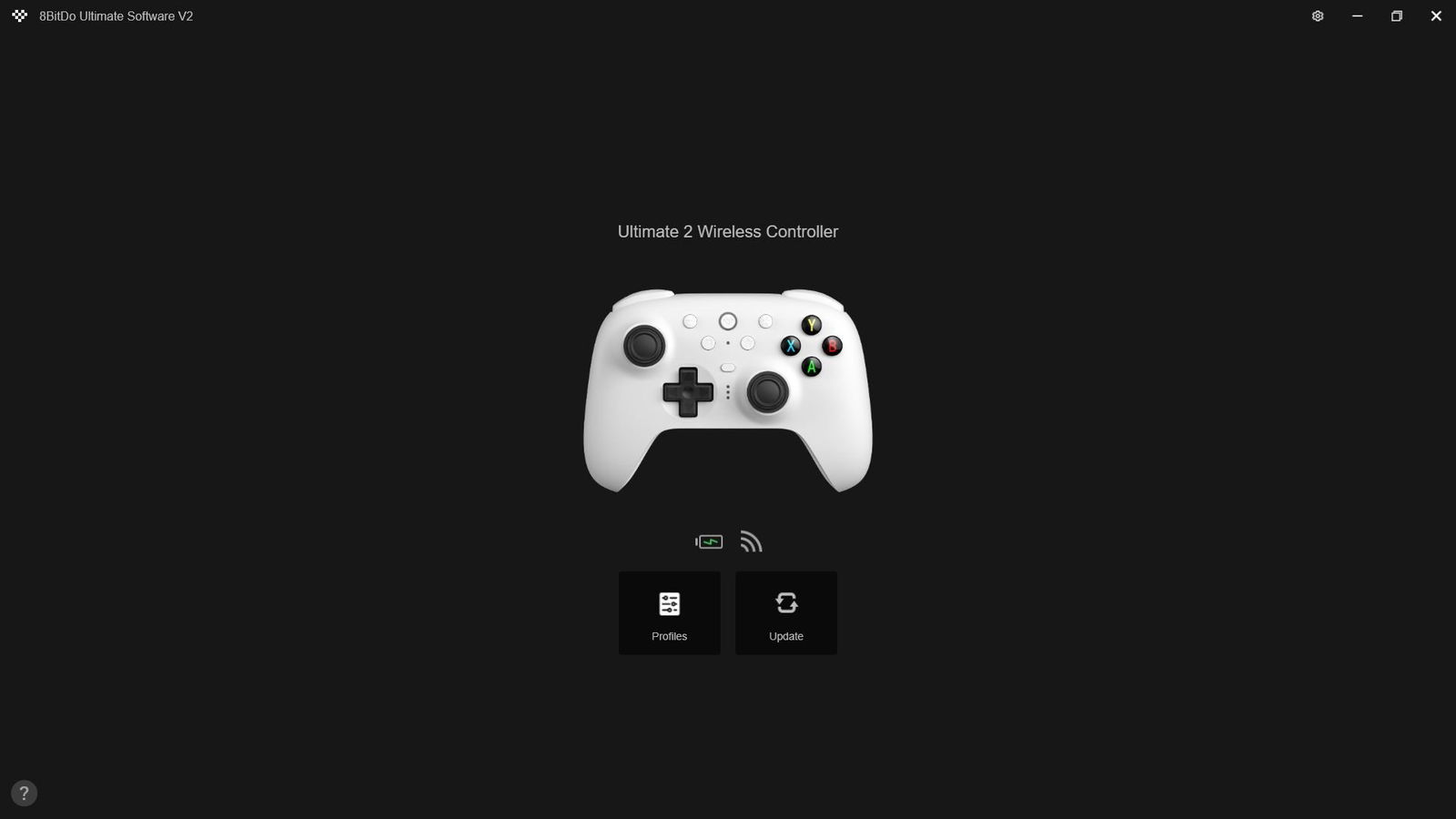
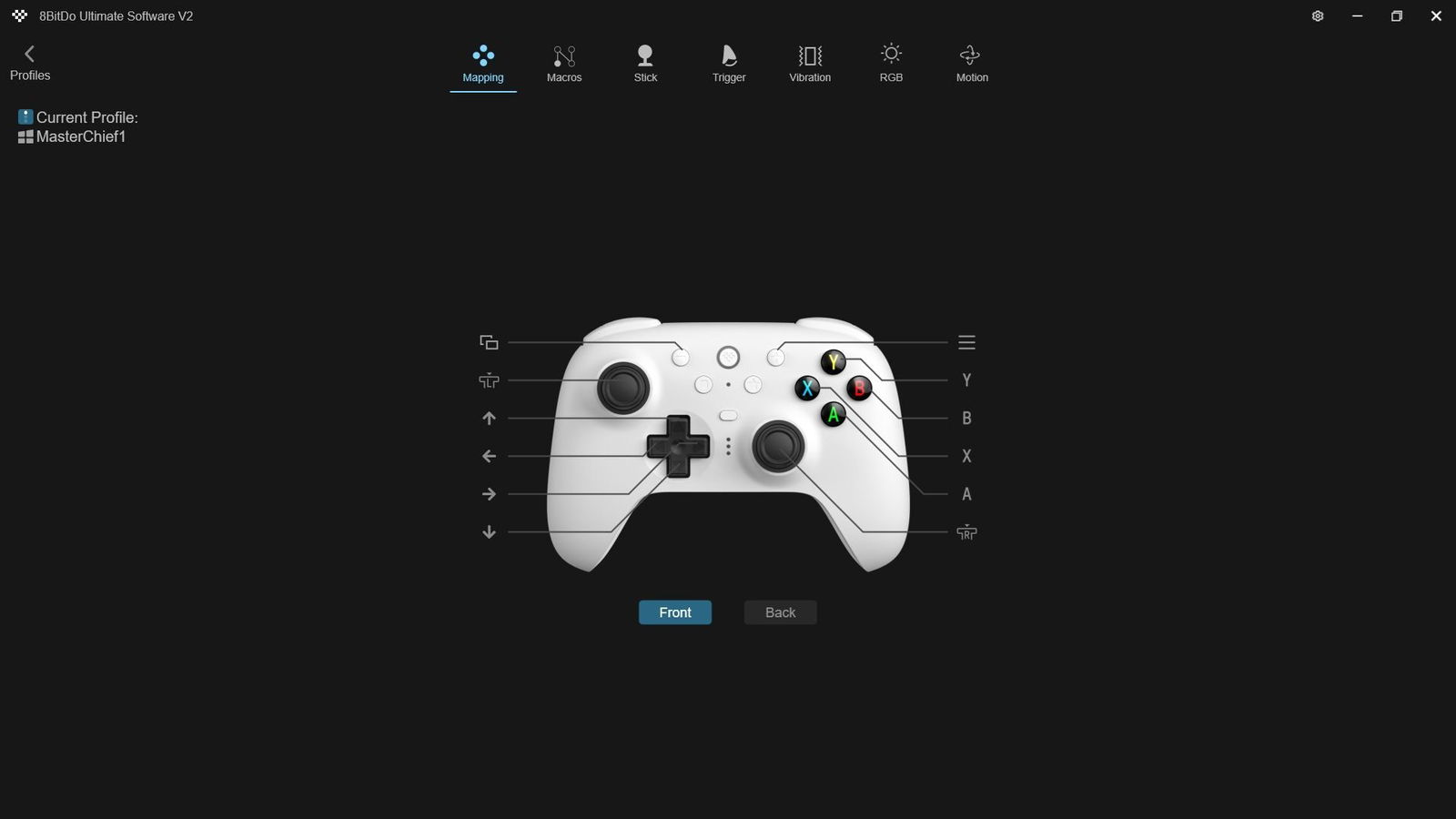
For those interested in enabling or adjusting motion control sensitivity, as well as fine-tuning more traditional settings such as individual thumbstick sensitivity, dead zone compensation, button mapping, vibration intensity and advanced macro commands, all options can be configured through the 8BitDo Ultimate Software V2 for PC. This software serves as the official hub for accessing the Ultimate 2 Wireless’s deeper features. It also allows users to create and save up to three distinct control profiles, which can be switched during gameplay using the profile button. That is, when the software works.
Unfortunately, the software is the Ultimate 2 Wireless’s Achilles heel and detracts noticeably from the overall experience. On both PC and Android, users can expect recurring issues during installation and use. The PC version crashes frequently and often displays error messages in Chinese, blocking access to advanced settings even after the latest updates are installed. Running the software as an administrator may help in some cases, while a full reinstall is sometimes required. Even then, accessing the software once does not guarantee it will function properly the next time.
The Android experience is even more problematic. The software frequently fails to recognize the Ultimate 2 Wireless, even when the controller is already connected via Bluetooth to a tablet or smartphone. I was unable to find any official fixes from 8BitDo, only user reports on Reddit describing similar issues. As disappointing as it is to say, using the Ultimate 2 Wireless with Android is effectively impractical unless users are satisfied with basic, out-of-the-box customizations that do not rely on the software.
The Ultimate 2 Wireless is a pro controller built primarily for Windows and Android that is close to flawless in terms of hardware execution. Unfortunately, that experience is undermined by exceptionally poor software on both platforms. Given that the controller has been on the market for more than eight months without a definitive fix, it is difficult to know whether meaningful improvements are forthcoming. At the very least, the Ultimate 2 Wireless still serves as a strong backup or alternative to an Xbox Elite Series 2, SCUF or other premium pro controllers, at a fraction of the cost.