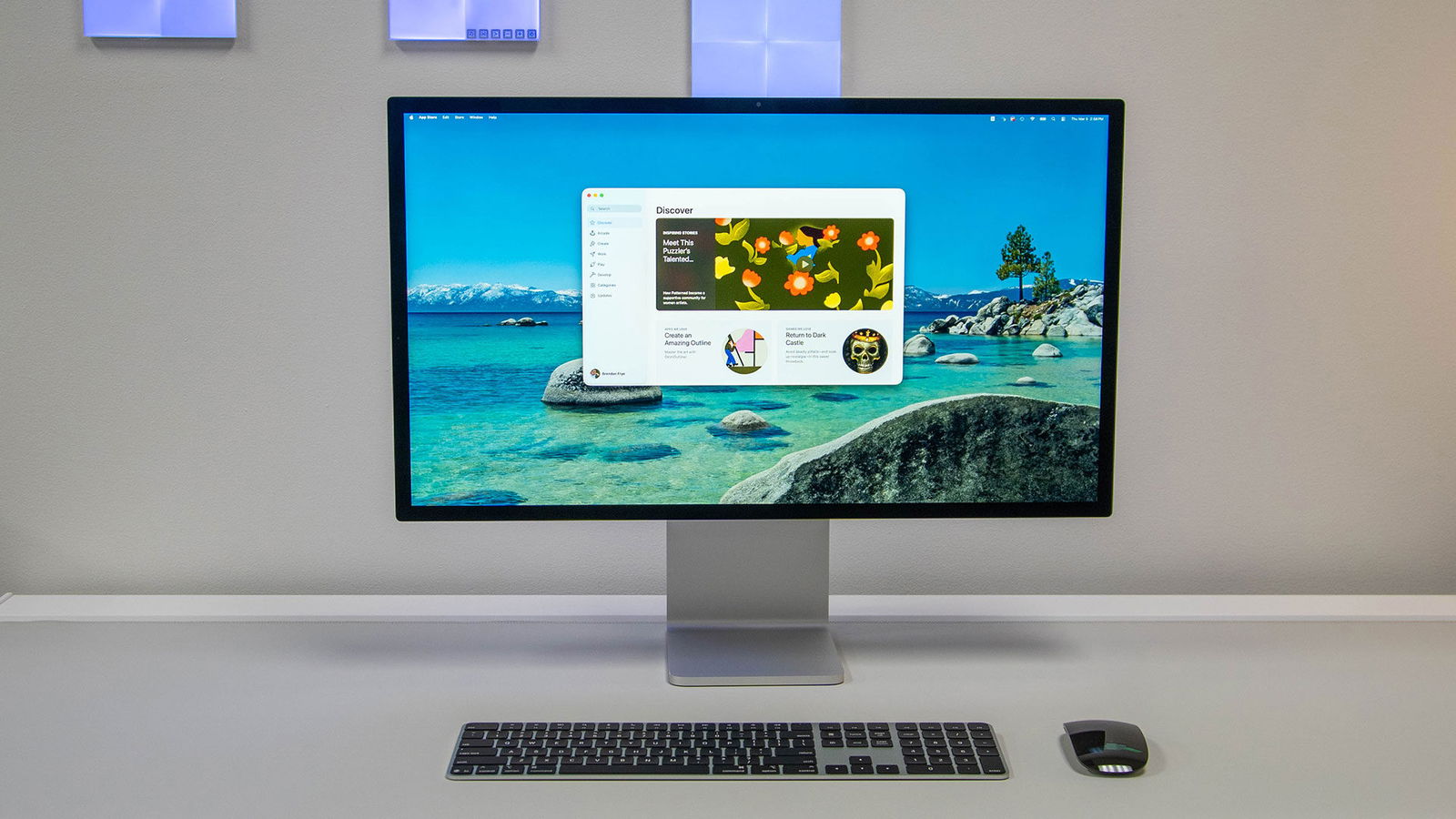


I have reviewed my fair share of computer monitors, and beyond overall quality, the most important factor is how useful the display is for the kind of setup you want. Are you a gamer? You need a high refresh rate. Are you a content creator? You need next-level colour accuracy. Do you connect multiple devices? You need plenty of I/O. But what if you want excellent quality combined with simplicity? Apple Studio Display delivers a great image while turning your MacBook into a perfect home computer with a single cable.
The Studio Display is a 27-inch 5K (5120 × 2880) monitor with a 60 Hz refresh rate and 600 nits of brightness. On paper, that number may sound modest, but in practice, it feels brighter than expected. I keep the Studio Display at full brightness, and it is noticeably brighter than the specifications would suggest. It also uses True Tone, which dynamically adjusts the screen’s white point to match the room’s colour temperature. In day-to-day use, this has been surprisingly easy on the eyes during long work sessions.
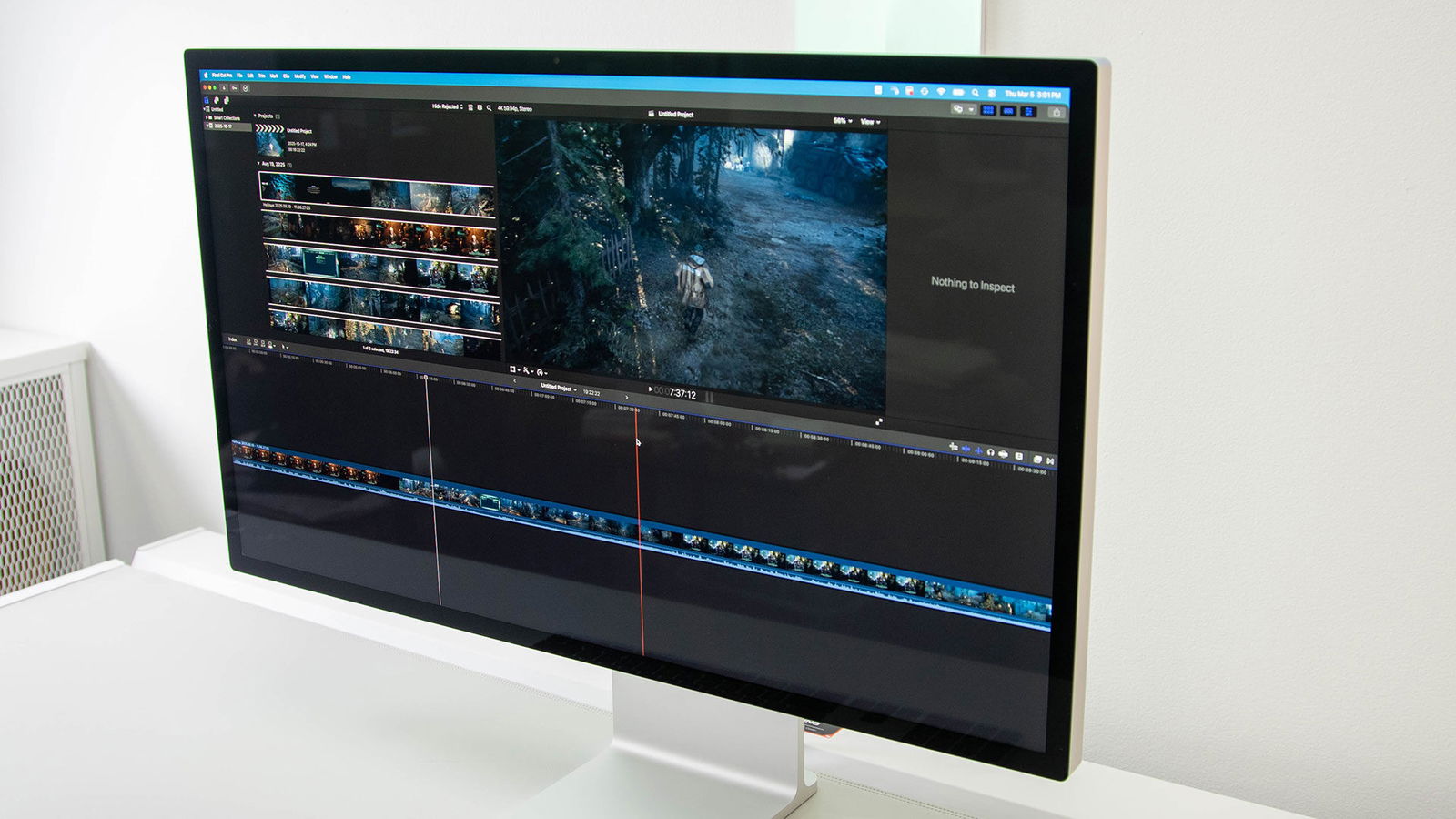
The Studio Display also comes with an anti-reflective coating. During testing, we were lucky enough to have several sunny days, so I worked with the window open, letting sunlight come directly into the room. The experience was flawless. I even shone a flashlight at the display from an angle, and there was virtually no visible reflection. If you work in an even brighter environment, you can order the Studio Display with nano-texture glass, which further diffuses light.
“The Apple Studio Display really shows off its simplicity.”
The Studio Display has multiple stand options, one that is tilt-adjustable, one (the one I tested) that is tilt and height adjustable, providing 105mm of height adjustment as well as an option for a VESA mount so you can put the display up on a monitor mount, which I love in terms of the monitor’s adaptability.
Setup is where the Apple Studio Display really shows off its simplicity. The I/O on the Studio Display consists of four total ports, in addition to a permanently attached power cable. That cable is one of the few things I do not love about the monitor, as a replaceable cable always makes me feel a little more confident about the long-term lifespan of a product.

The ports include two Thunderbolt 5 connections. One is used to connect the display to your Mac, while the second allows you to daisy-chain up to three additional monitors. That second Thunderbolt 5 port is not limited to display output either. It also supports up to 80 Gbps bidirectional transfer speeds, which makes it ideal for connecting external storage, particularly for video editors and other content creators working with large files.
The remaining ports are 10 Gbps USB-C connections. Any devices plugged into these ports connect directly to the Mac attached to the Studio Display. In practice, this makes for a very clean desk setup, with peripherals and accessories routed through the monitor rather than scattered across the desk. They are also convenient for charging smaller wireless accessories that occasionally need to be topped up.
The other thing that makes the Apple Studio Display insanely simple? No buttons and no physical controls. You never need to power it on manually. As soon as you connect a Mac, the display is up and running. If you are using the Magic Keyboard and Magic Mouse, simply interacting with them wakes the display from sleep, and all the settings are managed directly through macOS.

The setup I have primarily been testing uses the new MacBook Nano alongside the Magic Keyboard and Magic Mouse, and the result could not be cleaner. I keep the MacBook Nano closed and standing upright next to the Studio Display. Being able to take my laptop with me throughout the day and then return home to plug in a single cable that both powers the laptop and connects it to the monitor makes life ridiculously easy, especially for someone who does a lot of editing. It is the perfect example of having the best of both worlds.
The Studio Display also features a six-speaker audio system, including four woofers for improved bass and two tweeters. The sound is impressively clear, and I really enjoyed the quality. It will not replace a dedicated set of directional speakers, but the goal here is simplicity. Personally, I usually have headphones on when I am at my desk, so the speakers are somewhat secondary for me. However, if you rely on built-in audio, you will be well served here.
The Studio Display’s 12-megapixel Center Stage camera is one of the best built-in webcams you will find in a monitor. It performs well in low light, supports Desk View and eliminates the need to plug in an external webcam for video calls. The built-in three-microphone array is perfectly serviceable. It performs about as well as the microphones you would find on most modern webcams.

As a content creator, I use editing and design tools like Affinity Photo and Adobe Photoshop, and the colour accuracy and vibrancy are a perfect complement to my workflow. Since I do not work beyond 60 frames per second, this is easily the best monitor I have used for that purpose.
“The Studio Display’s 12-megapixel Center Stage camera is one of the best built-in webcams you will find in a monitor.”
If you are a gamer, however, you are not going to get the experience you would from a dedicated gaming monitor, which can deliver much higher refresh rates at a lower price.
The Studio Display we tested, the version with standard glass and the tilt- and height-adjustable stand, comes in at $1,999 USD, with other configurations varying in price from there. Yes, that is a significant cost for a monitor of this size and specification. However, as Apple often does, the company is clearly aiming for a premium experience where its accessories integrate seamlessly with its computers. That kind of tight ecosystem is much harder to replicate in the PC world, where countless brands and hardware configurations all need to perform well across a wide range of displays.

What I will say about the Apple Studio Display is that it feels perfectly designed for its purpose. The stand takes up very little desk space, the display is incredibly easy to set up, and it serves as a fantastic extension of the Mac experience. Combine it with the Magic Keyboard, Magic Mouse and the MacBook of your choice, and you end up with an incredibly clean and capable whole-home setup.