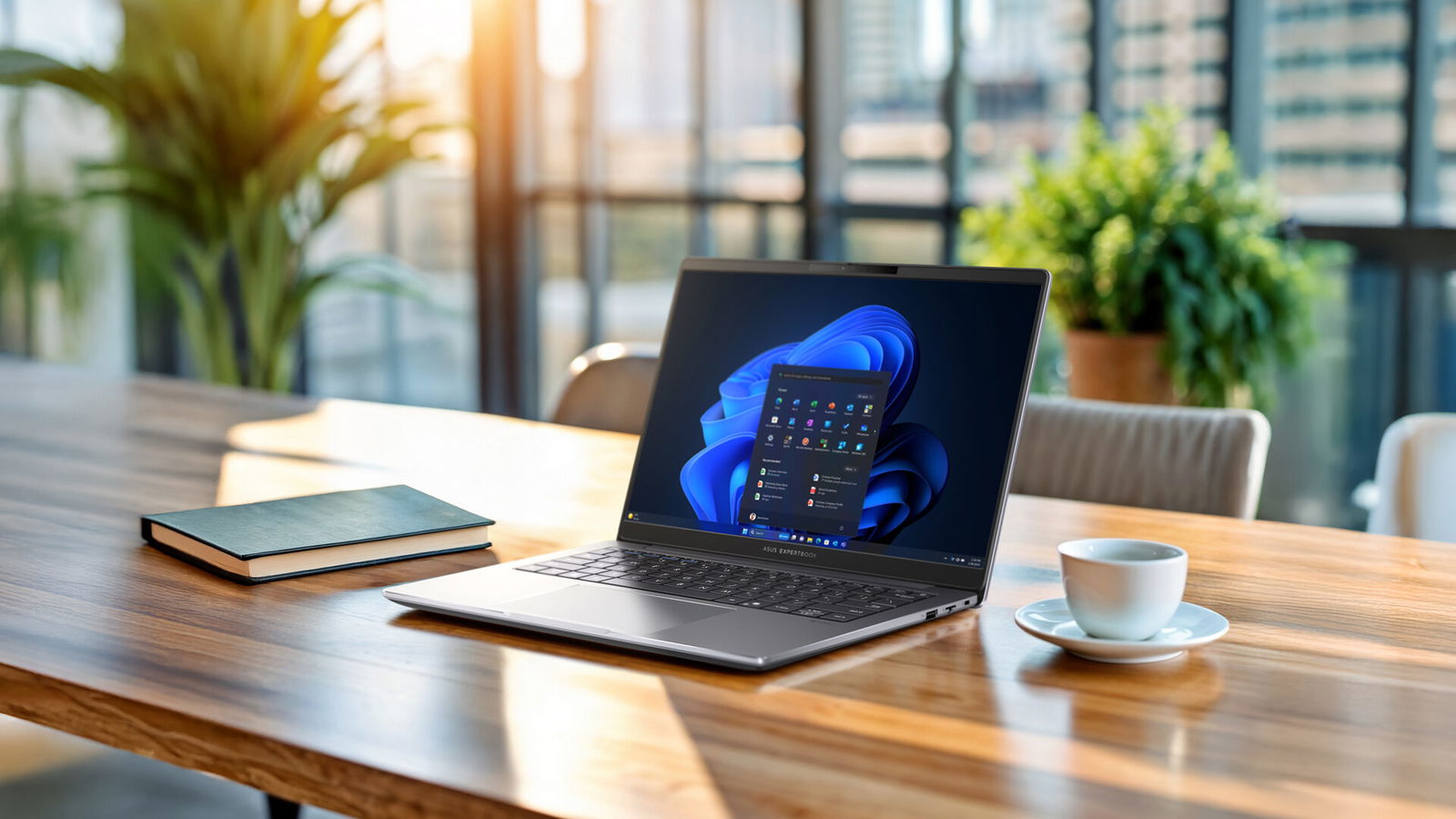


Last year’s ASUS ExpertBook P series laptop received a glowing review from me, thanks to its strong performance and high-end specifications at a price well below that of many competing business laptops. This year, ASUS returns with a revised model. The question is whether it can deliver a package as compelling as its predecessor. The short answer is yes. ASUS has introduced a feature I have not previously seen in a laptop of this size and class, and it plays a key role in elevating the overall experience.
Much like last year’s model, the ASUS ExpertBook P3 is a well-constructed laptop with a mostly metal chassis. It feels cool to the touch and delivers a premium impression that suits its business-focused design. With a starting price of $1,349 Canadian and my review unit priced at $1,599, the ExpertBook P3 sits at the lower end of the business laptop category I have reviewed to date. It is even priced about $100 lower than last year’s model. Compared with competitors such as Apple, the ExpertBook P3 costs several hundred dollars less, making it a strong option for small businesses seeking a high-end laptop without the traditionally high price tag.
Ports/Connectivity
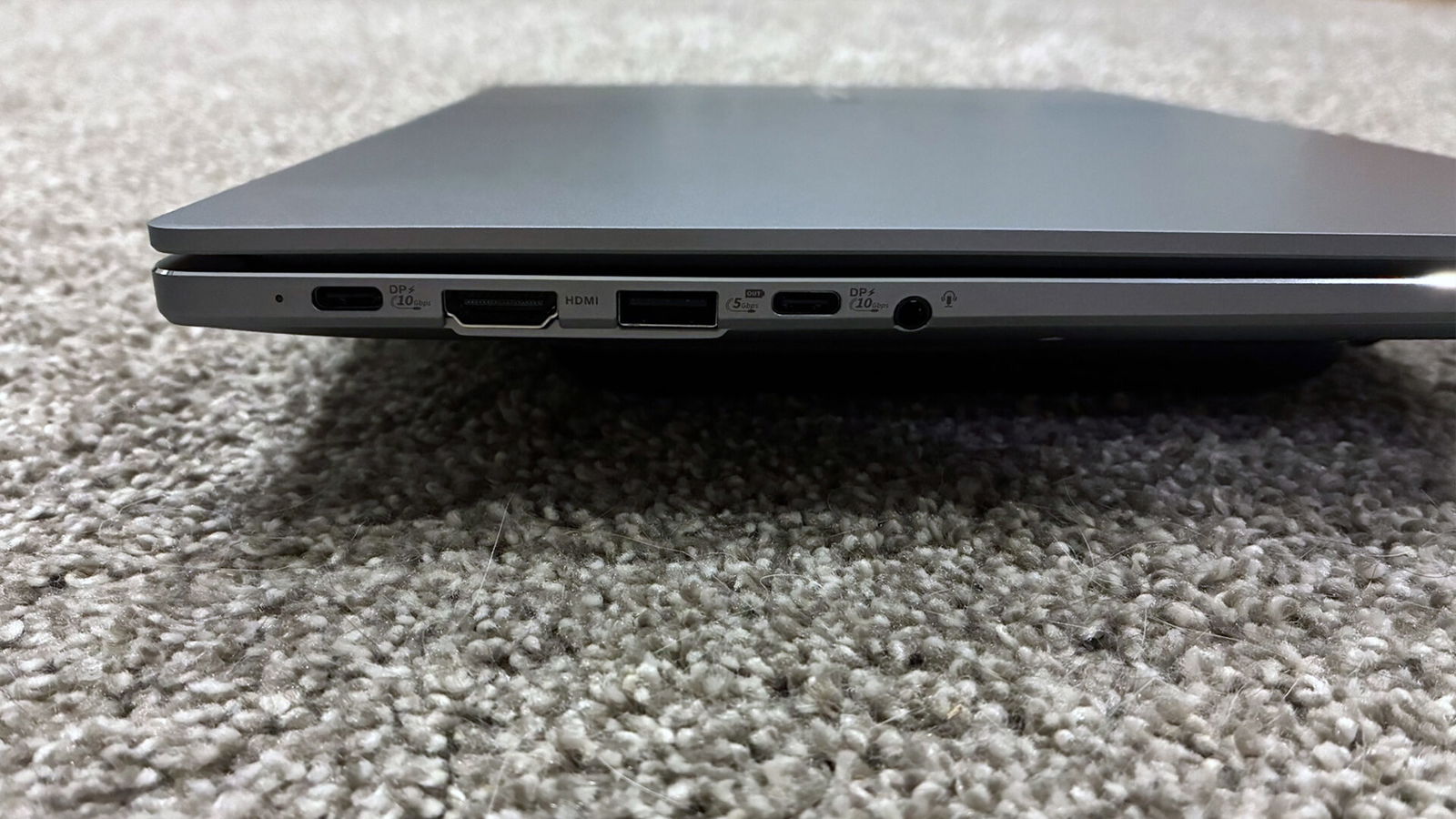

As is my usual approach, I will begin by examining the laptop’s overall port selection. On the left side, the laptop includes a full-function USB 3.2 Gen 2 Type-C port, an HDMI 2.1 port, a USB 3.2 Gen 1 Type-A port, a second full-function USB 3.2 Gen 2 Type-C port and a combined headphone and microphone jack. Both Type-C ports support charging, data transfer and display output.
Along the right side, there is an additional USB 3.2 Gen 1 Type-A port, an RJ45 Ethernet jack and a nano Kensington lock slot. Given the available space, as with many laptops, I would have liked to see at least one additional USB 3.2 Gen 2 Type-C port on this side. That would allow for easier charging from either direction, rather than requiring the cable to be routed around the laptop.
Display
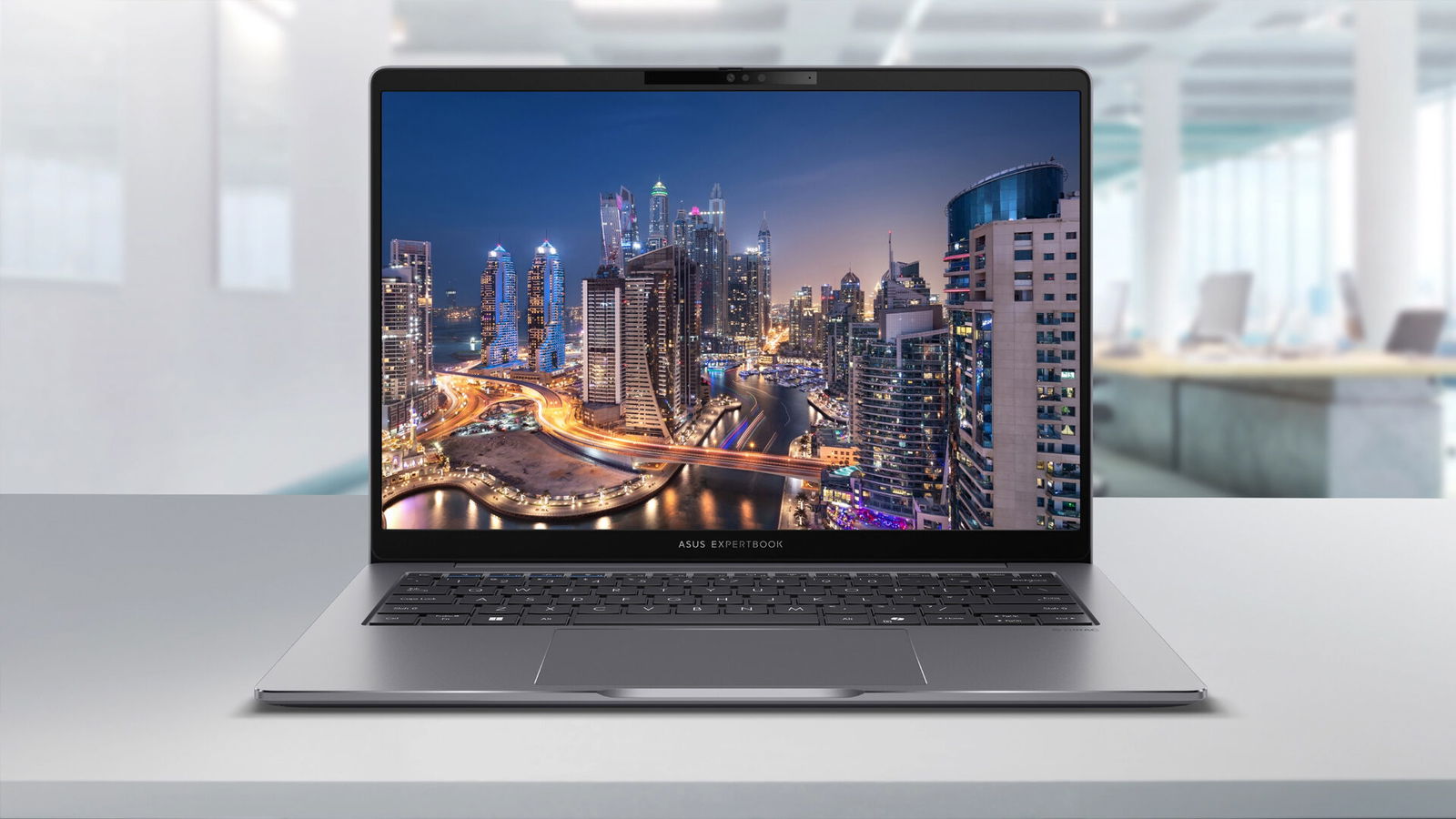
Unlike most displays found on business-class laptops, ASUS continues to stand out by offering one of the strongest screens in the category. While many business laptops are limited to 1080p 60-Hz panels, the ExpertBook P3 goes further with a 2.5K 144-Hz anti-glare display. It is easily one of my favourite screens in this class of laptop.

At first glance, a 144-Hz display may seem excessive for a business-focused system. In practice, however, it proves to be a welcome addition. The panel also delivers excellent colour accuracy, with 100 per cent sRGB colour gamut coverage, helping photos and videos appear vibrant and well-defined.
As someone who spends long hours working on a laptop, I also appreciate the inclusion of a low blue light filter, which makes extended viewing sessions easier on the eyes compared with competing models. Despite a maximum brightness of 400 nits, I had no difficulty viewing the display in well-lit indoor environments. I also encountered no issues using the ExpertBook P3 in my car during daytime conditions.
Keyboard/Trackpad
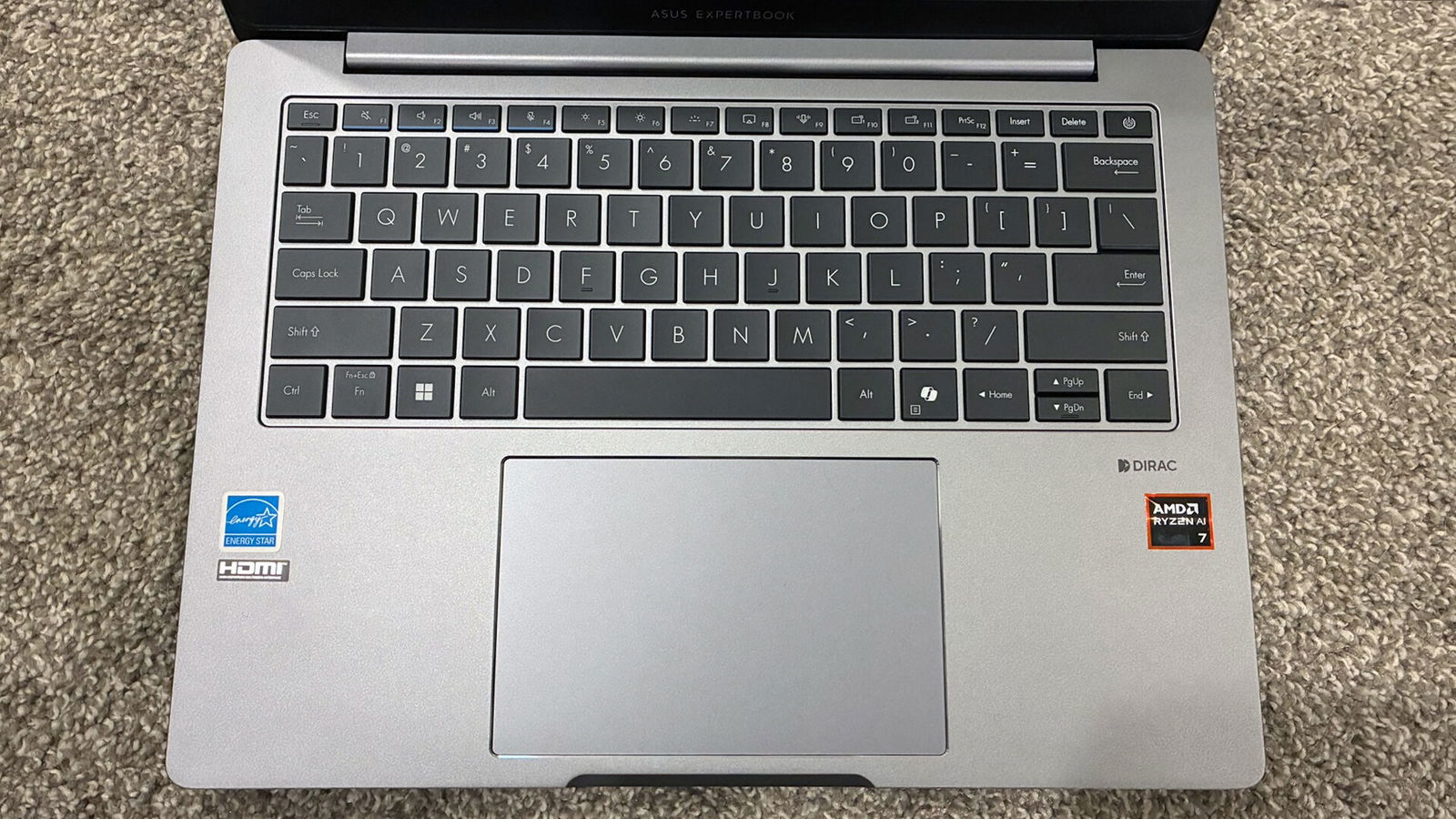
Like many modern laptops, trackpads have continued to grow larger in recent years. While this is not inherently a problem, it can sometimes come at the expense of wrist rest space when typing. The ASUS ExpertBook P3 strikes a good balance between trackpad size and palm rest area.
The trackpad itself allows fingers to glide smoothly across its glass surface and feels even more fluid than those found on competitors such as HP’s EliteBook lineup. ASUS states that the trackpad offers 0.23 mm of click travel. In practice, however, it feels comparable to other laptops I have tested, including several currently in use at home.
“The ASUS ExpertBook P3 strikes a good balance between trackpad size and palm rest area.”
As with last year’s model, the keyboard on the ExpertBook P3 remains largely unchanged. It retains a 1.5-mm key travel distance and offers excellent stabilization across all keys. The power button doubles as a fingerprint scanner, which proved reliable throughout testing, with very few false readings. It ranks among the better fingerprint scanners I have used. The power button also requires more force to press than the surrounding keys and is slightly recessed, helping prevent accidental presses. This proved especially useful when testing multiple laptops over a short period.
All keys on the keyboard feature white backlighting with three brightness levels, along with the option to turn it off when not needed. This is a welcome feature that I regularly make use of and one that should be standard on modern laptops, particularly in the business class.
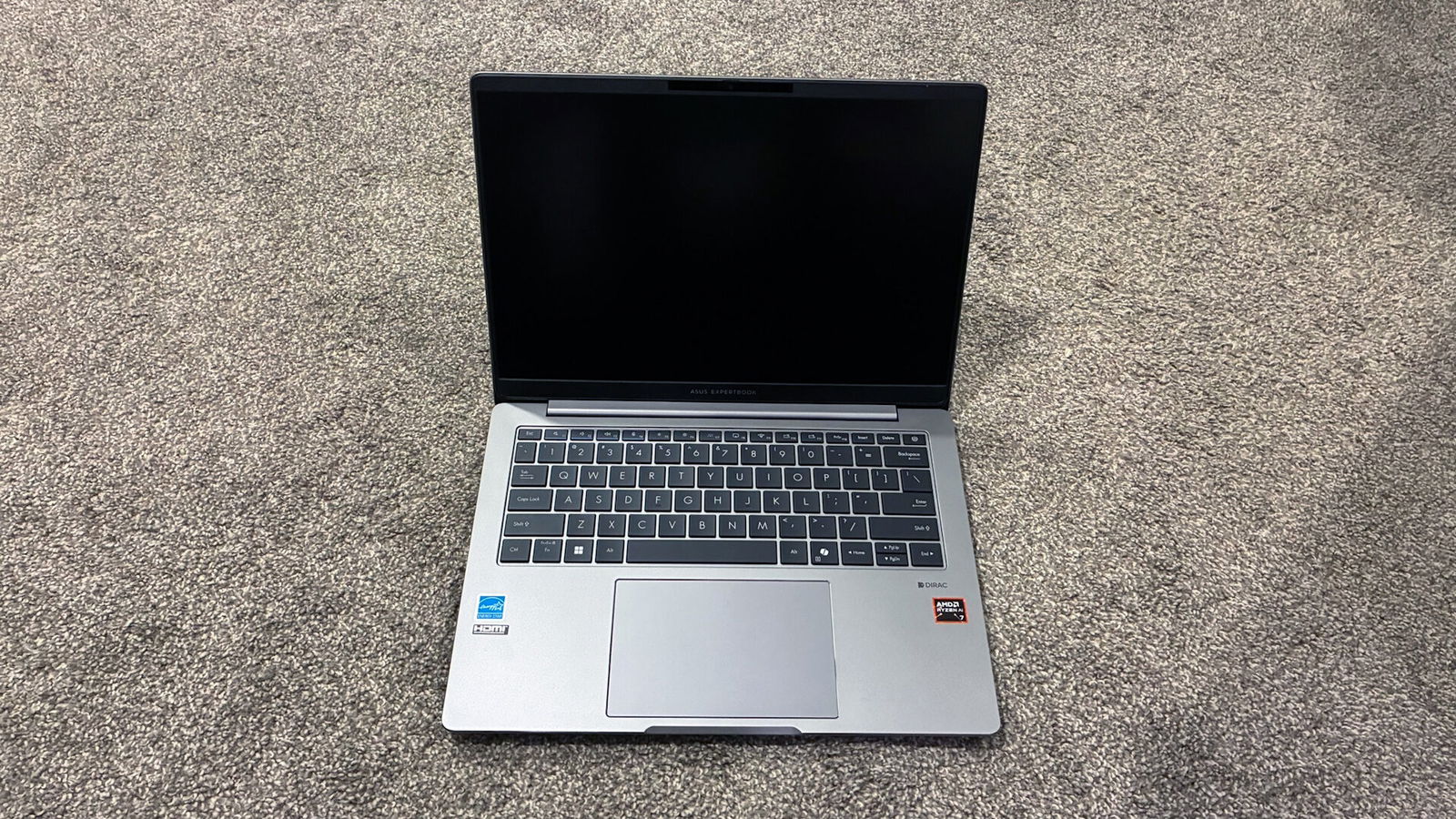
I also appreciated the inclusion of full-size arrow keys, rather than the half-height versions found on many competing laptops. This design choice does come with a compromise, however. The Page Up, Page Down, Home and End functions are integrated into the arrow keys, which leaves me with mixed feelings about the overall layout.
ASUS has also added two programmable hotkeys to the function row. These can be assigned to perform a variety of tasks, such as launching specific software or adjusting system settings. This flexibility is something I would like to see more manufacturers adopt, as it allows users to tailor the laptop to their own workflows rather than being limited to preset functions.
As with last year’s model, I found the edges around the wrist rest area to feel sharper than those on competing laptops, such as the HP EliteBook 8 G1i. While ASUS attempts to mitigate this with chamfered edges, I still feel there is room for improvement in this area.
Audio/Speakers
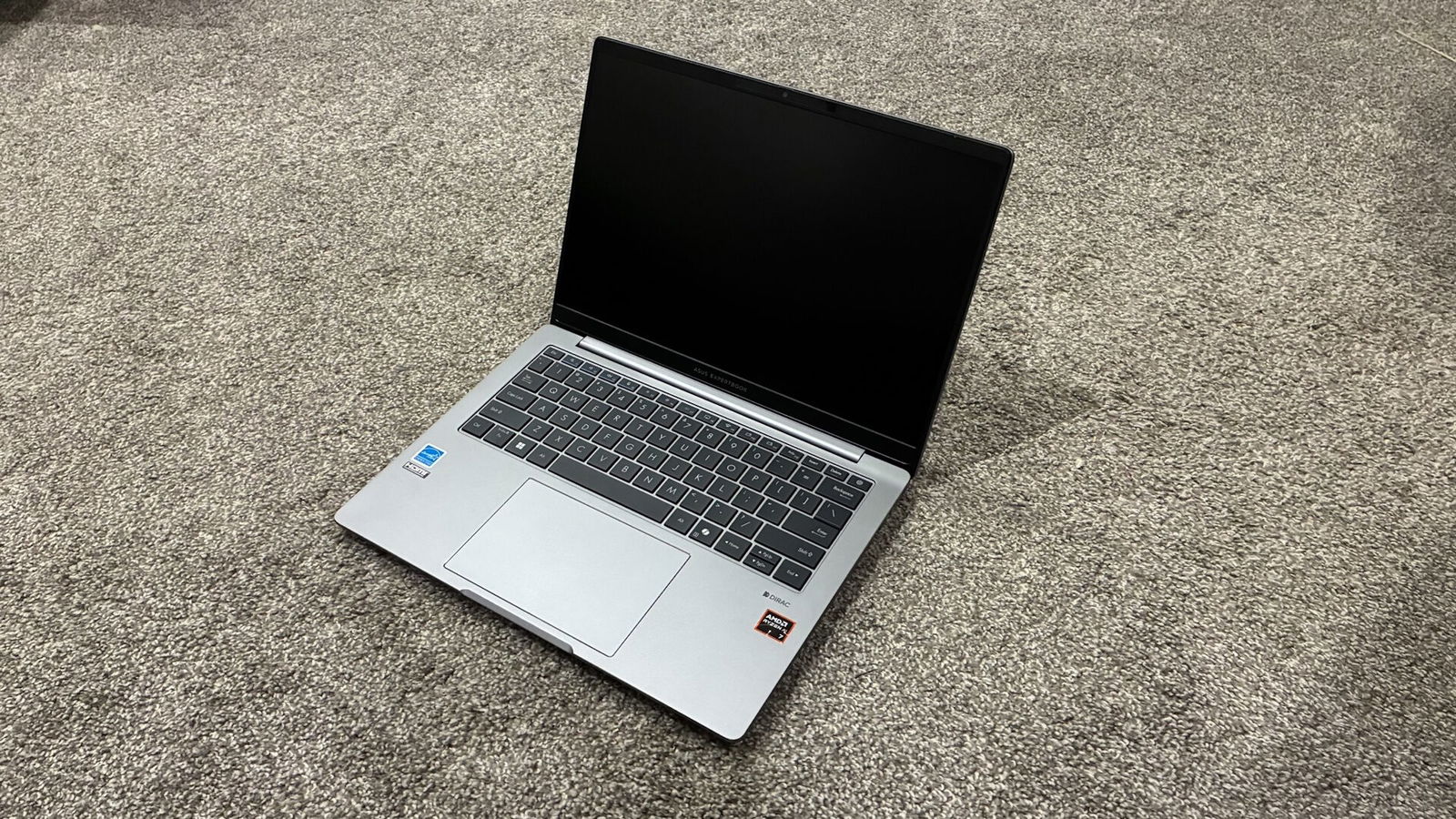
New to this year’s ASUS ExpertBook P3 is the inclusion of dual speakers tuned by Dirac. This was my first experience testing speakers from the brand, and the results were impressive. Audio output is clear and crisp, with more bass presence and stronger low-end response than I typically hear from thin-and-light laptops. As a result, these are among the better laptop speakers I have tested to date.
My main complaint with the ExpertBook P3, as with many laptops, is ASUS’s decision to position the speakers on the underside of the chassis. While this placement is less of an issue when the laptop is used on a desk or table, it becomes more problematic when used on a lap or in bed. In those situations, sound can be muffled or partially blocked, requiring higher volume levels to compensate.
Performance
Do not let the thin-and-light chassis fool you. The ASUS ExpertBook P3 delivers strong performance for its class. Powered by an AMD Ryzen AI 7 350 processor and paired with 32 GB of LPDDR5x RAM, the system handled benchmarking tests with ease and topped my charts as the most powerful thin-and-light business laptop I have tested to date. For graphics-intensive workloads, the ExpertBook P3 is equipped with AMD Radeon 860M graphics with adjustable shared memory, allowing users to fine-tune how system RAM is allocated to graphics.
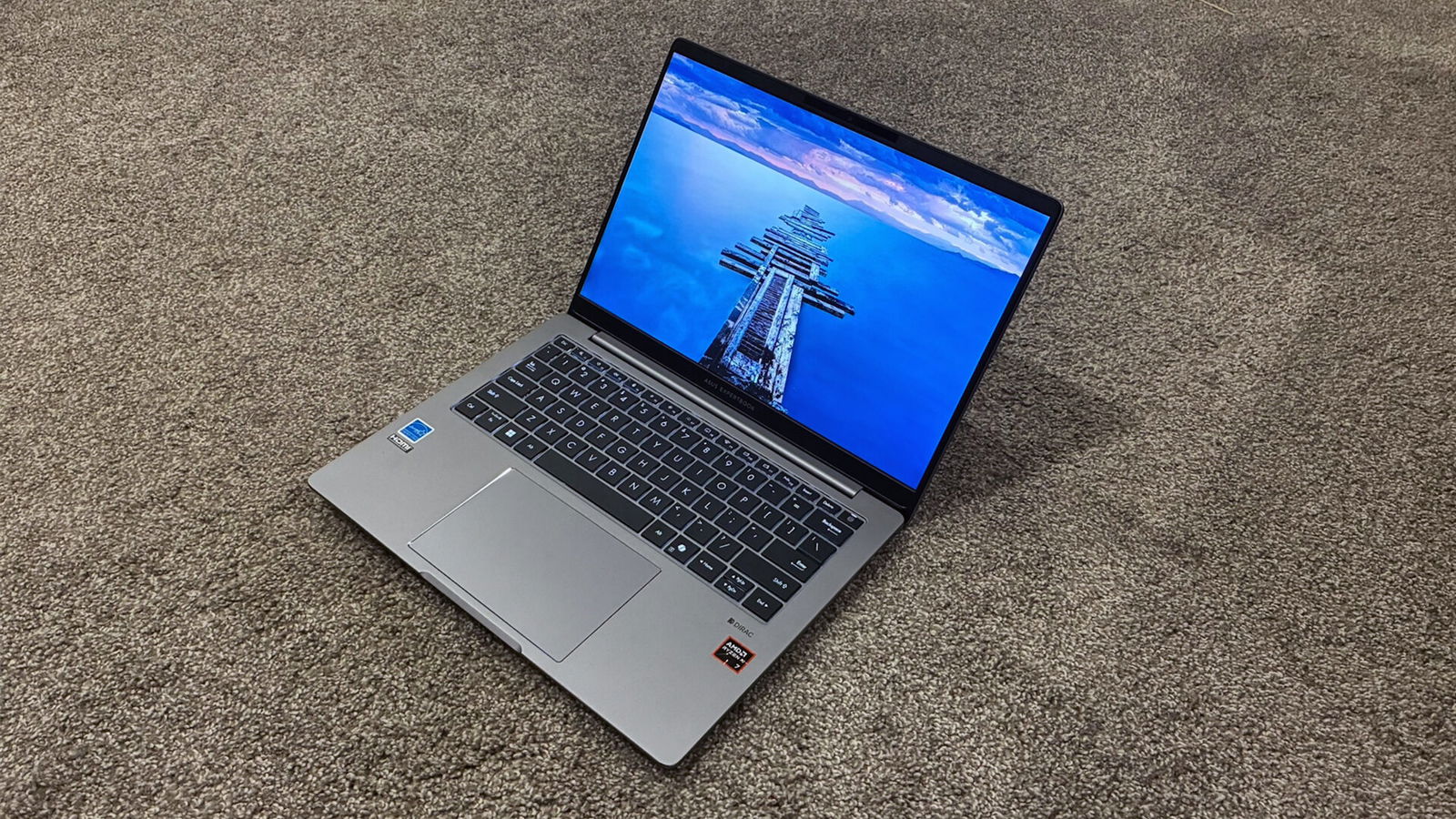
In Cinebench R23, where laptops equipped with Intel Core 7 processors typically score between 10,000 and 11,000 points, the ExpertBook P3 achieved an impressive 14,631 points. That result puts it close to some gaming laptops I have tested this year. It also represents a gain of more than 4,000 points over last year’s ExpertBook P5.
Geekbench was the next test, and once again the ExpertBook P3 delivered results well ahead of its predecessor and any other thin-and-light laptop I have tested so far. It posted a single-core score of 2,874 and a multi-core score of 13,288.
Pushing the system further, I tested several modern AAA games, including Cyberpunk 2077. With settings adjusted appropriately, the in-game benchmark averaged 55-60 frames per second, even at the high preset. Grand Theft Auto V produced similar results, despite running at maximum settings. Gaming is not the primary focus of a laptop in this category. Still, having the ability to run demanding software, or enjoy the occasional game while travelling, adds welcome flexibility to the overall package.
During gaming sessions, the fans were consistently audible. They were not overly loud or distracting, even when the laptop was used in a quiet room or late at night while others were sleeping. Temperatures also remained well controlled, which is more than I can say for many other laptops with metal builds. At no point did I experience discomfort when using the ASUS ExpertBook P3 on my lap, even during gaming sessions that lasted several hours.
Battery Life
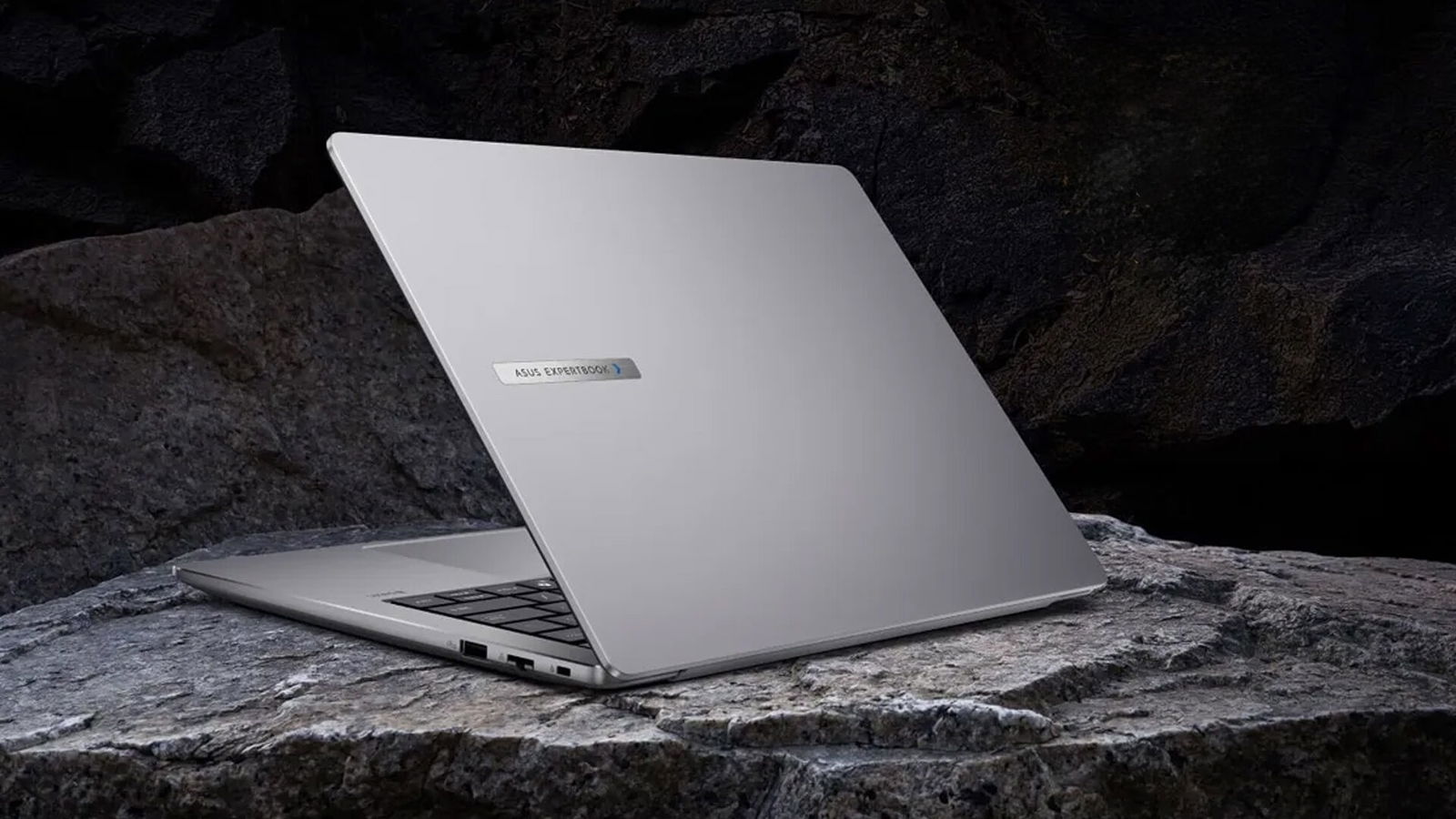
With this level of performance, one might expect battery life to suffer. Instead, ASUS continues to impress by equipping the ExpertBook P3 with what I believe is the largest battery found in a 14-inch thin-and-light laptop. With a generous 70-watt-hour capacity, it even surpasses the batteries found in some larger 15-inch gaming laptops. Among business-class laptops, this capacity stands out and gives the ExpertBook P3 a clear advantage over much of the competition.
“The ExpertBook P3 stands out as a strong long-term investment.”
During lighter workloads such as web browsing, writing emails or working on documents, I was able to achieve well over 12 hours of battery life on a single charge before needing to plug in. Many competing laptops tend to top out around the 12-hour mark, so this result was particularly impressive. It also meant I could comfortably spend a weekend away without worrying about carrying a charger. While watching videos continuously, the laptop still delivered more than 10 hours of playback time, which is well-suited for longer train rides or flights where access to a power outlet may be limited.
Upgradability
ASUS has earned additional credit from me for what can be serviced or upgraded on the ExpertBook P3. Many laptops in this size category typically offer only an upgradable solid-state drive and, in some cases, a replaceable Wi-Fi card. In business-class laptops, system memory is also often soldered directly to the motherboard.
In this regard, ASUS stands well apart from many competitors. The ExpertBook P3 allows users to install two internal NVMe solid-state drives and includes dual SO-DIMM slots, enabling memory expansion up to 64 GB if required. My review unit was equipped with 32 GB of RAM, which should be more than sufficient for most users and the majority of workloads this laptop is designed to handle.
Adding further value, ASUS has made battery replacement exceptionally straightforward. The battery can be removed without the use of tools, making servicing faster and safer for technicians and users alike. This is a feature I wish more manufacturers would adopt, as it reduces downtime and simplifies maintenance for laptops used regularly in the field or on the move.
ASUS has delivered an outstanding result with the ExpertBook P3. Having this level of performance in a laptop that also feels premium was already impressive. The ability to further extend its capabilities through meaningful hardware upgrades is even more notable, particularly in a thin-and-light design.
With pricing that remains accessible for students, business users and professionals, the ExpertBook P3 stands out as a strong long-term investment. It is a laptop that deserves serious consideration from anyone looking for a reliable, high-performing system built to remain relevant for years to come.