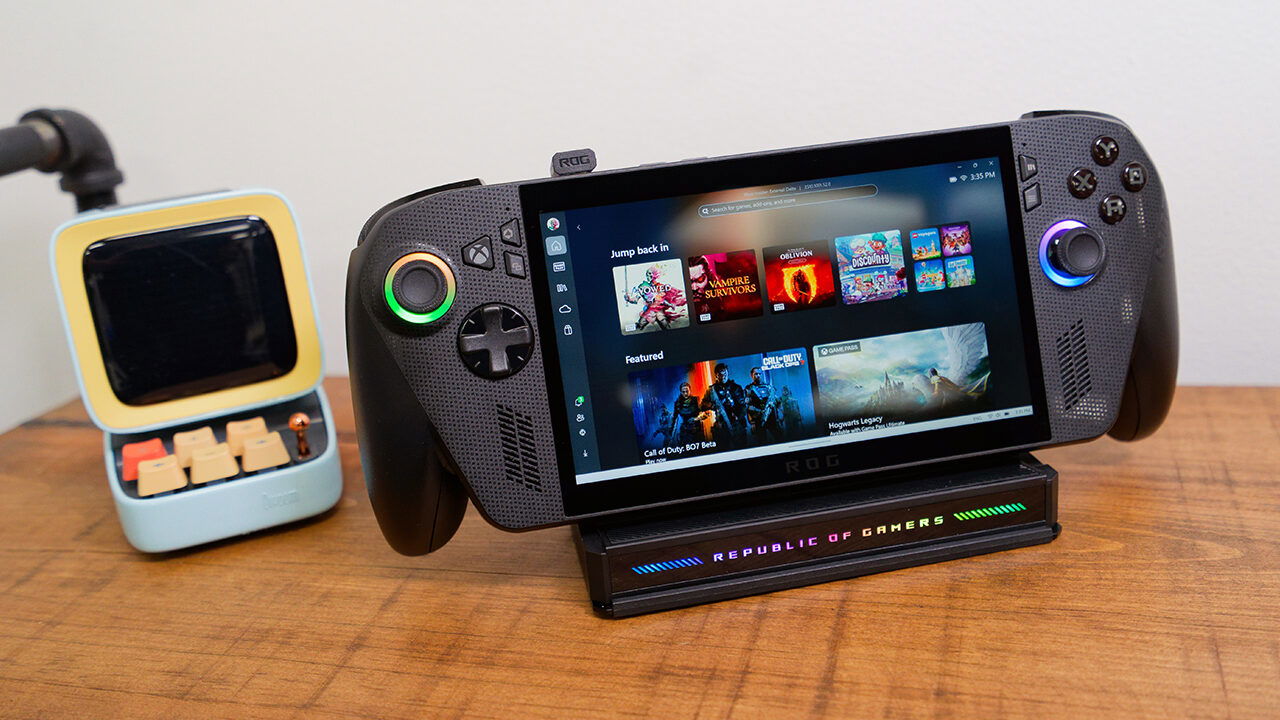


With the release of the new ROG Ally range, ASUS also put out a new doc that is made to make the most out of your new gaming handheld. The ASUS ROG Bulwark Dock DG300 is a compact hub for gaming handhelds and laptops, designed for users who want to plug in once and get a full desktop-style setup without fuss.
Like many docks we have seen in the past few years, the Bulwark expands a single USB-C to handle power, display output and data, turning a portable machine into something that can sit comfortably on a desk with a monitor, ethernet and a small pile of peripherals. The result is a dock that feels squarely targeted at devices like the ROG Ally line, but it stays open enough to work with other USB-C systems as well, all in the unmistakable ROG style.
Unboxing the Bulwark Dock, and you will find a clean, low-profile, rectangular shell with ROG’s usual angular lines and subtle lighting, clearly meant to blend into a gaming setup without drawing too much attention. A transparent flip cover doubles as a rest for handhelds, with a rubberized surface to keep them from sliding around when the desk gets busy. The dock’s housing is built to feel solid enough for travel, and the 90-degree USB-C cable is reinforced and tested to handle repeated bending, which matters when the dock gets plugged in and out often.
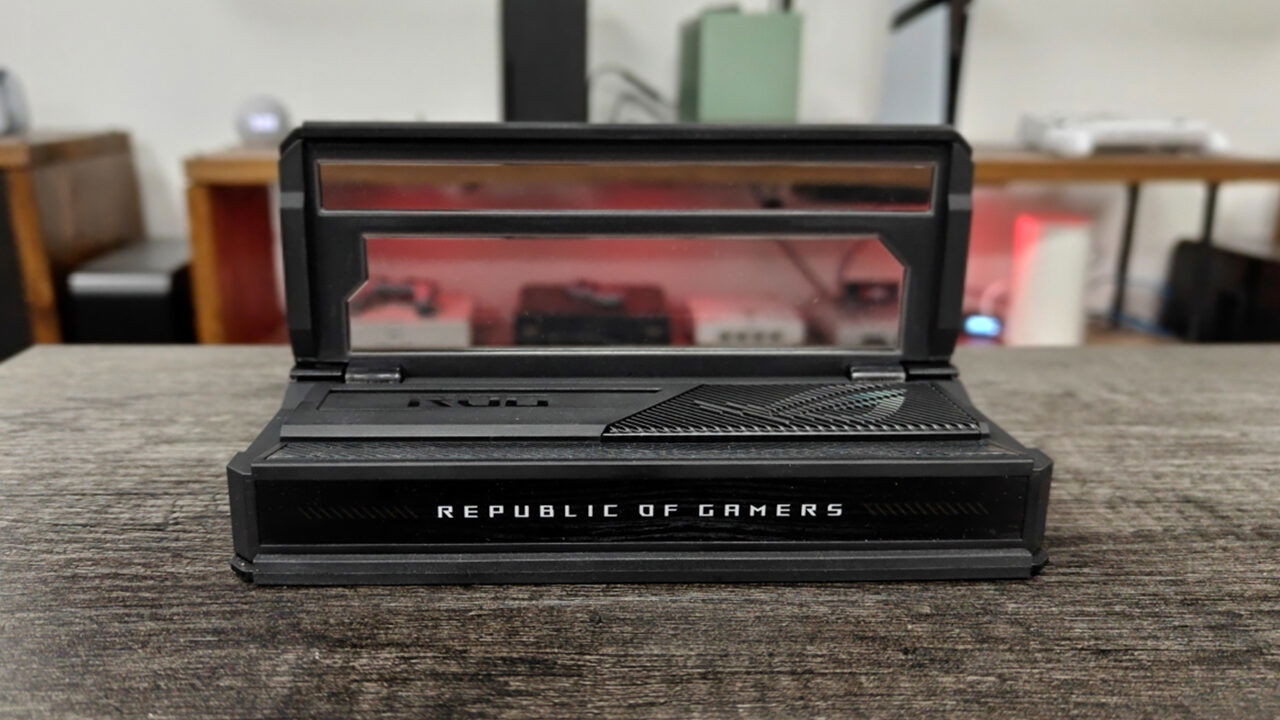
The Bulwark feels designed for a range of uses, but clearly with the ROG Ally range in mind, making it easy to drop most handhelds. The adjustable cover lets the dock act as a mini-stand, providing some angle control when propping up a handheld or phone. There is also RGB lighting compatible with Aura Sync, so the dock can slot into an existing lighting scheme without extra software issues or installs. None of these changes performance, but it does make the dock feel less like a plain office accessory and more at home next to a gaming handheld, mechanical keyboard and headset stand.
The ASUS ROG Bulwark DG300 offers a 7‑in‑1 dock built around a USB 3.2 Gen 2 Type‑C upstream port that handles both data and power from the host device. On the output side, ASUS includes an HDMI 2.1 port, three USB‑A ports, Gigabit Ethernet and a 3.5‑millimetre audio jack. Depending on region and model, some listings also mention SD and microSD card readers and dual USB‑A 3.2 ports rather than three, but the basic idea remains the same: one cable in, a desk’s worth of connections out, making it easy to expand a mobile device to an easy-to-use desktop setup.
The HDMI 2.1 connection supports resolutions up to 4K at 144 Hz, or 8K at 30 Hz, with variable refresh rates where supported, which lines up well with modern gaming monitors and TVs. That level of bandwidth gives handhelds like the ROG Ally room to drive an external display at higher refresh rates than the device’s own built‑in panel, assuming the game and hardware can keep up. The Gigabit Ethernet port offers a wired option for online play or game downloads, which can feel like a real upgrade when compared to spotty Wi‑Fi in apartments or shared spaces.
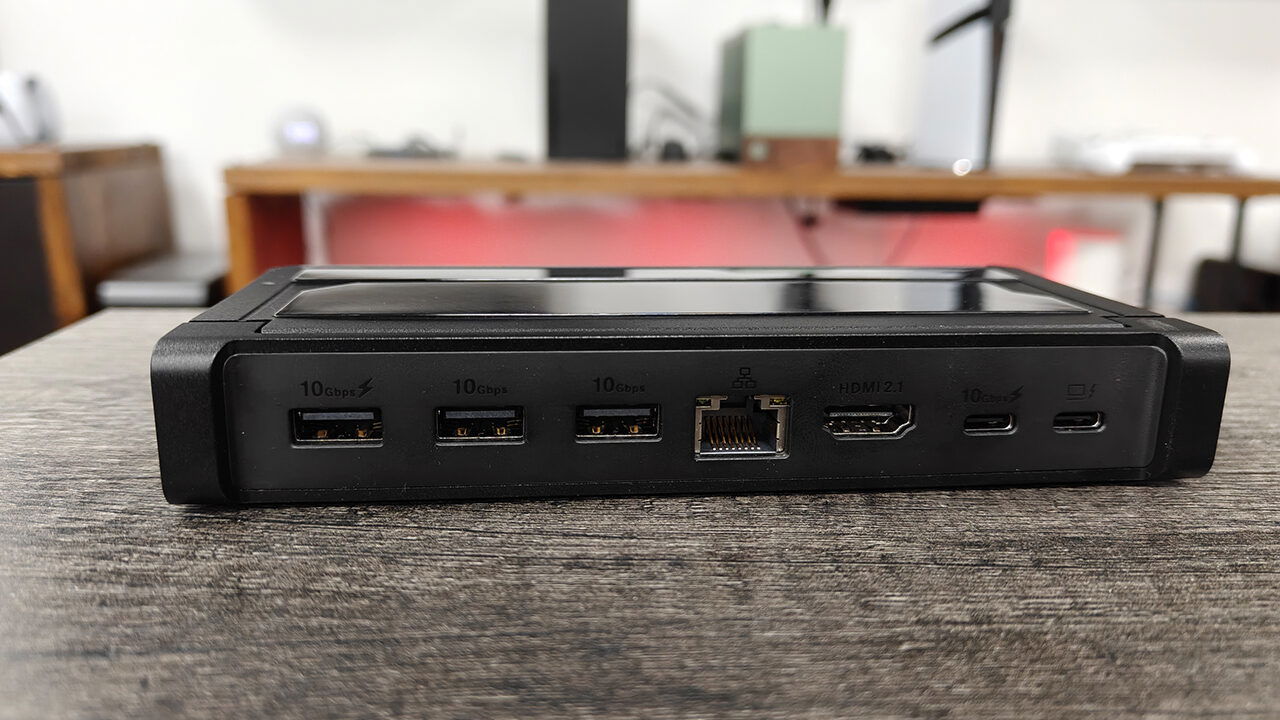
Through USB Power Delivery, the Bulwark Dock can pass up to 100 watts of power back to the host device, adjusting automatically based on what the connected system can accept. That is enough to handle most gaming handhelds and many thin‑and‑light laptops, though larger gaming notebooks may still draw more from their own dedicated power adapters. Data throughput on the USB ports reaches up to 10 gigabits per second, which is fast enough for external SSDs, capture cards and other higher‑bandwidth accessories that benefit from more than basic USB speeds.
“The ROG Bulwark Dock DG300 is a compact hub for gaming handhelds and laptops, designed for users who want to plug in once and get a full desktop-style setup without fuss.”
Because the dock relies on the host device for much of the heavy lifting, its job is to stay out of the way, moving packets and video frames without adding noticeable lag. With testing, this promise is true, with there being no issues with the overall experience, even under load, with the casing staying within reasonable temperatures and no active cooling to add fan noise to a gaming setup. For people juggling downloads, external storage and a second screen, that predictability can matter more than raw benchmark numbers.
ASUS pitches the DG300 as a match for ROG Ally and Ally X handhelds, as well as the newer ROG Xbox Ally devices, but it also works with smartphones and laptops that support DisplayPort Alt Mode over USB‑C. That flexibility makes it a candidate for anyone who wants a simple desk solution for a work‑and‑play machine, or a way to move between couch gaming and a more conventional monitor and keyboard setup. Content creators can tap into the extra ports for microphones, external drives and wired internet, while still keeping a small footprint on the desk.
It is worth noting, however, that while the DG300 works with many handheld and portable gaming devices, it does not support the Nintendo Switch 2. In testing, the system did not recognize the dock as a valid display source. This is an important consideration for anyone looking for a single dock to support devices beyond the ROG Ally family.
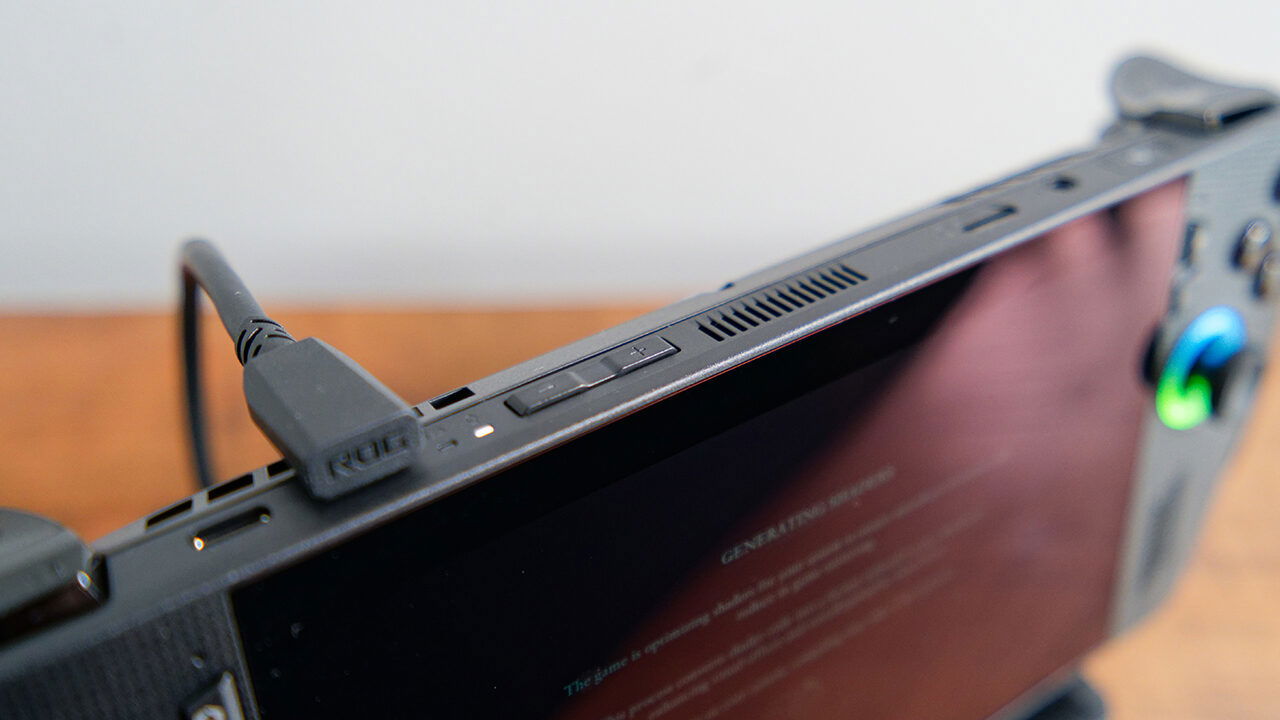
Another detail to keep in mind is that many retail configurations of the Bulwark Dock do not include a dedicated power brick, leaving buyers to pair it with a compatible 100‑watt USB‑C charger. That adds to the total cost and means checking compatibility, especially for users coming from older laptops with barrel‑style adapters. There are also the usual caveats that performance will depend on the host device’s USB‑C implementation, so not every system will deliver the same mix of display and data over a single cable.
The ROG Bulwark Dock DG300 lands as a focused accessory for people who want their gaming handheld or lightweight laptop to pull double duty at a desk, without dragging in a full‑sized dock or gaming hub. With HDMI 2.1 support, 100‑watt USB‑C power, multiple USB‑A ports, Ethernet and audio in a compact shell, it covers the main bases for gaming, streaming and everyday use. As long as buyers account for the external power adapter and check that their device can take advantage of the bandwidth on offer, the dock slots neatly into ROG’s ecosystem while still leaving room for more general USB‑C setups.