

Insta360 has a foot firmly planted at the top of the mountain with their webcams, offering both PTZ and static webcams with amazing quality and controls. The company has announced its newest line of webcams: the Insta360 Link 2 Pro and Link 2C Pro. Both offer some significant upgrades, and with Insta360’s added gimbal technology, is the Insta360 Link Pro 2 the new standard for content creators?
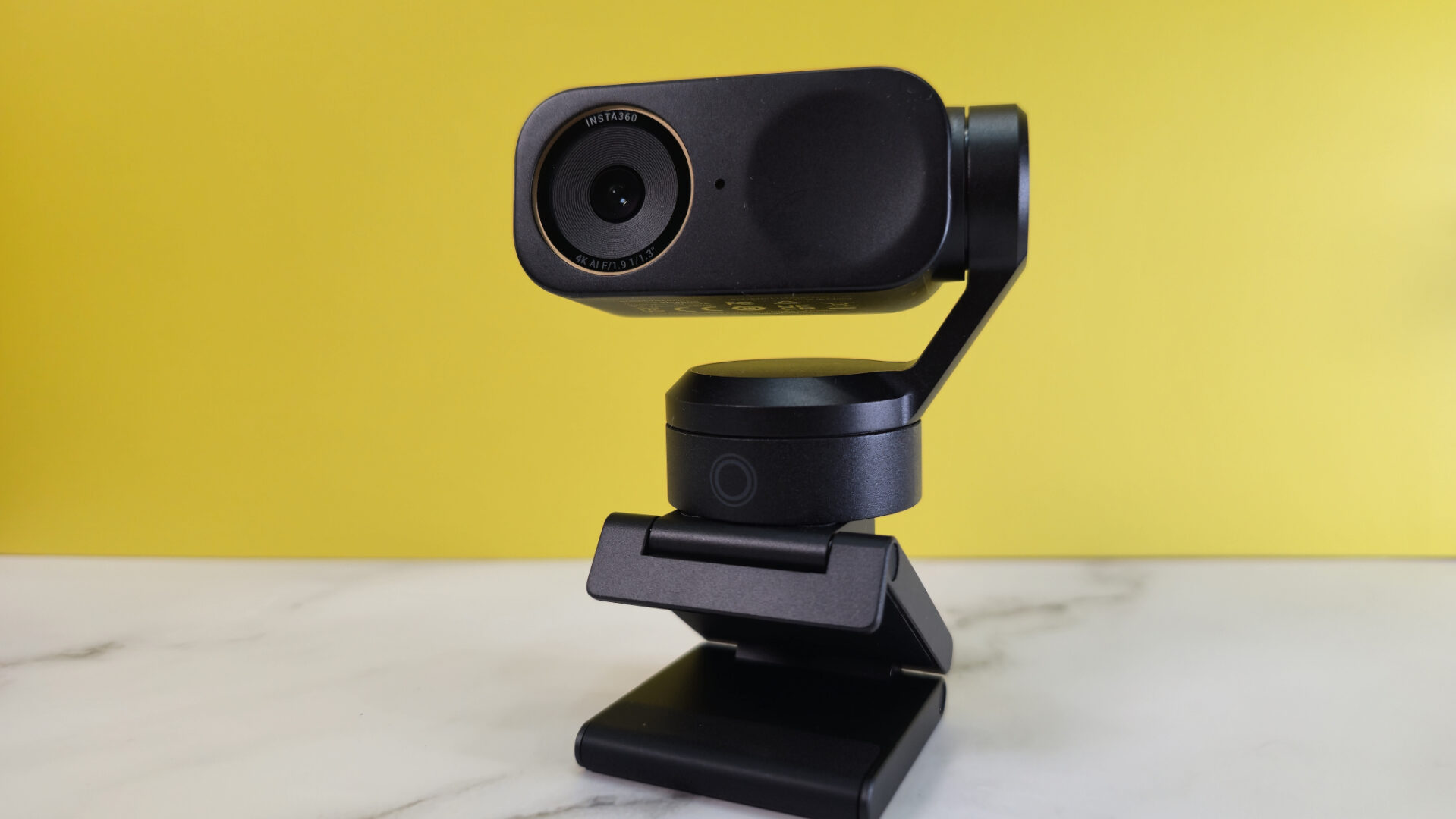
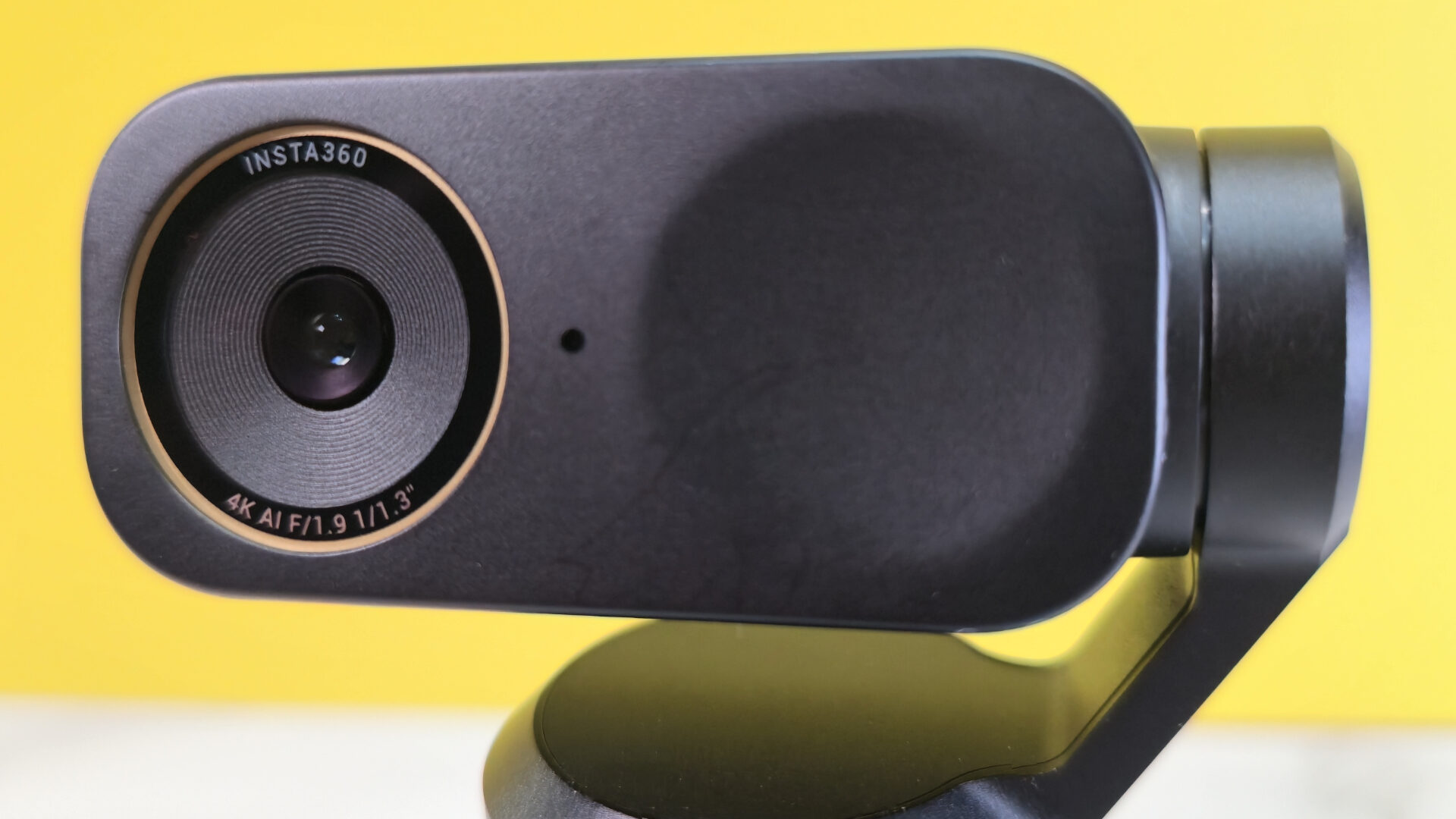
In the box, you’ll find the Insta360 Link 2 Pro, a 2-axis magnetic monitor mount, a 1.5m USB-C cable, a USB-C to USB-A cable and the documentation. The Link 2 Pro has a built-in dual microphone, a 1/1.3” sensor (up from the original Link 2’s 1/2” sensor), and a 24mm equivalent focal length, providing an 83.9-degree field of view (compared to the Link 2’s 26mm focal length and 79.5-degree field of view).
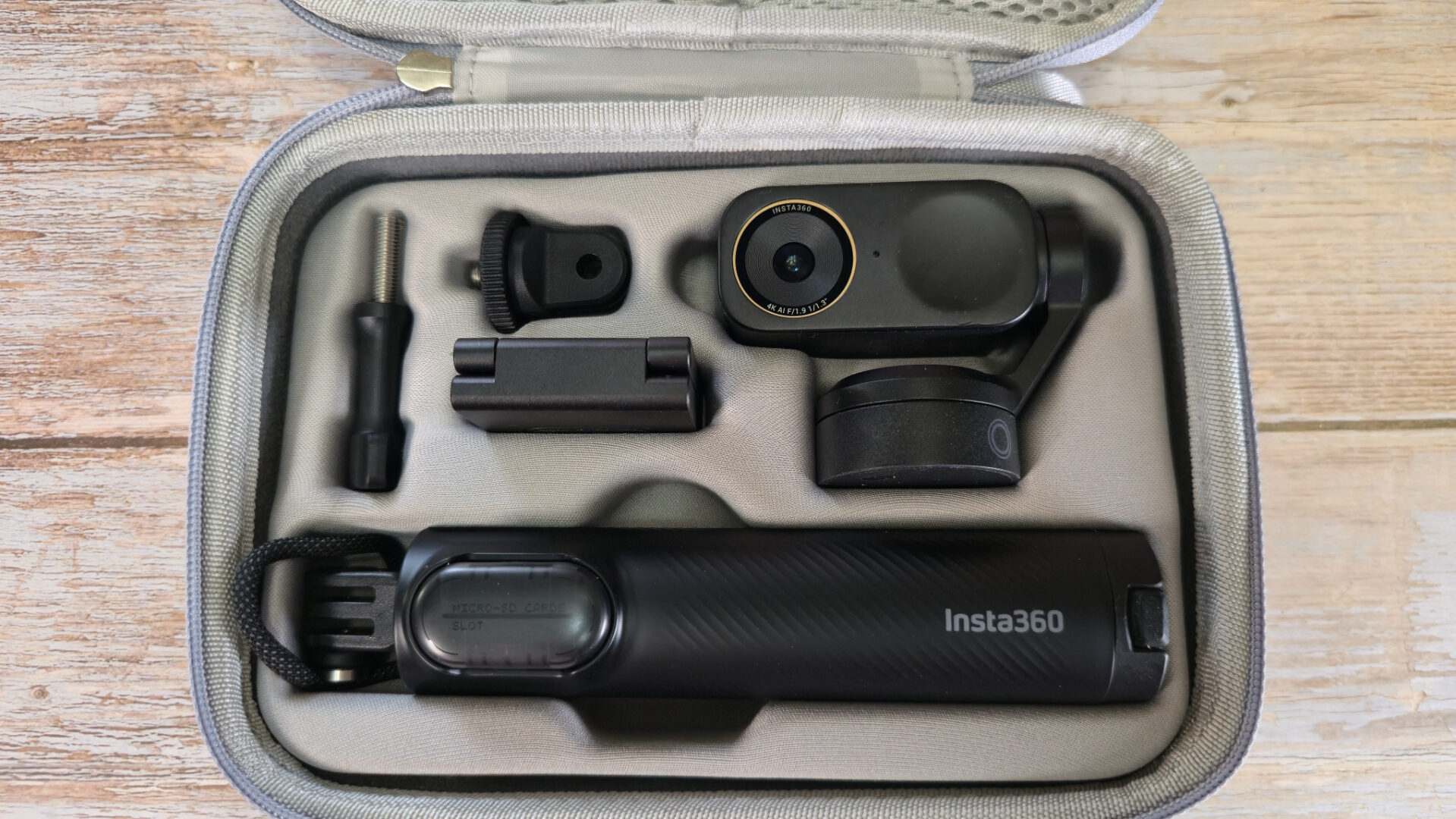
The monitor mount for the Insta360 Link 2 Pro is your standard fare with 2 points of axis, one to mount to the monitor and one to tilt the camera for finer adjustments. The bottom of the mount has a 1/4” thread to mount on an arm or tripod, making it mountable for virtually any use case.
The Insta360 Link 2 Pro shoots up to 4K/30fps or 1080p/60fps. The camera is capable of shooting in a low bandwidth mode, which shoots at 360p/30fps. It seems like a waste of a good camera, but there may be some scenarios where your internet would otherwise compromise a higher resolution, and this can be a solution to that.
The Insta360 Link 2 Pro’s image is fantastic. With an f/1.9 aperture, it delivers a good picture even in low light, especially with HDR enabled, but a well-lit Insta360 Link 2 Pro delivers amazing colour and detail across the board. You can always make adjustments if you are looking for a specific look from your camera, but in most cases, you should have no problem going straight to broadcast right out of the box.
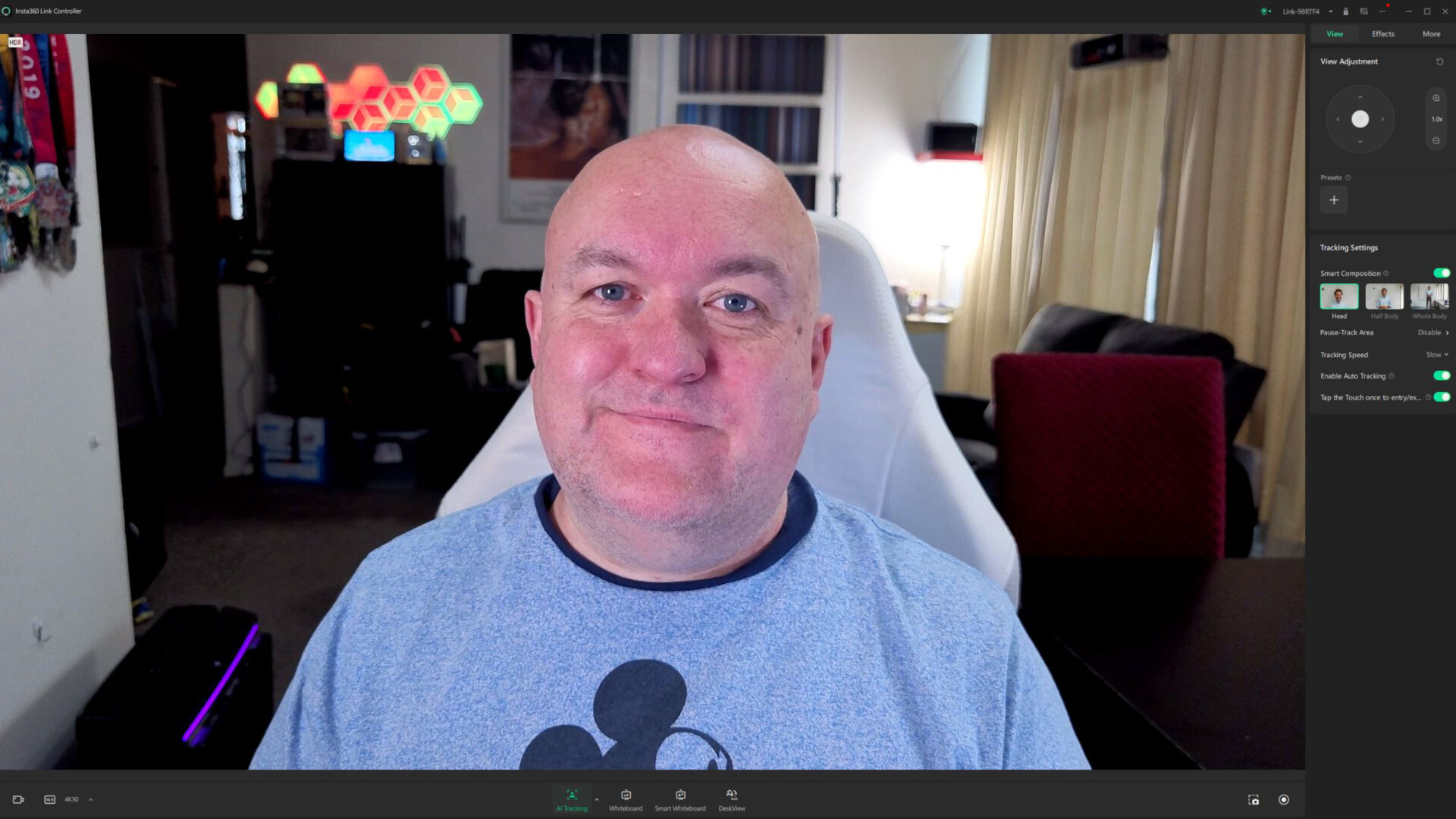
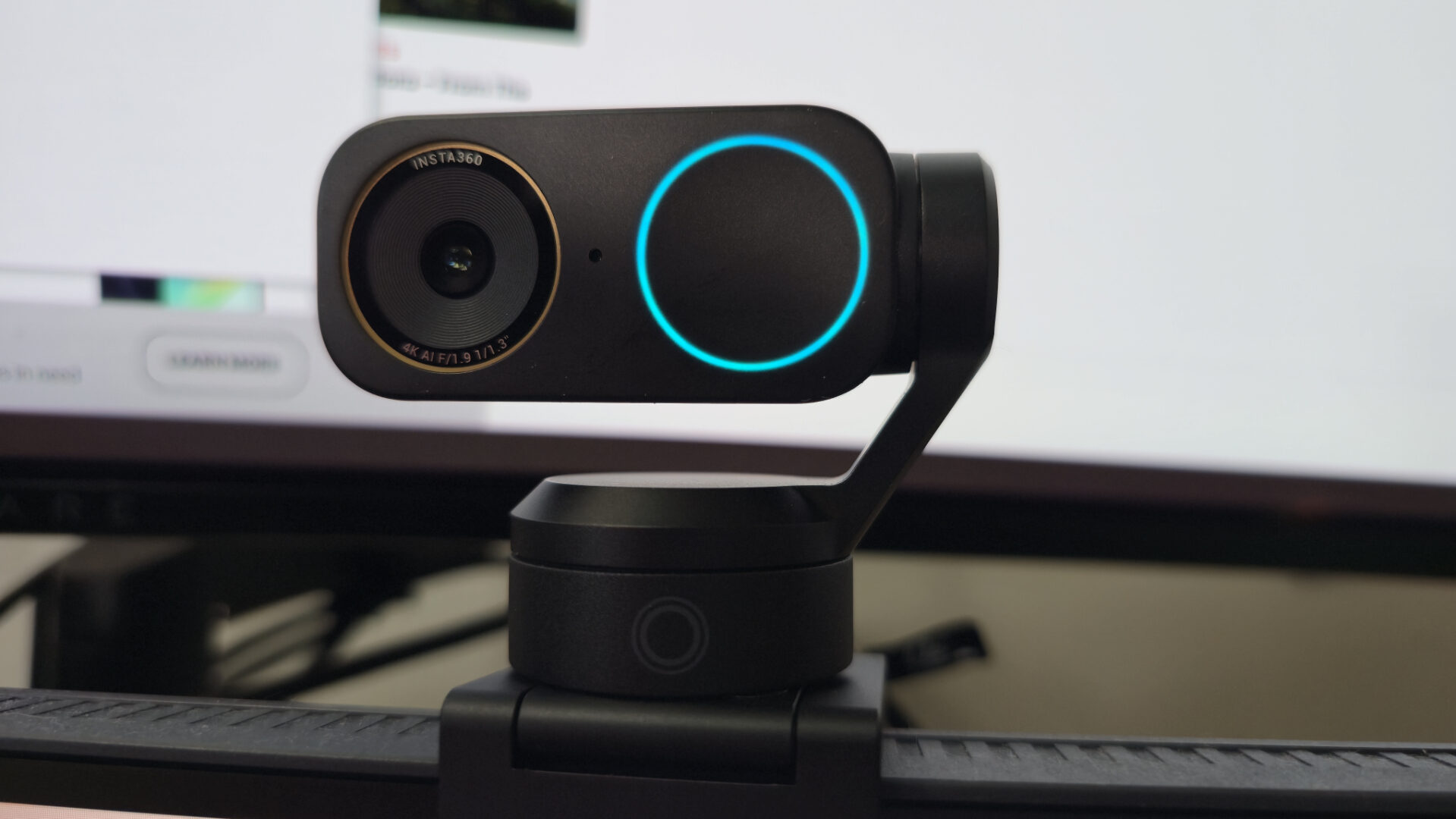
Tracking is obviously one of the most important features of the Insta360 Link 2 Pro. The gimbal flows like water as it follows you around the room. As a hand talker, I do have issues with the gestures turning tracking on and off when I don’t want it to, but they’ve truly thought of everything with the camera’s ability to enable tracking with a single press of a capacitive button on the Link 2 Pro itself. That way, I can turn off the gesture in the app, but not lose the ability to track if I want to.
“The Insta360 Link 2 Pro’s image is fantastic.”
Speaking of the software, the Insta360 Link Controller handles the controls for all of their webcams, including the Insta360 Link 2 Pro. The app controls the gimbal (when tracking is not already doing that) and many of its features, including how much of your body gets tracked, be it the head, half-body or whole-body. The software also features the ability to adjust the exposure, colour temperature, and focus, as well as the basics, like brightness, contrast, etc.
You can add background blur, including an adjustable bokeh, to the Insta360 Link 2 Pro with the additional download of the app’s Virtual Camera. The background removal only works with PC’s with NVIDIA GPUs. They will not work with AMD graphics cards. It’s not the best background removal that I have seen, definitely not as clean as NVIDIA Broadcast offers, but you can always apply it outside of Insta360’s software. To get the best look, select the bokeh and back it off until you can’t see the line around your head and body so clearly.
Virtual backgrounds are also available if you choose to hide the space you are in, and if you choose to hide the face you are in, there are makeup filters in the software that will soften your look and add blush, lipstick, eyeliner and more. I don’t know that these filters will replace your own makeup routine (if you have one), but it’s cool that they are there.
The Insta360 Link 2 Pro has a number of modes that are pretty familiar to people who have worked with PTZ webcams. In addition to the tracking, you can set up scenes where you move the camera wherever you want and save them as presets. The whiteboard setting will lock in on a whiteboard and keep it properly framed, so you can make a presentation, and a smart whiteboard will enhance what you are looking at in the case of faint writing. Desktop view turns your camera into a top-down camera without having to hover it over your desk.
The Insta360 Link 2 Pro is also compatible with InSight, Insta360’s AI service that can transcribe and summarize your conversations and so much more, which can be found on their website. They give you 300 minutes for free, but charge for any additional use. The Link 2 Pro was also demonstrated at CES with Stream Deck controls, bringing the features of the camera to the forefront without having to control it from the software, but the software was not made available for this review.
At $249.99 USD, the Insta360 Link 2 Pro comes in at $50 more expensive than the original Link 2, but that comes with a much larger sensor and better field of view. It is a worthwhile upgrade on those specs alone. If the gimbal doesn’t mean all that much to you or your content, the Insta360 Link 2C Pro is also $50 cheaper, and you get all the imaging specs. In all, the Insta360 Link 2 Pro is a complete package for any kind of creator or professional. It’s a solution to problems you may not even realize that you have, and it delivers a beautiful image.