

The OnePlus Pad Go 2 is the latest iteration of the well-received Pad Go series. Featuring updated specs, a larger screen and better battery capacity, the new Pad Go 2 aims to provide the solution for everyday tablet users. Whether looking for an everyday productivity tablet, sketching and note-taking powerhouse, or a content streaming machine, OnePlus strives to balance function and longevity in the latest model of the Pad Go series.
There are a couple of notable design updates from OnePlus’ first Pad Go release to note. For starters, the Pad Go 2 is slightly larger and heavier than its predecessor. Measuring 10.43 inches x 7.48 inches, it is slightly larger all around than the Pad Go’s 10.04 inches x 7.40 inches. This rings true for weight as well, with the Pad Go 2 weighing 1.315 lbs, slightly heavier than the original’s 1.17 lbs.
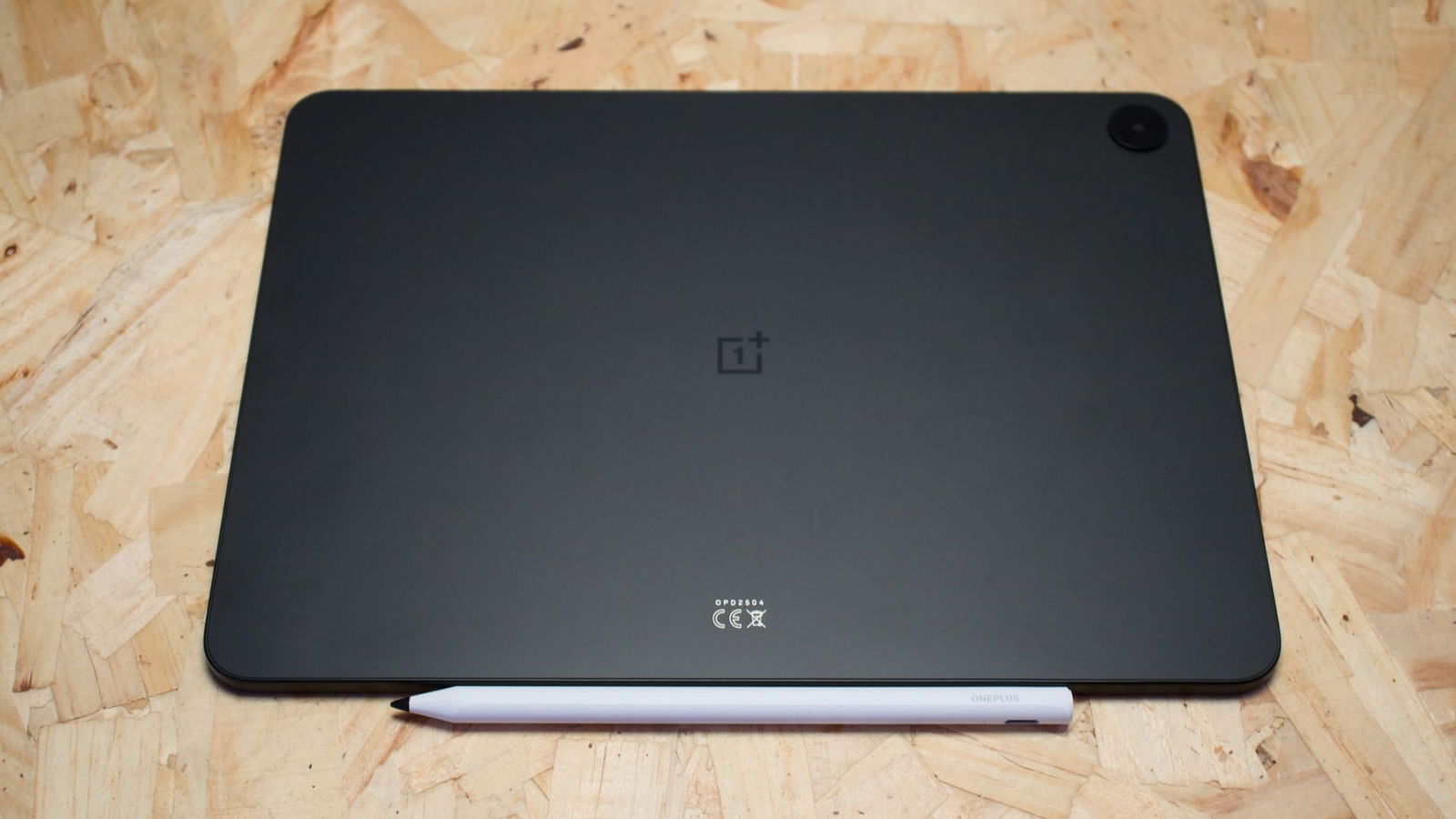
Looking at the Pad Go 2, OnePlus has refreshed the design in subtle but meaningful ways. The rounded edges of the original model are gone, replaced by cleaner, sharper lines throughout. The camera has also been repositioned from the centre to the upper right corner on the back of the device when held in portrait orientation. The two-tone texture seen on the original Pad Go has been replaced with a unibody matte finish, a design choice that gives the tablet a more refined appearance.
Overall, the Pad Go 2 looks sleek and professional, aligning it more closely with the design language of premium tablets. One notable omission, however, is a microSD expansion slot. This is disappointing, particularly since the review unit’s internal storage is capped at 128 GB. For all the updates and refinements made here, the lack of expandable storage feels like a step backward.
“The overall look of the Pad Go 2 feels sleek and clean, offering a professional look, in line with many premium tablets.”
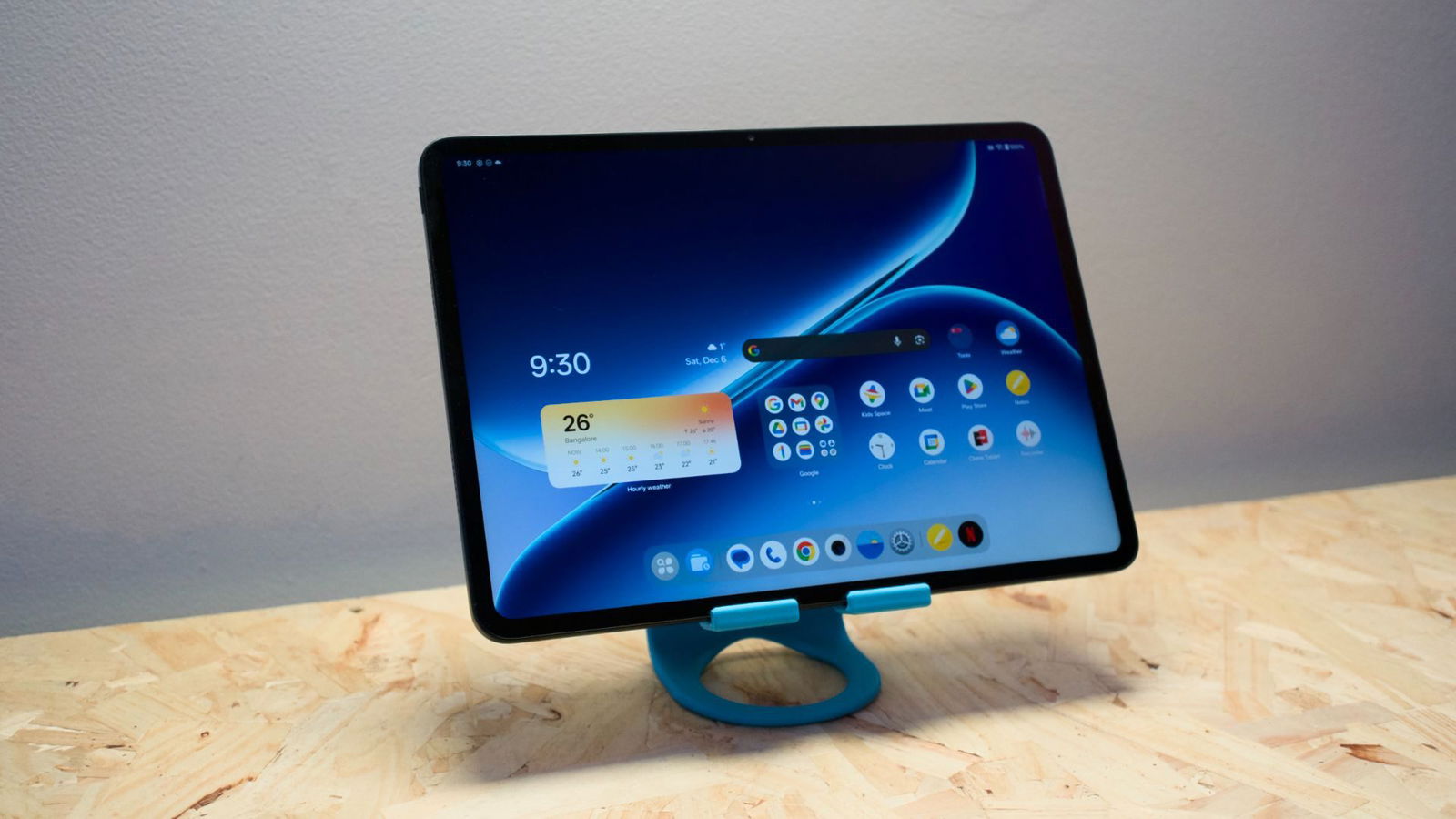
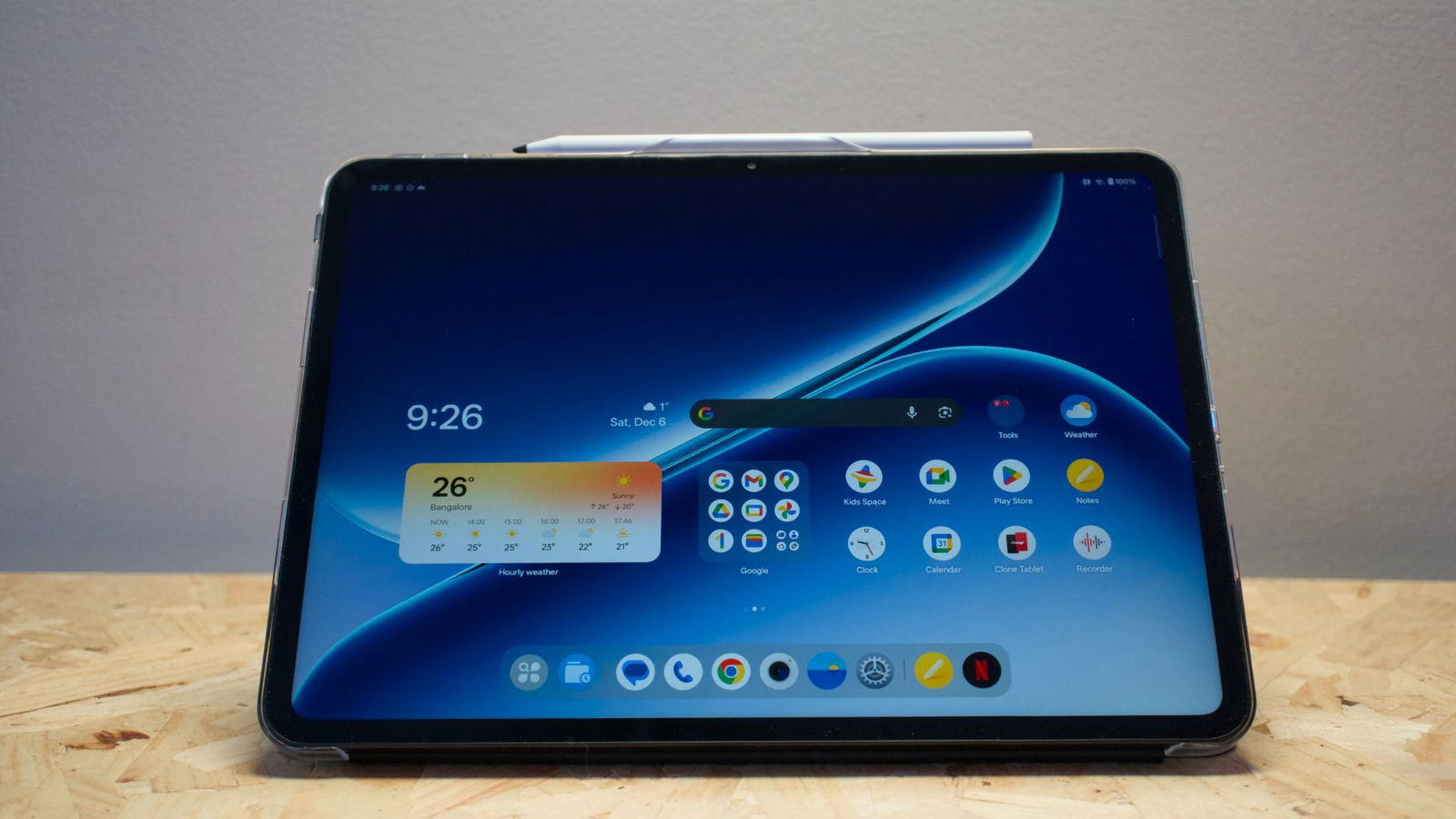
The screen has seen a nice refresh with this latest iteration, featuring a beautiful 12.1”, 900 nit IPS LCD. Along with the increased size (11.35 vs 12.1) and nit count (400 vs 900) over the original, the Pad Go 2 also features a much higher refresh rate of 120 Hz over the original’s 90 Hz. This translates to a much richer and smoother viewing experience, perfect for content streaming and productivity.
It is worth noting that the display features a 7:5 aspect ratio with a 2.8K resolution and 284 pixels per inch, all slight improvements over the original Pad Go. The display-to-body ratio has also increased, rising to 88.5 per cent from the Pad Go’s 82.6 per cent. Despite not using OLED technology, the Pad Go 2’s screen looks excellent for both content consumption and productivity.
That strength carries over to multitasking. Split-screen and floating window features work particularly well thanks to the 12.1-inch display, making it easy to work with multiple apps at once. Performance remains smooth, and setup is intuitive. OnePlus’ OxygenOS also integrates artificial intelligence features in a practical way, adding useful quality-of-life improvements to everyday productivity tasks.
Internally, OnePlus has upgraded the processor from the original Pad Go’s Helio G99 to the Dimensity 7300 Ultra. This represents a clear improvement across the board. Benchmarks cited by nanoreview.net show the Dimensity 7300 Ultra outperforming the Helio G99 in every measured category. As a result, the newer chip offers a budget-conscious balance of performance and efficiency, handling everyday tasks with ease. Its lower power consumption compared with higher-end processors also makes it a strong fit for the Pad Go 2, which is designed to prioritize longevity and reliable day-to-day performance.
On Geekbench 6, the Dimensity 7300 Ultra performed largely as expected, scoring 1,000 in single-core testing and 3,059 in multi-core results. These numbers place the chip firmly in the budget category. That does not mean it is slow. On the contrary, the 7300 Ultra supports modern connectivity standards, including 5G, Wi-Fi 6E and Bluetooth 5.4.
Paired with OnePlus’ OxygenOS, the processor delivers a smooth user experience in testing, both for productivity and content consumption. While the 8 GB of physical RAM feels slightly lower than what I would prefer in a modern tablet, the Pad Go 2 can dynamically allocate up to an additional 8 GB of virtual RAM from internal storage during periods of heavier load.
In productivity testing, I had no trouble running multiple apps in both split-screen and floating window modes. Content consumption is similarly enjoyable on the Pad Go 2, thanks in part to the 12.1-inch display, but also to the four stereo speakers. They deliver a surprisingly full and loud soundstage for watching videos and listening to audio. For everyday productivity and media use, the Pad Go 2 is a smart and capable choice.
While not designed with high-performance gaming in mind, I would be remiss if I hadn’t tested the Pad Go 2 with some of the latest mobile titles available. While playable, performance will vary, to say the least. Diablo Immortal, for example, is quite playable at medium settings and can produce a solid 30FPS without issue. Bumping it up to 60FPS, though, can cause moments of FPS dips and lag spikes in heavily populated areas. So while light gaming is no issue for the Pad Go 2, adjust your expectations accordingly for heavier and more modern mobile titles.
The battery life on Pad Go 2, however, is quite impressive. With a larger capacity 10,050mAh battery, OnePlus’ latest iteration of the Pad Go can go the distance. This is a marked improvement over the Pad Go’s 8,000mAh battery and translates into some impressively long run times. In testing, I was able to achieve OnePlus’ spec of 15 hours of video playback. I ran the Pad Go 2 for just over 15 hours streaming at recommended settings via YouTube without issue. Even in everyday use testing, I’ve been running the Pad Go 2 all week and am just now charging it after 5 days of work.
“The battery life on Pad Go 2, however, is quite impressive. With a larger capacity 10,050mAh battery, OnePlus’ latest iteration of the Pad Go can go the distance.”
On that note, the Pad Go 2 also supports both 33W SUPERVOOC charging and reverse charging. When charging from the included 45W charger (finally a tablet that includes a charger), it takes around 2 hours to bring the Pad Go 2 from 0-100% charge. While not the fastest on the market, the large capacity battery means you will still have no problem getting through your day with plenty of battery to spare.
The camera of the Pad Go 2 is perhaps the most lacklustre of the hardware updates. Featuring both front and rear cameras, while there are no official specs at the time of writing, both record video at 1080p 30FPS and take decent pictures if needed. Nothing to write home about, persay, but the 1080p 30FPS is fine for video calls.
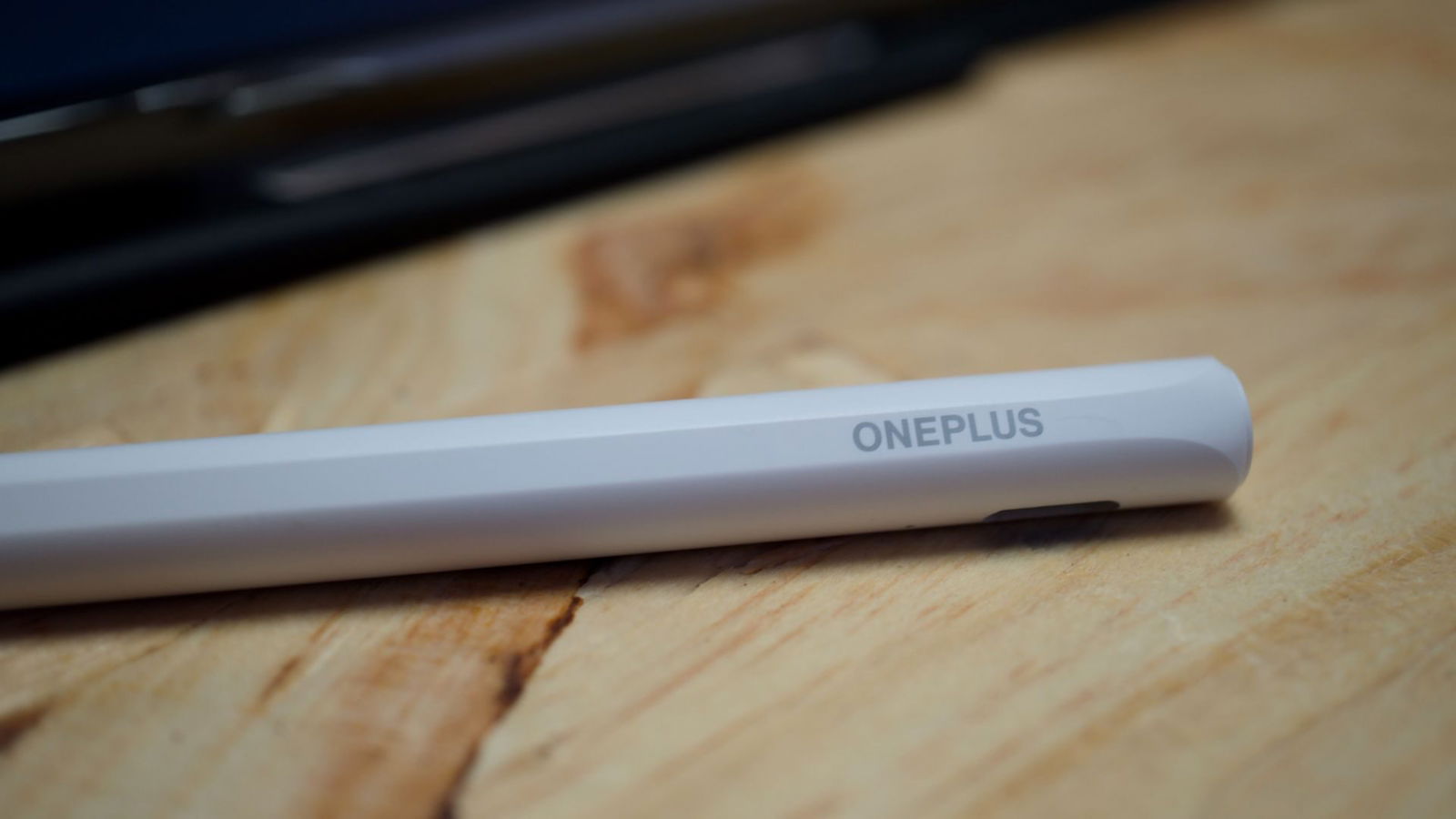
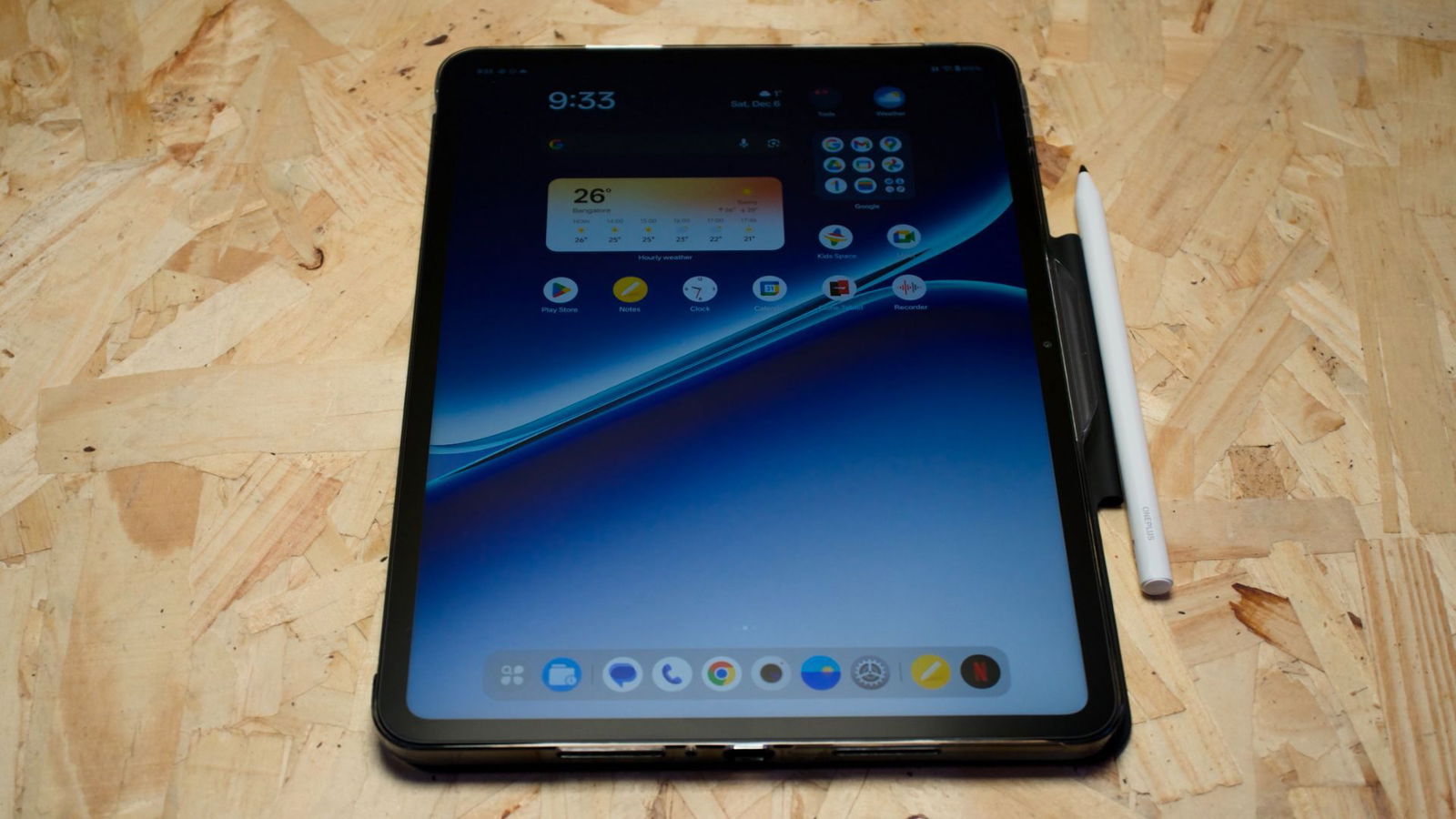
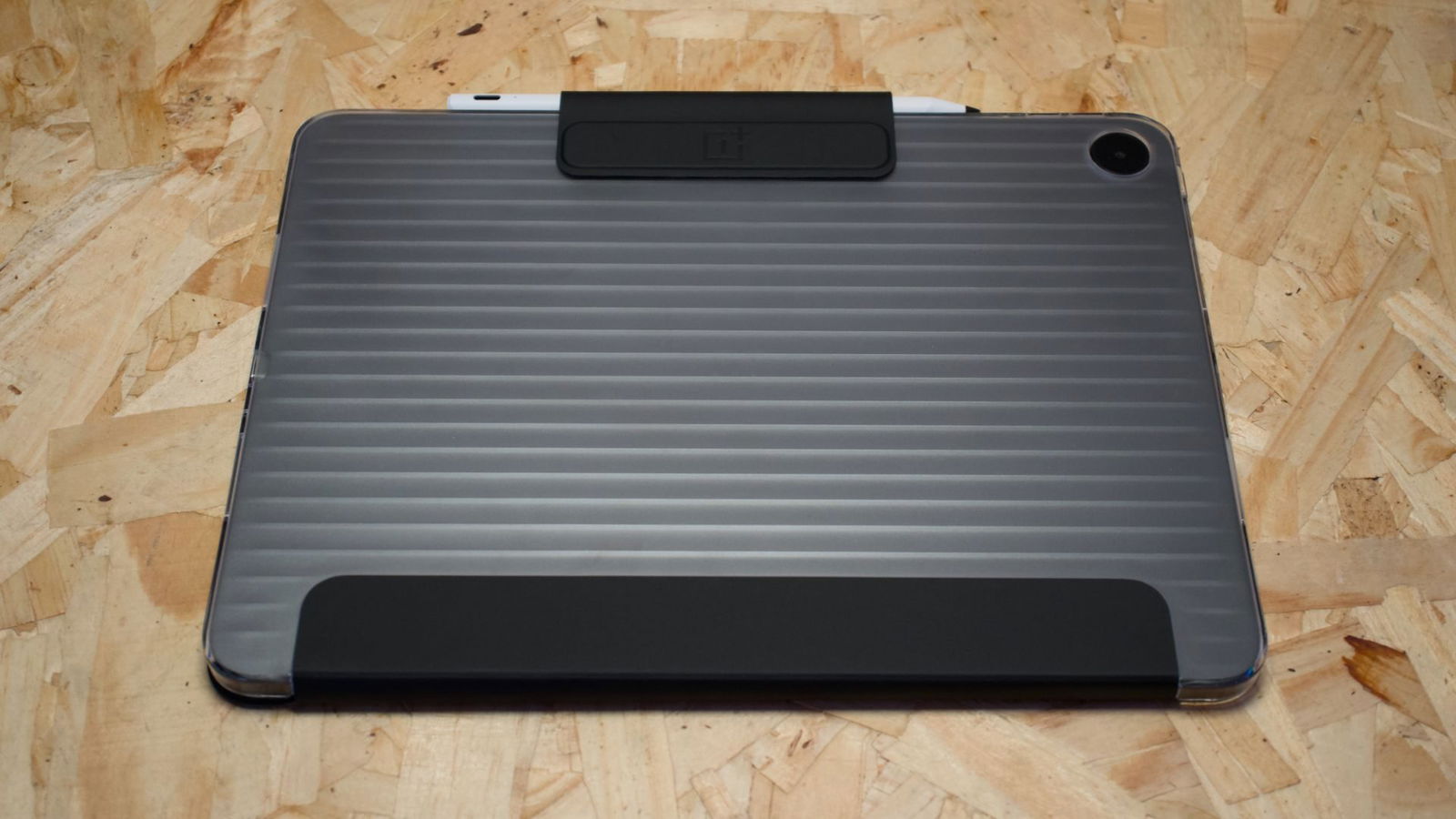
OnePlus included two accessories with Pad Go 2 that are worth noting. The first is a protective case that provides great coverage for the Pad Go 2. It doubles as a stand in landscape mode and includes a carry clip for the second accessory, the Pad Go 2 Stylo. This Stylo is a first for the product line.
Designed to provide a smooth and responsive pen-like experience, the Pad Go 2 Stylo works incredibly well. It feels similar to the iPad pencil when held and provides another level of productivity to the Pad Go 2. It comes with a second nub if needed, and syncs up to the Pad Go 2 seamlessly. The only critique I have of it is that it is USB-C charged instead of wireless. This feels like a missed opportunity, but considering the more budget-conscious design of the Pad Go series as a whole, it is a concession that makes sense.
The Pad Go 2 is a great tablet for everyday users. OnePlus has done a great job at refining key elements of both the design and hardware to provide a well-performing tablet. The Pad Go 2 is great for those looking to move from an entry-level tablet to one that will keep up with their daily tasks. If you are in the market for a solid tablet that won’t break the bank, the OnePlus Pad Go 2 is worth considering.