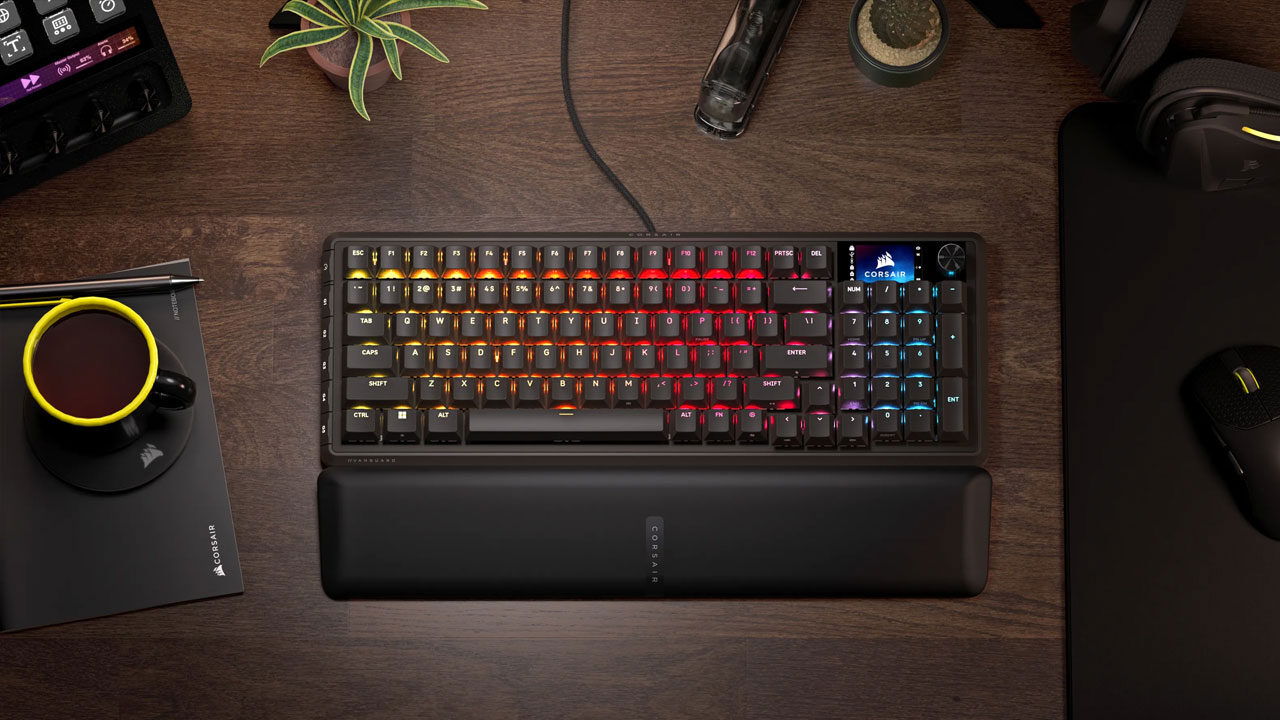


The Corsair Vanguard Pro 96 is the kind of keyboard that sneaks up on you. It’s a 96-key layout, which is a bit of a rarity in the mainstream market. You’ve got everything you’d expect from a full-size keyboard, including a numpad, only the keys are pulled in tight, trimmed of excess space. It’s not quite small, not quite full-size, but comfortably in the middle. For someone like me who likes having a numpad for spreadsheets or game keybinds, this felt like a great size fit.
Of course, it takes a minute to retrain your hands. The arrow cluster feels welded to the numpad, and a couple of keys sit just far enough off from a traditional layout to mess with your muscle memory in the first day or two. But once you adapt, it’s hard not to appreciate the efficiency of it.
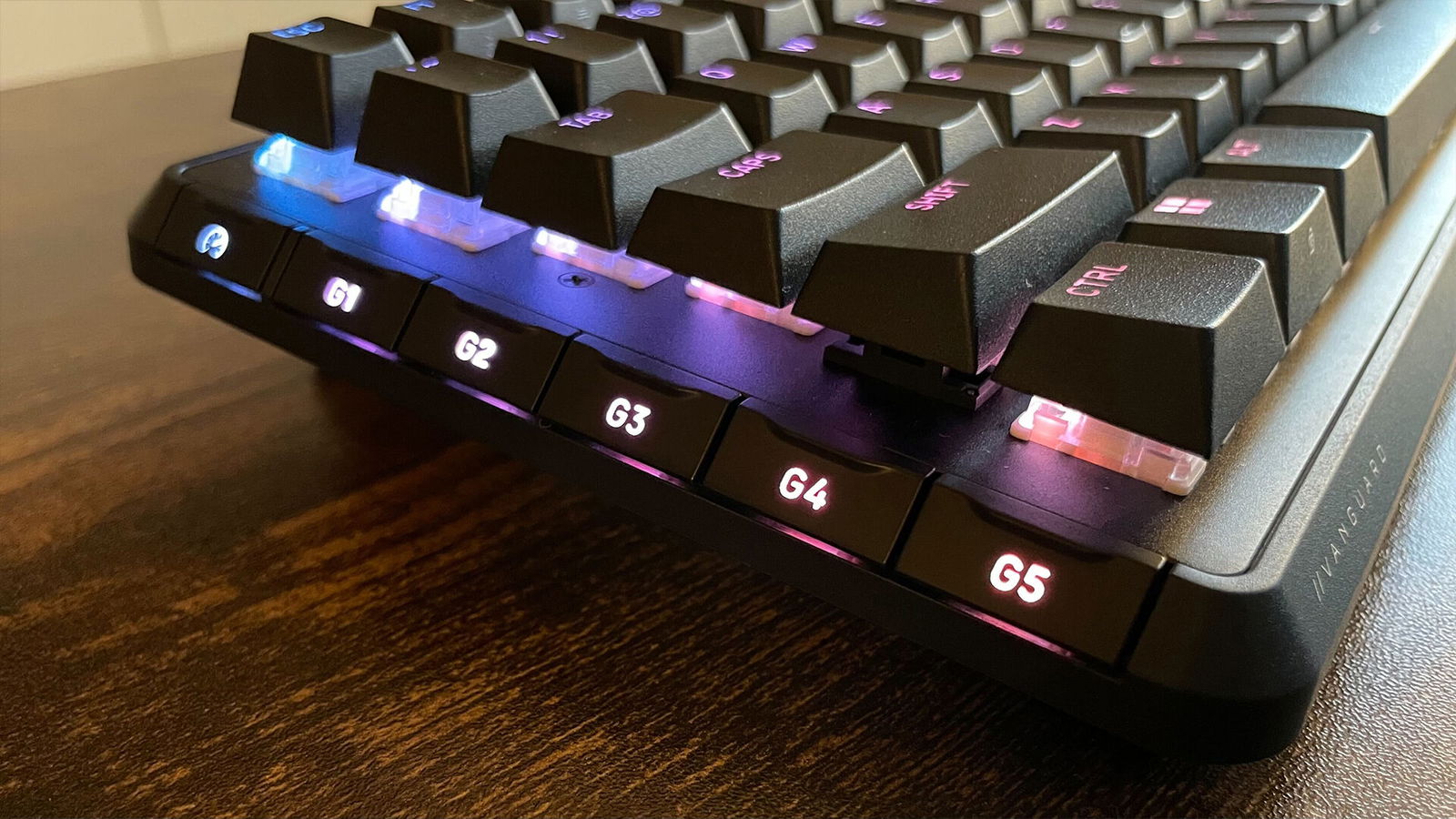
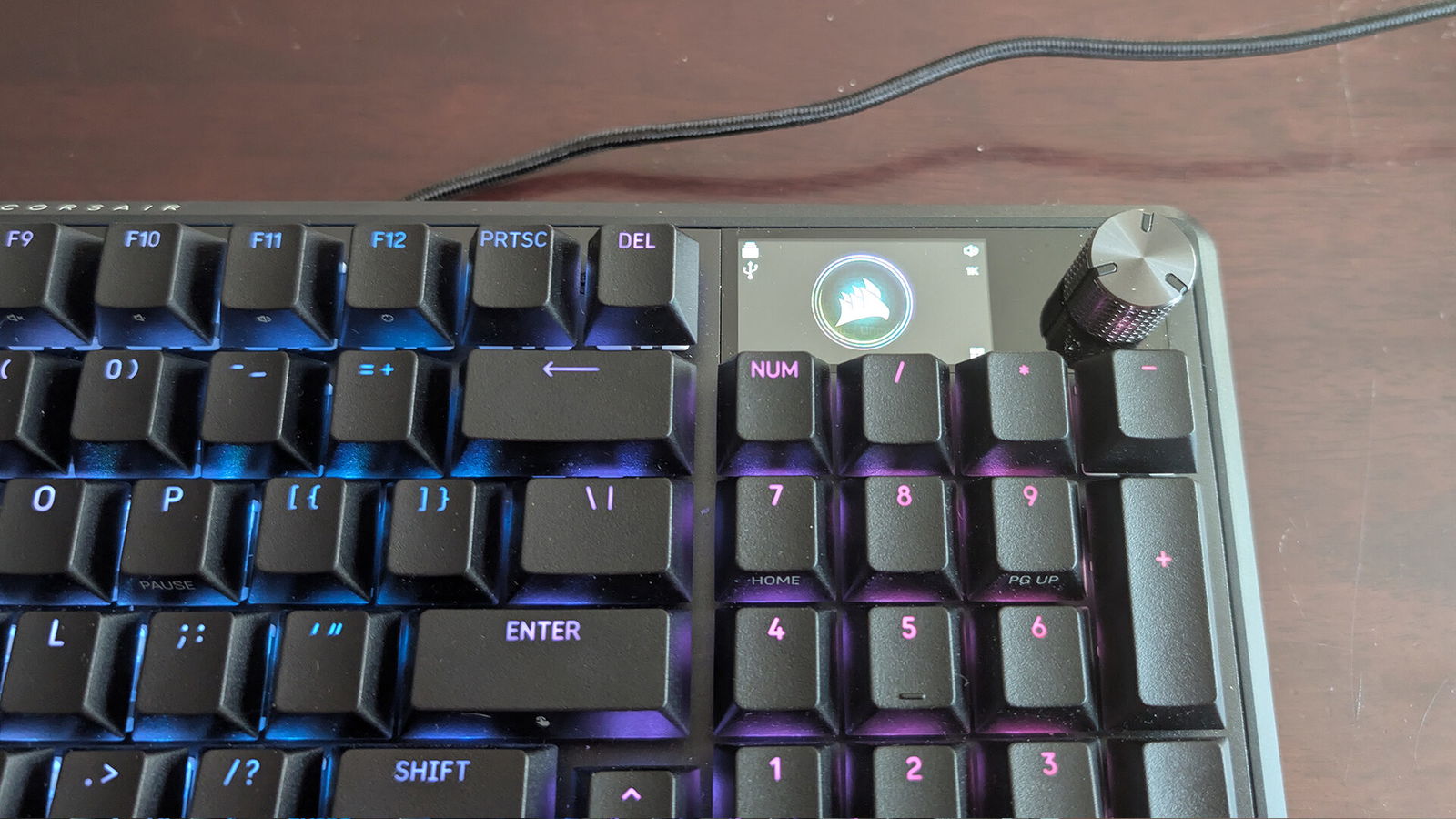
And then there’s the little LED screen in the corner of the Vanguard Pro 96. At first glance, I rolled my eyes. A screen on a keyboard usually screams gimmick, a party trick meant to justify a higher price point. But after a week of use, I grudgingly admitted that I liked it. Out of the box, it shows off things like volume and basic functionality. Is that essential? Not remotely. But it’s a nice touch when you learn how to really utilize it.
Typing on the Vanguard Pro 96 is about as satisfying as you’d hope for the price. My unit came with linear switches, smooth and consistent, with just enough resistance to avoid that mushy, cheap-feel you sometimes get in mass-market boards. The stabilizers on the larger keys are tuned nicely, too, which means you don’t get that hollow rattle on the space bar or enter key.
The board is also hot-swappable, which is a massive win if you’re the sort who likes experimenting with different switch types. No soldering iron needed, just pop them out and drop in whatever you want. For the less adventurous, it simply means your keyboard has a longer lifespan. A dead switch doesn’t mean a dead board.
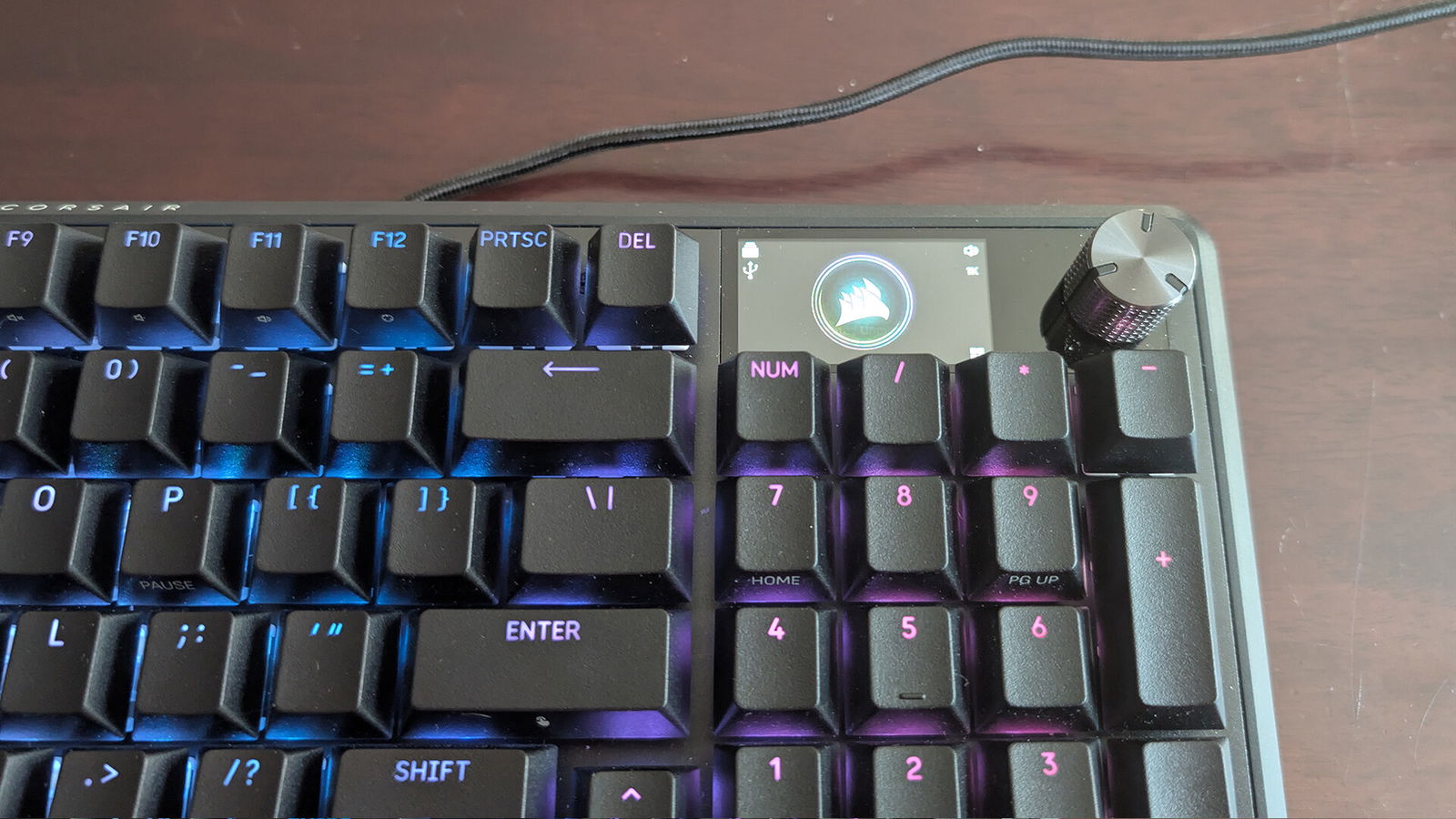
The keycaps on the Vanguard Pro 96 are double-shot PBT, which is the nice way of saying they won’t go shiny after a few months of use. They’ve got that slightly textured feel under your fingers, which makes typing sessions comfortable and helps the whole thing feel premium. Combined with the board’s metal top plate and sturdy chassis, the Pro 96 has the sort of durability that reassures you it’ll last through years of daily abuse. There’s a little heft to it, too, just enough to keep it from sliding around while you type or game, but not so much that you feel like you’re hauling gym equipment onto your desk.
“The Corsair Vanguard Pro 96 walks a nice line between being a productivity machine and a gaming companion.”
Lighting on the Vanguard Pro 96 is handled the way you’d expect from a modern keyboard: full per-key RGB, controllable through software. It does all the usual tricks: waves, gradients, reactive typing effect, and you can also just stick with something calmer if you’re not trying to turn your office into a nightclub. I mostly kept mine on a soft white glow, partly because it looked clean, partly because it made late-night gaming and writing easier on the eyes. The software itself isn’t the most polished thing in the world; it gets the job done. Still, once you’ve set your profile, you don’t need to leave the software running, which I appreciated.
The Corsair Vanguard Pro 96 walks a nice line between being a productivity machine and a gaming companion. For writing and general work, the typing feel is steady and comfortable, and the compact layout means your mouse has more breathing room on the desk. For gaming, it’s responsive and quick.
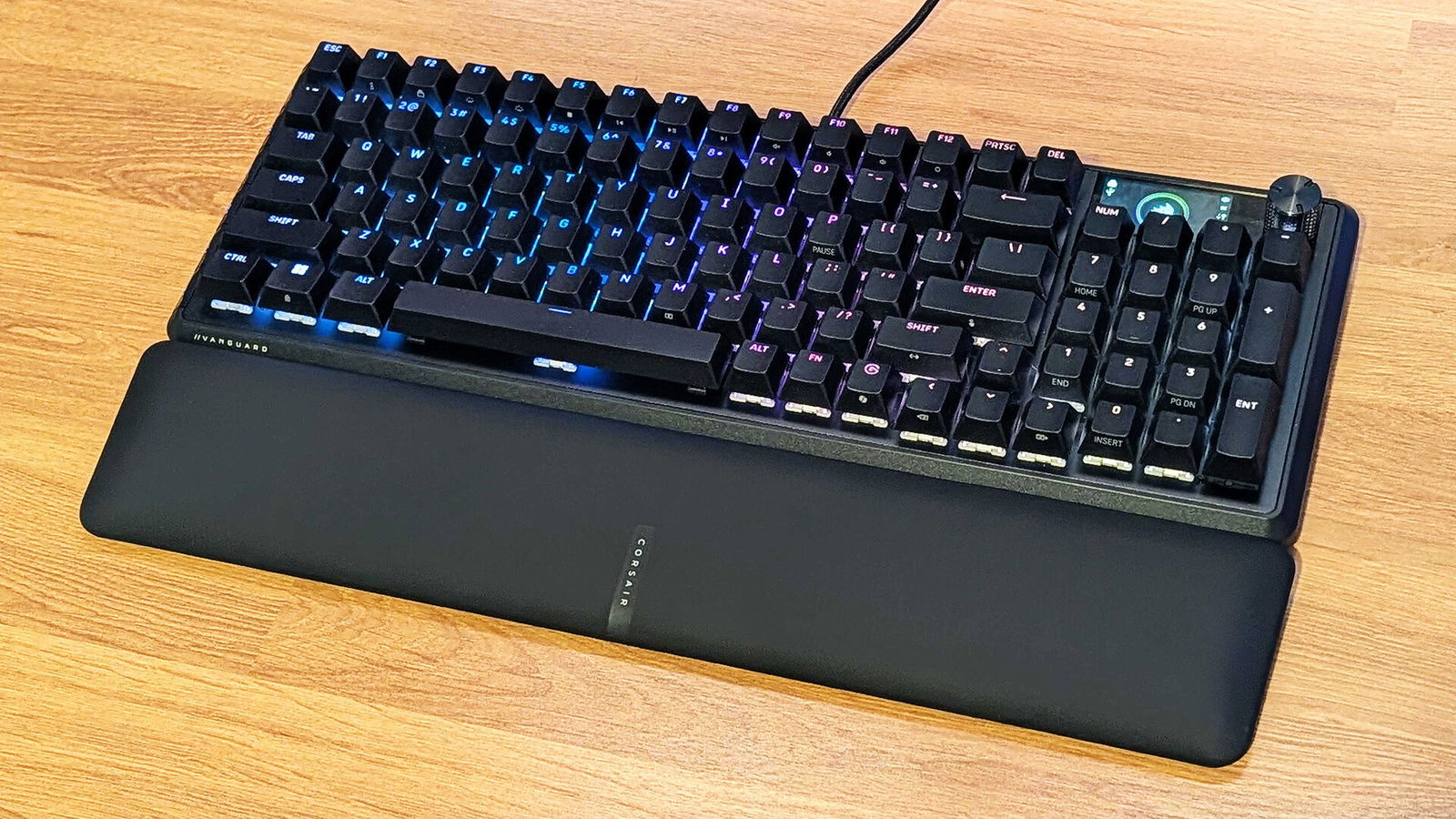
The screen aside, what really sells the Pro 96 is the way it feels. Nothing about it seems slapped together. The compact layout has a purpose. The PBT keycaps and metal frame add durability without making it ridiculously heavy. Even the screen, which could’ve been a pure gimmick, ends up finding a role beyond being a toy. It all feels thought out. However, there is some fun in putting fun pictures on there.
Of course, there are caveats. The compact layout, for one, is not going to be for everybody. If you rely heavily on the navigation cluster or just can’t stand having the numpad so close to everything else, you’ll find yourself fumbling more often than not. The software, as I mentioned, feels like it could have more functions than it does. It seems the competition in terms of functionality within apps has figured that out, but it is not exactly user-friendly. And while the LED screen is fun, it is still ultimately a novelty. It adds flavour, but you could live without it.
Price is also a consideration. The Corsair Vanguard Pro 96 isn’t cheap, and if all you care about is typing, you can absolutely find more affordable boards with similar layouts. What you’re paying for here is the build quality, the premium keycaps, the hot-swap flexibility, and that quirky screen. Whether that math works out for you depends on how much you value those details. For me, after spending several weeks with it, I’d say it does.
What I came away with was an appreciation for how the Corsair Vanguard Pro 96 didn’t try to be everything at once. It’s not overloaded with ridiculous features, it doesn’t demand you download a bloated piece of software, it does all work, albeit a nurtured version, and it doesn’t insist on covering itself in gamer aesthetics. It’s a compact, sturdy, good-looking board with a little extra personality. It’s fun without being silly, practical without being boring.