
Form factor has become a known quantity for laptops and portable computers. We’ve seen some attempts, with multiple screens or varying thickness, but you usually know what you’re looking for when shopping for a new laptop. HP decided to play with the established formula. Enter the HP EliteBoard G1a Next Gen AI PC Wolf Pro Security Edition, an entire PC packed into a keyboard. It’s light, thin, and performs well, though it is pricey and has some drawbacks.
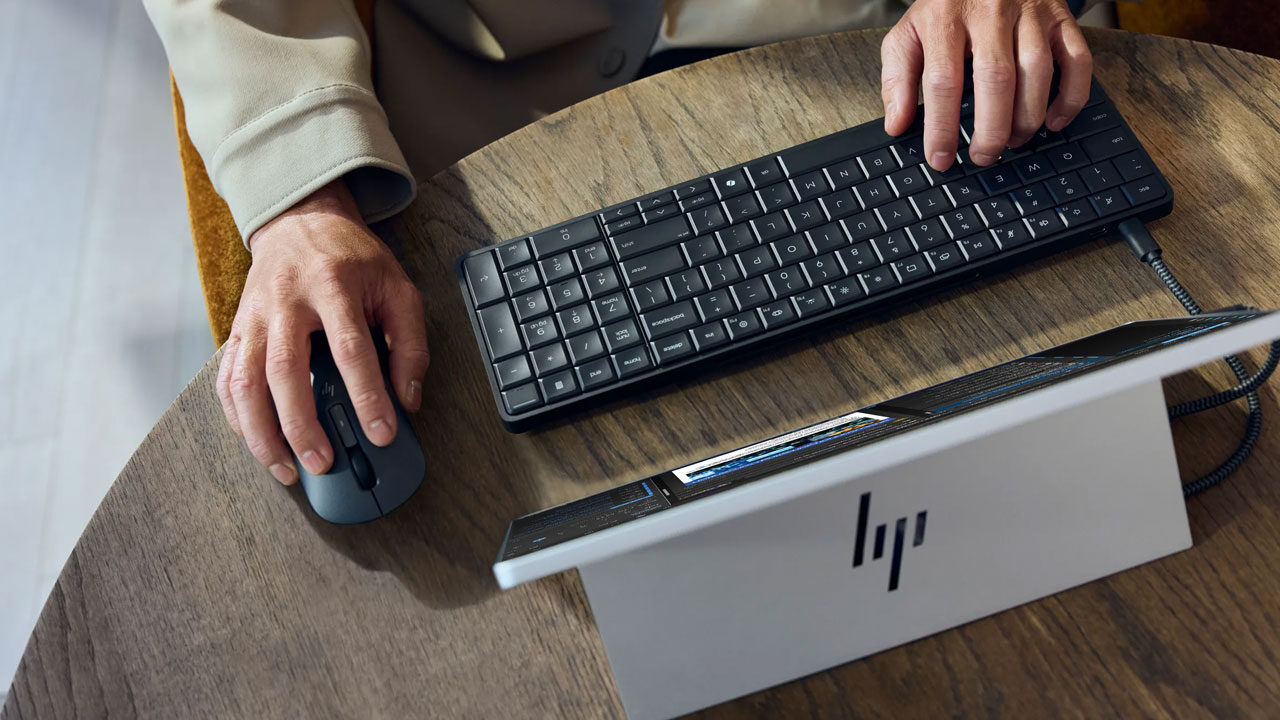
The major draw of the HP Eliteboard G1a is its form factor. It’s an AI-powered desktop system that requires only a couple of cables and weighs about half as much as a standard laptop. It’s sleek and nondescript in a good way, clearly designed to fit easily into almost any office space. With many businesses using work computers that may need to travel between locations, be shared among employees or accommodate remote workers on the go, the HP Eliteboard G1a could be an appealing solution.
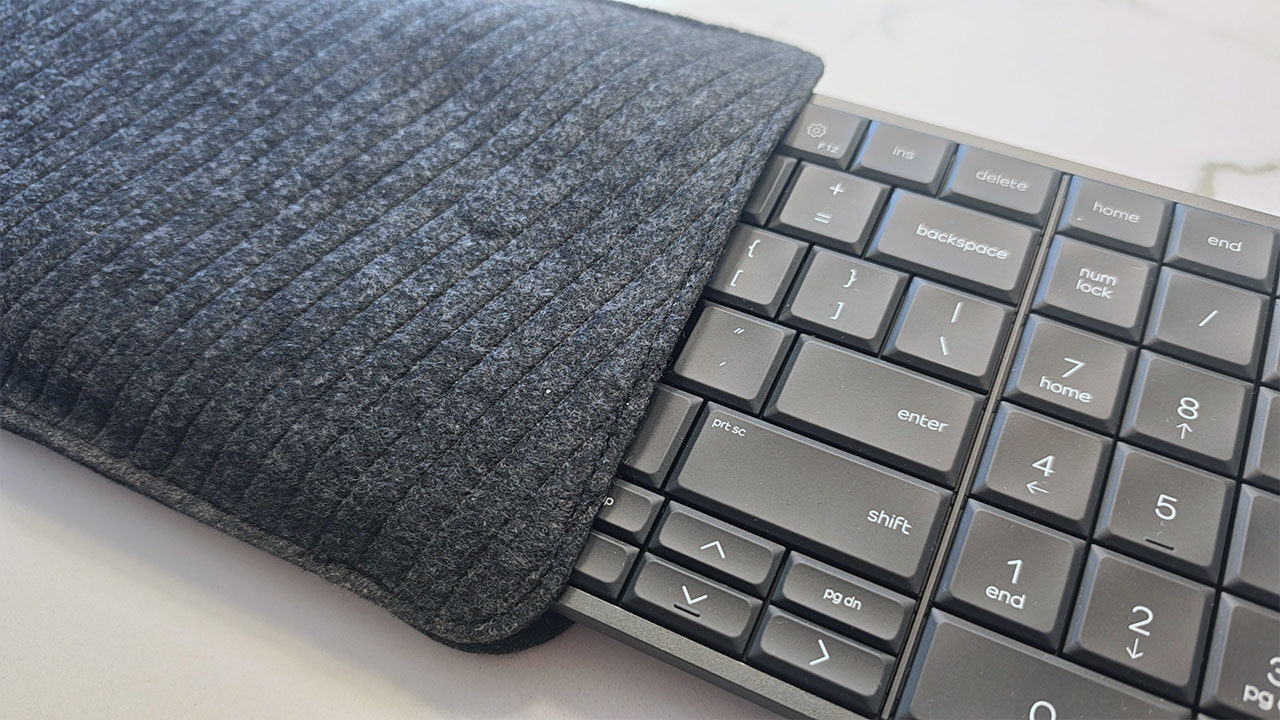
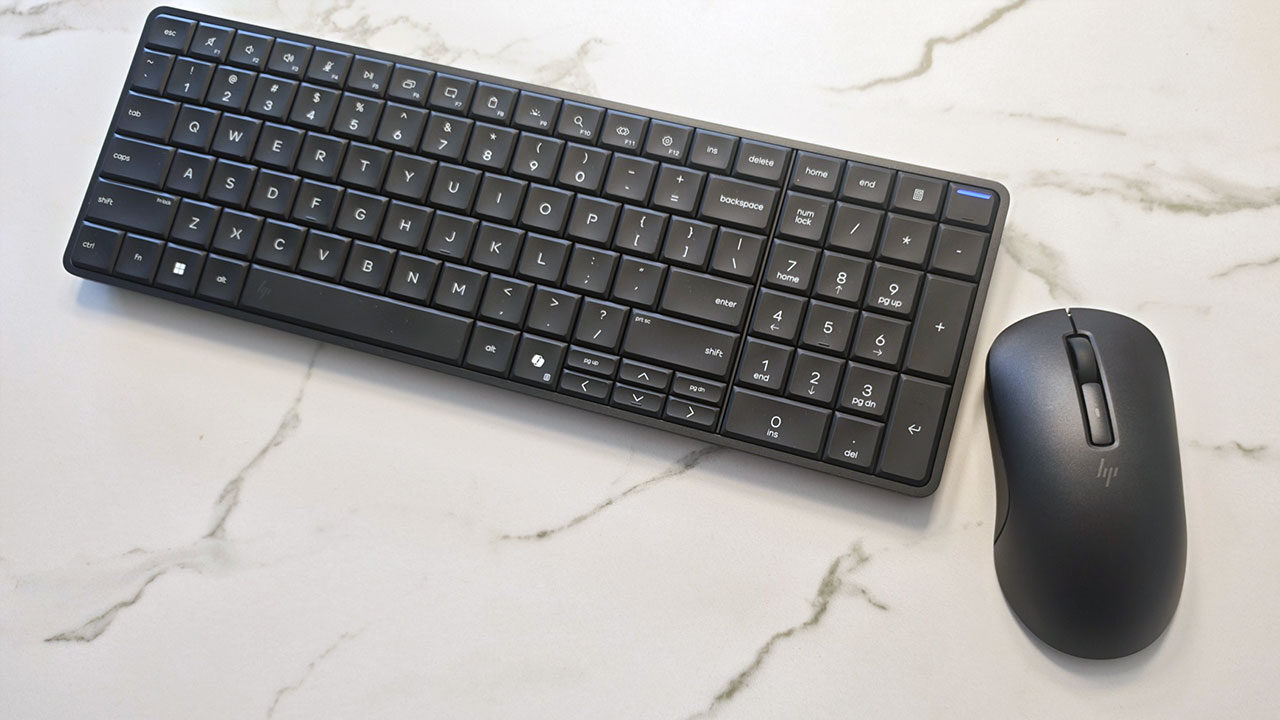
The HP Eliteboard G1a measures 35.81 x 11.87 x 1.79 cm and weighs just 0.67 kg. It’s smaller and lighter than some full-size keyboards I’ve used, making it very easy to take on the go. The included slip cover also feels premium and offers good protection against dust or damage when packed in a backpack or suitcase. It runs Windows 11 Pro, with plenty of built-in AI enhancements, including Copilot+. The Eliteboard G1a aims to be an all-in-one workhorse that handles everyday office tasks without the weight of a full laptop. It also includes a wireless mouse that works seamlessly without requiring an extra dongle.
“The value proposition of the Eliteboard G1a feels incredibly specific.”
That said, you still need a way to output video. It has two USB-C ports on the back: one with 40 W output and the other with 10 W. If your monitor supports USB-C, it’s easy to plug in and get started. Otherwise, HP includes a dock that lets you connect an HDMI cable, Ethernet, power through USB-C and another USB-C device.
On the technical side, the Eliteboard G1a I tested came with an AMD Ryzen AI 7 PRO 350, integrated Radeon 860M graphics, 32 GB of RAM and a 500 GB SSD. The processor may not be cutting-edge, but actually using the Eliteboard feels fast and responsive. While I wouldn’t use it for gaming or overly intensive tasks, it’s perfect for answering emails, managing documents and handling plenty of other clerical and desk-job-related activities.
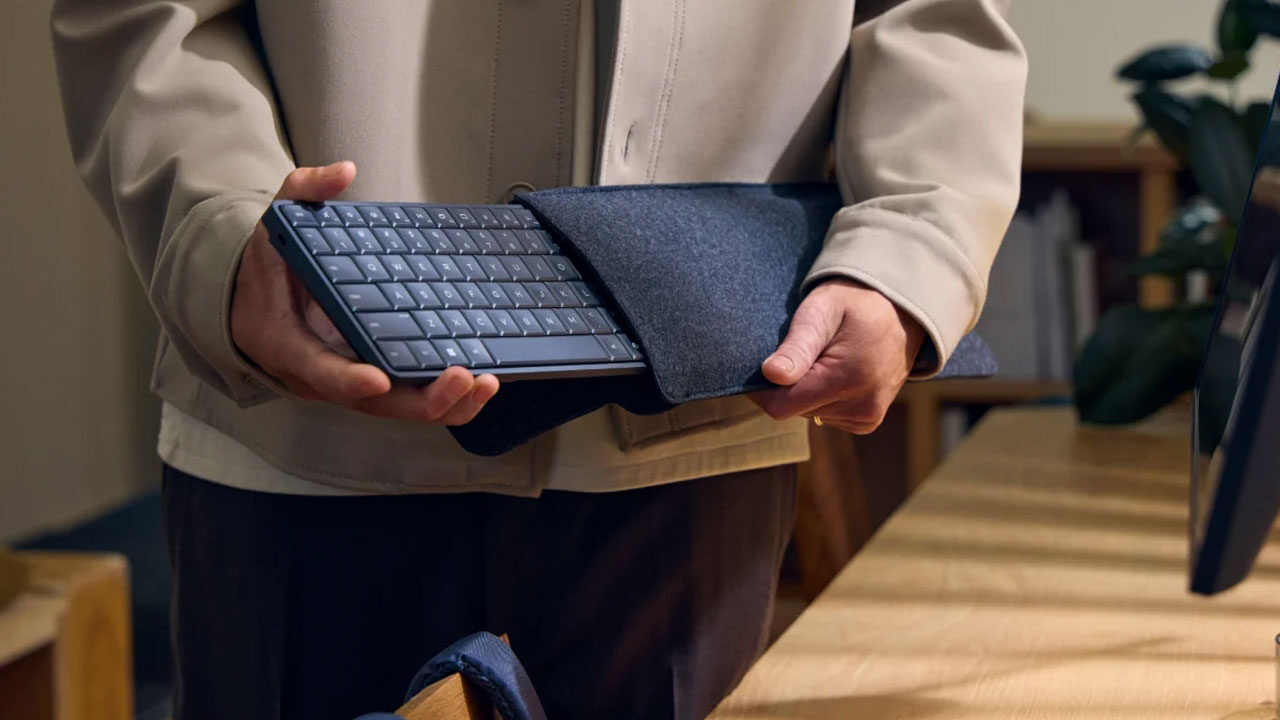
The actual feel of typing on the Eliteboard is one of the best parts. The keys have a satisfying, subtle click and feel smooth to type on, with a clean matte finish across the tops. Even after using it for a few hours, the Eliteboard never felt hot or uncomfortable to the touch. You can definitely hear the fans when you have multiple tabs open, but even then, they remain relatively quiet. Unless you’re in a completely silent room, you likely won’t notice them running.
“Overall, the HP Eliteboard G1a is a completely competent PC packed into a slim, lightweight keyboard.”
While you will need monitors if you’re using the Eliteboard between different workstations, I’ve actually found the most use for it when paired with XR glasses. The XREAL xbx a01+ acts as a fantastic companion, removing the need for a traditional monitor by connecting directly to the unit. It lets me use the Eliteboard just about anywhere, especially when paired with a strong external battery for power. The freedom to use the Eliteboard in almost any situation is one of its strongest qualities, although that flexibility does require some additional hardware.
That’s the major issue with the Eliteboard as a concept: you’ll always need something else to use it with. Whether it’s a monitor, XR glasses or another display device, it can’t function entirely on its own. With the price tag it carries, you can buy full laptops that don’t have the same limitation. They may not be as travel-friendly as the Eliteboard, but they offer everything in one package.
For remote workers or offices built around desk sharing, where monitors stay in one place, the Eliteboard is an easy and compact solution. For most others, a laptop will do the same and more for around the same price, if not less. The value proposition of the Eliteboard G1a feels incredibly specific. For some, it’s the perfect answer. For others, it introduces extra considerations and requires additional hardware.
The other issue with the Eliteboard is its speakers. They sound thin and tinny and are generally difficult to hear. This won’t be a glaring issue for most, given that in the majority of office spaces I’ve spent time in, most people were using Bluetooth headsets anyway. It’s not a dealbreaker by any means, and the speakers will work in a pinch, but they are not something I would want to rely on consistently.
Overall, the HP Eliteboard G1a is a completely competent PC packed into a slim, lightweight keyboard. It works well for office tasks and is aimed squarely at people who travel regularly for work. While it requires additional hardware to fulfil its intended purpose, those who already have a solution for its display needs will have a solid experience. Typing feels excellent, performance is responsive, and the unit never gets too warm. It won’t be for everyone, but for the right user, the HP Eliteboard G1a could be a great work companion.