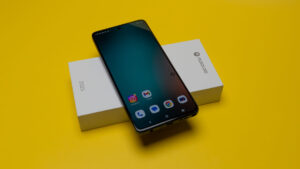

For the average person, having both a smartphone and laptop generally provides enough power to accomplish their tasks. However, in my case, I enjoy having an “in-between” device that gives me a larger screen than my phone but is also more portable than lugging my laptop around. Having a tablet has allowed me to be able to concentrate more on what I am doing without the constant notifications and alerts coming from my phone.
The Motorola Moto Pad 2026 tablet boasts 5G connectivity, a large 2.5K 11” screen and a number of different features that have made it my go-to device to take along with me when I am on the move or just want a secondary device to accompany me on my travels.
While you won’t find much more than a charging cable, SIM/MicroSD ejector tool and the tablet itself in the box, this seems to have become the “norm” for most devices on the market today, relying on the end user to supply their own charging brick. I wouldn’t say I personally like this; however, over the years I have started to have my own roster of different charging bricks to charge all of my devices.
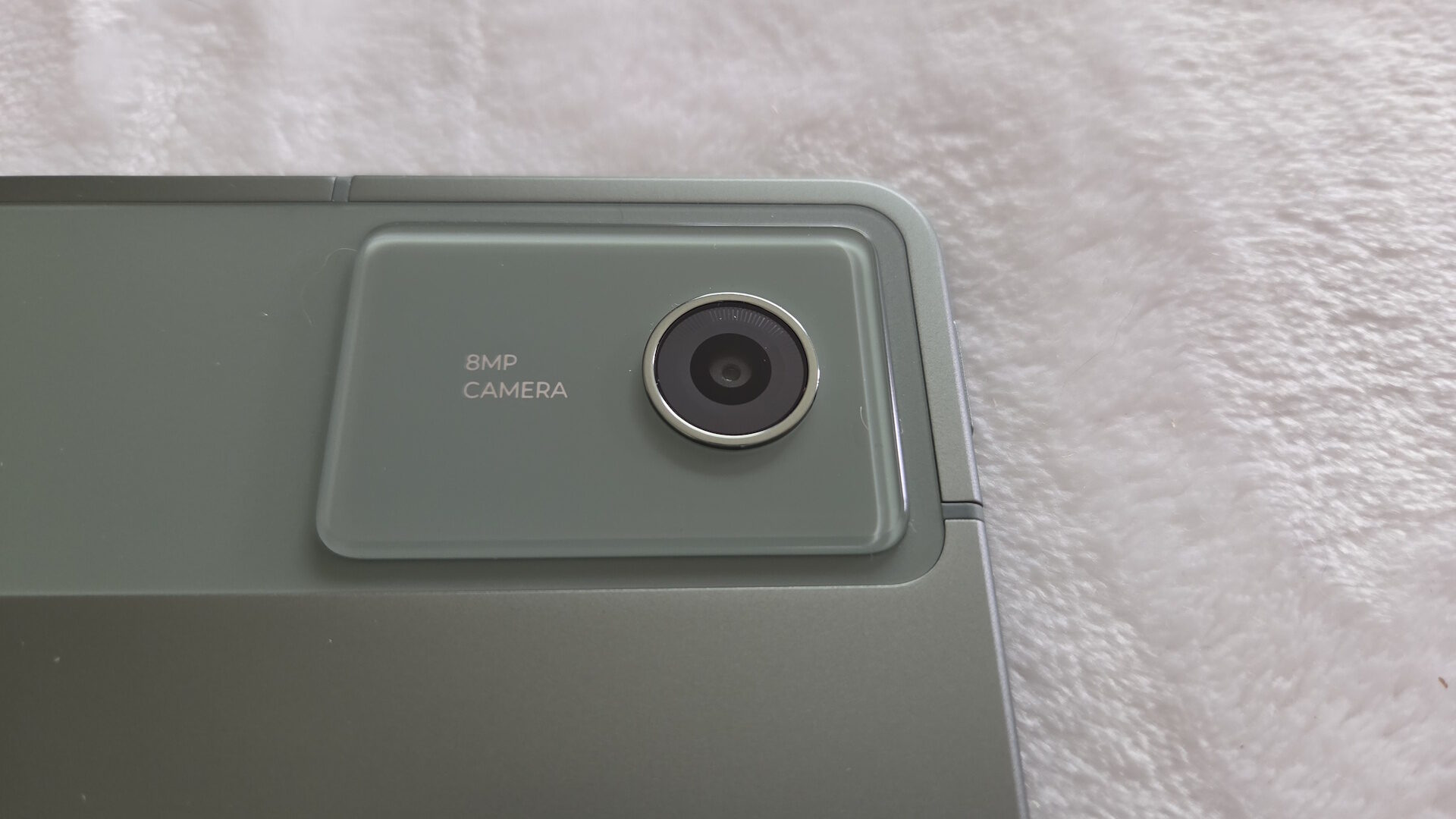
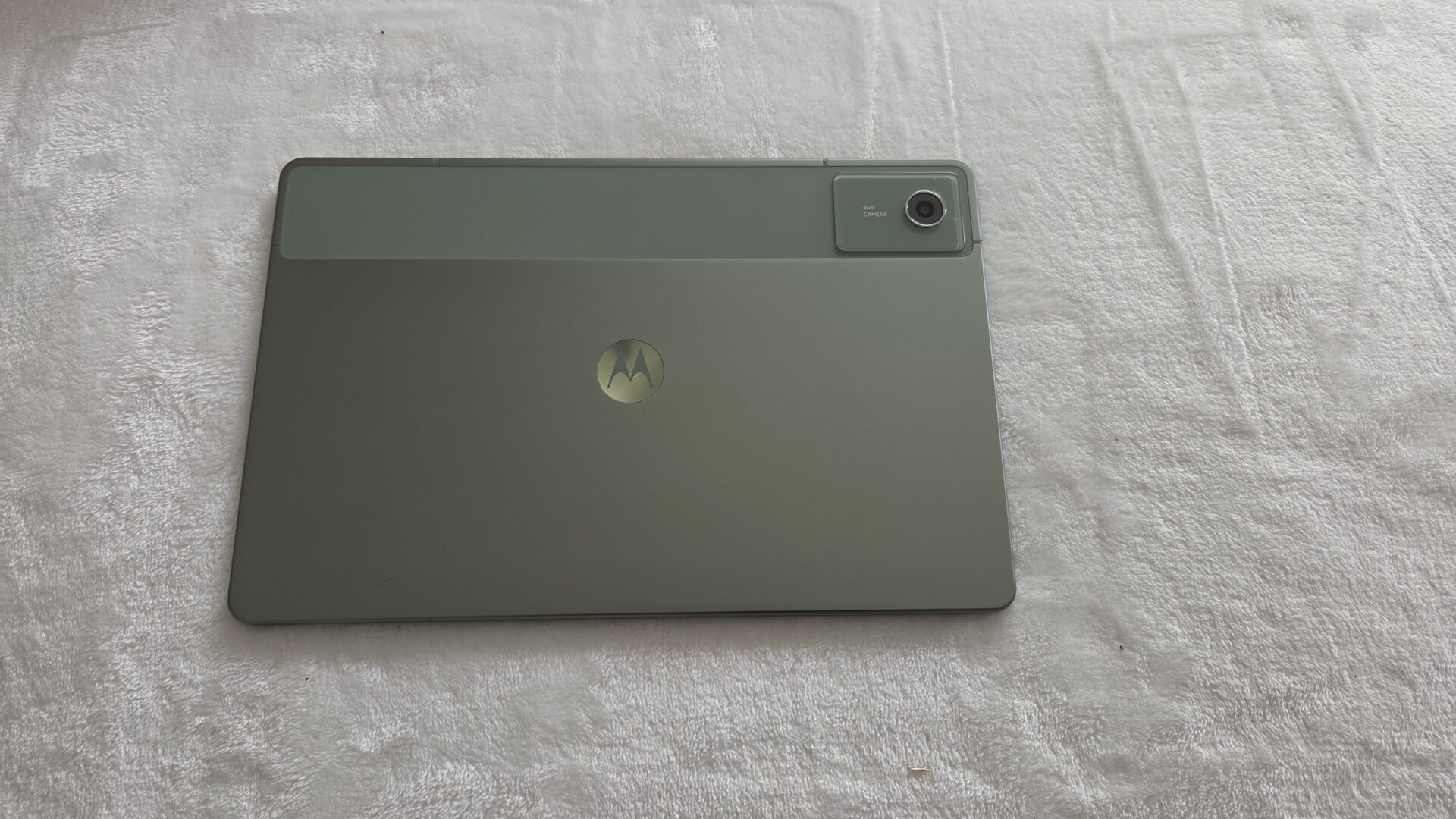
Looking at the Motorola Moto Pad itself, Motorola is only offering the tablet in a single version: 8GB of RAM paired with 128GB of storage in what Motorola calls “Pantone Bronze Green,” which looks very elegant for the MSRP of 249.99. While I would’ve liked to have seen a few additional colour offerings (and maybe a 256GB storage option), this is something that I doubt many users will care about once they throw a case on the tablet.
Despite the low cost, Motorola has given the Moto Pad a premium-feeling aluminum body that makes it feel like a tablet that costs much more than it does, up there with the similar feeling Samsung and Apple tablets on the market. Running down the right side, you find the volume buttons, along with the power button on the corner of the top edge. On both the top and bottom of the Moto Pad, you find 4 Dolby Atmos speakers, which we will dig into in more detail soon, and also along the bottom, you find the charging port and even a 3.5mm headphone jack.
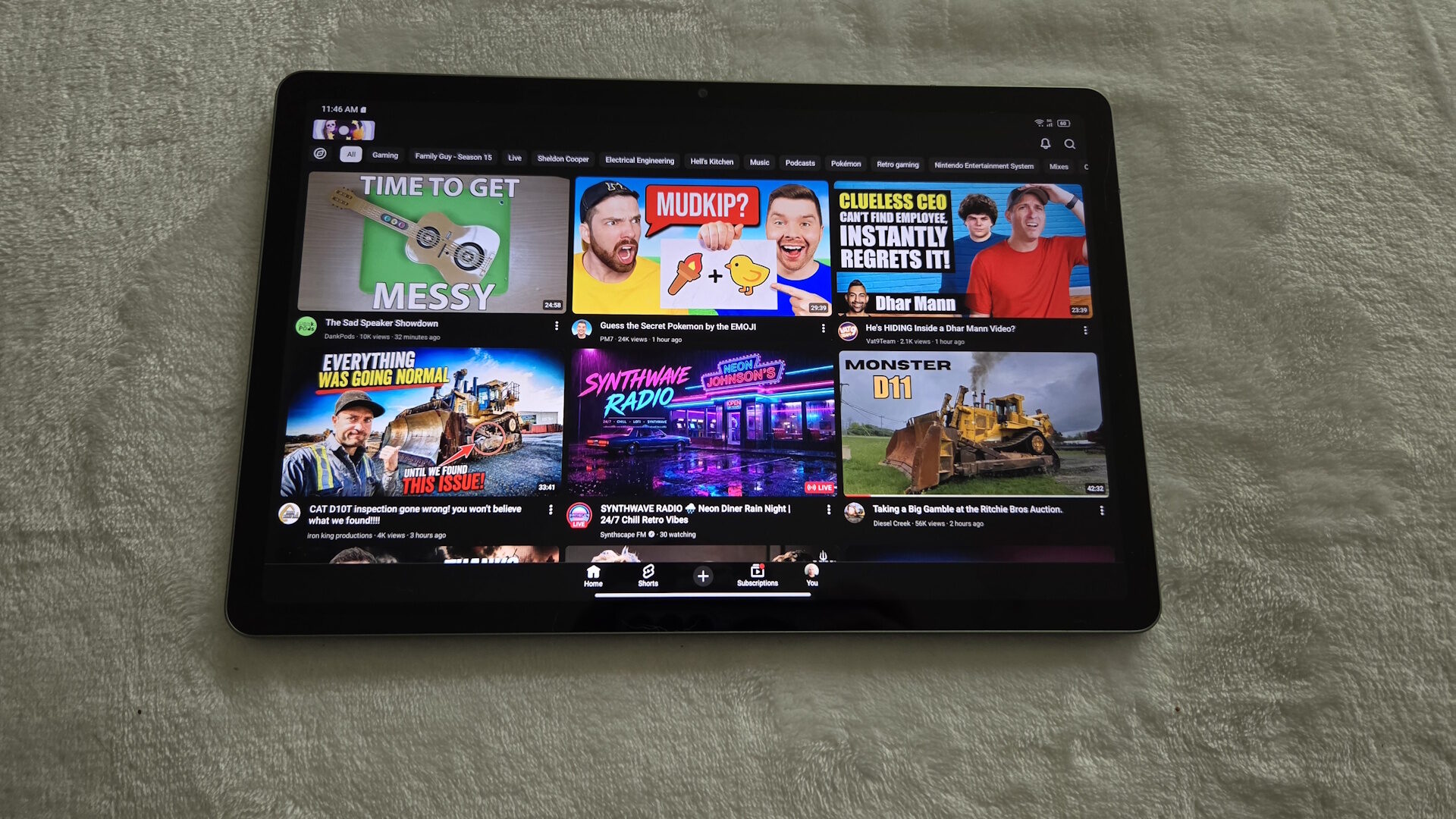
The main star of the show of any tablet is the display, and wow, Motorola has certainly impressed me in this regard. Coming from my previous Samsung Tab A11 that only had a 720p screen, using the Motorola Moto Pad’s 2.5K screen was truly incredible and immersive. Colours were rich and vibrant without looking over-saturated, and blacks were true black, making watching videos look spectacular. Despite its lower cost, the Moto Pad still comes packing a 90Hz screen, making scrolling through social media, gaming or web browsing feel buttery smooth.
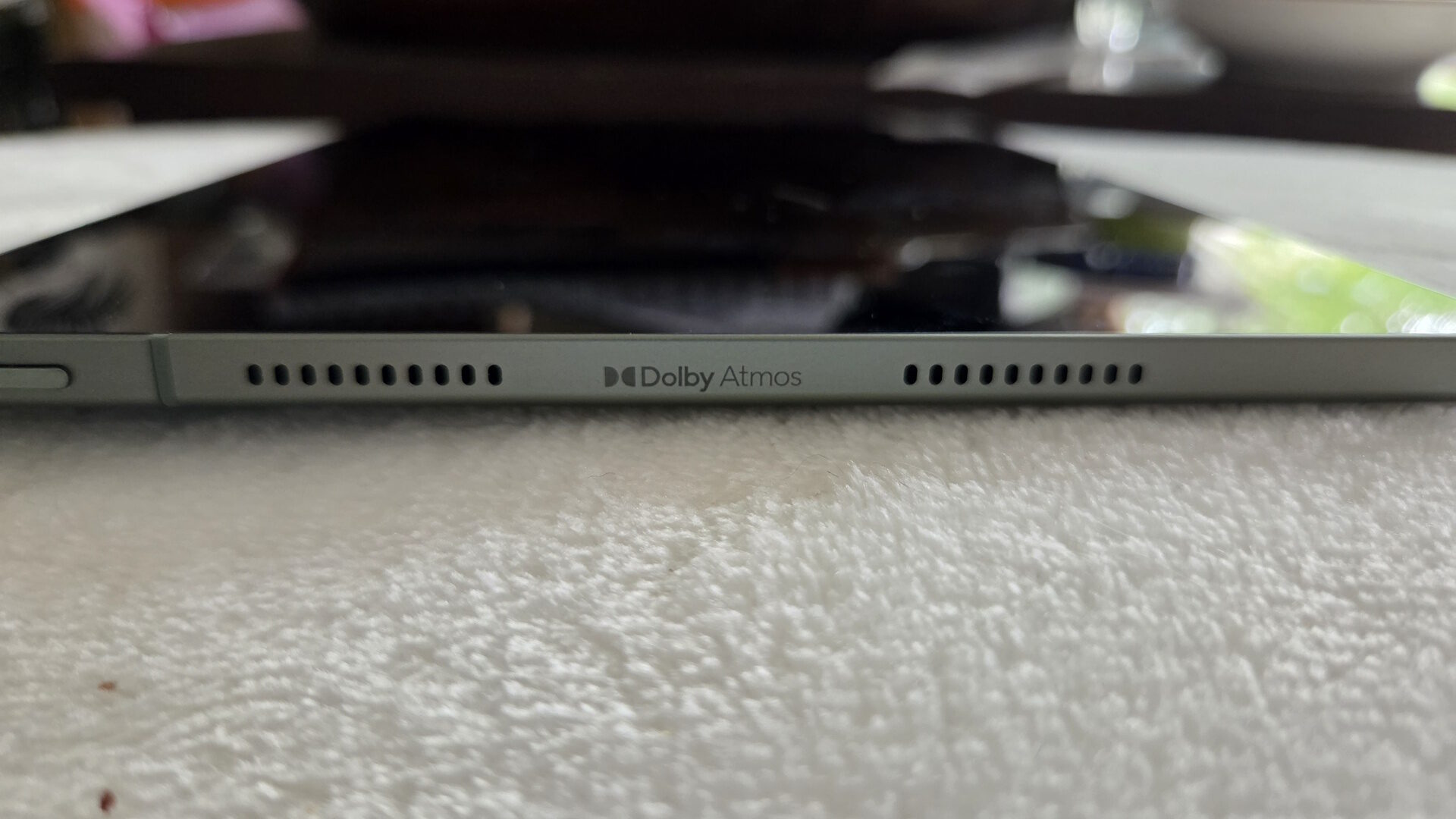
To further improve your gaming, video or music listening times, Motorola have given the Moto Pad 4 Dolby Atmos speakers. Two along the top and two along the bottom, or two on either side – depending on the orientation you hold the tablet. While I have yet to have a tablet truly impress me with its speakers, the Moto Pad still held its ground well, and the speakers were better than others I have tested. Everything sounded adequate with no noticeable distortion or without sounding tinny like some other cheap tablets. Those wanting a fully immersive experience would likely benefit from wearing a pair of headphones or earbuds; however, these will still get the job done well enough.
“The Motorola Moto Pad 2026 tablet boasts 5G connectivity, a large 2.5K 11” screen and a number of different features that have made it my go-to device…”
Where I would normally run benchmarks to test the CPU/GPU, this isn’t meant to be a powerhouse of a tablet. This is more meant to be a casual and lighter-use tablet to take with you when on the go. And at that, it excels well and has become a piece of tech I often take with me almost anywhere I need to go. I would love to see Motorola make a more compact version of this tablet with perhaps an 8-9” screen for added versatility, but that is more because I value portability greatly. This is still a very thin and light tablet that can easily be taken from place to place.
Those looking for a more powerful tablet would likely be better served buying an iPad or higher-end Samsung device, although those cost significantly more, something I don’t feel most users have a real need for.
Despite its lower cost, the Motorola Moto Pad still comes with features that I often found myself taking advantage of. Using its Smart Connect app, I can pair my laptop to the Moto Pad and either use the tablet from my laptop’s screen, or, as I find especially useful, turn the Moto Pad’s screen into an external monitor. I often found this useful when trying to multitask and get larger workloads done by not having to continually switch windows.
Additionally, those wanting a more PC-like experience can use the PC Mode shortcut to transform the traditional Android appearance into a Chromebook-like interface. When paired with a keyboard, this makes the Motorola Moto Pad a great option when on the go and makes a great computer-like experience without needing the space of a laptop or desktop. This won’t replace a dedicated PC; however, I found it useful for writing the occasional email or chatting over social media.
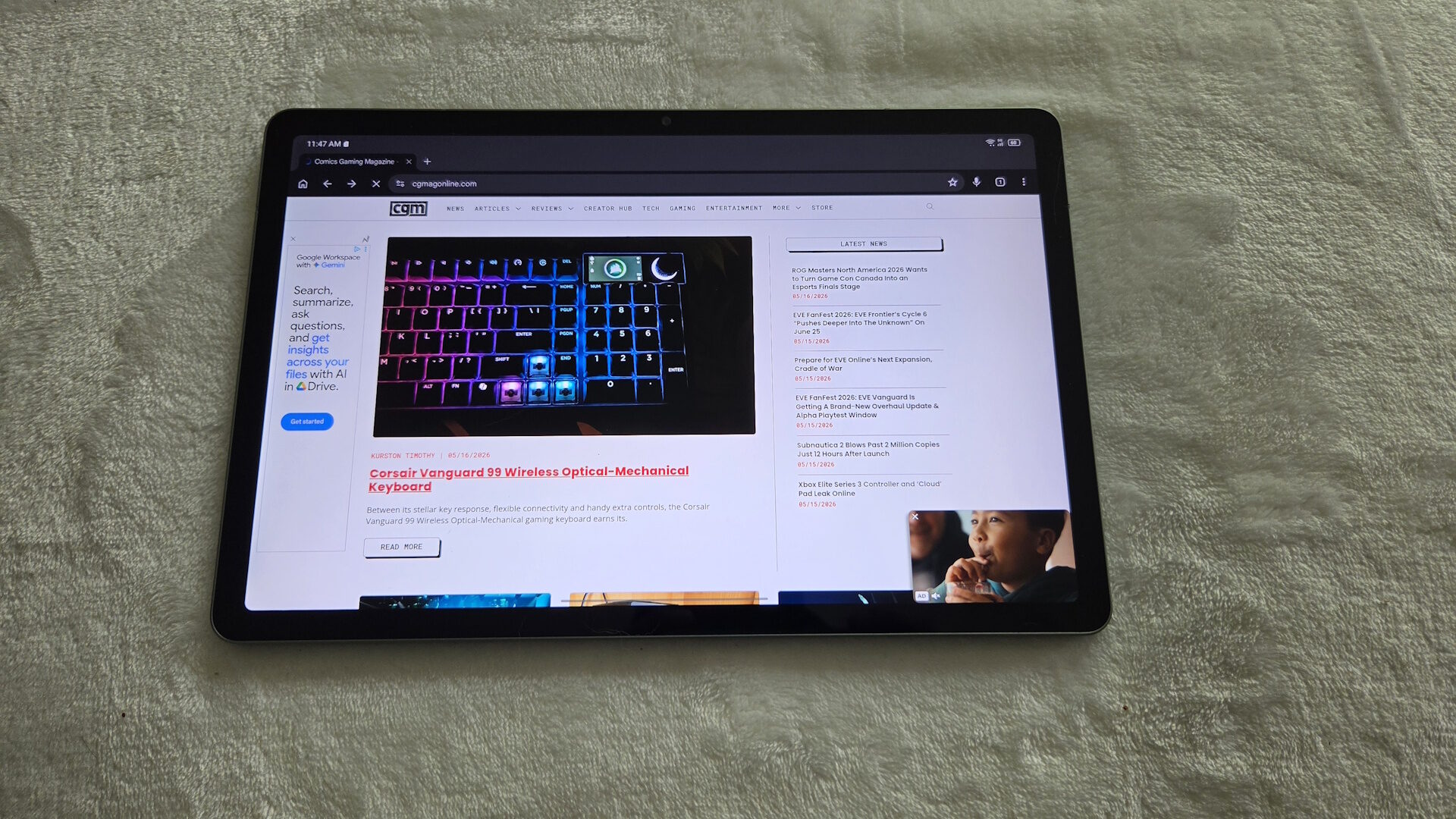
Something I often found myself taking advantage of was the inclusion of 5G compatibility. Having the ability to connect the Moto Pad to a wireless network, rather than having to search for Wi-Fi or pair with my phone’s hotspot, felt freeing because I could use my tablet anywhere with ease, whether it was in my work truck, at a friend’s house, or even at local cafes and restaurants. In the USA, T-Mobile is the sole service provider; however, in Canada, I had no issues connecting to the Rogers Wireless network.
Overall, the Motorola Moto Pad 2026 is an awesome tablet for casual users who don’t demand the most powerful device on the market. I can easily do my regular tasks with ease, and it adds additional versatility to my other gear, making it a valuable and versatile piece of tech in my bag. This will absolutely become a piece of tech I continue to keep around and use daily.