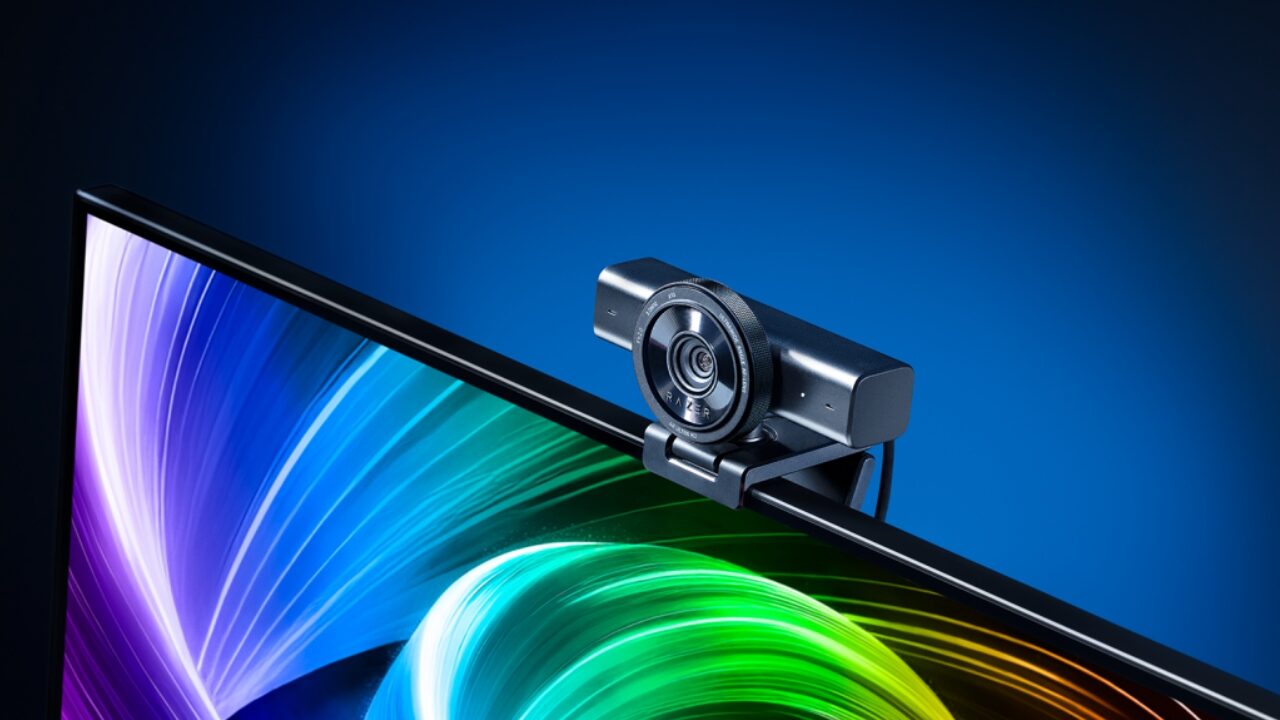


With a real resurgence of webcams over more expensive mirrorless offerings as of late, the space has never been more competitive. Razer, which has been a major player in the world of webcams for years, has released its latest line of cameras that look to make a major impact. The camera we are looking at today, the Razer Kiyo V2, is the flagship of this line and offers some new tools to your content creation arsenal.
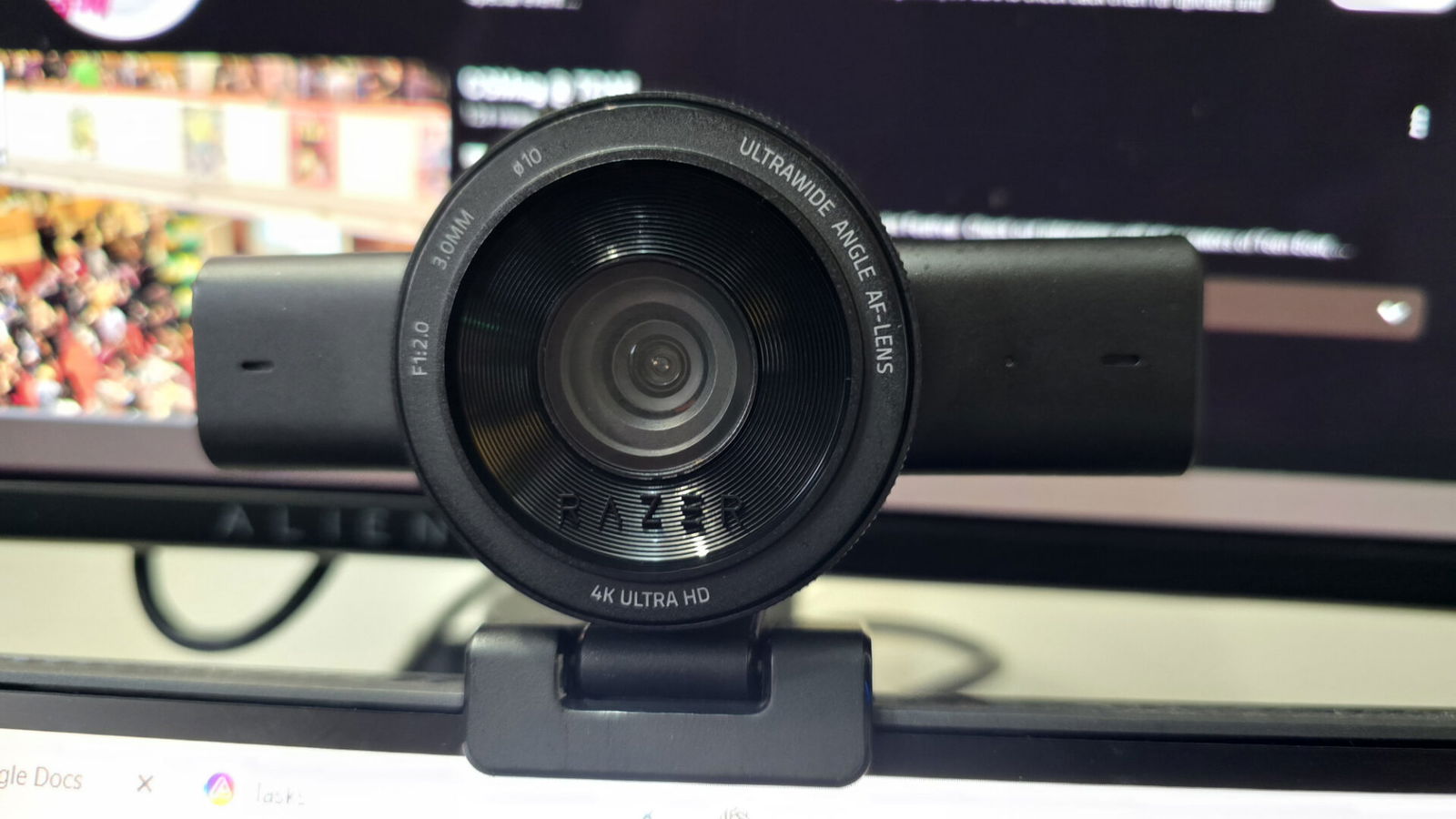
In the box, you get the Razer Kiyo V2 webcam with mount, a USB-C to USB-C cable and the documentation. As always, the detached cable is welcome on the webcam as it offers you the ability to swap it out for another cable if it is damaged. The mount has two axis points and allows you to rotate the camera a full 360 degrees. It also has a 3/4” thread for mounting on a tripod or arm. The Kiyo V2 has a built-in privacy shutter that feels really satisfying when it clicks in place.

The Razer Kiyo V2 has an 8.3MP Sony STARVIS sensor (no word on the sensor size in their available specs) and can give you 4K/30fps and 1080p/60fps resolutions. If you want to split the difference, losing a little resolution to gain framerate, the Razer Kiyo V2 X can offer 1440/60fps. The Razer Kiyo V2’s wide-angle lens gives you a 94-degree field of view, equivalent to a 20mm full-frame camera and has a decent low-light aperture at f/2.0.
Razer Synapse is your software solution for the Razer Kiyo V2 and everything else Razer. From Synapse, you can set the camera’s resolution, and you can frame the shot using the digital zoom and its pan/tilt options (even creating presets if desired). Focus and Exposure are controlled from here and can be set to auto or manual, with special metering for the auto modes (ex. face, centre) to ensure you have what suits you best.

Under processing, you can clean up the image on your Razer Kiyo V2 even more with quality options for the camera’s MJPEG format as well as HDR, specifying the lighting in your room (light or dark) to improve the dynamics of your video. There is low light compensation that can be turned on, but I found that the manual exposure options take care of this to the point where you won’t see much impact when you turn this on. Dynamic noise reduction, both in 2D and 3D, cleans up the digital noise that low-light video creates.
“…the Razer Kiyo V2 is arguably the best low-light camera that I have used in the last couple of years. “
With all of these tools for low light at your disposal, the Razer Kiyo V2 is arguably the best low-light camera that I have used in the last couple of years. With my lighting all turned off in front of me, being backlit by my ceiling light and with daylight coming in from the window, I was still able to put out a perfectly usable image after playing with the settings a bit. The noise I have seen on other cameras isn’t there (thanks to Razer’s noise reduction), and my face was well-lit and had excellent detail.
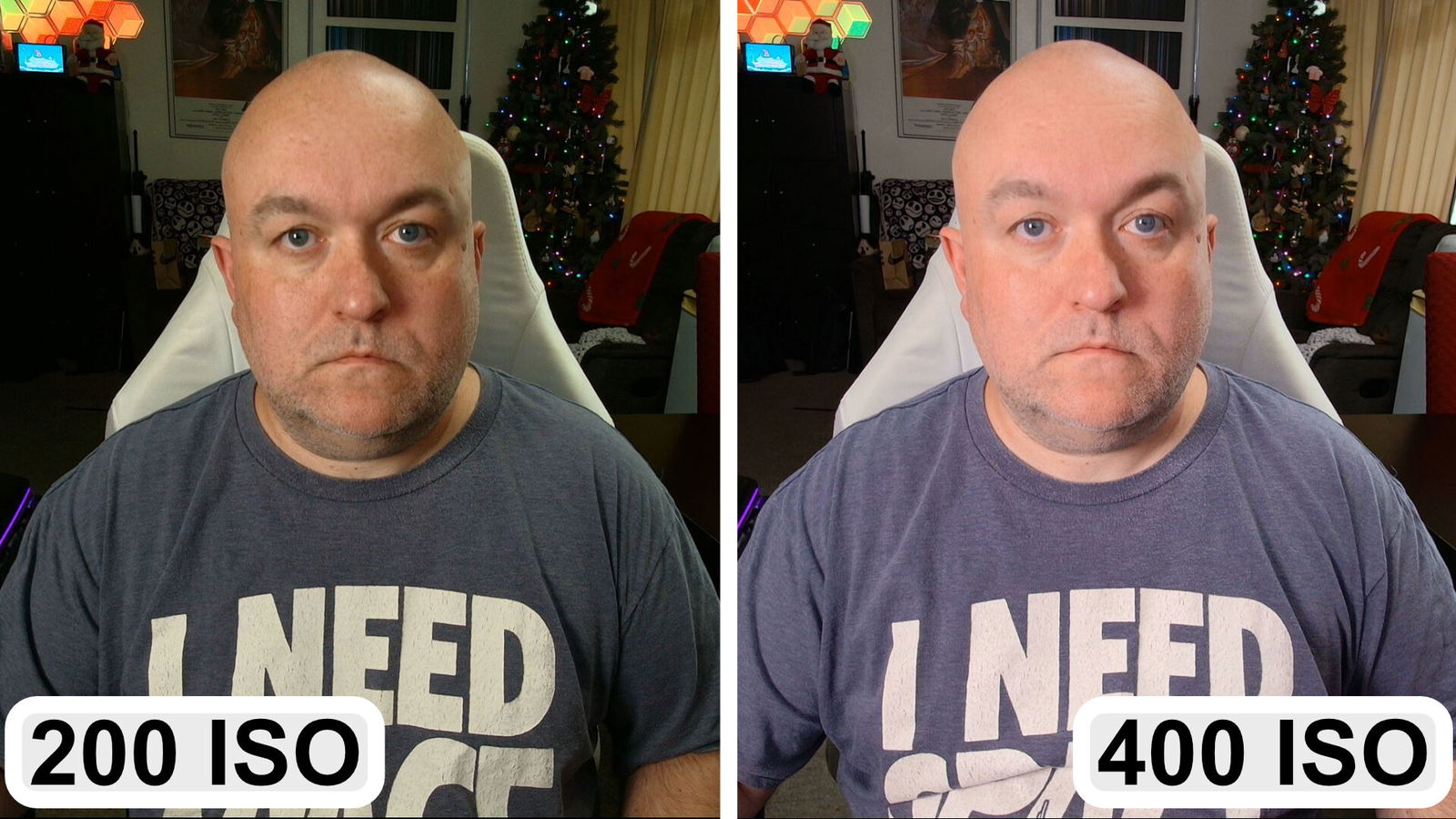
The problems came when my lights were on. The smallest manual adjustments seemed to adjust the sharpness of the picture with the exposure. Moving ISO settings from 400 to 200 added so much detail to my face, it looked like sharpness was turned up to 100%, almost looking like an old person filter (because it couldn’t possibly be my face), whereas upping the exposure, before overexposing and washing out my face, scrubs a lot of detail from my face, not dissimilar to a baby-faced filter.
Like most cameras with a lot of settings to mess with, you will find yourself tinkering a lot to get to where you want to be, and you can surely get where you want to be with the Razer Kiyo V2. I would say that it is a little more finicky than most in terms of small adjustments making big impacts and trying to find that perfect balance, but as long as you have a room with consistent lighting, you will only have to do it once.
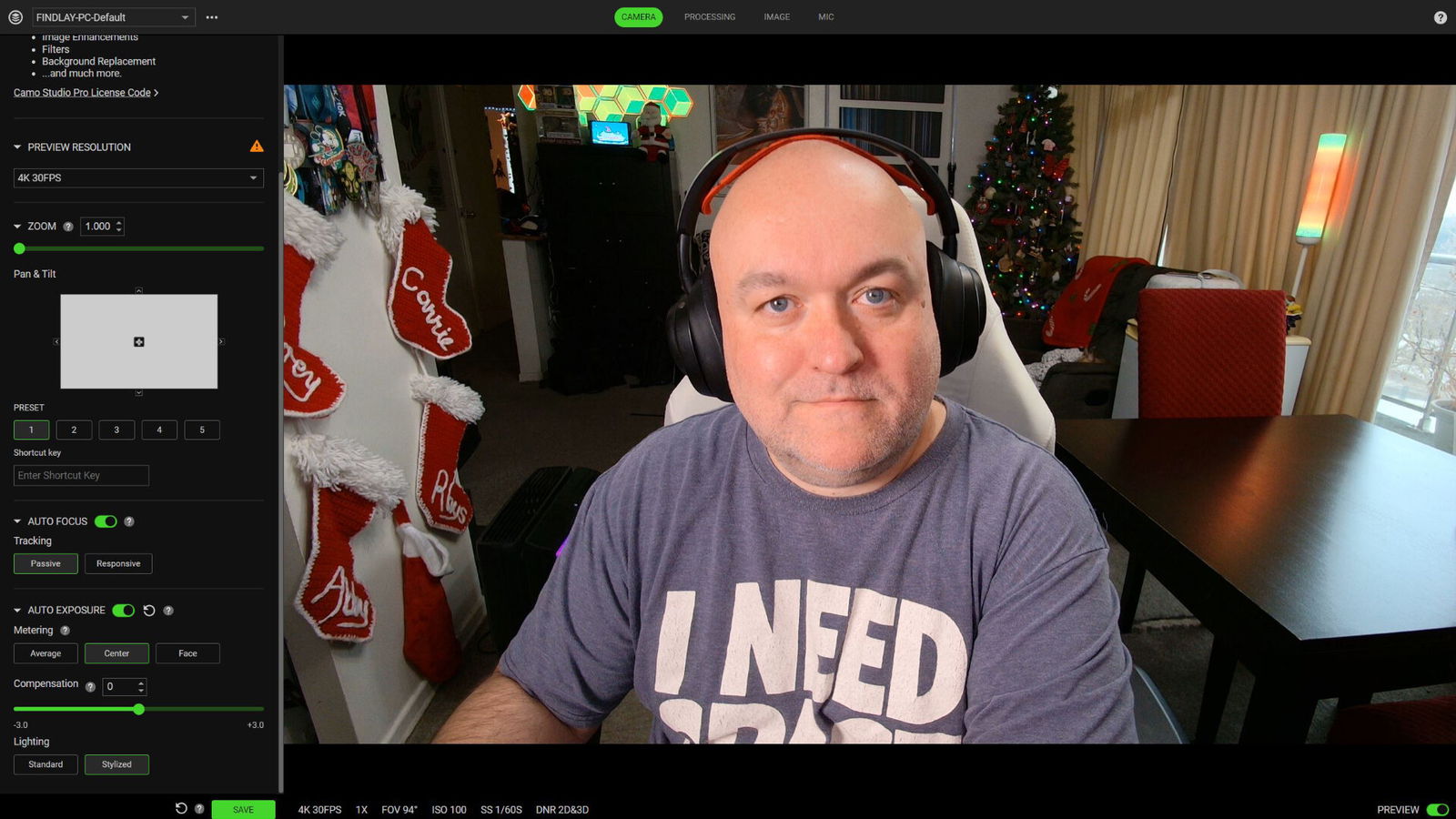
An interesting thing that the Razer Kiyo V2 offers is access to a third-party piece of software, Camo Studio Pro. The Kiyo V2 comes with a lifetime license for Camo Studio Pro, with more production-based options, letting you add graphics and effects with even more image settings (sharpness, vibrance and white balance among them), dynamic auto-framing, virtual backgrounds and the like. Virtual backgrounds and background removal are fairly weak compared to NVIDIA Broadcast, with a lot of haze around the subject’s edges.
It does have some upside with profiles that can be quickly swapped out for streaming, vertical video and meetings, then being sent out as a virtual camera. You can also record directly from Camo Studio Pro. My biggest problem with that software solution is that you likely already have the software for meetings and for broadcasting, where you can easily fine-tune your own settings, and they will be there waiting for you. It’s nice to have as an included part of the camera, but I fail to see any major value in it.
The Razer Kiyo V2 comes in at an incredibly affordable $149.99 USD, especially when the Kiyo Pro Ultra, released in 2023, is still $400. The V2 doesn’t have quite the performance of their beefy Ultra model, but at less than half of the cost, the value is definitely there. It is among the most affordable of the industry’s recent offerings, and its quality is great for the price tag. The Razer Kiyo V2 is a worthy addition to anyone’s setup, whether as your main camera or as a camera for a new angle, be it a top-down shot or whatever your setup needs.

- CRYSTAL-CLEAR 4K 30FPS VIDEO — Powered by a high-performance Sony STARVIS sensor, create professional content that stands out and looks sharp
- AI POWERED AUTO-FRAMING — This webcam catches every clip worthy moment with natural face tracking and intelligent pan, tilt, and zoom effects