
The Samsung Galaxy Book4 Edge marks a turning point for Windows on ARM. It’s not the first laptop to run Microsoft’s lightweight Windows build, but it’s one of the first to do so with so little compromise. This razor-thin Copilot+ ultrabook pairs Samsung’s sleek, minimalist design with the power and efficiency of Qualcomm’s latest Snapdragon processor.
It’s been a little over a year since Qualcomm and Samsung collaborated on the Galaxy Book4 Edge. The partnership was part of a broader wave of Snapdragon-powered ultrabooks aimed at closing the performance gap between ARM-based Copilot+ devices and their M4 MacBook counterparts. The Galaxy Book4 Edge was the marquee model for the effort, with the 16” variant being the only one to get the flagship Snapdragon X Elite processor.
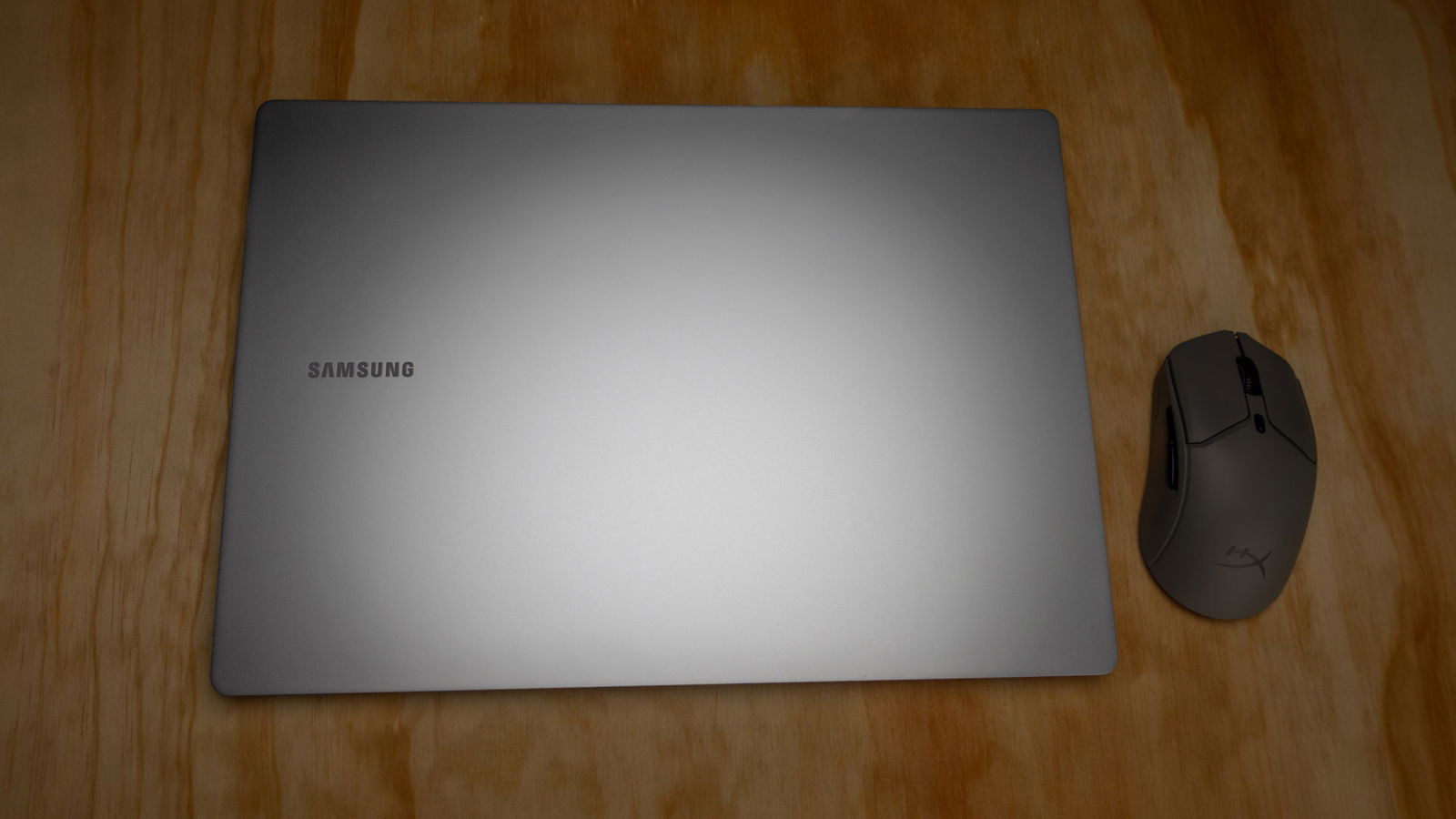
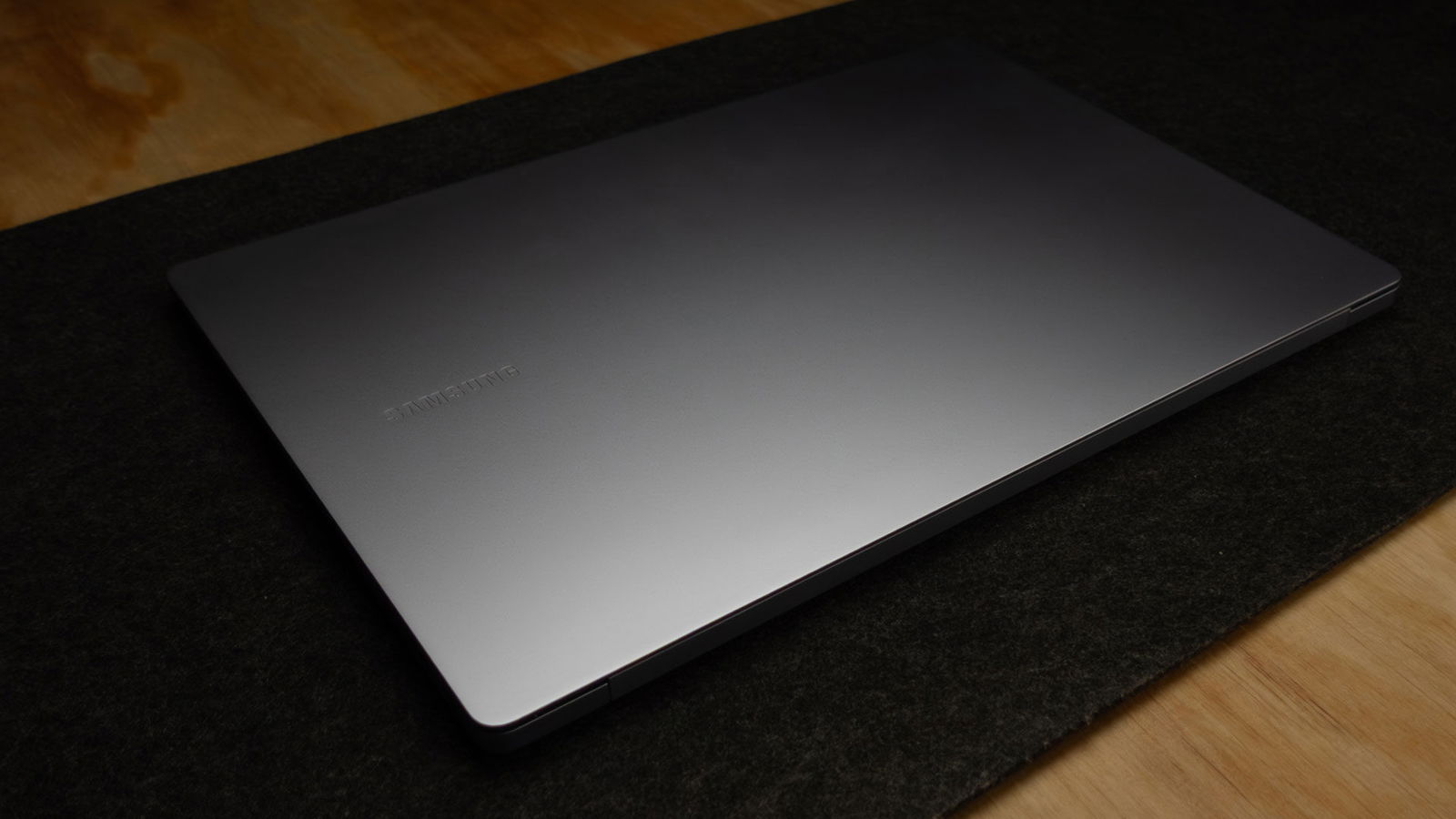
Out of the box, the Galaxy Book4 Edge is one of the highest-quality Windows laptops I’ve ever held. The aluminum unibody frame is razor-thin but incredibly durable. There’s no flex in the screen whatsoever, and while the lid opens with light pressure from a single finger, there’s no wobble or travel while in use.
“The Samsung Galaxy Book4 Edge marks a turning point for Windows on ARM.”
Samsung’s design hits a sweet spot between minimalism and practicality. The body is understated, with clean lines and tasteful bevels, but it includes an uncommonly robust port selection.
One of the most annoying trends in recent ultrabooks is the obsession with clean, uninterrupted edges at the expense of input versatility. I get it—USB-C and Thunderbolt are powerful, and Bluetooth 5.4 means you don’t need a headphone jack anymore. With those options, we can do more with less.
The Galaxy Book4 Edge takes a different approach: it lets you do more with more. Its port selection includes:

- HDMI 2.1 TMDS
- 2x USB 4 (20Gbps) Type-C
- USB 3.2 (5Gbps) Type-A
- UHS-II microSD card reader
Legend has it that the engineer had to be physically restrained before adding a DVD drive to the CAD files.
Under the hood, the Galaxy Book4 Edge 16″ comes equipped with Qualcomm’s 12-core 3.8GHz X1E-84-100 processor, 16GB of LPDDR5X memory, up to 1TB of storage, and a showstopping 3K AMOLED display. It’s a gorgeous device that I thoroughly underestimated. The razor-thin unibody doesn’t look big enough for the performance it delivers—yet here we are.
The Snapdragon X Elite is a powerful little chip, but it’s important to be realistic about what a system like this is built to do. We’ll get into what it’s capable of, but its real strength lies in midrange productivity. I’m going to glaze this laptop pretty hard, with the caveat that it’s exceptional for what it is: an extra-beefy ultrabook.
It’s more capable than most x86 systems in its class, but not as capable as workstations in its price range. It blurs the line between the two, but definitely falls on the ultrabook side of the equation. Its value proposition hinges on extended battery life, the Samsung ecosystem, and an outstanding display. After spending a few weeks with the Galaxy Book4 Edge, it makes a pretty good argument for its $1,749.99 price tag.
It’s worth noting that this isn’t an upgradable system. Unlike the x86-based Galaxy Book4 Pro, both memory and storage are soldered in place. That’s not a dealbreaker, but the 16GB RAM limit makes it less versatile and less future-proof than a traditional system. It also shapes what kind of creative work you can tackle. For video editing or effects work, it’s fine for 1080p projects, but handling 4K footage or complex node-based compositing quickly becomes a stretch.
Which isn’t a terrible complaint, considering we’re talking about an ultrabook. The fact that I could even tackle some of these tasks on a Windows on ARM device was surprising. Windows on ARM has come a long way in the past year, but it still can’t quite match the optimized performance of an M4 or M5 MacBook Air.
“The Galaxy Book4 Edge takes a different approach: it lets you do more with more.”
The main bottleneck isn’t the hardware—it’s Windows itself (more on that later). The Galaxy Book4 Edge runs a customized build of Windows 11 Home that includes most Copilot+ features but omits Windows Hello facial recognition. Instead, you get a fingerprint reader built into the power button. It works well enough, but on a device this premium, having both options would feel more appropriate.
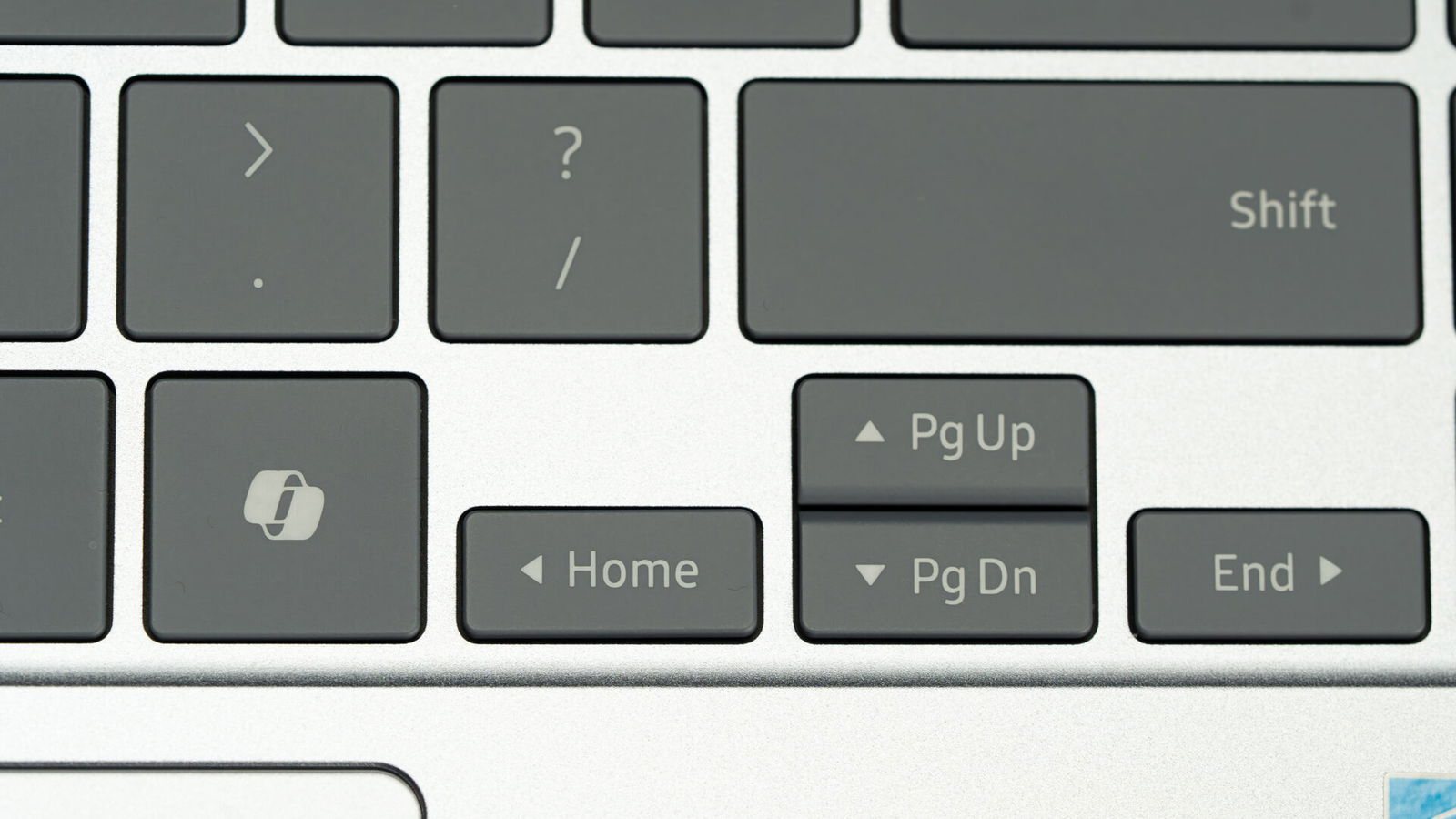
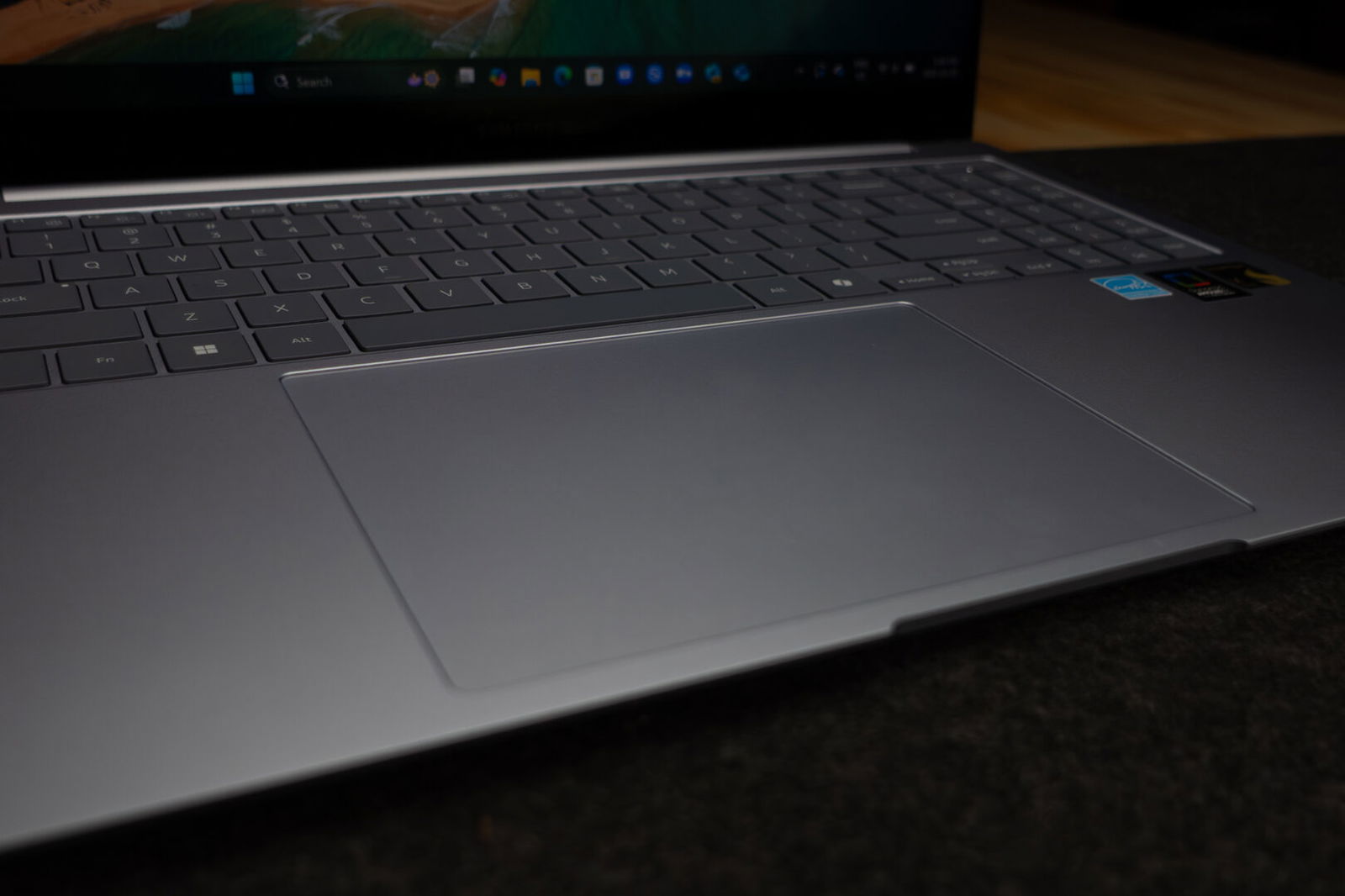
The keyboard is of very high quality. Its rigid frame, tactile but silent keys, and tasteful backlighting make it one of my favourite laptop keyboards in quite a while. It’s very similar to a Lenovo Yoga 9i keyboard, but with less flex and key travel. The keycaps have a flat profile and are arranged in a 100% condensed layout, including a dedicated copilot key and the fingerprint reader/power button.
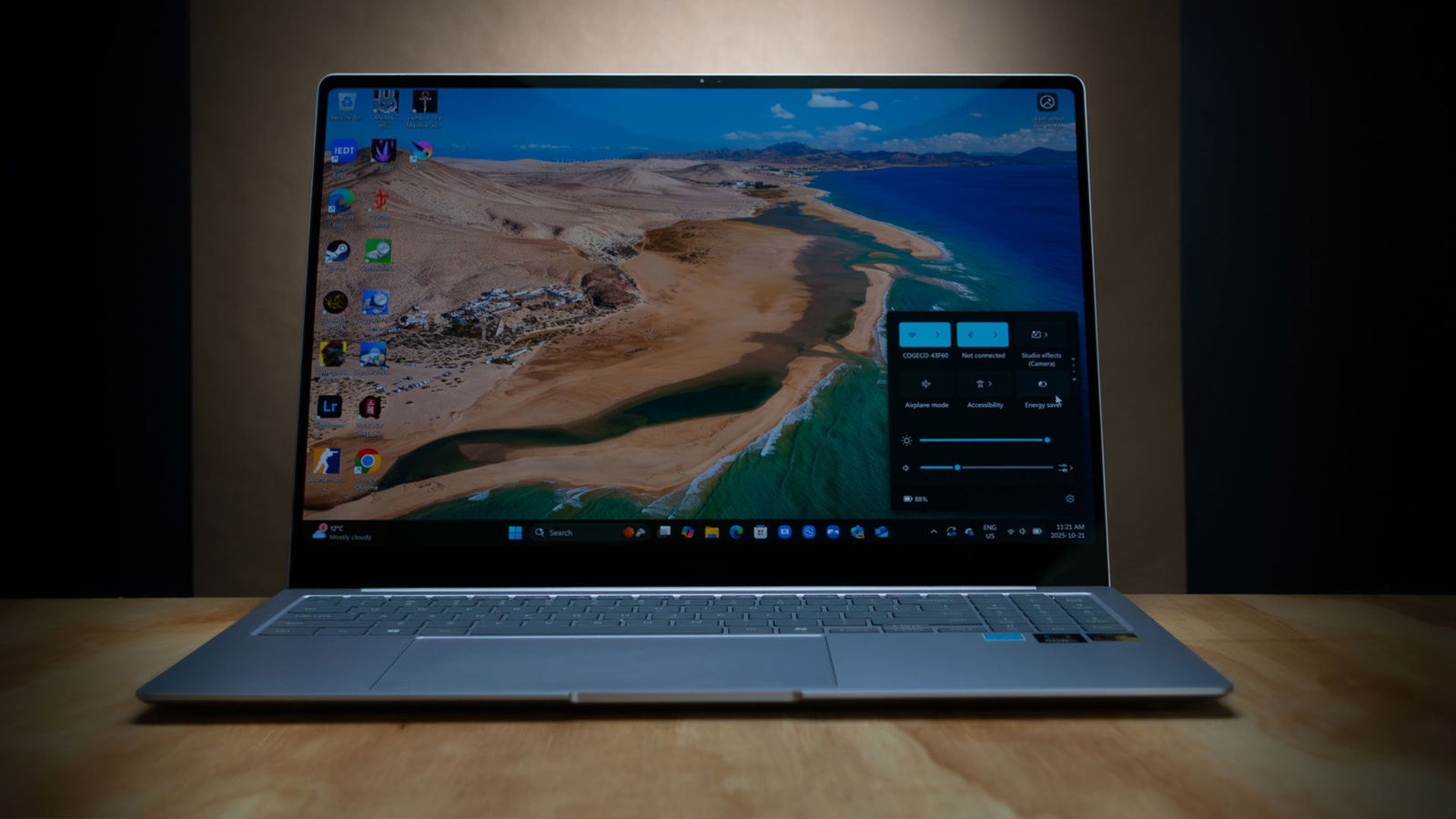
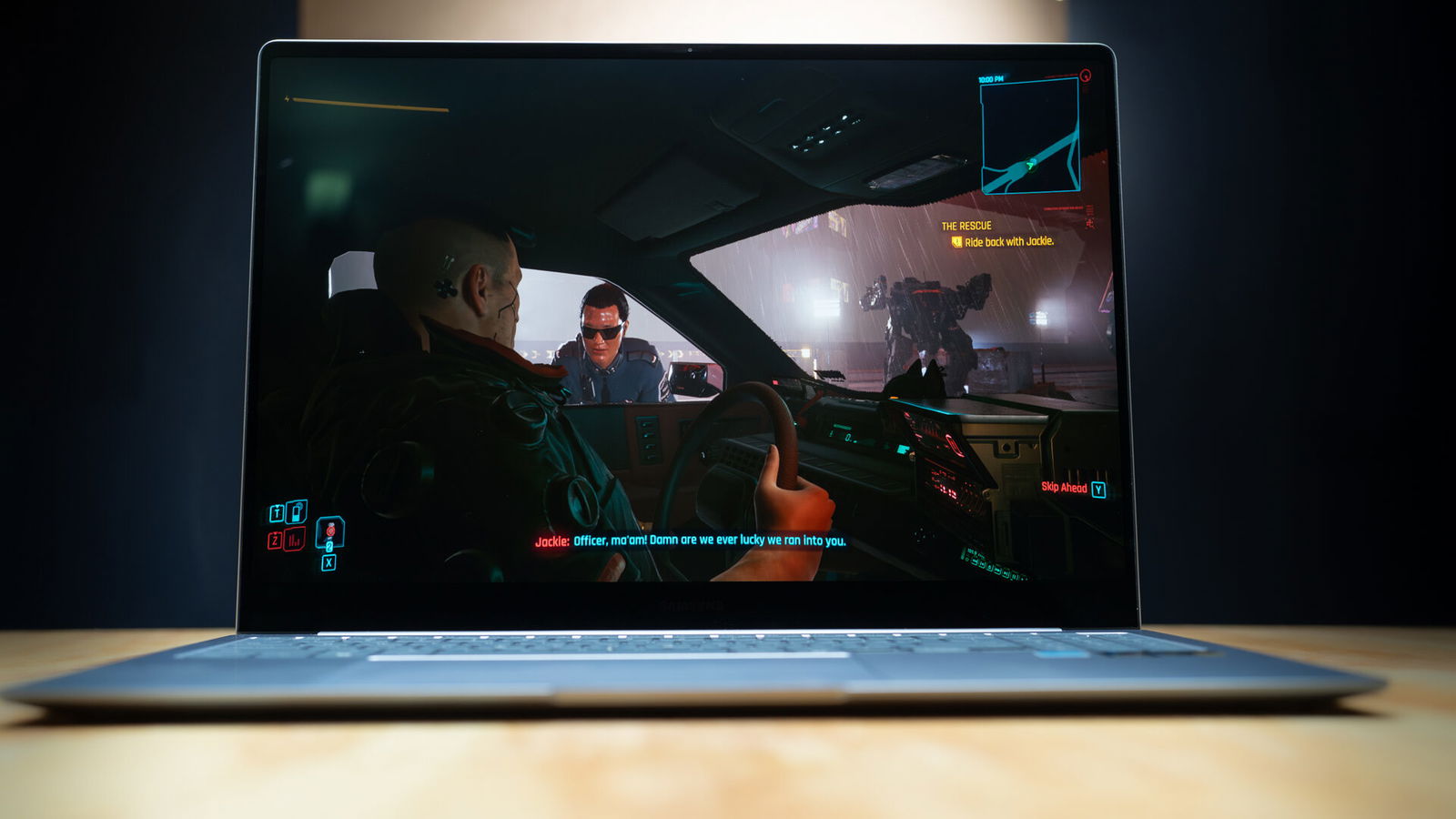
Then there’s the monitor. The centrepiece of the system is the Samsung AMOLED 2X display. Both the 14″ and 16″ models feature 3K touch screens with dynamic refresh rates that can reach up to 120Hz for smooth, high-framerate playback. The monitor covers 120% of the DCI-P3 colour space, making it superb for colour grading and digital painting.
Peak brightness is somewhere between 400 and 500 nits. It’s powerful enough to use in a well-lit room, but in direct sunlight, it starts to wash out. I’m currently typing this while sitting at the beach under the afternoon sun. I can see the text well enough with the brightness cranked, but whenever I switch back to my desktop, I have to really lean in to see the icons.
In contrast, the webcam and microphone are… okay. It’s a standard 1080p setup with serviceable video quality, but it won’t exactly knock your socks off. There’s no built-in privacy screen, though, for basic video calls, it’ll get the job done. If you have a Samsung phone, however, you can link it to the Book4 Edge and use the phone’s camera remotely—one of the real perks of buying into an ecosystem as carefully thought out as Samsung’s.
And keeping the whole unit running is a 61.8Wh battery. Samsung claims it’s capable of up to 22 hours of use between charges. For my testing, I set up a live stream of some music, turned off Power Saver, set the screen brightness to 75% and let it play uninterrupted at half volume. The music played for about 17 hours before finally switching off. To fully recharge using the supercharge-enabled power brick took about 1.5 hours.
Like any Samsung device, the first question on people’s minds will likely be “Is it better than the Apple version of the thing?” As always, the answer is “it depends.” Objectively, no, but if you have other Samsung devices, that answer becomes “Yes*.” The Apple M4 MacBooks are slightly faster and run smoother thanks to better optimized software and stronger single-core performance. But, in relation to M4 machines, it’s getting close.
Geekbench 6 Benchmarking scores
Multi-core
Mac M4 10-core: 14741
Snapdragon X Elite X1E-84-100: 14932
Single-Core
Mac M4 10-core: 3,745
Snapdragon X Elite X1E-84-100: 2782
Additionally, the Samsung Galaxy Book4 Edge 16″ scored 261 points in Blender benchmarking, which puts it in the top 58% of all tests.
The key advantage of a MacBook remains its locked-down OS. Apple has more control over its apps and hardware, making ARM optimization smoother. However, this means little if you work outside of that ecosystem. If you need Windows, want ARM, and like MacBook styling, the Samsung Galaxy Book4 Edge is as close as you’re going to get.
For me, ARM-based Windows devices were always destined to be a power-efficient way to run Google Docs and watch YouTube—a way to pair tablets with quality keyboards. Now, an ARM ultrabook is slightly outperforming my Legion 5 on video editing tasks and comes with battery life that lets me work more than three times as long. Wild.
Windows on ARM is a big deal, or at least it should be. But app compatibility issues at launch kept even top-of-the-line devices like the Samsung Galaxy Book4 Edge from being as compelling as they should have been. One year on, though, those issues have been mainly resolved. Before moving to Windows on Arm, it’ll be important to check if the software you use will be supported. At this point, most major software is, but even if there isn’t a specific Arm build, there’s likely x86 emulation. That’s the case for programs like After Effects, but curiously, other programs like Lightroom Classic are entirely unsupported.
“The centrepiece of the system is the Samsung AMOLED 2X display.”
But the area where mileage will vary the most is gaming. The issue isn’t with the Qualcomm Adreno X1-85 GPU, though, but again, with the amount of ARM support. When it works, though, the system is decent. Cyberpunk 2077 runs consistently at 40 FPS on this setup in 1080p with low settings. It will, however, absolutely chew through the battery and heat the top left of the keyboard to a toasty 75 °C. The story was similar for Doom Eternal and Counter-Strike 2.
When testing CPU-intensive games, one of my go-to titles has always been a late-game save of Total War: ATTILA, but unfortunately, it wouldn’t run at all. Neither would many older Total War games. Once I worked up through the years to Total War: Three Kingdoms, the game loaded, but not in a way that was playable for more than five minutes. Stellaris, on the other hand, ran perfectly fine. In fact, even in the late game, when the simulation started hogging more and more CPU resources, the performance was similar to playing on my AMD Ryzen 9700X-powered desktop.

And finally, there’s the mandatory 40 TOPS NPU—the Neural Processing Unit built into the Snapdragon. The NPU is required for Copilot+ devices and is meant to accelerate local AI tasks. It’s a valuable feature for business machines, but at a consumer level, it still feels a bit like Microsoft trying to make “fetch” happen. Personally, I’d rather have those resources go toward general processing power than faster image generation or LLM support I’ll never use—but if you need it, it’s there.
The Samsung Galaxy Book4 Edge is one of the strongest Copilot+ devices on the market. Its performance alone might not make it the best value. Still, as a complete package—combining display quality, battery life, and ecosystem integration—it goes a long way toward justifying the cost. If you’re already invested in Samsung’s ecosystem and want a lightweight, capable machine for general use or on-the-go content creation, the Galaxy Book4 Edge is tough to beat.