

The UGREEN NASync DXP4800 Pro has been one of the best NAS devices I’ve used in recent memory, and I truly think every household needs one. In a subscription-based world, it’s sometimes jarring to have to pay to have an extra backup of your data, and even more so to have the ability to do the same thing in the cloud.
With a NAS (Network Attached Storage), you have full control of your data and even a lot of customization options to play with as well. I’ve been a true believer in cloud storage for the better part of a decade, but there’s always been a limitation to how and where I’m able to save my stuff.
Gone are the days of carrying around a USB data drive or an external hard drive to save your storage for your laptop or tablet devices. Being able to access cloud storage over the internet has been one of those generational tech advancements that I don’t think we give enough love to. With this, having a NAS now allows, in some cases, access to an array of data and files available at your fingertips thanks to the cloud.
With the UGREEN NASync DXP4800 Pro, you are able to use up to 144 TB of total storage, which is absolutely incredible if you are a small business, content creator, or just someone who needs a lot of digital storage. Right out of the box, you have 8 GB of DDR5 RAM, which is expandable to 96 GB. The NAS is powered by the Intel i3-1315U processor, which has 6 cores and 8 threads.
“The UGREEN NASync DXP4800 Pro has been one of the best NAS devices I’ve used in recent memory, and I truly think every household needs one.”
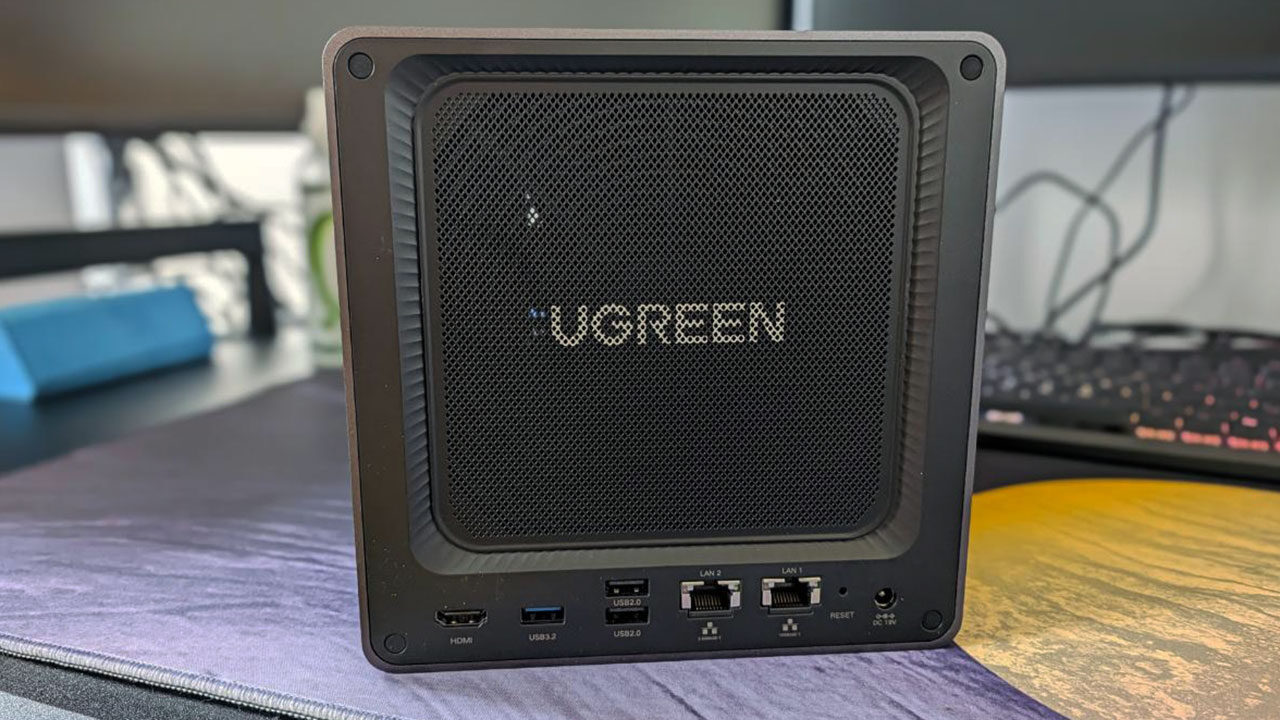
On the front of the device, you have two USB ports, namely Type-C and Type-A, as well as an SD 3.0 card reader. On the back of the device, you have two USB 2.0 ports along with an additional high‑speed USB 3.2 (5 Gbps). There is one HDMI port that supports 4K at 60 Hz and two LAN ports. These LAN ports are really good because they include the standard 2.5 GbE as well as the high‑speed 10 GbE.
During this review period, I received two 1TB hard drives, which gave me some freedom in how I wanted to set up the UGREEN NASync DXP4800 Pro. I’m a media enthusiast, and I have a lot of movies and music on my computer. I wanted to test out what live streaming would look like with this device, and it seemed flawless.
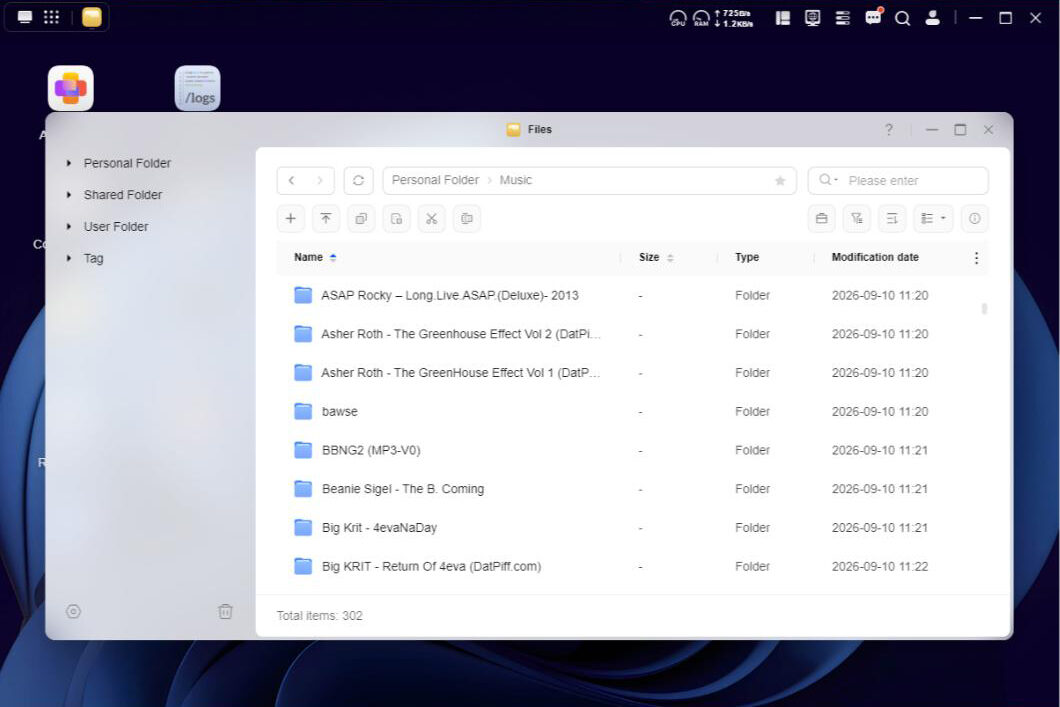
I’ve unsubscribed from many of my media streaming platforms this year and have moved to a more analogue listening experience. During high school, I grew up in the rap mixtape era, and I still have virtually everything I ever downloaded at that time on my computer. My first order of business was to see how I could use this NAS as a cloud music hub without having to pay the premium for it.
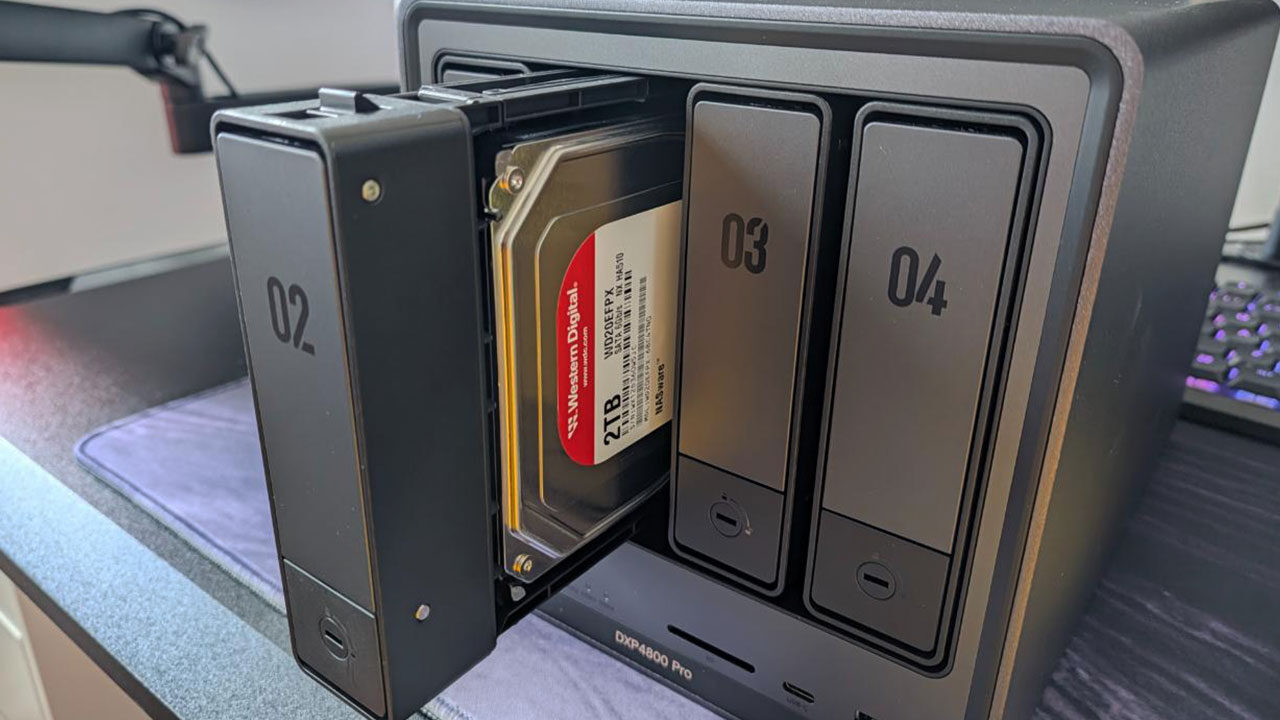
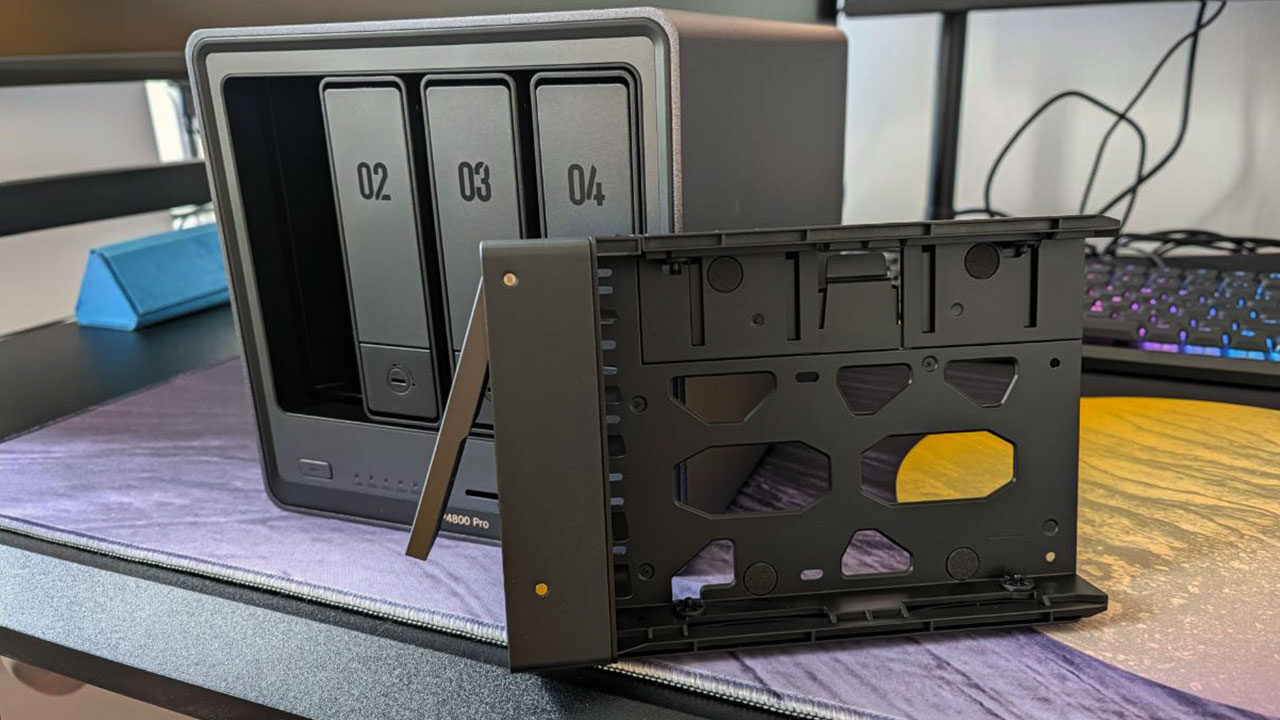
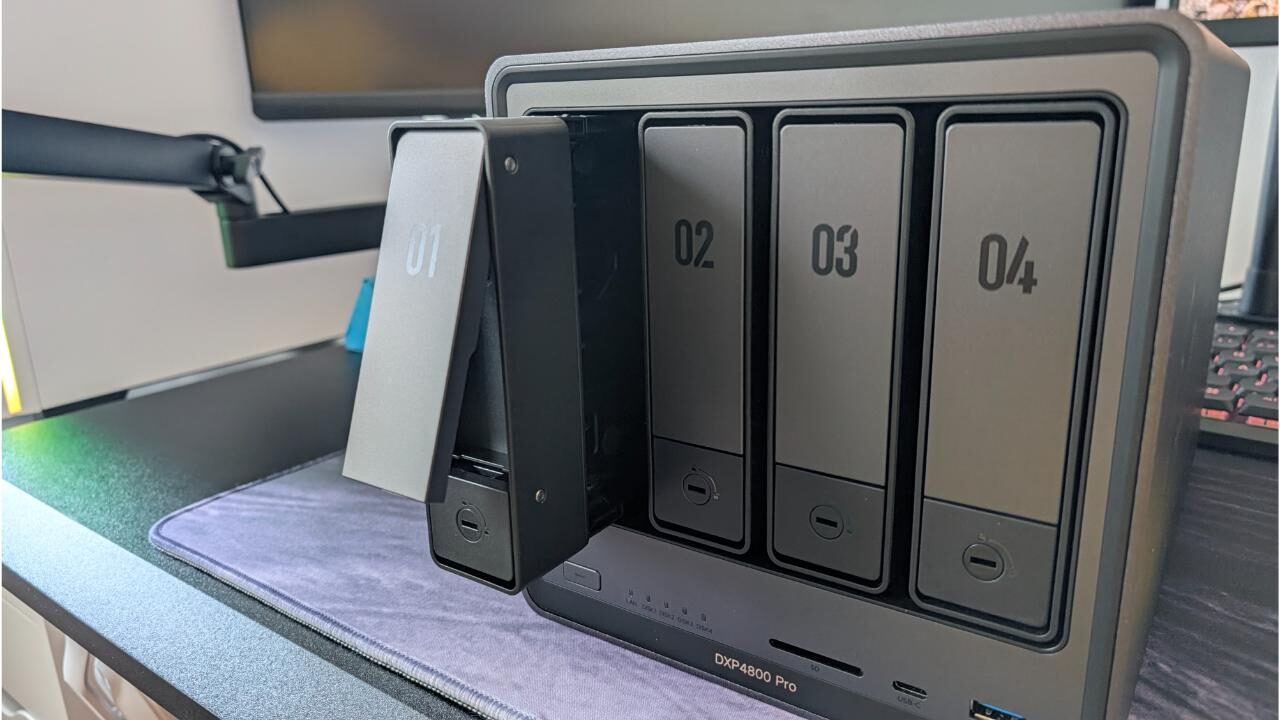
My first task was to get into the details and set up the UGREEN NASync DXP4800 Pro. The hard drive bays were very easy to open and close, and although no hardware was needed to open them, in the box you get a small tool that fits inside the slot to lock each bay. I installed the two hard drives supplied to me, booted up the NAS, and began configuring the drives. UGREEN has made this process very streamlined and simple to use.
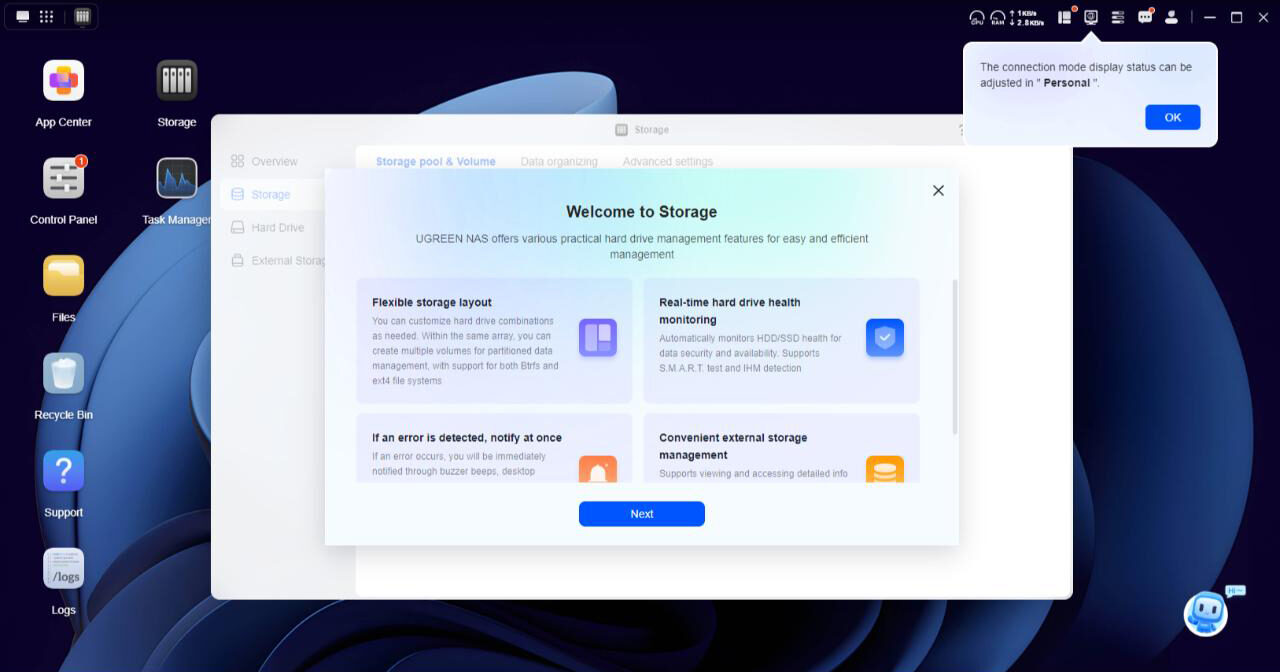
Once everything was up and running, I received a prompt asking if I wanted to use the hard drive as two separate standalone drives or as one main drive with the secondary one as a backup in case the first one no longer functions. Both the UI and the experience of the UGREEN NASync DXP4800 Pro were quite pleasant to use. It feels like your average Windows experience but with a slightly cleaner UI.
Optimization of the UGREEN NASync DXP4800 Pro was also simple. At home, my Internet speed is 3 Gbps, so I connected my router to the 2.5 GbE Ethernet port for maximum efficiency. Once the NAS was set up on the network and the hard drives were configured, I started to move over some media files. Transfer speeds were very impressive and far better than I experienced with my Google services. Once everything was set up, I was able to test how well I could access my media from outside the home.
“One thing I really enjoyed about the UGREEN NASync DXP4800 Pro is that you don’t necessarily need to use a service like Plex or Jellyfin to access your media.”
The UI for listening to music was very clean, and there is an animation of the record player, which was really nice. Listening to music on the go works, but you’ll need to make a small adjustment to your smartphone before you can fully enjoy it. The UGREEN app doesn’t run in the background or over other apps, so you’ll need to enable the app to do so; otherwise, every time you want to check a message or read an email while using the app, it’ll just close.
One thing I really enjoyed about the UGREEN NASync DXP4800 Pro is that you don’t necessarily need to use a service like Plex or Jellyfin to access your media. Using the Theater App, you can upload your folders to the app and organize them to your liking. In my situation, I downloaded the UGREEN app for my NVIDIA Shield and was able to access everything directly from the NAS to my main TV.
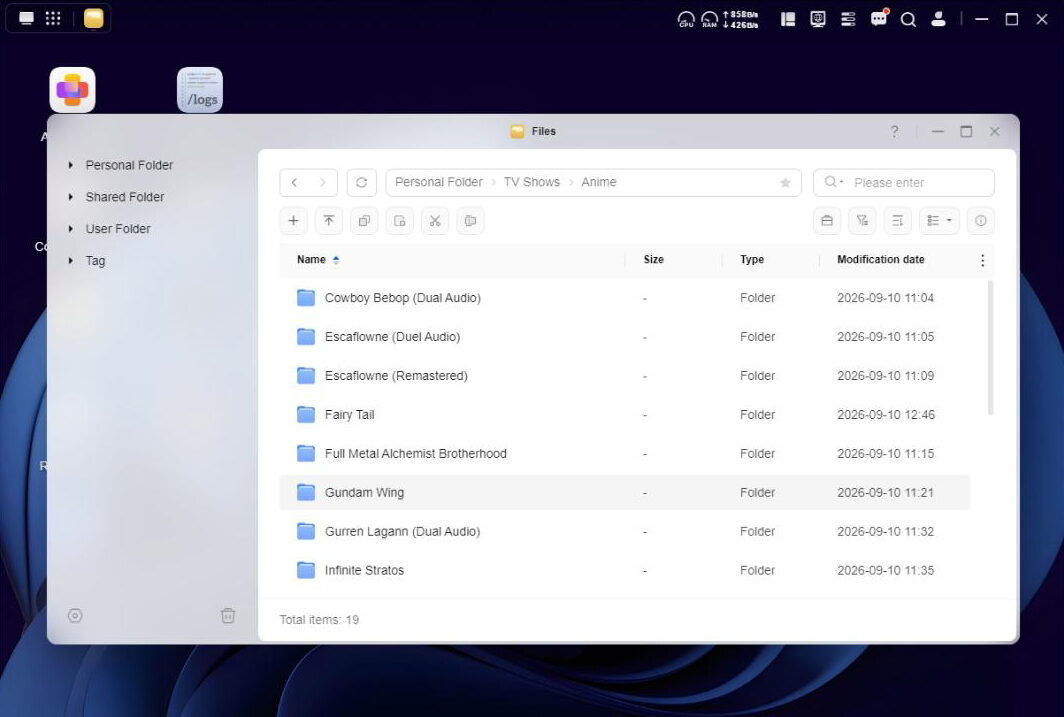
The Theater app also pulls information from TMDB (The Movie Database) and updates the thumbnails and information for whatever media you’ve uploaded. This was really nice, as I enjoy having a clean and organized grid to look at, rather than lines of filenames.
My experience with the UGREEN NASync DXP4800 Pro was very pleasant and a significant upgrade to my media consumption experience. The price tag for this device is a little steep, coming in at $799 USD, but I can confidently say that this purchase would be well worth your time. Being able to not pay for cloud storage means that you are not only in control of your own data, but you will not have to pay any extra fees to host it elsewhere.
With this, if you are a media junkie like myself and want to be able to access your music, TV shows, and movies on the go, fairly effortlessly, this would be the perfect way to do it. The UGREEN NASync DXP4800 Pro is the perfect entry-level device for anyone who has been curious about getting into using a NAS. The interface is simple and not too intimidating, and once you get familiar with the ins and outs of it, you can truly make it your own.