
The Synology DS725+ is a powerful, compact NAS storage solution that is as easy to set up as it is to use, making it an ideal choice for small businesses and home use. From its snappy and mature operating system to a list of equally useful apps and utilities, the Synology DS725+ offers a robust starting point or addition for those serious about their data.
I have been in a bit of a rabbit hole lately with NAS computing, and Synology has become my favourite vendor in that niche, despite some frustrations about its abandonment of transcoding media capabilities. The Synology DS725+ appears, at first glance, to be another two-bay solution, making it well-suited for first-timers looking to move away from paid cloud services or those in the market for just a little extra room in their existing setups.
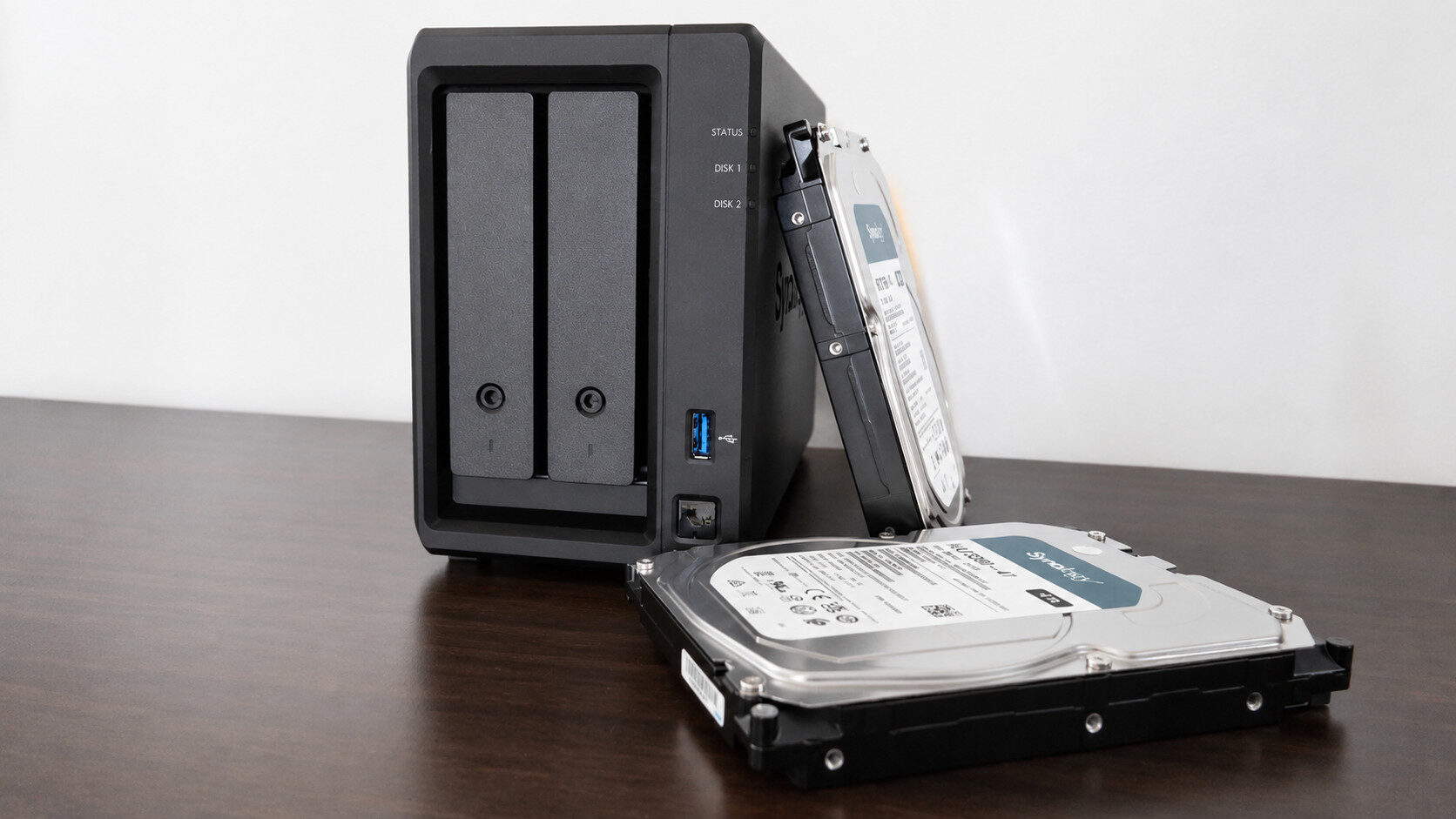
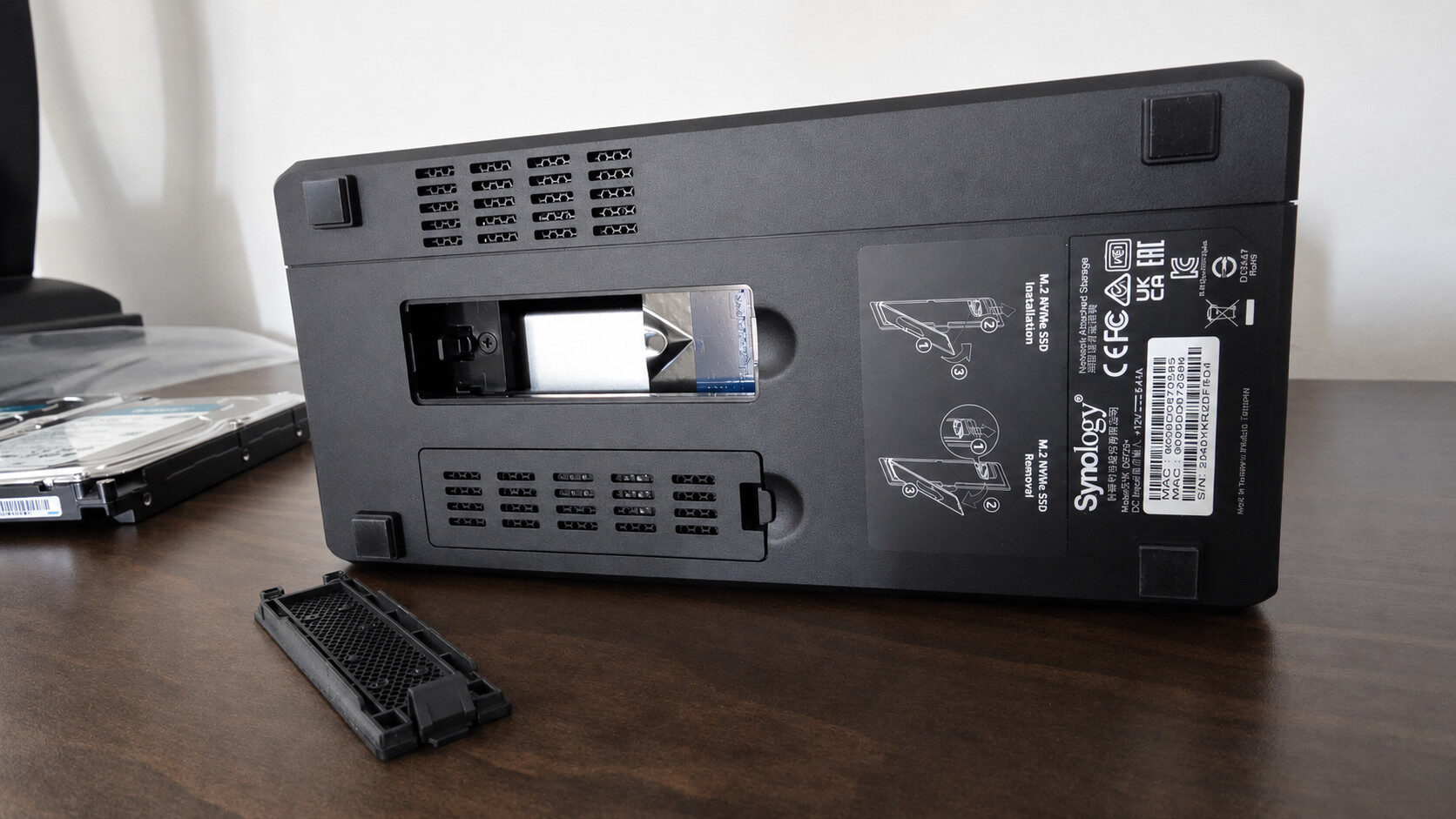
In reality, the Synology DS725+ is equipped with a USB-C expansion port, allowing users to add Synology’s line of expansion bays for more than 140 TB of storage. Additional dual M.2 NVMe slots for ultra-fast caching and possible storage pools add another layer of utility for those who run more intensive apps and Docker containers, such as VMs or other extensive libraries that require fast reading and writing.
“The Synology DS725+ offers a robust starting point or addition for those serious about their data.”
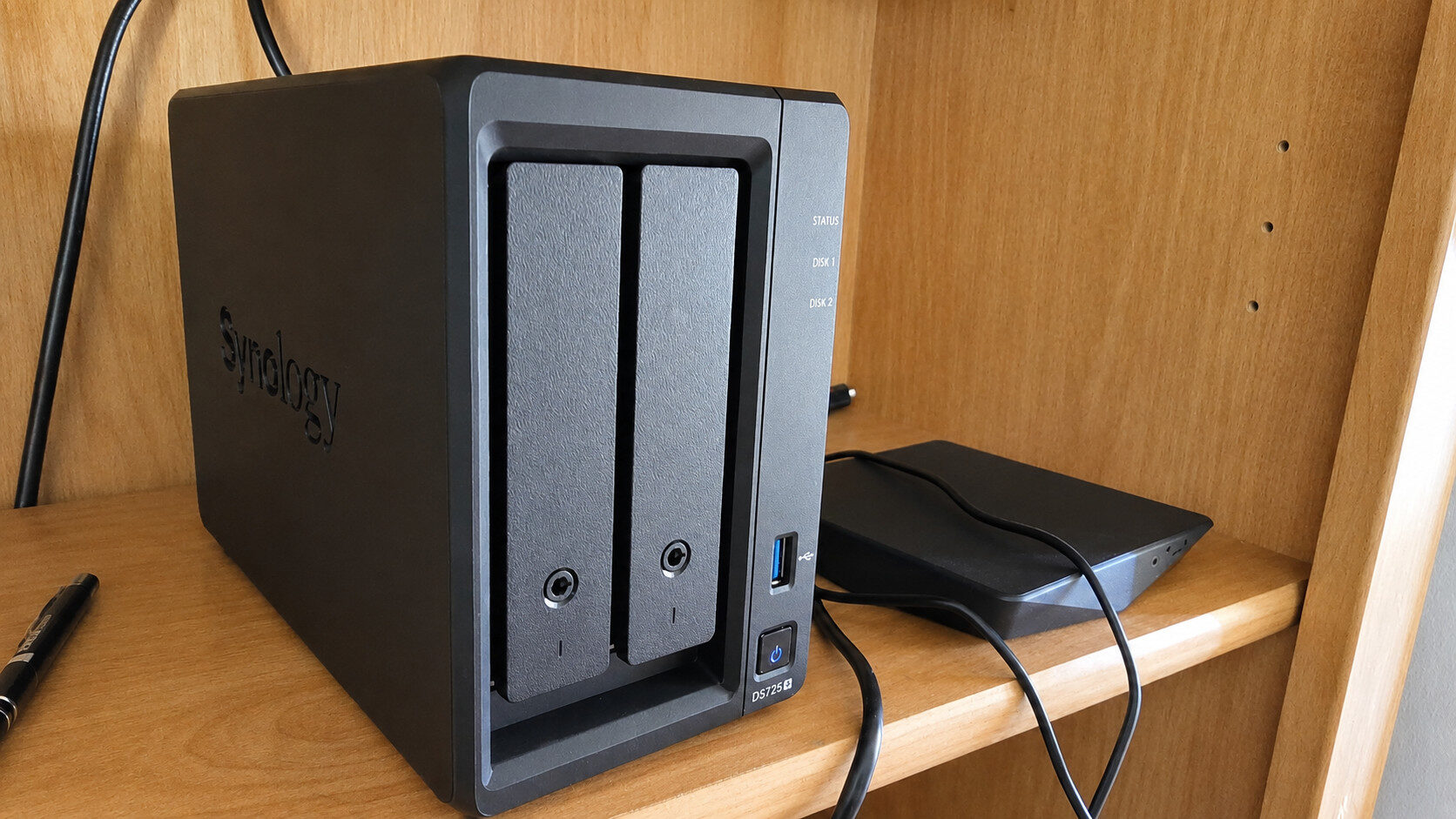
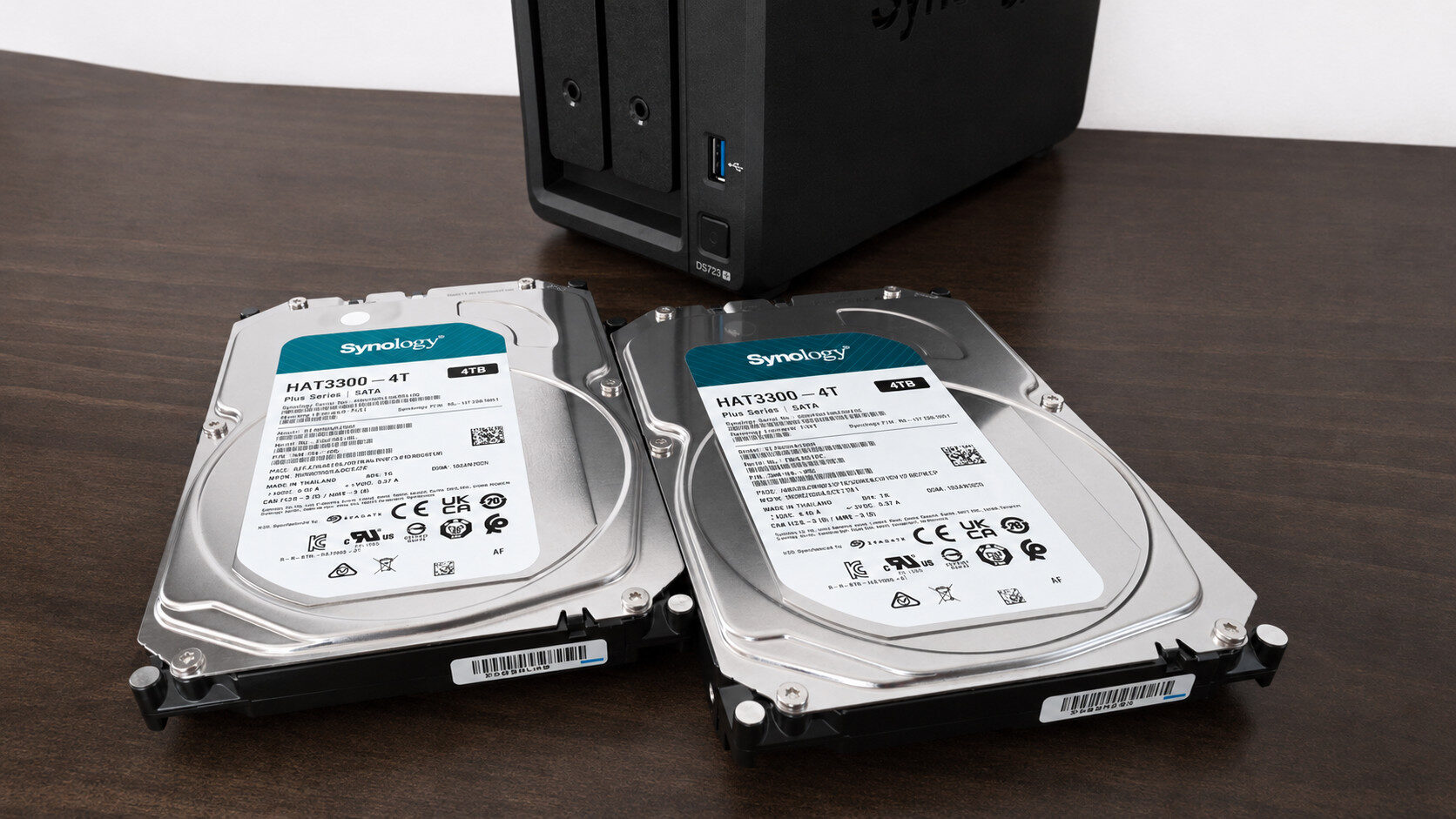
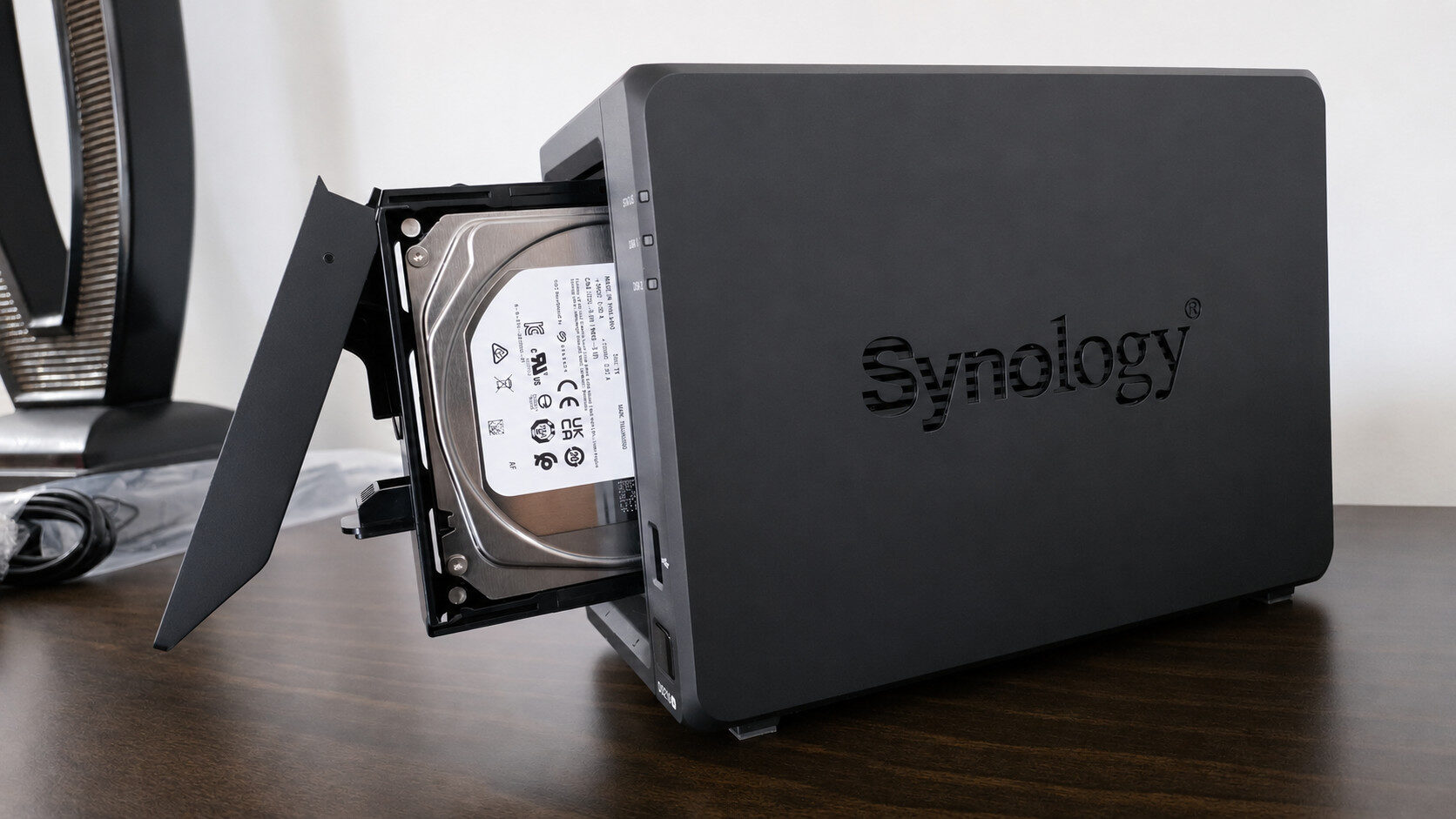
For the purposes of this review, however, I was sent two 4 TB NAS-rated drives, more specifically Synology’s own HAT3300 mechanical HDDs, which both slid into the DS725+ with ease. Installing drives into the Synology DS725+ is a straightforward process that requires users to gently apply pressure to the spring-loaded bay covers, releasing them from the enclosure. After removing the brackets from the caddies, sliding the drives in feels intuitive, with Synology even including small plastic keys to lock them into place.
In terms of other I/O, outside of the USB-C expansion port, the Synology DS725+ includes 2x RJ-45 LAN ports, rated at 1GbE and 2.51GbE, respectively, in addition to power and a front-facing USB 3.2 Port. If I had to nitpick, I do wish the power jack on the NAS used something more off-the-shelf, like an S-shaped power cable or a three-prong plug, instead of what appears to be a proprietary design. The design of the Synology DS725+ is in line with their broader two-bay range, ditching the shielding cover of something like the DS224 for a cleaner, more timeless look with its matte, textured finish.
Once your assortment of mechanical drives and/or SSDs has been installed and the device is powered on, the included QR code that ships with the Synology DS725+ makes the rest of the installation process a breeze. As someone who already has a Synology NAS, visiting the find.synology page made it easy to see the new IP/ domain of the Synology DS725+ unit on my network. From here, it takes about 10 minutes for DSM, or Synology’s operating system, to install, either automatically or via a drag-and-drop menu with a user-provided file.
After installing the operating system, users are encouraged to format their drives for their needs, which, for me, was a JBOD configuration that forgoes drive RAID stripping or any form of redundancy protection in favour of maximizing the total storage pool of the installed disks. Of course, I highly advise against this, particularly for those who have sensitive data that needs backing up, but as someone using the DS725+ for testing purposes with easily replaceable media and program files, JBOD made the most sense.
From here, at least on Windows, it is a straightforward process to set up a network drive, making sure all permissions are granted. My desktop and NUC were able to see the Synology DS725+ without issue. To go one step further, I reserved some space in the available storage pool as an iSCSI LUN or a physical drive on my desktop for testing Steam.
Ideally, something like an iSCSI drive would benefit from utilizing the available M.2 slots on the Synology DS725+. Still, even without access to a super cache, I was comfortably able to install some games directly onto the NAS that ran without a hitch on my main gaming desktop. Making it perfectly suitable for smaller releases, such as games like Screamer and Crisol: Theatre of Idols, both of which loaded into the game under a minute.
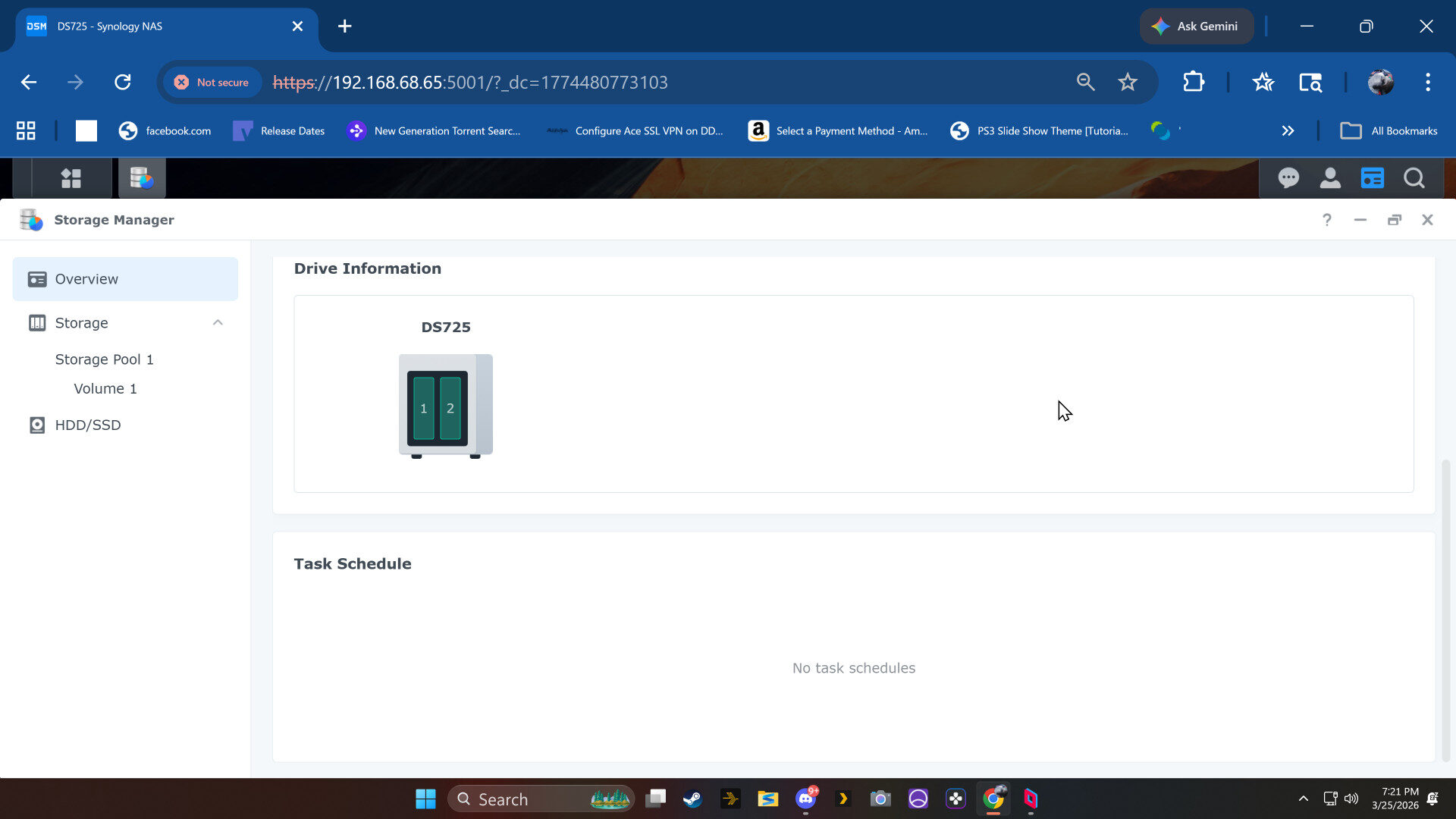
I also took the opportunity to migrate my Kavita Docker container to the Synology DS725+, which was a smooth process and worked perfectly, made better by Tailscale running from the DSM app store, allowing me to access my library from outside my home network easily.
“The Synology DS725+ is a fairly capable NAS for most use cases, further enhanced by additional memory slots that bump capacity to 32 GB.”
Powered by the AMD Ryzen R1600 and 4 GB of DDR4 ECC SODIMM, the Synology DS725+ is a fairly capable NAS for most use cases, further enhanced by additional memory slots that bump capacity to 32 GB. Despite the exorbitant price of RAM right now, that future-proofs the NAS without the pitfalls of soldered-on solutions. Now, as the AMD Ryzen R1600 does not offer hardware-based transcoding, the Synology DS725+ is not the best choice for a Plex server. However, paired with a decent NUC, the DS725+ can make for a powerful home server setup.
For those who just want a storage solution and do not care about remote access or transcoding, something like Jellyfin is a great choice for the Synology DS725+, as the NAS offers solid performance on a local network, despite its hardware limitations.
Ultimately, the Synology DS725+ is a solid two-bay solution with plenty of expansion potential and memory, made better by the maturity of its rich operating system and app ecosystem, making it an ideal choice for small to medium-sized home users or businesses.