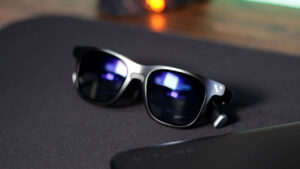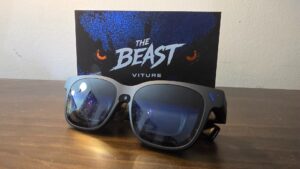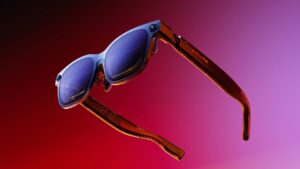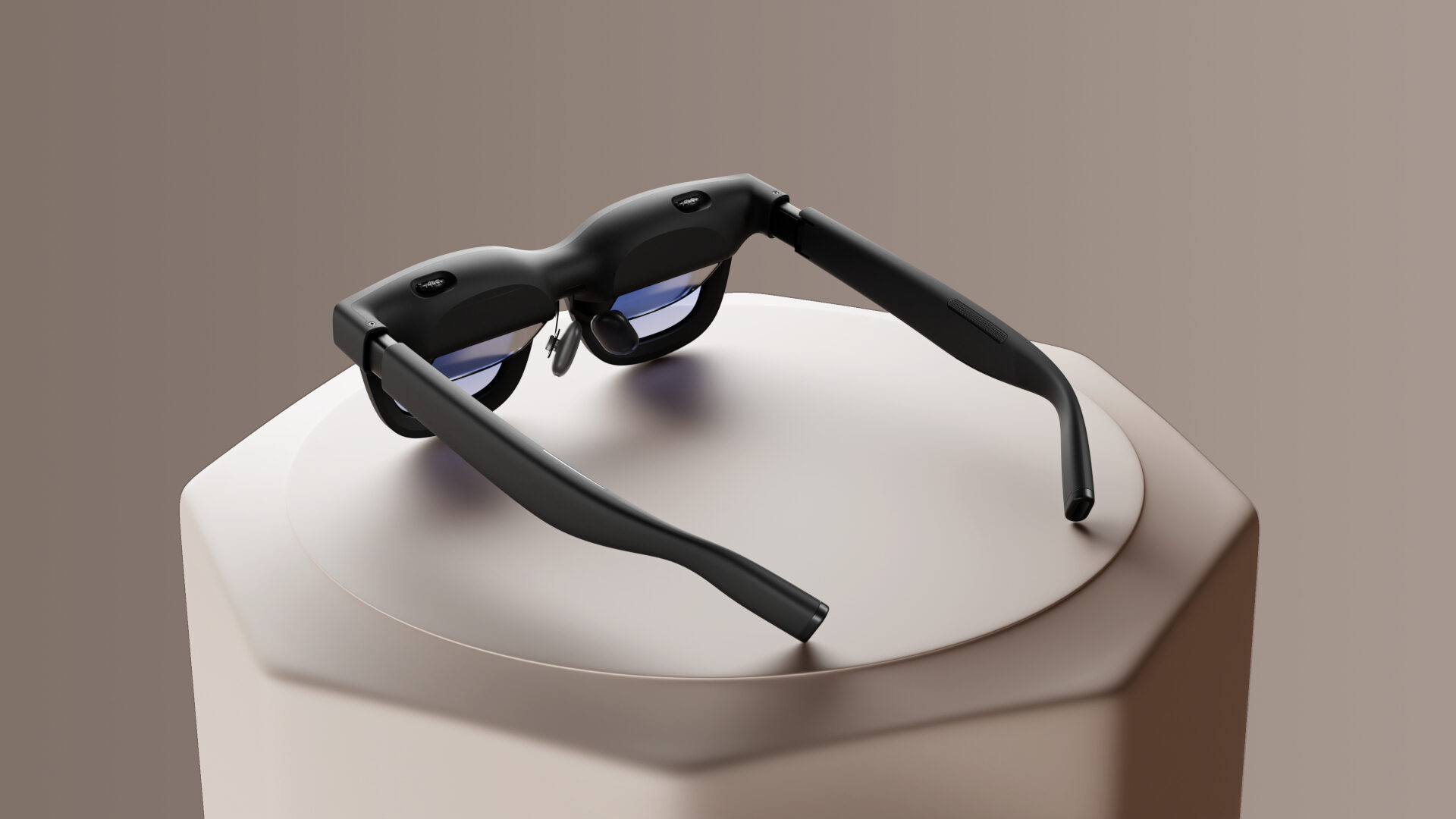


Dreams of the future, like flying cars and governments prioritizing people over profits, still feel far away, but high-tech glasses that project giant screens before our very eyes are now a reality. However, the Viture Pro 2 XR glasses prove that it’s another concept that has not been perfected, but that doesn’t mean that it isn’t capable of fancy features that could be perfect for someone who wants a big screen but lacks the room for one.
Viture XR glasses aim to provide what they hope is an evolution of television: lightweight glasses that give an individual their own personal 146-in screen, usable anywhere with the right tools. They sport features like multiscreen and widescreen display options, and even an AI-powered 2D-to-3D converter that can give movies and games added depth. While that all sounds great on paper, after trying out each of those features, limitations and incompatibility couldn’t help but lessen the experience I was hoping for.
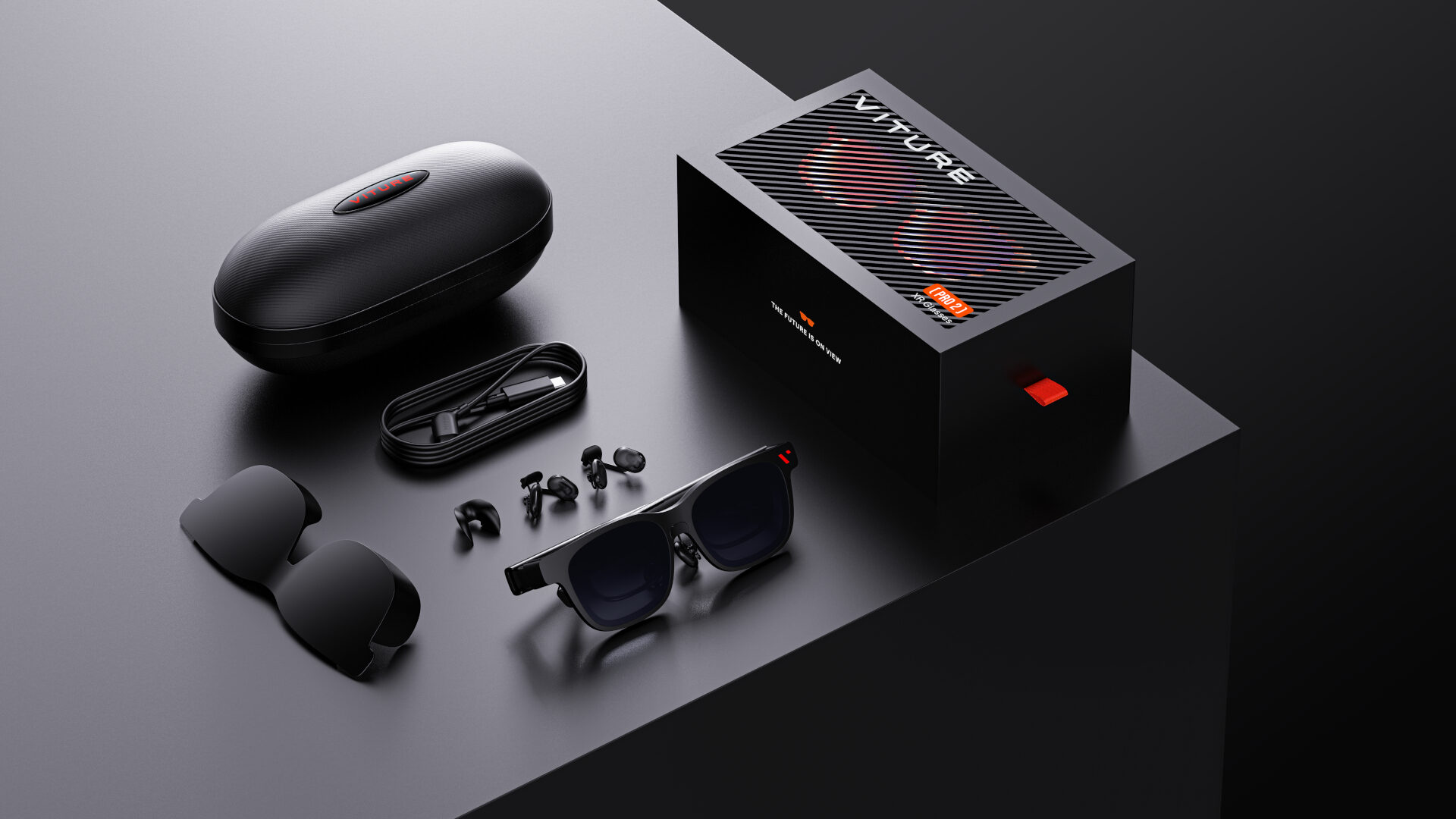
When I first received my pair of Viture Pro 2s in the mail, I was excited to use them with my computers and video game consoles to see how well they compared to the formidable displays I already own, and problems were immediate. After unpacking the sleek and secure packaging, which included a sturdy carrying case, the glasses, user manuals, and a three-foot-long USB-C cable, I was ready to give the futuristic glasses a try, but my current-gen gaming consoles and recently upgraded PC tower were not as prepared as I was.
The biggest disappointment about Viture’s Pro 2 glasses is that they are not wireless and require a specialized USB-C port to function properly. They require a consistent connection to a USB-C Thunderbolt port, which allows them to output high-speed data and video. It’s a port that is included in many modern laptops and smartphones, but not much else. This meant that I was not able to enjoy using the glasses with my PlayStation 5 or desktop gaming PC without an extra device.
“The Viture Pro 2 glasses produce a bright, vibrant, and huge 1080p HD display, just as advertised.”
Thankfully, Viture was kind enough to later send me a Pro Mobile Dock, which normally runs an extra $179 and feels like a necessity for anyone wanting to fully enjoy the XR Pro 2 glasses on any device that has an HDMI port but not a USB-C Thunderbolt port. Once properly hooked up, the dock and glasses worked seamlessly to create a vibrant display with both my gaming PC and PlayStation 5.
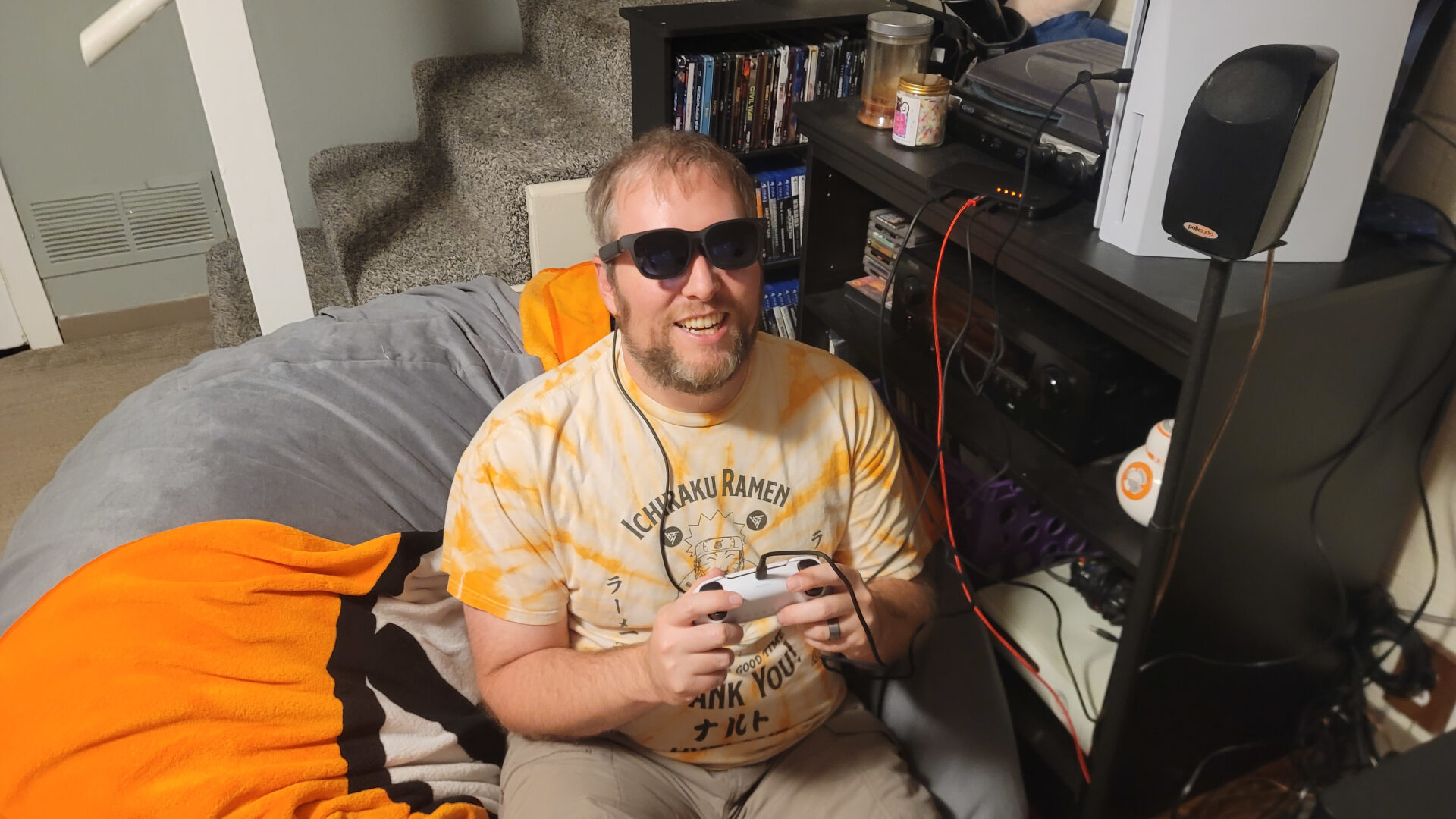
The Pro Mobile Dock thankfully provided a smooth experience that only took a couple of minutes of setup before I was able to successfully enjoy everything on my PlayStation 5 through the glasses. While playing a few rounds of Elden Ring Nightreign, I was surprised by the surround sound quality of the glasses’ internal speakers, which was so effective that they removed any need for external headphones without broadcasting the audio outward for all to hear in the vicinity. But before the dock arrived, I was able to test the glasses out on both my Android phone and laptop, with one being a much smoother experience than the other.
Viture adamantly encourages using the 3-foot USB-C cable provided with the glasses to connect with devices customers hope to use. That is obviously not a lot of room and can severely limit how comfortable the user can be while using the XR Pro 2 glasses, which feels counterproductive for those trying to watch a movie or enjoy a long gaming session on the glasses. However, when connecting to a compatible device like a smartphone, the glasses worked seamlessly, projecting the contents of my phone into a beautiful large screen before my eyes, but at the cost of a faster phone battery drain.
When a user is hooked up with a compatible device and in a comfortable location that doesn’t require too much moving around, risking accidentally pulling on the short connection cord, the XR Pro 2 glasses produce a bright, vibrant, and huge 1080p HD display. It was a great alternative to doing office work on a small-screen laptop, or getting a better look at anything you’d want to see on your smartphone.
The Viture XR glasses are an absolutely perfect alternative for those wanting a big screen display in spaces that would normally not allow for one. People living in a small apartment, consistent passengers who travel, or those who are forced to give up their control of the family TV will find great respite with the glasses’ personalized display.
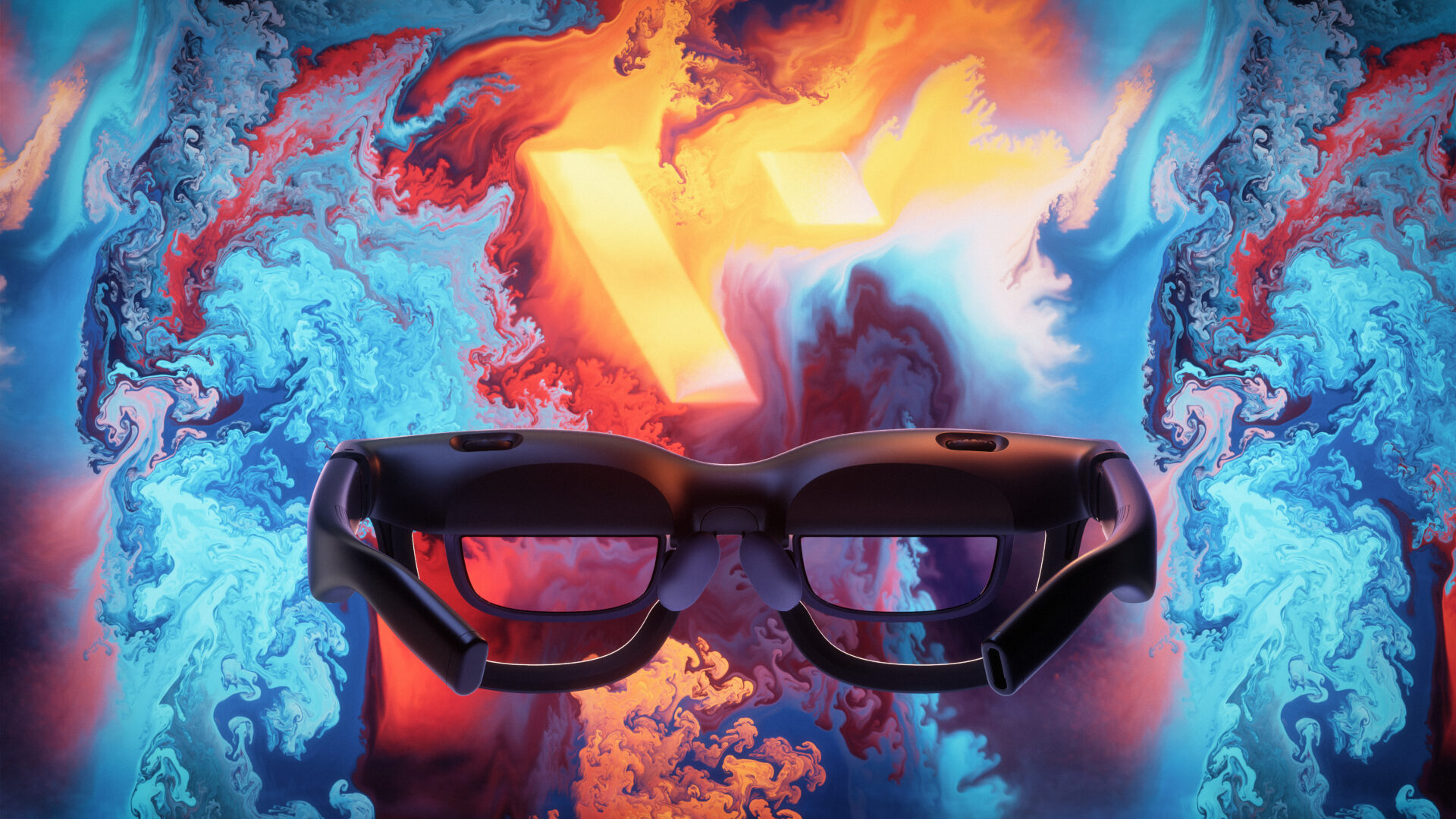
Viture’s XR Pro 2 glasses contain two small buttons that can be used to adjust volume and brightness settings, and two separate dials that help adjust the focus-aperture of each lens. However, in my experience, one end of the dials created an image so blurry that I can’t imagine it being compatible with anyone’s eyes, while the other end created a sharp image, but only for 90% of the projected display. This caused the display’s border to be blurry and nearly unreadable, an issue that was extra prevalent when trying to read icons on my PC’s taskbar or video game’s UI elements near the edge of the screen.
While the Viture Pro 2 XR glasses quickly register as an alternative display when hooked up to compatible devices, it did not work as seamlessly when trying to access its advanced features through its SpaceWalker and Immersive 3D apps. After downloading and setting up the companion apps on my laptop, more issues with compatibility reared their frustrating heads.
The SpaceWalker app allows the Viture Pro 2’s display projection to transform into multiple configurations, enabling it to duplicate or extend the computer’s display. This helped to generate multiple screens through the glasses for extra productivity. However, when trying to test out widescreen mode with some of my favourite action games on Steam, like Returnal and Battlefield 6, the SpaceWalker app refused to play nicely with Windows 11. The app refused to present my games with the Viture Pro 2’s advanced features and instead generated zoomed-in proportions, reactivated displays I previously closed for the testing, and even switched the display settings that I established in my game settings. Unfortunately, the Immersive 3D app presented a similar experience.
“The Viture Pro 2 XR glasses are so lightweight that they are extremely comfortable to wear for long periods of time.”
I’m personally not a huge fan of 3D visuals because they often result in more headaches than improved enjoyment, but the Viture’s Immersive 3D feature gives everything it works with a vibrant and visual pop. The AI-powered conversion tool works surprisingly well and helped me realize that maybe filmmaker James Cameron is actually onto something.
That being said, while stress testing the glasses’ 3D mode with Avatar: The Way of Water on Disney+, the visuals popped in ways that my home theatre big screen can not; that was until large parts of my screen turned into splotches of white while the software struggled to keep up and convert the visuals smoothly. Hopefully future updates can improve both apps because the intended ideas are good ones.
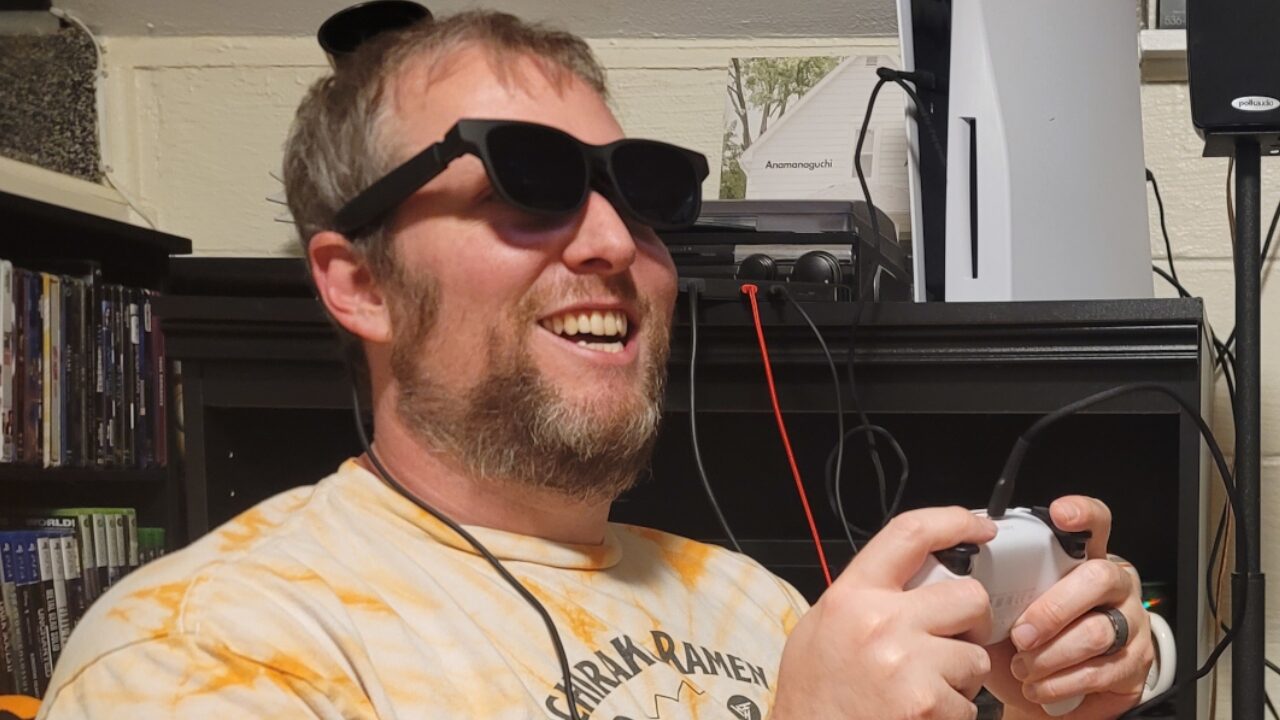
The Viture Pro 2 XR glasses are so lightweight that they are extremely comfortable to wear for long periods of time. My large nose fit wonderfully with the default nose pads, but the package did include alternative-sized pads to adjust to almost anyone’s comfort. However, a clip-on lens frame attachment for those who need prescription lenses will cost an additional $79. With multiple adjustment features and its combat design, it is easily the most comfortable tech headwear I’ve ever used, minus the short leash that was the provided USB-C cable.
The arguably stylish and extremely lightweight Viture Pro 2 XR glasses are both comfortable and a great idea for anyone who doesn’t have room for a giant TV. Unfortunately, the Viture Pro 2’s lack of compatibility and wireless features, and half-baked companion app features, create enough shortcomings that make it difficult to recommend to everyone.

- 【ULTRACLARITY 3.0 – THE CLASSIC, EVOLVED, SHARPER FROM EDGE TO EDGE】 UltraClarity 3.0 takes birdbath optics further for crisp text, clean subtitles, and high-fidelity detail across the whole view – not just the center, but every corner. Horizontal and vertical resolve equally, straight lines stay straight at any prescription, and the image holds wherever your eyes go. From spreadsheets and documents to HUDs in open-world games, fuzzy corners do not pull you out of the moment.
- 【A 146-INCH XR SCREEN FOR GAMING, TRAVEL & WORK】 Turn compatible USB-C video-output devices into a private 146-inch 120Hz 1080p XR display for gaming, streaming, studying, and working. Whether you are on a flight, in a dorm, at a hotel, or gaming from the couch, VITURE Pro 2 gives your phone, laptop, or handheld console a bigger, better personal screen.