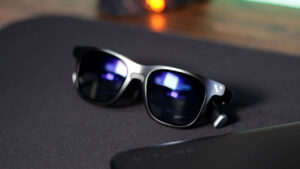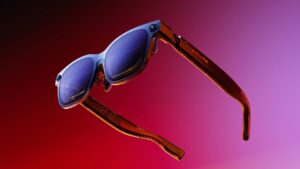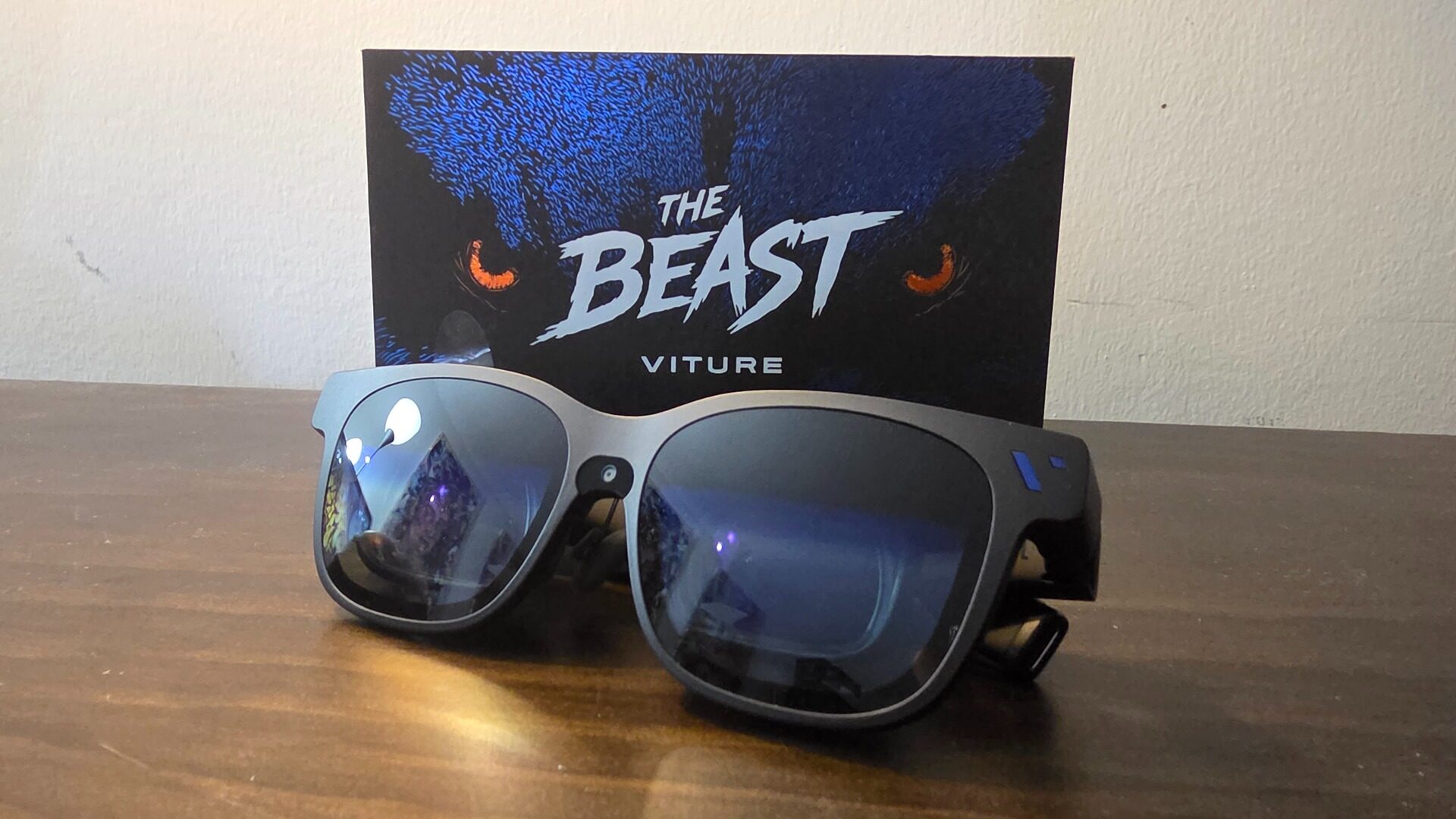


I’m just going to come out and say it: the Viture Beast AR glasses address all the issues I’ve had with Viture in the past, delivering the current best option for a prism-based pair of smart glasses that justifies its price of entry.
As someone enamoured with display technologies, switching between OLED and my CRT on a daily basis, I’m always on the lookout for the next big thing in how I consume my media. Back in 2024, I reviewed the Viture One XR/AR glasses, which I was impressed with, but ultimately found a bit on the pricier side for what you got. The Viture Beast is Viture’s third generation of prism-based AR/XR glasses that ditch birdbath optics for a prism-based solution powered by Sony Micro-OLED panels. In fewer words, the Viture Beast not only blows the Viture Ones out of the water but also delivers a viewing experience that rivals that of a high-end gaming monitor or TV.
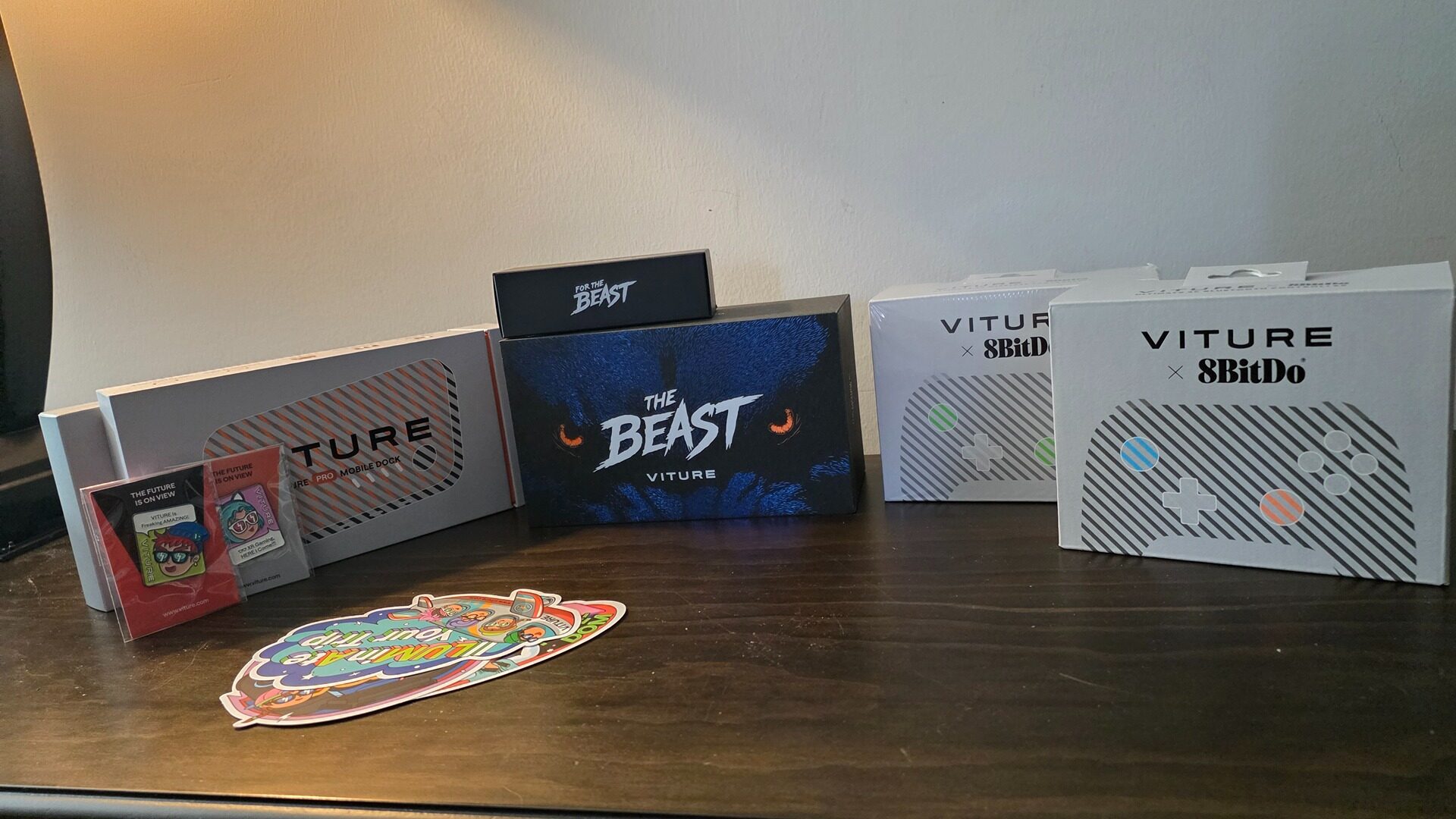
At first glance, the Viture Beast glasses don’t seem like a huge departure from everything else that is on the market, but under the hood, Viture’s latest offering features OLED-based microdisplays that output at 1200p or 1920×1200 per eye, with a whopping 1250 nits of peak brightness, eclipsing previous models and even my LG OLED TV. The peak nit level Viture has achieved with the Viture Beast cannot be overstated, making everything you throw at it look stunning for its contrast, particularly in HDR content that can take advantage of the display, despite the lack of support for HDR tone mapping.
“The Viture Beast AR glasses address all the issues I’ve had with Viture in the past, delivering the current best option for a prism-based pair of smart glasses that justifies its price of entry.”
Now, in a world of buzzwords like 4K and HDR, a display that caps out at 1200p might not sound as impressive, but thanks to the density of the micro-OLED screens themselves, the viewing experience is stellar, and 4K content downsampled to your eyeballs looks convincingly flawless. Lower-resolution content, such as 1080p or even 4:3 material, looks razor-sharp and uniform due to the compact design of the physical lenses and their placement within the frames. Another carry-over feature that is better than ever on the Viture Beast is its sound implementation, which utilizes Harman spatial speakers to deliver a surprisingly rich listening experience that also manages not to bleed and distract those around you.
Another small but thoughtful change I found particularly useful on the Viture Beast is how the glasses connect to external devices. Ditching its pogo pin-style connector for a more traditional and secure USB-C connector, I found the Viture Beast to be much more forgiving of awkward positions or sudden movements that would otherwise occasionally cause the connection to terminate on my older pair.
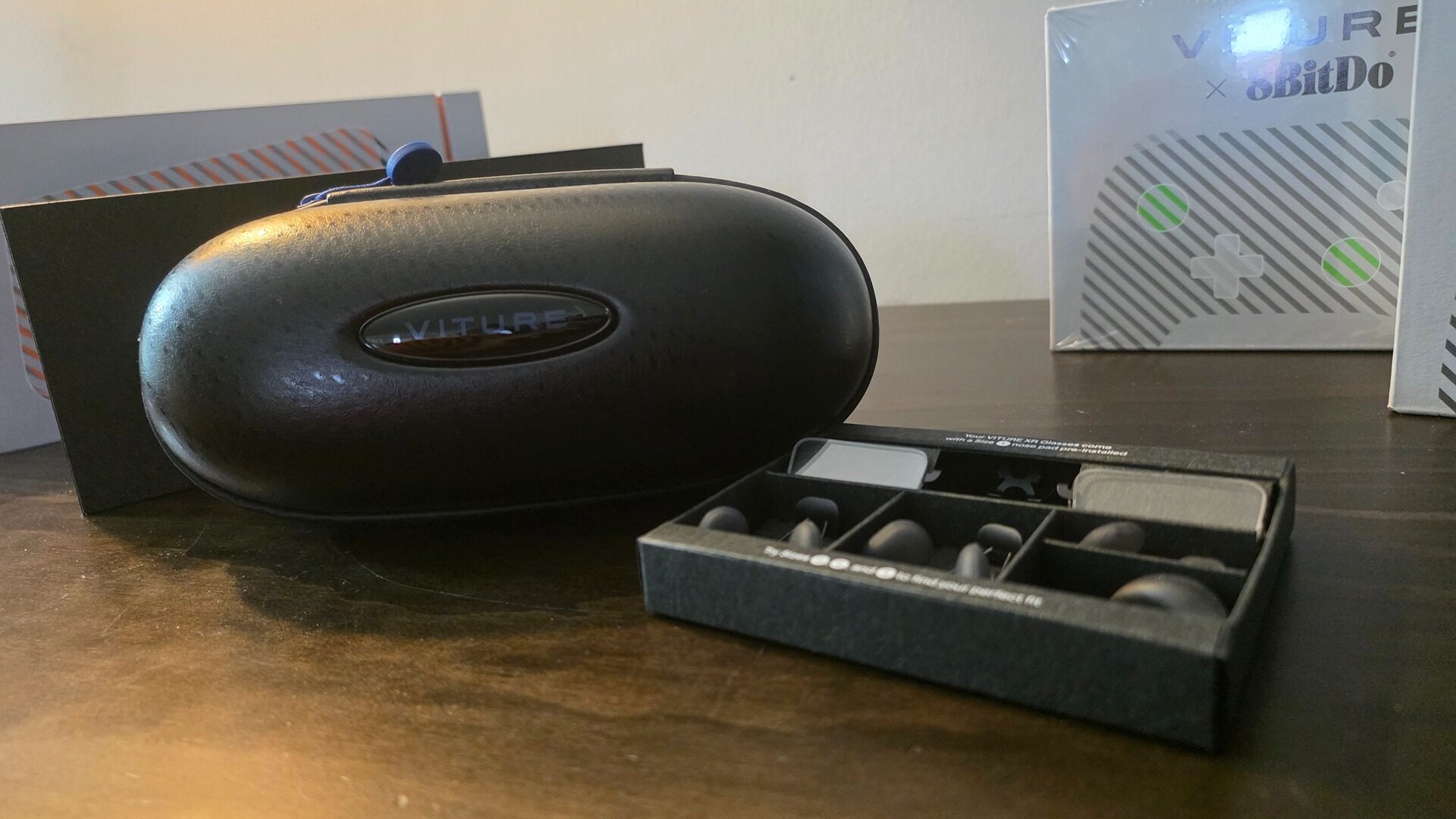
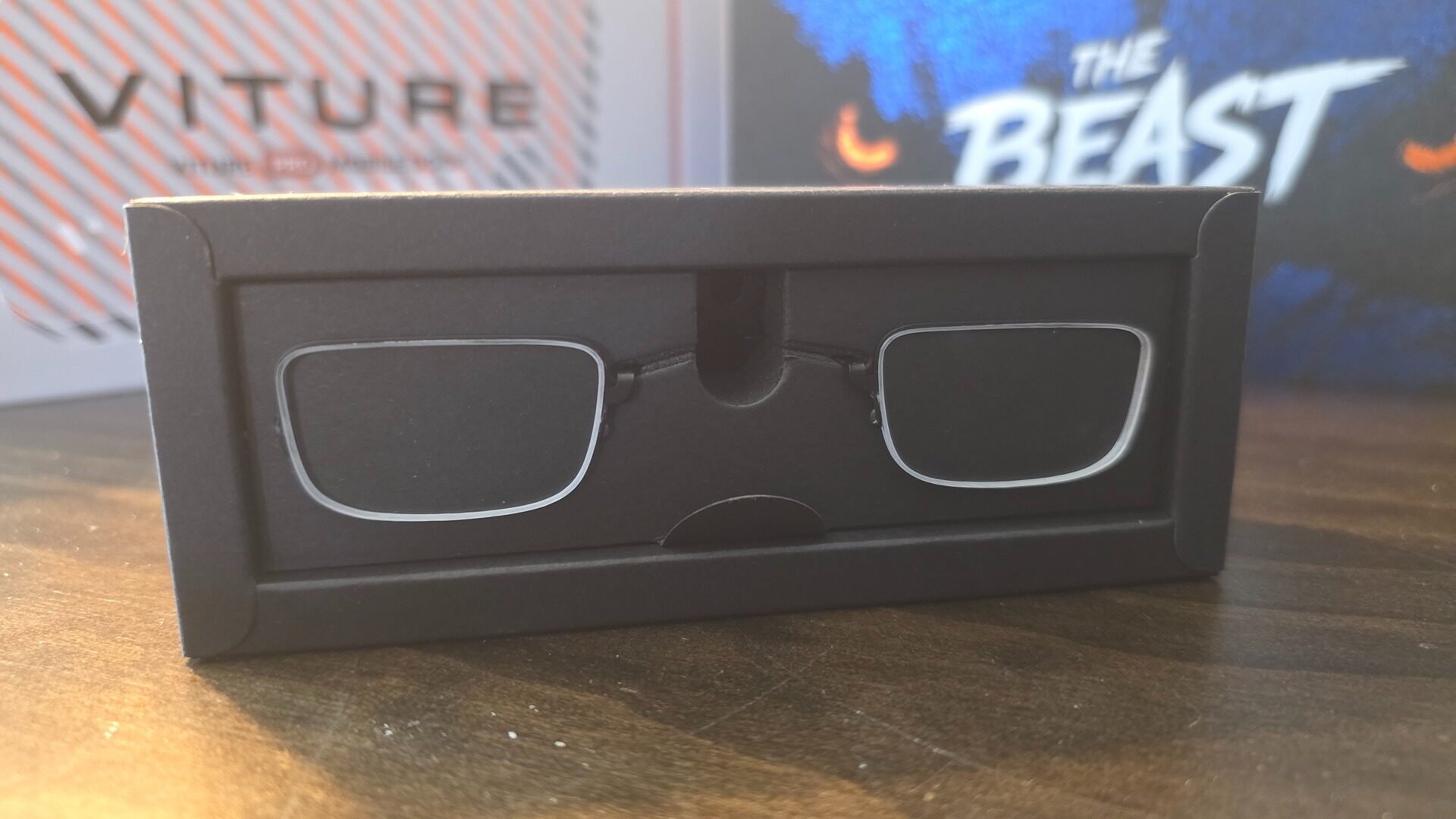
A significant change to the physical design of the Viture Beasts is the company ditching a dial-based solution for myopia adjustments in favour of a new 3DoF (three degrees of freedom) feature. Instead, potential users will require prescription lenses for the glasses. Thankfully, the optional prescription lenses are incredibly easy to fasten onto the Viture Beast glasses, simply requiring the user to slide out the nose piece, then gently place the lenses on top of the existing ones in the frame, before resecuring the nose pads.
“Lower-resolution content, such as 1080p or even 4:3 material, looks razor-sharp and uniform due to the compact design of the physical lenses and their placement within the frames.”
Of course, the prospect of paying more for lenses (for those who require them) than for a built-in dial can be a downer. Still, the trade-off is worth it, as the 3DoF feature on the Viture Beasts delivers an incredibly stable image that tracks your head, making it viable in any edge case. In other words, from a hardware standpoint, the Viture Beast glasses are impeccable.
Saying that, however, your experience with the Viture Beast will be highly dependent on what you interface it with. For example, my time using the glasses on Apple products felt seamless and very plug & play, giving me access to a massive 174” display on an iPhone 16 and even options for an extended virtual monitor on a MacBook Pro, transforming a single-screen experience into a workstation powerhouse for when you’re out and about. In contrast, I was unable even to initiate the Spacewalker application on my Windows 11 desktop, even when plugged directly into the Type-C port on my 7900XTX GPU.
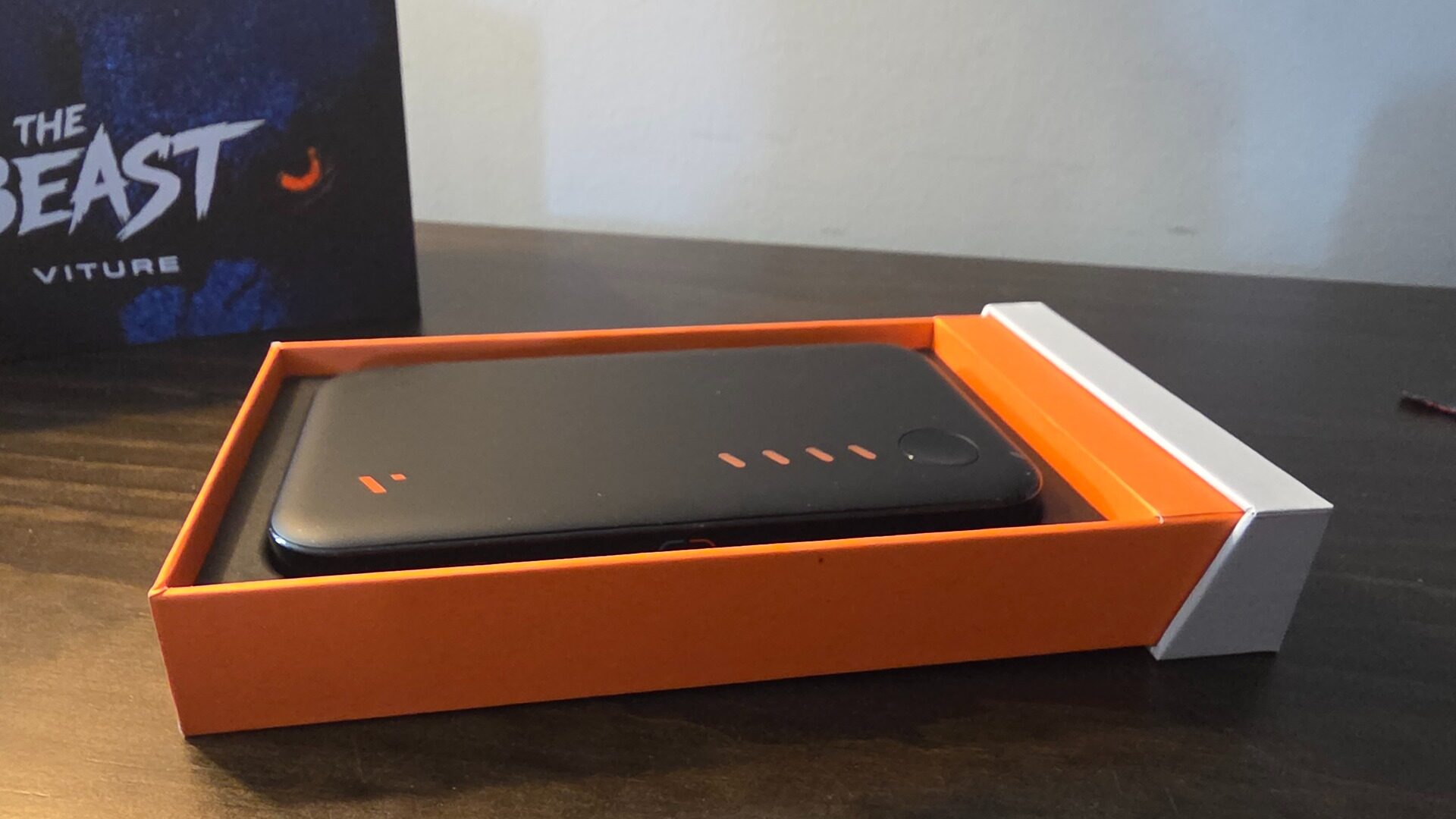
Thankfully, I found a decent workaround: initiating Apollo and Artemis on my Samsung Zfold 7 provides a rock-solid stream to my main PC that looks excellent on the Viture Beast display. A limitation of Samsung phones, however, is that the maximum refresh rate is 60Hz, making them better suited for media consumption than gaming. For console gamers, the optional Pro Dock lets the Viture Beast connect to any HDMI device, including the Switch 2, which requires extra power. Opting to use screen mirroring mode on Samsung phones can get around the 60hz limit at the cost of a clunkier experience.
Nintendo Switch 2, in particular, is exceptional on the Viture Beast, offering a huge, vibrant screen that eclipses the handheld’s LCD panel, at the cost of the Pro Dock only allowing for a 60hz refresh rate. Fast and frenetic games, even those that only go up to 60hz, feel fast and fluid on the Viture Beast, such as the recently released console port of Mullet MadJack, which looks extra vibrant on the OLED glasses, making for a fun and over-the-top experience that fits its cyberpunk aesthetic.
Despite the lack of 120hz support, games such as Hades II, still feel blazing fast and responsive, making it my new favourite way to experience the game. The high density of the compact lenses also means games like Metroid Prime 4, which offers 60Hz at 4k, resolves at an image that looks 4k even at the lower resolution lenses, making it feel like a match made in heaven when paired with the Viture Beast.
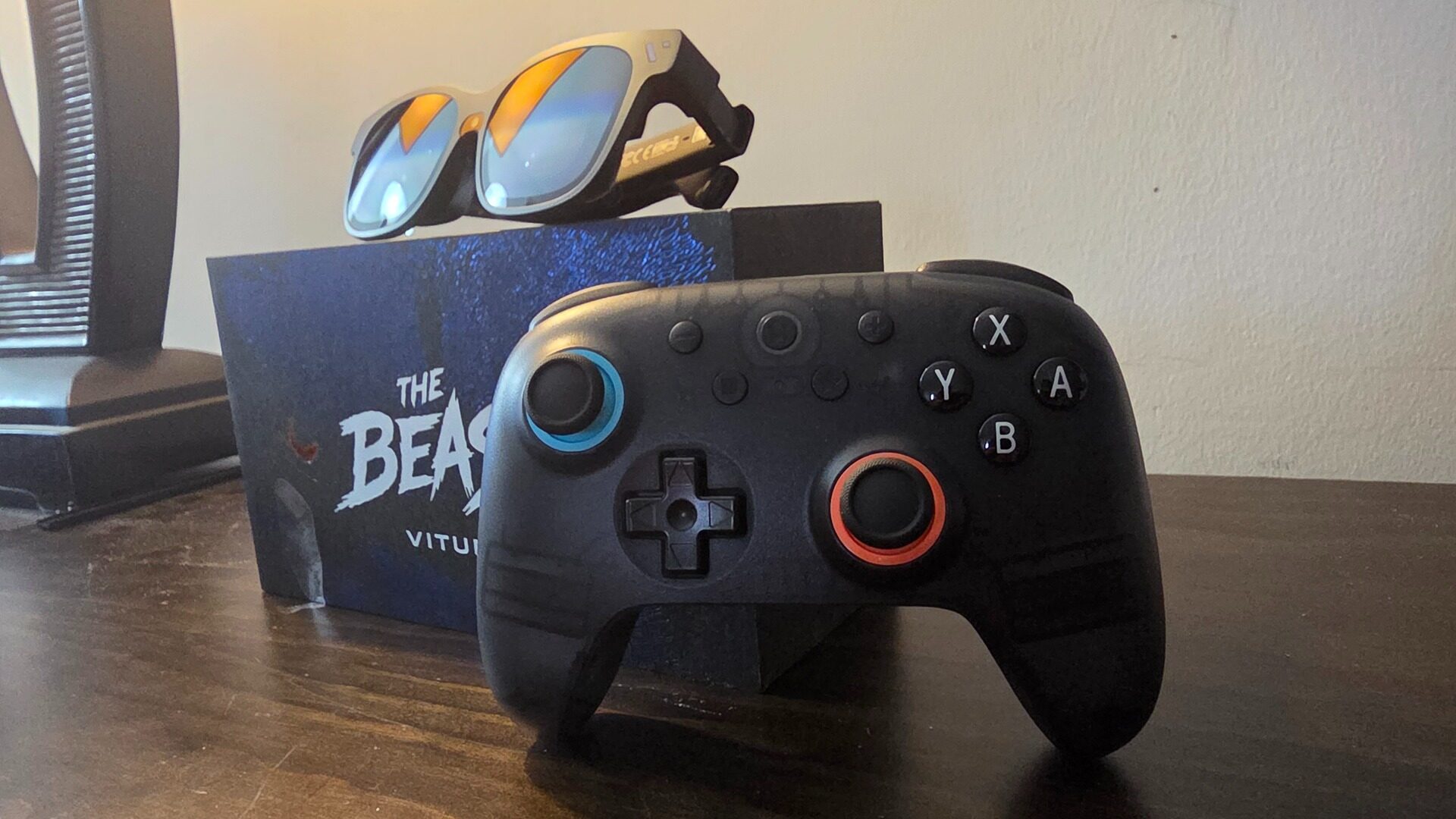
Another great pairing is Viture’s partnership with v, one of the best third-party controller manufacturers out there. Starting with the Viture-branded XR mobile controller, which allows for a true console-like experience on Android, made me forget I was on a mobile device. The Ultimate 2C controller, which felt like the perfect carry-on accessory to bring with you for Switch 2 gaming, felt like playing on the couch on the big screen, rather than at the park or while commuting.
Optional 3D support is what sets the Viture Beast apart from other products in the same category, allowing users not only to view tailor-made 3D content on the glasses but also to convert standard 2D media to 3D using the Spacewalker app, which, in practice, I found cool but ultimately inconsistent. In contrast, 3D-made content, such as movies that utilize the SBS (side by side) format, looked great on the 174” display.
The Viture Beast XR glasses are the best XR glasses currently available on the market, offering users a true cinema-like experience wherever they go. Some quirks with the Spacewalker app, particularly on Android and overall compatibility outside Apple products, may be a hurdle for some, while gamers looking to up their on-the-go gaming are in for a treat, as the Viture Beast XR glasses are a transformative experience in the handheld gaming space.