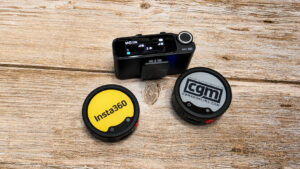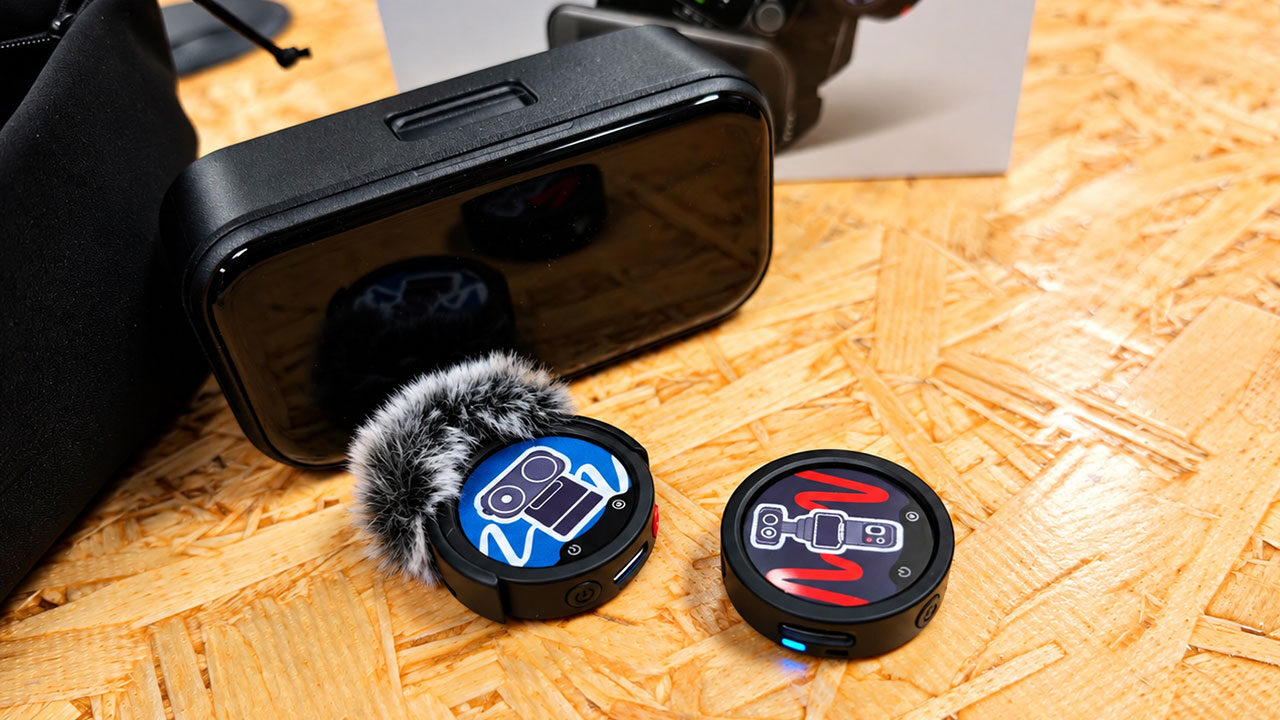


Insta360 has delivered some amazing creator-focused gear over the past few years, and it doesn’t look like the company is slowing down. Its latest Insta360 Mic is a more affordable, expandable alternative to the Mic Pro. While it lacks the built-in storage of its bigger brother, it offers many of the same features, along with expandable storage through microSD cards, at a lower price. After using it for a few weeks, I can safely say the Insta360 Mic is one of the best audio solutions for creators you can buy, especially if you already have a few microSD cards ready to go.
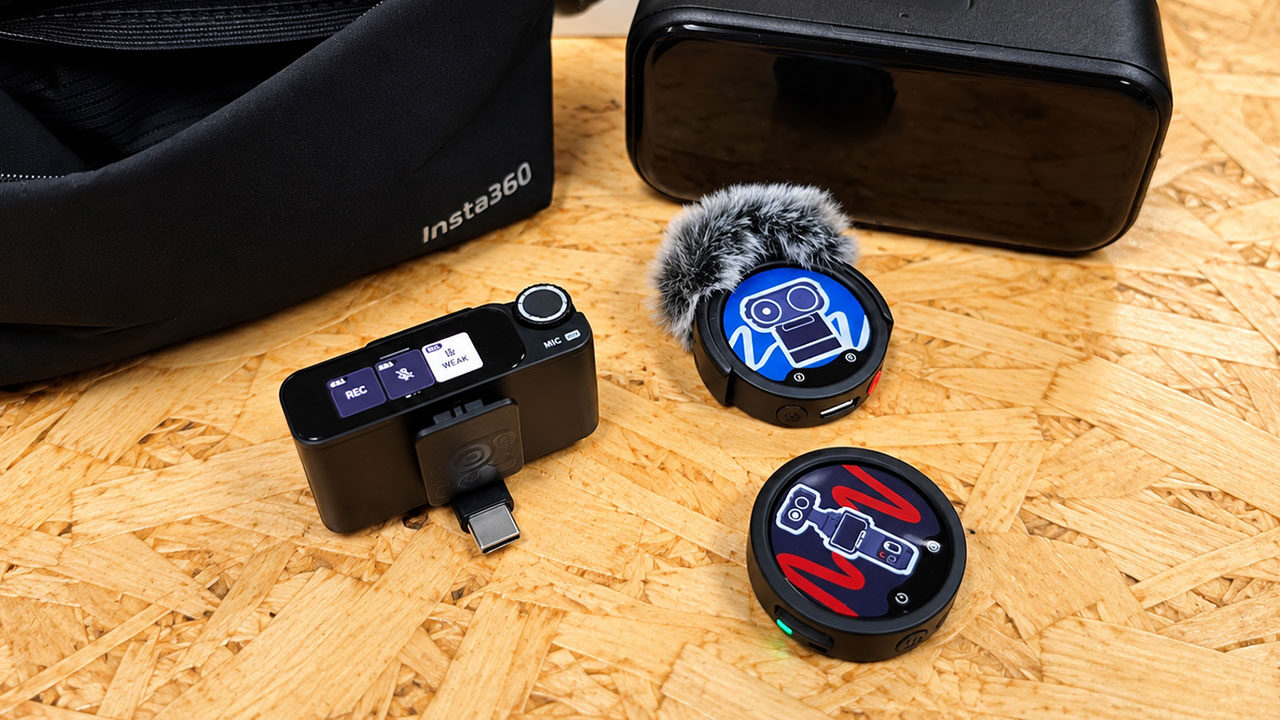
Unboxing the full setup, you’ll immediately notice just how similar the Insta360 Mic looks to the Insta360 Mic Pro, and that’s perfectly fine. I rather liked the Pro’s design and functionality, so seeing that carry over is a welcome touch. Each transmitter is a compact puck featuring a customizable six-colour E-Ink display where a traditional logo would normally sit. A magnetic attachment secures the transmitter through clothing without a visible clip, while the included back clip offers a more traditional mounting option. It also includes a snap-on windshield for outdoor recording.
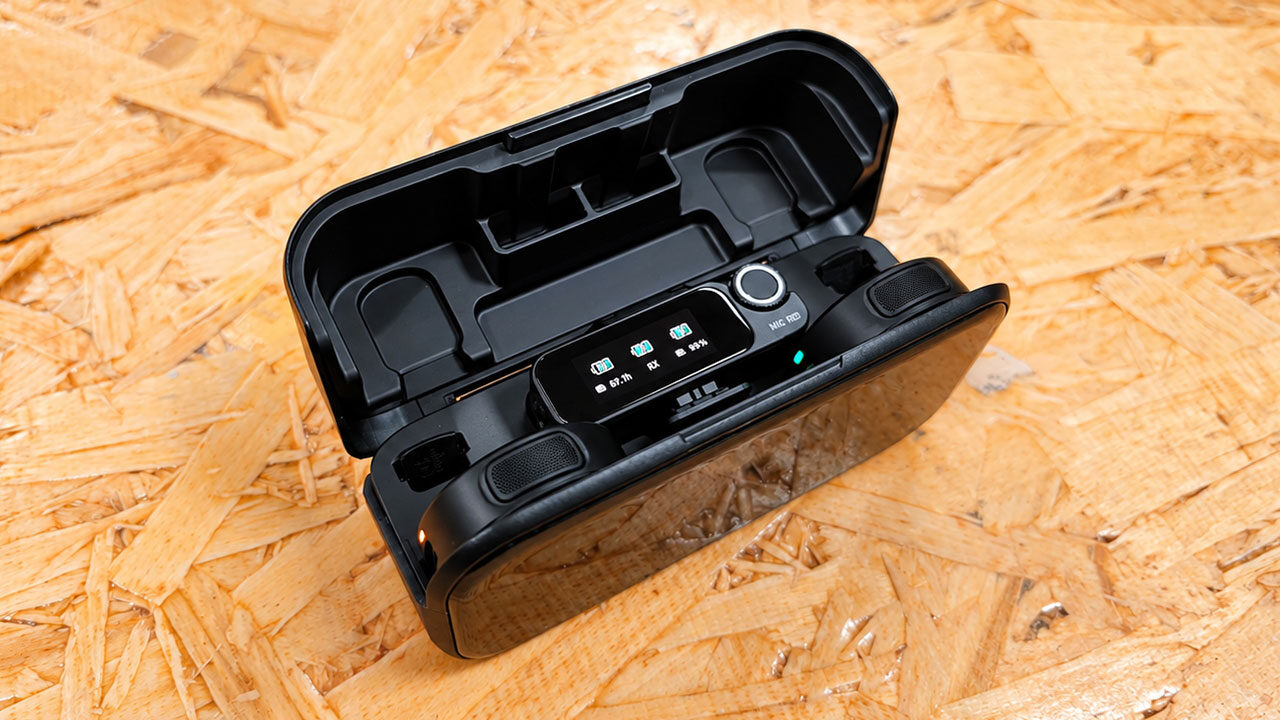
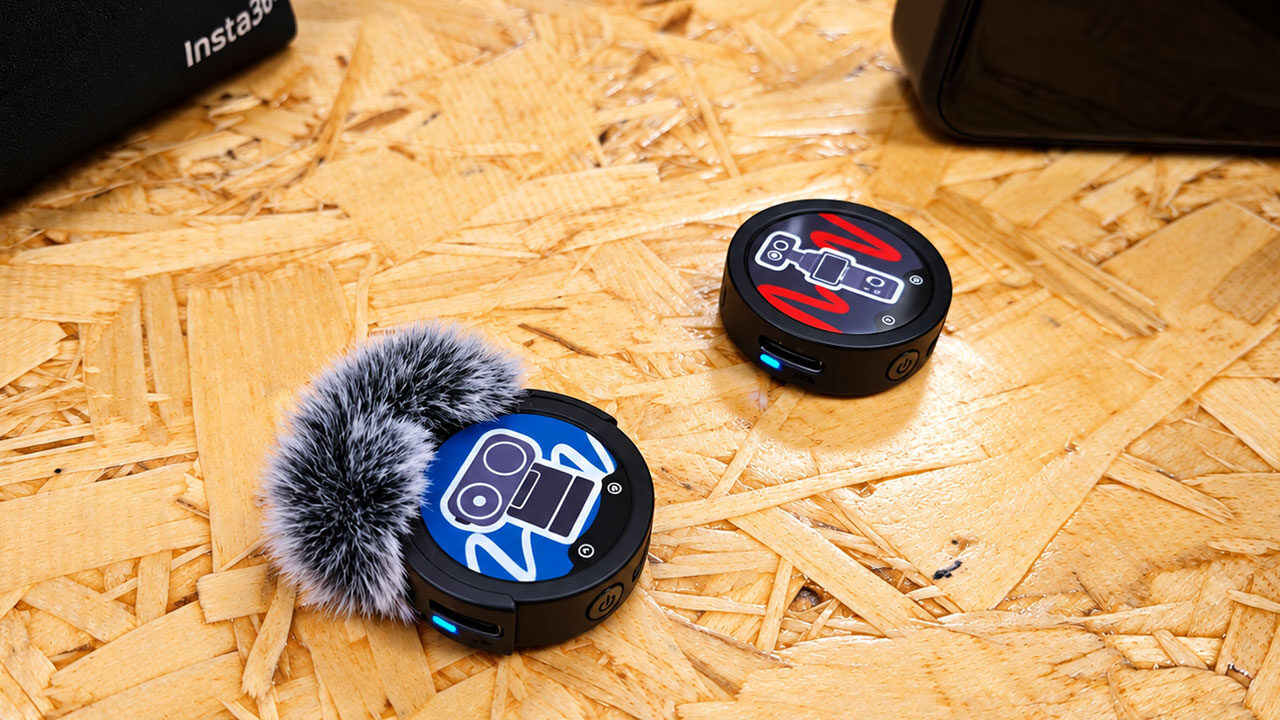
Without a doubt, the real star of the show, both on the Insta360 Mic Pro and now the Mic, is that E-Ink display. As mentioned, the Insta360 Mic transmitter features a customizable six-colour E-Ink screen with no prominent branding of its own, unless you decide to add some. This means whatever appears in your shot can be your logo, channel artwork or simply something that matches your outfit. Images can be changed through the Insta360 app, either by selecting from a gallery of presets or uploading your own designs. Refreshing the display takes approximately 25 seconds, and the results are surprisingly crisp once everything is set.
The E-Ink display primarily draws power when the image changes, while an anti-reflective coating helps keep it readable in bright sunlight. Two rendering modes handle different types of artwork: Natural is designed for photographs and detailed images, while Vivid works better for logos and simple graphics, where the limited colour palette plays to its strengths. Because of the nature of E-Ink, more complex images can appear grainy, so bold, simple designs are generally the way to go. It’s a small touch, but for creators who spend much of their time on camera, it transforms a functional piece of audio equipment into part of the overall presentation.
“…the Insta360 Mic is one of the best audio solutions for creators you can buy…”
While the Insta360 Mic Pro includes internal storage, much like the Rode Mic and Rode Mic Ultra, the Insta360 Mic takes a different approach. Each transmitter features a hidden microSD card slot, allowing it to record audio internally, even when no camera is rolling. Storage capacity depends on the card you insert, so a full day of interviews doesn’t necessarily mean worrying about running out of space.
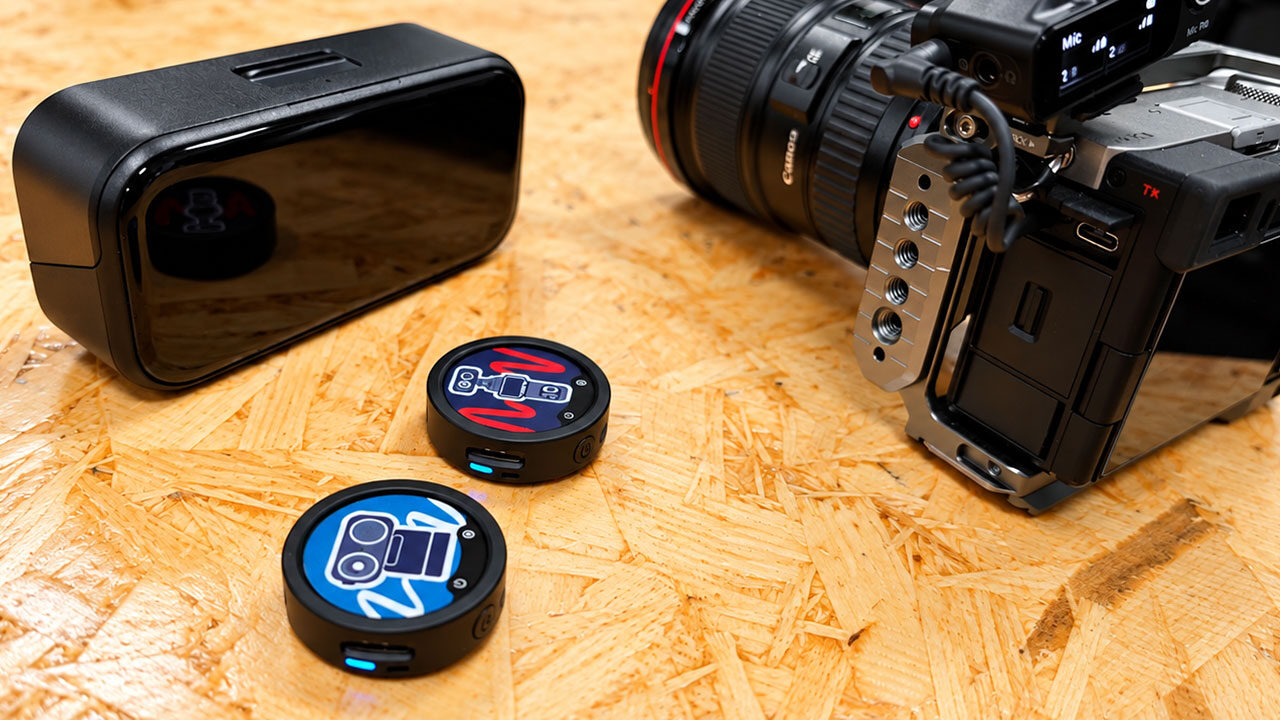
If you already carry microSD cards for your camera, chances are one of them will do the job here, at least in theory. Thankfully, you don’t need a massive card to record audio, and depending on your recording settings, even a 32 GB card can capture hours of audio. This makes expandable storage an easy solution for peace of mind, especially during longer recording sessions.
What’s even better is the audio quality the Insta360 Mic delivers, with support for 32-bit float recording and the option to switch to 24-bit if you prefer smaller files. In practice, audio levels that might otherwise result in clipping can often be recovered in post-production, providing a genuine safety net for moments you can’t redo, whether that’s a wedding vow, a one-take interview, or even recording your vlogs for TikTok.
Should the wireless connection stutter or a camera recording fail outright, the transmitter can continue recording its own copy. You can even choose whether the microphone saves the raw audio signal or a processed version with noise reduction and automatic gain applied. It’s the kind of feature you might overlook until the moment it saves an entire shoot.
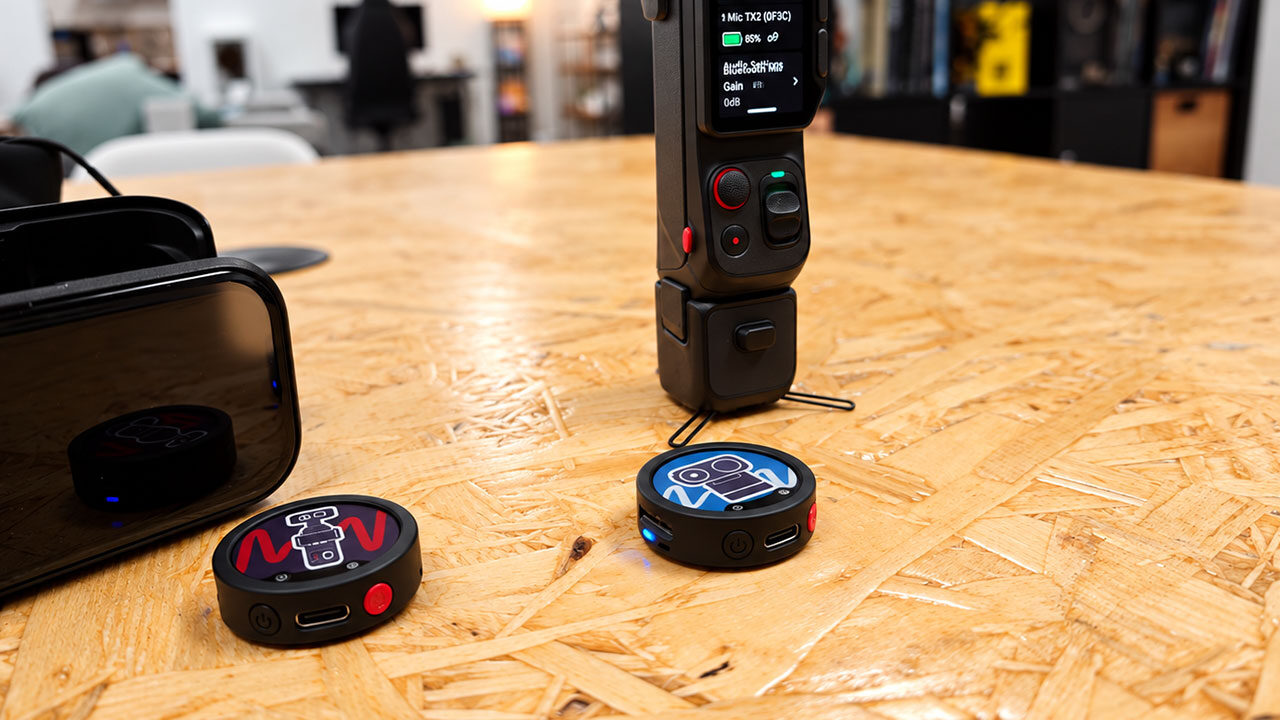
As someone who already owns a fair amount of Insta360 gear that I regularly use for work, I was thrilled to see Direct Connect included in the Insta360 Mic’s feature set. It’s one of the reasons the microphone has become such an easy choice to bring along when I travel. The transmitter pairs directly with the X6, X5, Luna Ultra, Luna Pro, GO Ultra or Ace Pro 2 over Bluetooth, eliminating the need for a separate receiver, cables or adapters. With compatible firmware, it even supports 48 kHz audio, while the Luna Ultra, Luna Pro and X6 can connect to two transmitters simultaneously for two-person shoots. This makes the entire setup incredibly convenient, especially when recording on the go.
Once connected, settings such as noise cancellation, internal recording and automatic gain control can be adjusted directly through the camera’s menu, eliminating the need to remove the microphone from your collar whenever you want to make a change. Pressing the transmitter’s power button can also remotely start or stop recording on the camera, a seemingly small convenience until you’re the one standing in front of the lens.
For anyone shooting solo with an Insta360 camera, Direct Connect simplifies the entire setup, allowing you to carry a capable recording rig that can easily fit inside a jacket pocket, and the overall process is incredibly easy, something that is great when you are stressed about recording a segment.
There’s a lot to like about the Insta360 Mic, but it does have some limitations compared with the Insta360 Mic Pro. If you’re struggling to decide which model is right for you, it’s worth breaking down what makes the Pro more expensive and whether those additional features justify the premium.
The Pro is the flagship model, featuring a three-microphone array that adds directional pickup alongside omnidirectional recording, 32 GB of built-in storage for internal recordings and timecode support for more advanced multi-camera workflows. The standard Mic keeps things simpler with omnidirectional pickup and a microSD card slot instead of fixed storage, allowing users to choose their own capacity, with support for cards ranging from 8 GB to 1 TB.
Surprisingly, the more affordable model actually outlasts its bigger sibling when it comes to battery life. A single Insta360 Mic transmitter delivers up to 13 hours of recording on a charge, while the two-transmitter kit extends that to 34 hours with the charging case. By comparison, the Pro offers up to 10 hours per transmitter and 30 hours with its case.
Pricing makes the difference even more noticeable, with the Mic starting at $79.99 USD for a single transmitter and reaching $249.99 USD for the complete kit, while the Pro ranges from $99.99 USD to $329.99 USD. For vloggers and streamers, the standard Mic offers better value, but more serious creators may find the Pro worth the additional investment thanks to its directional recording capabilities, timecode support and built-in storage, which eliminates the need to manage separate microSD cards.
The Insta360 Mic has thoroughly impressed me and quickly become one of my go-to options when choosing equipment to take into the field. Its charging case is larger than the Hollyland LARK M3’s, and it doesn’t support four transmitters, but the ability to record internally using a microSD card, combined with its excellent audio quality, makes it a fantastic option for creators who want professional production value without paying professional prices. The E-Ink display is a nice touch; I love having the flexibility to insert my own microSD card, and the overall ease of use is fantastic, especially if you’re already invested in the Insta360 ecosystem. Insta360 has been on a roll lately, and I can’t wait to see what the company releases next.