

DJI has long held the top spot when it comes to vlogging cameras thanks to its Osmo Pocket range, but Insta360 is looking to shake up the landscape, and the new Insta360 Luna Ultra three-axis gimbal camera just may do that. Built for content creators and anyone looking to capture professional-looking footage, the Insta360 Luna Ultra is packed with features that make it an impressive offering. Combine that with smart features, Leica-co-engineered optics, and top-of-the-line image quality, and the Insta360 Luna Ultra is shaping up to be one hell of a vlogging camera that will be hard to ignore.
Out of the box, the Insta360 Luna Ultra feels very similar to what you would find with the latest DJI Osmo Pocket 4, with a similar look, design and feel, but Insta360 has packed a lot of features here that will make current users of vlogging cameras take notice. First and foremost is the image quality, with the Luna Ultra featuring a 1-inch 8K sensor, supporting 8K Dolby Vision, 4K/120 FPS slow-motion recording and 14 stops of dynamic range.
The specs put it ahead of the current Osmo Pocket 4’s 1-inch CMOS sensor, 4K/240 FPS slow-motion capabilities and 14 stops of dynamic range. Insta360 is pushing to bring the latest specs to the camera, and even if most people will not go beyond 4K, the fact that the Luna Ultra can shoot up to 8K is a real boon for creators.
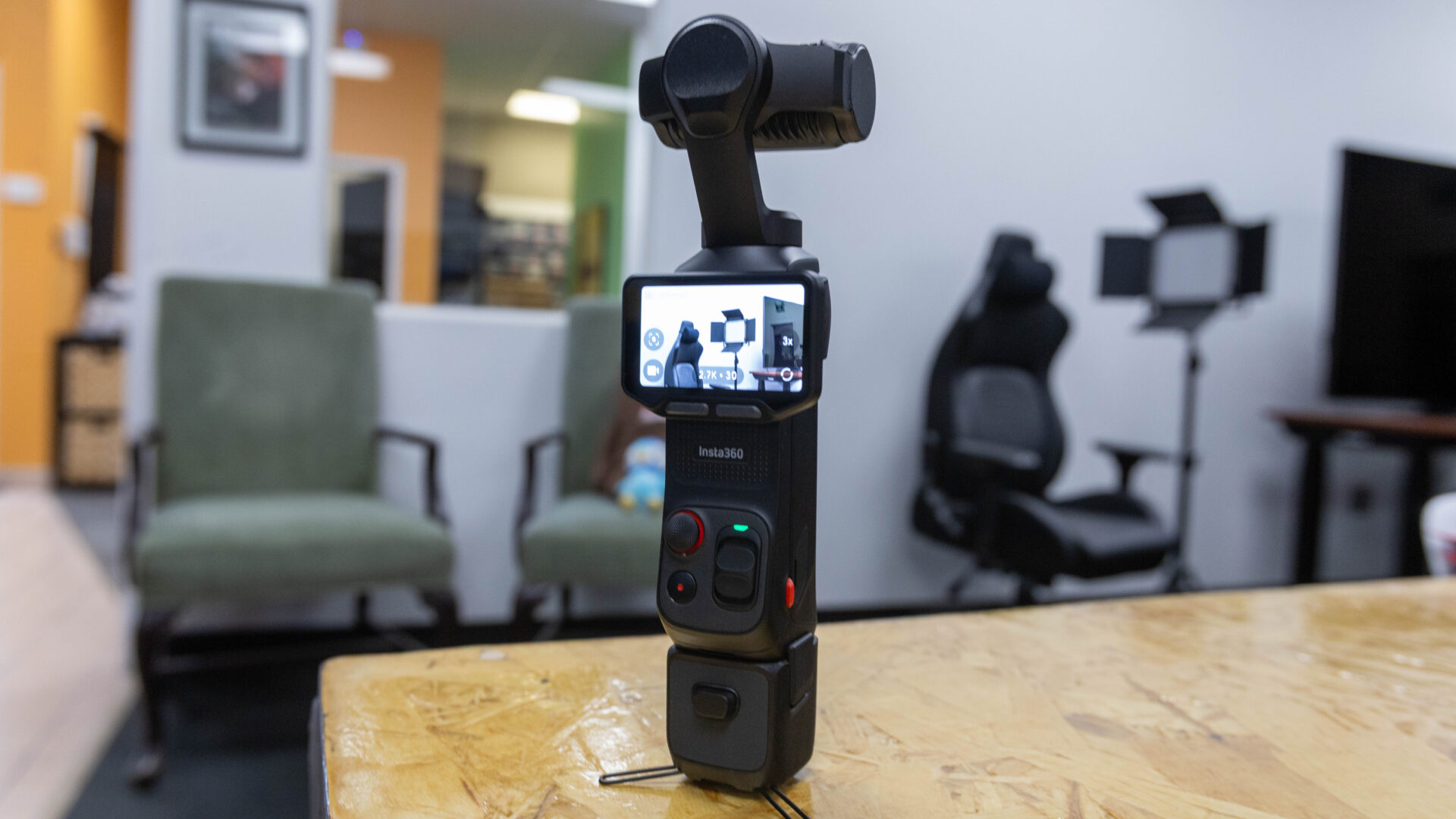
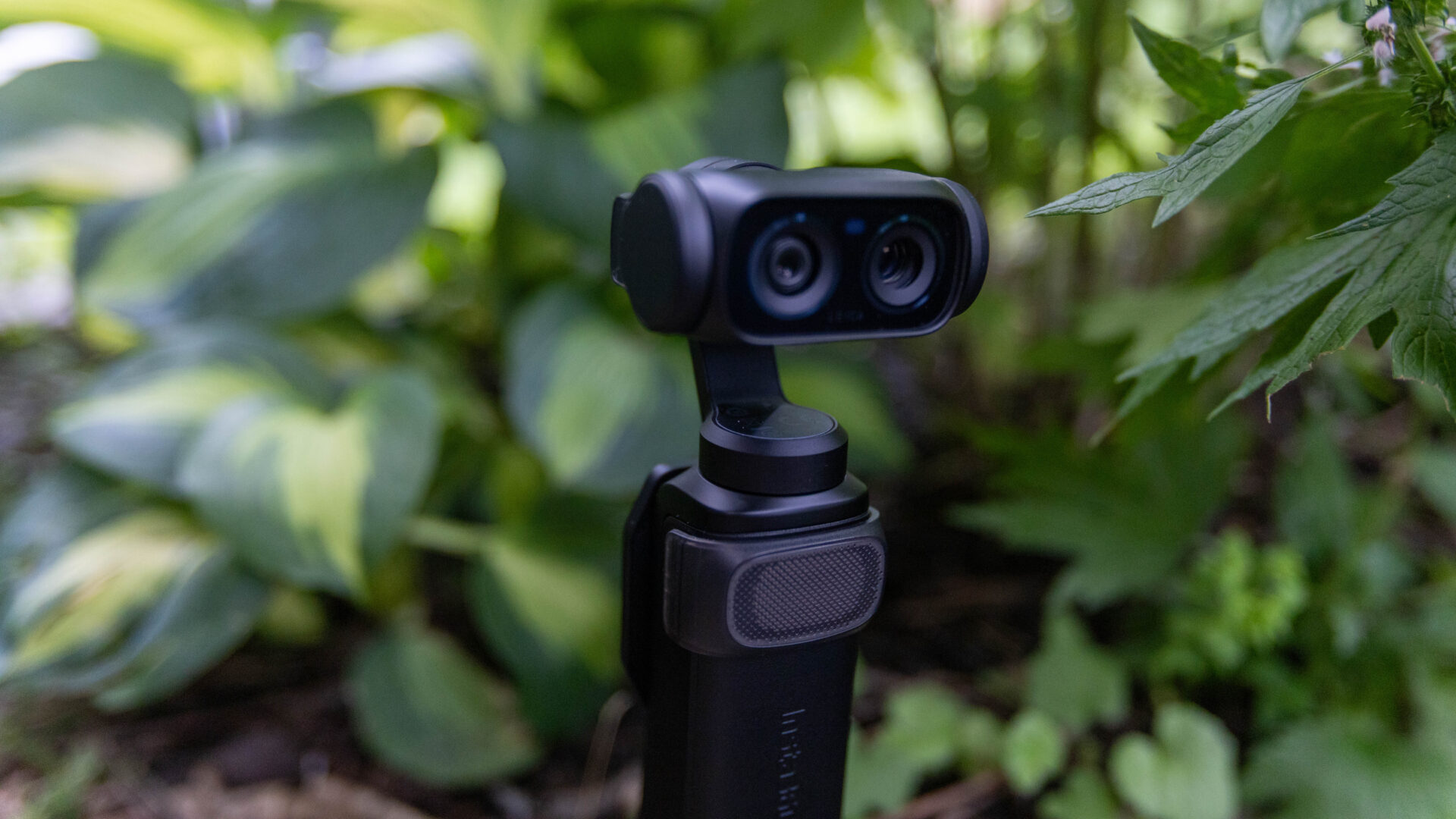
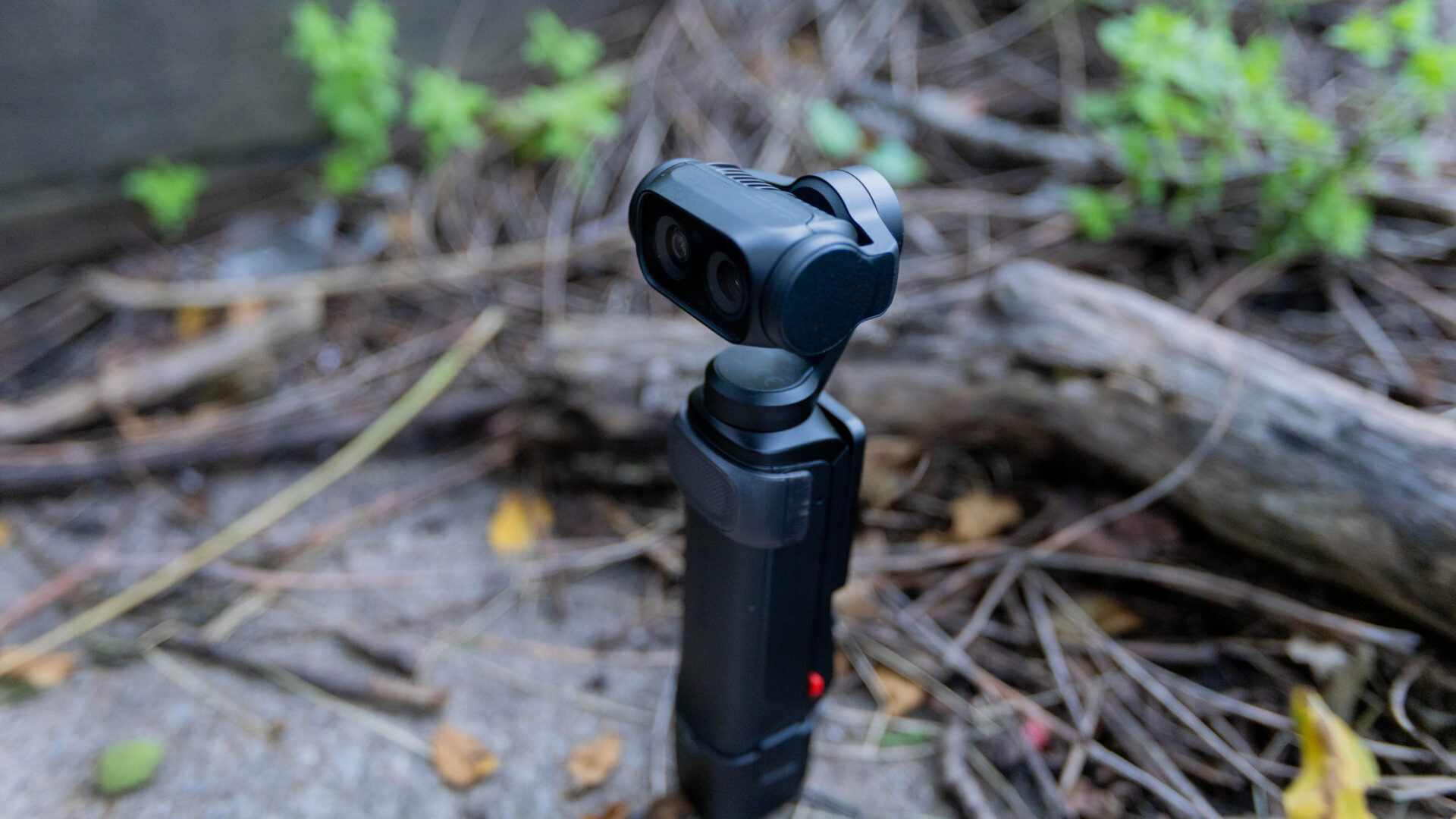
Then comes the optics: while the Osmo 4 features a 20 mm, f/2.0 lens as the only option on the camera, the Luna Ultra boasts a dual-lens system, with a main Leica Summicron lens with a 1-inch 8K sensor, f/1.8 aperture and 14 stops of dynamic range, along with a secondary lens that Insta360 describes as a pro-grade telephoto lens with an f/2.0 aperture. For anyone who vlogs, versatility is key when trying to get a range of footage for use on social media, video creation, or just to capture B-roll, and this is a major way the Luna Ultra is already a major step forward compared with what DJI is bringing to the table.
The Insta360 Luna Ultra also features a Triple AI Chip that supports up to 4K/60 FPS PureVideo recording, giving you the ability to capture crisp and clear footage even in low-light situations. While the camera will get very warm when using the low-light modes, it does make recording situations that are normally incredibly hard possible, with the Luna Ultra able to capture detail and colour even when light is an issue. In testing, it is not a magic bullet that will solve all your lighting problems, but it can deliver very clear results in situations where even my smartphone would struggle to capture any clear detail and colour.
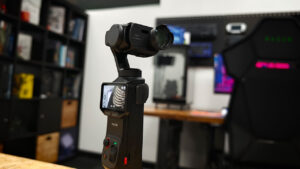
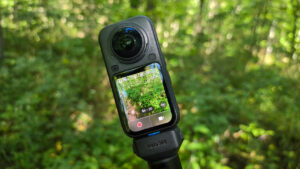
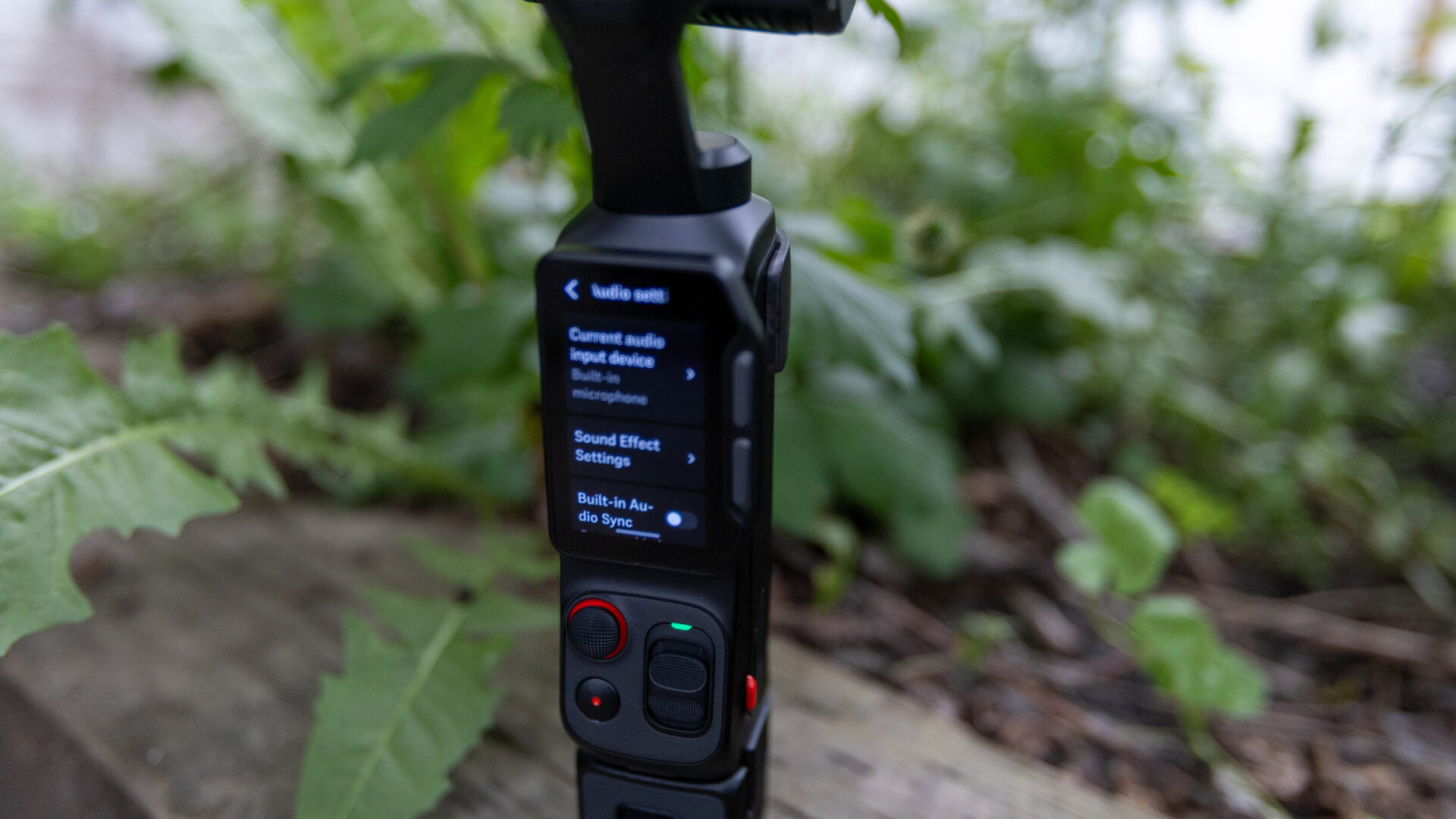
I have not even touched on one of the standout features of the Insta360 Luna Ultra, and that is the unique detachable OLED touchscreen for remote control, which can control the camera and use all the features of the Luna Ultra as it sits on a table, on a tripod or placed within the action, all without touching the camera itself.
With a quick release, you can pop off the screen and controls, and you are ready to create. I will say it now: it opens the camera up to many more use cases and makes it incredibly easy to use the Luna in situations where you would normally need an app or some third-party solution to achieve the same results.
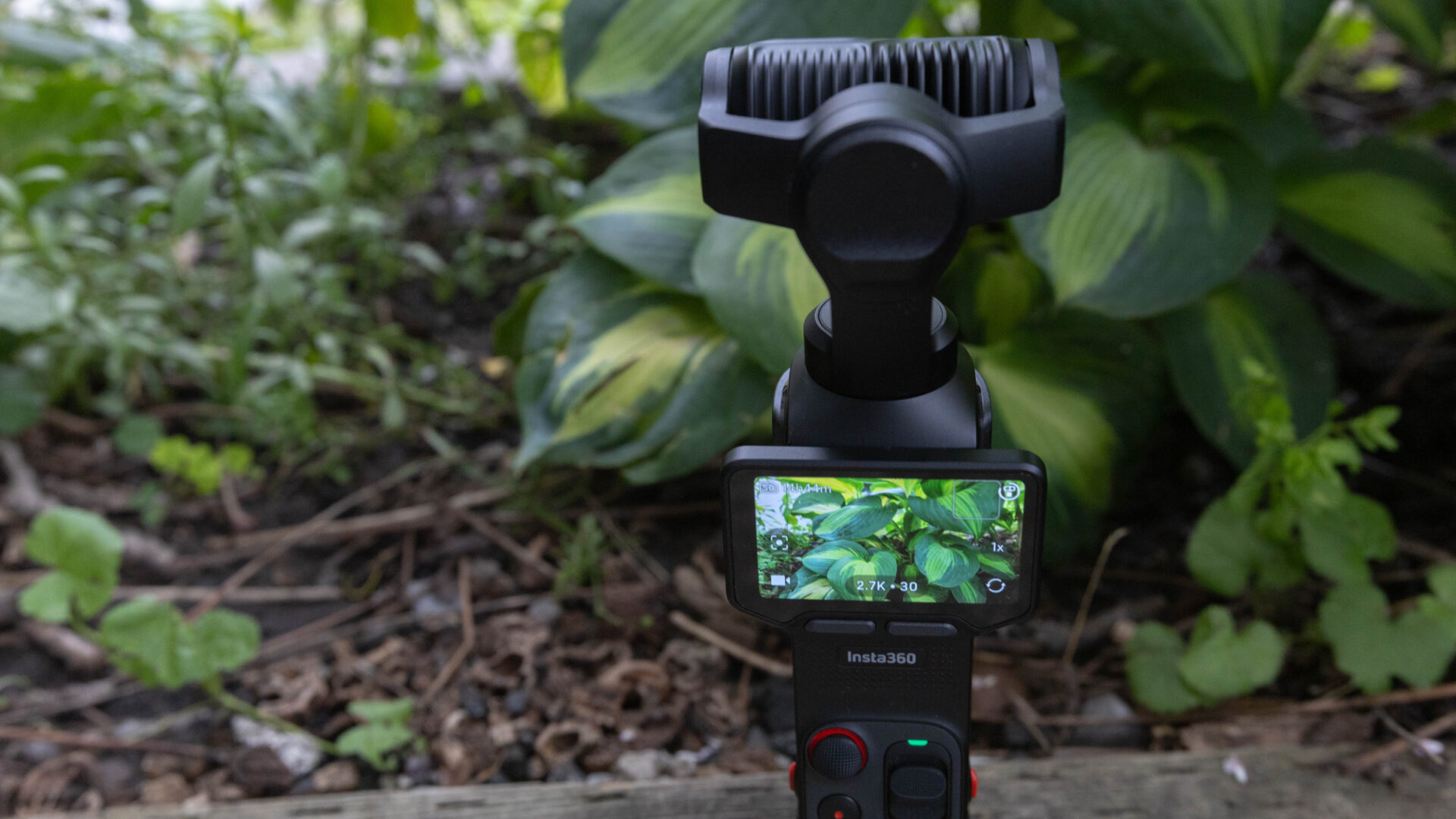
There are limitations on what is possible with the detachable OLED touchscreen, with it using the same Wi-Fi signal the Luna Ultra would normally use to connect to the app. So if you are looking to download videos or photos from the camera or control it with the app, you will need to reconnect the controller, or you may run into issues. Also, getting used to how the full setup works can take some time.
Thankfully, if you have used a three-axis gimbal camera before, you should feel right at home using the Luna Ultra, and even if you are new to everything, the Insta360 interface makes most of the controls intuitive and easy to use. You will just need to be ready to experiment and try different features of the camera to get used to everything.
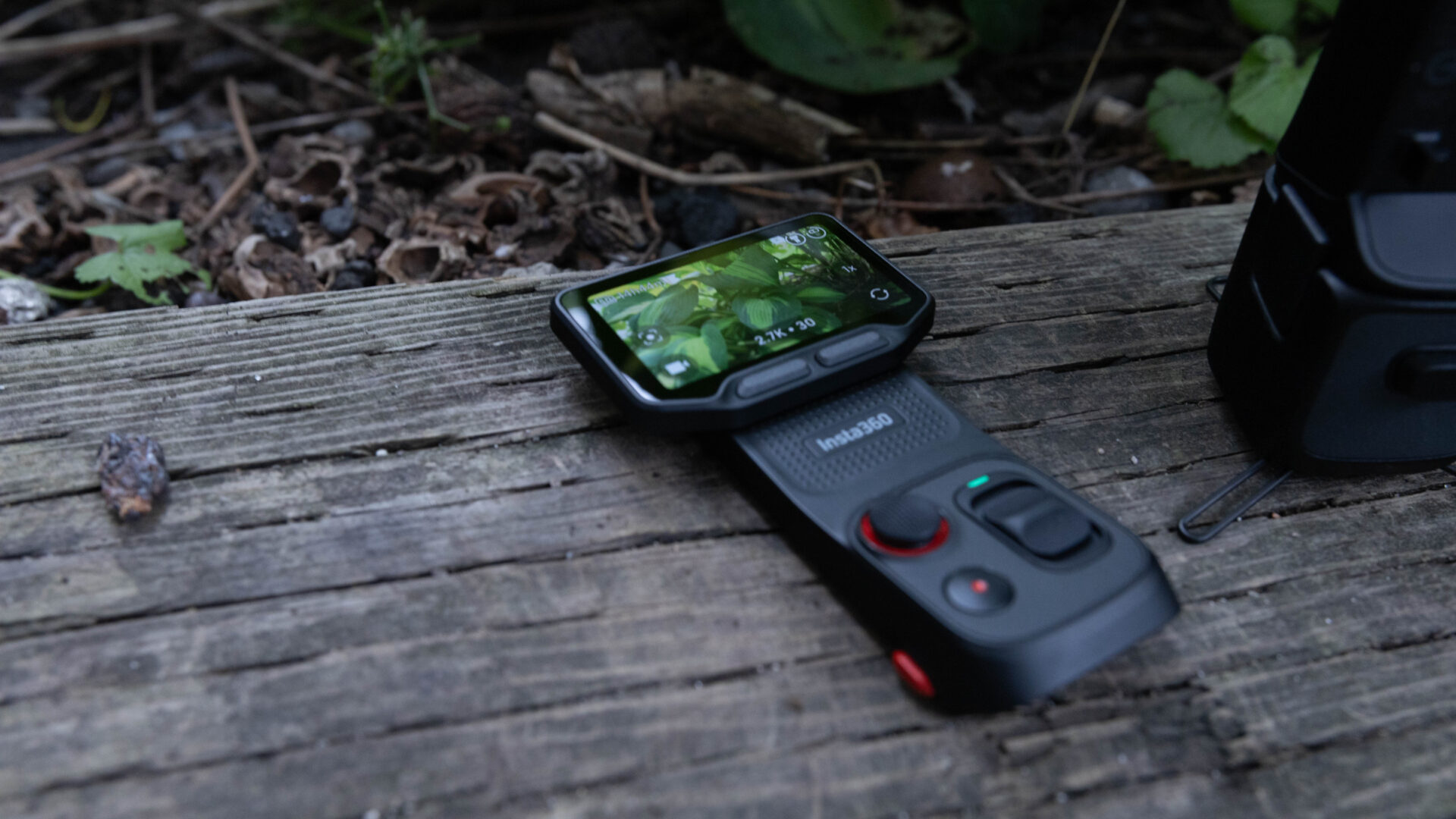
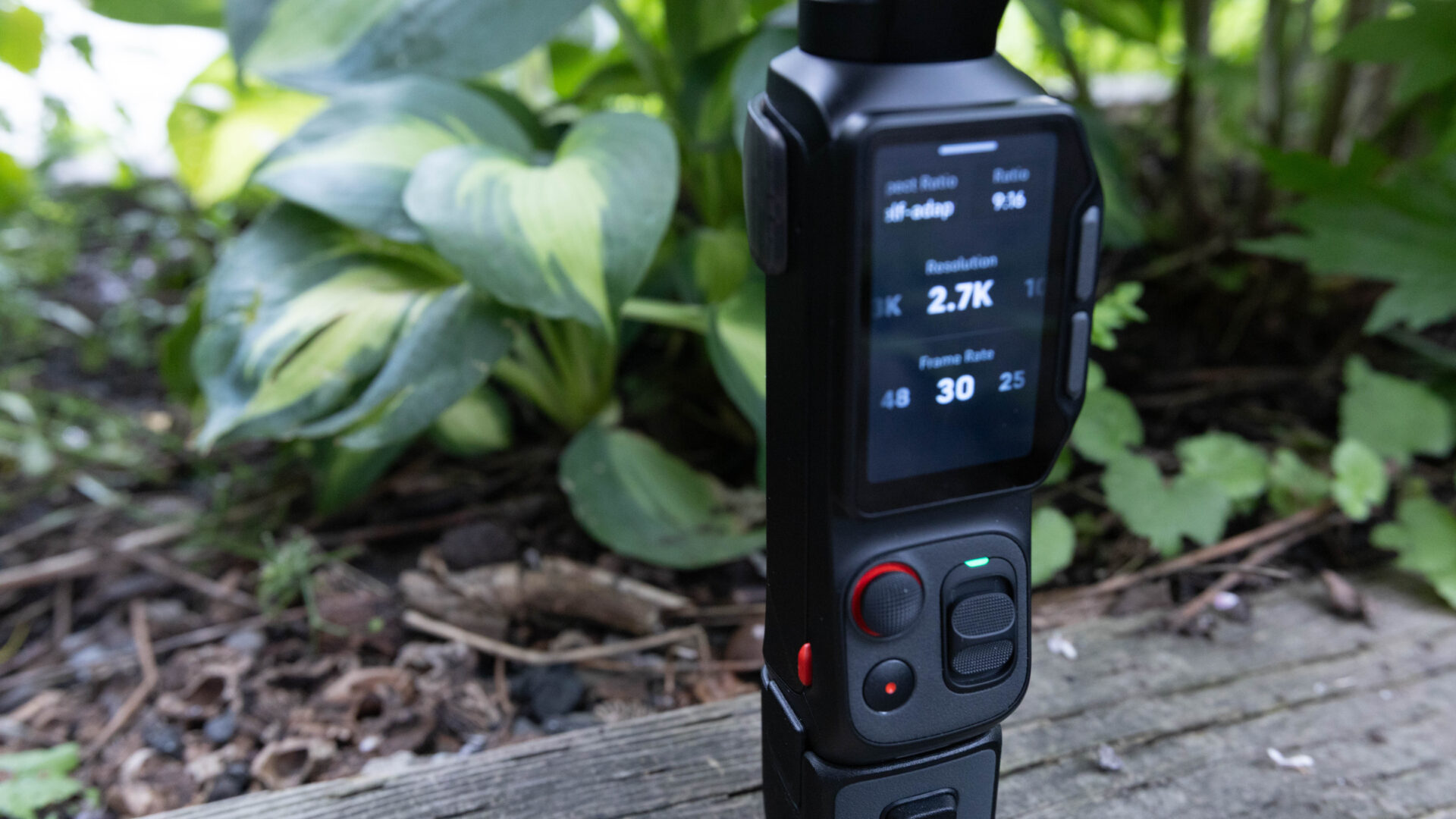
The OLED screen on the camera is surprisingly bright and clear, although the two-inch screen can feel a bit cramped depending on what you are doing with the camera. Most of the UI is clear, following the same design and UI mechanics we have seen in other cameras like the Ace Pro 2 and the X5, with easy swipe movements to access the various menus, including the settings screen, recorded media screen, picture settings, and video modes. Depending on the different recording modes, the camera will limit the resolutions, ability to shoot I-Log and frame rate, with Standard being the only mode that allows the full range of features.
Unlike the Osmo Pocket 4, the Luna Ultra features 8K Dolby Vision, allowing you to capture some incredible detail and vibrant images that use professional colour science to deliver quality far beyond what many smartphones are capable of. This means the video you capture can deliver the optimal dynamic range and colour that can look good on HDR-compatible and non-HDR displays, making sure your intent is retained throughout the capture process.
The level of data retained makes it feel like it is a much richer final image, and while it may not be for everyone, with the standard video modes often looking good, for those who want to see professional-quality results, the Luna Ultra is able to capture them and, as long as your editing workflow allows it, can ensure they make it all the way to the final result.
And for people who do want a full colour-correction workflow for the most versatile footage possible, the Insta360 Luna Ultra also allows for 10-bit I-Log footage that can capture more dynamic range and allow for a full colour-correction pass to push your footage as far as possible. For reference, only more recent Sony cameras allow for Log footage at 10-bit, and the level of potential with 10-bit Log footage is immense.
It lets you colour grade based on your needs and can even allow you to match your footage to other professional cameras you may own. The tradeoff is, of course, ease of use, with the footage needing some adjustments to be usable for any social media or other video output, but for anyone who does need footage that is versatile, it is a tradeoff worth making.
For anyone who gets frustrated by the saturation and colour of most cameras or smartphones, the Insta360 Luna Ultra managed to deliver the most accurate and true-to-life colour-temperature sensor, which allows the Luna Ultra to calibrate colours directly within the camera. It sounds like a gimmick, and I was skeptical at first, but compared with my Xiaomi 17 Ultra, the Luna Ultra managed to show less light flickering and keep the colours closer to what I saw in reality for most of my testing.
“…the Insta360 Luna Ultra managed to deliver the most accurate and true-to-life colour-temperature sensor, which allows the Luna Ultra to calibrate colours directly within the camera.”
Even when the lighting in a room was less than ideal, the Luna Ultra still delivered very good colours that looked decent without washing out people or giving some colours a sickly look. Of course, nothing is perfect, but Insta360 managed to keep up much more than the smartphone in the range of tests I tried while reviewing the camera.
All of these features sound fantastic, but the real question is how the Insta360 Luna Ultra stands up when it comes to three-axis stabilization, and thankfully, it does incredibly well. The Osmo Pocket range delivers fantastic results, and even though this is Insta360’s implementation of the concept, it manages to stack up very well in the same scenarios the DJI option does.
When moving through crowds, or even just doing some fun camera tricks and tracking, the Luna Ultra managed to keep up and surpass my expectations. Even when I was worried about excessive movement and crowds, the Luna Ultra did not disappoint, and it managed to capture some striking shots when zoomed in, something my smartphone simply could not do without some external gear.
The tracking was also incredibly easy to use and intuitive, with the Luna Ultra able to track subjects in a range of lighting conditions without any issue. While using the camera at Game Con Canada, it tracked a range of people as they moved quickly or walked around the stage. I did find some issues with the camera tracking a picture of the person on a screen behind them, but that was easy to fix and only a minor annoyance while capturing a talk they were delivering at the time.
When tracking a person, the zoom, pan, and other features will keep the subject in view and give you a more dynamic way to capture footage, while still letting you take striking shots. I will note that if you touch the OLED display while tracking, it will turn off the subject following, so keep that in mind while recording. The camera’s screen can turn off while filming, and touching the screen can mess with the footage. Thankfully, this is adjustable in the settings, but it is something to keep in mind if you are working on a perfect take and it is disrupted by touching the screen.
The Insta360 Luna Ultra also features a range of colour profiles that give you a variety of looks, from Leica-specific profiles such as Leica Natural, Leica Vivid, and Leica Chrome to other cinematic profiles such as Pos Film, CC Film, Fresh, Neg Film, NC Film, and Cinematic. While I was skeptical of how well these different looks would actually work, I was impressed with the results. Although they feel more like filters than LUTs, they will change the way your footage comes out of the camera. They are solid enough and work if you want to avoid a more professional colour-grading process that you would need with I-Log.
Of course, the Luna Ultra does include some beauty filters that are a bit more aggressive than I would personally like. They can smooth out your skin, adjust how the picture looks to give your footage or photos a specific feel, and add blur or other effects. While they work and deliver decent results, they do change the way your footage looks in a bit more drastic way than I would personally like. People who want to achieve certain looks without the fuss of dropping footage into an editor will like what they can deliver, but thankfully these are optional; if you want the rawest footage possible, you never need to touch them.
On the audio side of things, the Luna Ultra features a built-in microphone with a pre-installed wind guard, and, in all honesty, it works pretty well. It will not be usable for professional use, but in a pinch, if you want to pull it out and record something, it works seamlessly and is great for grab-and-go filming. When you are looking to step up the quality, the Luna Ultra allows you to plug in USB-C microphones, and much like on your smartphone, they are pretty much plug-and-play, with the Luna Ultra letting you know when you are recording with an external microphone.
If you are bought in or are planning to expand your microphone accessories, the Luna also offers a seamless wireless connection to Insta360’s Mic Air and Mic Pro ranges, and I was surprised by how well it works in the wild. It acts as the main connection point for the mics and allows up to two microphones to connect wirelessly, eliminating much of the frustration I have found with other microphones or with a wire from your phone, and the audio quality is vastly improved if you go this route.
I am happy to see Insta360 make the overall process so easy, something that can be a challenge with other equipment, and even a mirrorless camera will involve many more wires or connections to get the same level of audio.
This brings us to the price: as expected, the Insta360 Luna Ultra will set you back $769.99 USD ($949.99 CAD), meaning it is priced like a piece of professional equipment rather than a cheap camera you can buy to test out, and that makes sense. Insta360 clearly is targeting this device at creators, and it works.
There are many professional features and qualities that set it apart from the US$473 base DJI Osmo Pocket 4. Much as that camera is a step above using your smartphone, the Insta360 Luna Ultra is a step above even that. While it is a great camera, it is not for everyone, and if you are starting out, you do not need to dive in headfirst with the Luna Ultra. There are easier and cheaper options that will not feel so overwhelming.
If you are a creator, filmmaker, or someone who wants to improve your vlogging quality, the Insta360 Luna Ultra is a fantastic piece of equipment that delivers in all the areas that count. While it is expensive, it offers a range of features that put it a step above the competition, and the quality it brings to the table is hard to match. While it is not for everyone, for those who need it, the Insta360 Luna Ultra will make an excellent addition to your filmmaking arsenal.