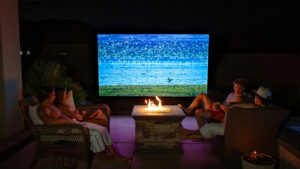

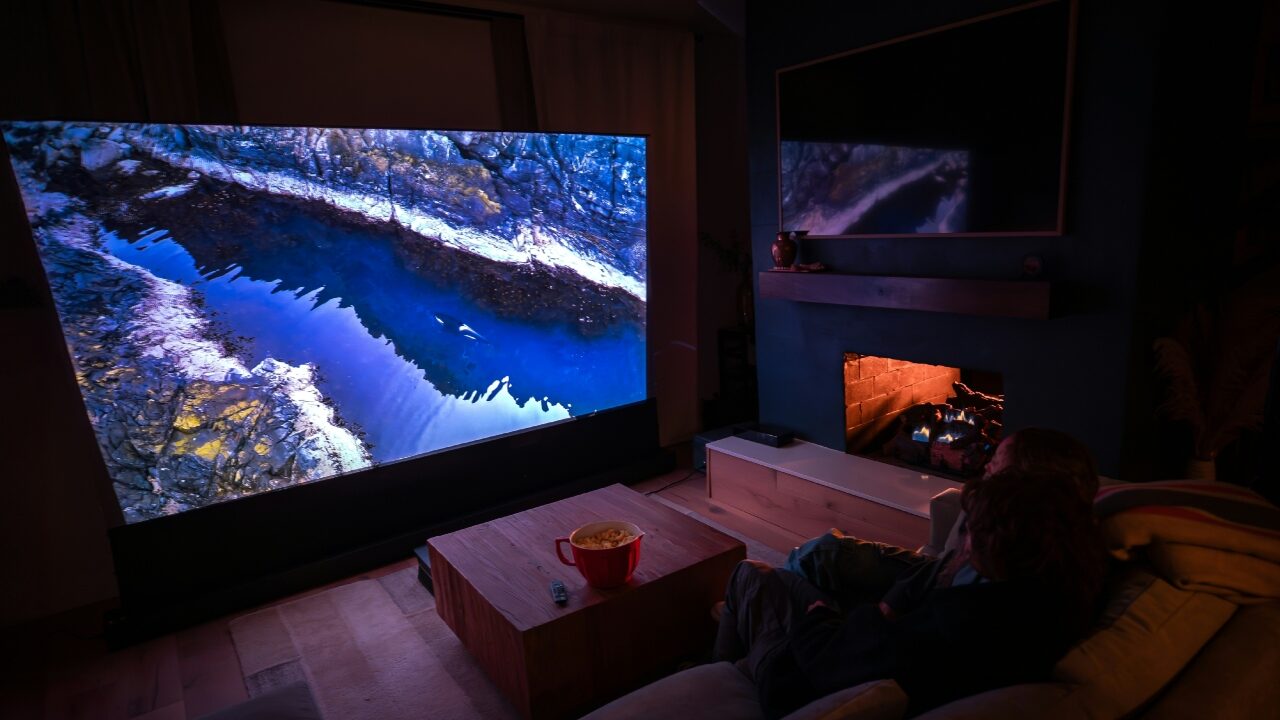
There comes a point when one realizes that their 65-inch television was nothing but small all along. Gaming projectors can make use of ordinary walls to generate 120 inches of visual delight at about the same cost as a middle-of-the-road flat-screen television. Most buying guides for this category are written by people who have not actually set one up in a real living room with afternoon sunlight coming through the blinds, a couch sitting eight feet from the wall, and someone’s kid walking in front of the lens every twenty minutes.
Importance of Projectors for Living Room Fun
Projectors used to feel limited to dark basements, with dim images, noticeable lag, and awkward placement needs. That has changed.
Short-throw and ultra-short-throw models can now sit one or two feet from the screen, so they work in living rooms without a long empty setup. Laser light sources have also replaced many traditional bulbs. Some gaming-focused models advertise sub-4ms lag in certain modes, usually at lower resolutions or higher refresh rates.
Projectors are expected to grow further by 2030, driven mainly by home theatre and gaming demand. Better brightness, easier placement, and lower gaming latency are a big part of that shift.
What Do the Specs Convey?
Brightness
Ignore oversized “peak brightness” claims where possible. ANSI lumens are more useful because they reflect measured brightness across the image.
- Around 1,500 ANSI lumens can work in a dark room.
- Aim for at least 2,500 ANSI lumens if the room gets natural light.
- For daytime gaming with curtains partly closed, 3,000 ANSI lumens or more is the safer choice.
Input lag
Input lag is the delay between pressing a button and seeing the action on screen. It is different from response time, which measures how quickly pixels change colour.
- Under 16ms is fine for casual single-player games.
- Under 8ms is very good.
- Below 4ms should feel almost instant.
Resolution and seating distance
Native 4K projectors are cheaper than they were a few years ago, but distance still matters. From eight to twelve feet away, many people will struggle to tell native 4K apart from good pixel-shift upscaling on a 100-inch screen. Sit closer, around six feet from a 120-inch image, and the difference becomes easier to spot.
Contrast
Contrast is still where projectors trail OLED TVs. Laser models have improved, but blacks can look dark grey in rooms with ambient light. Horror games, darker RPGs, and night-heavy scenes will usually look better on a TV in a bright room.
Throw Ratio
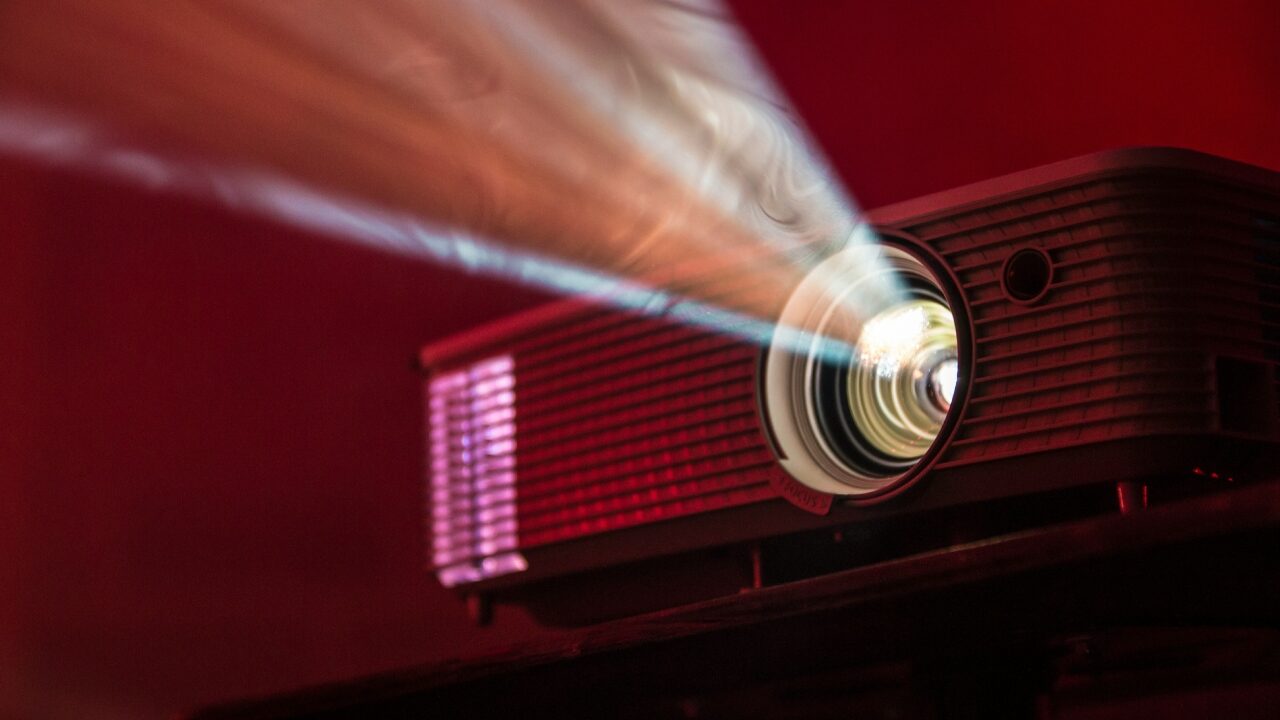
Throw ratio tells you how far the projector must sit from the screen to create a certain image size. A 1.5:1 projector needs roughly 11 feet to produce a 100-inch image, which can be difficult in smaller rooms. Short-throw models can create the same size from around 3 to 6 feet away, while ultra-short-throw models can sit about 18 inches from the wall. They cost more, often starting near $1,500 and rising above $4,000, but they are far easier to place in compact living rooms.
Screen or wall
A plain white wall can work, especially at first. A dedicated screen looks better, though, particularly in darker games where wall texture can show up in shadowed areas.
For most living rooms:
- Fixed-frame screens stay flat, need little maintenance, and give the cleanest result.
- ALR screens cost more but help in rooms with daylight. They reduce light coming from the sides or above while reflecting the projector’s beam back toward viewers. Elite Screens, Silver Ticket, and BenQ offer options around $200 to $600 for common living-room sizes.
- Electric roll-down screens suit rooms where you do not want a visible screen all day. They can develop slight ripples after unrolling and add a mechanism that may eventually need attention.
Game nights and group play
A 120-inch projected image is easier to follow from across the room than a 75-inch TV. Someone sitting on the floor, standing in the kitchen doorway, or leaning behind the couch can still see what is happening without fighting for the centre seat.
That makes a difference for:
- Jackbox Party Pack and other party games
- Fighting games and couch co-op
- Spectator-heavy games where several people are watching
- Mixed evenings that move between gaming, streaming, cards, and browser-based entertainment
The larger image also makes menus easier to read from the sofa. Game interfaces, streaming apps, browser tabs, and other on-screen options are clearer when people are not squinting from ten feet away.
That extra visibility also helps during mixed-format game nights, when the group moves between console rounds, streaming, card games and browser-based Lucky Circus games. A larger image makes it easier for everyone to follow the lobby, read menu labels, and see simple game graphics without crowding around the screen.
Audio
Built-in projector speakers are rarely enough for a busy living room, even on models advertised with “40W stereo audio.”
A soundbar with a wireless subwoofer is the simplest upgrade. Look for HDMI eARC, a centre channel for clearer dialogue, and a subwoofer that adds depth without overpowering the room. Where space allows, an AV receiver with bookshelf speakers and a subwoofer will sound better. If rear speakers are not practical, a 3.1 setup – left, centre, right, and subwoofer – is usually a better choice than a full 5.1 system.
Connecting the Source Device
PlayStation 5, Xbox Series X, and newer gaming PCs support HDMI 2.1, allowing 4K HDR gaming at up to 120Hz. Check the projector’s HDMI version before buying, though. Many lower-cost models still use HDMI 2.0, which usually limits 4K output to 60Hz.
PC gamers should also check refresh-rate support, VRR compatibility, and input lag in Game Mode. Few consumer projectors support every high-end feature in 2026, so it is worth confirming the exact supported settings.
Streaming sticks plug directly into a projector’s HDMI port. Apple TV 4K generally handles HDR tone mapping better than the basic Android sticks included with cheaper projectors, making it a stronger option for movie nights as well as gaming.
Setting up the projector
A few setup details are worth checking:
- Lamp projectors: Lower upfront cost, but replacement lamps usually cost $100 to $300 and last around 3,000 to 5,000 hours.
- Laser projectors: Cost more initially but can maintain brightness for 20,000 hours or more. For regular use, they can work out cheaper over three to four years.
- Fan noise: Most projectors run at 25 to 35 dB in standard mode and drop to the low 20s in eco or quiet mode. Place the unit as far from the main seating area as your throw ratio allows.
- HDMI cable: For 4K at 120Hz, use an HDMI 2.1-certified cable. A cable that works fine for 1080p at 60Hz may struggle once bandwidth demands increase.
Best Gaming Projector Models
The cost of BenQ X3100i is around $2,399 and places itself well in terms of performance on the scale of best gaming projectors that come under the same price category. The projector is also known to have a native resolution of 4K in addition to providing a luminance level of 3,300 lumens with an input lag of only 4 milliseconds. It also features a refresh rate of 240 Hz in a 1080p screen resolution setup.
At around $3,499, the Epson LS800 is the ultra-short-throw option for smaller or more complicated rooms. It sits twenty-four inches from the screen surface, puts out 4,000 lumens, and includes a 3.1 audio system that’s actually usable as a stopgap while you sort out your speaker setup.
The Optoma UHD35STx comes in under $1,500. It’s not as bright as the BenQ and the native chip is 1080p with 4K upscaling, but it’s a genuine short-throw unit with sub-8ms input lag and image quality that holds up well in a controlled light environment.
How to Get Your Gaming Projector to Excel in the Living Room
Getting a projector working well in a living room takes more planning than buying a flat panel. Measure the room first. Sort out the screen and audio before the projector even arrives. Set aside proper time for calibration and don’t rush it.
Do all of that, and you end up with something a television cannot match at anywhere near the price. If image size per dollar is the priority, a projector setup can get you far beyond TV scale without entering premium-TV pricing. Once you’ve played a proper session on one, a TV starts to look like a monitor.