

It feels like home 3D printing technology has gone through a major boom in the last few years, and the Creality K2 Combo 3D Printer might just be one of the finest machines in its market… for those who are familiar with the overall process, anyway.
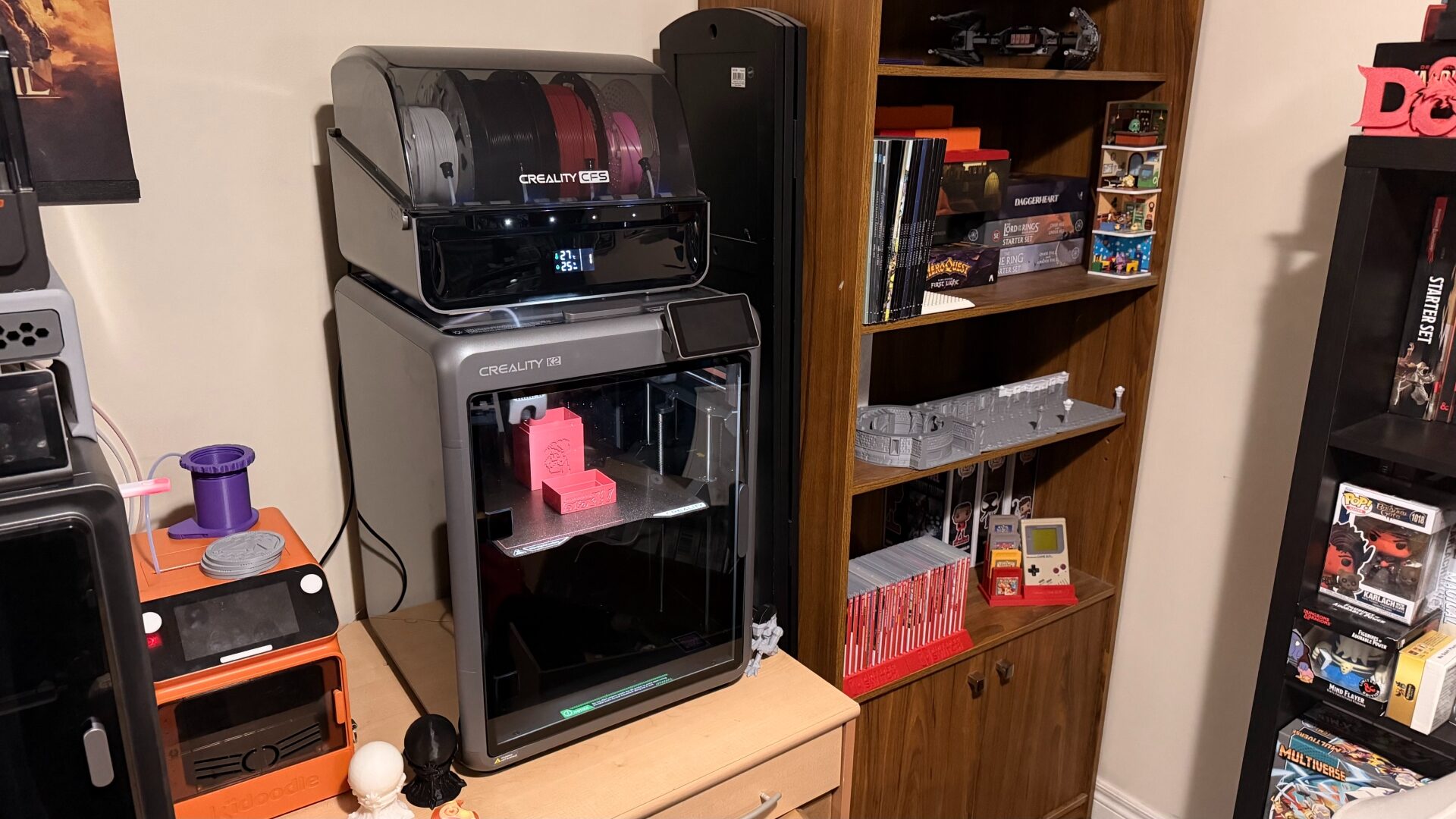
Though the smallest of its current product line, the K2 is still a monster of a machine with a build volume of 260x260x260mm (and an overall size of 404x436x545mm). If you can find space for it, it’s suited for home use thanks to its enclosed design—no need to worry about the family pet messing with the prints while it’s in operation.
Like Anycubic’s Kobra S1 Combo, the Creality K2 is a CoreXY-style filament printer—a kinematic motion system in which the printhead moves along the XY-axis and the printbed moves along the Z-axis. In other words, as your print gets taller, the print bed lowers to allow the nozzle to continue working. This design breakthrough has been a major driver in home 3D printing tech, and using another printer with this design has reaffirmed my faith in the concept all over again.
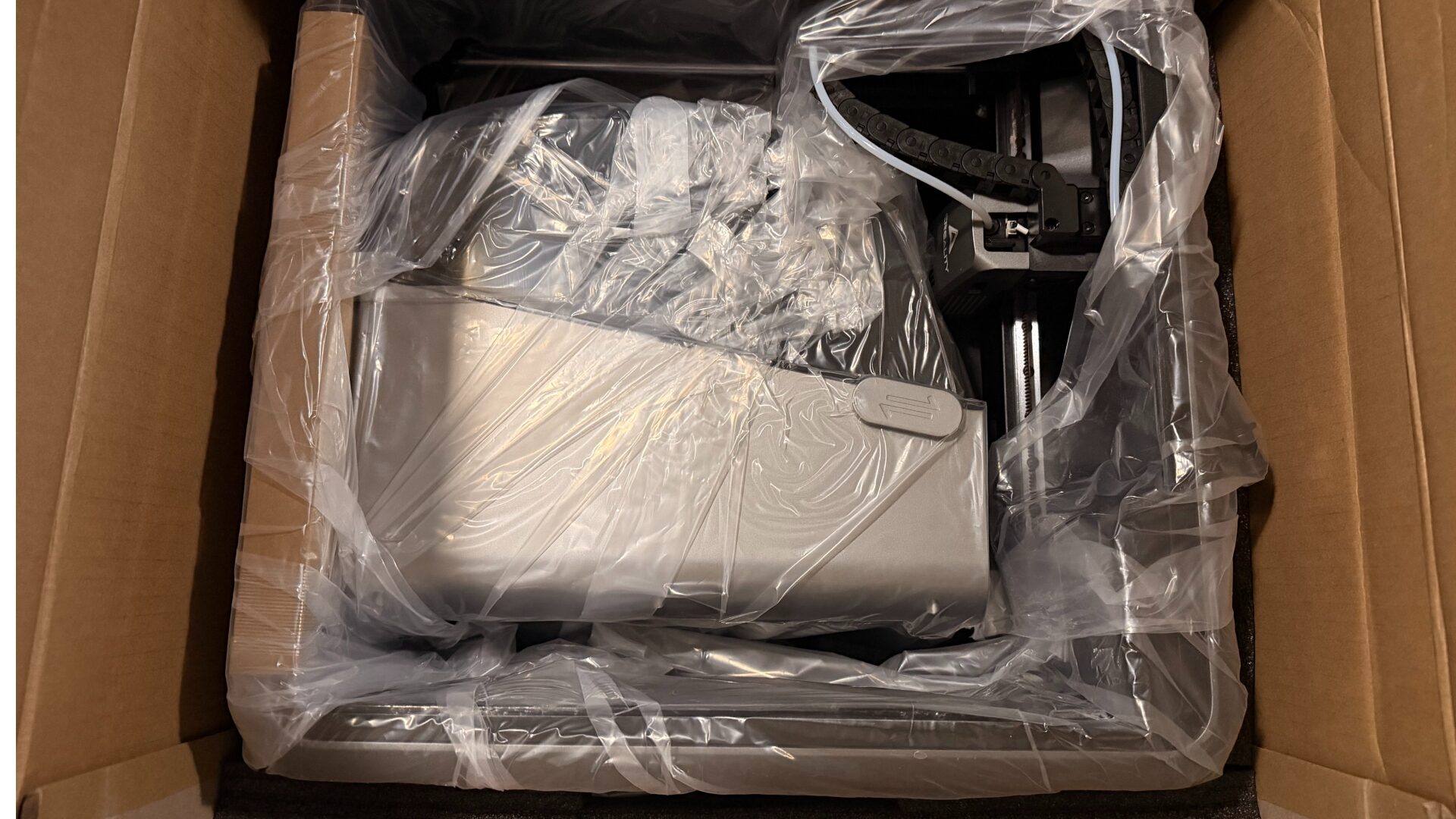
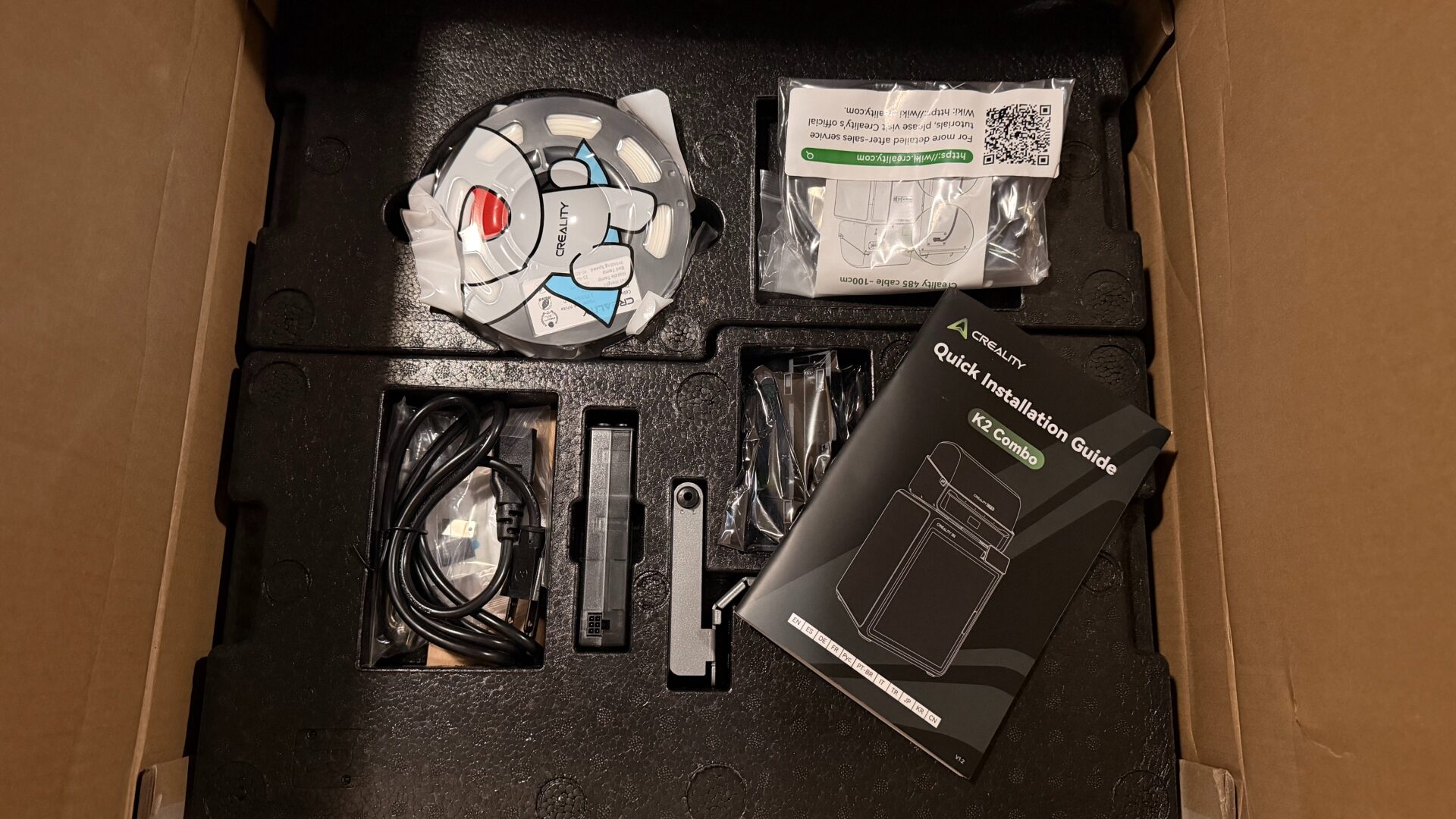
Unlike my colleague’s recent experience with the K2 Pro, I actually found the setup process for the Creality K2 Combo to be more obtuse than necessary. Its packaging seemed to be a solid balance between protecting the unit during transportation and making the installation process easy; the printer itself had very little assembly, and the CFS unit (more on that shortly) was packed inside, reducing some of the packaging. After removing tape and fasteners inside the cabinet, the lid had to be attached, as well as the external screen, before connecting all the hosing at the back.
“Once up and running properly, the Creality K2 is an impressively efficient 3D printer, with all the bells and whistles one should expect from a machine in its price range.”
While this may sound pretty standard, the included instructions left more to be desired than I’d like to see from an entry-to-mid-level 3D printer. They seemed to imply a certain amount of prior experience that newcomers may lack. Luckily, I already knew the gist of how the process works and was able to hook up the hoses without complications, but I could see how a complete beginner could get lost or even make mistakes along the way.
The problems continued into the actual printing process with a small comedy of errors. As luck would have it, the Creality Cloud app was experiencing difficulties when I set it up and could not initially bind the Creality K2 to my account. The small trial roll of filament included with the machine didn’t play nice with the CFS unit and reported errors after every attempt to print. The software defaulted to the spool holder (which was not loaded), and the vast majority of attempted prints via the Cloud app failed or produced less-than-ideal results.
When I moved away from relying on the trial roll (as I’d been looking to avoid wasting material from a full-sized roll), and swapped to the far superior CrealityPrint app on PC, those problems melted away, allowing the printer to reveal its true potential. Once up and running properly, the Creality K2 is an impressively efficient 3D printer, with all the bells and whistles one should expect at this price point.
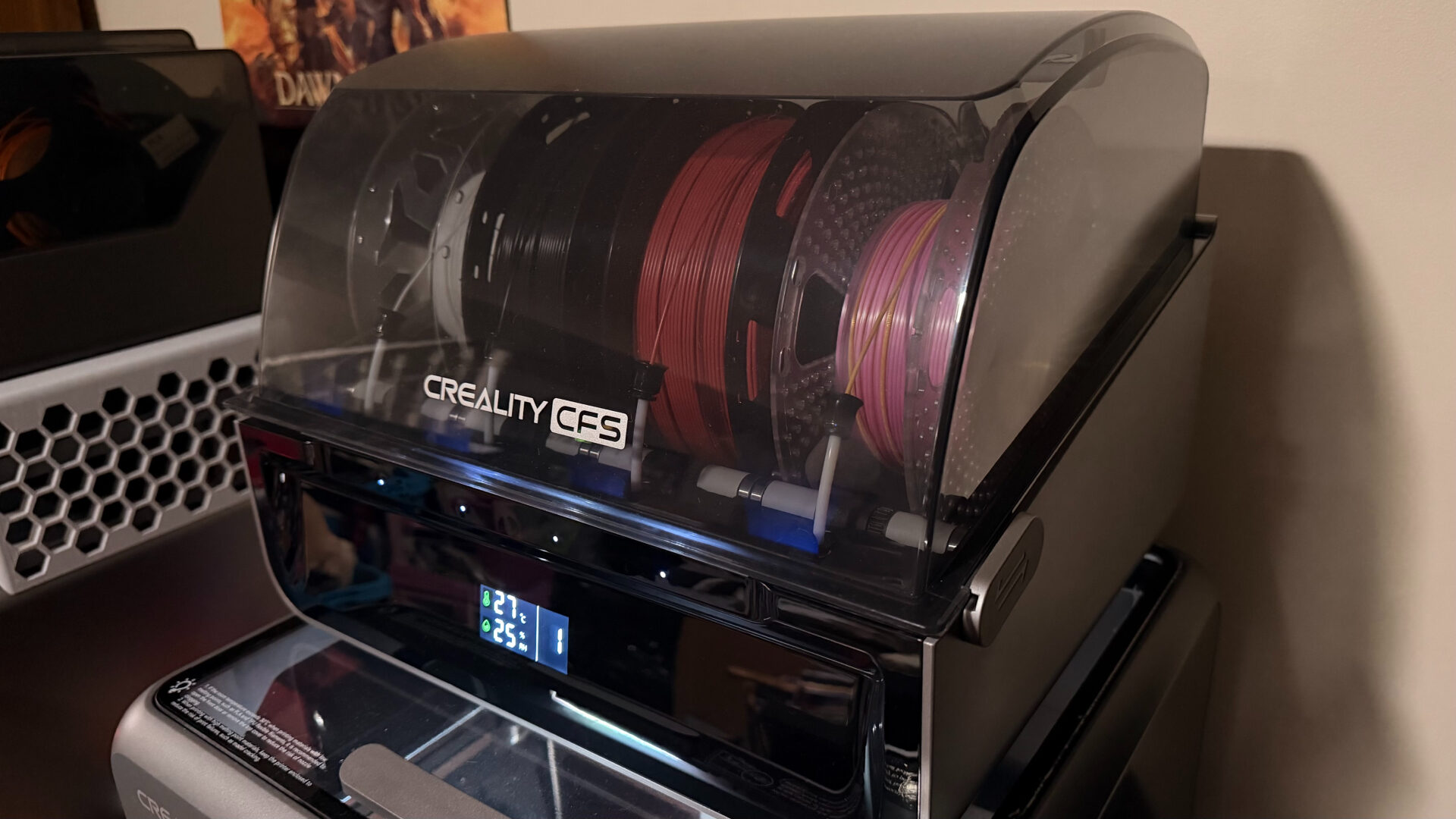
The Creality Filament System (CFS) allows the Creality K2 to access up to 4 spools of filament at a time (or 5 if you include the exterior filament spool). This means you can print a single model with multiple colours if you so choose, or simply keep four different colours on tap at any given time. As I found with Anycubic’s competition last year, multicoloured prints are nice as an option but a headache in practice; it’s not a fault against the machine itself, it’s just a time-consuming process, especially if it’s a complex design with intricately interwoven hues. Each colour on each layer requires a separate pause, flush, and reheating process, slowing down a job and increasing waste exponentially.
And as my trials went on, I was pleasantly surprised to find that many of the problems I’d encountered later with the competition’s unit did not recur. While I found the actual loading process a little odd at first, in terms of how the filament has to be fed into the hoses on the CFS, the Creality K2 encountered no loading errors on this end. Indeed, over a couple of hundred hours of printing, I encountered no clogging issues in the hoses through the back of the unit.
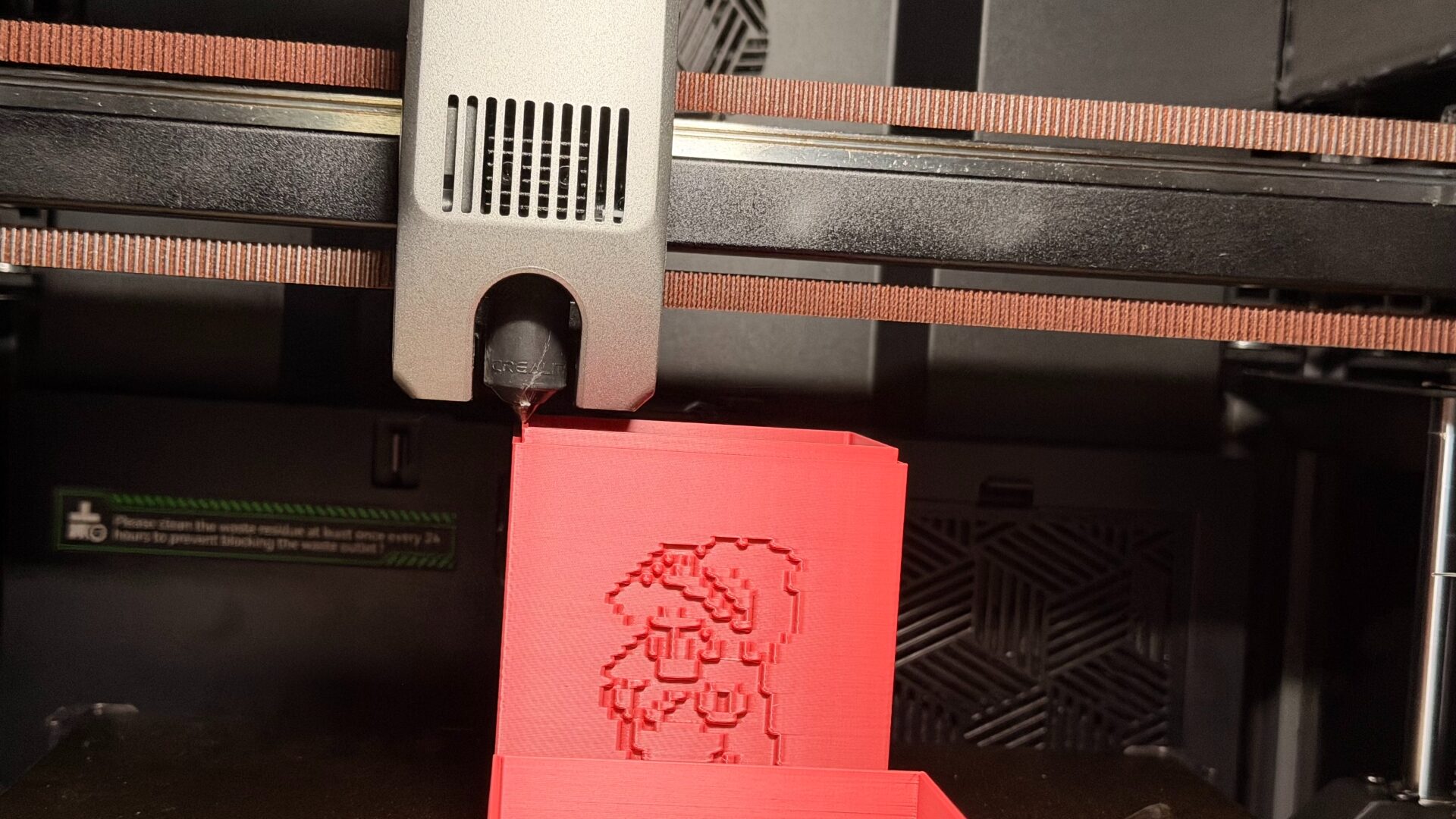
Without much tinkering with the settings, the dynamic duo of the Creality K2 Combo and the CrealityPrint app proved potent and reliable over the long term. The software is adept at auto-generating supports that yield easily once the print is done, even on large-scale projects. I was impressed by how rarely I had to intervene or reattempt a print—even after many hours of printing, print bed adhesion remained nearly perfect, and only a few of my more outlandish prints ran into “spaghetti” issues.
“Without needing to tinker much with the settings, the dynamic duo of the Creality K2 Combo and the CrealityPrint app proved potent and reliable over the long term.”
By the same point in my use of the S1 Kobra, I had to maintain the machine to keep prints adhering properly to the bed and had reassembled the print head assembly multiple times. To Creality’s credit, I never had such an issue with the assembly on the K2. Overall safety and stability were never a concern. Aside from such issues with the physical operation, the Creality K2 doesn’t escape the same general foibles I have with the current state of 3D printers, like the time and waste involved in multicoloured prints.
Speaking of waste, the phenomenon of “3D printer poop” is still present here. It’s a necessary part of the process—essentially the printer checks that its lines are cleared by dumping a small amount of filament, which emerges as weird, coiled balls—but by this point, it’d be nice to see manufacturers accounting for this disposal better by including a chute and bucket to collect the waste. I also encountered a few weird disposals where an excess amount of material had coagulated and been ejected into the cabinet itself.
(Again, to Creality’s credit, at least they’re taking steps toward addressing this problem area: a crowdfunding campaign for a pair of recycling machines aims to give creators the means to turn failed prints and purged chunks back into usable filament again. Either way, it’s highly advised to keep some kind of receptacle behind the machine, or print a specialized chute and bucket.)
As well, the incorporated auto-detection for print errors proved semi-reliable, though still kicking in later than I’d like. This may have something to do with the overall quality of the camera built into the cabinet, which is just strong enough to get the job done. The software atoned for this potential weakness by making time-lapse videos easily accessible, and I’d rather have a barebones camera that’s just sufficient to double-check my prints remotely than no camera at all.
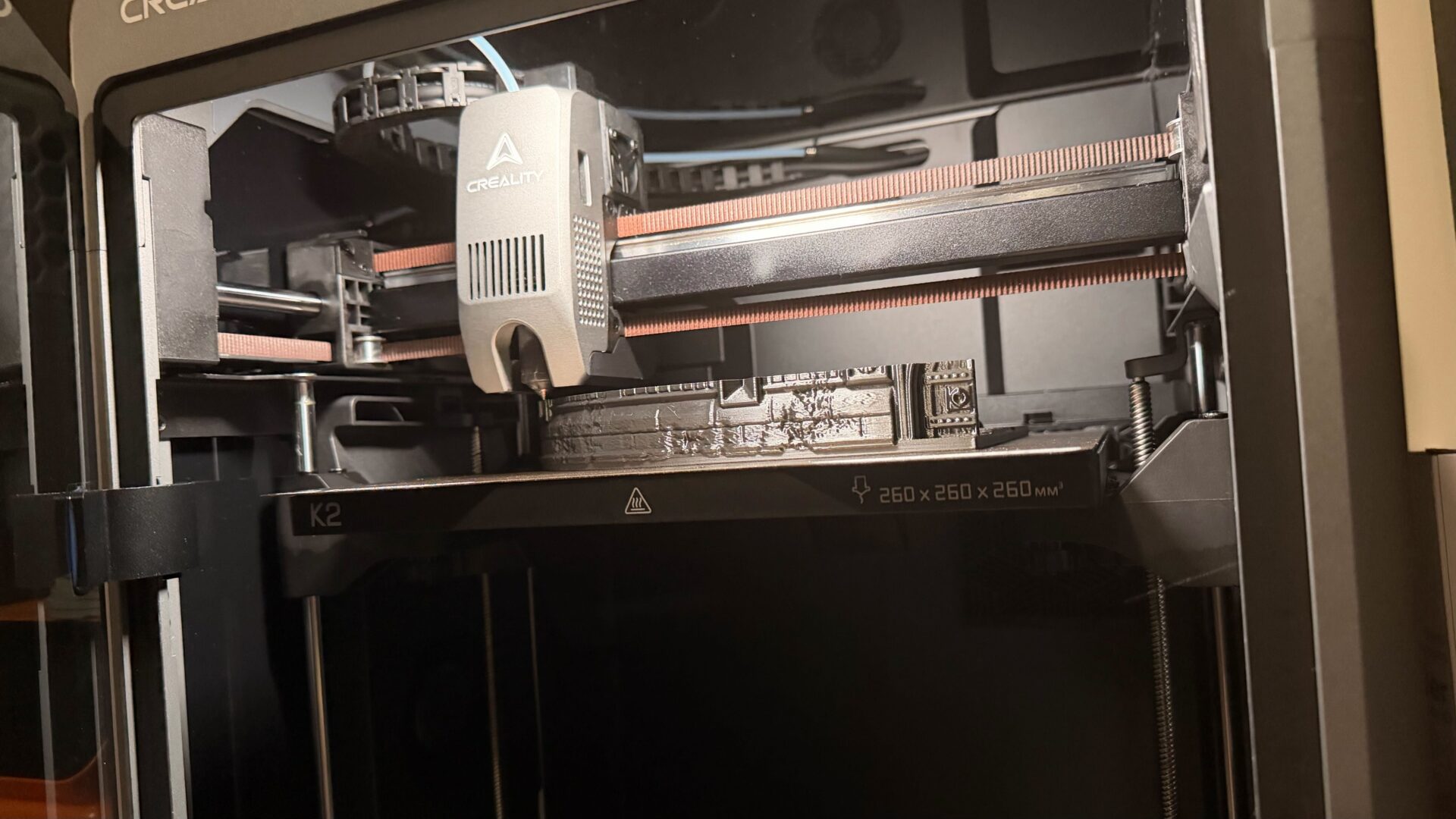
(And a final note on the software: there were multiple occasions where the program seemed to under-predict the estimated time of completion, which can be a pain if you’re in a hurry to move to the next print. Conversely, the slicer can accommodate different overall speeds beyond the standard: Ultrafast at 125%, Stable at 50%, or Silent. It’s a nice option, though I preferred the nice, reliable Standard.)
Within its hardware family, the Creality K2 Combo is designated as the “entry-to-mid tier,” being compact and accessible. In practice, I think the setup process might be somewhat daunting to a good portion of absolute beginners in the 3D printing space. Though the CrealityCloud app is presented as an easy access point, its printer operation tools make everything more complicated, limiting users to community-submitted designs and making it harder to use the limitless sea of STLs out there. It is best used only to monitor the printer remotely.
But as a mid-range 3D printer, the Creality K2 shines. It’s not as “compact” as the company’s literature implies, with a beefy printing space and a footprint that can easily claim a desktop; it offers space for some pretty substantial projects, just not quite enough to do, say, a full adult-sized cosplay helmet in one go. It’s comparably quiet in operation, too, with a series of fans that cycle efficiently, and the design is both sturdy and sleek enough to fit into any home office, den, or craft space.
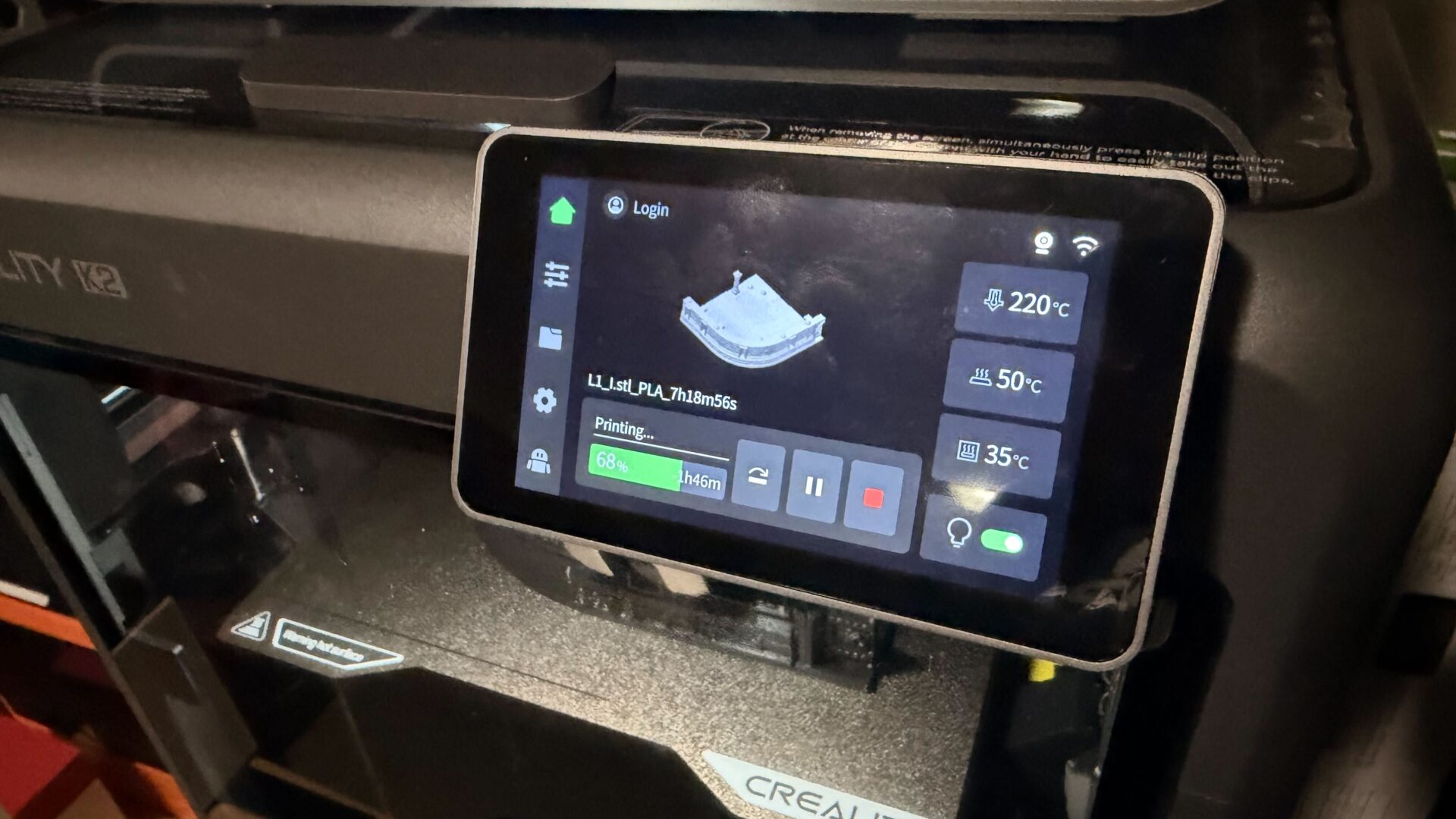
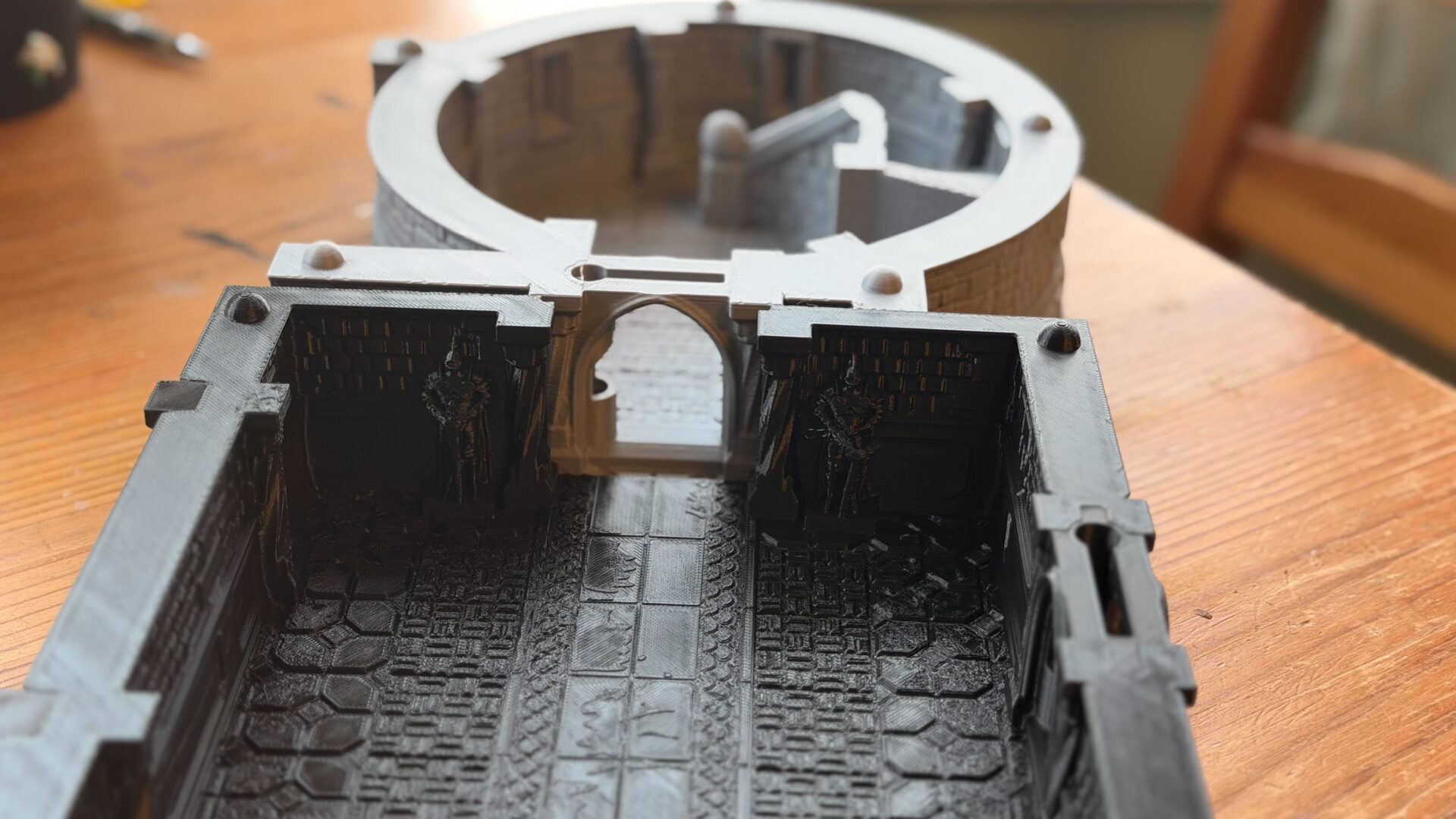
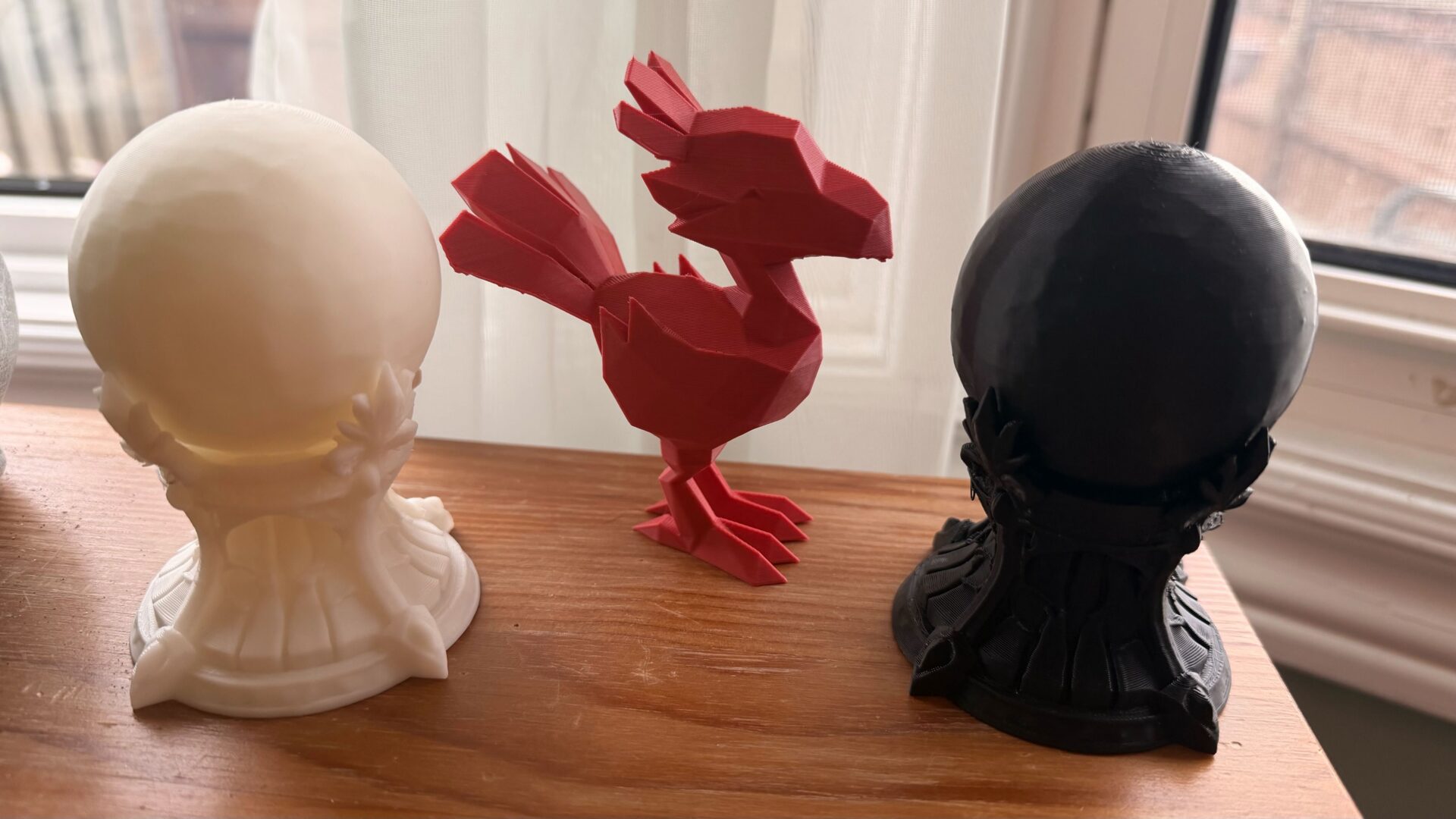
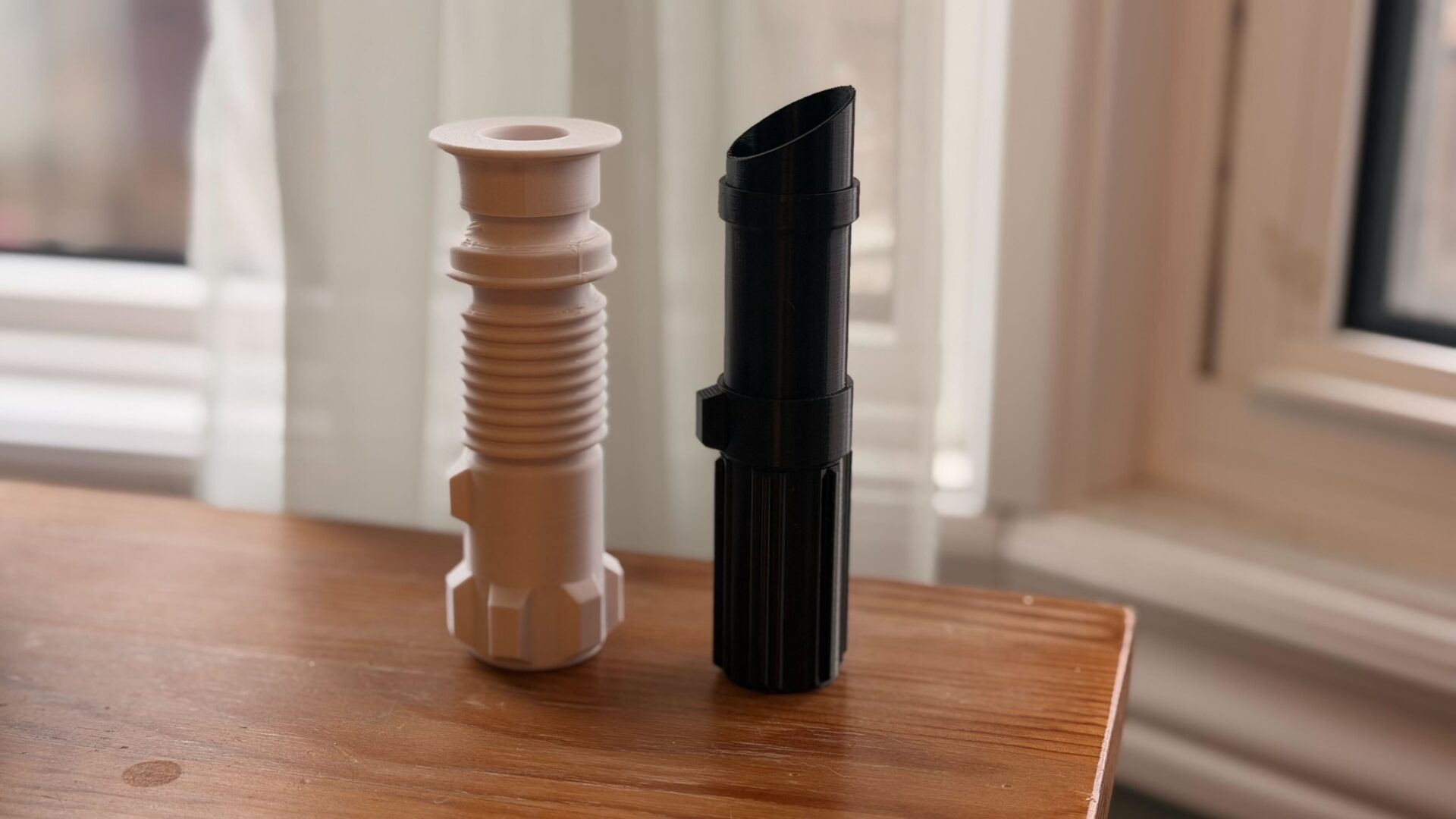
For either beginner or mid-range purposes, especially for users operating out of their own residence, I absolutely endorse this style of printer. The enclosed cabinet and the multi-filament system make 3D printers like the Creality K2 feel like a technological marvel right inside your home. Once it was up and running, and I realized I could reliably run 6-10 hour prints (or even some 20-hour components) with peace of mind, each time I opened the door to retrieve a new creation brought a fresh sense of creative wonder and satisfaction.