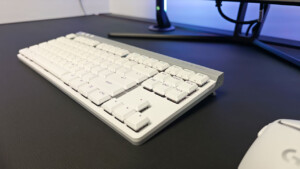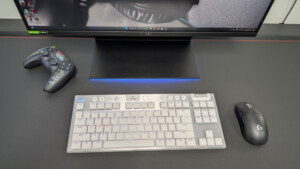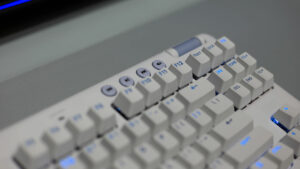


Keyboards, nowadays, can serve a lot of different purposes than merely typing. They are often game controllers, editing consoles and streaming workstations. The Logitech G512 X keyboard is ready to adapt to whatever you need it to be with dual-swap analog/mechanical switches, programmable dials and everything you need to customize the keyboard right at your fingertips.
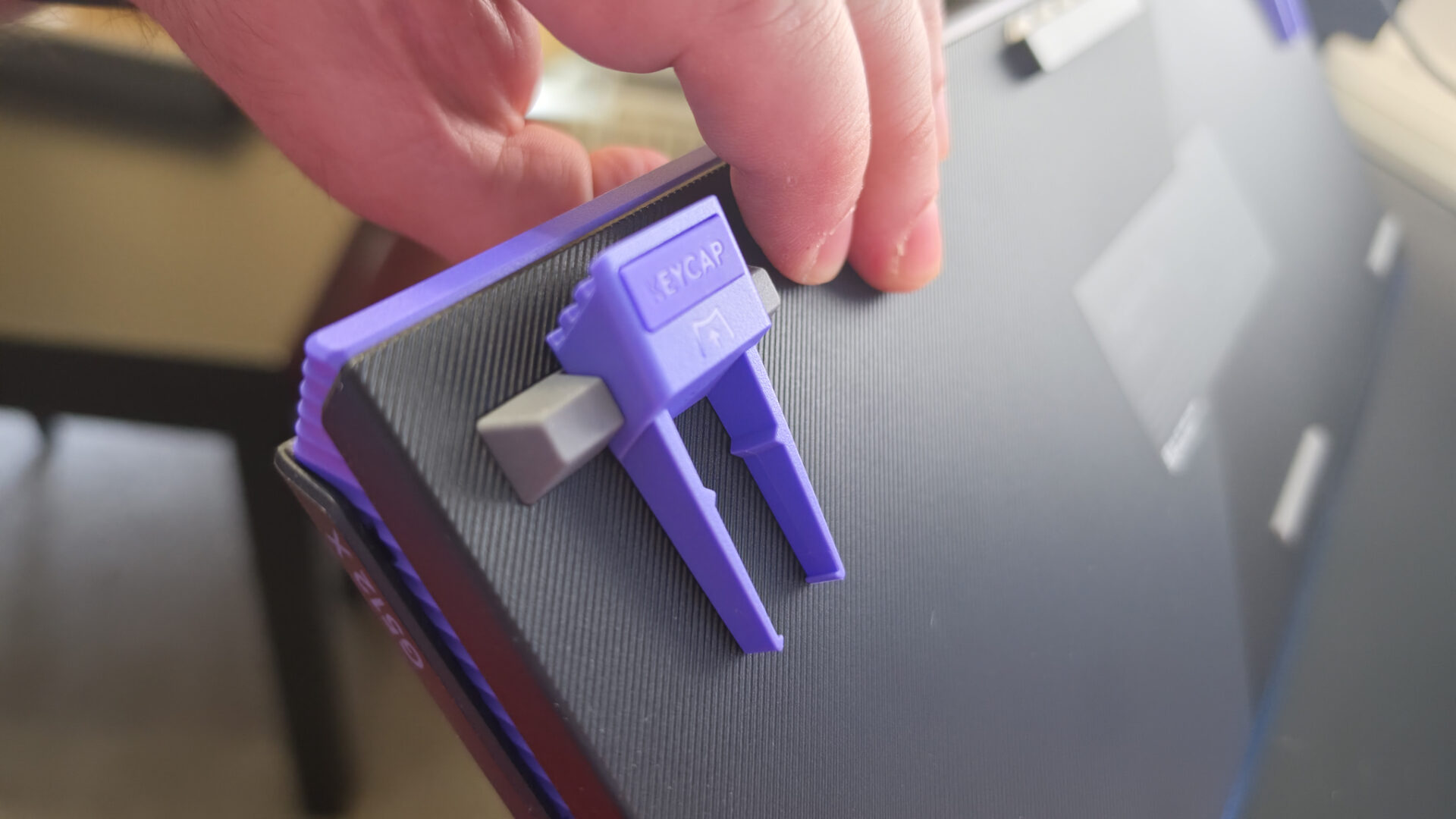
In the box for the Logitech G512 X, you get the keyboard (the 98-key version was given for this review), nine magnetic analog switches, a 1.8m detachable USB-A to USB-C cable, a keycap puller and switch puller that serve as the keyboard tilts, five alternative keycaps, five SAPP rings and the documentation. Also provided for the review was the G512 X palm rest, which is sold separately at $44.99 USD for the 98-key version.
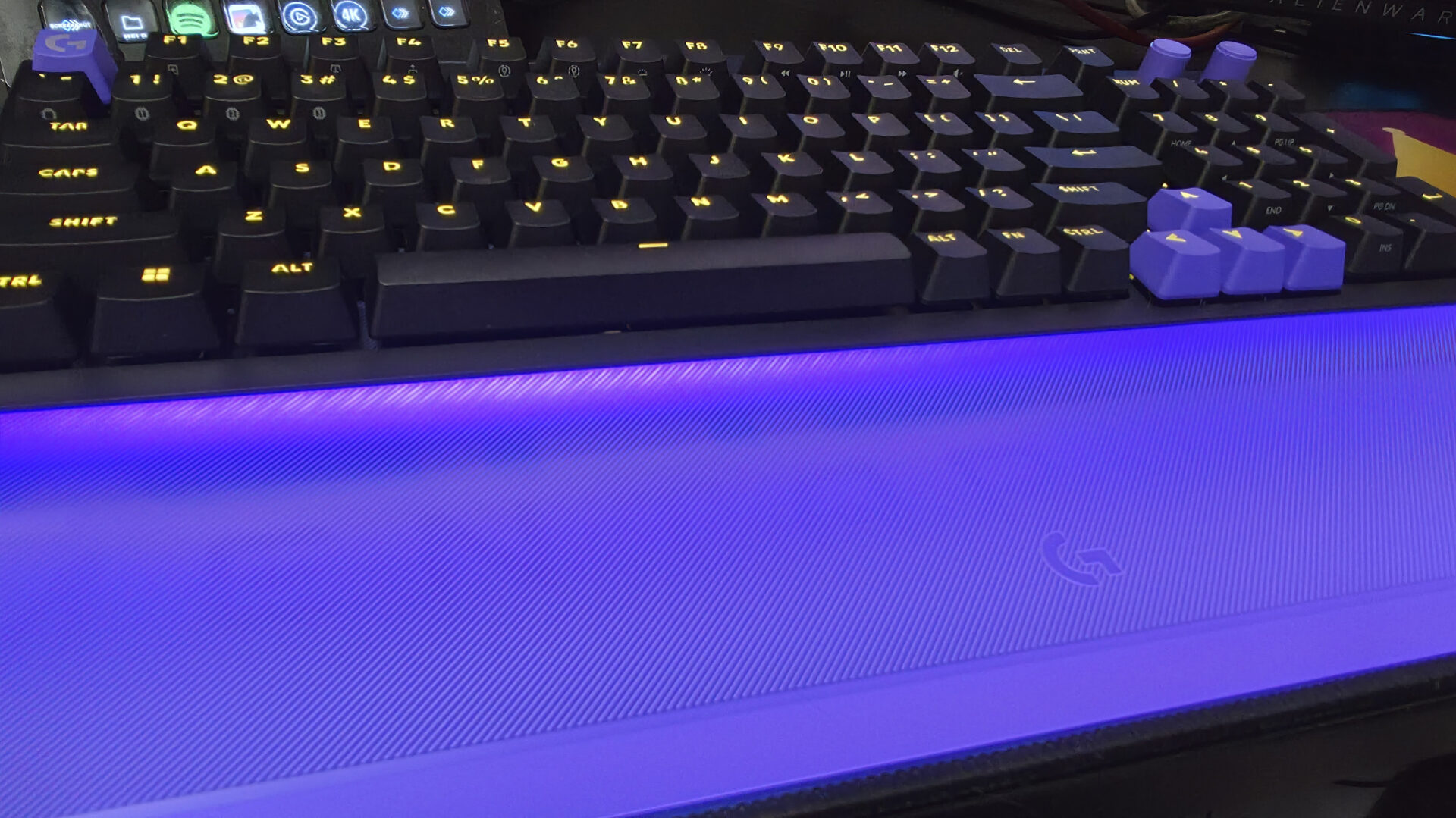
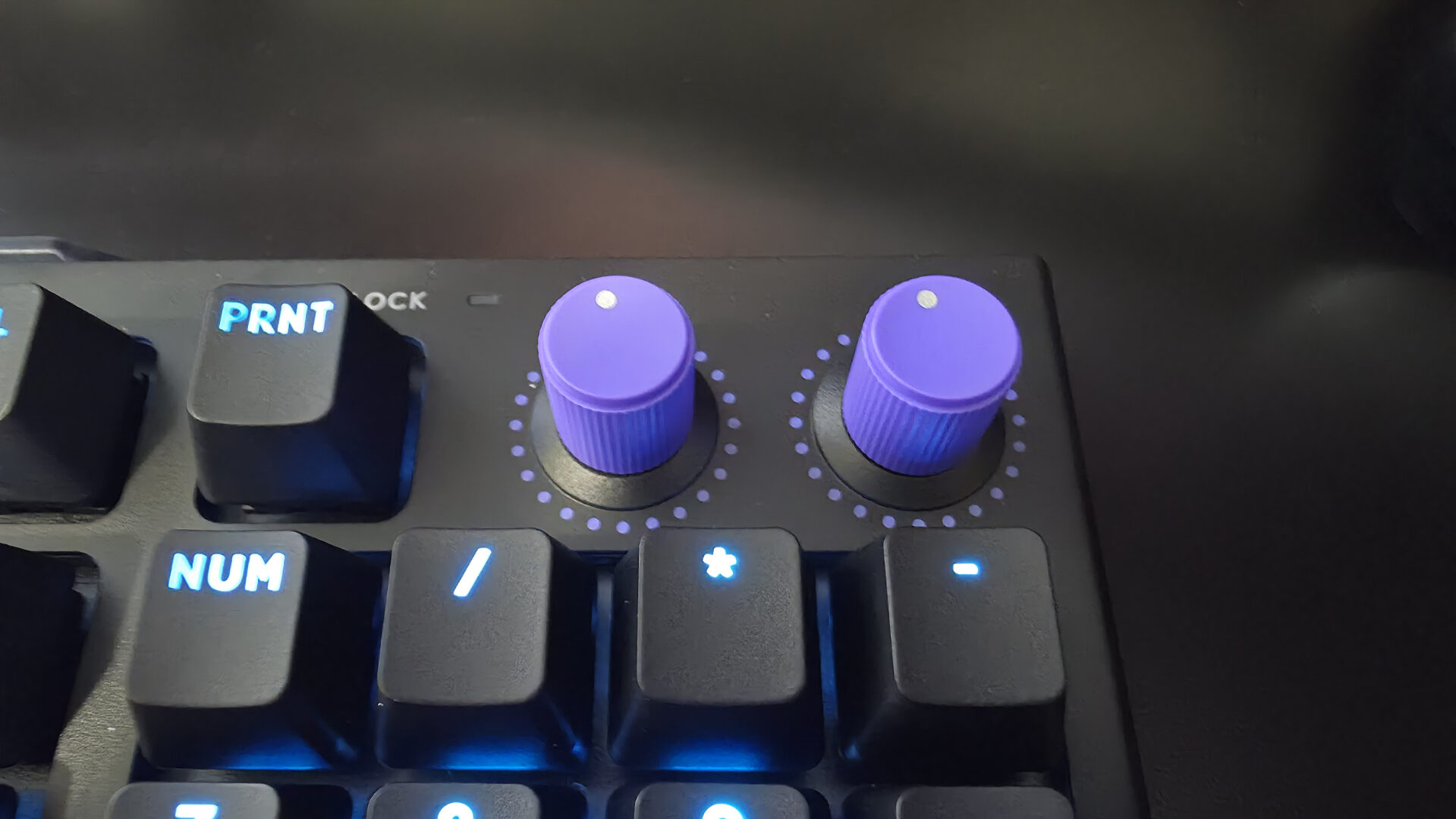
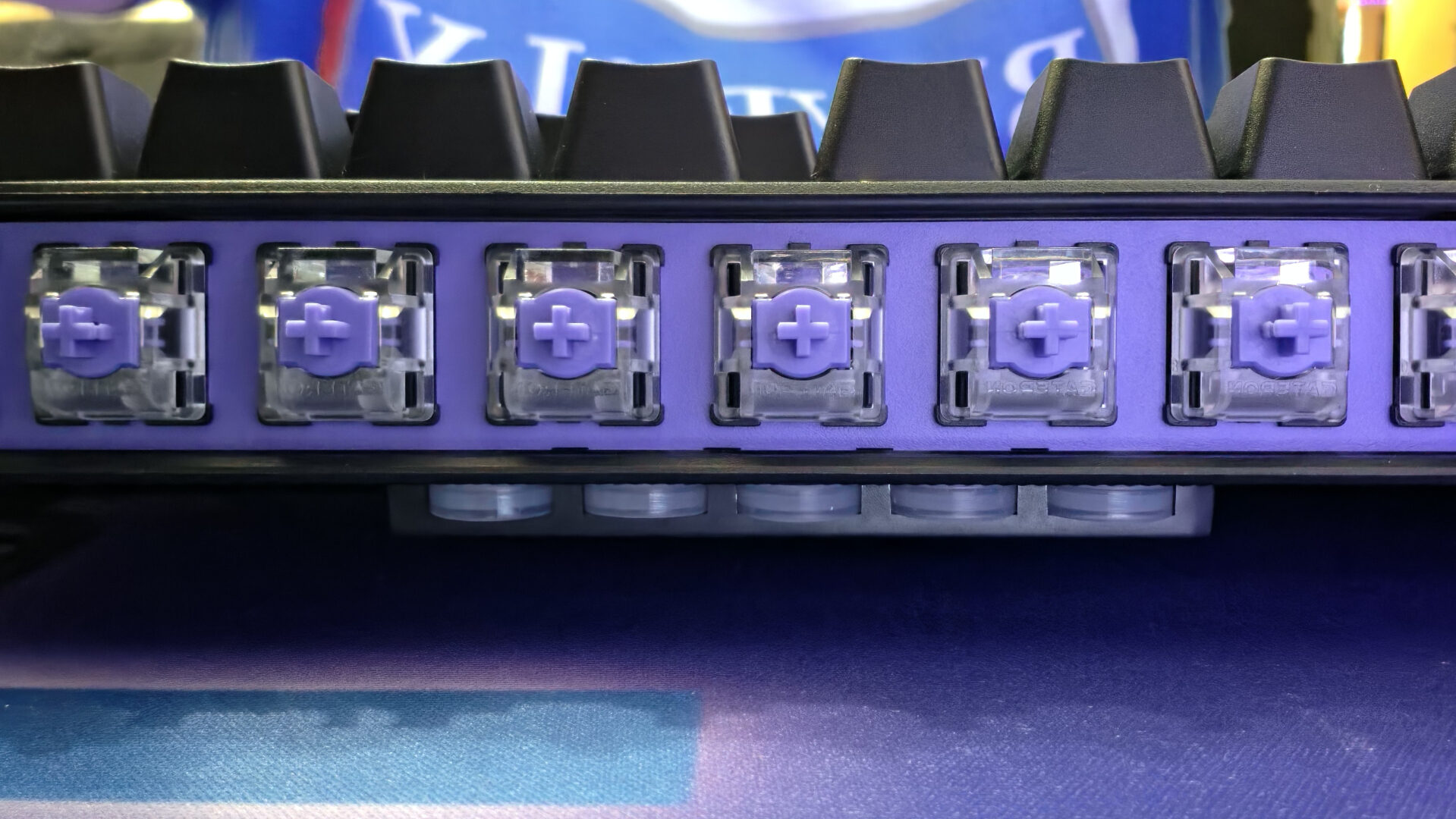
The Logitech G512 X keyboard weighs in at 1kg with a width of 155.2mm and length of 387.2mm. In addition to the 98 keys, there are two clickable, programmable dials that can be mapped to any macro or action that you can assign in the app. In the back of the keyboard is storage for the nine magnetic analog switches and five SAPP rings, allowing you to keep everything close at hand should you want to make a switch.
On the back of the Logitech G512 X, you have two distinct buttons. First, you have a scan button that scans the layout of your keys, identifying which keys are using magnetic analog switches and which are using mechanical switches so they can be properly configured. The other button activates/disables “game mode,” which will shut off certain keys on the keyboard to prevent any misinput when gaming. Which keys actually shut off when activating game mode can also be configured via Logitech’s G Hub application.
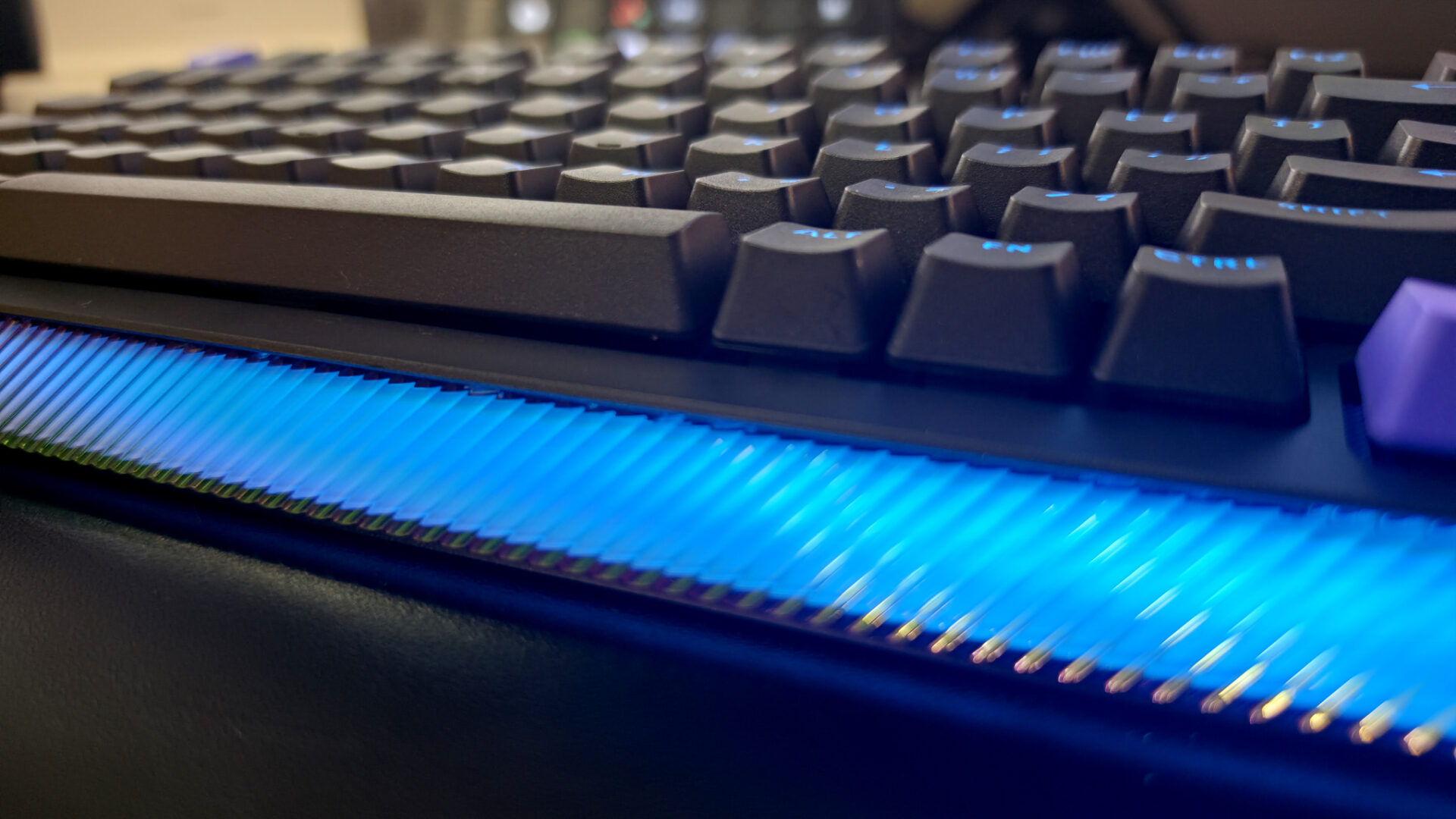
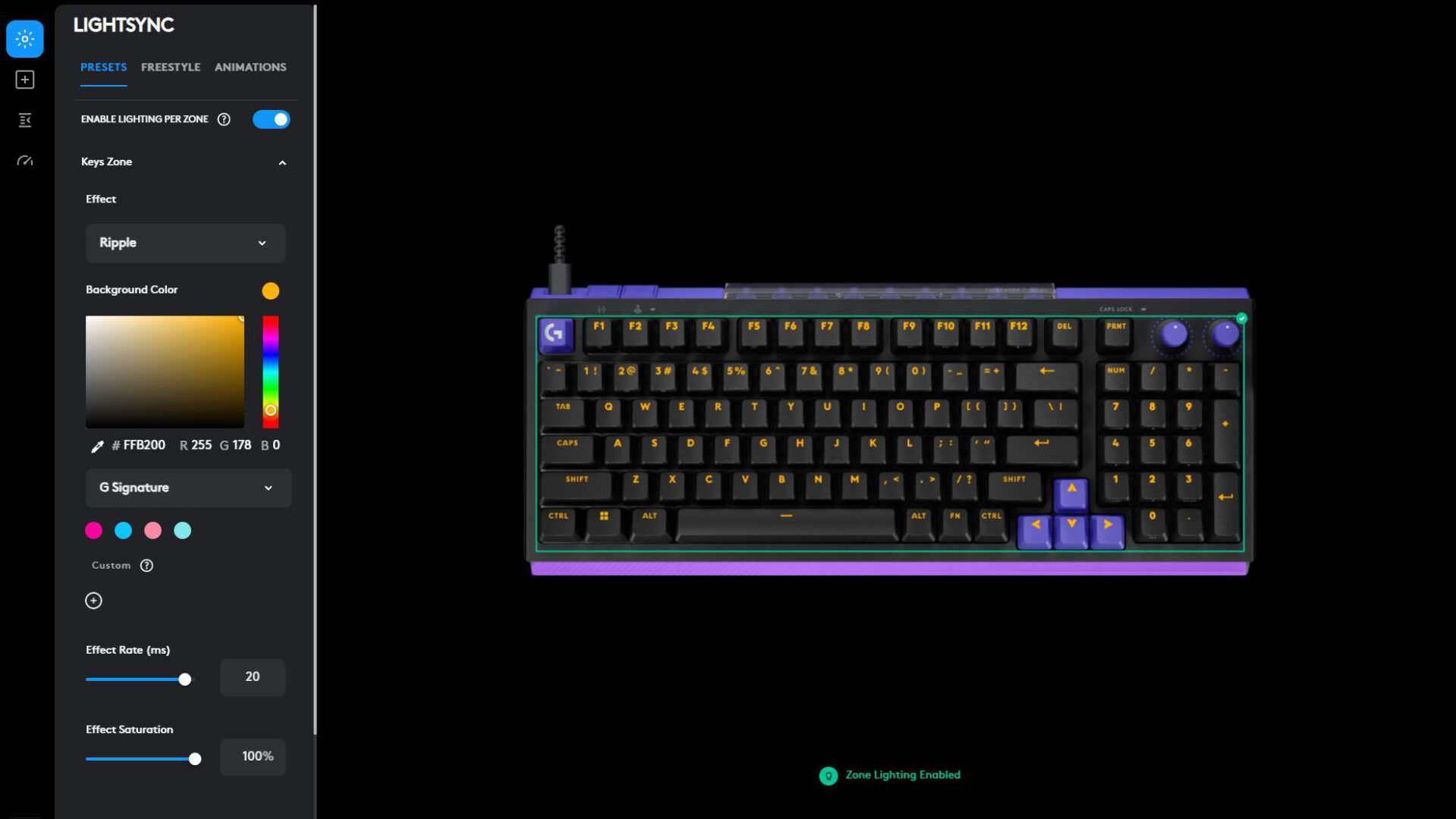
Speaking of G-Hub, the application gives you access to a lot of amazing customization for the Logitech G512 X keyboard. You can control all of the RGB emanating from each of the keys and from the front of the keyboard, which is enhanced when the palm rest is in place. The assignments section lets you assign multiple actions to a single key, using your favourite macros and quick actions easily. You can even download the presets that other users have already created directly from the app.
“G Hub is your one-stop shop for getting the most out of your Logitech G512 X, no matter how you plan to use it.”
The Analog Switches section in G Hub lets you take all of the available analog switches that are installed and set the actuation point, which is the distance a key needs to be pressed down for it to be registered. You can also set up a rapid trigger, which lets you set how much the key is lifted before it resets, letting you press it down again faster.
Last, you have the “performance” section, which lets you change the report rate, defaulted at 8000 Hz, but switchable to 1000 Hz if you don’t need the response time of a gaming keyboard. G Hub is your one-stop shop for getting the most out of your Logitech G512 X, no matter how you plan to use it.
Getting down to the simplest truth about the Logitech G512 X, it just feels good to use. Every key press felt like heaven to me. It was a large leap from my previous mechanical keyboard (REDRAGON, for what it’s worth) that felt equal parts quality keyboard and gaming dynamo.
As always, I judge any computer peripheral by how well my first games go. In this instance, I won my first two rounds of Fortnite. Did the keyboard help me win? Probably not, as most of my wins are luck, but its response time was so good that it was noticeable in-game, and its comfort while playing was undeniable.
I gave tinkering with my keyboard a shot, since they provided all of the accoutrements to do exactly that. It was an easy process, and the provided tools were high quality (and I was still impressed that they used the pullers to tilt the keyboard0. Ultimately, I switched back to the pre-installed switches, just as a matter of preference, but I love that they provided their users with the options to own the keyboard that best suits them.

$199.99 USD for the Logitech G512 X keyboard is, to me, a fair price based on its own merits as a keyboard and its customizability, both through the extras that come in the box and through its intuitive and thorough software solution. The extra functionality of the knobs, letting you control more than just media volume, and the ability to shut off unneeded keys in game mode make the G512 X the keyboard for so many different types of users.

- DUAL SWAP: Switch between magnetic analog and mechanical switches for max versatility. Includes 9 GATERON K20 analog switches for use across 39 dedicated DUAL SWAP TMR beds
- TMR Analog Sensors: Achieve extreme precision with Tunnel Magneto-Resistance sensors. Delivers high-resolution responsiveness for smooth gameplay and a competitive edge


- Designed for G512 X 98: The essential palm rest accessory built to complete the legendary aesthetic and feel of your G512 X 98 keyboard and battlestation
- Boosts RGB brilliance: Light-capturing gaming palm rest enhances LIGHTSYNC, creating vivid and unique RGB keyboard wrist rest effects from your G512 X 98’s lightbar