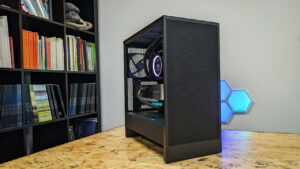


With the H1, NZXT released one of the more impressive small-form-factor cases over the past few years, and the one we included in our guide to building an Xbox-like PC for the living room. The company is at it again, delivering an even more impressive smaller case with the H2 Flow, which keeps most of what made the first offering so interesting while slimming some of the fat in the process. Having built a new system in it and tested what it can do, I can safely say this is a solid iteration, although there are some limitations.
Out of the box, the NZXT H2 Flow is a relatively simple case designed to adapt to a range of builds. At $149.99 USD, the case is relatively affordable, incredibly slim at 227 mm wide × 390 mm tall × 368 mm deep (roughly 8.9 × 15.4 × 14.5 inches), and still features many of the same features as the recently released larger NZXT cases. Designed for Mini-ITX, the case gives you just enough space to fit your components, run cables, and get everything working, though, as with all ITX-style cases, space is at a premium.
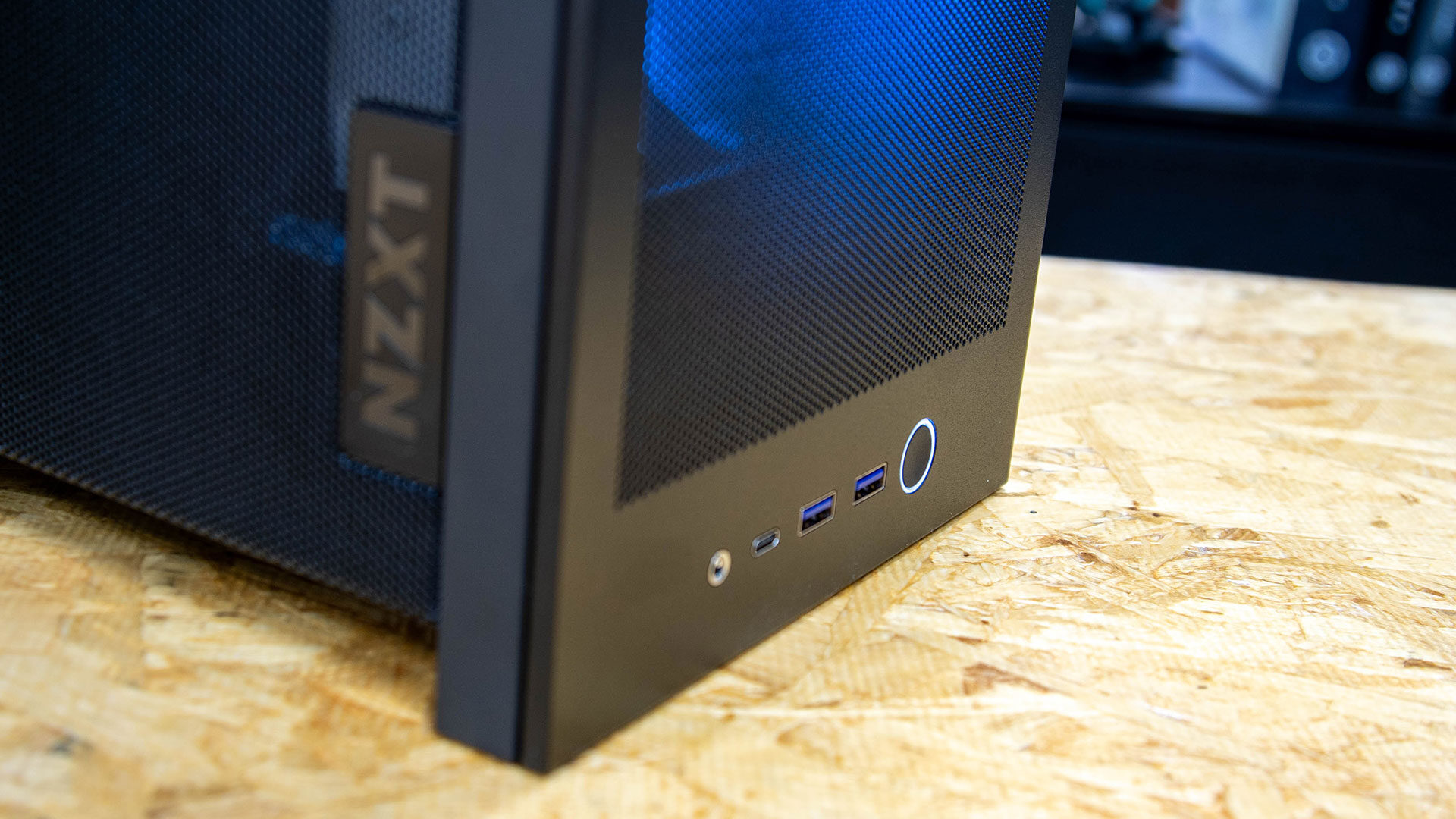
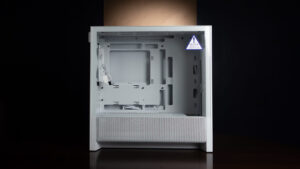
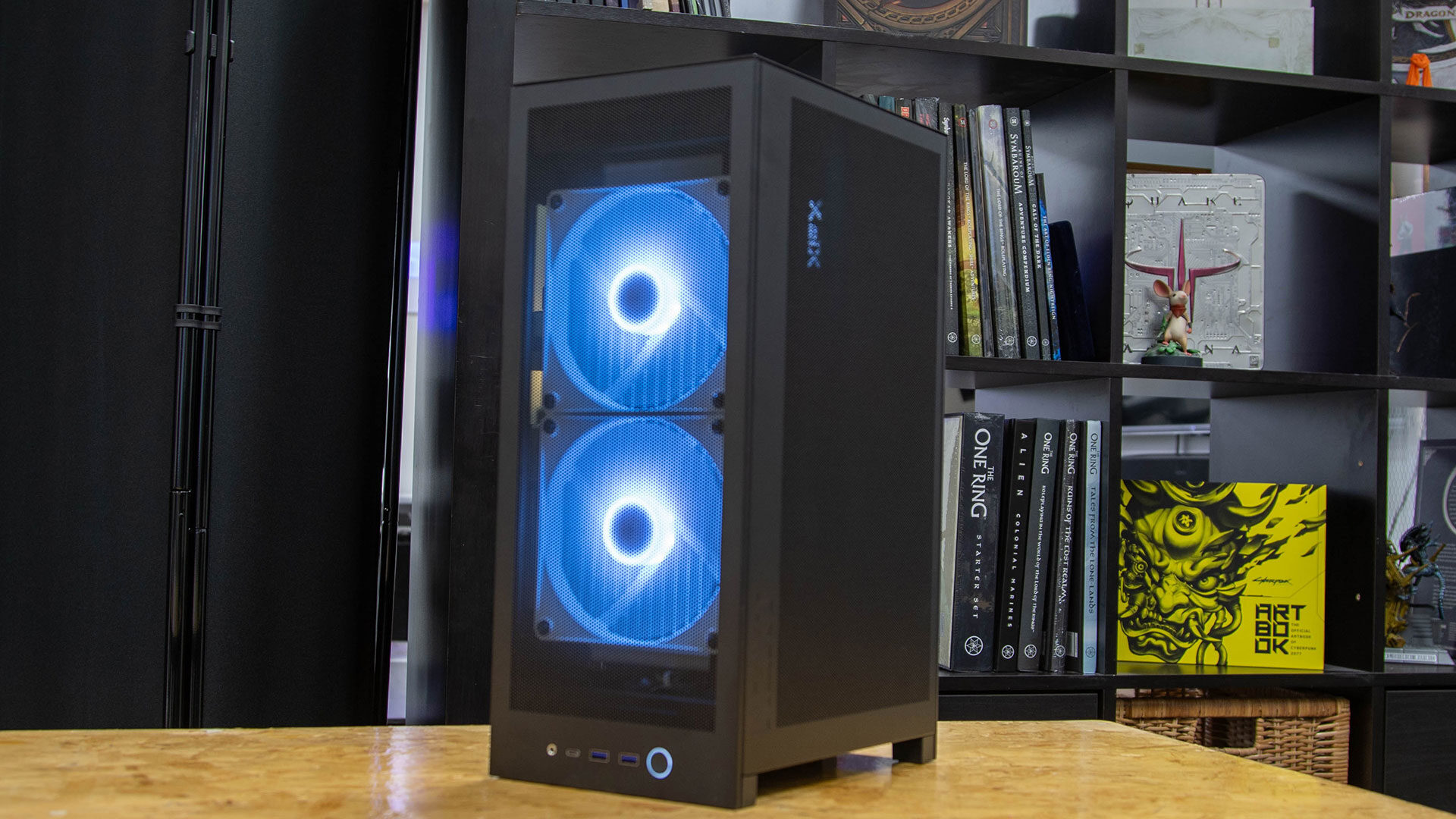
Looking at the H2 Flow, it delivers a clean, minimalist aesthetic with a perforated mesh front panel and a tempered glass side window. Even though it is slim, NZXT did not skimp on materials or steel construction, and the overall feel of the case is incredibly solid and ready to take on a build.
It is also built to fit an all-in-one (AIO) cooler, offering just enough space for a full 280 mm radiator (two 140 mm fans) or two 120 mm fans on the front of the unit. The case also offers up to 152 mm of CPU cooler clearance, giving you far more options than I expected when I first saw it, but I am pleasantly surprised nonetheless.
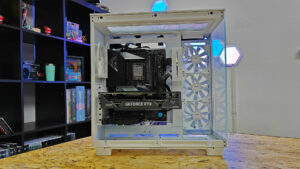
For testing the NZXT H2 Flow, we opted for an MSI MPG X870 Edge Ti Evo Wi-Fi motherboard, which provides plenty of ports and features we would normally want from a full-size build, but in a Mini-ITX form factor that fits perfectly in the case. The H2 Flow is also limited in the PSUs you can use, requiring an SFX or SFX-L form factor.
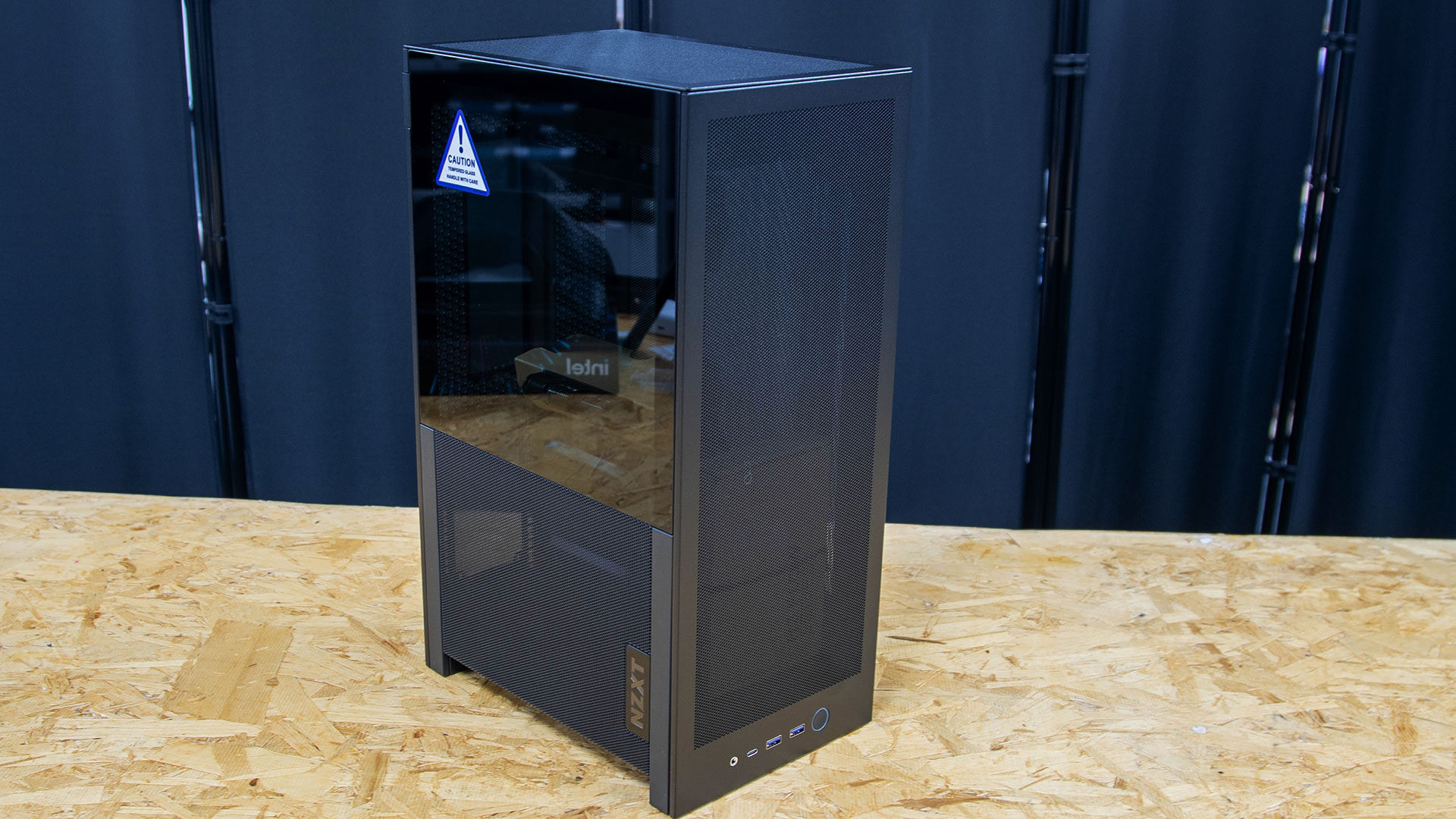
There are plenty of these on the market, and we opted for the NZXT 850 SFX PSU for our test build. It fit in well, with just enough room to run the cables, but it was incredibly tight, so plan what you want in the PC first, or you will be taking things out and putting them back in a few times to make sure it all fits.
“Out of the box, the NZXT H2 Flow is a relatively simple case designed to adapt to a range of builds.”
Much like the NZXT H1 case we looked at a few years ago, the H2 Flow uses the same dual-side design, with the motherboard on the left and the GPU on the right, just above where the PSU is positioned. Despite the case’s size, we managed to fit in a relatively sizable AMD Radeon RX 9070 XT. With 341 mm (13.4 inches) of length clearance, the case can fit up to a GeForce RTX 4080 or RTX 5090 Founders Edition if you are so inclined, although larger triple-slot cards may be a bit of a squeeze.
What is even more impressive is how airflow is still possible despite the NZXT H2 Flow being such a small case. As I mentioned, it can fit up to two 140 mm fans or two 120 mm fans, giving you plenty of power to move air through the structure, and the full-mesh front design provides plenty of room for the PC to pull in air when needed to keep the vital components cool.
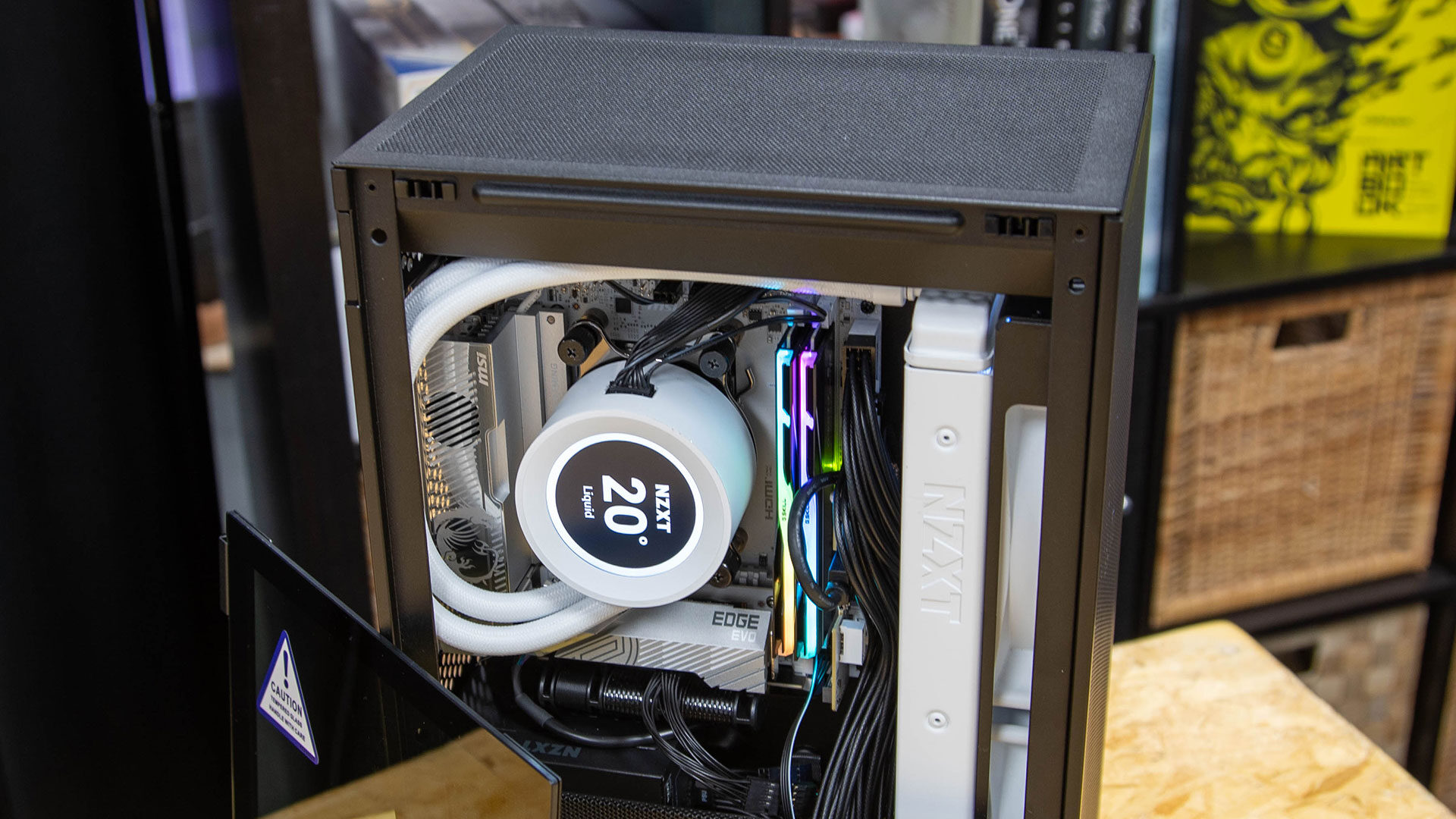
On the side with the GPU, the H2 Flow offers a full mesh side panel, giving even the largest GPU enough airflow to avoid issues or restrict potential performance. Of course, if you opt for an all-fan build and forgo the all-in-one (AIO) cooler, you will just need a low-profile option, giving more case fans dedicated to moving air through the case. That is really up to you, and during our time with the case, we did not see any throttling of the components, and it stayed relatively cool, even during gaming sessions.
Sadly, while NZXT has made a rather impressive case, as I mentioned above, space is limited, and cable management is a chore, no matter how you look at it. During our test build, I had to regularly remove components and reroute the cables to ensure the best possible path and to make sure the end result looked good in photos. But even if you are just trying to build a PC that works, you will need to run the cables to power all aspects of your build, and space is tight. It is not unworkable, unlike some cases I have used in the past, but you should be prepared for some cramped fingers during your build process.
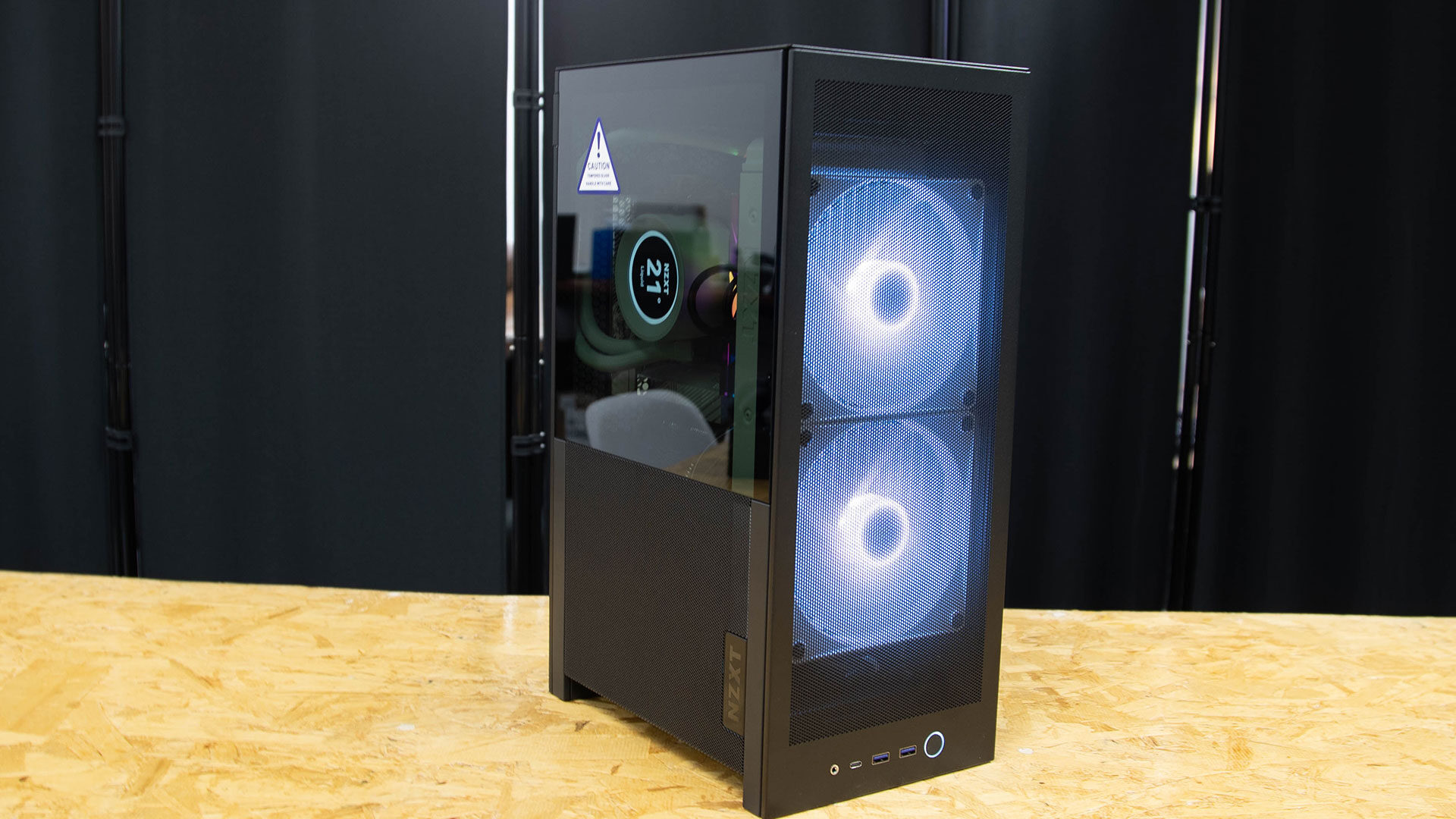
Despite the cramped build conditions, the H2 Flow is a solid offering and a great iteration on its H1 case. It offers enough space to build a system that meets your needs, has space for a full-size, powerful GPU, and it feels incredibly solid overall. This is not the case for people who just want a gaming powerhouse, but for anyone looking for an ITX build for an office, living room, or gaming space where space is limited, the H2 Flow makes a strong case for itself, especially at its $149.99 USD price point.

- SHOWCASE YOUR LIQUID COOLING — Hybrid glass-and-mesh side panel reveals your build while supporting up to a 280 mm radiator for efficient, sustained cooling.
- COMPACT SIZE. SERIOUS PERFORMANCE — A 20.7 L design fits most GPUs up to 331 mm, bringing high-end power to a footprint smaller than a sheet of paper.