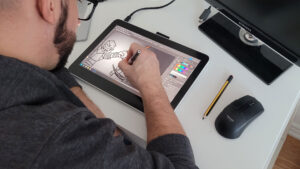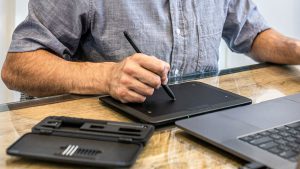

Before I started using the XPPen Artist Ultra 14, I was a pretty humble digital artist. I would make do with your basic Wacom Bamboo, utilizing my keyboard shortcuts and wasting precious keystrokes manually swapping between my brushes and tools. It was a simpler time, and my art was certainly rougher—albeit perhaps more honest. But now, I’ve tasted the golden nectar of the gods, and there’s no way I’m going back.
The Artist Ultra 14 is pretty much everything a digital artist could want in one seamless setup. It pairs the power of an HD tablet with the versatility and convenience of a shortcut bar to put everything you need to create right at your fingertips. It’s kind of amazing how I can continuously be impressed with each new digital tablet I use, but it really is incredible how far these technologies have come.
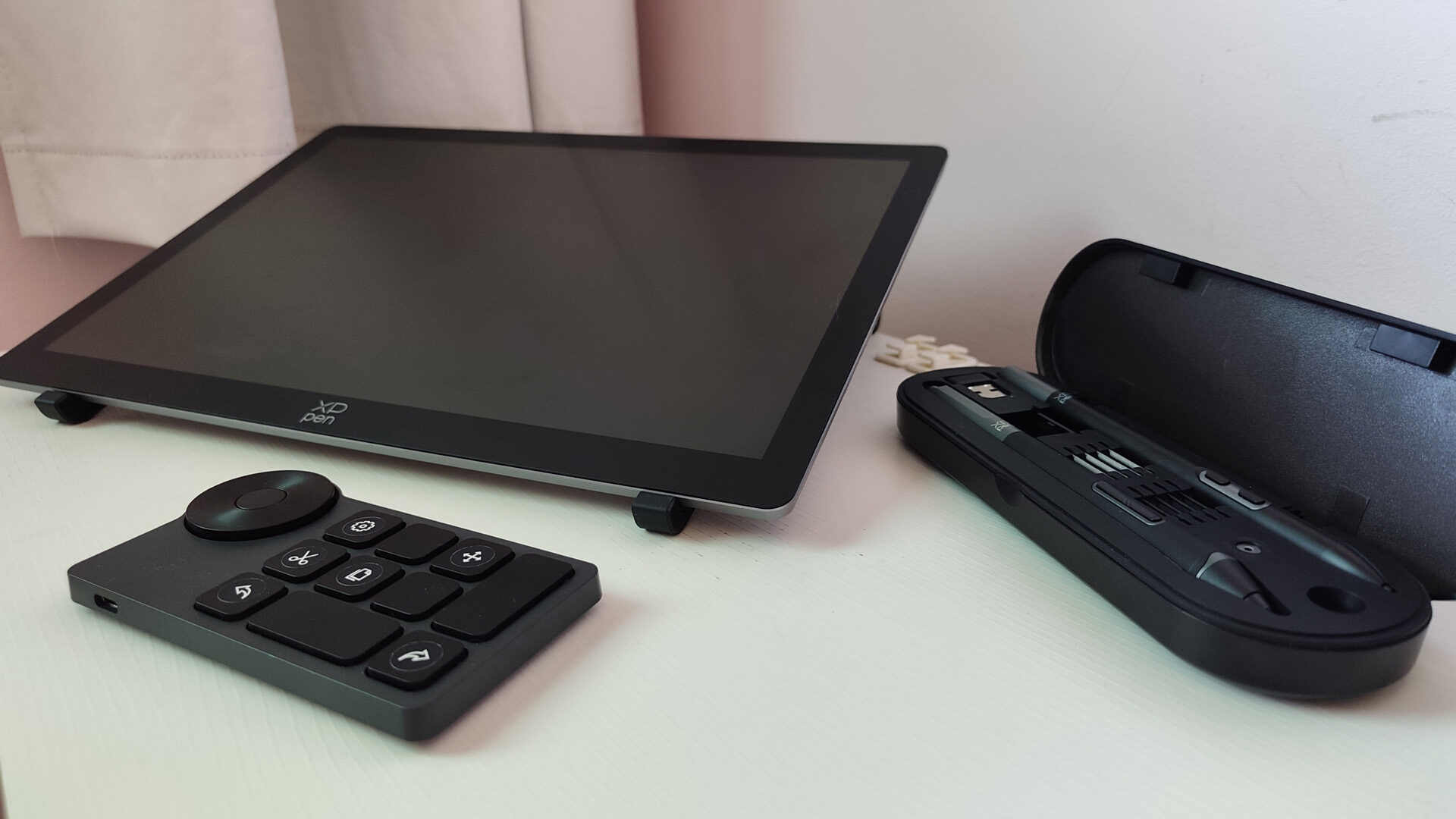
The first thing you notice about the Artist Ultra 14, naturally, is the screen. Clocking in at 330.4 × 221.6 × 6.0- 8.0 mm—roughly the size of the Wacom One 13 Touch, albeit much thinner. However, unlike the Wacom One 13 Touch, which is the same size but utilizes a 13.3” screen, the XPPen Artist Ultra 14 capitalizes much more on its real estate, offering users a 301.8 × 188.6 mm workspace on a 2880 x 1800 resolution screen.
The screen itself is pretty impressive as well. Outputting at a brightness of 350 nits, a native 10-bit colour depth and a refresh rate of 90 Hz, the Artist Ultra 14 gives users a vibrant workspace that consistently brings their work to life. Not only that, but with 16,384 levels of pressure sensitivity, the device is incredibly precise and responsive.
“The Artist Ultra 14 is pretty much everything a digital artist could want in one seamless setup.”
It gives users a much cleaner and less cluttered workspace that integrates seamlessly with high-definition displays. One of the things that bothered me about using the Wacom One 13 Touch was how I constantly had to resize it appropriately when I connected it to my old Surface Book 3, but that problem is a thing of the past on my Alienware M16—even with its native Intel 2560 x 1600 resolution display.
When it comes time to sit down and draw, getting the XPPen Artist Ultra 14 set up is a snap. A simple USB-C connection will get the device connected in an instant; however, if users have a computer without a video output USB-C connection, they can utilize a dual USB-A and HDMI to take full advantage of the 2K display. On top of this, the Artist Ultra 14 can even connect to certain mobile devices—provided they install the necessary software—making it incredibly versatile to take on the go.
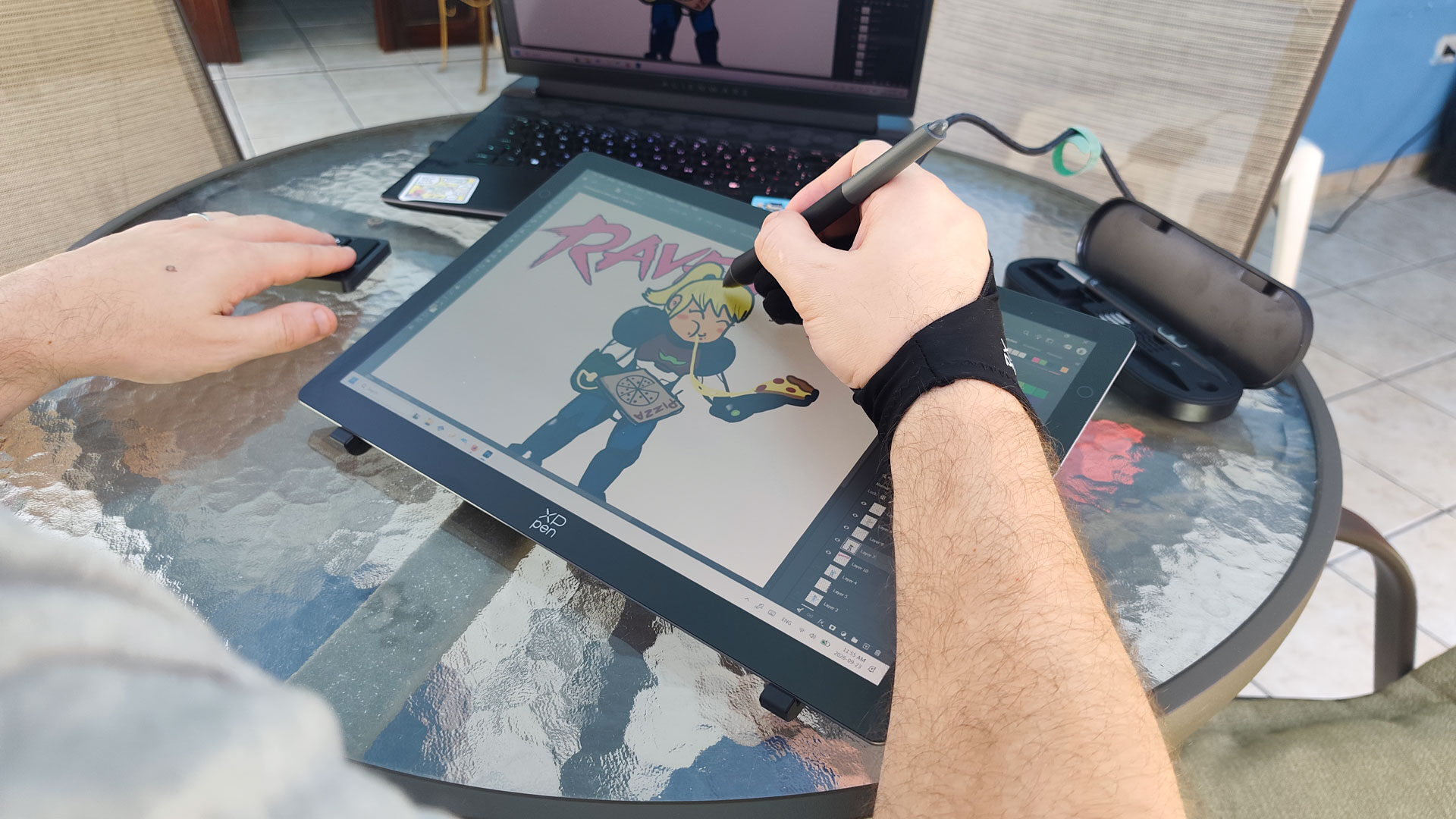
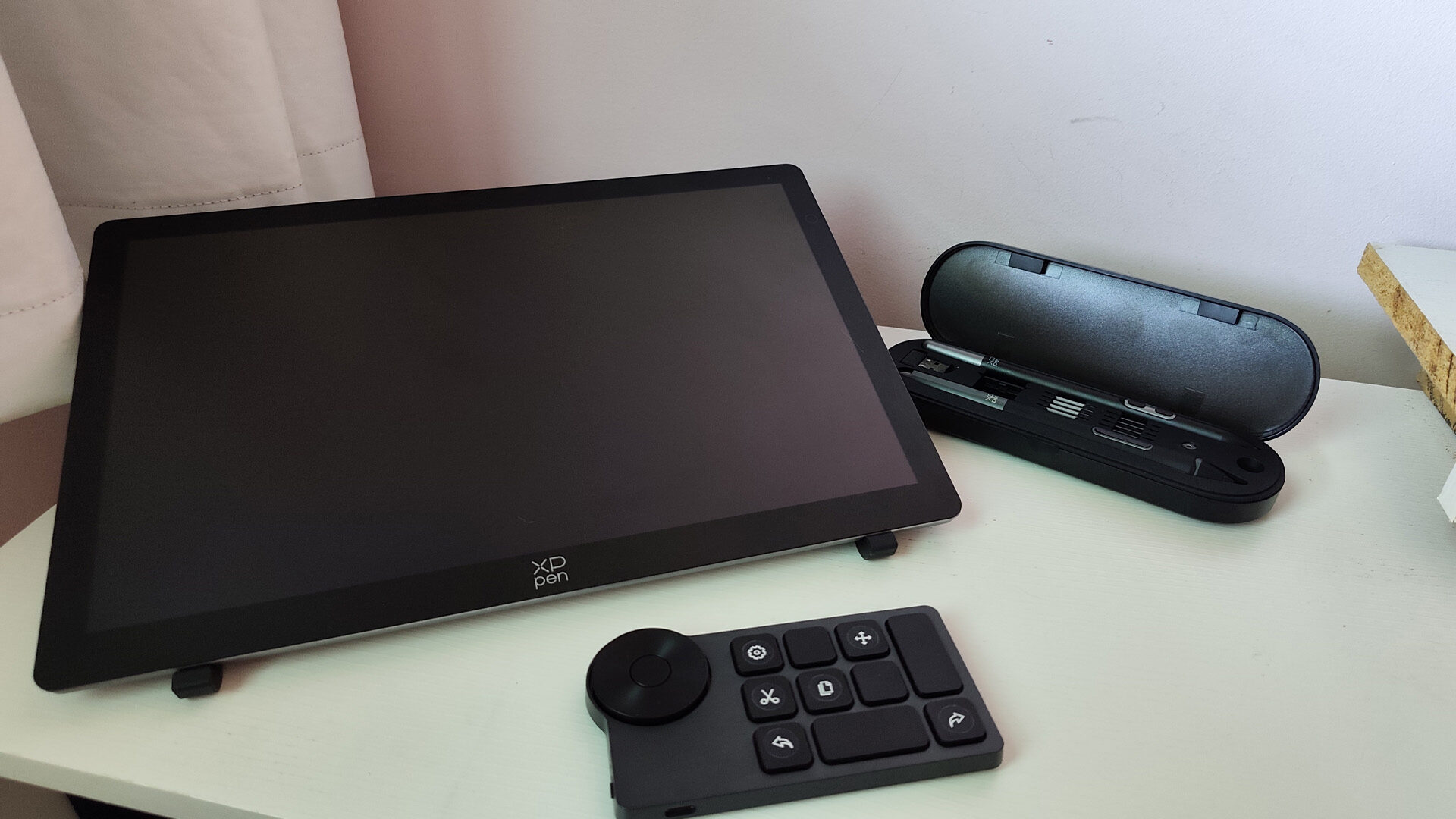
What really makes the XPPen Artist Ultra 14 stand out is just how much it comes with to provide users an expansive and convenient experience. Packaged with two X3 Pro Styli—housed in a sleek case with extra pen tips and a replacement tool—the Smart Chip Stylus is ergonomically designed similar to a paintbrush, giving users a more comfortable in-hand feel while also having a digital eraser for quick edits. The Slim Stylus offers the same functionality—albeit minus the eraser—for quick and simple use during presentations or taking notes.
“What really makes the XPPen Artist Ultra 14 stand out is just how much it comes with to provide users an expansive and convenient experience.”
But the real show-stealer is the ACK05 Shortcut Remote. Utilizing 10 programmable buttons alongside a scroll wheel, users can set a litany of resources to the remote, making the process of drawing so much more seamless. I can’t tell you how nice it was to have a little device beside me that had my undo, copy, paste, and transform all at the touch of a button and eliminated the need to constantly scroll to the top of Photoshop for every misplaced line. Not only that, it comes with helpful little stickers you can use to mark your buttons, which feels like a low bar, but honestly it really made me smile.
And since users have four different shortcut profiles, not only does it give them up to 40 different options for working in their art programs, but it provides a degree of flexibility in other programs as well. Recently I’ve tried streaming, and not only is it incredible how well the Artist Ultra 14 functions as a second screen, but with a little bit of fiddling the ACK05 can actually work as a serviceable Stream Deck in OBS.
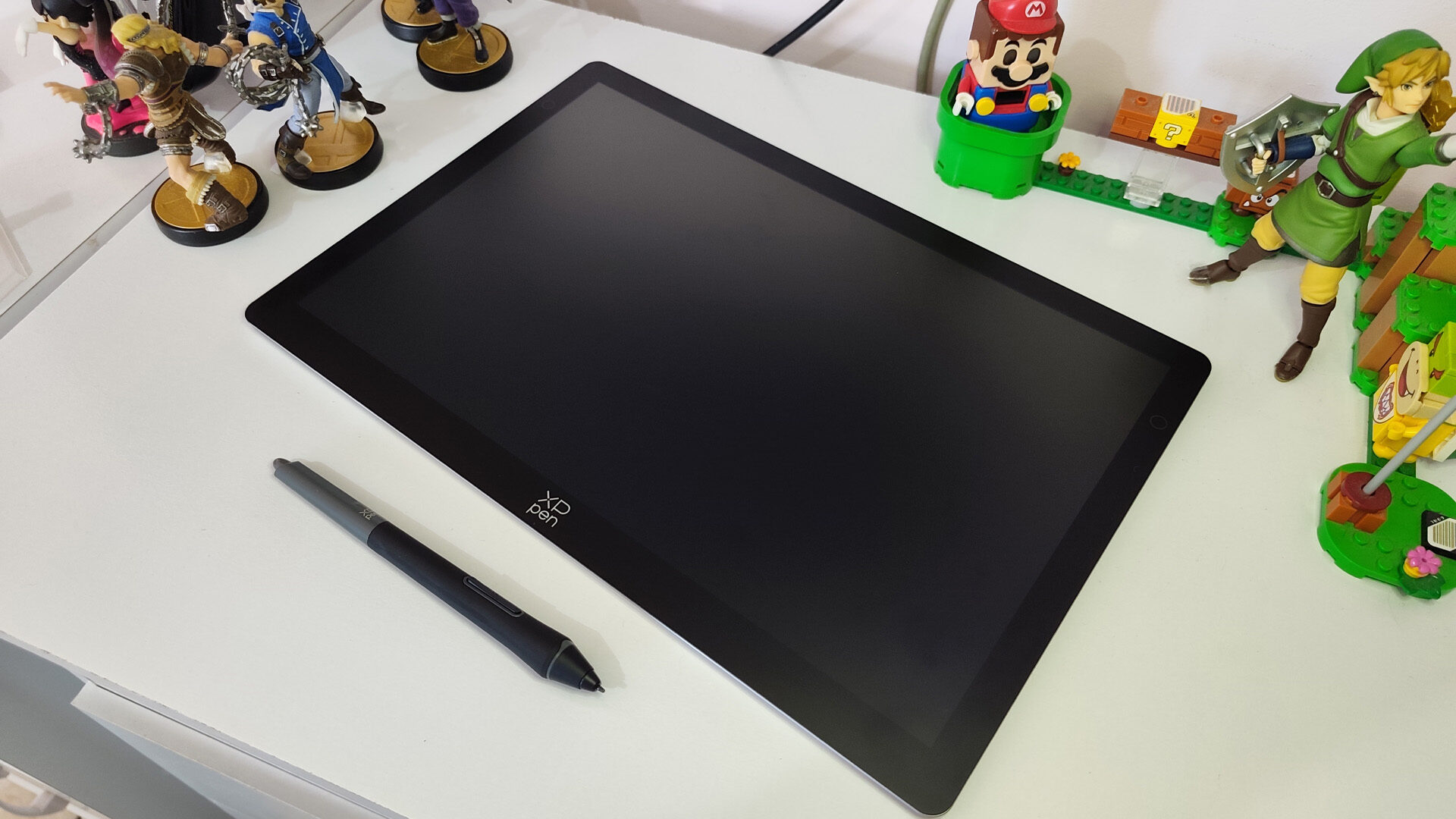
And beyond that, the XPPen Tablet companion program gives users such a wide range of customization options to optimize their experience. From setting the function of multi-finger presses, to the size of their digital workspace to avoid any errant touches, to adjusting the pressure scale for line thickness across a 3-point-level grid.
Though I do have some minor complaints with the XPPen Artist Ultra 14. For starters, while I appreciate the quality of the screen, it has a somewhat cloudy look to it, which I assume is attributed to the AF coating. It doesn’t reduce the clarity by much, but it always makes me think the screen is fogged by condensation. Also, the unit can get a bit hot during use, which can be a bit annoying when being used in a more casual way—as I often like to draw sitting in bed at night.
But these minor complaints do little to dim the shine of the XPPen Artist Ultra 14. At $699.99, it may be a bit too pricey for the average digital artist, but if you can afford it, then it’s well worth the cost. From the brilliance of the tablet itself to the plethora of tools that come with it, the Artist Ultra 14 will completely transform the way you create and you’ll be hard pressed to do it any other way.

- PLEASE NOTE: The XPPen Artist Ultra 16 Touchscreen Drawing Tablet needs to connect with a computer to use. You need to use it with your Computer or Laptop
- Next-Level Visuals with 4K OLED Screen: Experience breathtaking clarity and vibrant color with a 15.6-inch 4K OLED drawing tablet with screen. It boasts AMOLED technology, 3840 x 2160 UHD resolution, 100,000:1 contrast ratio, <1 ms response time, full laminated technology, anti-glare etched glass, AF coating, TÜV SÜD low blue light certification, which will bring you lifelike, exquisite, and crystal-clear images effortlessly, achieving instant feedback similar to drawing on paper, ideal for professional illustration, photo retouching, and animation