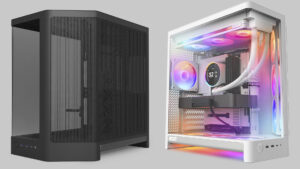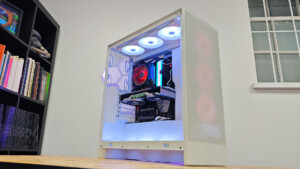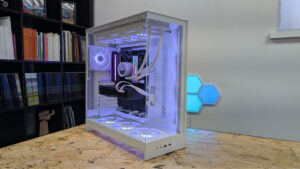


It’s not the easiest time to be a PC builder. Prices of everything have skyrocketed, while parts availability has gone in the opposite direction. But every crisis has a hero, and NZXT is definitely emerging as one of the good guys. NZXT’s newest cases, the H6 and H6 RGB+, are a great example of why.
The new H6 models are redesigns of 2023’s H6 Flow. The lineup isn’t that old, but it’s already iconic. Even if you haven’t seen an H6 Flow, you’ve seen a case that’s been designed to look like it. Which is part of a perennial problem for NZXT: they make elegant, trend-setting cases that are affordable to everyone. But their style is easily aped by cheaper manufacturers.
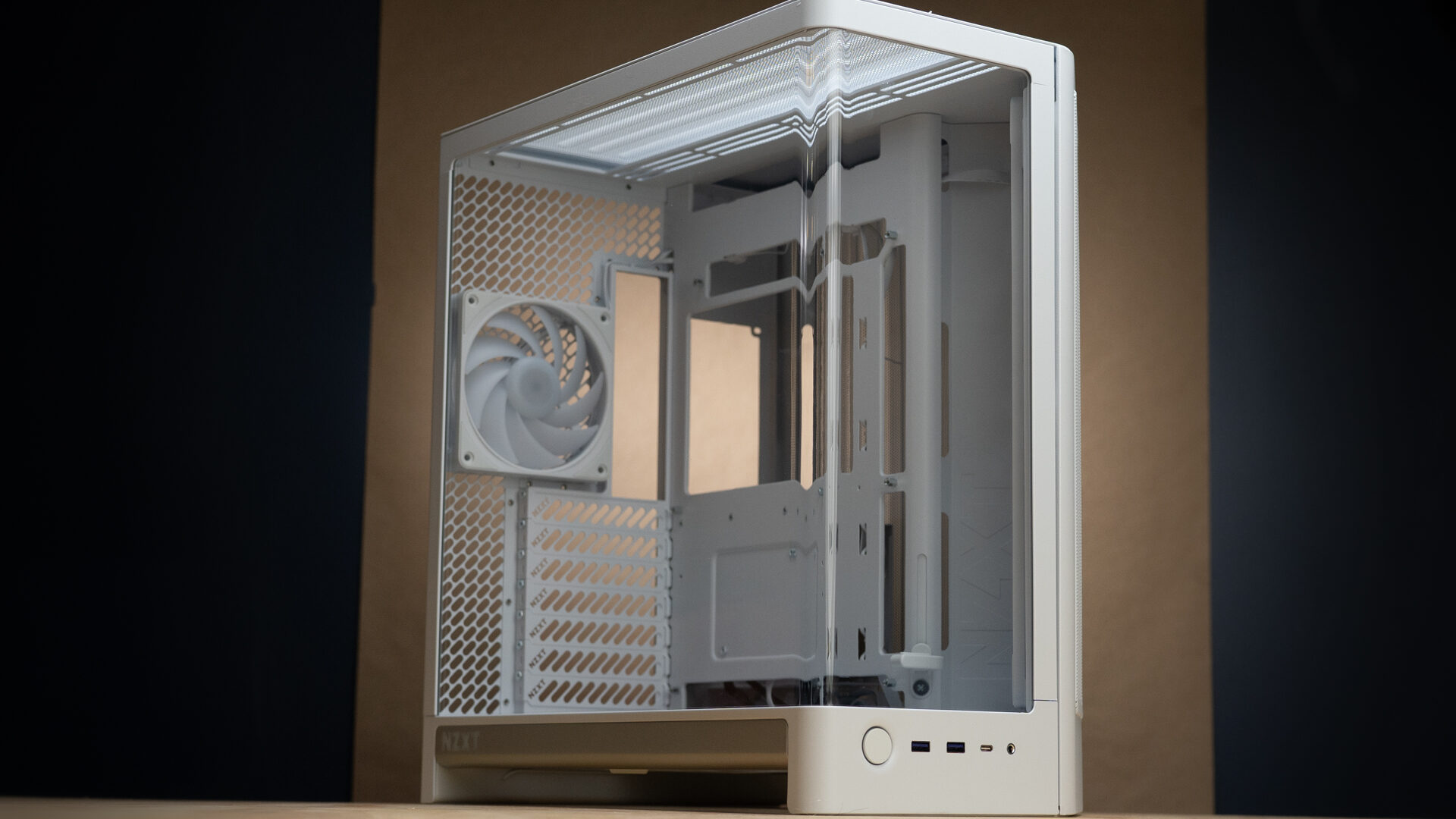
The new H6 will be harder to replicate. Fundamentally, it’s still the same dual-chamber, mid-tower ATX case as its predecessor, but NZXT has refreshed its features, rebalanced its thermals, and added one of the most impressive glass panels I’ve seen at this price point. There’s nothing groundbreaking here, but what makes the H6 stand out is how much performance and luxury NZXT has packed into it. Even better, it hasn’t drastically increased the price. Even the $199 H6 RGB+ offers enough extras to remain one of the better deals around.
“There’s nothing groundbreaking here, but what makes the H6 stand out is how much performance and luxury NZXT has packed into it.”
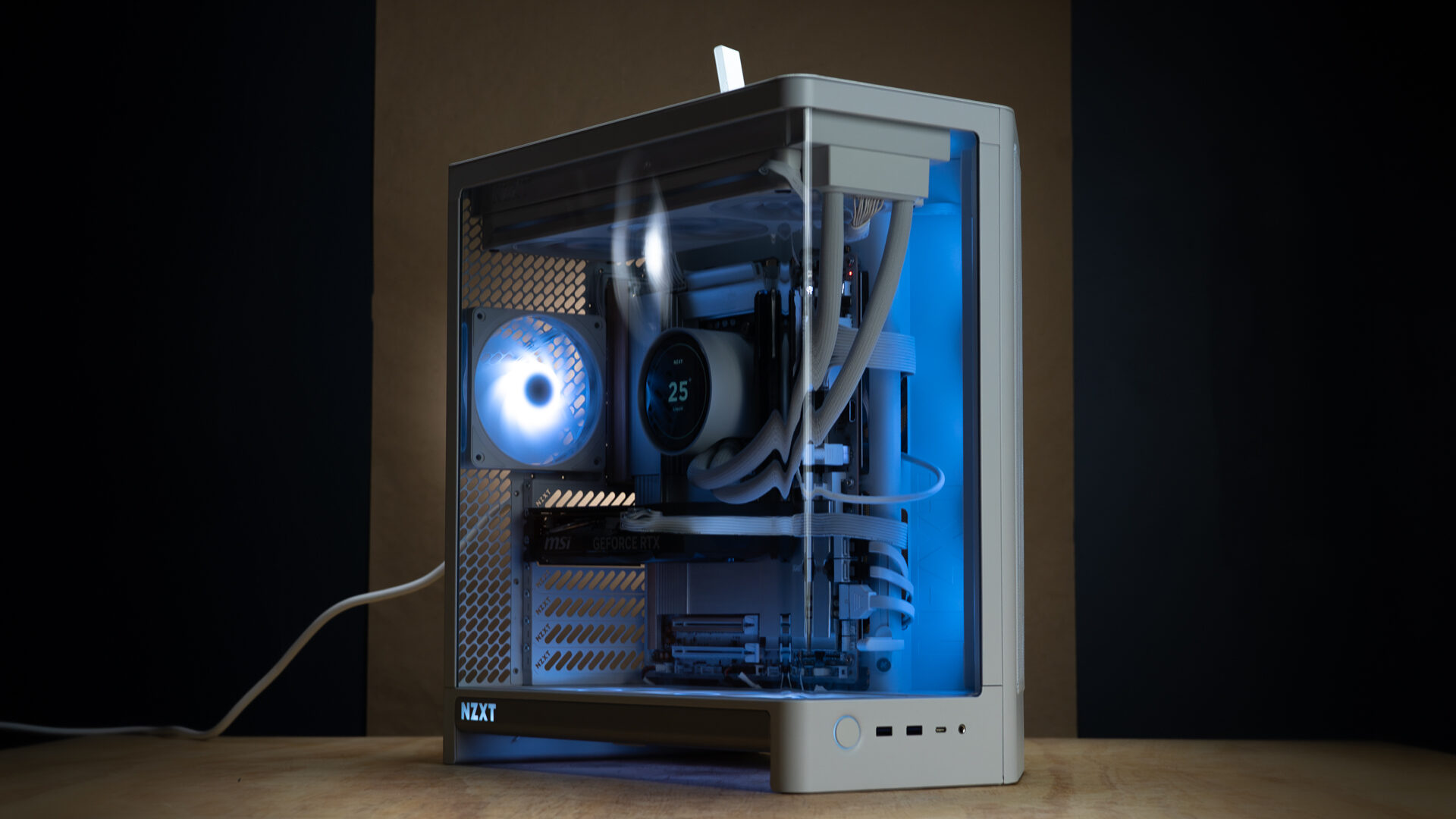
The biggest external change to the design is the curved tempered glass panel. Instead of a removable side panel that connects to a fixed glass front, the H6 uses a single piece of glass that wraps around the front and side. It hinges at the bottom and locks in with pins mounted to the top. The only downside is that you have to remove the top panel to rock it out. This isn’t the first case I’ve used with curved glass, but it is among the nicest. Curved glass usually has small wavy imperfections that distort whatever’s on the other side. Here, the curve is more consistent. It still distorts the image, but in a predictable way that doesn’t read as flawed.
The glass is a luxurious change, but a more functional one is the new perforated metal panels. The rear panel has been re-engineered with rounded rectangular perforations that increase airflow and reduce fan noise. Going into this review, I thought, “interesting if true,” but assumed it was just the marketing team reaching for some description padding. Holy smokes, was I wrong. I installed one of the F120U fans on the back of an H3 Flow, which has hexagonal perforations, and then repeated the test on the H6. The difference was night and day. The H3 is a quiet case, but the H6 produced virtually no air-chopping noise, even with the rear fan running at max RPM.
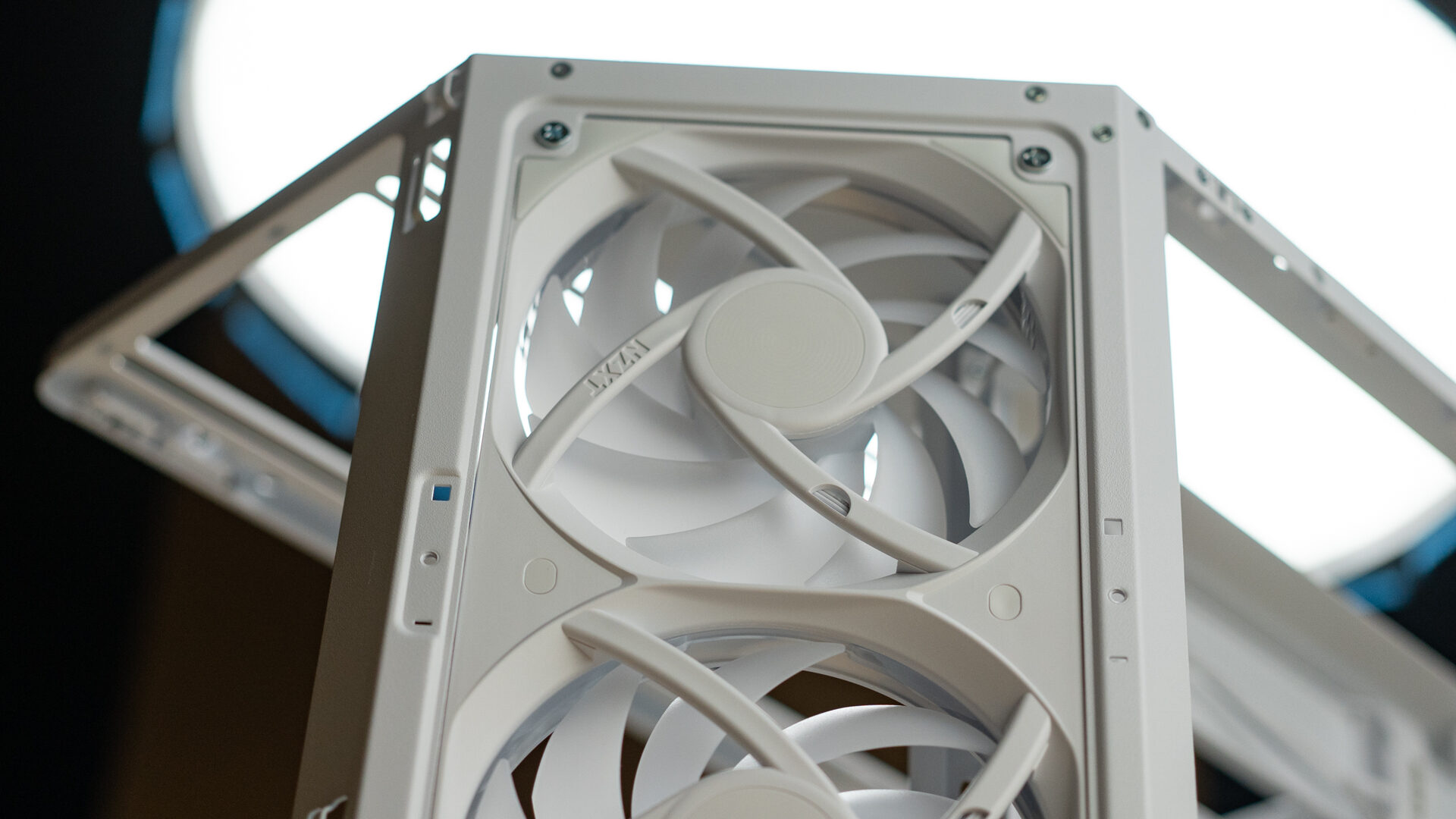
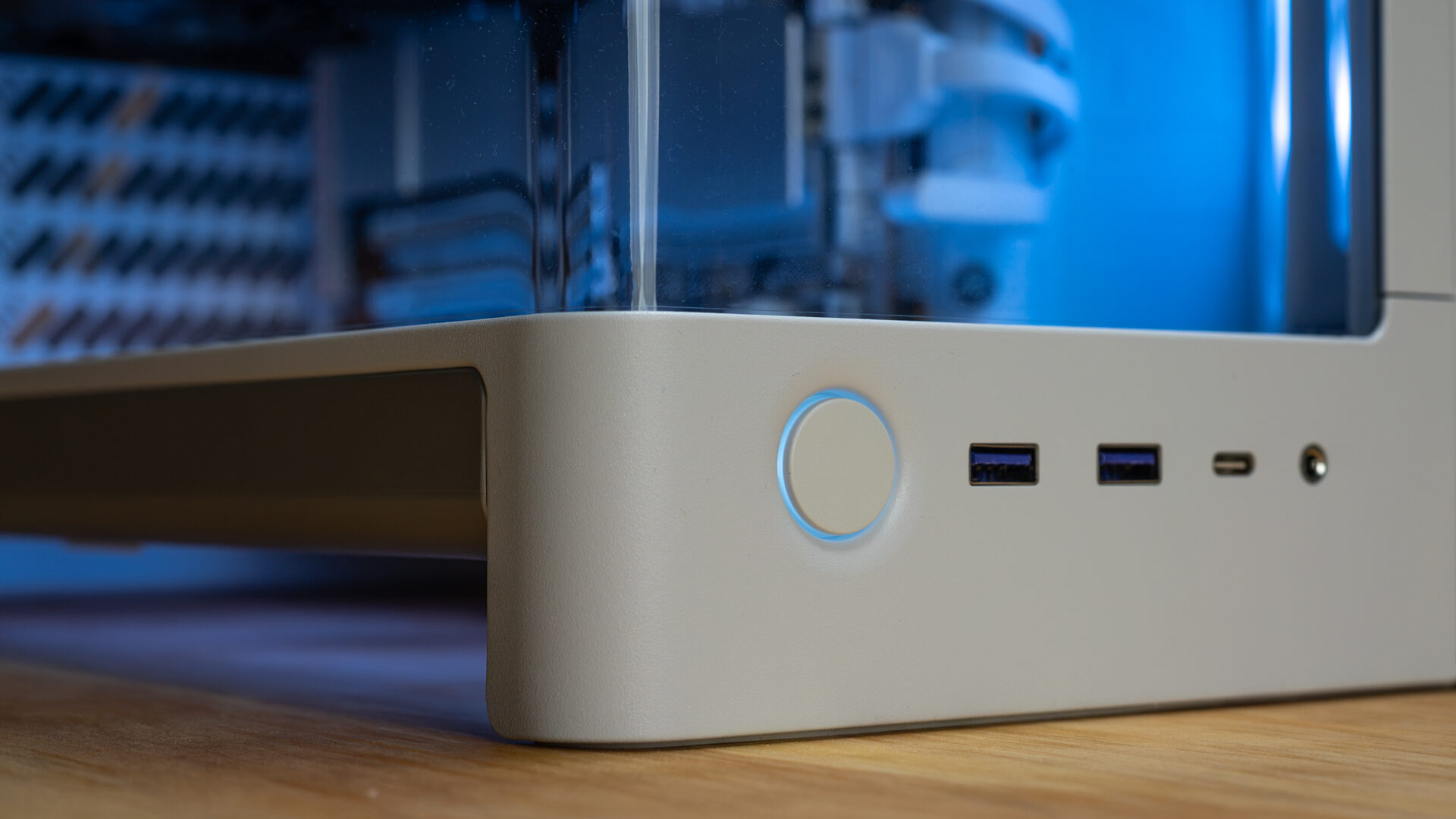
The bent metal side panel has also undergone a design overhaul. The H6 Flow had a two-thirds perforated metal panel, while the H6 is entirely mesh. The top panel is largely unchanged, with a mesh section above the main chamber but a solid section over the PSU compartment. The front I/O is similar, but arranged in reverse: a round power button, two USB 3.2 Type-A ports, one USB 3.2 Gen 2×2 Type-C port, and a 3.5 mm headset jack.
“It’s beautiful to look at, quiet to live with, and a secure home for your precious collection of computer parts.”
Finally, there are the feet. Feet on a case rarely get a shout-out, but the H6 has the sturdiest footing I’ve ever seen. It’s built almost like a bookshelf. The rear panel and entire front plane of the case extend about an inch below the floorplate and are capped with strips of rubber. Usually, a case sits on four little nubbins, giving it only about four square inches of contact with the floor. The H6 has roughly 18.75 square inches.
The inside of the case hasn’t changed as much, but it has definitely been modernized. The motherboard tray now has clearance for back-connect motherboards, and an adjustable anti-sag bracket has been added for GPUs. The front chamber has plenty of room to work with. There’s enough space for CPU coolers up to 165 mm, GPUs up to 360 mm long, and top-mounted radiators up to 67 mm thick. The rear chamber is another story.
At first glance, there’s ample space for cable routing, but once you start populating the case, staying organised becomes an issue. My main problem is the top-mounted PSU. That isn’t a problem by itself, but the HDD cage and Control Hub Lite are crammed directly below it, leaving little room for clean cable management. Everything fits, but the beefy PSU cables leave a lot of slack that has to be bundled and stuffed into a small area. Ideally, they’d sit below the PSU, but the cage and hub get in the way. If you have hard drives installed in the cage, routing the cables gets even hairier. This isn’t a dealbreaker, but it was definitely a niggle.
The $99 H6 and $199 H6 RGB+ are essentially the same case, with the latter including fans and a lighting controller. A hundred dollars is a lot to ask, especially when a five-pack of decent 120mm fans and a lighting hub can be picked up on Amazon for about thirty bucks. But they won’t look nearly as good in the H6 as NZXT’s own fans. It’s an interesting design decision: build a chassis that makes you regret not buying the fans it was designed around.
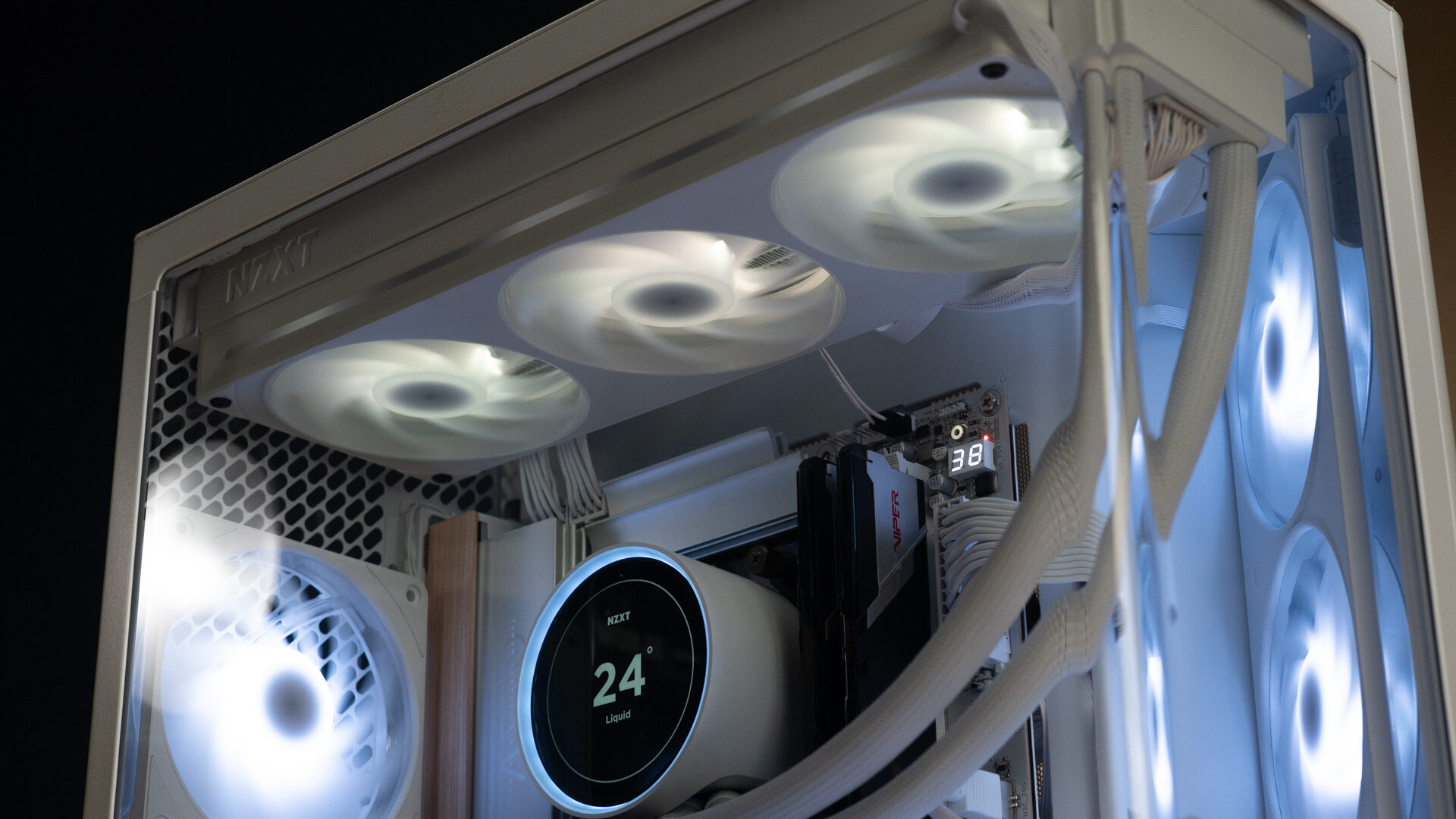
At its core, the H6 is a platform for NZXT’s new Ultra (U) lineup of fans. The H6 RGB+ will help you get there, and its price makes the value hard to ignore. It comes with two sets of preinstalled F360U reverse fans and one 120 mm × 25mm F120U. Purchased separately, these would cost about $220.
What makes these fans worth such a hefty premium is a combination of aesthetics, practicality, and build quality. The 11-blade fan sits on a metal-capped bearing and is housed in a substantial plastic casing that feels solid throughout. A frosted plastic ring sits on the front and back, surrounding the 32 addressable RGB LEDs. If a company is going to charge $30 for a single fan, this is what it should feel like.
“Even the $199 H6 RGB+ offers enough extras to remain one of the better deals around.”
The $90 F360U is essentially three F120U fans combined into a single unit. The RGB ring extends into an oval surrounding all three fans, with eight additional accent lines. The internally daisy-chained fans connect to a single 8-pin connector.
Lighting and fan curves can be customized in NZXT CAM, which I consider one of the best system-control GUIs out there. But how do these premium fans actually perform? They’re fine. The temperature difference between the NZXT fans and my collection of old Thermalright and Cooler Master fans was negligible, but the NZXT fans were noticeably quieter. The real value is how they integrate with the H6 case. At MSRP, their price makes the Ultra-series fans hard to justify as an aftermarket purchase. But an H6 RGB+ with two F360Us, one F120U, and a Control Hub Lite is an absolute steal. The entire package costs less than the fans alone.
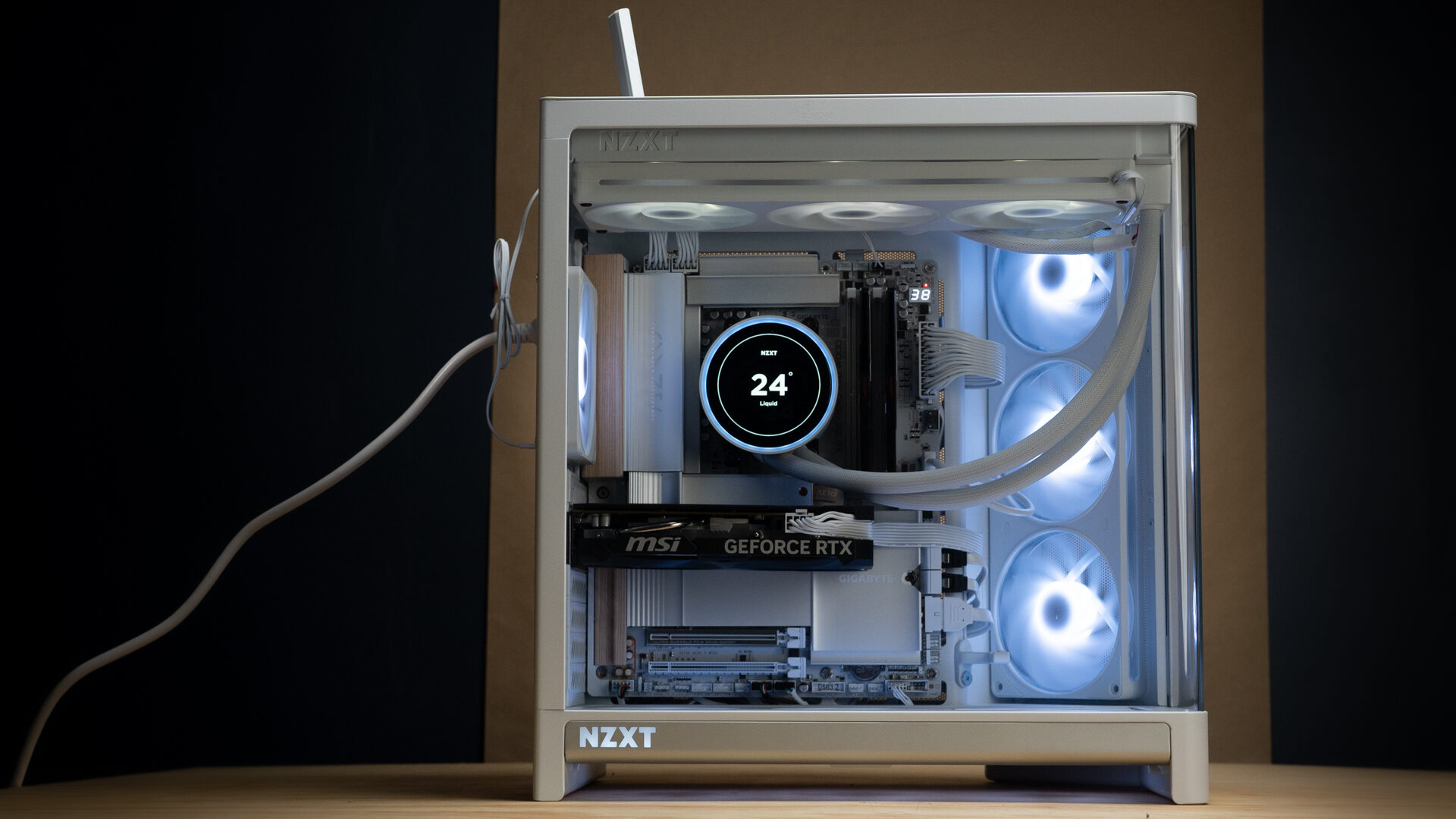
Once all the parts are in, the back panel is on, and you stop thinking about cables, though the case is spectacular. It’s beautiful to look at, quiet to live with, and a secure home for your precious collection of computer parts. Thermals were very good. They weren’t at the level of my Cooler Master builds, but for half the price, they came within spitting distance. In my H6 RGB+ build with a Kraken Elite 360 AIO cooler, CPU temperatures never exceeded 60 degrees, DIMMs maxed out at 33 degrees, the GPU hit 50 degrees, and the motherboard stayed under 30 degrees. All those readings were taken after extended playtests of Gallipoli, WARDOGS, and my usual Escape from Tarkov benders.
The H6 Flow was a case that was hard not to like. The H6 and H6 RGB+ are cases that are hard not to love. They’re easy to build in, look great on a desk, and offer competitive performance at a reasonable price. The H6 RGB+ in particular offers exceptional value and would be my first recommendation for anyone looking to build a new PC.

- DUAL-CHAMBER DESIGN — A dedicated secondary chamber isolates power and cables from your main build, while angled front-right fans deliver targeted airflow directly to your hottest components.
- SEAMLESS CURVED GLASS — Single-piece tempered glass, bent to a tight radius for minimal distortion. Every component and RGB detail front and center, no seams.