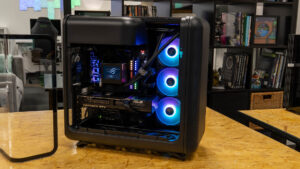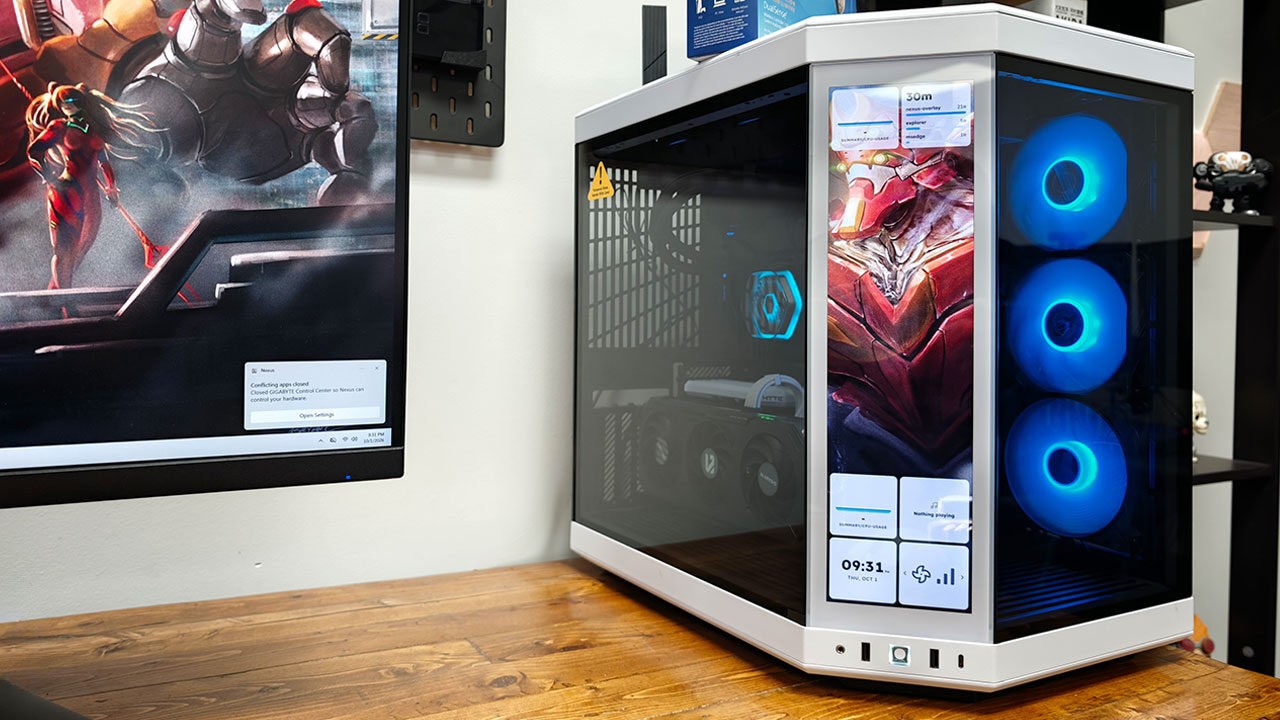


I am a sucker for case mods and displays that add something extra to a gaming setup, so you better believe I jumped at the chance to review the HYTE Y70 Touch Infinite Display Upgrade. Designed to fit the angled corner panel of the HYTE Y70 case, this touchscreen adds a whole new way to personalize your system. While it’s not a must-have for any gaming rig, it is the kind of upgrade that can make a build feel more complete, especially if you enjoy customizing every aspect of your setup.
At its core, the HYTE Y70 Touch Infinite Display Upgrade is exactly what the name suggests: a way to turn the original Y70 into the Touch Infinite without purchasing an entirely new case. The kit carries a manufacturer’s suggested retail price of $239.99 USD, making it a more appealing option than starting from scratch if you already own a Y70 and want to add the display. It is still a considerable investment for what is essentially an optional accessory, but the ability to upgrade an existing case rather than replace it entirely is certainly welcome.

The unboxing experience is relatively straightforward. The 14.9-inch panel comes protected by dense foam and a protective film over the glass, along with a folded, single-sheet installation guide, mounting hardware, and all the cables needed to get started. These include a USB-C cable that splits into SATA power and a USB 2.0 header connection, along with a short DisplayPort cable for the rear pass-through. There is no need to hunt down additional parts, which is exactly what you should expect from an accessory in this price range.
Fitting the kit into an existing Y70 is relatively easy, but follow the instructions carefully, as missing a step can make the process more tedious than necessary. The side and top panels pull free with little more than a firm tug, while the original corner glass comes out after removing four screws. The new display fits into the same frame, sliding in the bottom edge first before settling onto its bracket and being secured with the original hardware.
With the display installed, the remaining work involves connecting everything to your system. The USB-C connector at the top of the panel routes through the chassis to a SATA power connector on your power supply and an internal USB 2.0 header that handles touch input. Meanwhile, the DisplayPort cable connects the graphics card to the pass-through built into the rear expansion slots. Even taking our time, the physical installation took less than 15 minutes, and a Phillips screwdriver was the only tool required. I have to say, HYTE has done an excellent job of making the upgrade feel like a natural extension of the original case rather than something added after the fact.
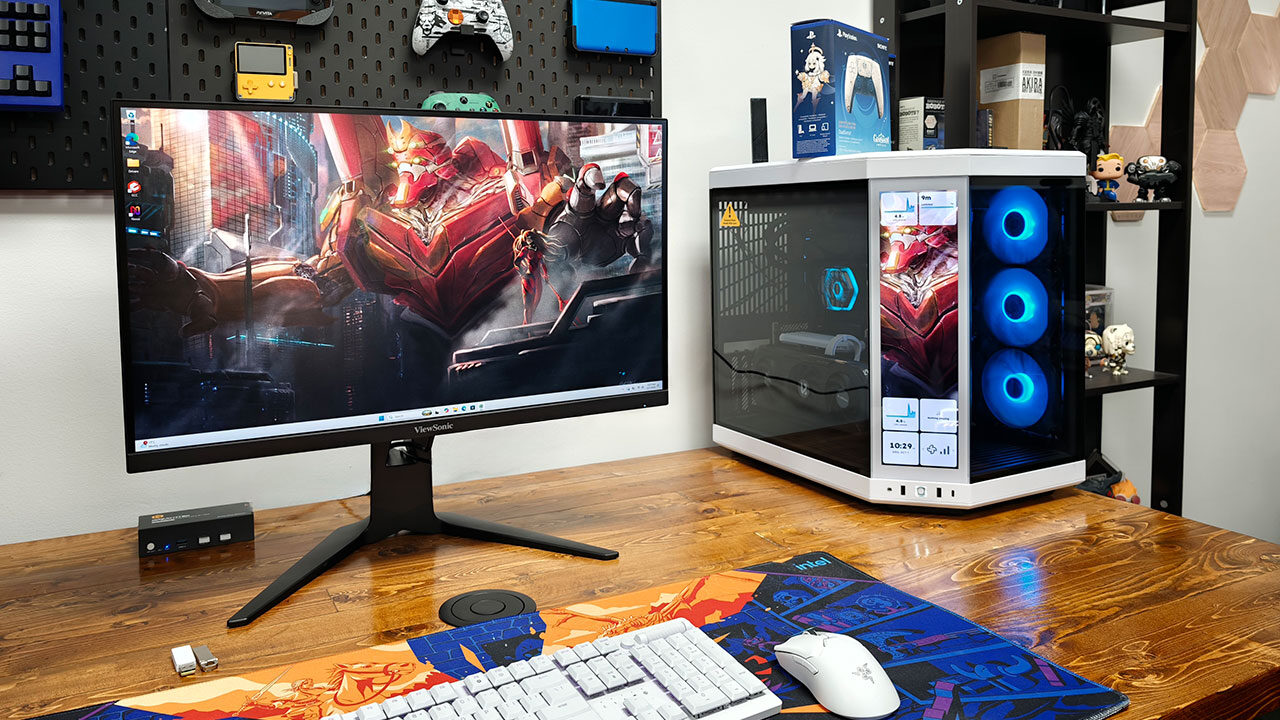
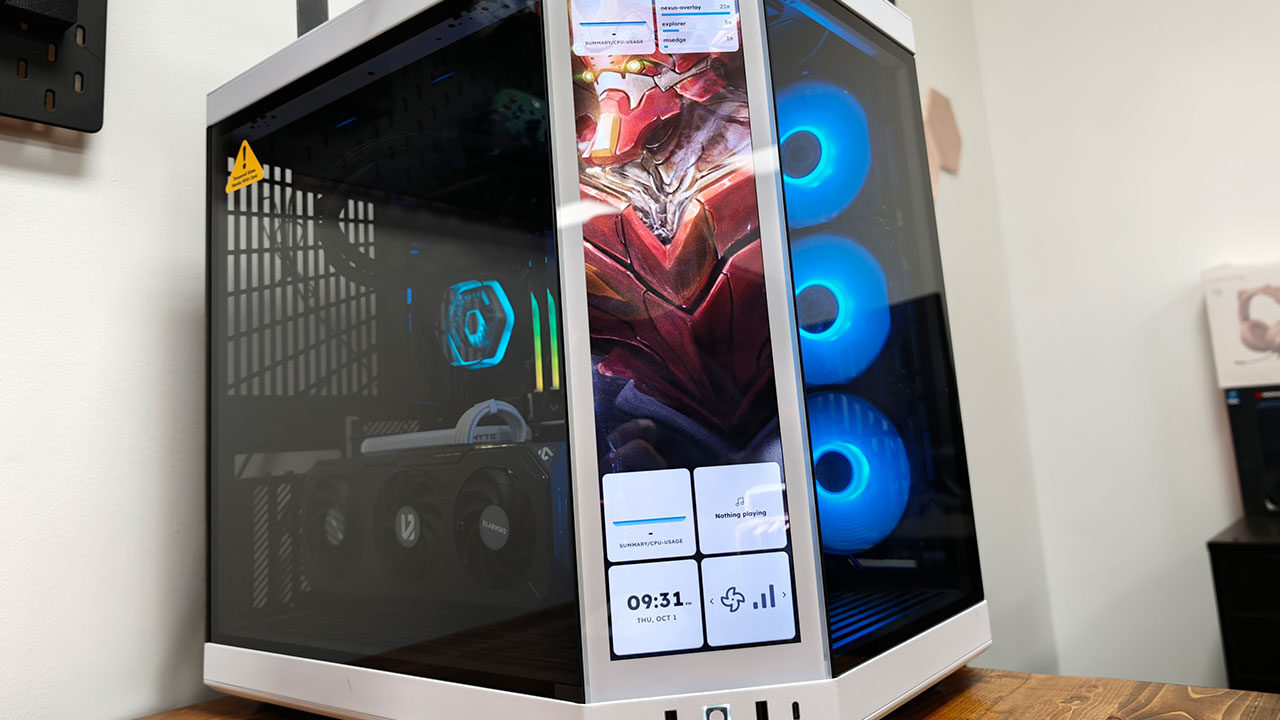
Once everything is connected, Windows recognizes the panel as a secondary display, while HYTE’s Nexus software handles its additional functionality. All Touch Infinite units, including the upgrade, now feature the third-generation 14.9-inch IPS panel, with a resolution of 682 X 2,560 pixels, brightness reaching up to 500 nits and support for 10-point multi-touch. Seeing the display come to life for the first time is impressive, and getting everything configured through Nexus is remarkably easy. What starts as a relatively simple hardware upgrade quickly becomes something much more interesting once you begin exploring what the screen can actually do.
What the display adds to the case is where things get interesting. The panel transforms what would otherwise be an unused corner glass panel into a genuinely useful surface. Through Nexus, the Y70’s corner display becomes much more than a place for an animated background. You can use it to monitor CPU and GPU performance in real time, control media playback, adjust RGB lighting or add interactive features to your setup. Seeing what was once a simple glass panel come to life is genuinely impressive, especially with how much functionality HYTE has managed to pack into the display.
Because Windows treats the screen as another display, Nexus handles the more advanced functionality by layering a touch-driven interface over it. The company describes the controls as “intuitive,” using “tap, hold, and swipe gestures,” and that description largely holds up in practice. Swiping between different screens, adjusting settings and rearranging elements using touch controls feels natural. More complex configurations require the Nexus software, but even then, the process is relatively straightforward, making it easy to customize the experience to your liking.
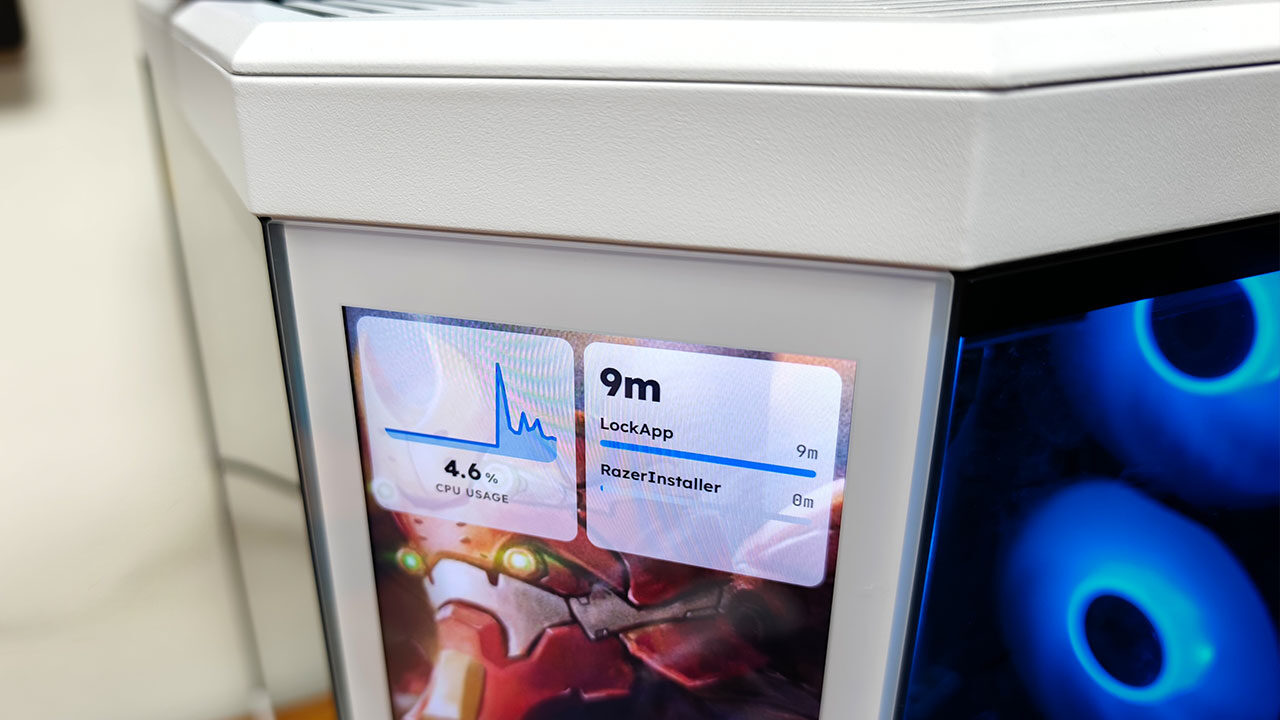
The widget library is where the display really starts to show its personality. Alongside performance gauges, media controls and clocks, there are animated faces, a virtual pet and even a Tetris-style block game you can play directly on the touchscreen. As silly as some of these features might sound, they are genuinely fun to use and demonstrate how responsive the panel is. They also give you plenty of ways to make your setup feel unique, which is ultimately a big part of the appeal of a case like the Y70.
Beyond customization, HYTE has continued expanding what Nexus can do. Recent versions integrate OpenRGB’s SDK, allowing lighting to synchronize across more than 1,800 third-party devices, while universal fan control adds support for managing fans through the motherboard’s PWM headers. The display also receives over-the-air updates, bringing new widgets and functionality long after installation. With Nexus 3 now the current release and full compatibility maintained for the Y70 Touch Infinite, HYTE has continued improving the experience since launch. For a display that relies heavily on software to justify its existence, Nexus more than holds up its end of the bargain.
Of course, all that functionality comes at a price, and while the display is a nice addition, it is certainly not a necessity for your PC by any means. At $239.99 USD, it appeals to a relatively limited market, especially when there are other options available. Corsair, for example, offers the XENEON Edge, a similar display you can install inside a case or place directly on your desk. However, if you already own a HYTE Y70 and want something designed specifically for your setup, the Touch Infinite Display Upgrade has a clear advantage in how naturally it integrates into the case.
That said, if you already own a HYTE Y70 case, the Y70 Touch Infinite Display Upgrade is one of the better choices. It feels like a natural part of the experience because, realistically, it was designed to be one. The display is an option when purchasing the case, and while having to spend extra to add it later is disappointing, the finished result is genuinely impressive, even if it is pricey.
At the end of the day, the HYTE Y70 Touch Infinite Display Upgrade is a great concept and a welcome addition for HYTE Y70 owners who missed out on the display when they originally purchased their case. It is not a must-have upgrade, but for anyone looking to add something extra to their current gaming rig, it is one of the better options. It is sleek, well-designed and a great way to spice up a build. Who doesn’t love that?
- Upgrade your HYTE Y70 gaming PC case with a touch screen kit, adding unique digital immersion.
- Larger 14.9″ display with a 43% brighter panel than before.