

It’s been a busy few weeks in the mouse game for me, with the Logitech G502 X coming through recently and now the SteelSeries Sensei Pro. With how good the former was, I was very much looking forward to trying out the latter in my day-to-day life.
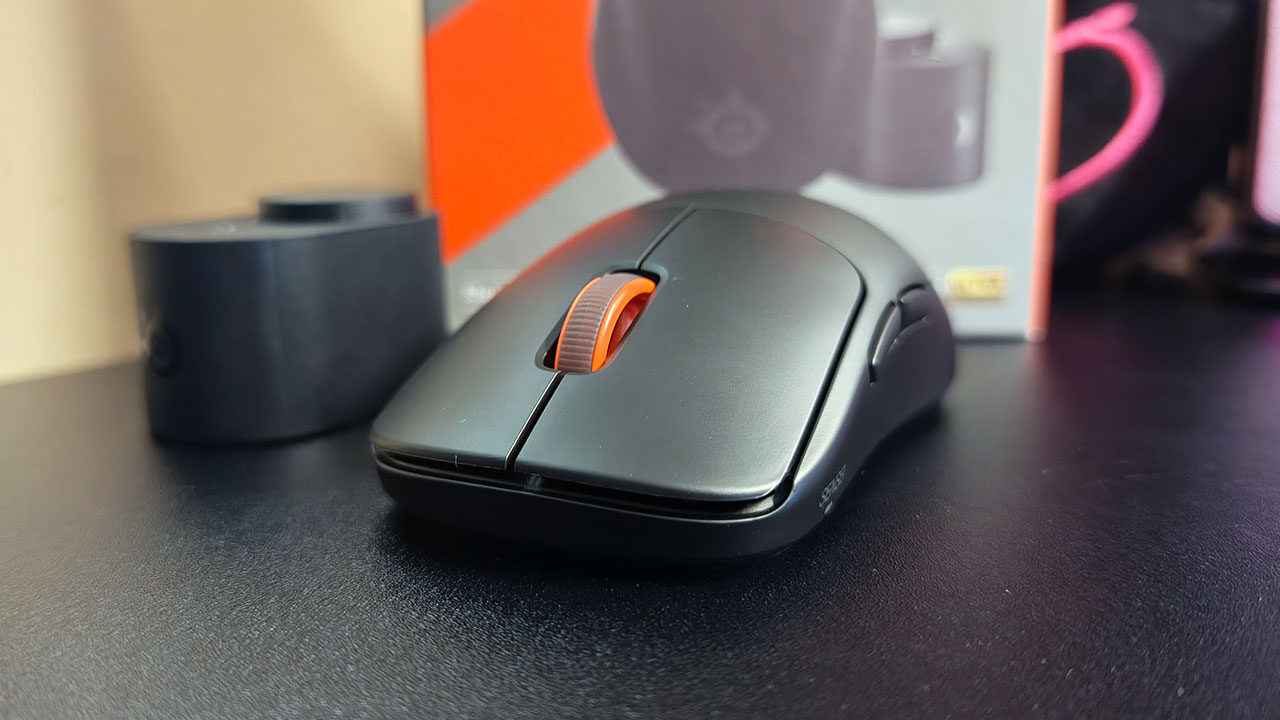
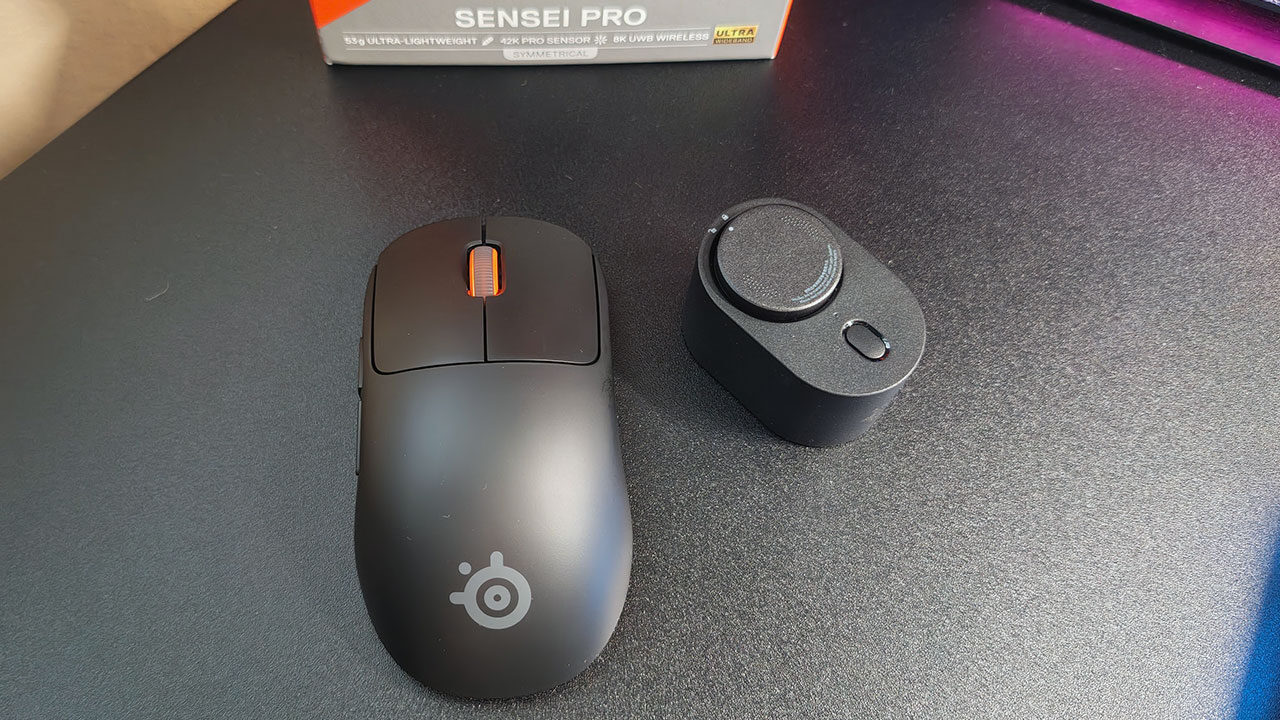
When the Sensei Pro arrived, I immediately got to unboxing it and was met with a pretty standard arrangement containing the mouse itself, the battery charging stand on top, and the charging cable and paperwork underneath. The mouse comes with two rechargeable batteries, one that stays on the stand and one that goes in the mouse. Even with the battery installed, it only weighs a paltry 53g, making it the lightest mouse I have ever used.
The Sensei Pro is considered a wireless mouse, and it is true to an extent. What I mean by that is that while the mouse itself is indeed wireless, it does require you to plug the charging stand into the computer you’re using at the time. At first I thought I was missing the dongle, but there just isn’t one, which was an odd discovery as one who hasn’t used a wired mouse in a minute. So, while you’re using no fewer USB ports than if you had a dongle, you’re using more desk space to house the charging stand and cable.
This trade-off becomes easier to stomach when you consider that because there is no dongle, the Sensei Pro can operate with Ultra-Wideband Wireless technology, making it all but immune to interference from other signals. This results in top-tier performance and true 8k wireless polling.
“In actual day-to-day use, the Sensei Pro is a delight.”
Speaking of 8k polling, the Sensei Pro features true 8k polling, allowing for more consistent and frequent input updates between your mouse and computer. The 8000Hz polling rate refreshes your mouse position data up to 8000 times per second so your inputs are pixel-perfect.
The mouse itself is a 4-button (5-button if you count the scroll wheel button) design that is as understated as can be. Featuring absolutely no RGB or related flashiness, the Sensei Pro is there to do its job, and that’s it. Allowing for up to 62k DPI means that there is a sensitivity setting for everyone; it’s just a matter of finding what works for you, as I have the Sensei Pro set to 3200 DPI, and the G502 X was set to 2400.
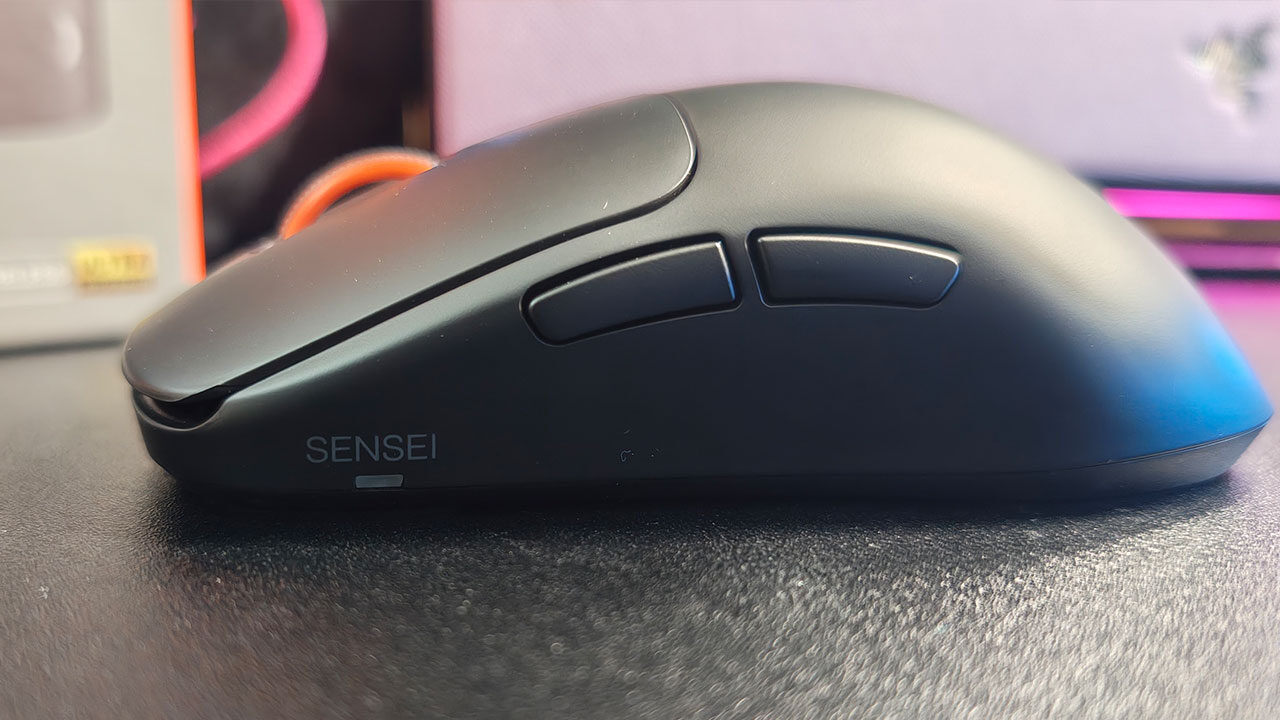
Where I do feel a little let down is the physical design of the Sensei Pro. Physically, the Sensei Pro is about as pedestrian as a mouse can be, with no additional flair or flourishes to increase ergonomics or visual appeal. Comfort in use does begin to suffer, as extended use can put a focus on the symmetry of the design (and I am a huge fan of symmetry regularly).
“Overall, the Sensei Pro is a remarkable mouse from SteelSeries.”
In actual day-to-day use, the Sensei Pro is a delight. The mouse clicks are smooth and effortless, without being too easy to perform. The lightweight of the mouse really comes in handy even when the rechargeable battery is attached. I noticed immediately that there is no option on the mouse to switch between incremental scroll and endless scroll on the scroll wheel, but I didn’t really mind as I don’t really use endless scroll ever. The side buttons fall easily under the…thumb(?) and are just as easy to click, making the user experience of the Sensei Pro all but perfect for me.
If you need a lot more customization in your life, SteelSeries has the GG app for your computer, allowing you to track your DPI settings, lift-off distance (the distance at which the mouse will continue to operate above the desk), and much more. I mainly used the GG app for monitoring battery life, as there is no way of knowing what your battery percentage is at any given moment outside of the app.
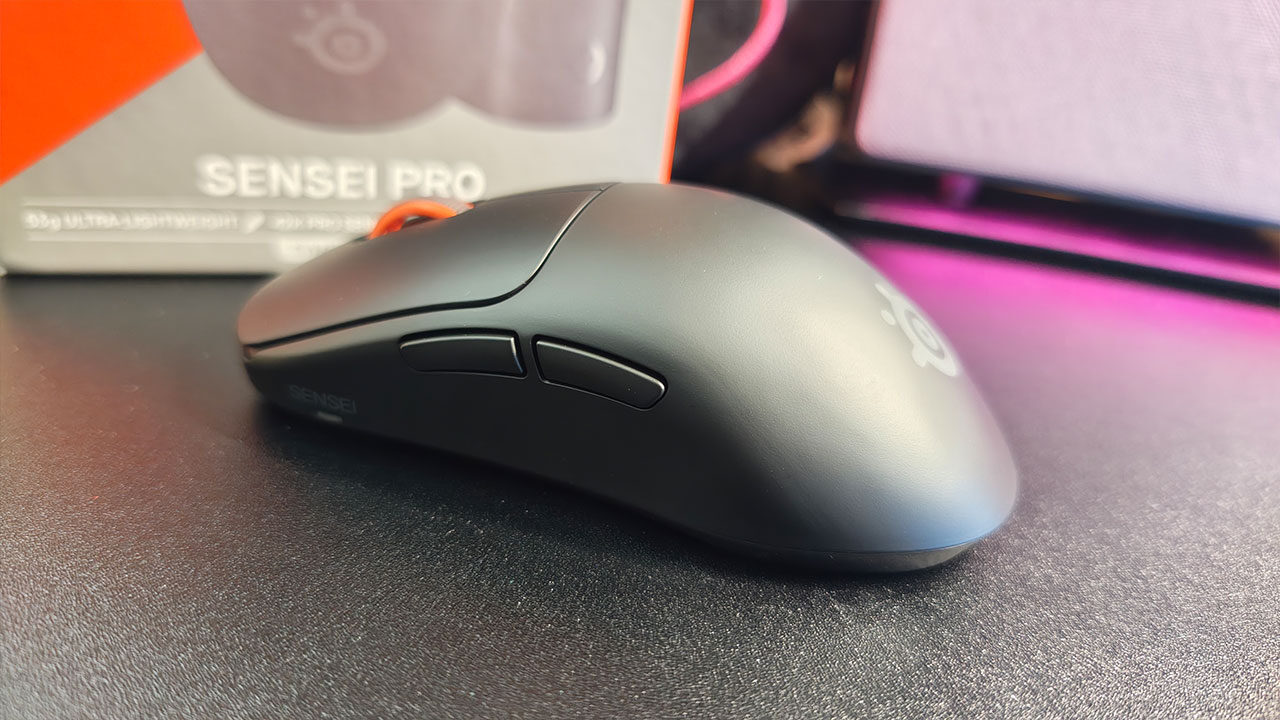
I want to go over what SteelSeries calls the Infinite Power System. This is basically where you have a battery on the charger at all times to be switched out when the battery in the mouse runs out. It’s a fine system if you remember to plug the flat battery back into the charger, and thankfully it locks into the charger in the same way it does on the mouse: line up the symbols and a quick rotation to lock.
Battery life is just as important as anything else with a mouse, so let’s talk about it. The Sensei Pro comes with two batteries and is capable of roughly 60 hours of use at 1k polling and close to 16 hours of use at 8k polling. As I am not in the FaZe clan, I used 8k polling for a day at my day job, and the battery drained roughly 43%, so I imagine it would drain a bit more if I were playing Counter-Strike 2 or World of Warcraft for multiple hours a day.
Overall, the Sensei Pro is a remarkable mouse from SteelSeries. It doesn’t stand out in any way physically, and that’s just fine because it does everything else extraordinarily. I think it is priced perfectly at $179.99 USD, and you’d be hard-pressed to find a better mouse at a better price. If you’re in the market for a no-nonsense and dependable mouse, you could do a lot worse than the Sensei Pro