
You’ve finally found time to play that game you bought during the Steam sale. Then another launcher opens and asks you to sign in to an account you barely remember creating. Naturally, the password you thought you used doesn’t work. Twenty minutes later, you’re still not playing.
It’s one of the small frustrations of modern gaming. Between Steam, Epic Games, XBOX, PlayStation, publisher launchers and multiplayer services, most of us have collected more accounts than we ever intended. Keeping track of them all can become a game in itself, and not a particularly entertaining one.
When One Game Needs Three Different Logins
PC players know this routine better than anyone. You buy something on Steam, only to discover it needs Ubisoft Connect or the EA app running in the background, plus a separate account before multiplayer works. You sign up, play and forget about it. A year later, you can’t remember which email address you used.
It gets worse the longer you’ve been gaming. Some titles sit in your Steam library, others were claimed during Epic’s weekly giveaways, and a few belong to accounts you haven’t opened since the previous console generation. There’s no perfect way to bring everything together, but a simple record of your accounts helps. Just knowing which email address goes with which service can save a surprising amount of time.
For passwords, finding the best free password manager for your needs can make it easier to manage multiple gaming accounts. It also means you don’t have to recycle the same familiar password every time another publisher asks you to register. Of course, that still leaves you with six different launchers on your desktop.
Cross-Play Is Great Until Something Doesn’t Transfer
Playing with friends used to start with one question: which console do you own? Cross-play has made that question far less important. In supported games, someone on PlayStation can join friends on XBOX or PC without anyone needing to buy another system. Cross-progression is just as useful if you switch devices regularly, since you can pick up where you left off instead of starting over.
But not every game handles these features the same way. A title might support cross-play but keep progression separate. Another might transfer your character and achievements while leaving certain purchases or premium currency behind. And some games link accounts smoothly until you need to change something.
That last part deserves attention. Before connecting a publisher account to your console profile, check whether it can be unlinked later and what happens to your progress if you do. Some restrictions are far less obvious during setup than when something goes wrong.
We’ve previously looked at how gamers should protect logins, wallets and payment data in 2026. It’s worth considering when an account holds years of purchases, unlocks, and multiplayer progress. Losing access to an old email address is annoying. Discovering it’s tied to hundreds of hours of gaming is considerably more stressful.
The Games You Own and the Games You Can Play
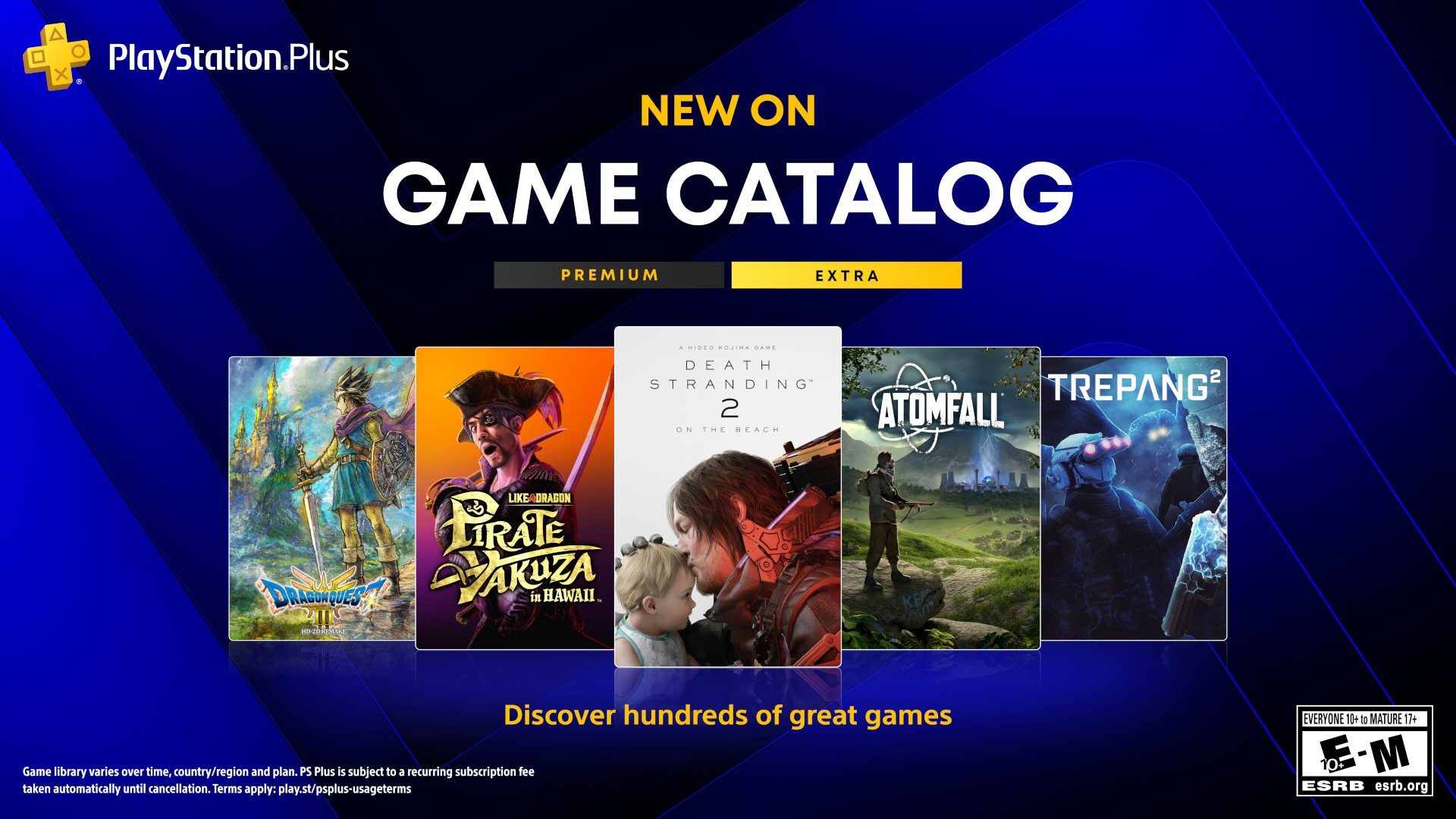
Opening a subscription catalogue and downloading whatever catches your eye is convenient. XBOX Game Pass and PlayStation Plus have made it easier to try games you might never have bought individually. The downside is that it’s easy to lose track of what you’re actually paying for. Maybe you subscribed for one release, finished it, and moved on. Three months later, the membership is still renewing.
Prices and benefits can change, too. Subscription fatigue isn’t limited to gaming. As Global News reported on rising streaming costs in Canada, entertainment subscriptions have become more expensive, with providers adjusting prices and packages over time. Gaming memberships deserve the same attention, especially when you’re paying for several at once.
There’s also a distinction worth remembering: having a game installed doesn’t necessarily mean you own it. If you downloaded it through a subscription, access may disappear when the membership ends or the game leaves the catalogue. A useful habit is tracking which games you’ve purchased and which you access through subscriptions. That way, you won’t be surprised when something you were halfway through suddenly asks you to pay.
A Few Minutes of Housekeeping Can Save an Evening
A little maintenance now and then beats sorting everything out when you just want to play. Start with the obvious stuff. Check which subscriptions are active, remove games you won’t return to anytime soon, and make sure you can still access the email addresses attached to your main accounts.
If your games are scattered across several PC storefronts, a basic list of purchases helps. Some players use library management tools to consolidate their collections into a single interface, though that doesn’t eliminate the need for individual launchers. Then there are the connected accounts. Over time, you might link your console profile to several publishers, connect Discord to different services or authorize third-party apps for features you no longer use.
And while you’re at it, keep your purchase confirmation emails. They’re not interesting until you need to prove you bought something.
One Gaming Account for Everything? Don’t Count on It
Imagine buying a game once and playing it anywhere, with your friends list and progress following you and no need to remember which storefront you used. It sounds wonderful. It’s also hard to imagine the major platform holders agreeing to it anytime soon. Steam, XBOX, PlayStation, Nintendo, and individual publishers have built businesses around their own stores. Cross-play is one thing; letting purchases move freely between competing platforms is an entirely different proposition.
Even owning a digital game isn’t as straightforward as it once seemed. A July 2026 Global News report examined concerns surrounding digital game ownership, including what happens when access to purchased games depends on accounts and licensing arrangements. It’s a reminder that a digital library isn’t quite the same as a shelf of physical games. Hundreds of titles attached to one account are convenient, but it also makes that account increasingly important.
Gaming Shouldn’t Feel Like Admin Work
Most gaming accounts start with a simple intention: you want to play something. You register, accept the terms and move on. Repeat that for a few years, and you’ve got a small collection of digital identities to look after. You don’t need to organize every game you’ve ever bought or close every account you no longer use. But knowing where your purchases are, which subscriptions are active and how your main accounts connect makes life easier.
Because when you’ve finally got a free evening to play, the last thing you want is to spend it searching your inbox for another verification code.