
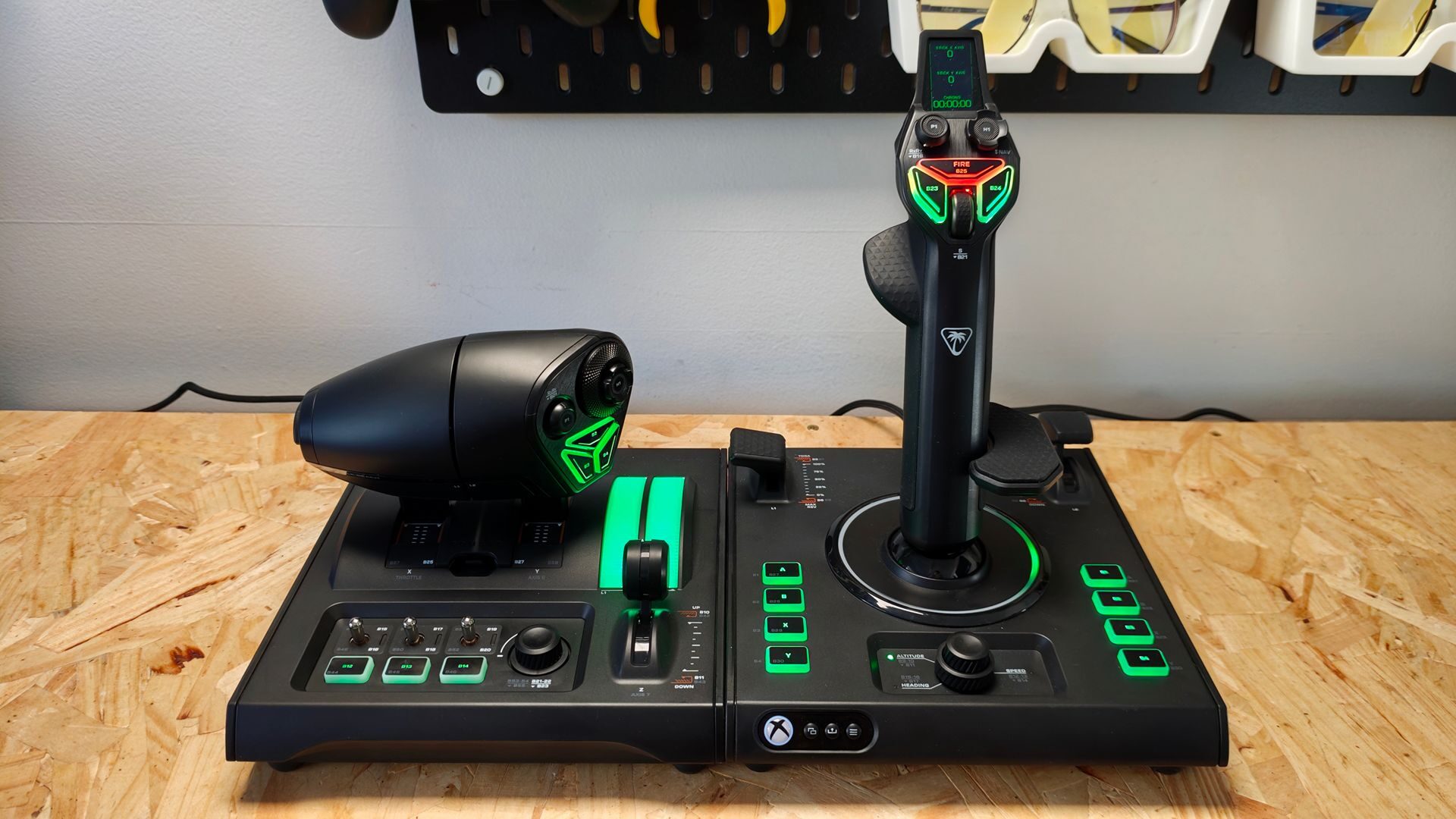

The Turtle Beach VelocityOne H.O.T.A.S. is an all-in-one flight sim controller system designed to provide a premium flight sim experience for PC and Xbox. With 73 programmable inputs, 15 dedicated axes, hall effect sensors in the flightstick controller, and a dual-throttle thrust system in the accompanying dual-throttle controller, Turtle Beach holds nothing back with the VelocityOne H.O.T.A.S. While the hardware is quite impressive, issues with game compatibility and a slew of software-related frustrations taint what should be a blissful user experience.
Out of the box, the new VelocityOne H.O.T.A.S. is an impressive Flight Sim Controller combo. The H.O.T.A.S. includes both the VelocityOne Flightstick II and the Dual Throttle controller, a host of cables, mounting screws, throttle detent cartridges and even a wrist rest. Both controllers feel weighted and sturdy in hand, with full customization of the wrist rest on the Flightstick II.
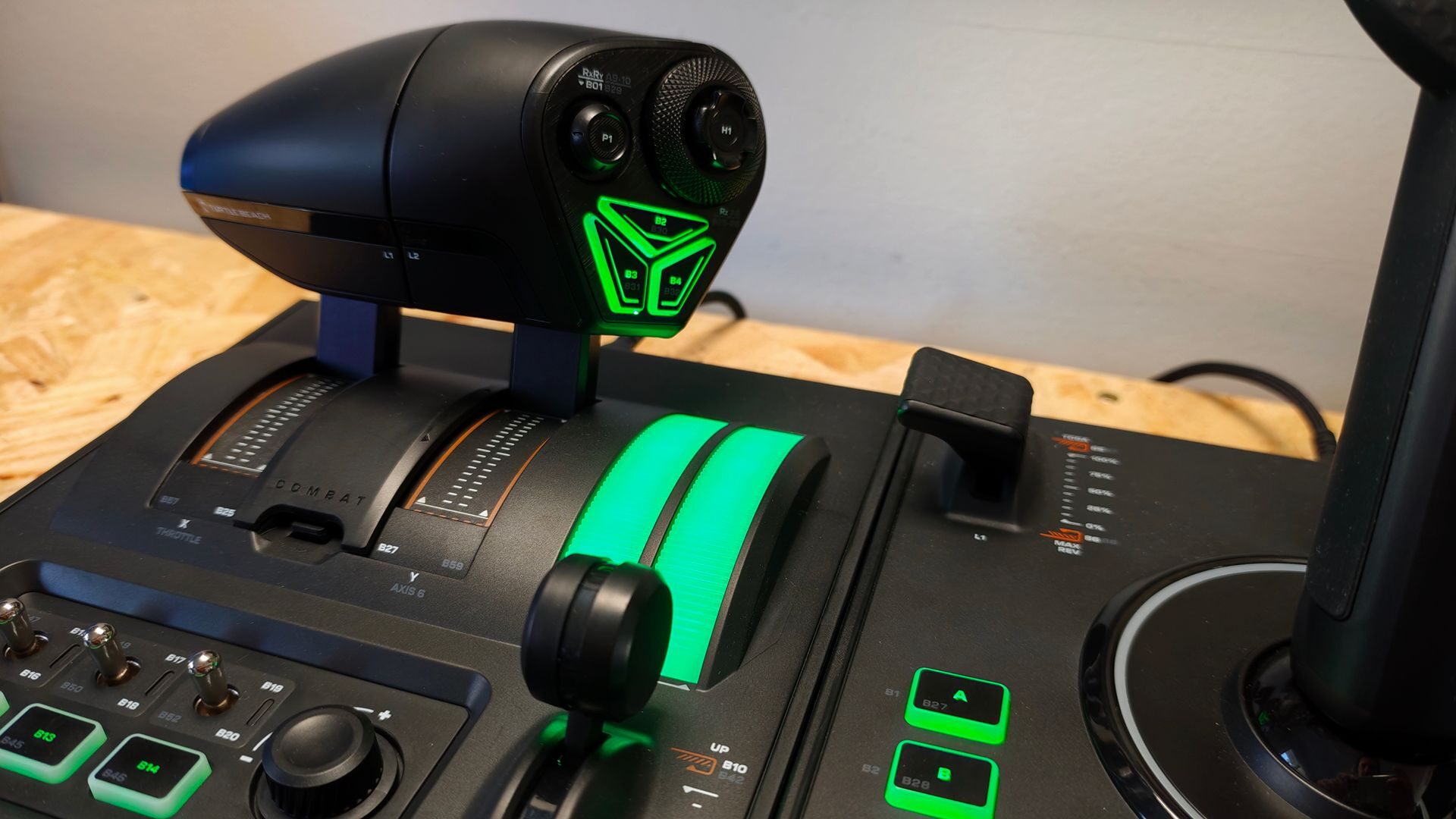
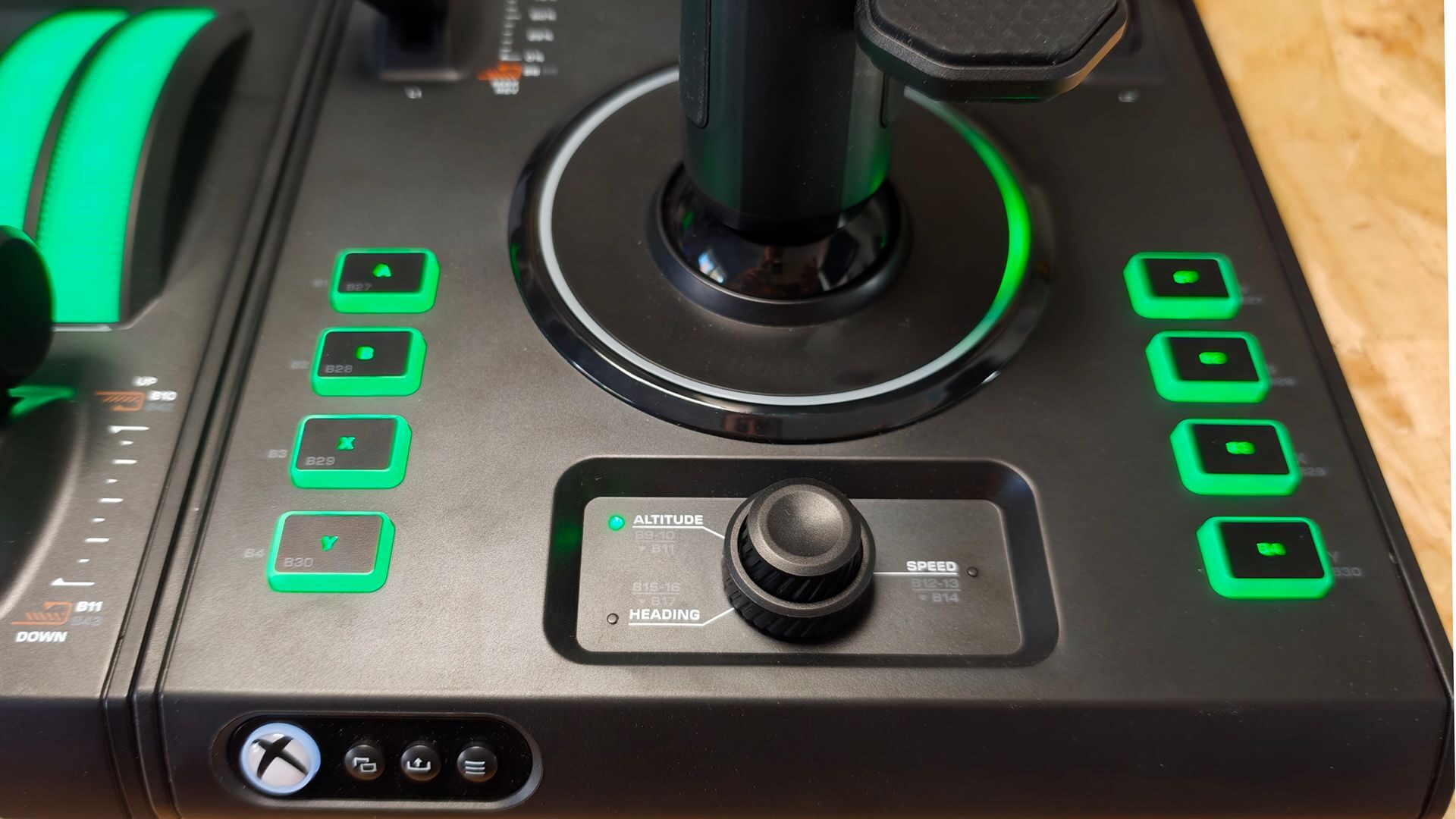
The Flightstick II features a built-in display that provides real-time data while gaming, along with a series of well-placed controls, buttons and triggers to maximize the simulation experience. In testing, I found button placement to be great, and as someone who favours space sims, I love the inclusion of multiple, mappable buttons to handle the various settings of the space-faring vessels I fly.
“Out of the box, the new VelocityOne H.O.T.A.S. is an impressive Flight Sim Controller combo.”
The stick, likewise, is incredibly smooth, with each axis fully mappable. The Hall effect system provides an incredibly responsive flight experience as well, providing great accuracy and precision while flying. It feels great in hand and, thanks to the adjustable wrist rest, can be adjusted to accommodate your hand no matter the size.
The dual-throttle controller is also well-designed, with the lockable throttle module offering great palm coverage. Turtle Beach has even thrown in a variety of interchangeable throttle detents that can be hot-swapped to adjust the tactile tension of various flight sim titles. Whether you’re looking to fly an airliner or an X-Wing, the throttle controller does a solid job of catering the tactile experience to match the game. It also features some wonderful metallic toggle switches that feel great to use, in my case mapping to system energy outputs. Finally, well-placed buttons on the throttle lever give even more customization to the user experience.
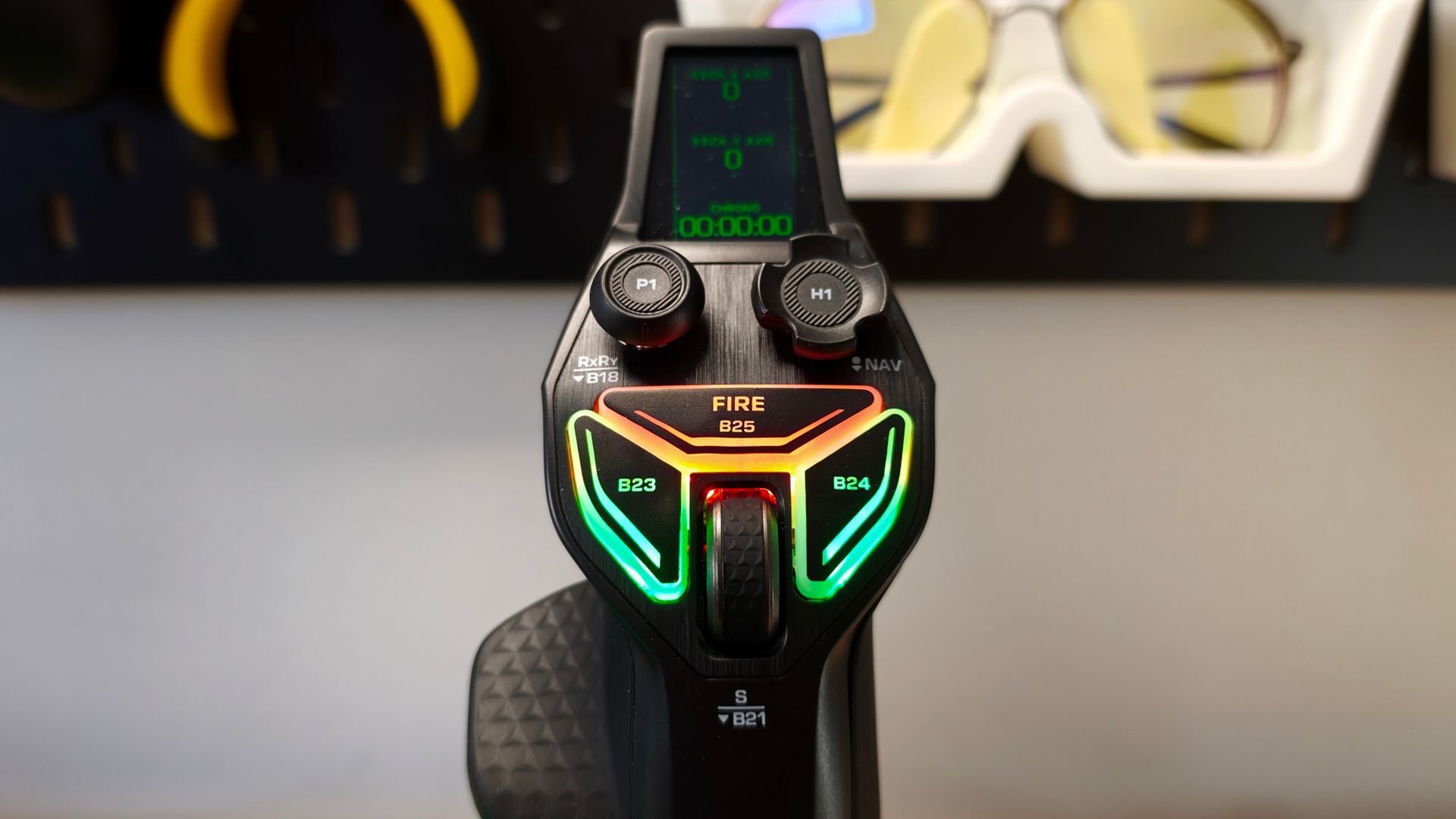
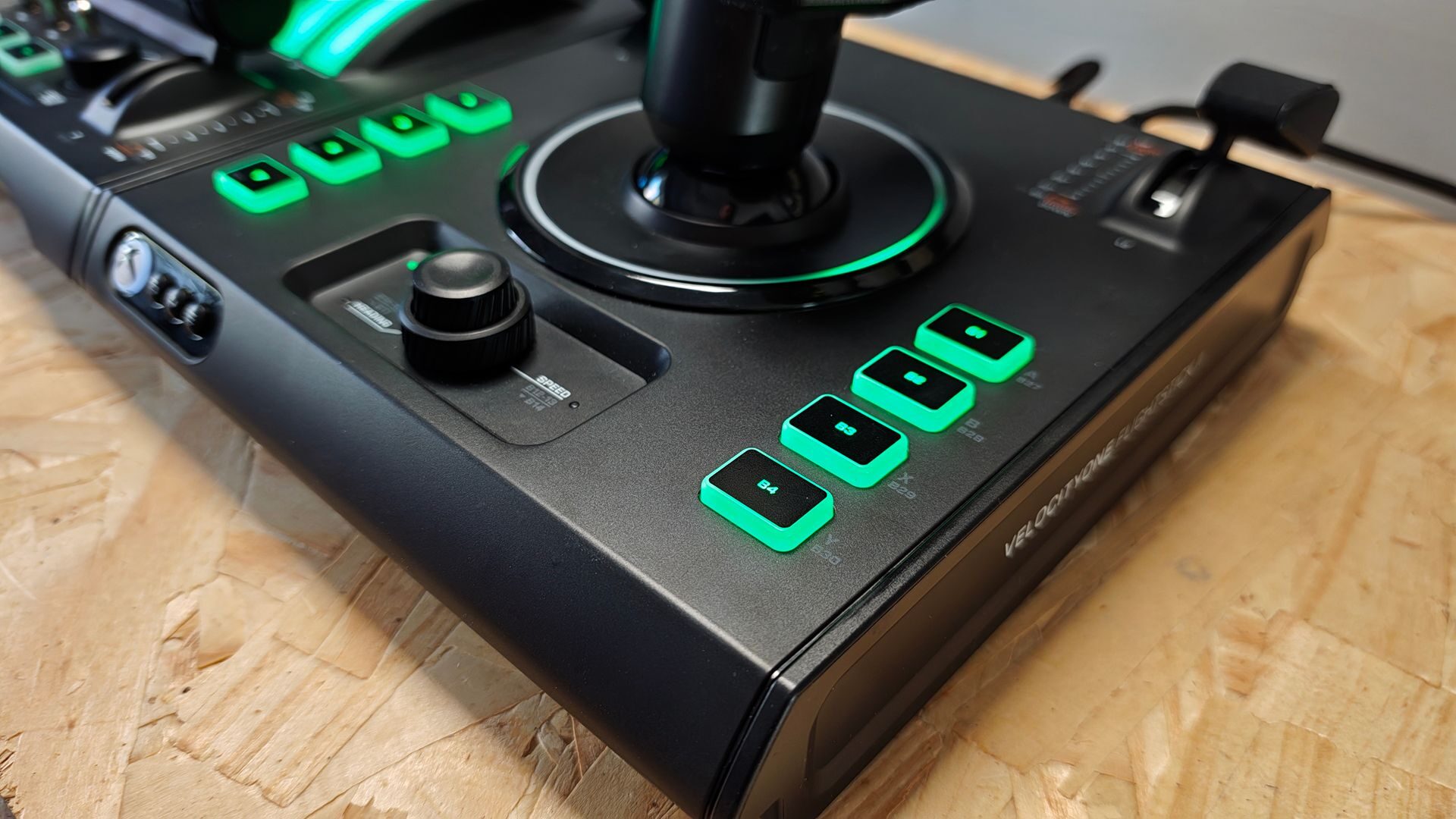
To accompany all of this, Turtle Beach has also included a slew of RGB-enabled lighting effects that can be customized from within the Turtle Beach VelocityOne Hanger application, available on Xbox and PC. While you can opt for a purely cosmetic lighting setup, there is also the option to have lighting become responsive to specific situations, though this requires a lot of customization for most titles.
“Overall, the construction and feel of the VelocityOne H.O.T.A.S. is excellent.”
Overall, the construction and feel of the VelocityOne H.O.T.A.S. is excellent. Connecting the system to an Xbox or PC is relatively easy. After a quick download and install of the aforementioned VelocityOne Hangar app, connecting to Xbox is as easy as daisy-chaining the Throttle controller to the flightstick via the included USB-C cable and then connecting the Flightstick II directly to a USB-A port on the Xbox. Once powered on, it is immediately recognized by the system and gives some basic navigation functionality even from the dashboard.
PC is a similar experience, though the Dual-Throttle Controller and Flightstick II need to be connected individually to the PC. From the VelocityOne Hangar application, a full suite of fine-tuning and customization is available to the user. If this was all there was to getting the VelocityOne H.O.T.A.S. up and running with your favourite flight sim titles, I would recommend it to anyone and everyone who would listen. Swapping between Xbox and PC mode on the controller is a quick navigation through the Throttlestick II’s onboard display. It’s simple and quick.
However, after the initial setup and booting up your first game, things begin to get a bit more complicated. For Xbox, the experience is a bit of a mixed bag. On titles not officially supported, such as Star Wars Squadrons, the VelocityOne H.O.T.A.S. is still usable, though there are a lot of limitations around button mapping, essentially handicapping the H.O.T.A.S. functionality. This is understandable, though a bit frustrating given its $279.99 price tag.
For supported titles, such as Microsoft Flight Sim 2024, the experience is still cumbersome to get set up. It requires firing up Flight Sim 2024, going to the in-game store and downloading a special flight sim pack specifically for the VelocityOne H.O.T.A.S. Thankfully, it’s free, but nowhere that I could find is there any instruction to do this. I spent the first night in frustration simply trying to get the VelocityOne H.O.T.A.S. to be recognized by the game.
“The Turtle Beach VelocityOne H.O.T.A.S. is a beautiful piece of hardware hampered by lacklustre software and profile support.”
Sadly, the PC experience is even more of a challenge, as, along with needing to download not one but two packs from the in-game store on Microsoft Flight Sim 2024, I found I often had to restart the game for the controller to be recognized, despite being seen from within VelocityOne Hangar. Interestingly, when testing Star Wars Squadrons, I discovered that the VelocityOne H.O.T.A.S. is blocked by anti-cheat software and, oddly enough, found a fix by restricting Steam’s use of CPU cores.
The point here is that while you can get the VelocityOne H.O.T.A.S. to work, it is not a plug-and-play experience, and for PC players, it often requires odd workarounds and tweaks. It’s frustrating, considering how solid the hardware is, and for those wanting to invest $279.99 in a niche controller, it is a bit disheartening to know you’ll still need to put in additional work to get it up and running properly.
The Turtle Beach VelocityOne H.O.T.A.S. is a beautiful piece of hardware hampered by lacklustre software and profile support. While my hope is that the VelocityOne H.O.T.A.S. will see more love from developers and find wider support across multiple titles, its current state leaves me hesitant to recommend it to anyone but the most dedicated flight sim fans who are willing to put in the work to level up their controller experience.


