
Live streaming has come a long way. You can still get perfectly good results from a basic webcam, but today’s cameras offer much more than just putting your face on screen. Features like better autofocus, 4K video, AI tracking, and improved low-light performance help creators produce streams that look truly professional.
The tricky part is figuring out what you actually need. A gamer, a product reviewer and someone doing online presentations probably don’t need the same camera.
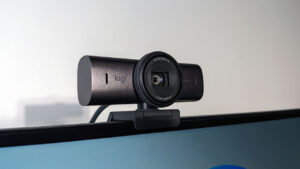
Logitech MX Brio: Best Premium Webcam
Video: 4K@30fps or 1080p@60fps
Special: AI-enhanced imaging, Show Mode, dual beamforming mics for noise reduction
The Logitech MX Brio is on the pricier side, but the cost makes sense.
It can shoot 4K at 30fps or 1080p at 60fps, and the 70% larger pixels help when the lighting isn’t ideal. There’s also more control than you’d normally expect from a webcam. You can adjust ISO, shutter speed and white balance, which is useful if you’ve already got your lighting sorted and want the image to match the setup. Show Mode is a nice extra for anyone who displays things on their desk. Product reviews and demonstrations all benefit from being able to switch the view without adding another camera to the setup.
But if you only stream once in a while, the cost might be too much. A creator who spends several nights a week live will get much more out of it.
Insta360 Link 2C: Best for AI Features
Video: 4K HDR
Special: AI auto-framing, gesture control, natural bokeh, DeskView mode
Instead of giving you a bunch of manual controls to mess with, the Insta360 Link 2C tries to handle some of the camera operation itself.
Its AI tracking keeps you in frame while you move. The 4K HDR image is sharp, and its 1/2-inch sensor helps in rooms that aren’t perfectly lit. And gesture controls let you trigger certain functions with your hands, while DeskView turns your desk into a whiteboard.
The camera’s a good fit for presenters, teachers and creators who move around. But if your stream consists mostly of sitting at a desk, you might not need most of what you’re paying for.
Sony ZV-E10: Best for Serious Creators
Video: 4K oversampled
Special: interchangeable lenses, real-time eye AF, product showcase mode, USB streaming
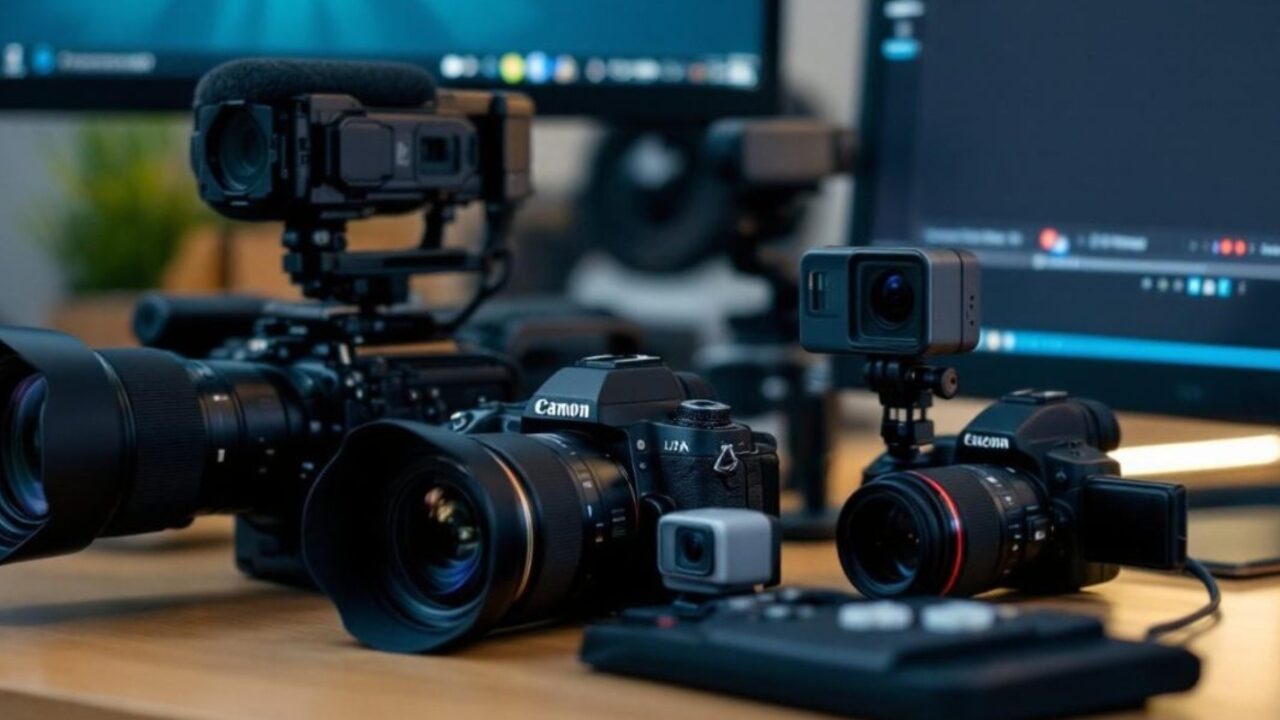
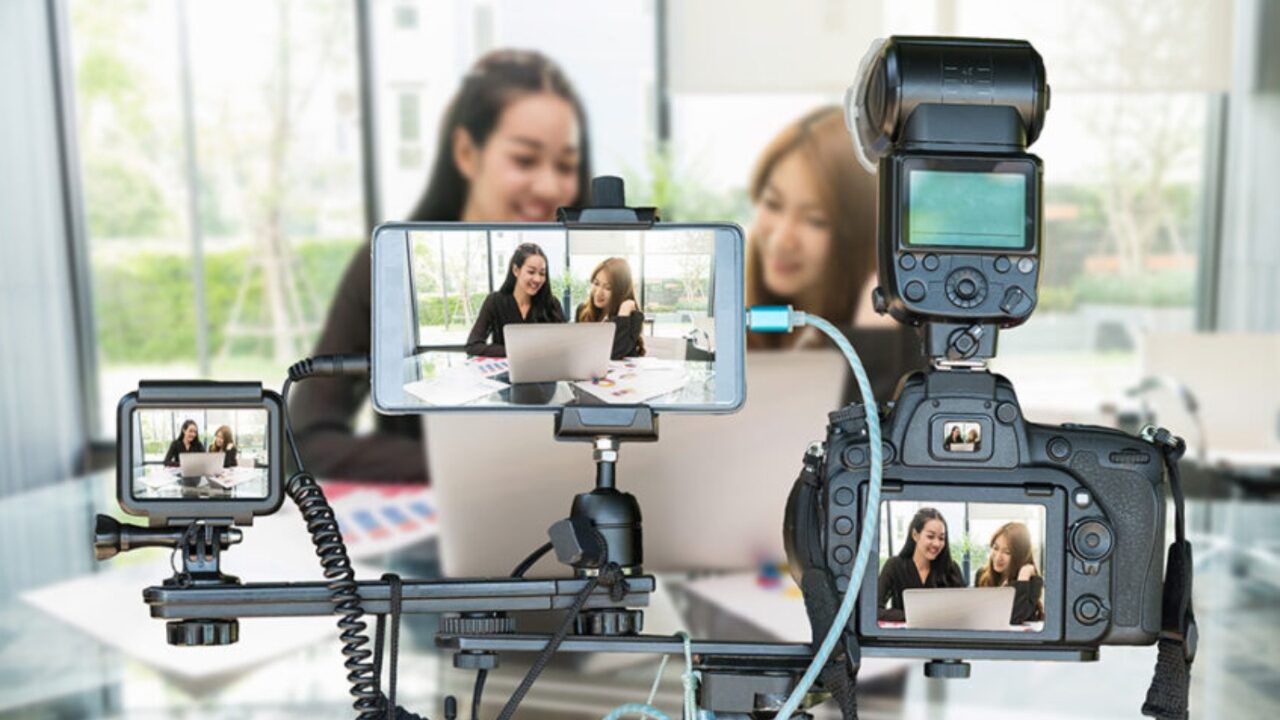
Then there are cameras like the Sony ZV-E10, which are far from a standard webcam.
The 24.2MP APS-C sensor gives you more depth and better low-light performance. You can swap lenses, so you’re not stuck with the same field of view. Sony’s real-time eye autofocus is especially useful on stream. When you hold up a product, move around, or sit back down, the camera stays in focus without constantly having to search. It can also stream over USB, simplifying the setup. You don’t need a capture card or a desk covered in cables. There are some downsides, though. No in-body stabilization, limited battery life and longer sessions can bring heat issues. And there is more to learn. This isn’t a camera you take out of the box and understand all the settings in five minutes.
But if you’re creating both live and recorded content, it’s a camera you can stick with for years.
Budget Picks: EMEET and Logitech
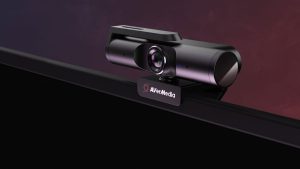
Not everyone needs a mirrorless camera. A good webcam is more than enough for many streamers
The EMEET C960 offers 4K video, PDAF autofocus, dual noise-cancelling microphones and automatic light correction. For somebody moving up from a laptop webcam, that’s a pretty big upgrade without the premium price.
The EMEET S600 is more interesting for gamers because it gives you 4K at 30fps and 1080p at 60fps. That second mode matters more if you’re streaming faster games. Smooth movement can matter more than having every tiny detail in 4K.
And then there’s the Logitech C920x, which doesn’t have 4K or AI tracking, but it does have reliable 1080p video, decent stereo microphones and not much to figure out. And sometimes that’s all you need.
Cameras Aren’t Just for Creators
A clear camera feed has many uses outside content creation. Online classes, presentations, events, product demonstrations and professional filming all require seamless video.
It’s also important in industries where viewers need to trust what they’re seeing. Casinos are a good example. When players are watching live casino games like roulette happen in real time, the video feed needs to be clear and consistent. Even a single lapse in image quality or an unusual-looking frame can lead to accusations of interference in play. That sounds extreme until you remember that viewers are making decisions based on what appears on their screen. A stable feed helps build that trust.
Don’t Forget About the Details
Before spending money on a camera, consider your lighting as well. A great camera can still produce poor footage in a dark room. A basic key light in front of you can make an inexpensive webcam look a lot better, and you don’t necessarily need an expensive studio setup.
And audio matters just as much. Built-in microphones are getting better, especially with AI noise cancellation, but a dedicated microphone is still worth considering if streaming is something you’re taking seriously.
The most expensive camera isn’t automatically the best one for your stream. Think about what you stream, how much you move, how good your lighting is and if you’ll actually use the extra features. The best live stream camera is the one that gives you a clean, reliable picture and lets you concentrate on the stream.