

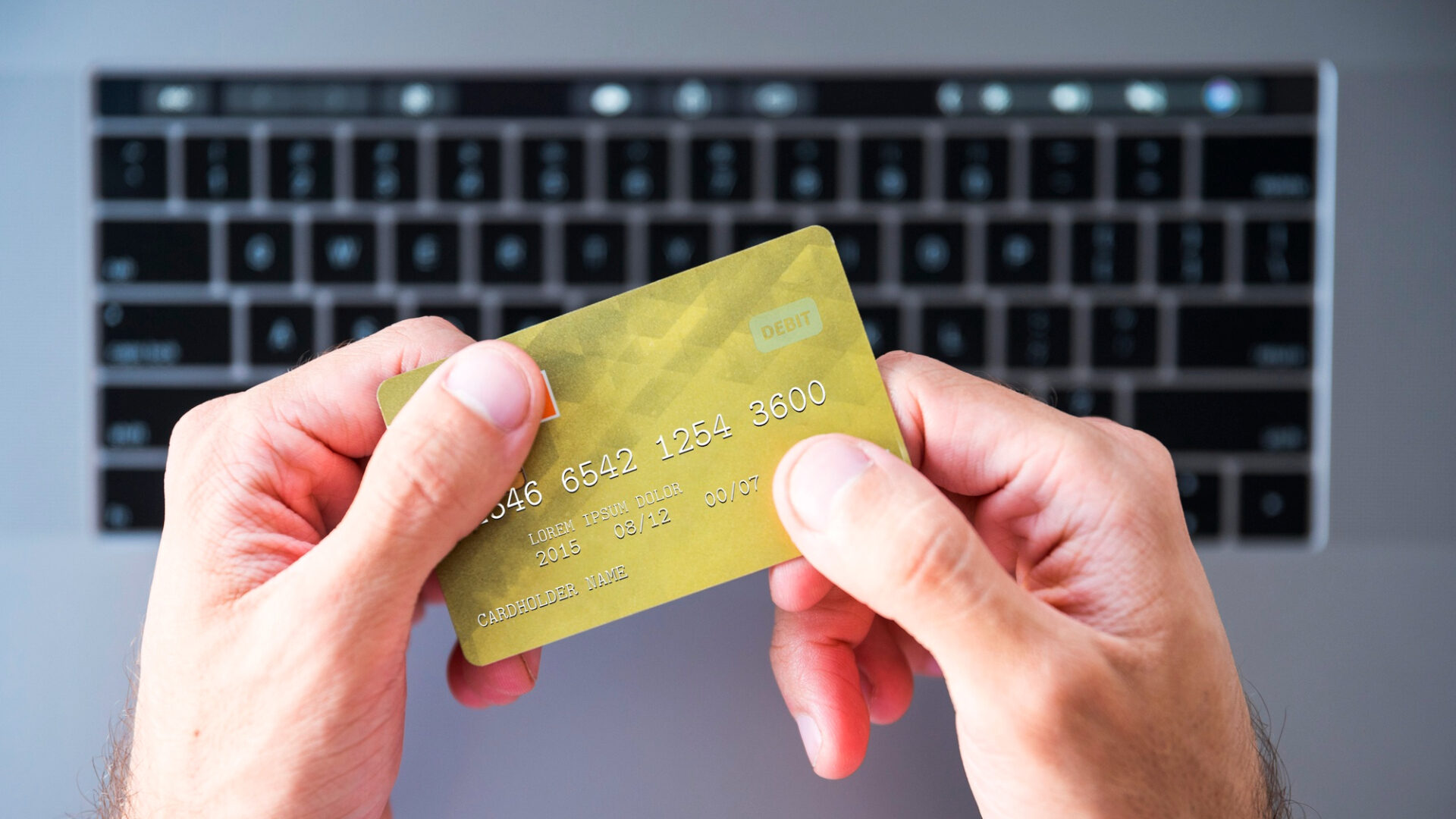
Online payments have become too easy to treat casually. A new subscription, a paid tool, a delivery order, a cloud service, a donation, a ticket, a quick checkout on a phone – most of it happens in less than a minute. That speed is useful, but it also gives phishing pages and fake payment forms a better chance to catch people tired or distracted.
The payment page deserves a slower look
Most risky moments happen right before payment. The page looks familiar, the price seems normal, and the “continue” button is already waiting. This is exactly when users should slow down, especially on mobile, where the full web address can be hidden behind a short bar or an in-app browser.
Before entering your card details on any paid website, adopt a few simple security habits: always open the page directly, verify the web address, and avoid saving your payment data on shared devices. It is also highly recommended to read reviews about the products or services before proceeding to checkout. There are plenty of independent platforms that collect user feedback across all industries, such as Trustpilot or Sitejabber.
Furthermore, there are specialized platforms focused on specific niches — for example, you can find detailed, industry-specific reviews right here on the Czech casino 24kasino website. Once you reach the payment page, ensure it clearly displays the full price, currency, renewal terms, and refund policies. If any of this information is missing, do not submit your card details. Locate the terms first or leave the checkout entirely.
Phishing pages no longer look cheap
Old phishing attempts were easier to spot. Bad spelling, strange logos, broken layouts, and weird email addresses gave them away. Modern fake pages can look clean enough to pass a tired first glance.
The message usually creates pressure. A payment failed. A card needs confirmation. A subscription will be cancelled. A reward is waiting. A delivery cannot be completed. The user clicks, lands on a familiar-looking form, and enters data before noticing anything strange.
A safer routine is plain and fast enough for daily use:
- Do not pay from links in unexpected messages.
- Type the web address yourself or use a saved bookmark.
- Tap the address bar on mobile and check the full domain.
- Avoid payment forms opened inside social media browsers.
- Treat urgent payment warnings as suspicious until checked.
- Never send card details through messengers or email.
These steps are not technical. They are habits. Phishing works because people rush, not because every fake page is brilliant.
Use cards in a way that limits damage
Payment safety should not depend only on spotting scams. Even careful users can miss something. That is why the card setup matters.
A separate card for online services makes life easier. It can hold a smaller balance, have stricter limits, and be frozen quickly if something looks wrong. Virtual cards are even better when the bank supports them. They keep the main card away from websites that only need a one-time payment. Turn on instant banking notifications too. A strange charge is easier to fix when it is noticed in minutes, not at the end of the month.
Public Wi-Fi is bad timing for payments
Public Wi-Fi is fine for reading news or checking a menu. It is a poor place to enter card details, open banking pages, or change payment settings. Cafés, airports, hotels, and shopping malls often have networks with similar names, and users connect too quickly.
If a payment cannot wait, mobile data is usually the safer choice. A VPN can help on public networks, but it does not fix a fake page or a careless tap. The website still needs to be checked.
Browser hygiene matters as well. The NCSC recommends keeping browsers updated, and users should also remove old extensions and avoid saving payment data on shared devices. Autofill is convenient, but it can expose private information when the same browser is used by family members, coworkers, hotel guests or anyone else.
What to check after a strange charge
If a strange charge appears, act the same day. Freeze the card if needed, save the amount, date and merchant name, then contact the bank.
Next, remove the saved card from that website and change the password if personal data was entered there. Check subscriptions too, because scam pages sometimes create recurring payments quietly.
The FTC’s guidance on phishing and online scams and Microsoft’s Digital Defense Report both lead to the same practical rule. A normal-looking link can still be the start of the problem.
Safer payments are mostly routine
Good cybersecurity is not about being paranoid every time a checkout page opens. It is about building a few boring habits that work even on a busy day.
Open payment pages directly. Check the domain. Use a separate card where possible. Turn on bank alerts. Do not save card details on shared devices. Stop when a page feels rushed, unclear, or too eager to get payment data. These small pauses protect money better than trying to fix everything after the charge appears.