

After recently having the opportunity to review the ASUS TUF Gaming A14, getting the chance to check out its sibling, the ASUS ROG Zephyrus G14, was equally exciting. As someone who owned an older generation of the G14 series, I was very curious to see how ASUS has changed it over the years. Coming in at $4,799 Canadian, this is immediately one of the more expensive 14-inch gaming laptops I have tested, which is about double the cost of my older model that I bought back in 2022.
While the overall unboxing experience was only marginally nicer than its cheaper sibling, you still do not get anything more than the laptop itself and the large 300-watt charging adapter. I will always wish companies would offer a little more in the box, especially given the very high price.
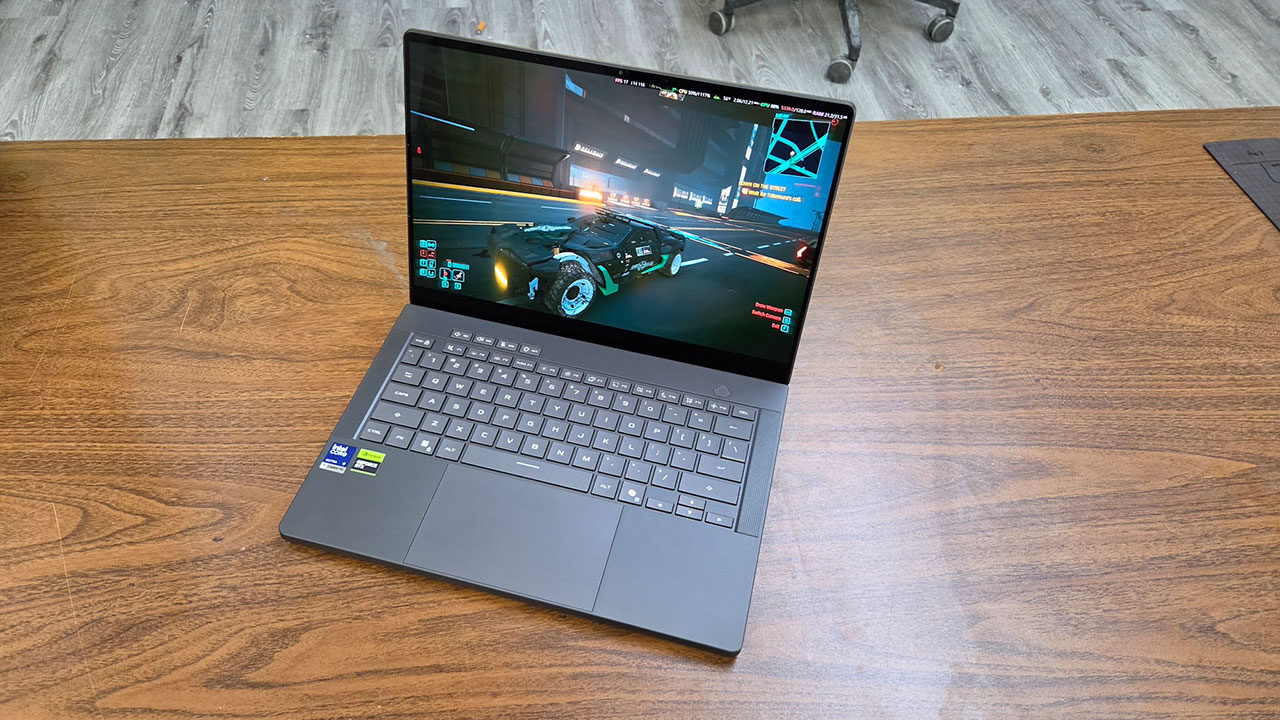
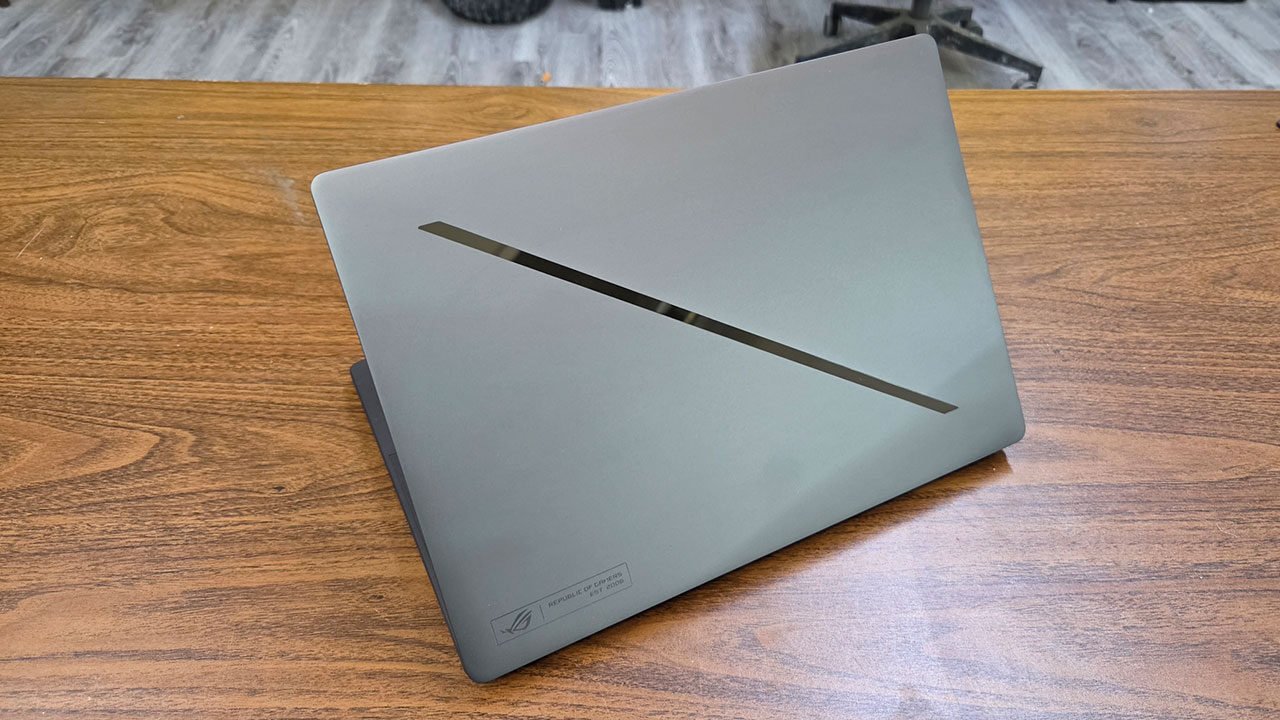
Looking at the ASUS ROG Zephyrus G14, I absolutely loved the premium full-aluminum build. Something about a full-metal laptop just gives it an overall premium look and feel, helping make the price easier to justify. My unit came in the Eclipse Grey colour, although some units also come in Platinum White for those who want a lighter-coloured laptop. Weighing 3.46 pounds, this places the laptop about in the middle of the pack in terms of weight. Still, it is light enough to carry in a backpack for school without worrying about it weighing you down or feeling heavy on your shoulders.
“ASUS has packed an incredible screen into the ROG Zephyrus G14.”
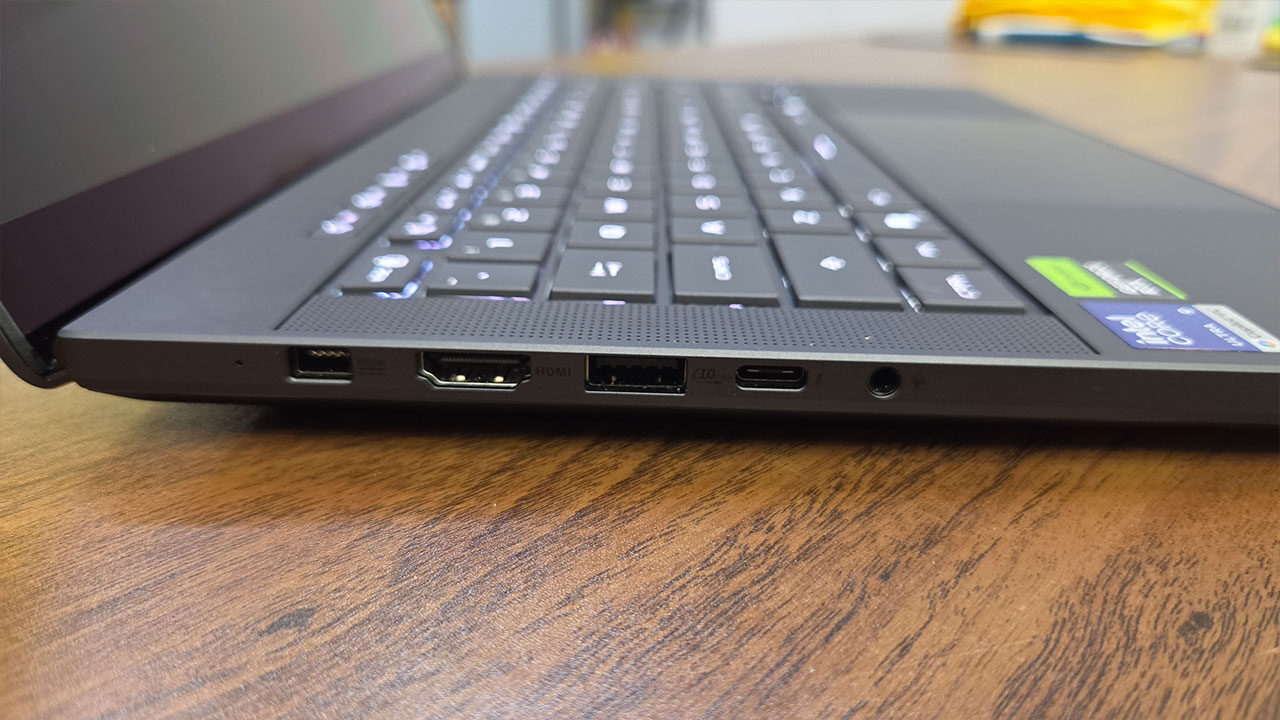
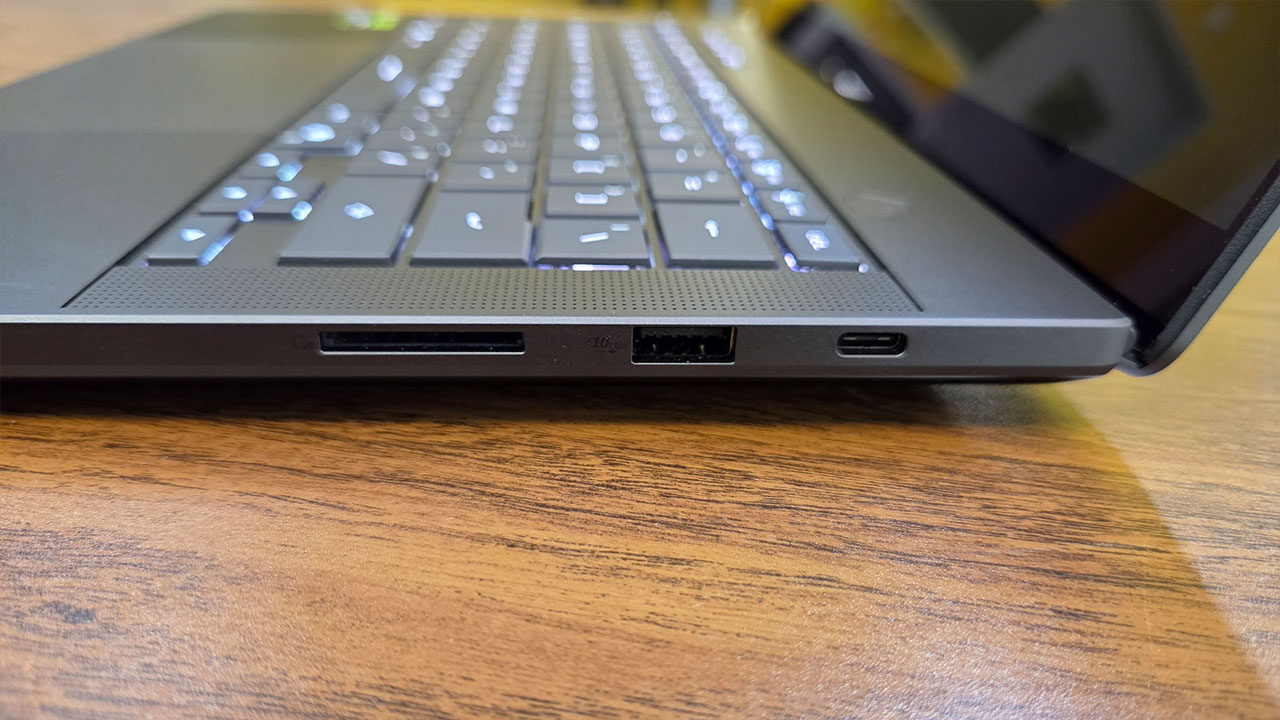
In terms of port selection, ASUS has packed the ROG Zephyrus G14 with I/O suitable for content producers and gamers alike. Running down the left side, you find ASUS’s proprietary charging port, HDMI 2.1, USB 3.2 Gen 2 Type-A, Thunderbolt 4 and a headphone-microphone combo jack. Running along the right side, you get a USB 3.2 Gen 2 Type-C port, a second USB 3.2 Gen 2 Type-A port and, surprisingly, a full-size UHS-II SD card reader, something I have yet to find on any other 14-inch laptop and something I am absolutely in favour of.
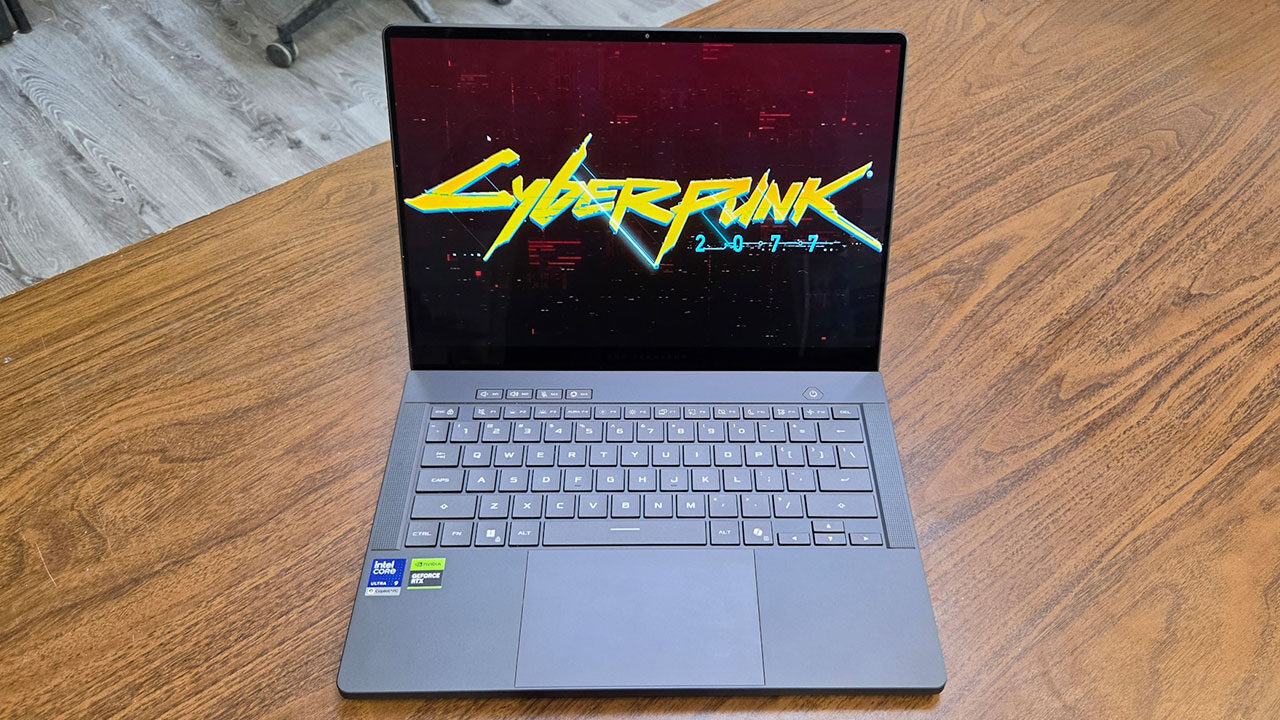
Starting with the aspect you will be looking at the most, the display, ASUS has packed an incredible screen into the ROG Zephyrus G14. In my unit, ASUS has included a 3K OLED panel that features a 120-Hz refresh rate and full 100 percent coverage of the DCI-P3 colour gamut. Despite being a gaming laptop, this display can reach an incredible 1,100 nits of peak brightness, making this one of the brightest displays on any laptop I have tested or owned over the years.
Without any doubt, this is one of the nicest displays I have tested on any laptop. Colours are bright and punchy without looking oversaturated, and thanks to the OLED panel, blacks and dark colours are rich and truly black. I have no doubt that this would be an exceptional screen for both photo and video editing.
When maxing out the brightness, this was the first laptop I have used that I could actually use with ease in some of the brightest outdoor conditions, something most gaming laptops tend to fall short on. Even when dimming the display as much as possible, the ASUS ROG Zephyrus G14 was still great to use in a dark room, as it got much darker than most laptops I have tested.
While typing on the keyboard was a fairly average experience, and on par with most higher-end laptops on the market, I was happy to see that the keycaps themselves were a little larger compared with other units I have tested. The keystrokes had a good degree of depth, feeling well-stabilized and not mushy.
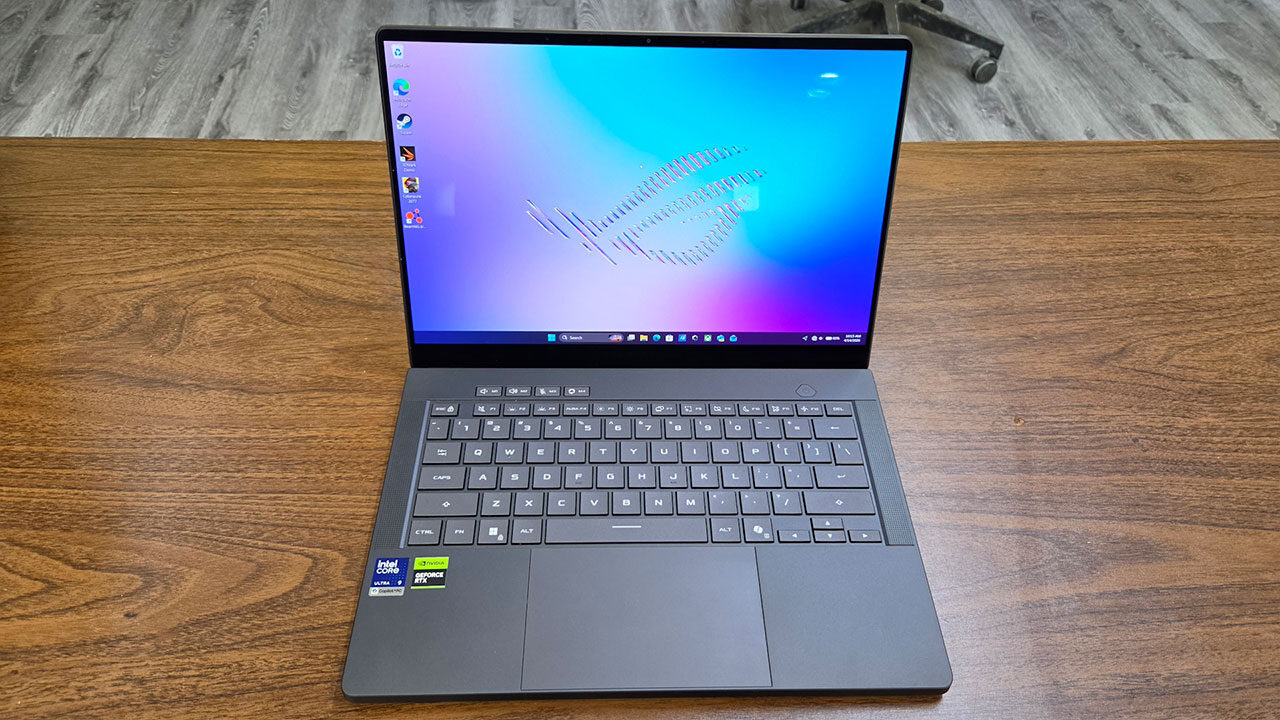
ASUS has also included RGB lighting on the keyboard for added custom lighting, although it is only single-zone lighting. I would personally have liked to see per-key lighting on the keyboard, especially at this price point, considering many other manufacturers offer this functionality, often on significantly cheaper laptops.
“The ASUS ROG Zephyrus G14 was a truly impressive laptop and a great step up from previous generations in many ways.”
The touchpad is a traditional diving-board style, although a haptic touchpad would have been cool to see here, as I have seen a few companies starting to use them in their products. Considering gamers tend to snack while gaming, this could also potentially help avoid the problem of getting food crumbs under the touchpad, not something I have dealt with on any laptop I have used, but something I have seen on some friends’ laptops. ASUS has made the touchpad about as tall as it could with the available space, and made the touch surface 16:10 to match the display and make navigation even more seamless.
I was quite impressed with what ASUS did when it came to the speakers on the ROG Zephyrus G14. Offering a six-speaker setup, including two upward-firing speakers, this was one of the best-sounding laptops I have tested among gaming-class laptops. The only other small gaming laptop with six speakers that I have tested was the recent Acer Predator Triton 14, and in my opinion, the ASUS ROG Zephyrus G14 sounded superior in almost every way.
One aspect that left me wanting more, and expecting more came down to the battery life. Despite a massive 73-watt-hour battery that ASUS claims will last up to 23 hours when watching 1080p video, I was often lucky to see up to 10 hours of use when watching primarily YouTube videos, even in Silent mode.
Topping up was a rapid experience when needed, using the included 300-watt charger, allowing me to fully charge the unit in about an hour from 20 percent. Those wanting a more compact solution can also use a 100-watt USB Type-C charger with either port on both sides of the laptop. Gaming at maximum performance will benefit from having the larger adapter, however.
Performance is where the ASUS ROG Zephyrus G14 was truly impressive. My unit came equipped with an Intel Core Ultra 9 386H paired with 32 GB of LPDDR5x RAM, which helped it perform near the top of my charts for a 14-inch gaming laptop. Compared to the Acer Predator Triton 14, which came with a U-class processor, the H-class processor in the ASUS showed its true power in both benchmarks and gaming.
Starting off with Cinebench R23, the ASUS ROG Zephyrus G14 scored 19,286 points in multi-core, only slightly lower than its cheaper sibling, the ASUS TUF Gaming A14, although almost double that of the Acer. Even in Cinebench 2024, the ROG Zephyrus G14 still gave an impressive score of 1,180 in multi-core, about 100 points higher than its cheaper counterpart.
“I absolutely loved the premium full-aluminum build.”
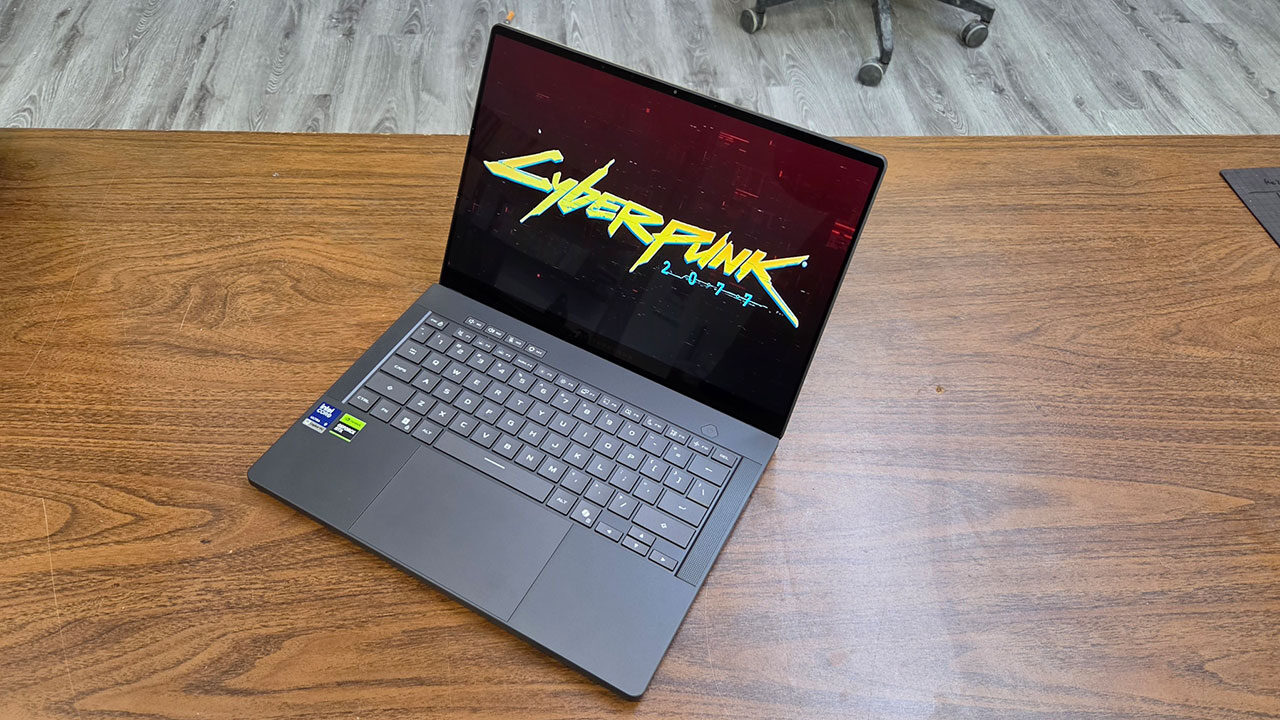
Testing its performance in the 3DMark Time Spy benchmark, the ROG Zephyrus G14 still managed to hit a score of 14,696 points. As one would hope and expect for the price, having an Nvidia RTX 5070 Ti onboard meant that the ASUS ROG Zephyrus G14 handled any game I threw its way with ease. All the games I tested, whether it was Forza Horizon 5, BeamNG.drive, Microsoft Flight Simulator 2024 or even Cyberpunk 2077, ran very well at high settings.
However, during my testing, the metal cover on the bottom of the laptop got noticeably hot, and it might become uncomfortable to use on your lap for extended periods. This was something I also noticed on a previous generation of ASUS Zephyrus laptops, and it likely comes down to heat being dissipated through the metal cover. I also noticed the palm rest and keyboard areas getting quite warm, so those who want to do hardcore gaming will likely want to play with the laptop on a table or desk to better disperse the heat.
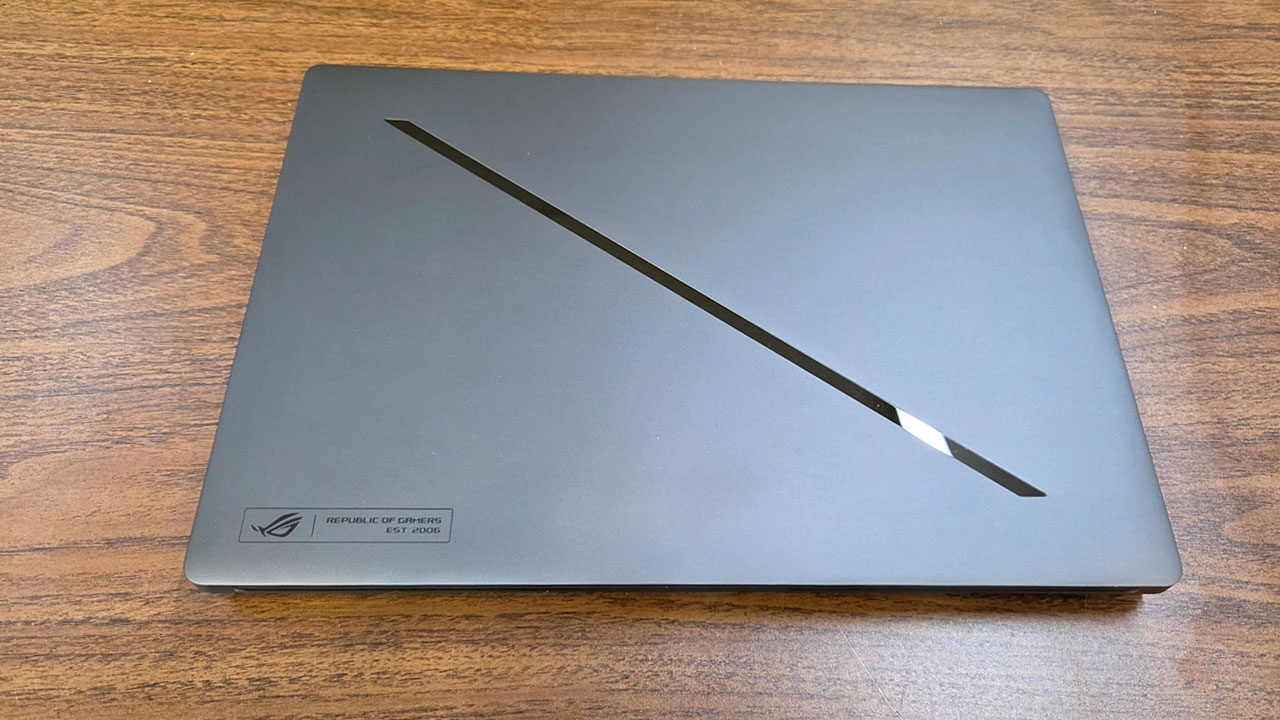
One aspect I have always found quite interesting on ASUS ROG Zephyrus laptops is the lighting effect on the top cover. Where older models had somewhat of a display on the back, more modern models have resorted to a single strip of lights slashing diagonally across it. These lights can be set to one of many patterns or used to display the laptop’s remaining battery, though you are unlikely to see them unless the laptop is docked with the cover closed while in use.
The ASUS ROG Zephyrus G14 was a truly impressive laptop and a great step up from previous generations in many ways. From frame rigidity to speakers and, most importantly, performance, ASUS has done a remarkable job of making a very premium gaming laptop. I do wish more manufacturers would take a page from the ROG Zephyrus G14 when it comes to making premium laptops. If you have deep enough pockets, this is quite an impressive piece of kit.