

OBSBOT’s reputation for high-quality imaging and AI-powered features precedes it in both professional and creator spaces. As a company’s technology evolves, it can choose to go bigger by adding more features to a more ambitious design, or it can simplify and streamline. That is exactly what OBSBOT has done with its latest camera, the OBSBOT Meet Flip. It is a smaller camera with a simple design, yet it still looks great.
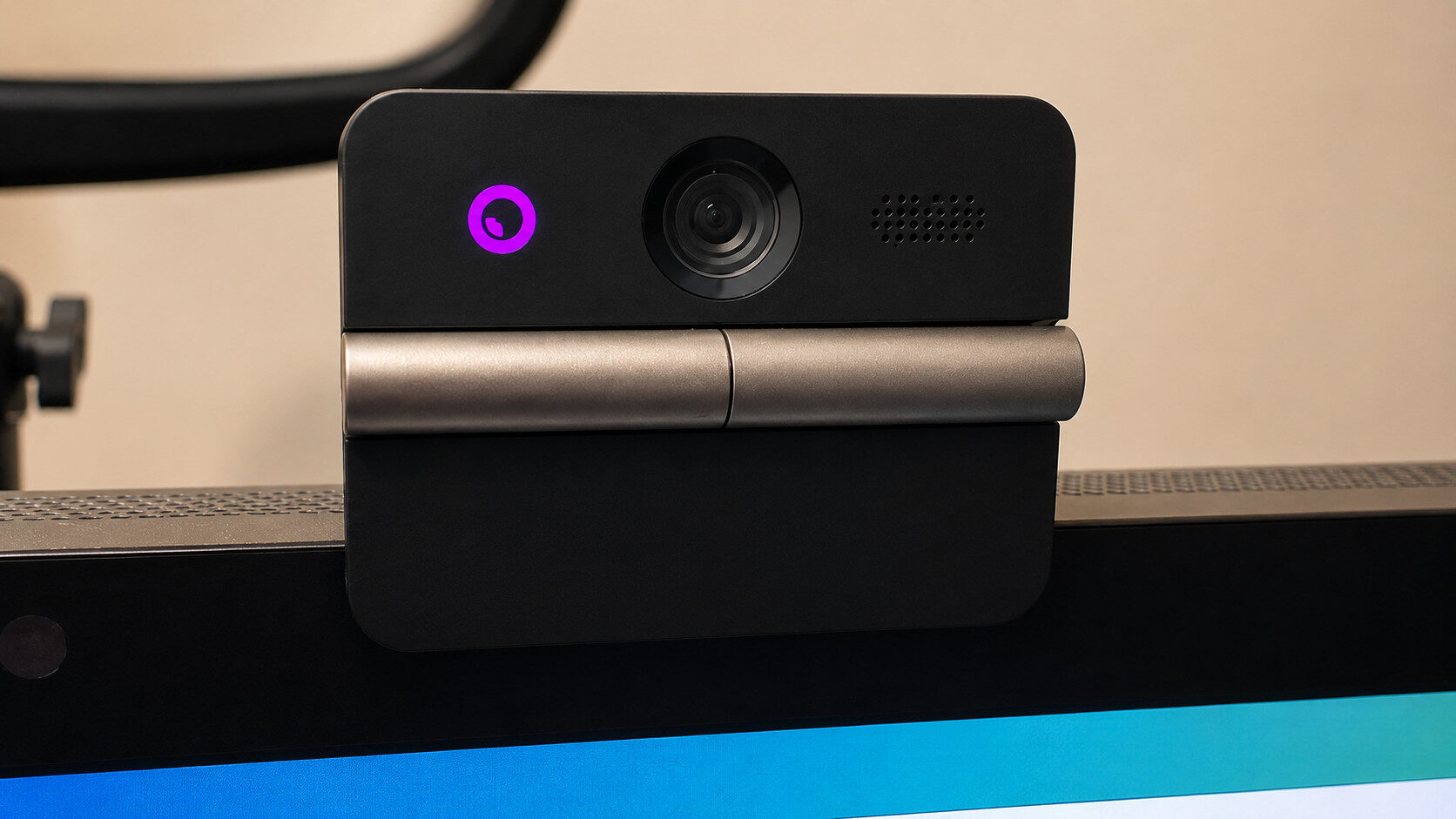
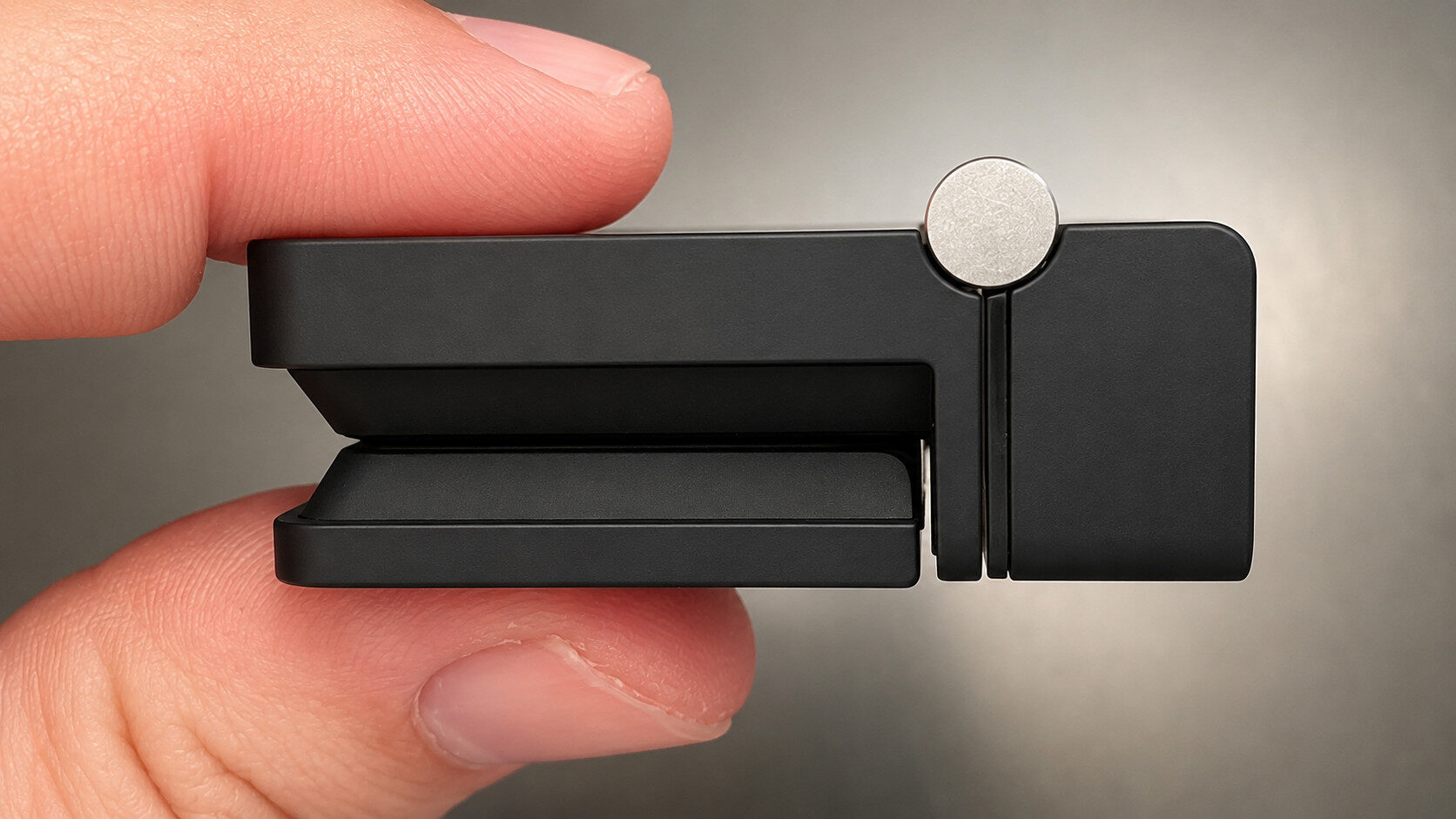
In the box, you get the OBSBOT Meet Flip, a USB-C-to-USB-C cable, a USB-C-to-USB-A adapter and the documentation. The camera is built into its monitor mount, with the USB port located on the mount itself. The mount also includes a 1/4-inch thread for attaching a tripod or arm. The “Flip” part of the OBSBOT Meet Flip refers to the camera’s ability to fold into the mount, making it compact for storage while also serving as a privacy shutter.
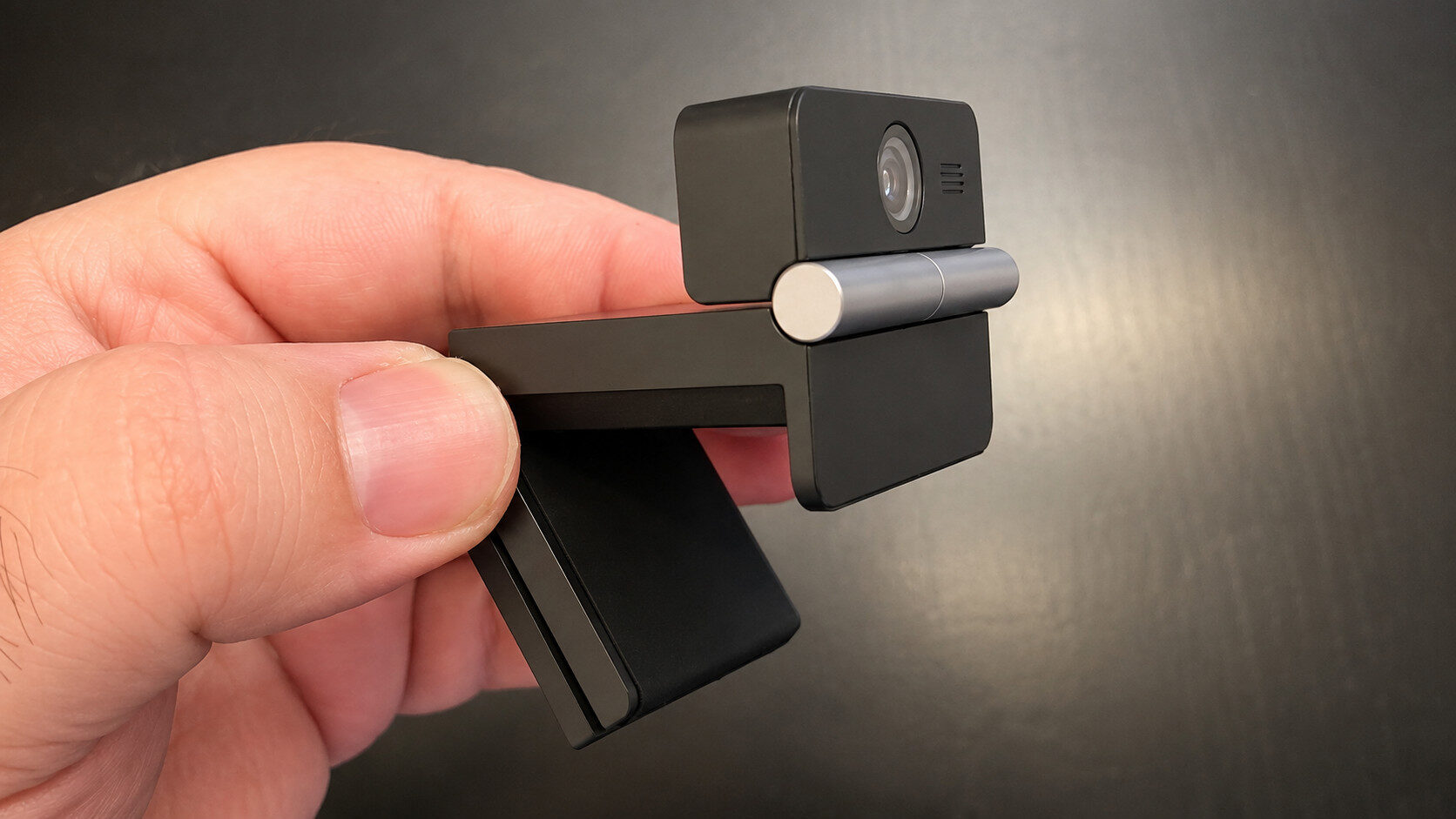
The OBSBOT Meet Flip weighs just 37.7 g and measures a compact 1.64 by 1.45 by 1.26 inches. There is some irony in the fact that OBSBOT’s smallest camera is not part of its Tiny line. The camera features a 48-megapixel, 1/2-inch CMOS sensor with an f/1.8 aperture. It can record at 4K and 30 fps or 1080p and 60 fps, and it supports HDR. It also has a 72-degree field of view. While the minuscule webcam is designed for portability and is ideal for connecting to a laptop, it is also compatible with desktop computers.
“The ‘Flip’ part of the OBSBOT Meet Flip refers to the camera’s ability to fold into the mount, making it compact for storage while also serving as a privacy shutter.”
You can connect the OBSBOT Meet Flip directly to your PC and use it as a plug-and-play webcam, but you miss out on a lot if you do not connect it to OBSBOT’s software. OBSBOT Live provides a direct connection between your camera and platform of choice through your phone.
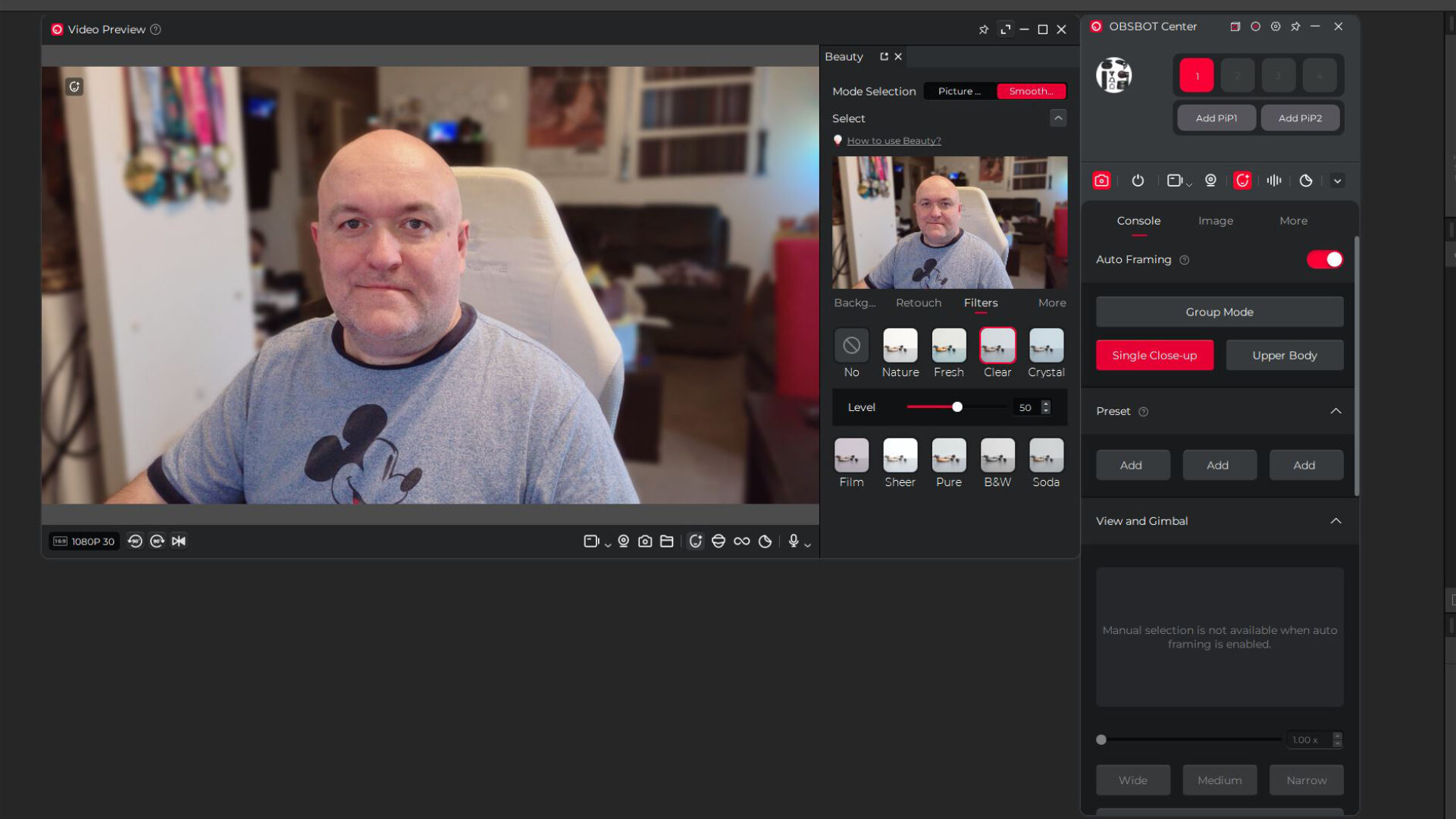
OBSBOT Center is a complete toolbox for the OBSBOT Meet Flip, as well as OBSBOT’s entire camera lineup. In OBSBOT Center, you can activate auto-framing to ensure that, whether you are alone or in a group, the software properly frames the subject or subjects you want in view. It also provides tools to enhance your image, update the firmware and output the feed as a virtual camera, allowing the adjustments you make in the software to carry over to whichever platform you use for broadcasting.
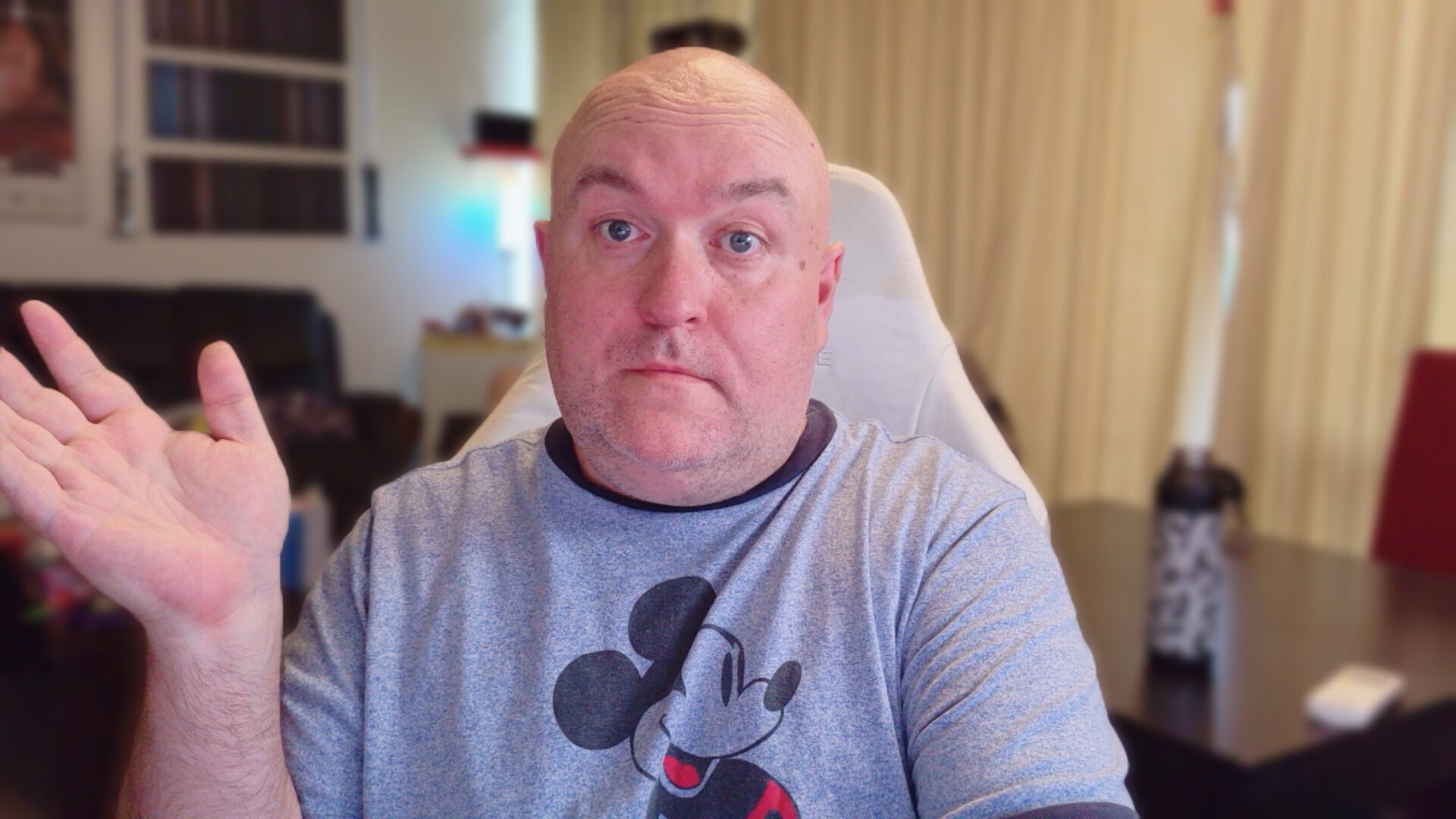
My experience with OBSBOT cameras has left me holding them in high regard, but I set my expectations much lower for this model. I gave OBSBOT the benefit of the doubt and assumed that a much smaller, much cheaper webcam, which we will get to, would serve a purpose without representing a major leap in image quality. While that was true to an extent, the results are much better than they have any right to be.
My experience with OBSBOT cameras has left me holding them in high regard, but I set my expectations much lower for this model. I gave OBSBOT the benefit of the doubt and assumed that a much smaller, much cheaper webcam, which we will get to, would serve a purpose without representing a major leap in image quality. While that was true to an extent, the results are much better than they have any right to be.
“The OBSBOT Meet Flip’s sensor is almost half the size of the one in the Tiny 3, but its image quality is far closer than I expected.”
The OBSBOT Meet Flip’s sensor is almost half the size of the one in the Tiny 3, but its image quality is much closer to the Tiny 3’s than I expected. There is a noticeable difference in clarity between the two, but that was always going to be the case. I would have no issue recommending the Meet Flip as a capable face camera for streamers. Assuming you do not need pan, tilt and zoom capabilities for presentations, I also think it should be the go-to webcam for video conferencing.
Audio from the OBSBOT Meet Flip is unlikely to be a broadcaster’s first choice, but that is true of nearly every webcam on the market. However, its audio system is designed specifically for office use. It offers directional pickup for busy workplaces, helping reduce surrounding voices, a dual-directional mode for in-person interviews and a smart omnidirectional mode that balances the voices of everyone seated around a boardroom table. With the OBSBOT Meet Flip, you can put your best foot forward in every meeting.
I mentioned that this camera is much more affordable than OBSBOT’s Tiny series, but it is also the least expensive model in the Meet series. The OBSBOT Meet Flip costs US$119, less than the Meet 2, while offering the same sensor size and resolution. That makes it a fantastic choice for a first webcam and an obvious option for anyone who attends many virtual meetings. The OBSBOT Meet Flip may not be the first camera designed with the home office in mind, but it may be one of the best. It is also a strong choice for creators on a budget.