Designing and printing your own T-shirts has always been something you could do at home or through a small business, but in the past, it was often a tedious process that made getting started time-consuming or overly complex for the average person. The Procolored K13 Lite aims to change that by offering a simpler, more streamlined way to get into DTF (direct-to-film) printing, whether you want to make shirts for yourself or start producing apparel for a small business. While there is still some setup and you will need to learn the process, the Procolored K13 Lite is one of the easier ways to get started with the technology while still delivering genuinely professional-looking results.
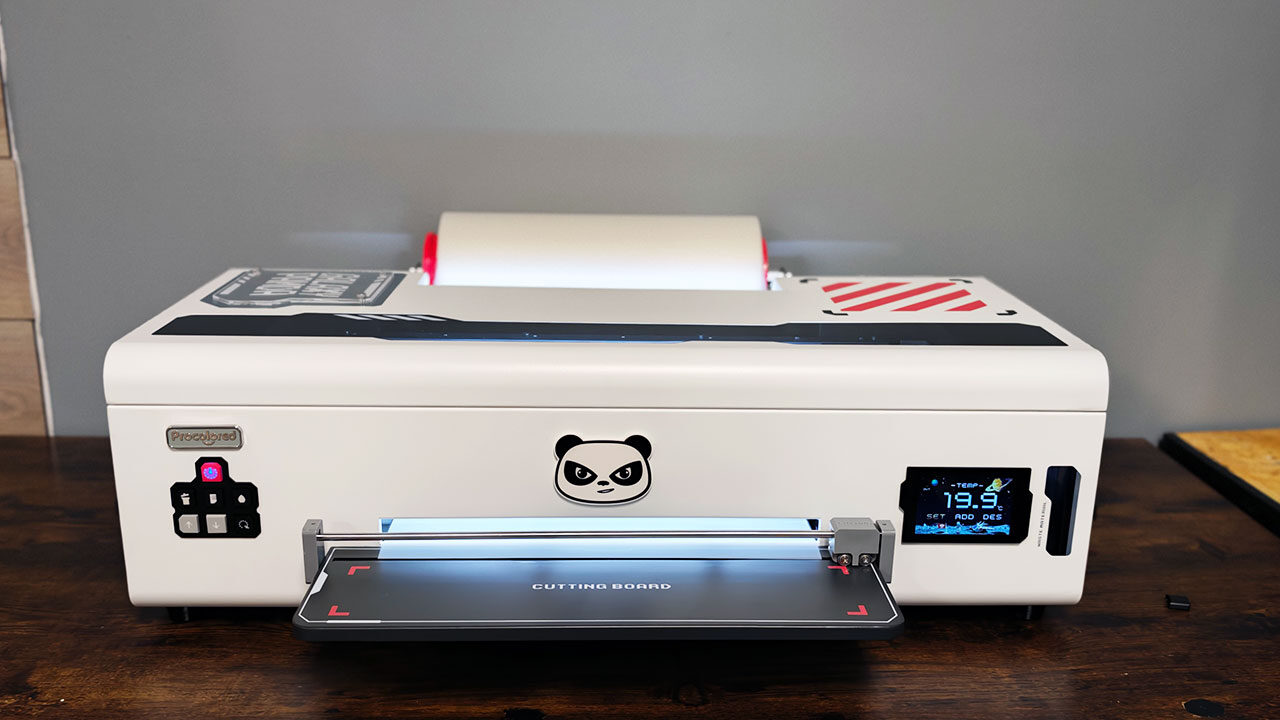
When you open the Procolored K13 Lite, you will quickly find it’s not built like a standard desktop printer, and it is not really what I would call a desktop printer in the traditional sense. Even though its 13-inch A3 format makes it more approachable than a commercial-scale DTF system, this is a large machine built to produce professional results consistently.
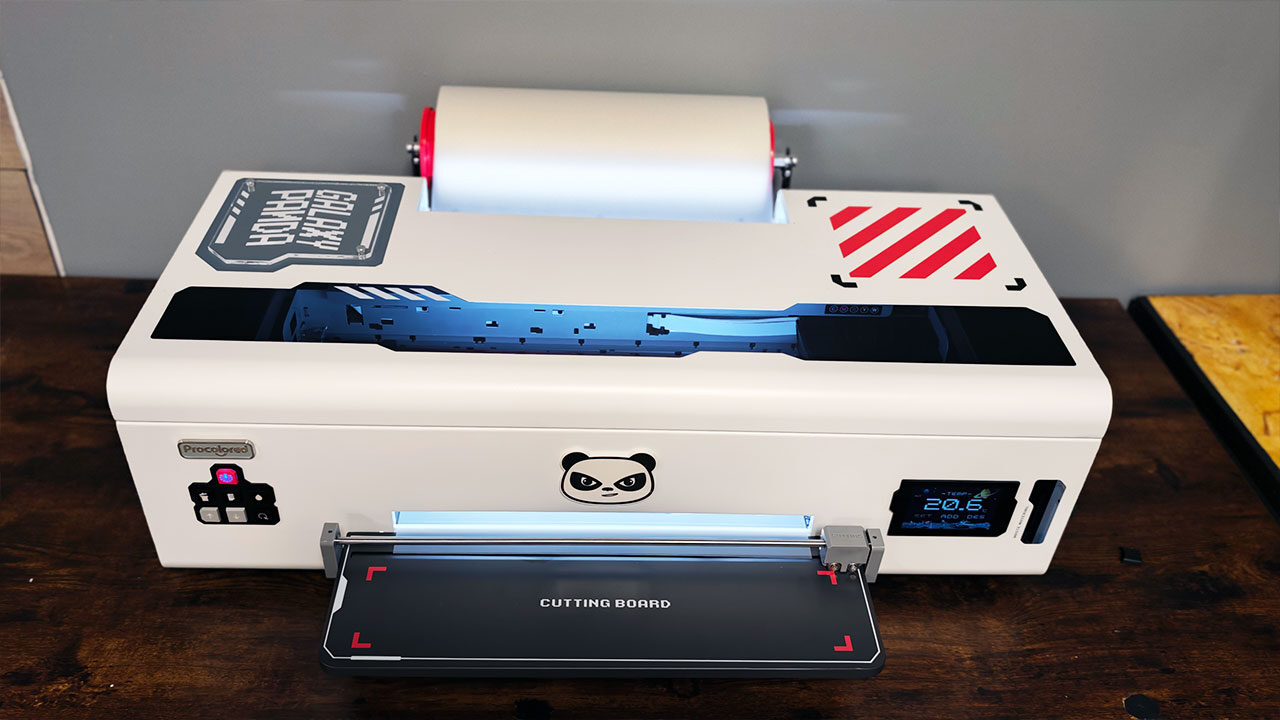
The 18-kilogram unit needs a sturdy, dedicated surface, and that footprint grows quickly once a film roll, curing oven, heat press and workspace for powdering transfers enter the equation. Procolored ships the printer preassembled, while the included setup materials cover the essential first steps, including fitting the film holder and tray, filling the CMYK-plus-white ink system, installing the Windows-only software and running test prints.
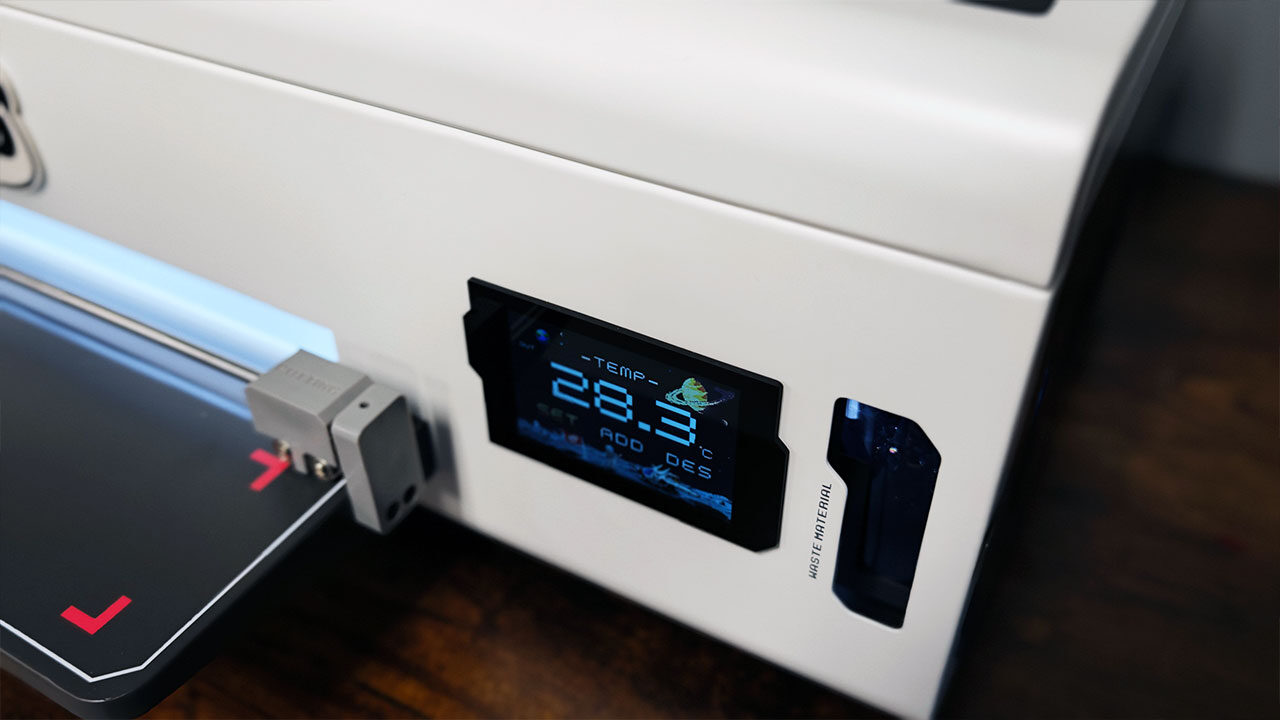
Overall, I got the main printer unit set up and ready to go in about 30 minutes, including setup and making sure everything was ready to print. The K13 Lite uses a touchscreen, a one-touch ink-loading function and white-ink circulation intended to keep pigment from settling, while automatic cleaning is designed to reduce the risk of dried ink and clogged nozzles. It is great to see Procolored work to make the printer feel more manageable for newcomers, but even as simplified as it is, it doesn’t turn DTF printing into a plug-and-play process.
“When you open the Procolored K13 Lite, you will quickly find it’s not built like a standard desktop printer…’
Once everything is installed and you are ready to start printing, you need to dive into Procolored Studio Lite, which handles the RIP side of the workflow. While it works well enough, it’s not an intuitive piece of software. It does what it needs to do, but little else. If you are used to the more polished experience of software like xTool Creative Space, you may find Procolored Studio Lite a little lacking.
Thankfully, despite a few rough edges, the overall process remains straightforward. Although the included USB key is required to access the software, setup was relatively painless. New owners will need to understand how artwork, transparency and the white ink layer translate to film before taking on larger jobs. The K13 Lite’s design helps reduce some of that learning curve, but it’s still best suited to users willing to establish a regular printing and maintenance routine while spending time fine-tuning their designs for the best possible results.
The Procolored K13 Lite features an LH-500 printhead and a CMYK-plus-white ink configuration, with a claimed maximum resolution of 1,440 × 1,440 dpi. The printer supports film up to 330 mm wide, while Procolored lists an A4 print time of 12.5 minutes. This places it firmly in the entry-level category rather than alongside faster commercial DTF printers. Still, for someone just starting out, it offers enough speed to get a feel for the process without becoming overwhelming.
The K13 Lite automatically circulates white ink every 30 minutes and includes an automatic cleaning function, both designed to reduce sediment buildup and clogged nozzles. Procolored also includes an infrared printhead safeguard system that monitors for warped film and debris, automatically pausing printing when it detects a potential obstruction. While I haven’t encountered any issues requiring this protection, it’s reassuring to know the printer has safeguards in place to help prevent potential damage.
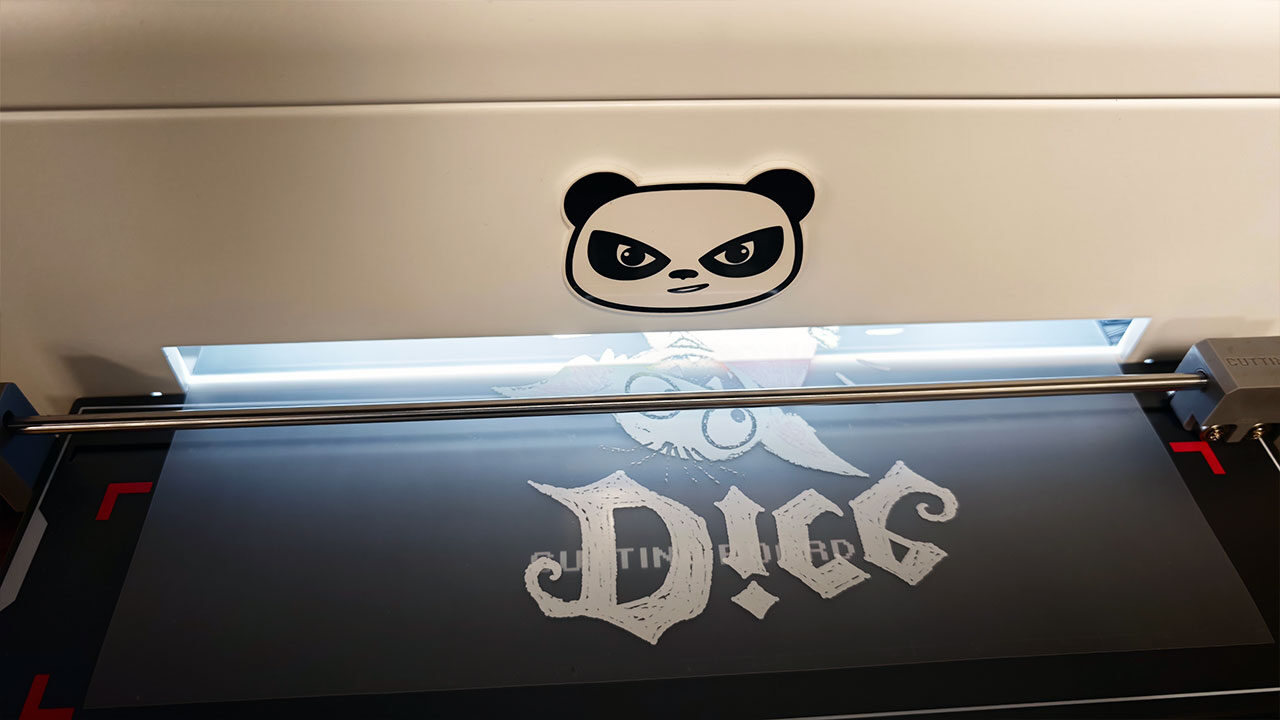
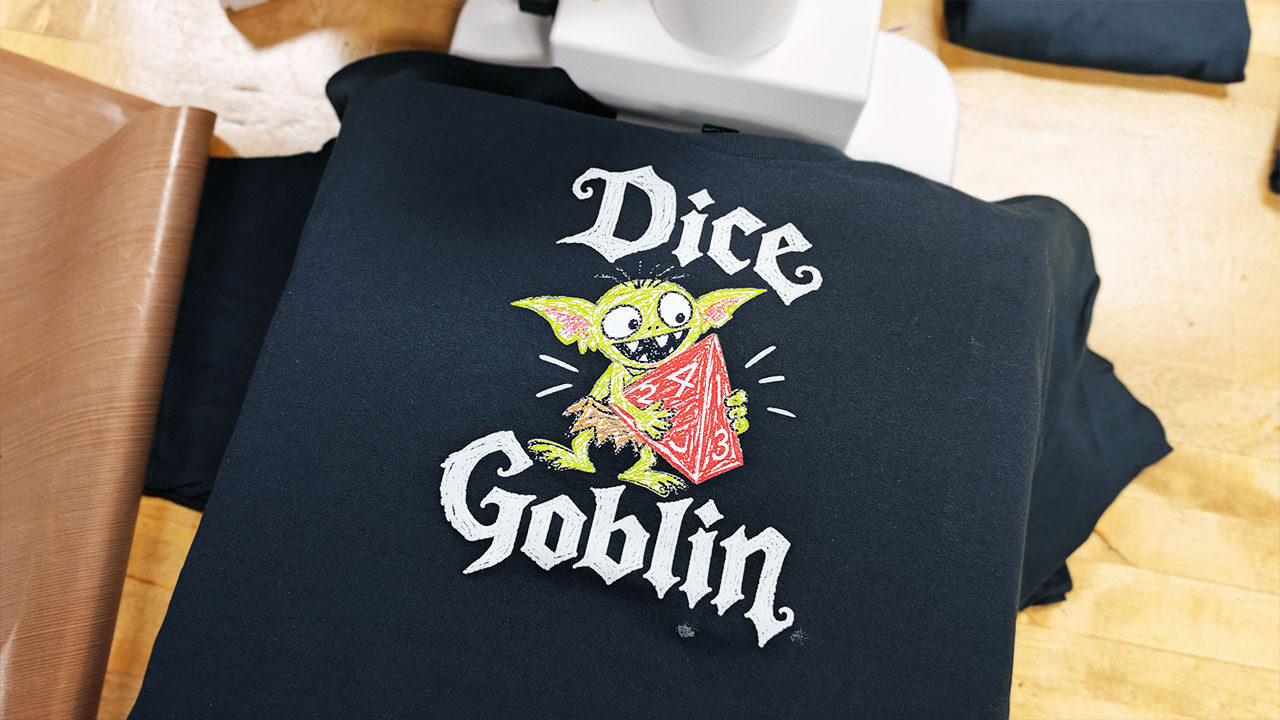
The printer connects via USB and ships with Procolored Studio Lite software, which handles colour-mode detection and applies preset colour curves. A small touchscreen provides one-touch ink pumping and selectable visual themes, while compatible bundles include a smokeless oven for curing transfers. The printer itself is compact enough to fit comfortably on a workbench, but its slower output makes it better suited to short runs, samples and custom orders than sustained commercial production.
The K13 Lite is relatively approachable once it’s set up, but it’s not quite as simple as loading paper into a standard inkjet printer. Procolored Studio keeps the basic printing workflow straightforward: import an image, adjust its size and placement, then send the job to the printer. The machine also handles ink priming through a one-button process, drawing ink through its lines before running a cleaning cycle.
That simplicity only goes so far, however, and DTF printing still requires a fairly hands-on approach. The K13 Lite demands regular maintenance, with Procolored recommending daily nozzle checks and printhead cleaning before printing. Its maintenance instructions also call for more thorough cleaning of the capping station, encoder strip and printhead area every 15 days. White ink must also be shaken before use to prevent settling, adding another step to the daily routine.
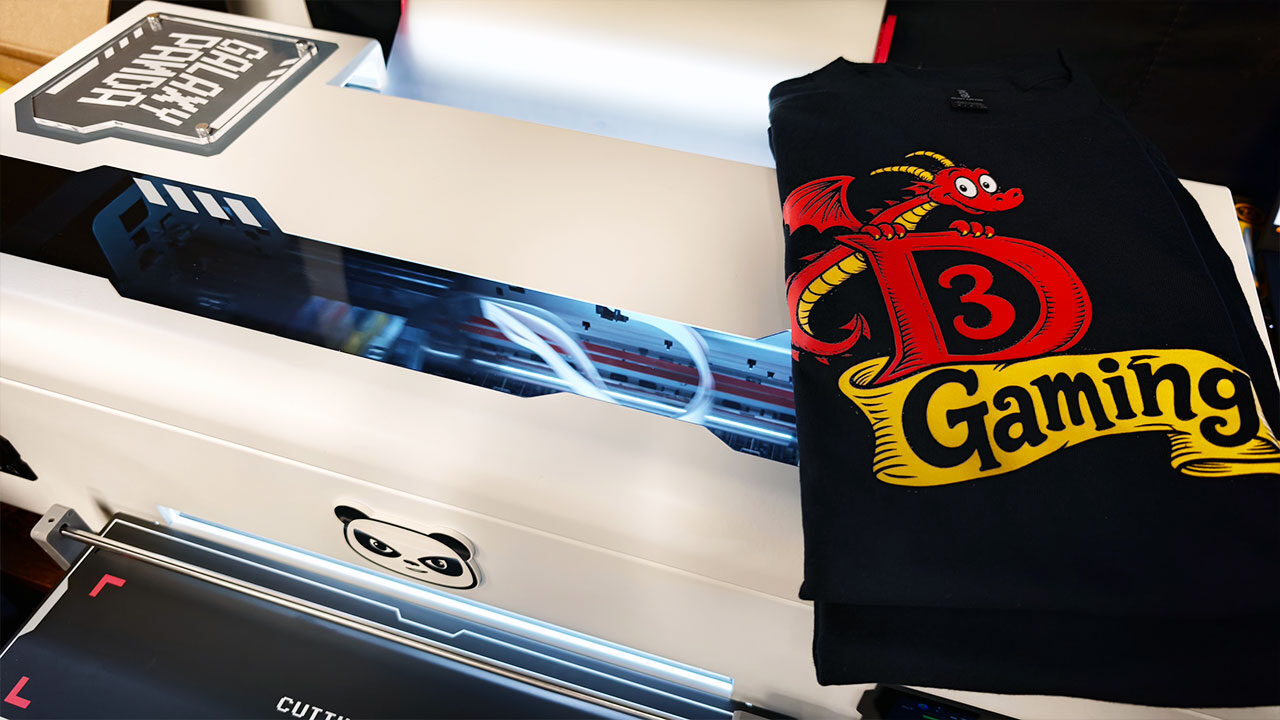
Once your prints are ready, the next step involves applying adhesive powder to the wet, printed side of the film before curing it in the Procolored oven. It’s not a complicated process and only takes a few minutes, but you do need to be careful, as the ink is still wet and can easily smear or even be wiped off entirely. Once the adhesive powder is evenly distributed across the print, you place the film in the Procolored oven and let the heat cure the adhesive, preparing the design for transfer onto fabric.
You’ll know the process is nearing completion when the adhesive takes on an orange-peel-like texture. I found that the default setting of approximately 120 seconds worked well in most cases. I’ve seen plenty of recommendations online suggesting different curing times and temperatures, but some trial and error can help you find the right settings for your projects, provided you stay within the manufacturer’s recommended guidelines.
Once that’s all sorted out, the next step is transferring your design onto a shirt using a heat press. The process is relatively simple, whether you’re using the Procolored heat press or another model you already own. Start by giving the shirt a quick press to ensure the fabric is nice and flat, then position your design with the ink and adhesive side facing down. Place a Teflon sheet over the design and press it onto the fabric.
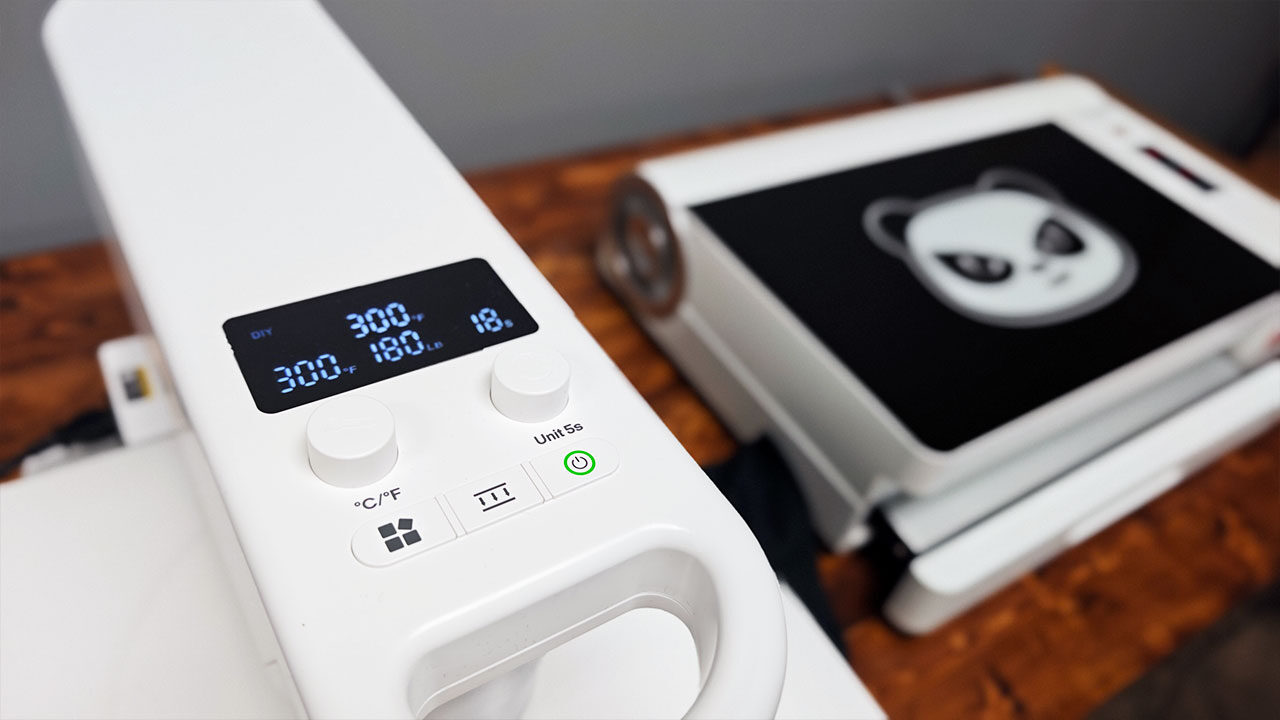
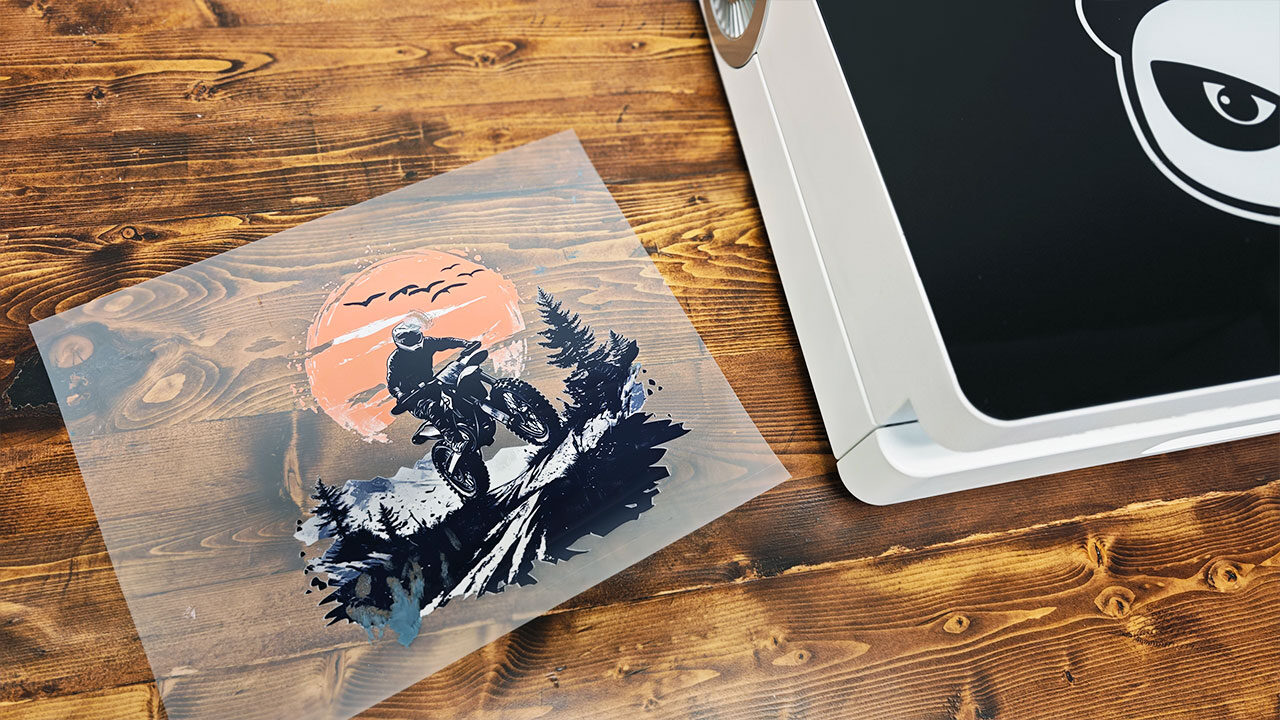
This step takes around 30 seconds and is surprisingly easy. From there, allow the transfer to cool before carefully peeling away the film, revealing your finished design. Procolored includes a glass cooling block with its heat press, which I found particularly useful for speeding up the cooling process. Skipping this step and peeling the film too early can cause the design to lift off the fabric, potentially ruining all the work you’ve put into getting it ready. And that’s never fun.
As easy as the K13 Lite makes printing and transferring designs onto shirts, it’s still better suited to newcomers willing to establish a consistent maintenance routine than those expecting a completely hands-off apparel printing experience. Once that routine becomes familiar, however, preparing and printing designs is relatively straightforward, and the entire process becomes much easier to manage. There’s certainly a learning curve, but for those willing to put in the effort, the K13 Lite makes getting started with DTF printing more approachable than you might expect.
I was incredibly impressed with the designs I was able to produce using the machine. Even though the process can be time-consuming, depending on how many shirts you’re looking to make, the overall experience was relatively simple, and the finished shirts looked fantastic.
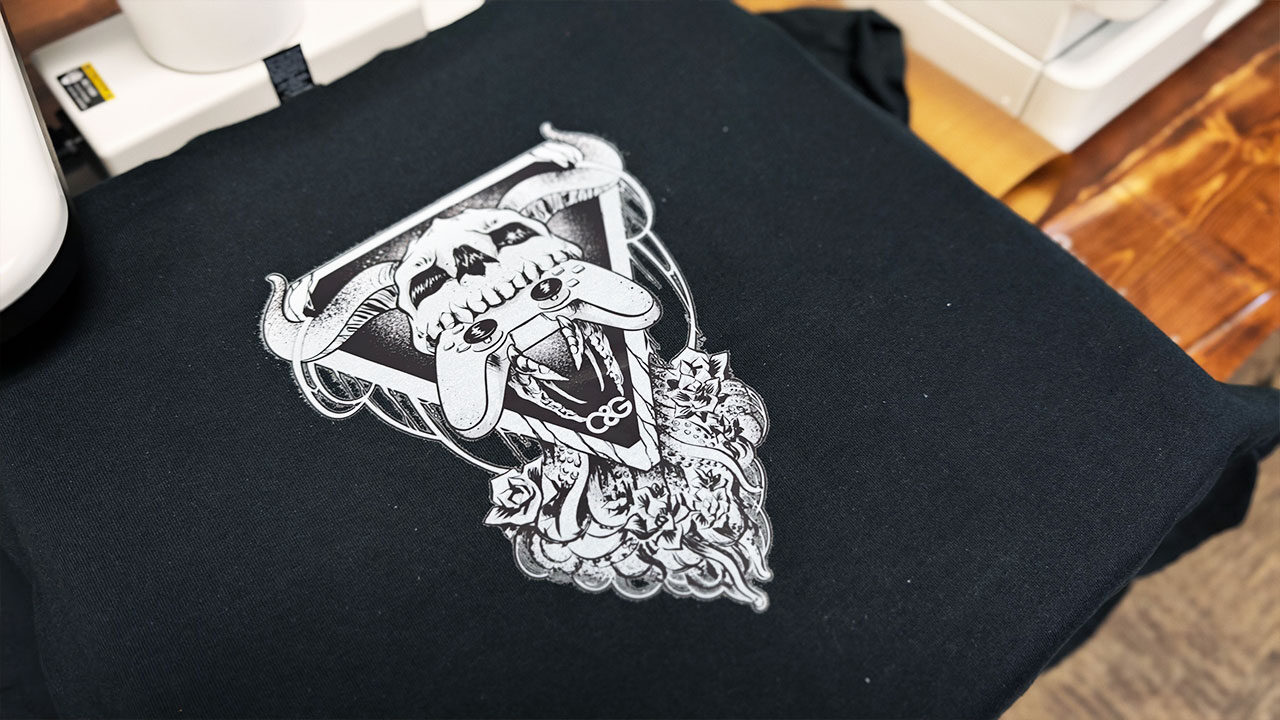
However, as with any equipment designed for small businesses, this isn’t something I’d recommend to someone who only wants to make one shirt a month. There’s regular maintenance to consider, and producing consistently good results requires time, patience and attention to detail. While the process itself is easy enough to learn, the K13 Lite isn’t the kind of machine you can buy, leave sitting for months and expect to work perfectly when you return to it.
Having said that, the Procolored K13 Lite, alongside the Procolored oven and automatic heat press, makes for an excellent introduction to the world of DTF printing. The complete setup can deliver some striking, professional-looking results, provided you have the patience and dedication to learn the process and keep up with the required maintenance. Whether you’re running a small business or looking to turn a creative hobby into something more serious, it’s a fantastic starting point, and the finished products speak for themselves.
DTF printing has become considerably more accessible than it once was, both in terms of the equipment required and the overall cost of entry. While the K13 Lite still demands time and effort, the results are well worth it. Considering how expensive these machines used to be, the Procolored K13 Lite offers an appealing entry point for anyone looking to produce professional-quality custom apparel.

- 【Reliable Printing with LiteHead Technology】Powered by Procolored LiteHead Technology, the K13 Lite is designed for stable performance with easier maintenance. Automatic cleaning helps reduce clogging and ink drying, while the White Ink Circulation System runs regularly to prevent sedimentation and maintain smooth, consistent printing results.
- 【Smart & Simplified Operation】The K13 Lite makes DTF printing easier with one-touch ink pumping and an intuitive visual touchscreen interface. Three customizable pixel-style themes provide a personalized user experience, while the streamlined control system helps simplify daily printing operations.