

The Creality SPARKX i7 is the newest multi-colour 3D Printer from Developer Creality. Designed to produce beautiful multi-coloured prints with up to 50% less waste, the SPARKX i7 is a well-crafted piece of hardware. With minimal assembly, impressive features, and some fairly solid software integration, there is a lot to appreciate about Creality’s latest 3D printer.
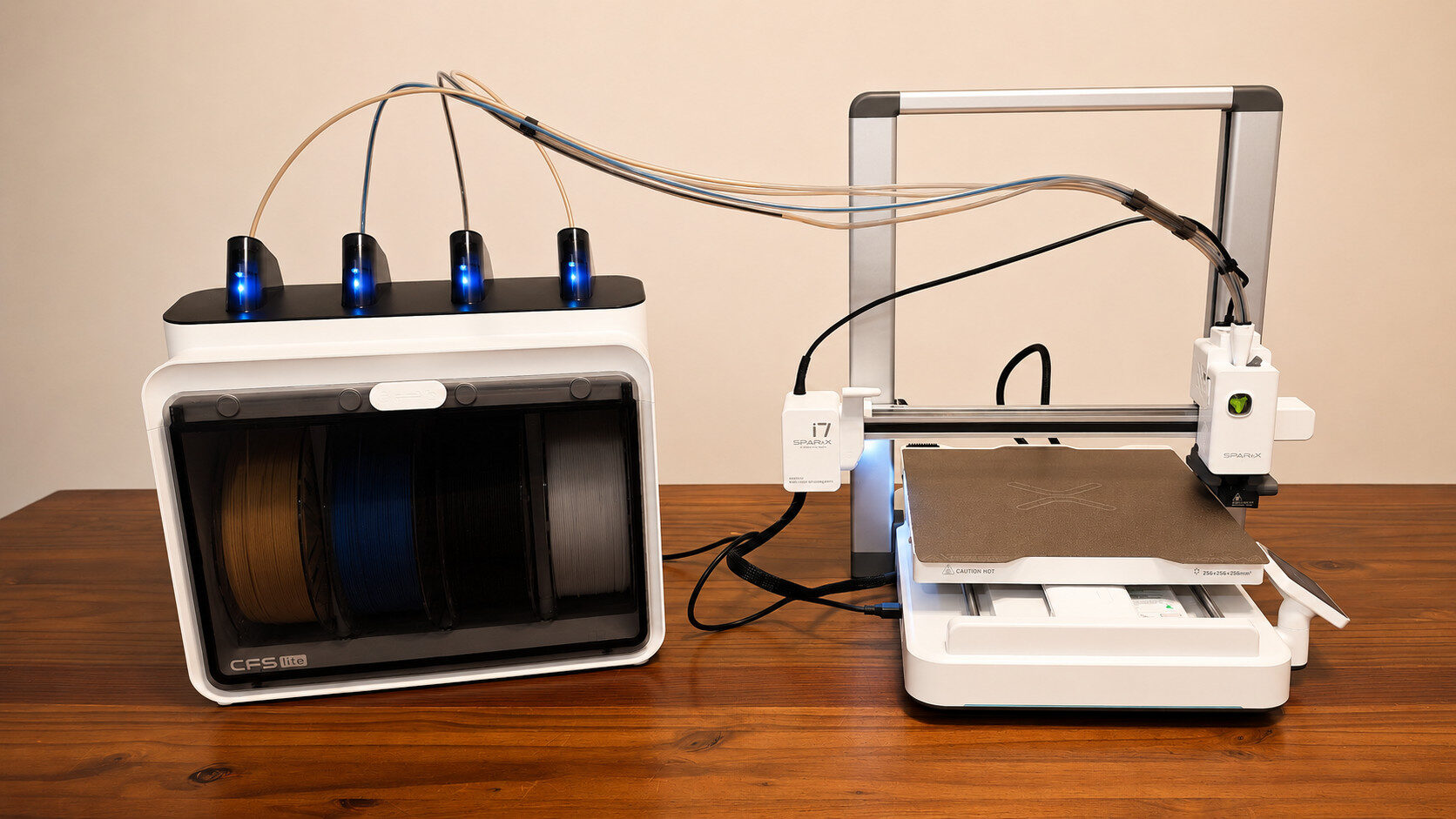
Out of the box, the Creality SPARKX i7 is exceptionally easy to assemble. Essentially coming in two major pieces with a few additional cables and optional accessories, the printer includes the base printer and CFS Lite 4 Filament case, both pre-assembled. Simply connecting cables, loading up to four filament colours and powering up the machine is all that is needed to get up and running. A quick initial setup and calibration are required on first boot, and once completed, users are greeted with a bright 2.85- inch colour touchscreen.
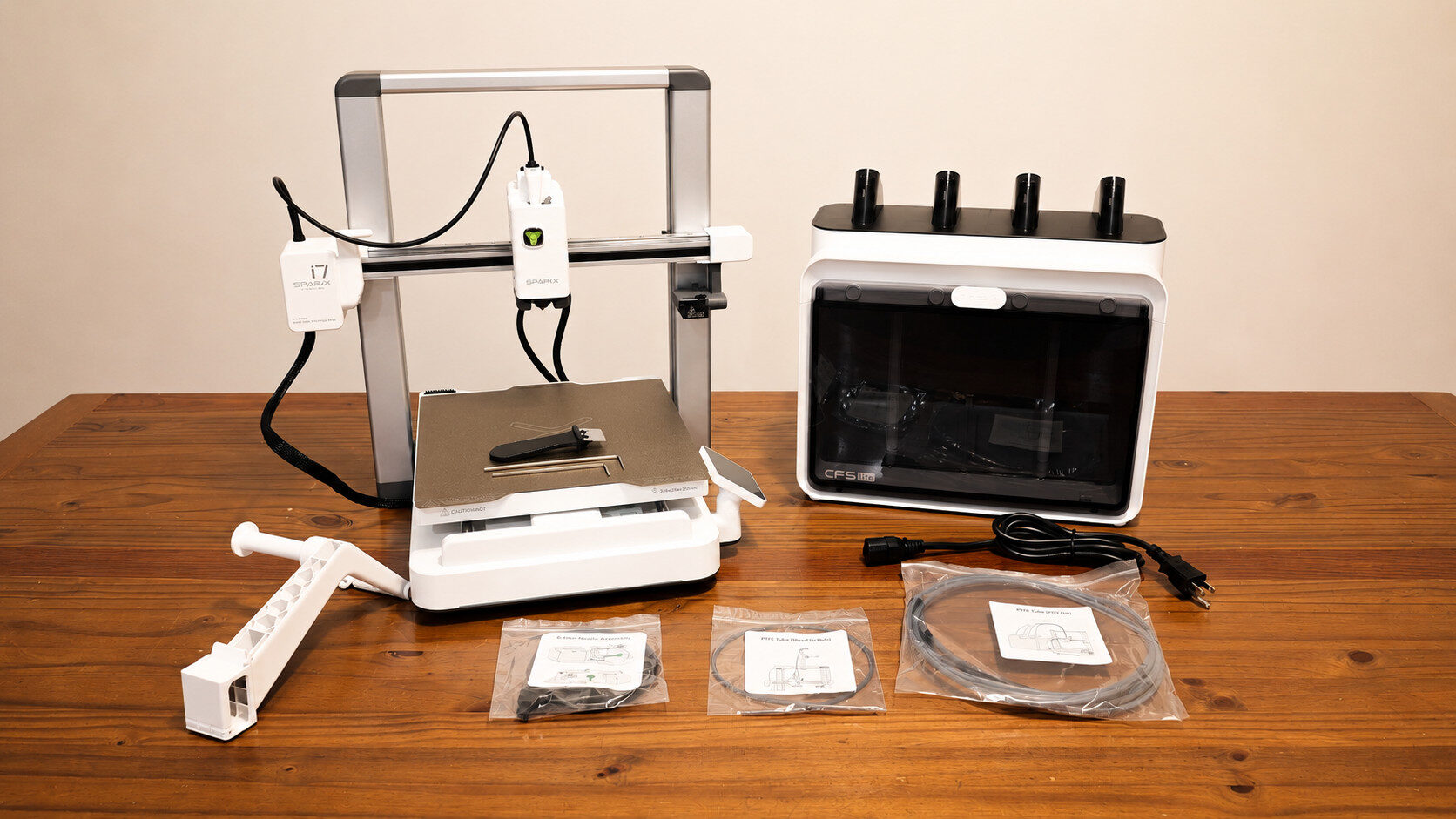
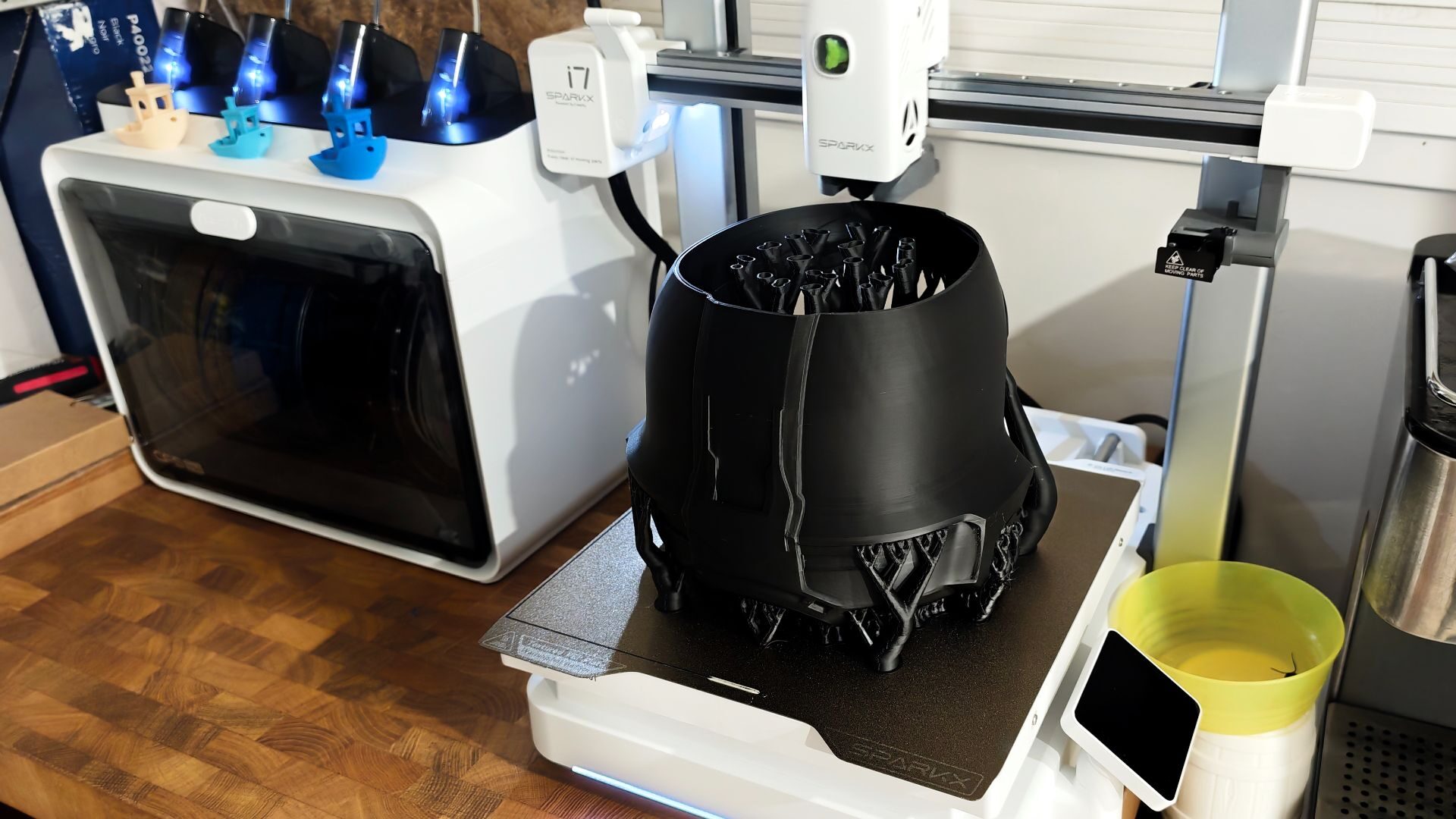
The printer itself follows a fairly standard 3D printer design, with dimensions of 470 x 423 x 456 mm and a build volume of 260 x 260 x 255 mm, which allows for full helmet prints if you so desire. Some nice quality-of-life features are included in the design, such as a built-in LED light for print viewing in dark spaces and a 720p AI camera for remote viewing. For those concerned about privacy, the camera can be toggled on and off, with a handy built-in privacy screen to cover it when not in use.
“The Creality SPARKX i7 is perhaps one of the most accessible 3D printers I’ve worked with to date.”
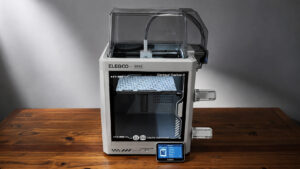
My one small critique of these features is the LED lighting. While I appreciate the inclusion of lighting for remote or night viewing, the single light isn’t bright enough to see the whole print if the surrounding area is dark. Compared to the ELEGOO Neptune 4 Pro’s lighting solution, the SPARKX i7 appears somewhat dim. It’s not a major issue, and it still functions well enough for quick checks on the print.
The removable heatplate has a slotted design, which guarantees it is always placed perfectly on the bed, a nice quality of life element missing on a few of the other printers I’ve tested. Additionally, a programmable front LED strip offers real-time lighting notifications if so desired. This can be programmed from the onboard LCD touchscreen or via the Creality Software.
Some key components, such as the extruder lever and filament cutter, are hot-swappable, allowing easy adjustments to the printer as needed. For instance, if a different nozzle is needed, a quick click of the release allows easy swapping to another size. While I didn’t have any additional parts on hand, removing the existing parts takes only a few seconds. It’s a smart, user-friendly design element that is greatly appreciated.
“I’m impressed overall with the SPARKX i7’s print quality and colouring.”
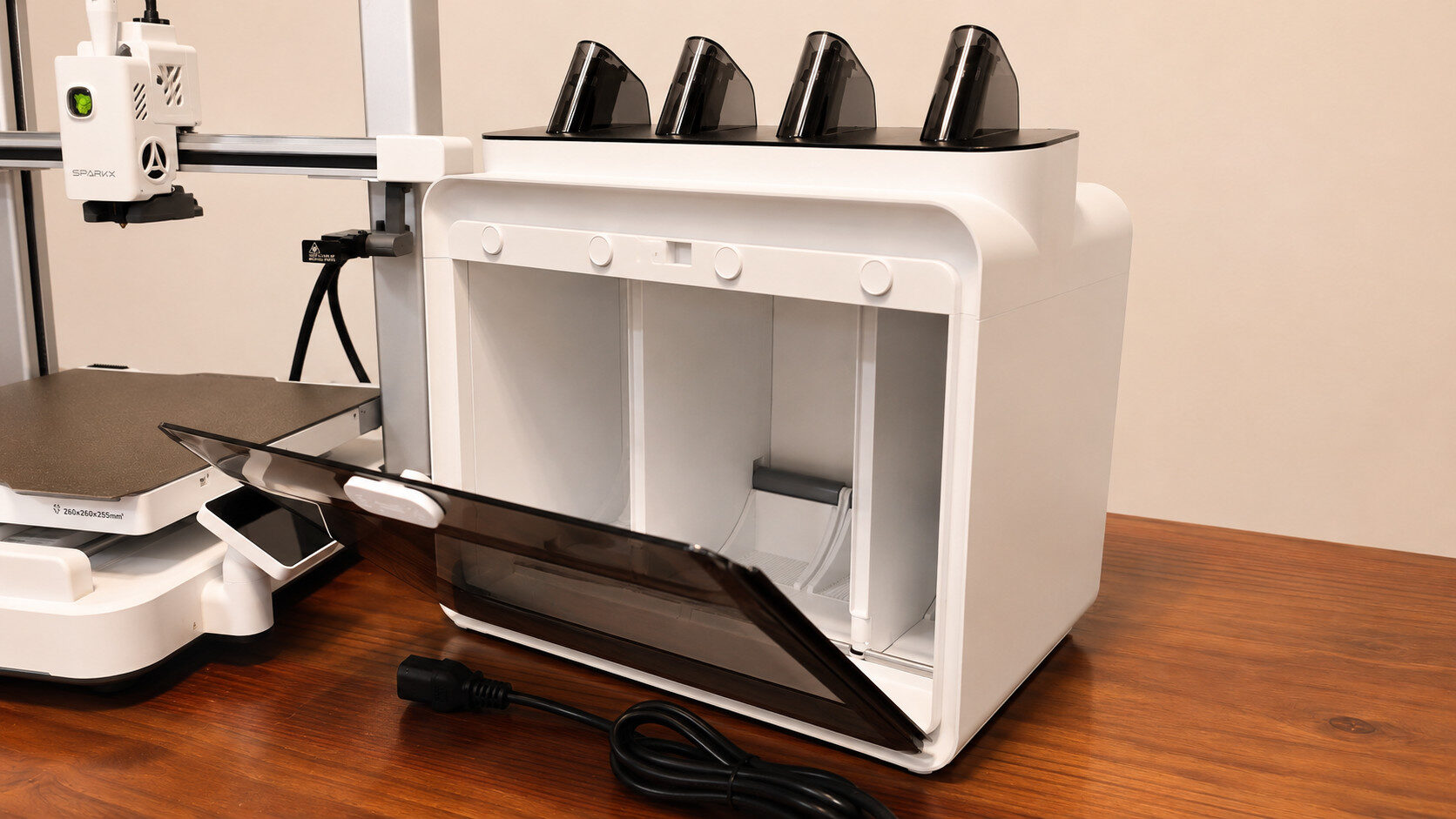
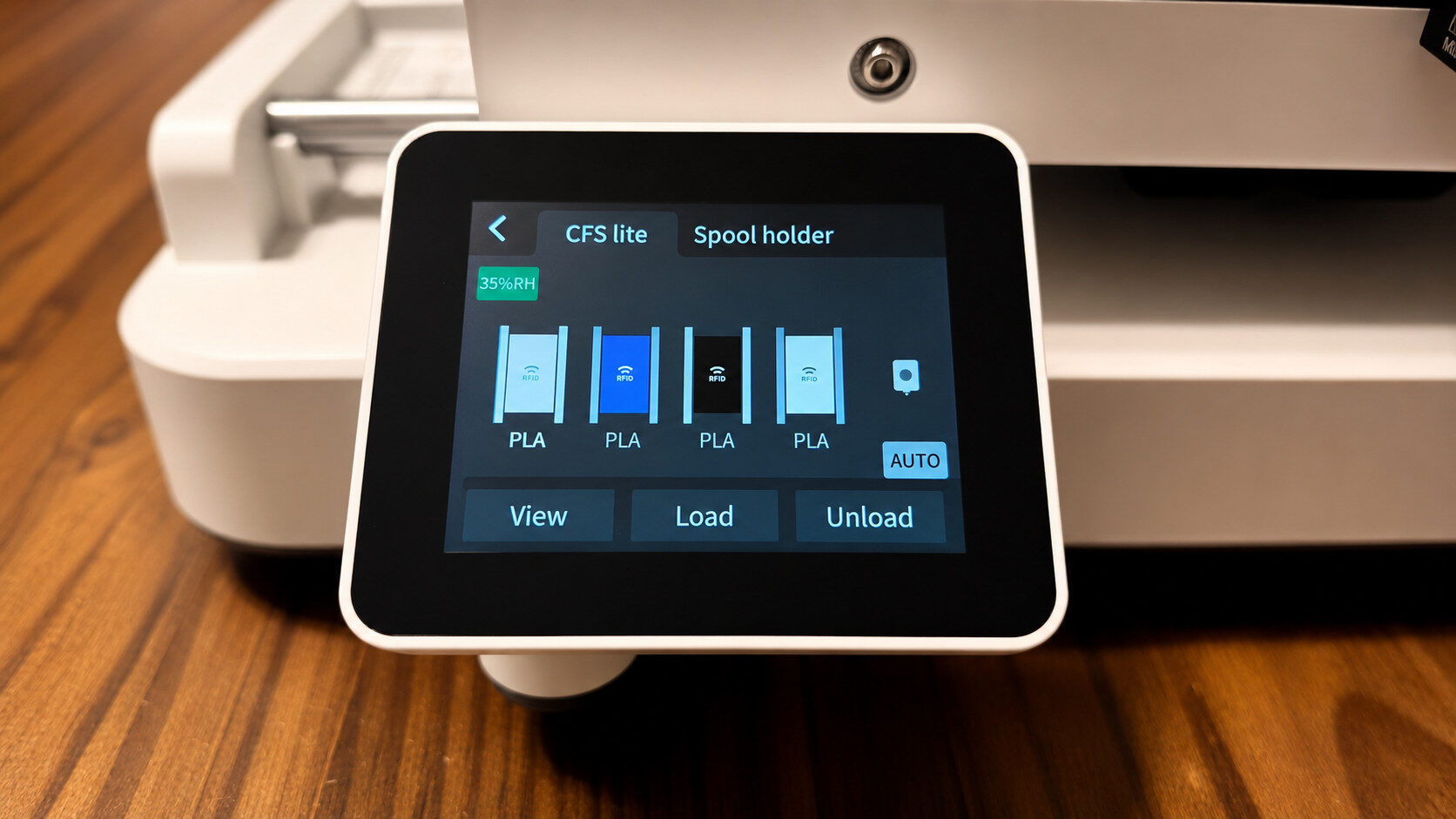
The CFS Lite Filament case is also an impressive piece of hardware. Essentially a smart case for up to 4 filaments, the CFS provides a moisture-proof storage solution with a magnetically sealed front flap. Each of the four filament cartridges can easily be slotted into place, fed through their respective tubes and connected to the SPARKX i7. If you decide to use Ceality RFID filaments, the colours are automatically recognized and marked by their position in the CFS Lite case. This design creates one of the most user-friendly experiences I’ve had with a 3D Printer.
On the note of user-friendliness, the SPARKX i7’s built-in settings and one-button calibration work exceptionally well, providing an easy-to-use experience, especially for novice users. The Creality SPARKX i7 is perhaps one of the most accessible 3D printers I’ve worked with to date. From assembly (all five minutes of it) to set up, the printer is ready to take on your first print within 20 minutes or so. It’s simple, intuitive and works well.
Printing, likewise, is a straightforward affair. Much of the tweaking and setting adjustments I’ve become accustomed to on other printers are handled fairly well by the Creality SPARKX i7. Using Creality’s ClearlityPrint (PC/Mac) or Creality Cloud (Android and iPhone), users can quickly drop most any 3D file into the software. Once in, the software will automatically make standard adjustments to the file to make it printable on the SPARKX i7.
While there have been instances where the file wasn’t designed for this specific printer, the Creality software has consistently accommodated differences, making printing a simple affair. Even when errors occur, the software points you to the needed adjustment within settings via hyperlink, so you never spend time searching the settings to make changes. It has consistently worked without issue. While Creality has its own in-house library of free and paid print files to choose from, I’ve also pulled and printed files from MakerWorld and Thingiverse without issue.
With the CFS Lite attached, the Ceality software allows for colouring of the model. It’s a robust system that allows for both quick, fill-style colouring or much more detailed, freehand colour selection. The software automatically scans each file (even if it isn’t designed for multi-colour printing in mind) and breaks it into logical sections quite accurately. As with most 3D printing software I’ve worked with, models can be edited and reconstructed fairly easily from within the software, allowing for adjustments if needed. Overall, the software works well and is easier to navigate than some others on the market.
The Creality SPARKX i7 supports both local and remote printing as well. More than once, I’ve set prints up via my phone and had them completed when I got home later in the day. My one small critique of the remote feature isn’t related to printing specifically (as that has worked each time I’ve tested), but rather accessing the live feed. I’ve noted that when not on the same network, the live feed tends to fail once or twice before connecting. Once connected, though, it works as intended.
“If you’re in the market for a multi-colour 3D printer, the SPARKX i7 is a worthwhile investment.”
One aspect of the printer I’ve truly appreciated is the Smart AI detection system. Leveraging a series of built-in cameras focused on the print bed, the system monitors the print in real time, looking for errors in the print. I’ve only had one failed print since opening the SPARKX i7, and the system immediately noted the air printing and stopped the system, sending a notification to my phone. This saved me the trouble of wasted filament and a botched print as well. It works great and is a feature that I would welcome on any 3D printer.
As for the print quality, once again, the Creality SPARKX i7 performs admirably. The nozzle and print head are designed to make micro adjustments during the print to reduce overextraction on corners and edges, which in turn leads to a cleaner print. In practice, it works quite well. Each print I’ve done has looked smooth and clean with no notable errors, bumps or nicks in the finished product. It also provides a very smooth finish to the prints so that flat surfaces actually feel flat and smooth. I’m impressed overall with the SPARKX i7’s print quality and colouring.
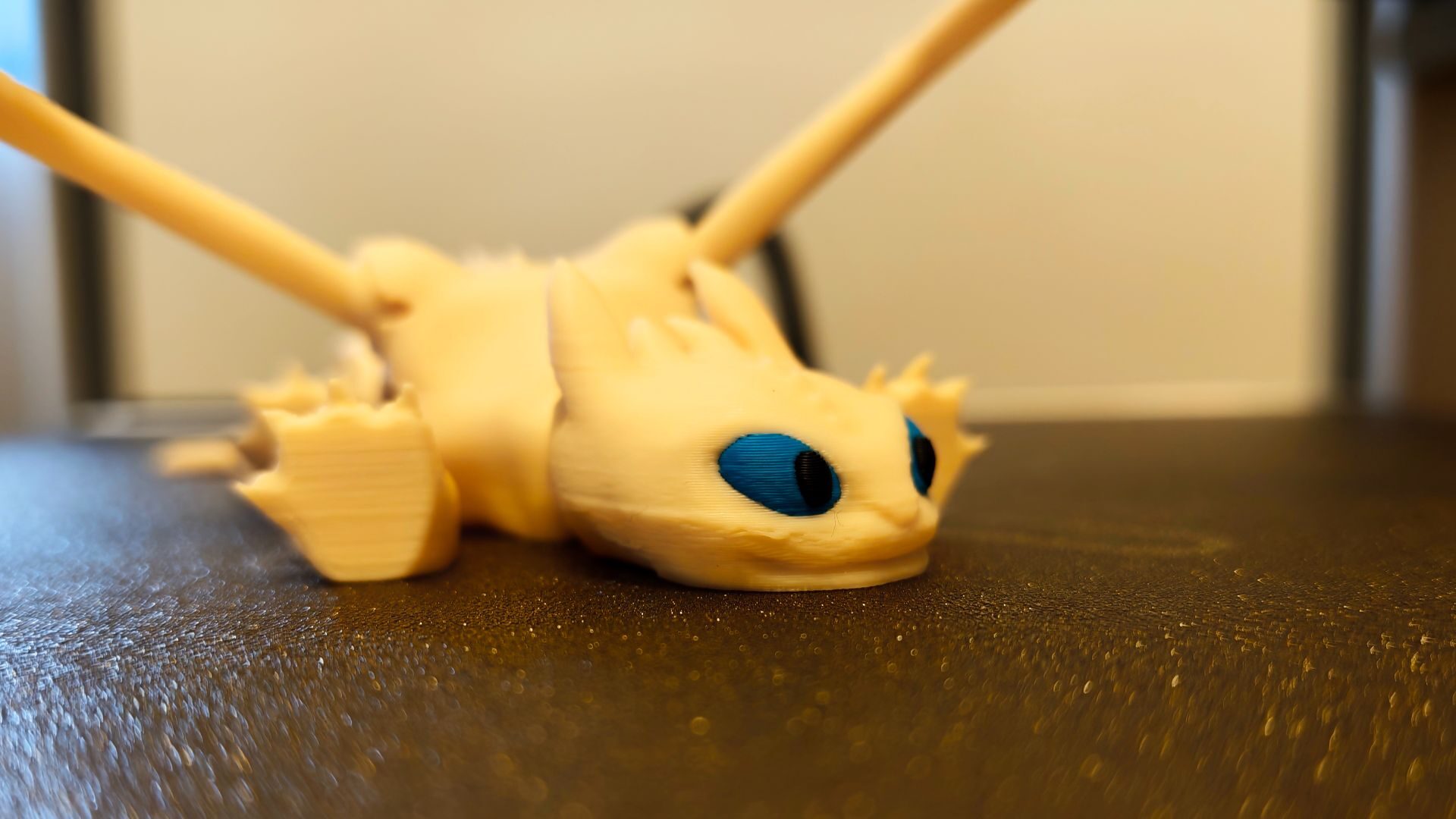
One feature I’ve appreciated about Creality’s four filament printer is the four modes of operation. While standard and ultrafast are, as one would expect, operating at 100% speed and 125% speed, it’s the stable and silent modes that are most impressive. Stable runs at 50% speed and is ideal for exceptionally detailed prints. Silent, though, is quite impressive, as it generates very little noise and is great for overnight printing. As someone who often runs prints through the night, this has been a great addition to my printing workflow.
The Creality SPARKX i7 and CFS Lite combo 3d Printer is a winning combination for those looking to dive into multi-colour 3D printing without needing to be an expert. While there are a few minor critiques, overall the SPARKX i7 is an easy-to-assemble and set up as well as a delight to use for small, simple prints to complex, multi-plate prints. If you’re in the market for a multi-colour 3D printer, the SPARKX i7 is a worthwhile investment.

- High-Speed Multicolor with 50% Less Waste: Unlock vibrant multicolor printing on the sparkx i7 3d printer with faster, more seamless filament switching. Engineered for 15% greater efficiency and 50% less purging waste, delivering refined details while saving material and time
- AI-Custom Creations & Stylish Desktop Decor: Turn portraits into personalized 3D models in seconds with Creality’s CubeMe AI—perfect for unique gifts or tabletop displays. The sleek aluminum alloy body features customizable RGB lighting that indicates print status while letting you match your personal style