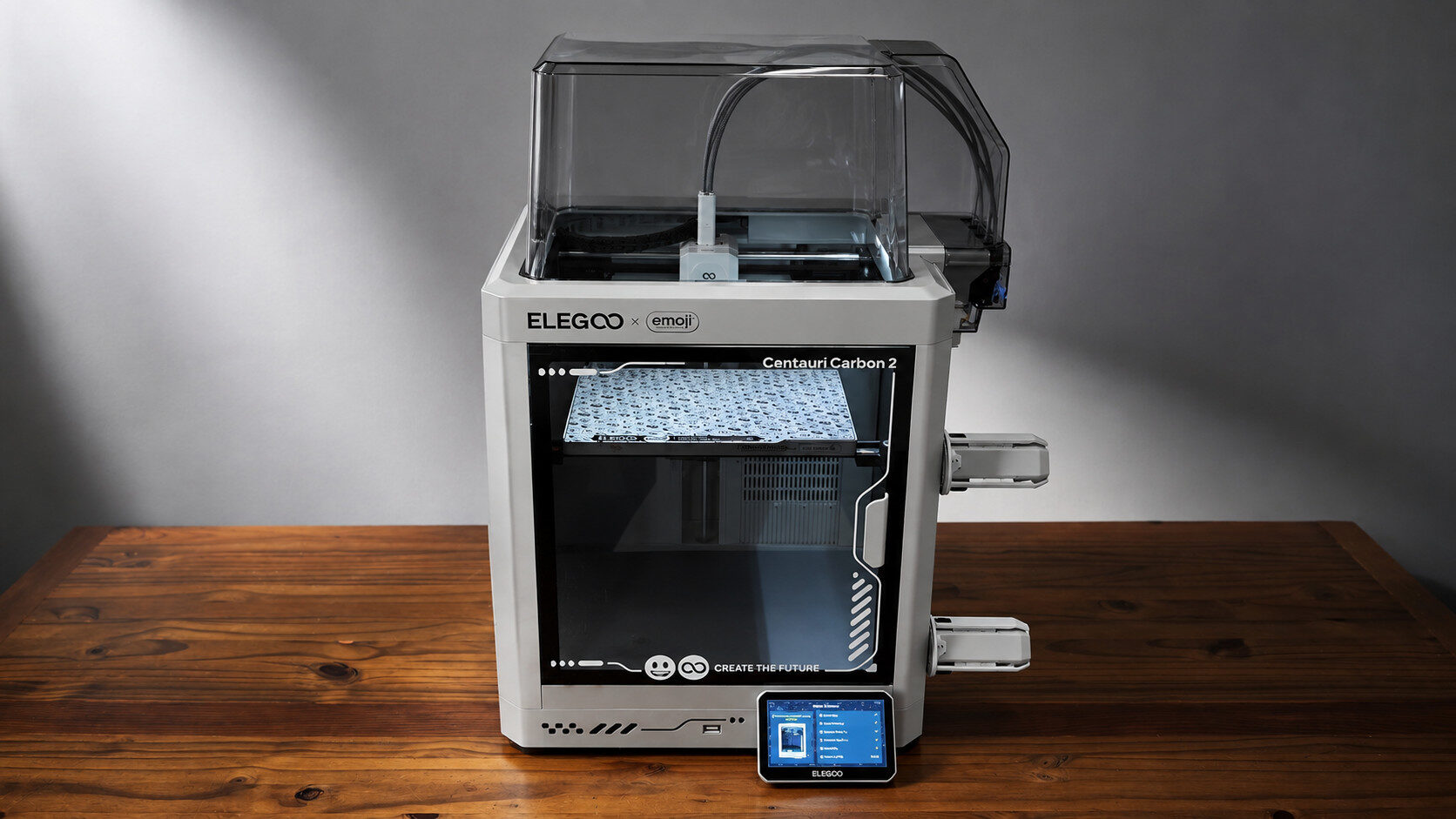


The ELEGOO x EMOJI Centauri Carbon 2 is the latest iteration of the Centauri Carbon series. ELEGOO offers some enhanced features with the Centauri Carbon 2, including multi-colour print support, a 350° high-temperature nozzle end and an enclosed top chamber. In collaboration with EMOJI, this version of the Centauri Carbon 2 also includes an emoji-branded style plate, a unique, themed case and a custom UI interface. While there are some notable improvements over the original Centauri Carbon, Software woes create moments of frustration for an otherwise solid printer experience.
The Centauri Carbon 2 features a closed-bed design, which is a welcome change from the standard open bed of the ELEGOO Neptune 4 Pro. Out of the box, the printer does require some assembly, which, while not overly complex, does seem a bit cumbersome after working with other brands such as the almost completely assembled Cearlity SPARKX i7.
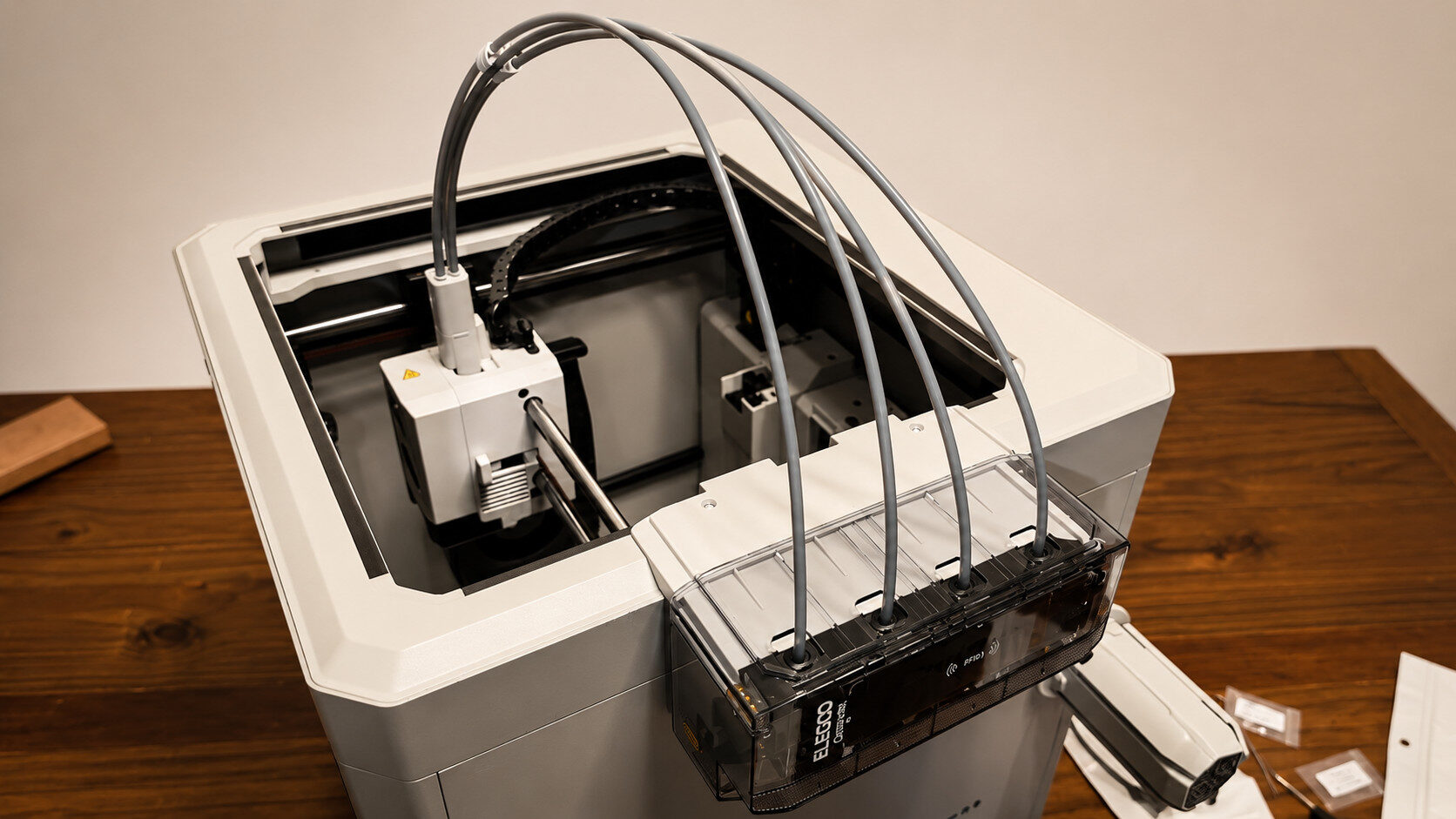
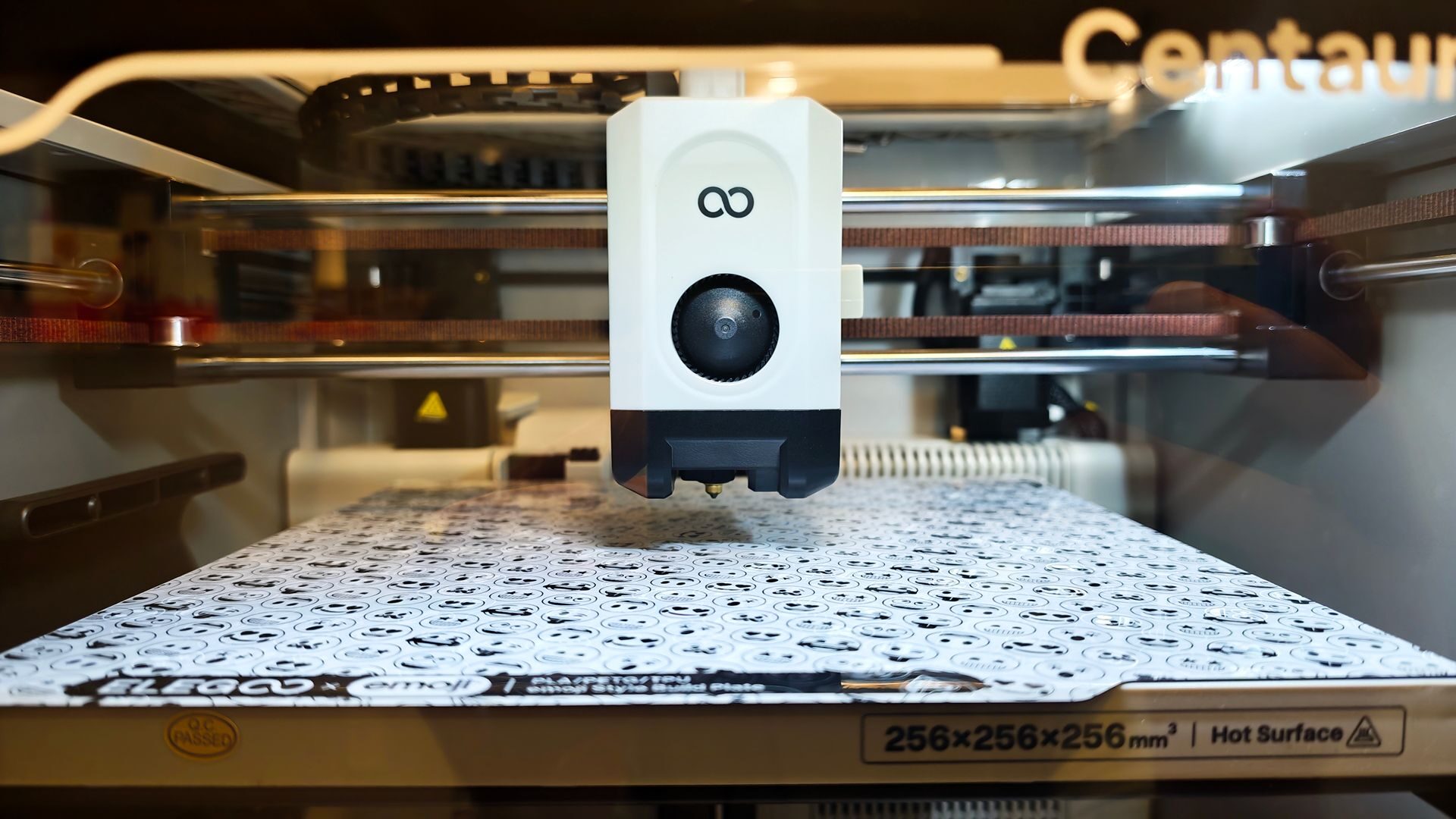
From box to built, users can expect about 25-35 minutes of assembly time plus another 10 minutes of initial setup. If this is your first 3D printer, budget a bit more time, as some of the pieces are intricate to work with. The parts feel well-crafted and sturdy, slotting into place without requiring excessive force. The bed measures 256x256x256 mm, providing a suitable space for larger prints such as statues or helmet parts.
“The Centauri Carbon 2 features a closed-bed design, which is a welcome change from the standard open bed of the ELEGOO Neptune 4 Pro.”
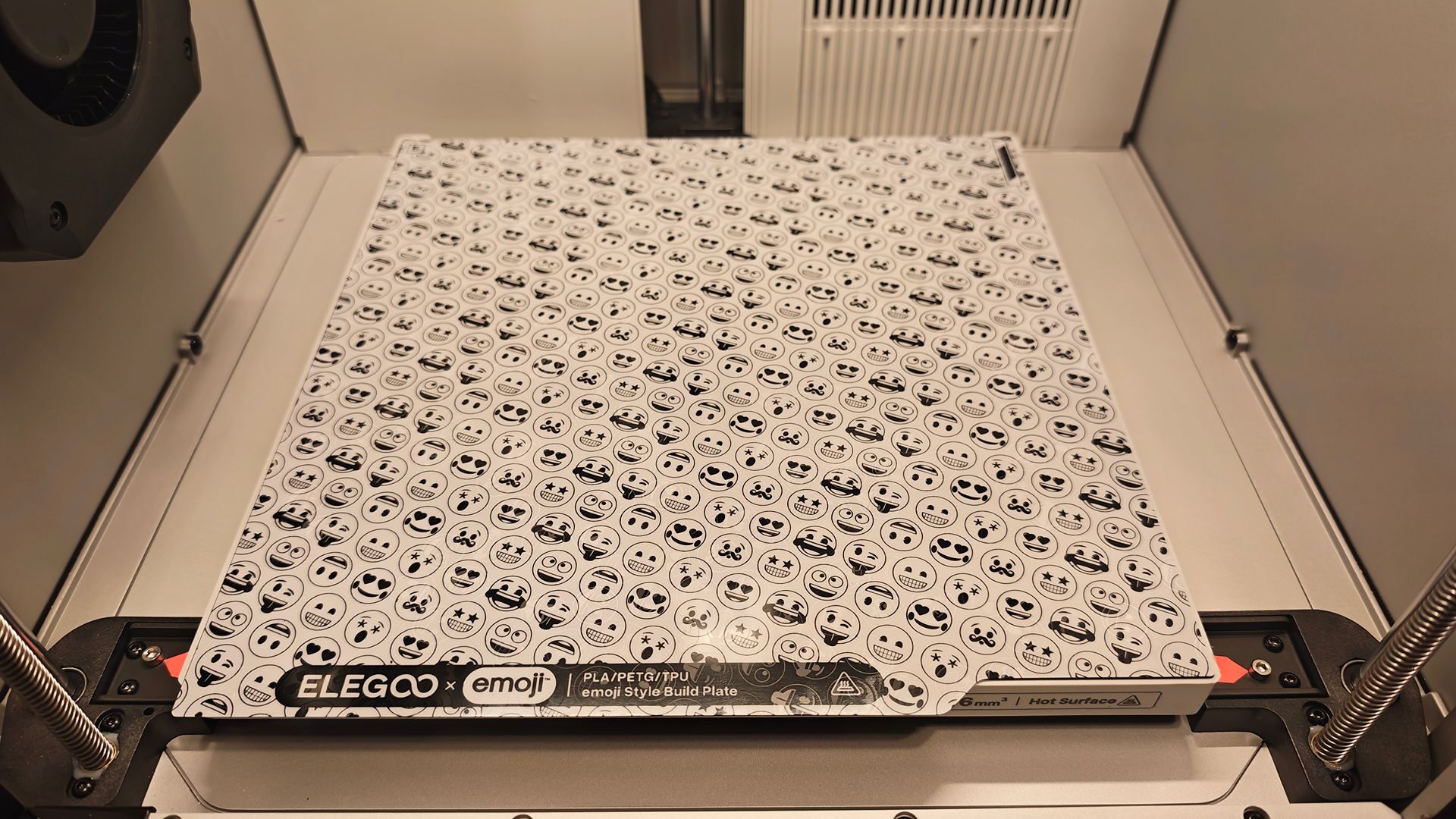
The EMOJI version of the Centauri Carbon 2 includes a unique dual-sided build plate that features a standard textured bed as well as an EMOJI-branded smooth plate. The latter creates an emoji pattern on the bottom side of your prints for those wanting to add a bit of fun flair to their design. For those new to plate swapping, note that you will have to create a preset within the ELEGOO Slicer software that supports multi-bed printing, a small but important detail that took three failed prints for me to realize.
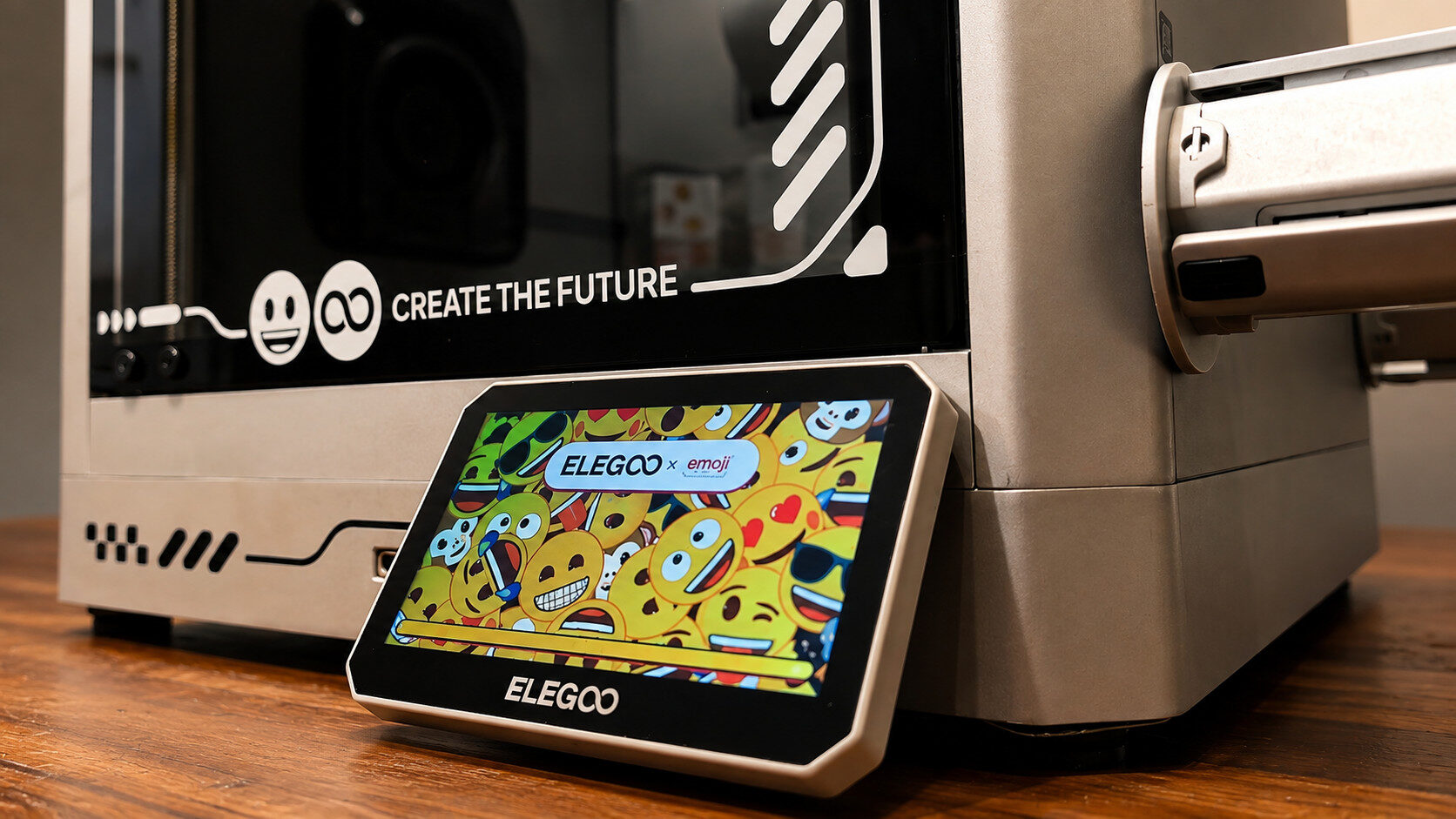
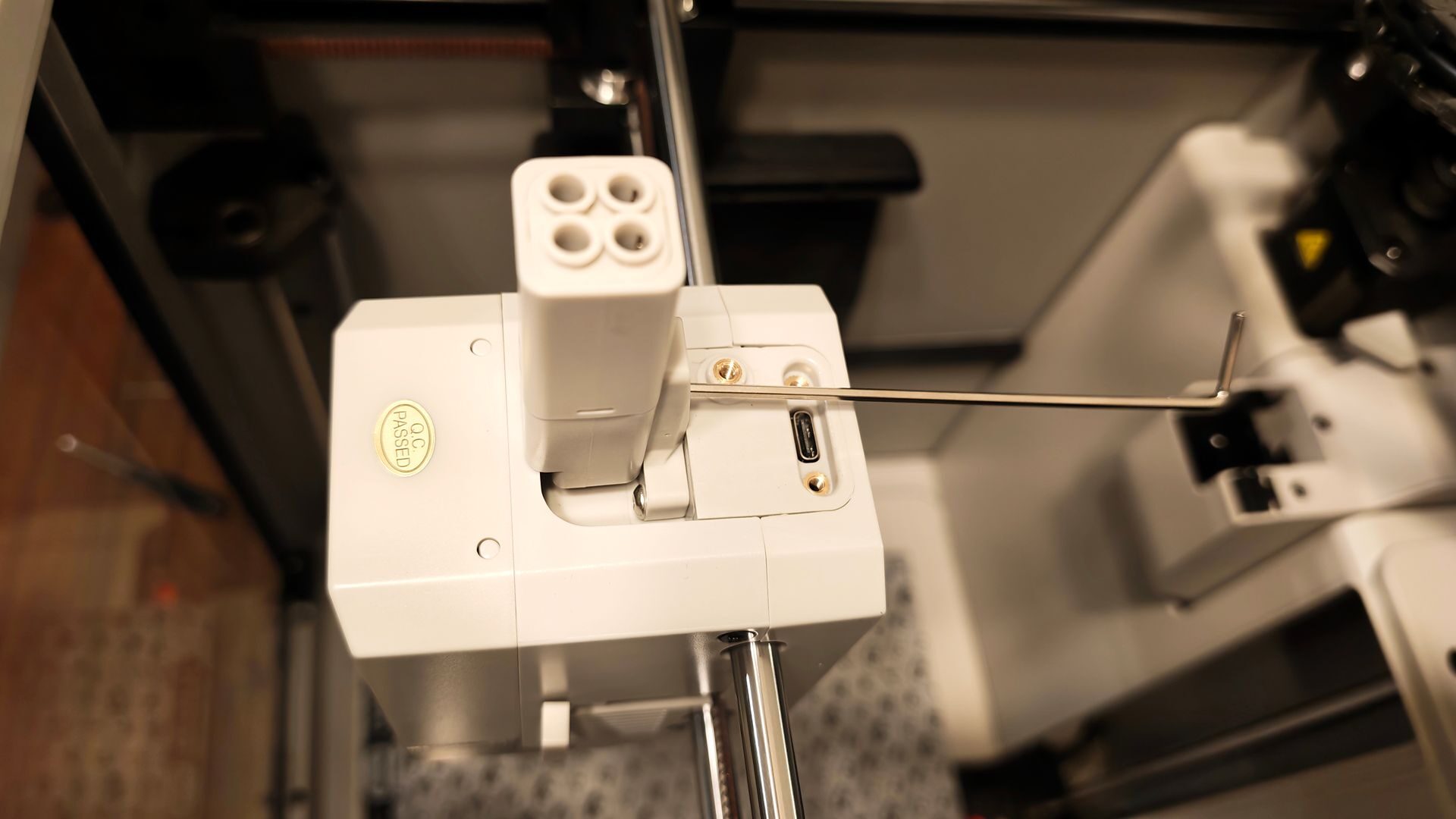
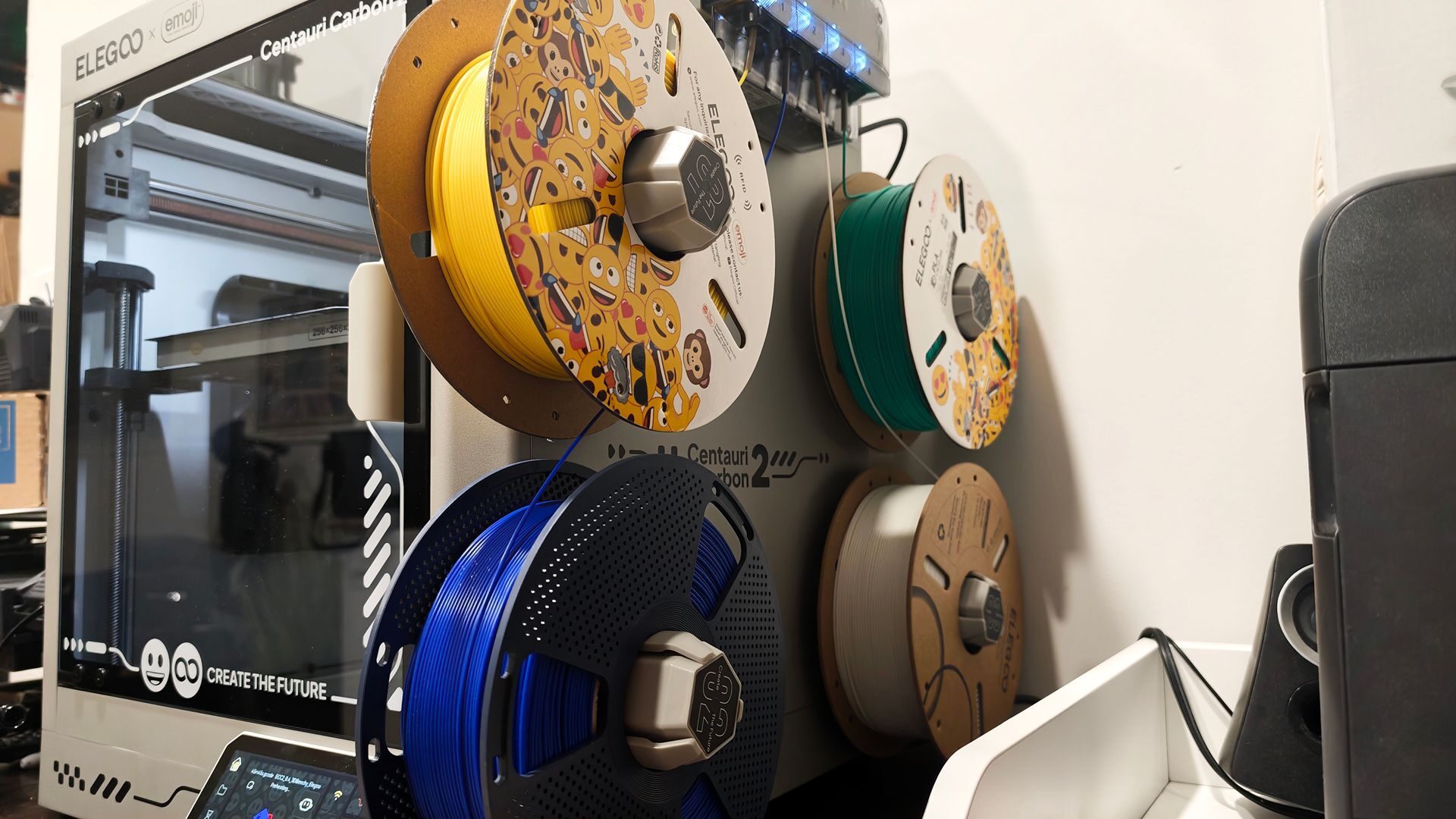
Beyond the fun emoji-themed branding, the standout design updates to the Centauri Carbon 2 include multicolour printing with CANVAS, a larger five-inch capacitive colour touchscreen and a thermal cover. The multicolour printing module, located on the right side of the printer, provides a simple filament-feeding system with RFID support, allowing it to identify and add supported filaments with each scan. The Centauri Carbon 2 also has four mounting posts below the module that can accommodate standard filament spools.
Once loaded into the multicolour printing module, each filament is fed directly into the filament hub. The thermal cover sits over this assembly, creating an enclosed space for printing. It is a smart design. While I miss the CFS Lite filament system from the previously mentioned Creality SPARKX i7, I appreciate the Centauri Carbon 2’s smaller footprint and cleaner appearance.
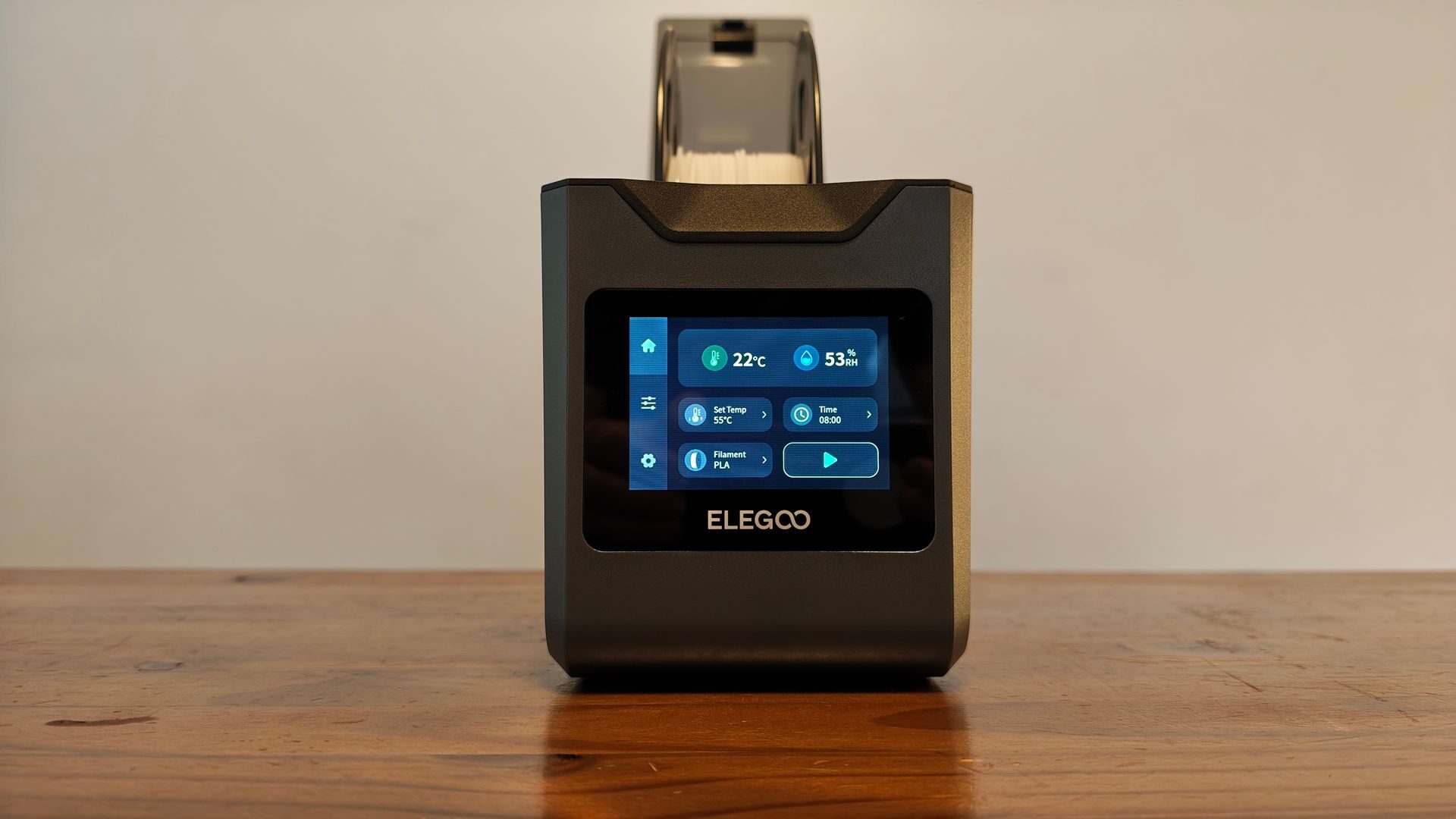
For anyone who still wants a filament storage solution, ELEGOO sent over the H1 HT filament dryer. You would need multiple units to accommodate a multicolour printing setup, but it provides active temperature and humidity control for filament, along with a built-in roller system. It also has a touchscreen that provides access to its various settings. For testing, I paired it with the Neptune 4 Pro and was pleased with how seamlessly it integrated into the printer’s setup.
The larger five-inch capacitive touchscreen is another welcome addition. Its emoji-themed interface fits the overall design, and the vibrant display is easy to read and navigate when setting up or monitoring prints. The interface has a straightforward layout that provides access to all the system’s features.
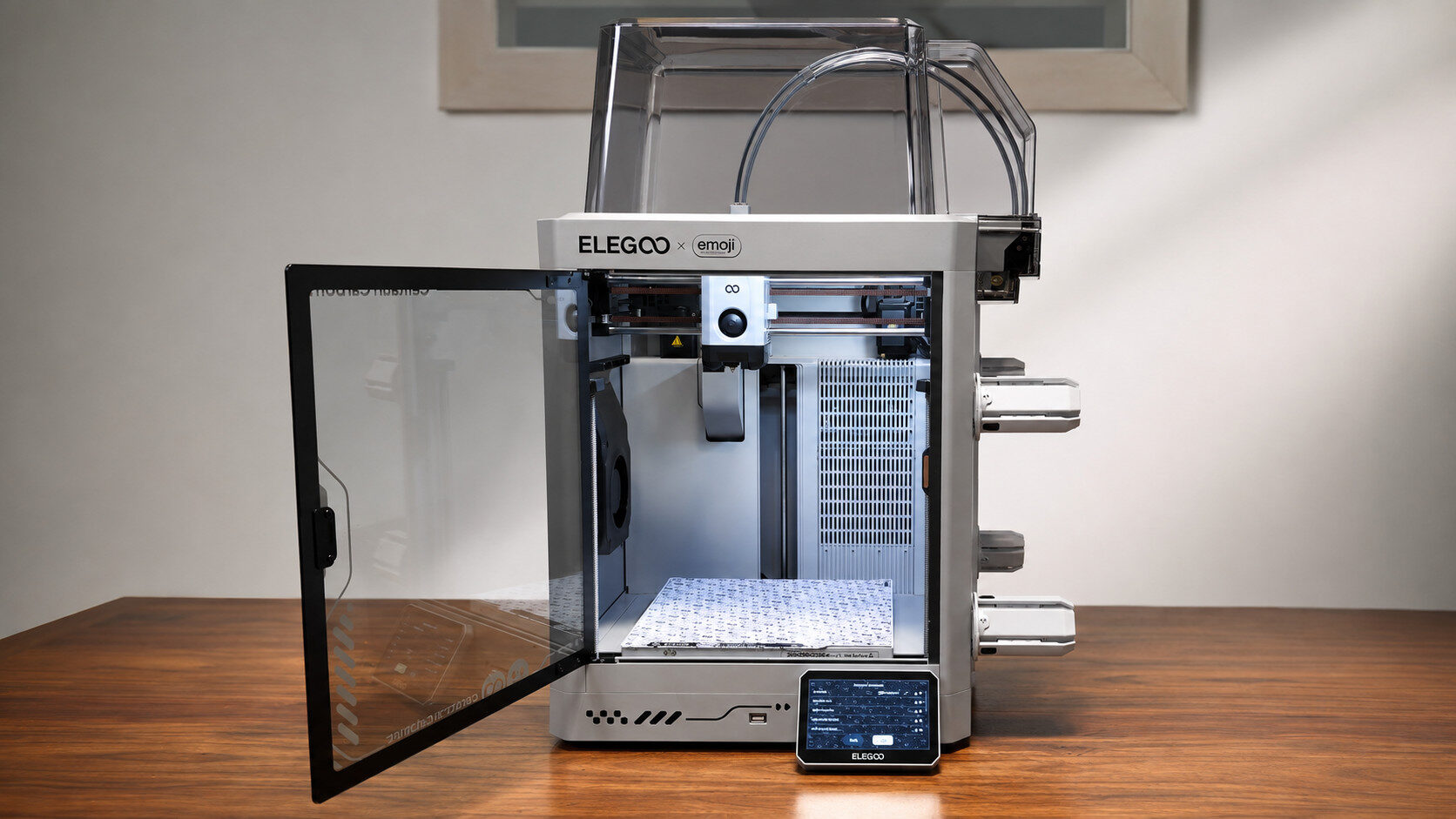
Shifting to internal components, there are a couple of key updates of note. The first is the inclusion of a real-time camera, which is a solid upgrade over the Centauri Carbon 1’s Time-lapse camera system. When turned on, it provides a fairly solid quality capture that can be viewed from both the app and PC/Mac. This is, of course, assuming the software will actually work properly.
“I appreciate the Centauri Carbon 2’s smaller footprint and cleaner appearance.”
The nozzle has seen an upgrade as well, now capable of holding a max temperature of 350℃, up from the previous generation’s 320℃. This does allow for faster printing thanks to the increased layer adhesion, but, as I’ve noticed during prints, it can lead to some light filament stringing. Thankfully, this doesn’t happen consistently, and when it does, it’s a quick cleanup.
The Centauri Carbon 2 also includes a clog detection sensor, something that was notably missing on the first generation. This can save what would otherwise be completely useless prints, as it will halt the process before any permanent damage to the print is done. Especially in the case of a multi-colour printer, this feature is a must.
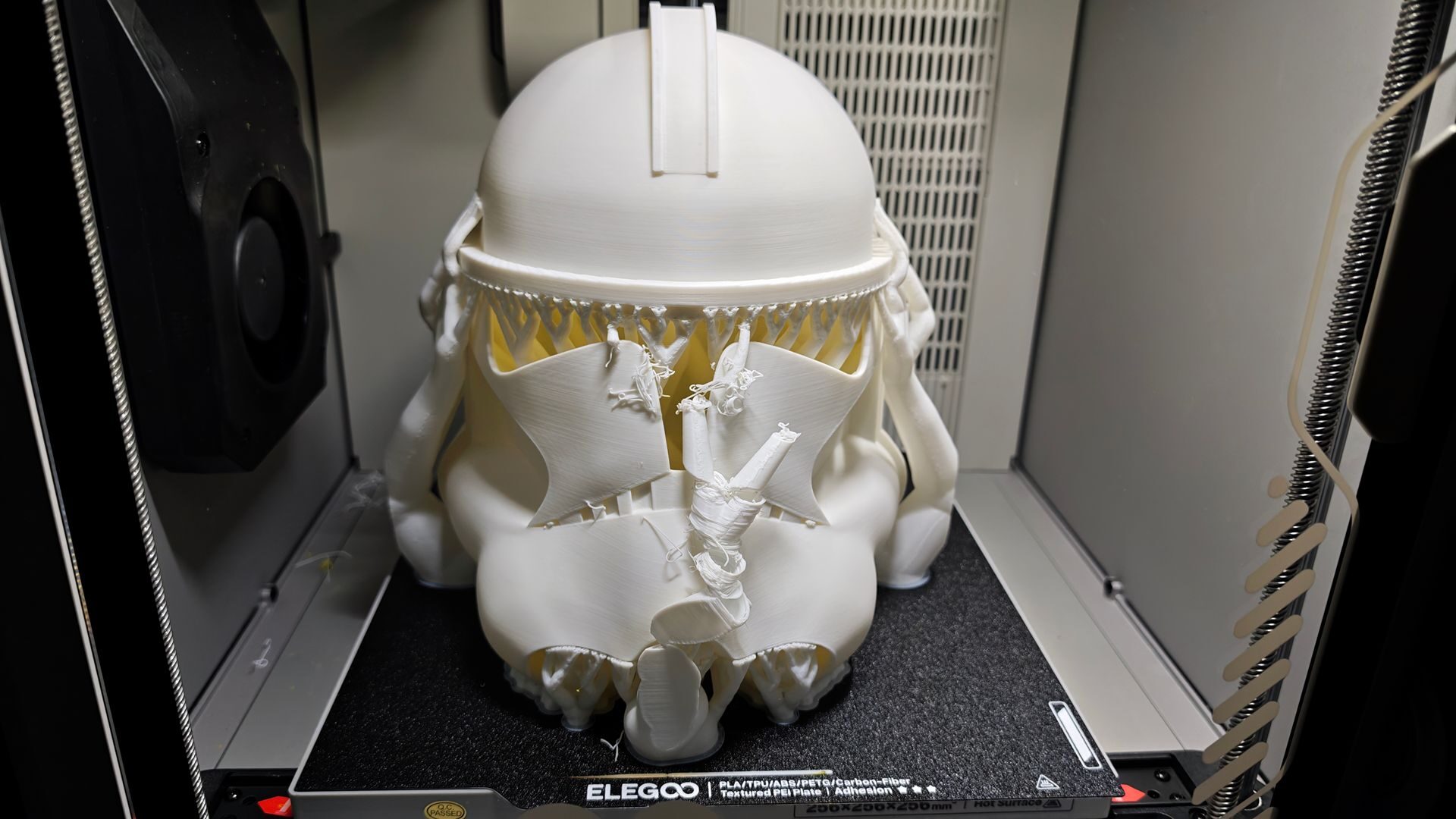
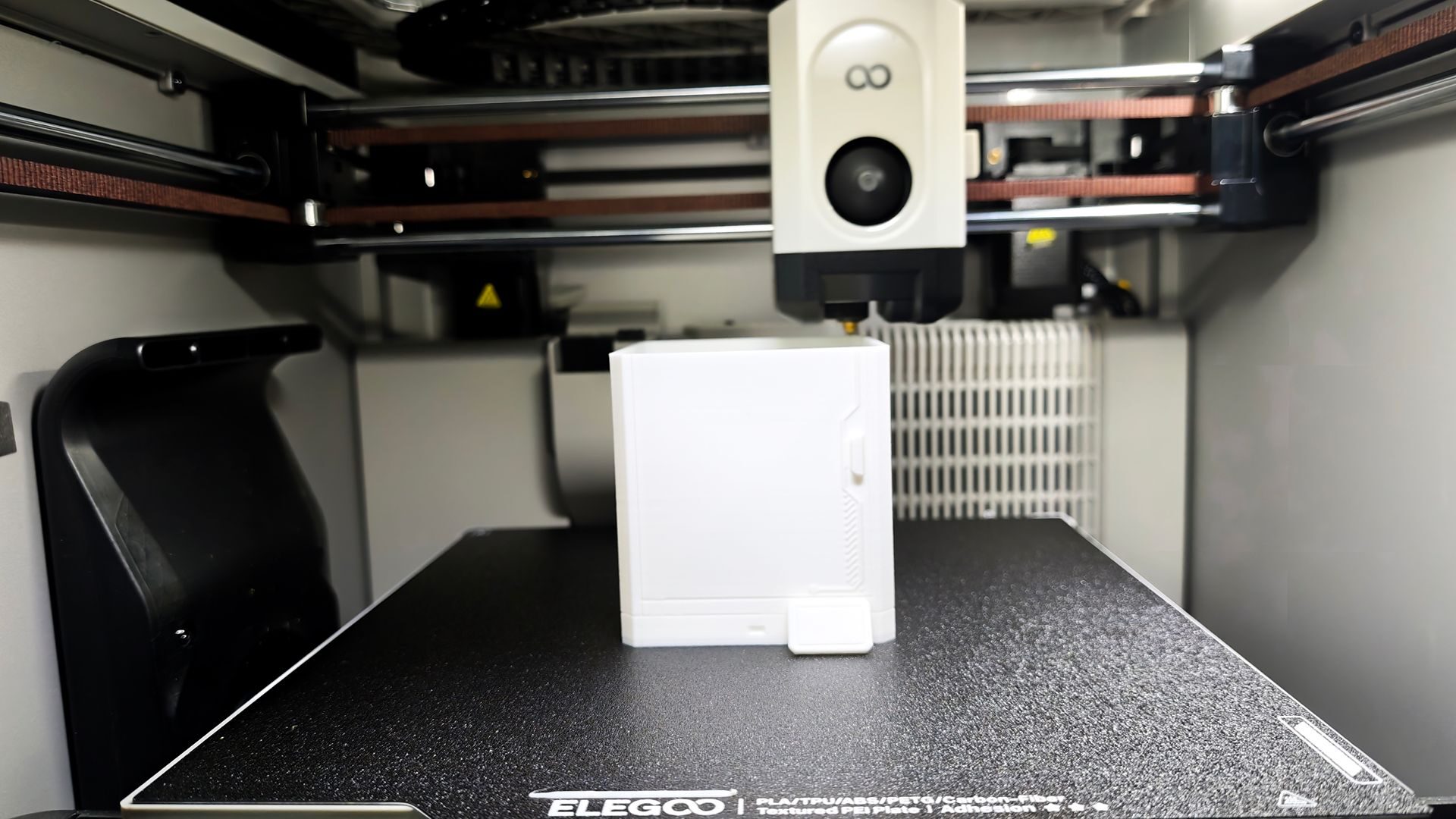
Another feature that has impressed me is the Centauri Carbon 2’s automatic levelling system. It uses a 121-point levelling process that saves a significant amount of time. Gone are the days of manually setting the Z-axis, as the printer can run a full automatic levelling process before each print. It takes only a few moments and provides added peace of mind.
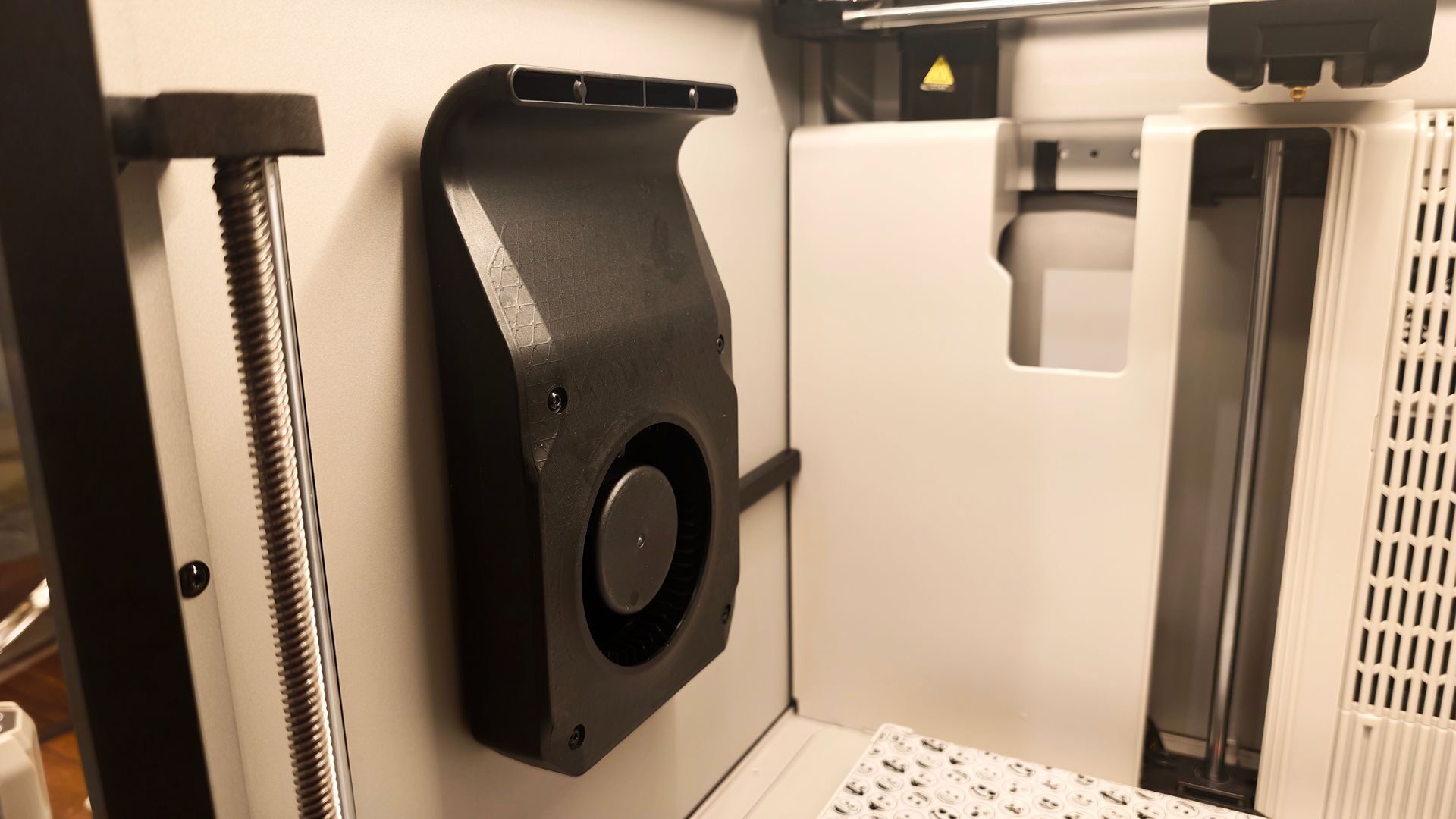
As noted, the Centauri Carbon 2 Combo is an enclosed printer, which helps reduce the mess created during printing. While I have enjoyed the other printers I have tested, the Centauri Carbon 2 requires far less cleanup. Almost all the filament cutoffs collect at the bottom of the enclosure, making them easy to remove with a handheld vacuum.
With the door closed, the system operates at about 45 dB, according to a sound-level meter app on my phone, although the volume varies depending on the printing speed. Balanced mode, the default setting, works well, but users can increase the speed to Sport or Ludicrous mode depending on their needs. Ludicrous mode gets the job done, and we should all take a moment to appreciate the reference to Spaceballs, but print quality suffers. It still works, but the higher speed causes the printer to shake, which could create problems, and the finished prints are not as smooth.
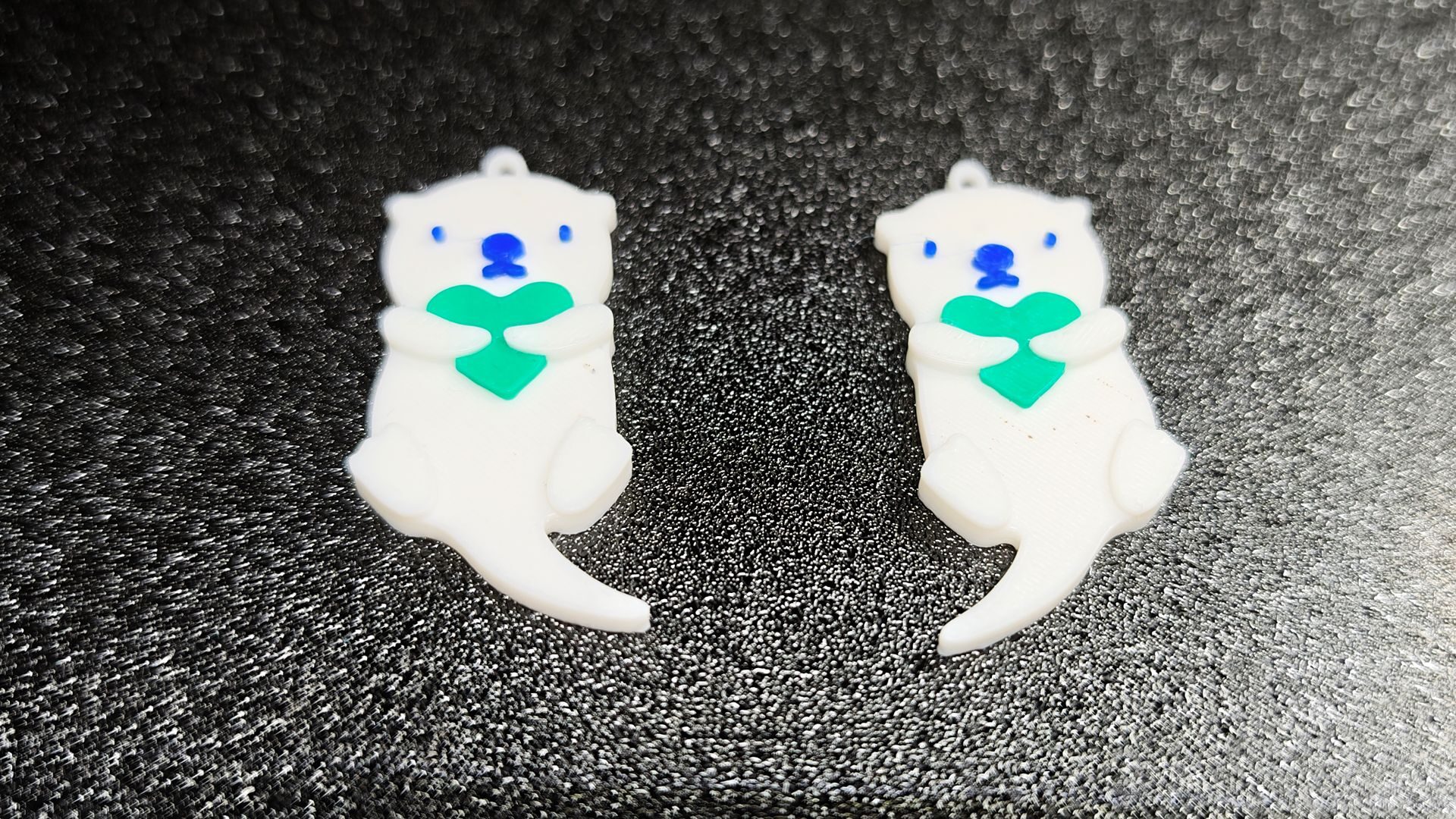
For almost every situation, I found Balanced mode worked well, with no issues during my test prints. Silent mode also works well, but unless you are sleeping in the same room as the printer, the slower printing speed may not be necessary. At Balanced speeds, the prints were consistent and of solid overall quality.
“The hardware feels sturdy, and the enclosed printing area is a welcome change from the open printers I have previously tested.”
During testing, multicolour printing worked well. The multicolour printing module and filament hub did an excellent job of switching colours and clearing the previous filament before continuing the print. The resulting prints were clean and closely matched the intended designs. Print quality was on par with what I would expect from other multicolour printers in this price range.
This brings me to my only two major criticisms of the Centauri Carbon 2 Combo: its software and network connection. For this review, I spent most of my time using the ELEGOO Slicer software. While its interface is similar in some ways to those offered by other brands, several menus and settings are cumbersome to navigate, making specific options more difficult to find than they should be.
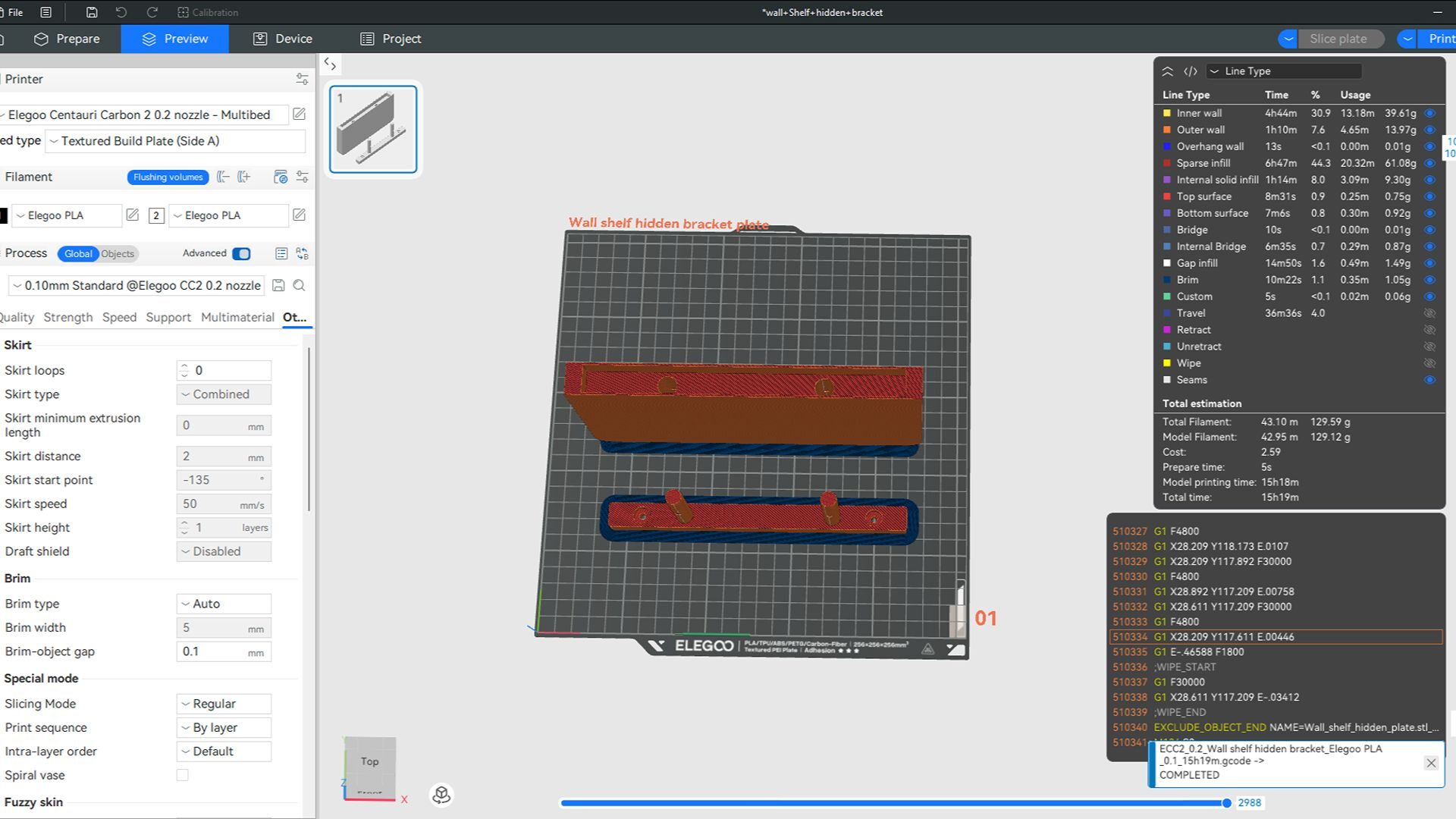
The software is also exceptionally buggy, particularly when transferring sliced files to the printer or trying to operate it remotely. For example, the camera highlighted earlier works well, provided the software recognizes and activates it. This has been an ongoing issue that generally requires restarting the printer. It is frustrating, especially when I want to set up a print while away from the office, as I cannot always monitor its progress remotely.
Remote access is another source of frustration. I have noticed that if the printer remains idle for a few days, it drops its network connection. Restoring the connection requires manually reconnecting through the printer. My research uncovered several possible fixes, including IP reservation and band steering. That is useful unless you read those terms and have no idea what they mean.
These workarounds should not be necessary. According to my research, the original Centauri Carbon had the same problem, and it has unfortunately not been resolved with the release of the Centauri Carbon 2.
While I appreciate the quality of the prints this machine produces, its finicky software and unusual network problems are disappointing in an otherwise excellent printer. For more tech-savvy users, these issues are irritating but manageable with a few minor workarounds. For everyone else, however, they could create a genuinely frustrating experience.
At its core, the ELEGOO x EMOJI Centauri Carbon 2 Combo produces solid 3D models. The hardware feels sturdy, and the enclosed printing area is a welcome change from the open printers I have previously tested. The multicolour printing module works exceptionally well, and I love its smaller footprint compared with other multicolour 3D printers I have used. Unfortunately, these standout features are hampered by buggy software and network problems. While they are not necessarily deal-breakers, they make it difficult to recommend the printer to less tech-savvy users.