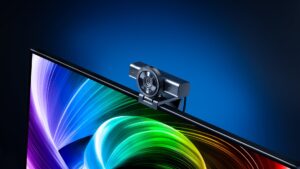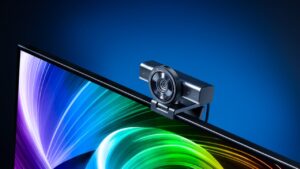
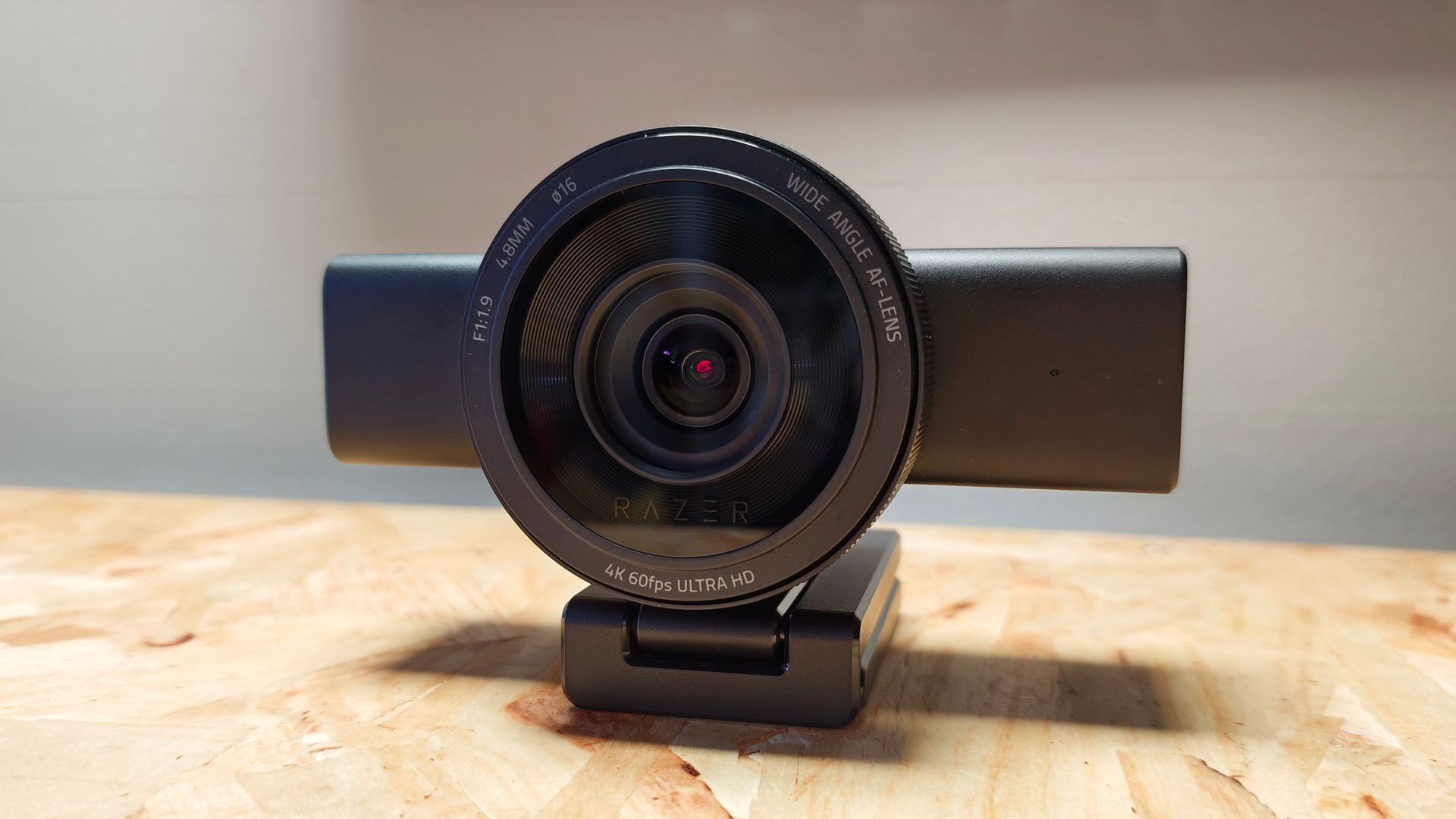


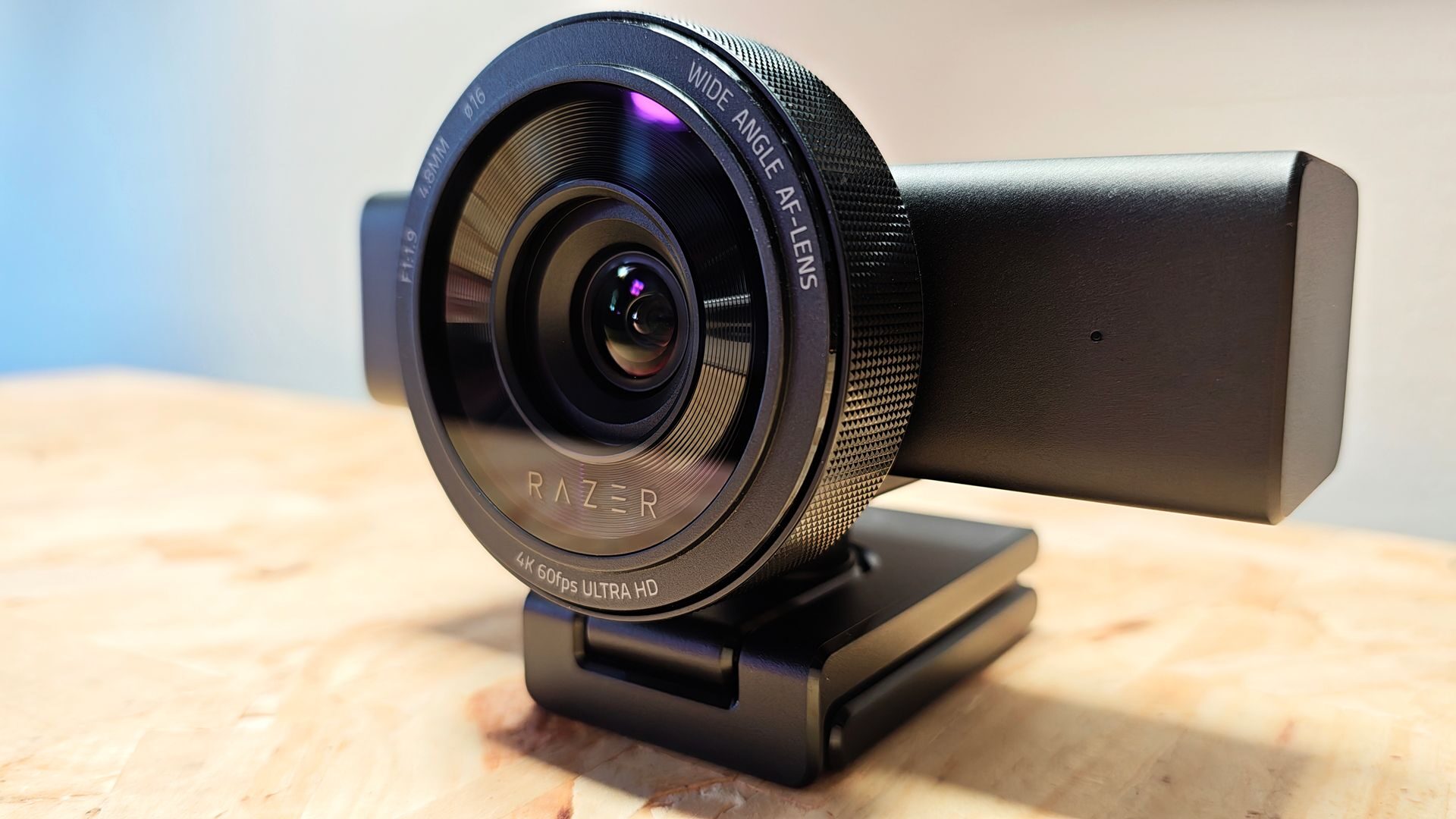
The Razer Kiyo webcam series has been a solid webcam option for streamers since its initial release back in 2017. While it’s seen many revisions over the years, with the most recent Razer Kiyo V2 having been released last October to solid reviews, Razer just released the new Razer Kiyo V2 Pro. Featuring 4K60FPS capture, full HDR support, a host of image customization settings and an integrated privacy shutter system, the Kiyo V2 Pro is Razer’s most powerful webcam to date.
Kiyo V2 Pro carries over much of the design and hardware that made the Kiyo V2 successful. Structurally, it shares the fixed L-shaped mount with a ¼” thread and a built-in privacy shutter, and a sturdy, wide body iconic to the Kiyo V2 design. The camera body, likewise, shares a similar weight and size.
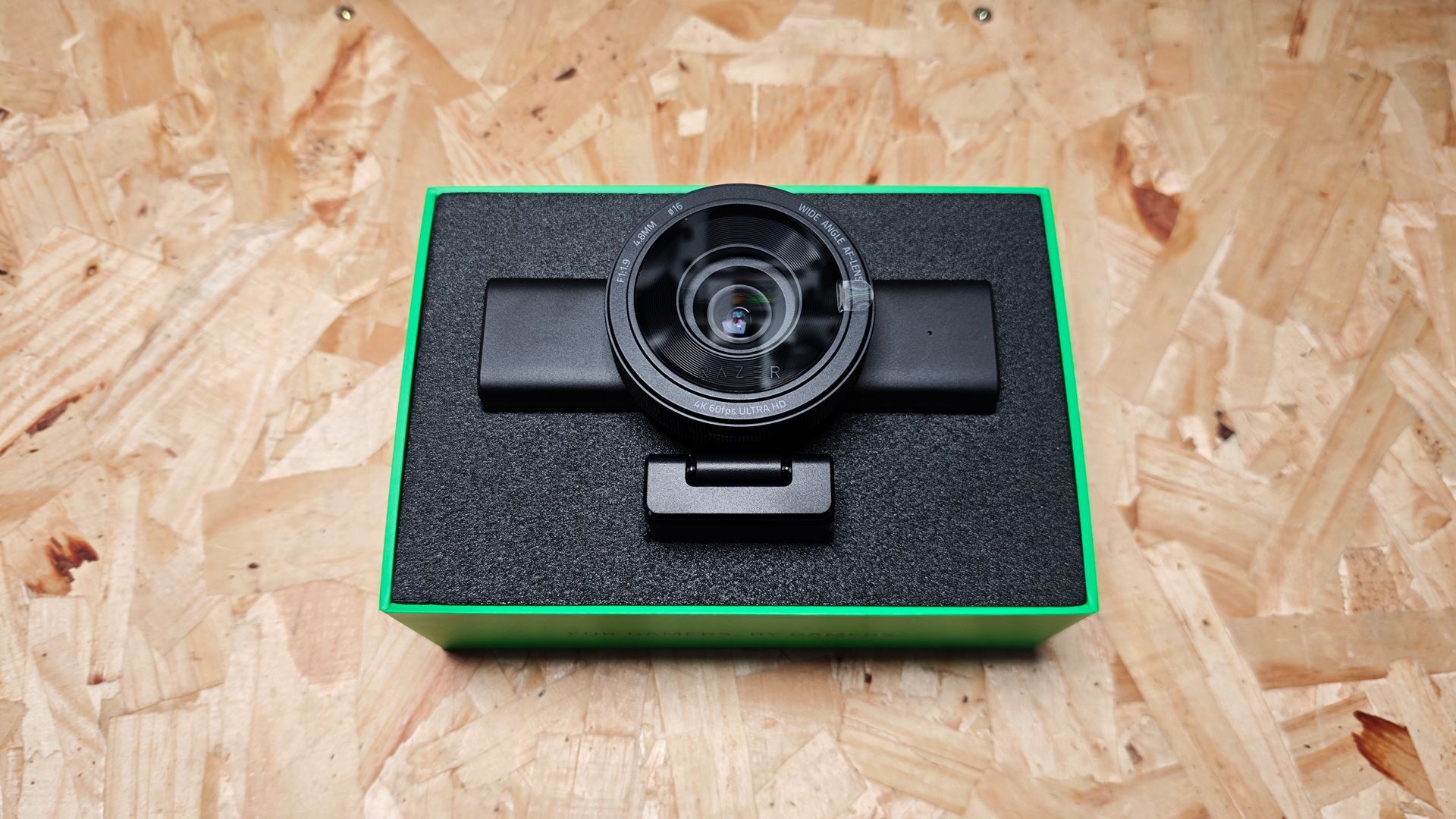
Internally, the Kiyo V2 Pro also has the same image sensor, the 8.3MP Sony STARVIS 2. Built for clarity and low-light applications, the STARVIS 2 is a proven image sensor and serves the Kiyo V2 Pro well. When compared to the Kiyo V2’s implementation, the Pro version has a few key upgrades to consider.
“Featuring 4K60FPS capture, full HDR support, a host of image customization settings and an integrated privacy shutter system, the Kiyo V2 Pro is Razer’s most powerful webcam to date.”
While the Kiyo V2 is locked to 4K30FPS, the new Kiyo V2 Pro features 4K60FPS capture. Razer has slightly adjusted the field of view, tightening it to 86° from the Kiyo V2’s 93°; the advantage is that it allows a longer focal length of 4.8mm (up from 3.0mm), providing a 24mm full-format equivalent. This translates to a more natural wide-angle capture with less potential distortion. Additionally, it makes composition setup a bit easier to manage.
The Kiyo V2 Pro ships without the built‑in microphone of the Kiyo V2, which seems like an interesting choice for the Pro version in the Kiyo V2 series. That being said, any streamer or creator investing in a 4K60FPS webcam most likely isn’t leveraging its built-in audio capture.
Finally, Razer has, as with the Kiyo V2, included a lifetime license for Camo Pro Studios, valued at $100. It’s a nice piece of software that provides additional features such as auto pan and zoom, as well as a host of additional tools such as multicam support, editable overlays and additional image customization. Interestingly, it seems to truly leverage the camera’s AI hardware.
To fully leverage the Kiyo V2 Pro, Camo is a must, as some of these features, such as AI subject tracking, are only available here. Camo is recognized by OBS as a video source, allowing for easy integration; for those so inclined, Camo Pro allows for streaming directly from within the app. It’s a bit frustrating to need another piece of software to manage all of the Kiyo V2 Pro’s features, but the courtesy license is appreciated.
In testing, the Kiyo V2 Pro performs well, managing up to 4K60 FPS without breaking a sweat. The autofocus works fairly well, pulling from subject to subject within, on average, two seconds. Full manual focus is readily available if desired. It comes with two modes: passive and responsive, offering different speeds at which the camera will work to find new focus points.
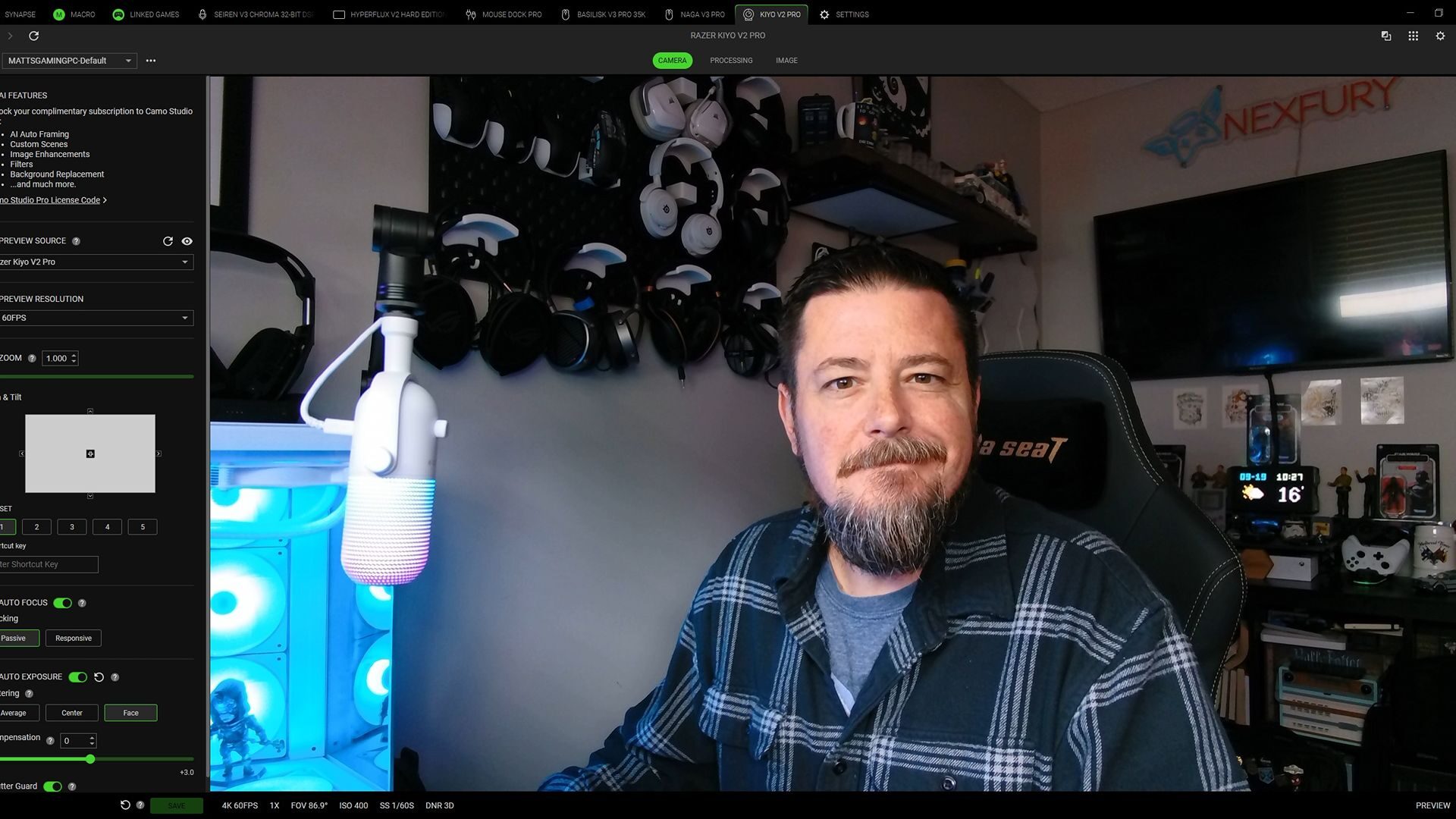
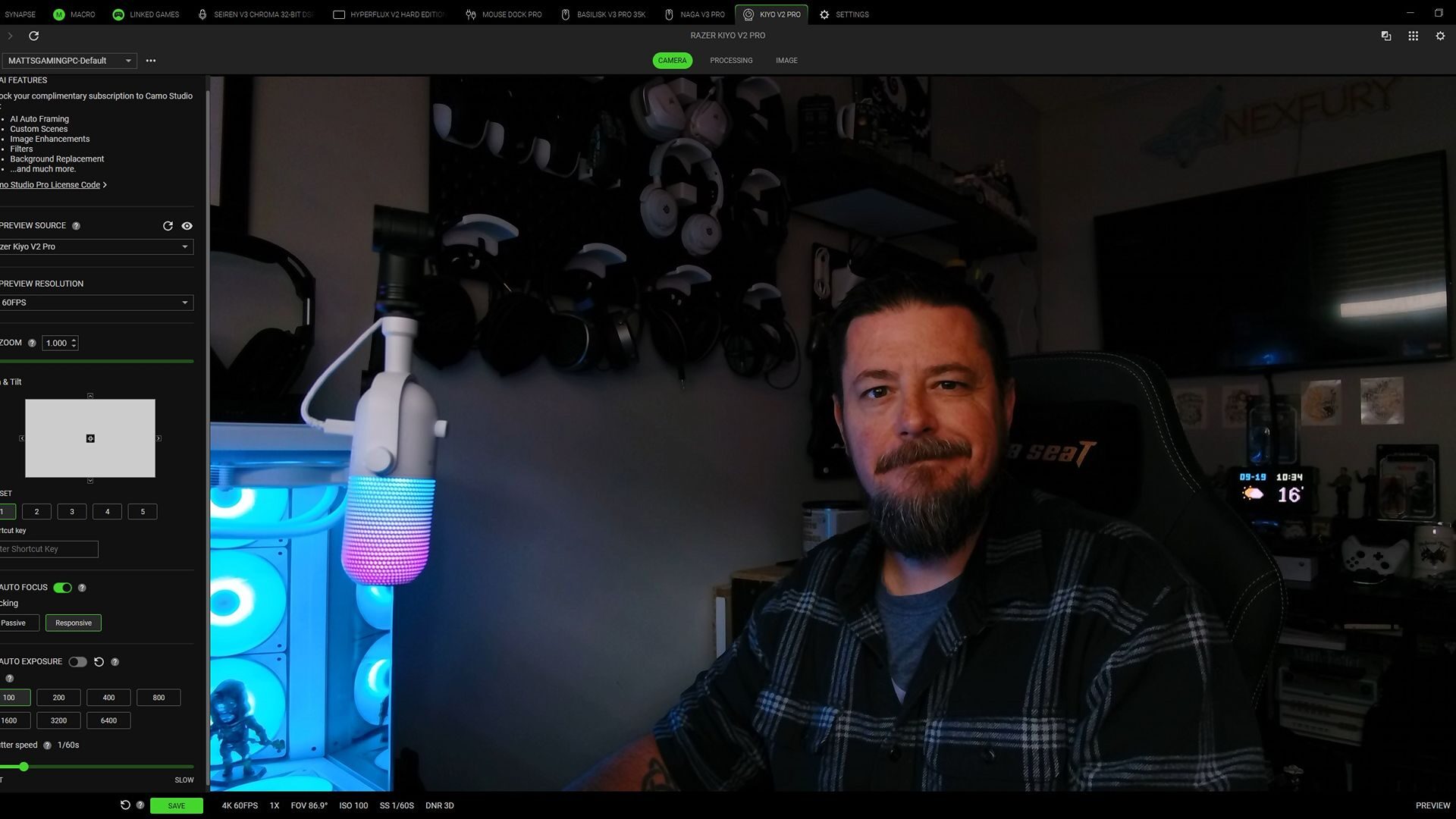
I found passive to work quite well for most situations and reduced the chance the camera would compensate when I moved for a second to reach for things off-screen. For those swapping subjects regularly, such as showing a subject on screen while presenting, responsive is the better choice, as it is quicker to attempt to grab the focus when there is a lot of movement on screen.
“The Kiyo V2 Pro has no issue exposing the shot in both low-light and bright light settings.”
While there is a robust series of options for manual exposure present in both Synapse and Camo Studio, it’s the auto Exposure system of the Kiyo V2 Pro that is the standout feature. For those wanting to dive right into the action without stopping to dial in every setting, the Kiyo V2 Pro has no issue exposing the shot in both low-light and bright light settings.
When auto exposure is selected, it provides a few optional features to select, such as the focus of exposure metering and compensation (essentially adjusting the f/), along with a shutter guard, which ensures the shot is never overexposed when bright light is suddenly introduced into the frame.
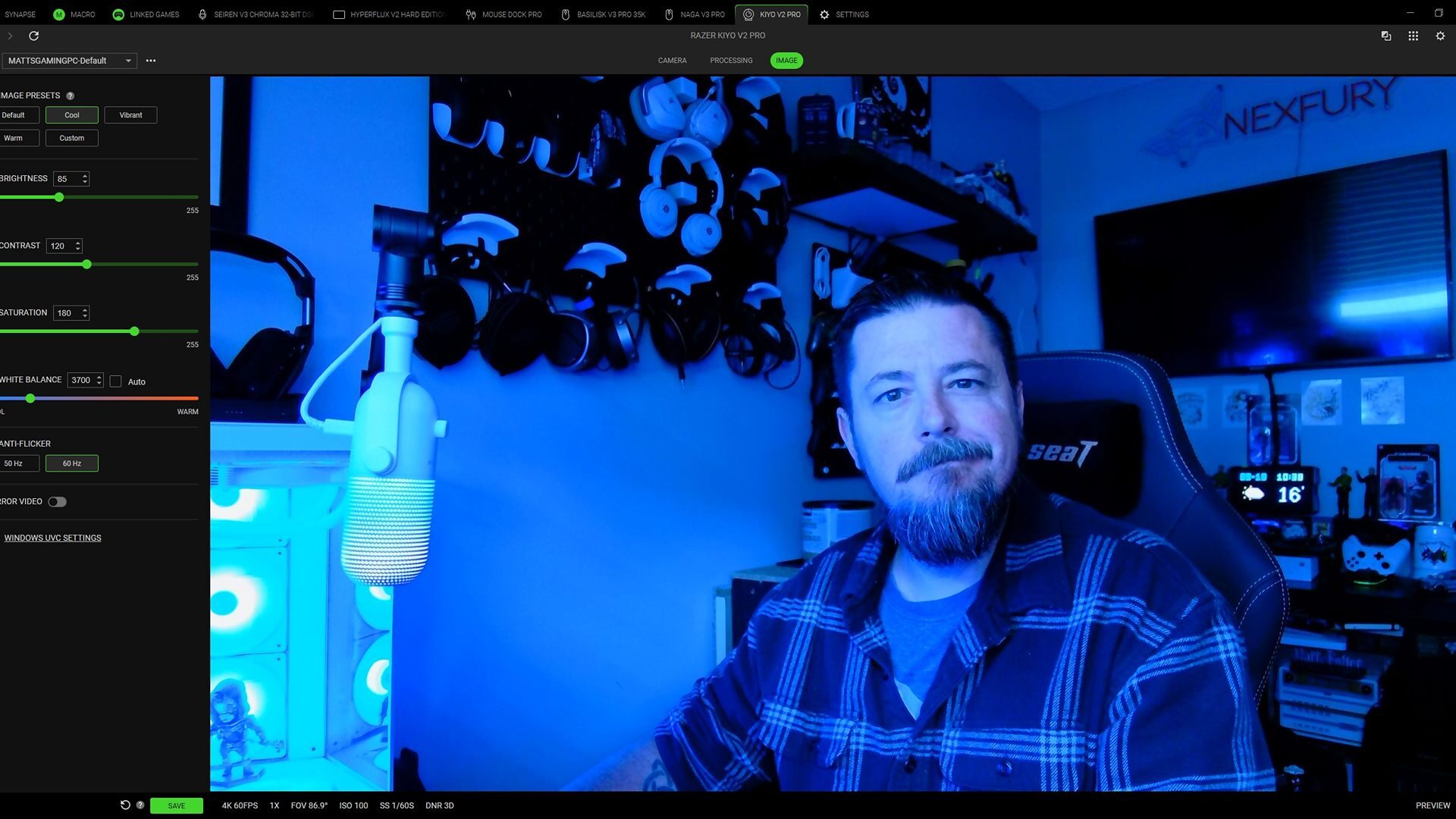
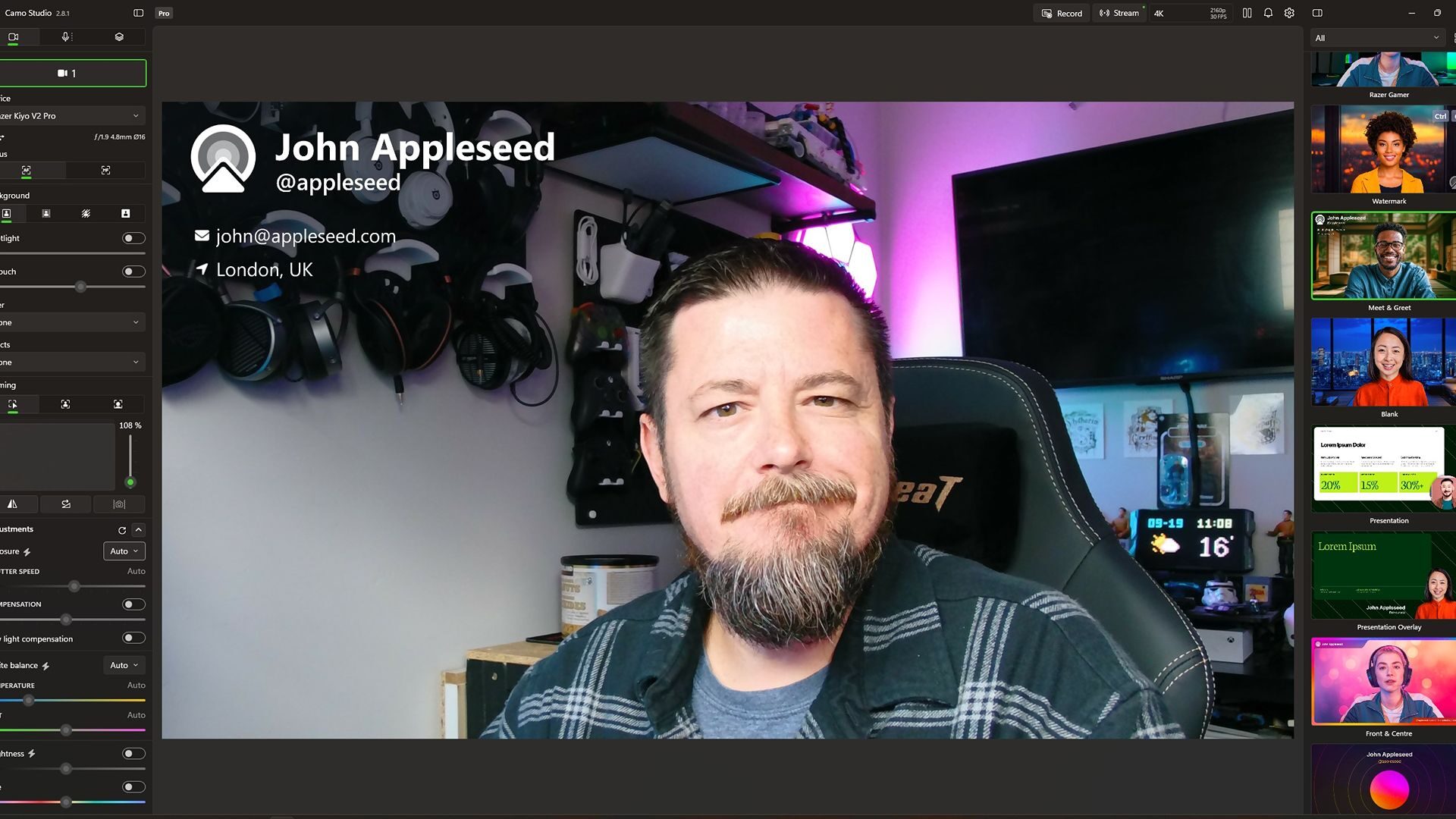
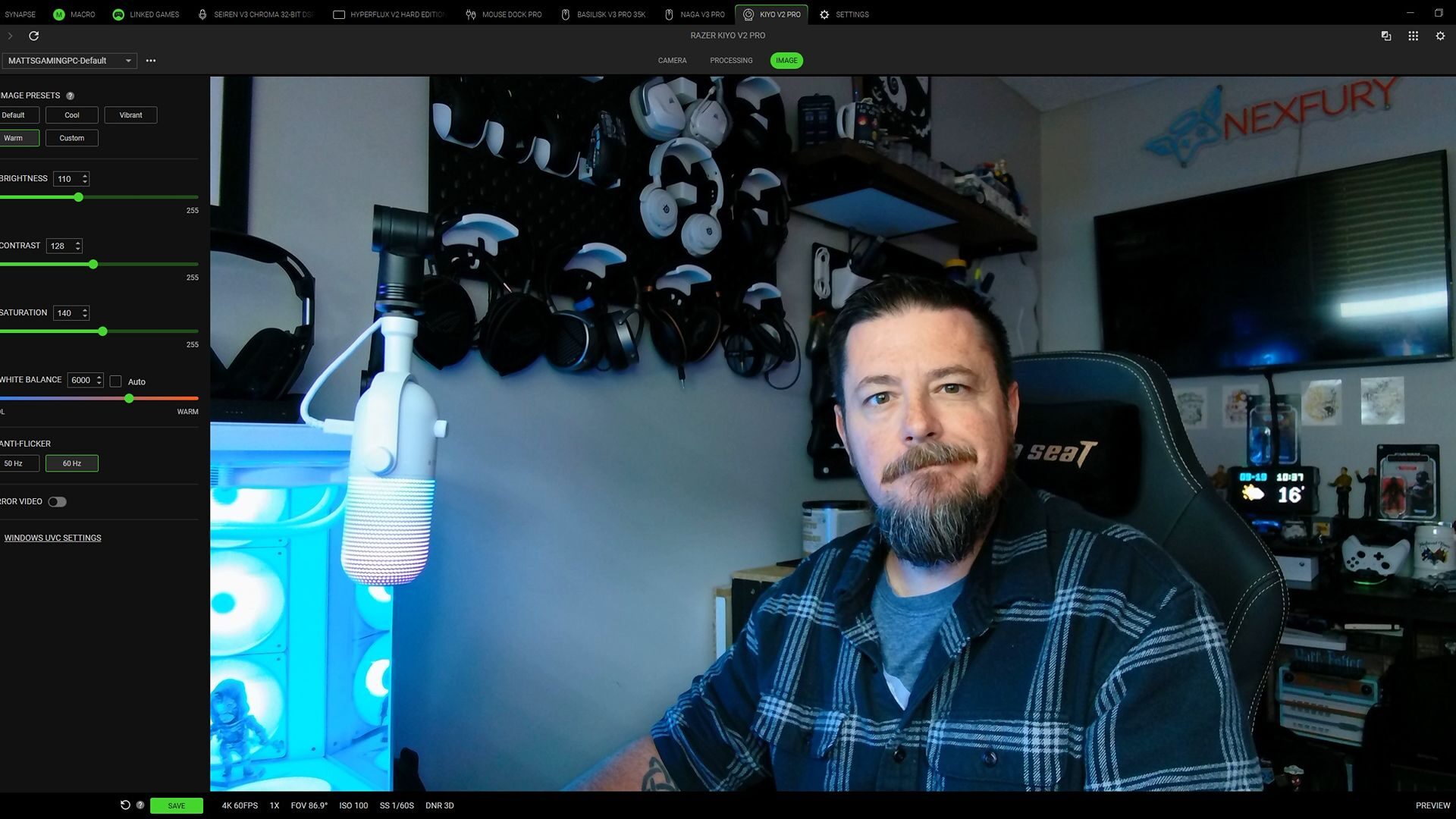
For those wanting a more DSLR image customization experience, the Kiyo V2 Pro delivers, allowing for a wide range of settings to be adjusted, such as ISO and shutter speed, along with all of the image settings you would expect to find. While image presets exist and work quite well, each image setting can be manually adjusted if desired.
The performance and features of the Kiyo V2 Pro are top‑notch for a webcam. If you are looking for a professional-looking 4K capture without bumping up to a DSLR or an equivalent solution, the Kiyo V2 Pro delivers. The biggest challenge is whether there is enough here to warrant the price difference over the V2. The answer to that comes down to needs. With a tighter focal length and 4K60 capture, there are definitely situ