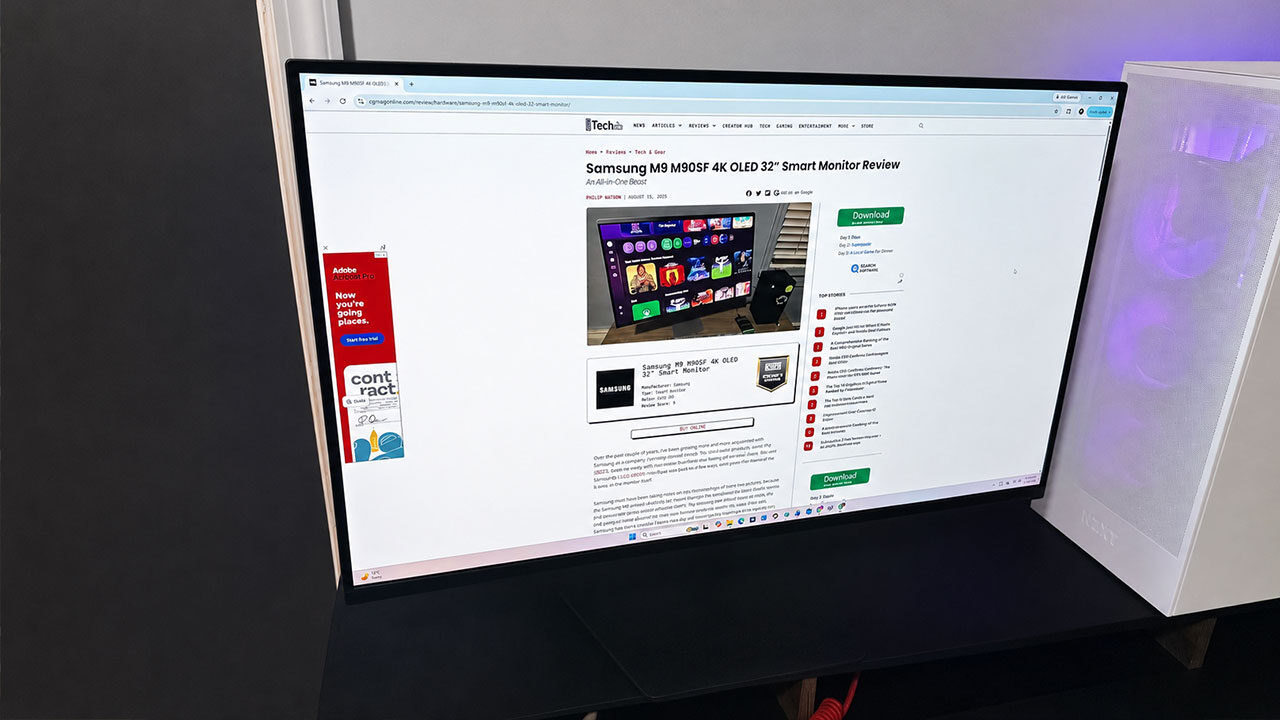


Over the past few years, Samsung has carved out a nice portion of the gaming display world and moved it into its backyard. Samsung delivered quality 4K and 8K viewing on TVs, and now it is bringing visual fidelity in droves with continued updates to the Samsung Odyssey monitor lineup.
This year, the Samsung Odyssey GS80HS is the latest addition to the Odyssey lineup, delivering strong visuals and gaming performance while leaving out the smart features found in more all-in-one consumer displays. The Samsung 32-inch Odyssey G8 GS80HS Gaming Monitor may not have the brains of a more connected display, but it certainly looks impressive in action.
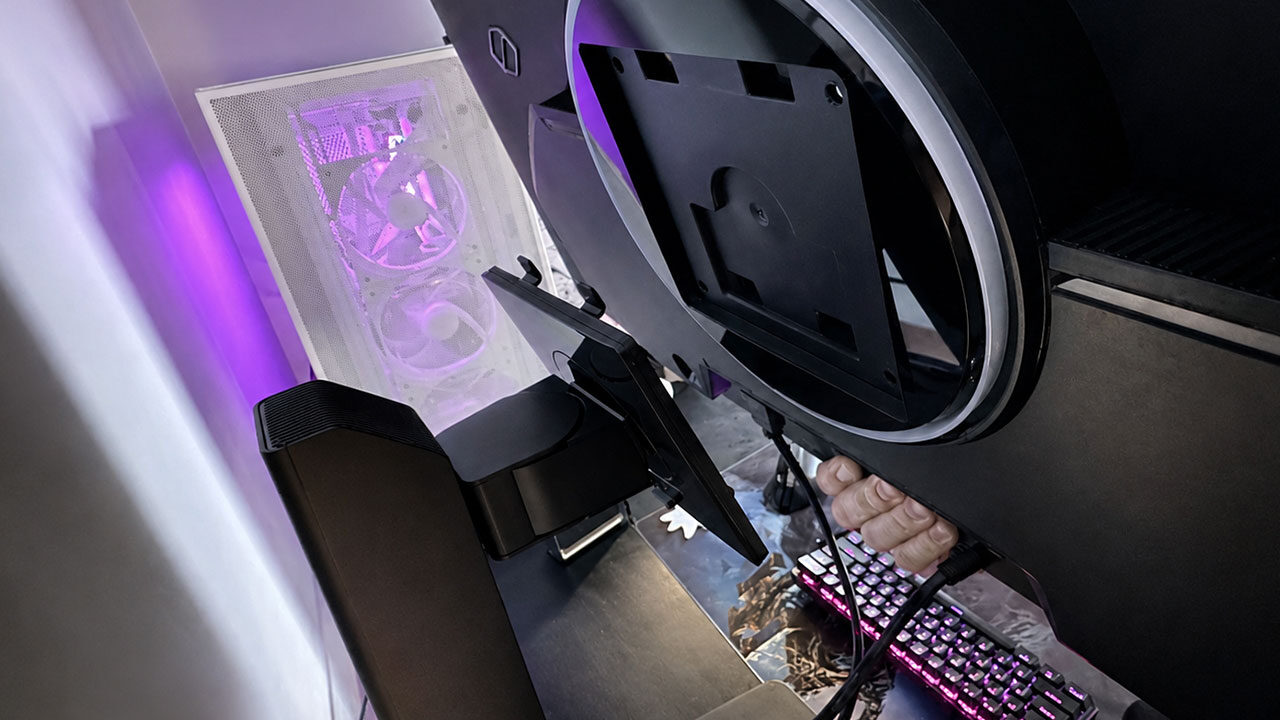
The Samsung 32 Odyssey G8 GS80HS makes assembly streamlined and simple. It comes with the Odyssey styled pentagon-shaped base (but this time it’s angled forward), a very sturdy neckstand that allows you to adjust how high the monitor sits on your table, a power cable, a DisplayPort 2.1 cable, and the 32in beast itself. Normally, out of the box, the monitor is hard to get away from the packaging, but Samsung upped the ante on how easy it is to set everything up.
“The Samsung 32 Odyssey G8 GS80HS makes assembly streamlined and simple.”
The Samsung 32 Odyssey G8 GS80HS Gaming Monitor allows you to snap the neck into the back of the monitor with ease, and with no tools or screwing necessary. While the monitor is heavy, the ergonomic stand can hold it securely indefinitely, and the base has anti-slip features, providing ample stability for the display. While the Samsung Odyssey G8 GS80HS monitor will set you back, Samsung focused on developing an iron-clad foundation for it to sit on, and they’ve succeeded. While the screen will swivel, the monitor remains as secure as ever and requires virtually no setup. I was from box to game in approximately five minutes, which is a huge win for those who dislike longer setups.
Unfortunately, the Samsung 32 Odyssey G8 GS80HS does not come with a remote, unlike its big sister, the Samsung Smart M9 M90SF 4K OLED. This is a big step back. The Odyssey G8 GS80HS comes with optional functionality like NVIDIA G-SYNC and a way to turn its Dual Mode on and off, but Samsung has only included a small analog stick behind the monitor with little to no instruction. Left controls volume, right controls display brightness and so on. Either way, the analog stick behind the screen is unwieldy, and for a monitor with display prowess like the GS80HS, it should be easier to adjust your settings from the monitor.
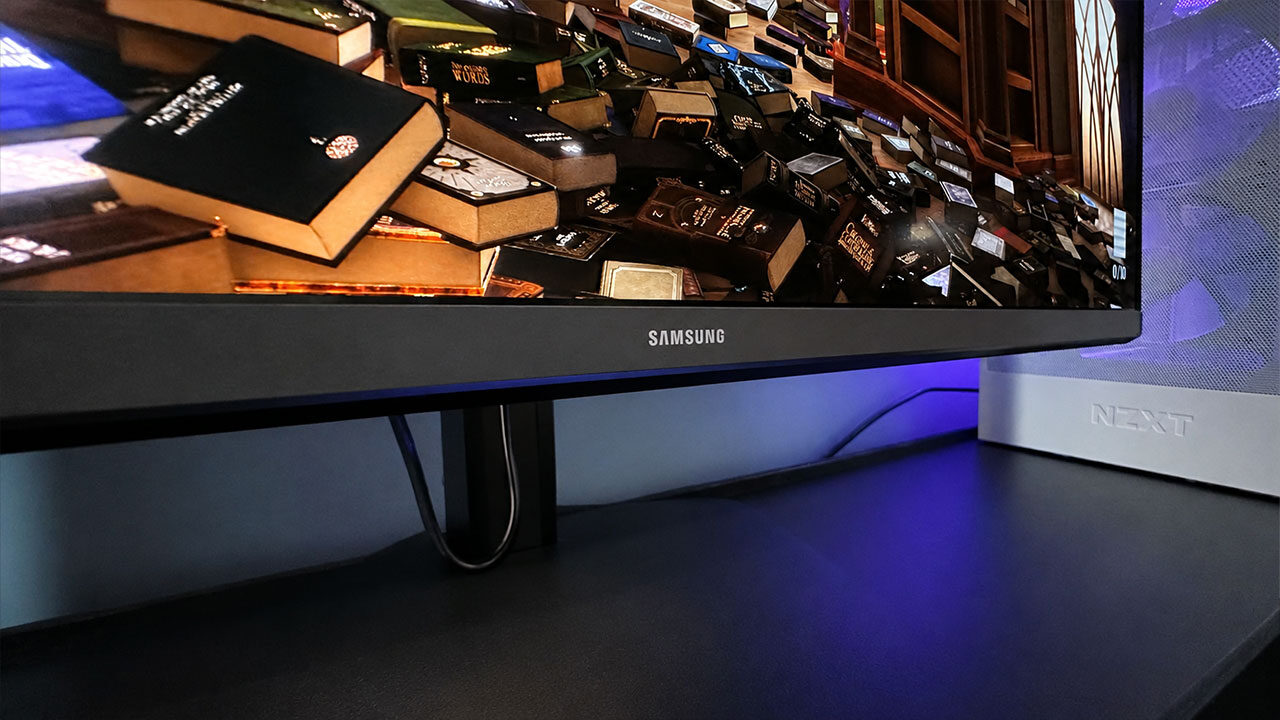
Also, the Samsung 32 Odyssey G8 GS80HS lacks Bluetooth functionality, so sound will need to come from the PC portion of your setup, or by hardwiring a headset using the 2.5 audio jack. It is also head-scratching as to why this monitor comes with three total USB ports, and none of them are USB-C. That all being said, how does it play? I am thrilled to report that whether you like to follow visuals or prefer performance, the 32 Odyssey G8 GS80HS has you covered.
With the Samsung 32 Odyssey G8 GS80HS’s new Dual Mode and variable refresh rate, or VRR, on board, this gaming monitor never skips a beat. VRR means this monitor will automatically adjust the refresh rate of the title you’re playing to match your graphics card, reducing visual tearing and screen lag when enabled. With the Dual Mode functionality, I was able to waltz through Act 1 of Clair Obscur: Expedition 33 with retina-stealing visuals in 6K 165Hz. The opening scenes are striking, and sadder scenes suck the air out of the room with stellar visuals on display that Hollywood would blush at.
Colour saturation is superb, and visuals dance off the screen to the haunting melodies of Lorien Testard. When fighting an exceptionally hard boss battle, I swapped to the battle-ready and performance-centred 3K 330Hz, and it felt like Verso, the main character, was an extension of my thumb.
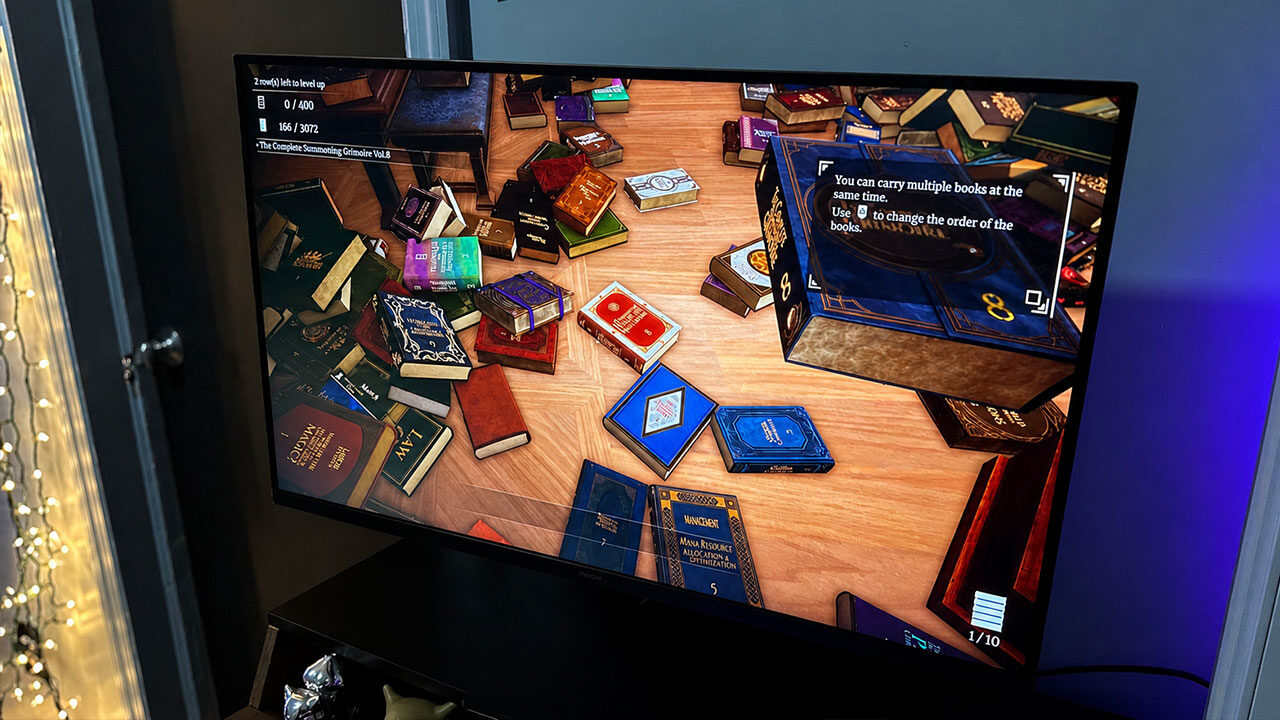
On the other hand, playing more passive games, like the recently released Forza Horizon 6 on the Samsung 32 Odyssey G8 GS80HS, just hits different. With Samsung’s lush visuals on display with the new Odyssey G8 GS80HS, Japan is breathtaking. Racing through Tokyo City in a Honda Civic hits all of the right notes, and there’s virtually no screen lag with G-SYNC engaged. Driving through the snowy mountains genuinely sent a shiver down my spine.
“With the Samsung 32 Odyssey G8 GS80HS’s new Dual Mode and variable refresh rate, or VRR, on board, this gaming monitor never skips a beat.”
In a more competitive setting, the outrageous 6K (6144 x 3456) resolution on the Samsung 32 Odyssey G8 GS80HS gives you a clear picture of nearly the whole map in a game of Marathon. I normally play Assassin on my LG Smart TV, but using the Samsung Odyssey G8 GS80HS gave me a clearer image of when an adversary were near. On the plus side, like the BenQ ZOWIE XL2566X+, the Samsung Odyssey prevents image blur (albeit without the DyAc2 functionality) and allowed me to take my opponent’s head using a Longshot with precision.
Samsung also brought the screen turning functionality from their previous M9 model to the Odyssey G8 GS80HS. After setup, I was able to turn the screen to full letterbox by just moving it, and with the rigid stand, it will stay that way for as long as the user needs it. This allows gamers to even play their favourite phone games on a better display than their iPhone/Samsung Galaxy.
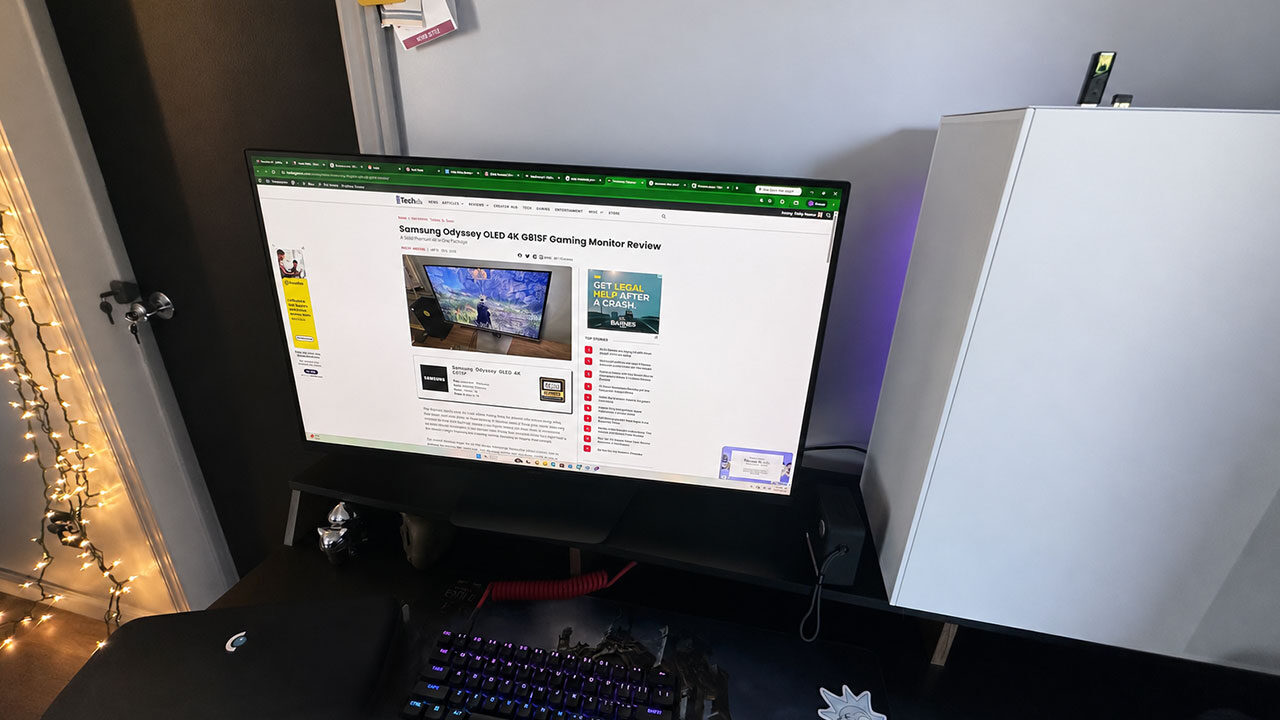
In more strenuous settings, the Samsung Odyssey G8 GS80HS’s refresh rate will have your six even if you’re not that good. While this monitor does have numerous shortcomings compared to Samsung’s other offerings, it really hits the nail on the head for being a crystal clear, and excellently performing display (if that’s all you need it for).
The Samsung 32 Odyssey G8 GS80HS is a solid upgrade. Samsung doubled down on its excellent presentation delivered by its previous M9 display and pumped more visual fidelity behind the screen for users to jump into. While it is lacking many of the features of other monitors in Samsung’s catalogue, the device floors it when it comes to serious visuals. The Dual Mode option is this display’s standout feature, and it allowed me to experience heart-wrenching scenes in Clair Obscur: Expedition 33 with crisp movie-like visuals. At the drop of a hat, I was able to switch over to the 3K 330Hz mode to immediately get down to business and start parrying with precision.
One thing is certain about the Samsung Odyssey G8 GS80HS: if you fail in-game while the 3K 330Hz mode is active, chances are it’s the player’s fault, and that just feels good. If a gamer needs a new display and literally nothing else, I have a hard time finding a better option than this new visual feast for the eyes.