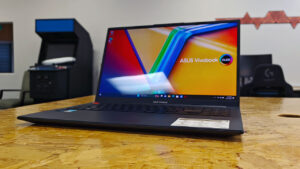


CGM tends to have access to a lot of high-end laptops, whether for content creation, gaming, or productivity. For example, my current device is the Zenbook S14, which comes in at around $2500 today and has 32GB of RAM. We are spoiled. But something needs to be said for the mid-tier, budget-friendly productivity devices. That is where the ASUS Vivobook 15 X1504MA laptop comes in.
I gave it a full commitment, switching over to it for a few weeks during Snapdragon Summit and other travel, and while there are definitely some sacrifices, the Vivobook 15 has treated me well overall. For full disclosure, I have used this laptop for what is it, a device meant for students and professionals who don’t demand the highest-level specs for gaming or creation. That means I have used it to stream Netflix, work on articles and research, social media, email, and some light gaming.
Being realistic, as fun as it is to discuss all-day battery life and top-level chips and graphics, especially during a RAM shortage, most people don’t have several thousand dollars to spend on a laptop. This is especially true for students and young professionals. The Vivobook 15 is a great answer, with several configurations to suit different needs. Here is what is available for the Vivobook 15 X1504MA lineup at Best Buy in Canada:
- 8GB, 256GB, Intel Core 3 304
- 8GB, 256GB, Intel Core 5 320
- 16GB, 512GB, Intel Core 5 320
- 16GB, 512GB, Intel Core 7 350
Obviously, the price scales with the device’s internals, ranging anywhere from $849 CAD to $1599 CAD. My model was the ASUS Vivobook 15 X1504MA Intel Core 7 350, with 16 GB of RAM and a 512 GB SSD, though you can find some 1 TB drives or higher on Amazon right now, including the 1 TB model for $1498. With that, the ASUS Vivobook lineup should be going on sale at Best Buy in the coming weeks, making those cheaper models even more enticing. Here is what those sales should look like:
- October 2–15: The Intel Core 5 320 model with 16GB RAM and a 512GB SSD is C$849.99, down from C$1,299.99, a savings of C$450 (nearly 35%).
- October 16–29: The Intel Core 3 304 model with 8GB RAM and a 256GB SSD will be C$749.99, down from C$849.99, a savings of C$100 (approximately 12%). The Intel Core 5 320 model with 8GB RAM and a 512GB SSD will be C$849.99, down from C$1,099.99, a savings of C$250 (approximately 23%).
- October 23–November 5: The Intel Core 7 350 model with 16GB RAM and a 512GB SSD will be C$1,199.99, down from C$1,599.99, a savings of C$400 (25%).
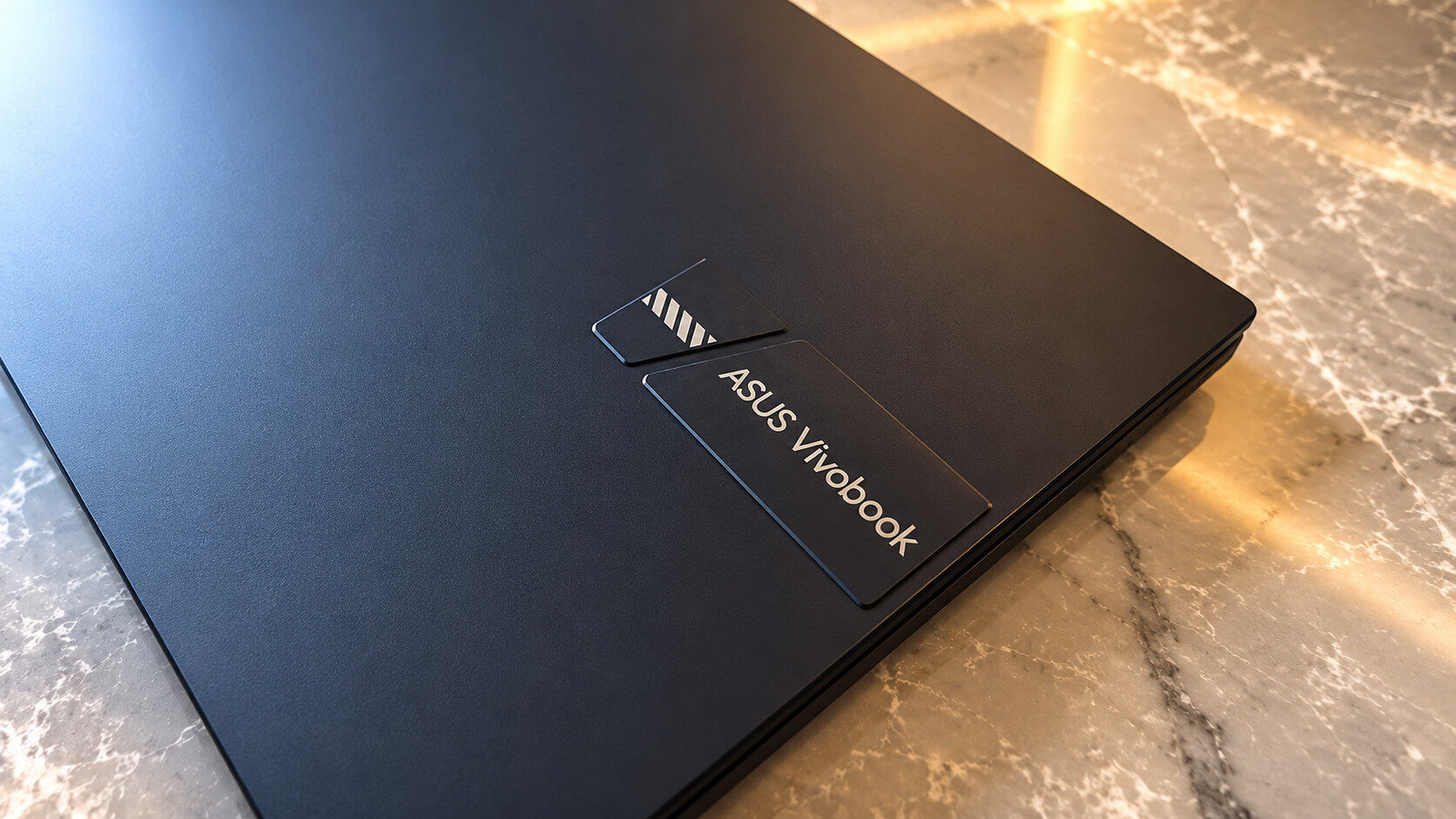
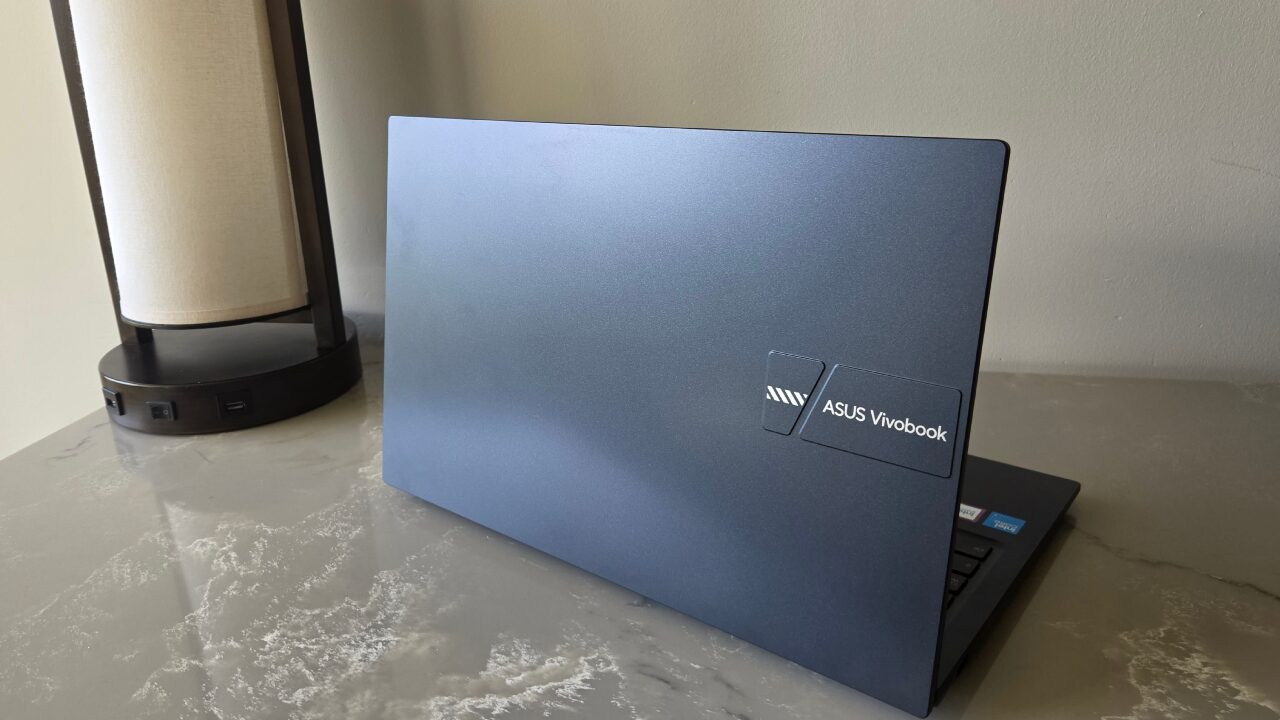
Though my model came in “Quiet Blue,” according to Amazon, there is also a pink model, which is beautiful. I really enjoy the blue, too, but the pink has a pop. The ASUS Vivobook 15 is a really nice-looking laptop overall, with some interesting key details and not just the boring laptop-grey. However, the Vivobook 15’s finish is incredibly susceptible to fingerprints, and it drives me crazy. I have never felt so greasy, and the marks are harder than normal to clean.
“The Vivobook 15 is a great answer, with several configurations to suit different needs.”
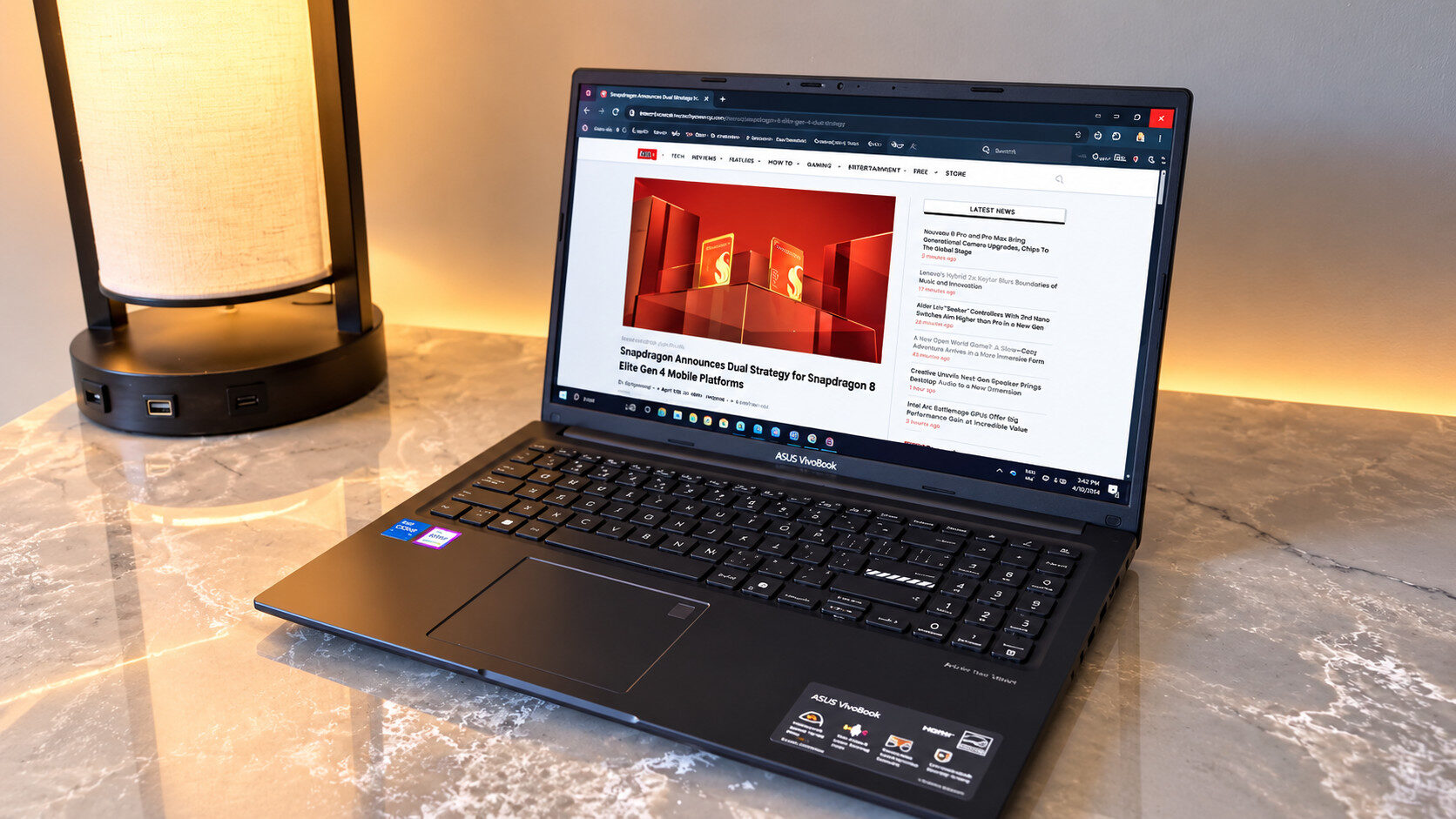
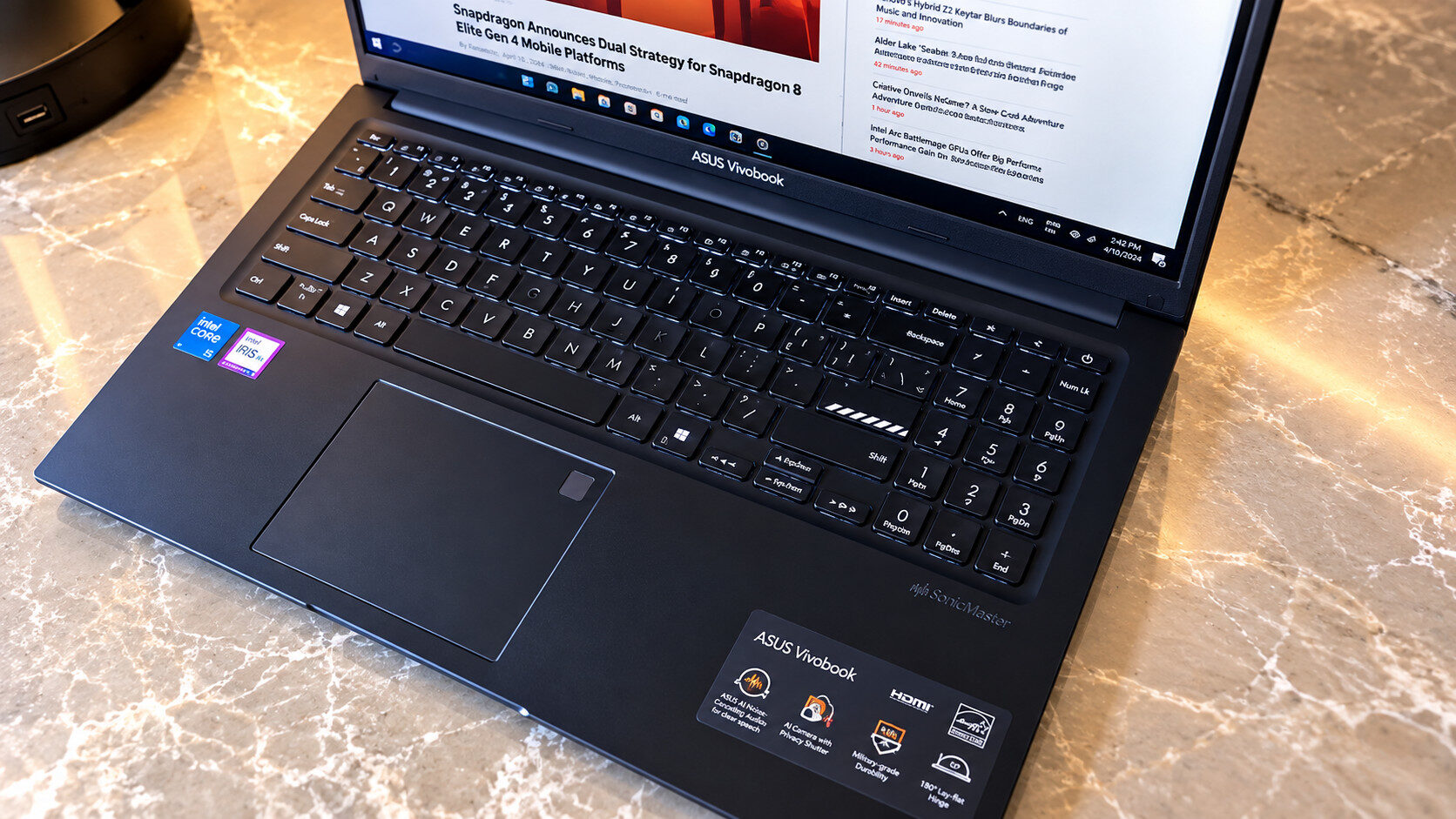
Something I was surprised to love as much as I do is the keyboard on the ASUS Vivobook 15. For starters, since this is a 15” laptop, we have a numpad, which is all I need in life and why I hate working on most laptops. It does mean some adjustments and hitting the wrong keys along the way. The key travel distance is a bit longer than on my Zenbook S14, at 1.4mm instead of 1.1. This might not seem relevant, but it gives a bit more feeling of a regular keyboard, and I love it.
The trackpad sits centred to the keyboard, without including the numpad. It’s perfectly positioned for typing, and it is little touches like that that matter most. It is responsive with a slight click. In the top right corner of the trackpad, you’ll find a fingerprint reader to unlock your device, and it was fast and flawless during testing.
The ASUS Vivobook 15 is a 15.6” FHD (1920×1080) display with 250 nits of brightness and a 60Hz refresh rate. For what I do with the laptop, this is more than enough. At the time of writing, I am sitting in a lounge with an entire wall of windows on a bright day, and I have no issues seeing the screen. The display feels a bit matte, which I like, and though it isn’t the best and brightest out there, I was happy with my content. Gamers and creators may need something with a bit more oomph, though.
Bringing the Vivobook around with me isn’t as much of a hassle as I thought it would be. A 15” is bigger than what I am usually used to, and it weighs in at 3.74lbs and is 17.9mm thick. It still fits in most of my smaller bags, and the weight is distributed well, so it didn’t feel like a burden. What did, though, was the charger. Not because it was heavy, but because the Vivobook 15 doesn’t offer USB-C charging, so even though it’s small, you need to bring an extra charger at all times, and it isn’t universal for other devices.
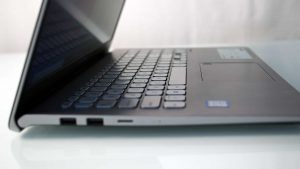
The charger also takes up space on the right side of the device, and the charger sits at a right angle, so the cable gets in the way of your mouse if it isn’t pointed straight up or down. On the same side, there is an HDMI 1.4 port which the charger blocks if pointed toward you, two USB-A ports, one USB-C port (that doesn’t offer charging) and a 3.5mm audio jack, plus a third USB-A port on the other side.
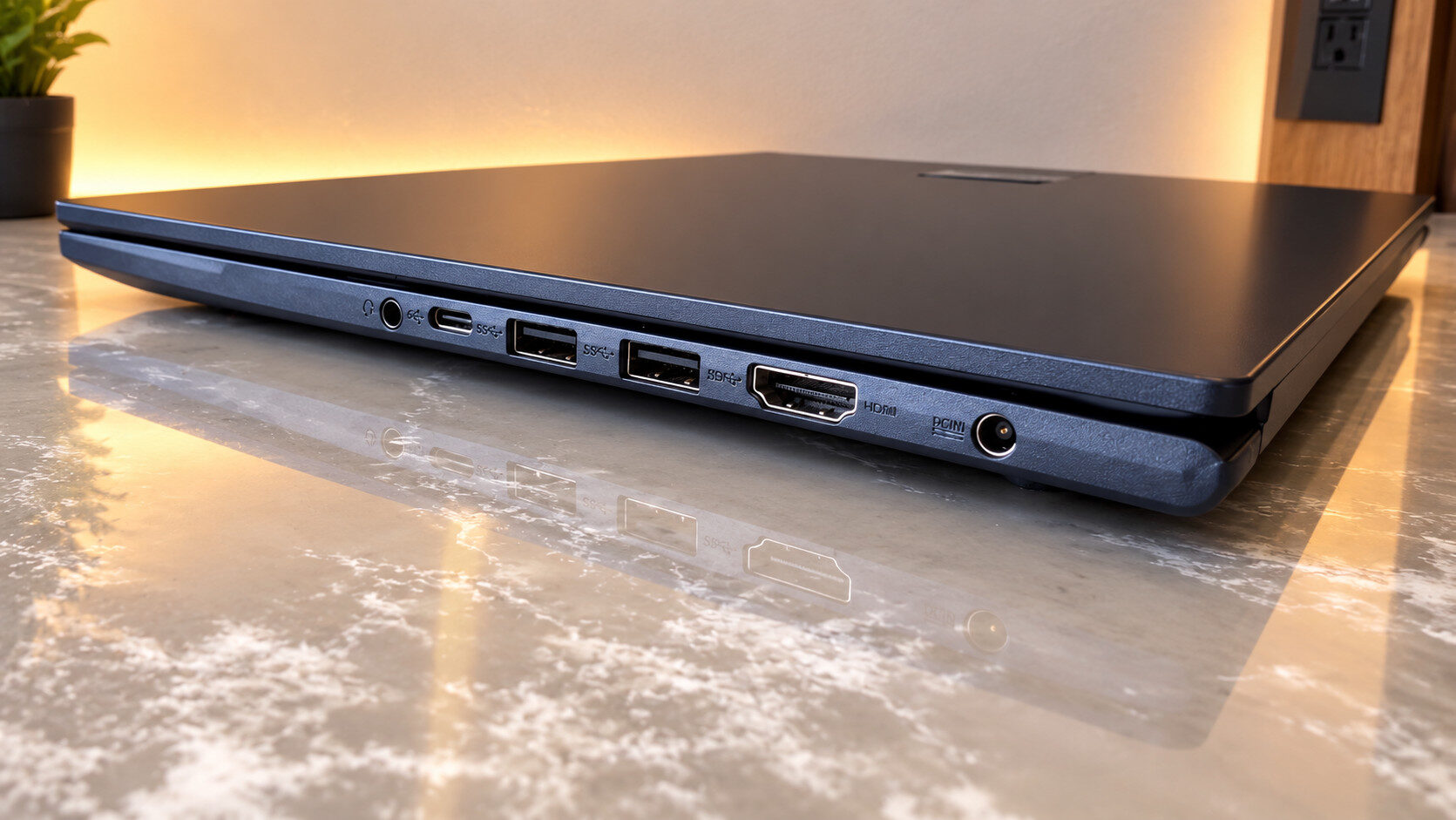
You certainly won’t be short on ports on the ASUS Vivobook 15 X1504MA laptop. It is nice to see this many included, including one USB-A 2.0 port. Paired with Wi-Fi 6, a 720p HD webcam (with a physical privacy shutter), and an AI-noise-cancelling microphone, this is a great device for school or work. The camera isn’t creator-level, but a few built-ins are, and the microphone was able to cut most of the noise in a busy airport when tested. The speakers themselves aren’t booming, but the sound is clear and decent enough.
“The ASUS Vivobook 15 is a really nice-looking laptop overall, with some interesting key details and not just the boring laptop-grey.”
Battery life on the ASUS Vivobook 15 is serviceable but not amazing. We are working with all-day power here. I was using about 15% battery per hour while streaming Netflix in a browser on half brightness with no backlit keys. Rendering video, on the other hand, I used 40% of the battery in an hour.
The battery estimate is also based on what you’re doing. At 100%, it currently says 4 hours 10 minutes, whereas while rendering, at 63% it said one hour. ASUS also claims the Vivobook 15 charges to 60% in 30 minutes, but in reality I was only getting about 40% in an hour plugged into the wall.
While this isn’t a device meant for heavy creators, during TIFF 2026 I tested rendering some videos for Neagley and our red carpet. I exported a 15-minute video at 1080p in four minutes, and at 4K it took about 7 minutes. As I said, though, it did hurt the battery.
“Battery life on the ASUS Vivobook 15 is serviceable but not amazing.”
Most of this is pretty good news, given the price point, but the ASUS Vivobook 15 is not without its sacrifices. For starters, the lack of USB-C charging is noticeable in 2026. It has become such a convenience to have the same charger for everything, especially while travelling, so this was noticeably missed. Outside of that and the desire for better battery life, it was just fingerprints, awkward cord placement, all pretty surface stuff.
One major thing to note was that I couldn’t use the Lenovo ThinkVision M14t Gen 2 with the ASUS Vivobook 15. This external monitor is a simple plug-and-play touchscreen, and the only USB-C port would not identify it, saying “Display connection might be limited.” I used the same cable I always use with my Zenbook and on a friend’s laptops, and it wouldn’t work.

The device supports GlideX, which extends your display to another PC or device, but a USB-C connection won’t work. I also couldn’t get it to read my RODE Mics either, and needed to switch to a USB-A port to get the PC to recognize them. Not a dealbreaker for some, but it is a pretty important part of my personal setup while away.
On the gaming front, as I said, light gaming is totally functional on the ASUS Vivobook 15. I could jump into cozy titles like Fields of Mistria, which work pretty flawlessly overall. For titles that demand a little more, like Fortnite, I could still play completely fine on low settings. Of course, it isn’t the best experience out there, and you can definitely tell the difference in image quality, but I wasn’t stuttering or glitching, which is more than I expected for this laptop.
What the Vivobook lacks in advanced features, it makes up for in overall functionality. Right now, my device is $1599 CAD, whereas my Zenbook is almost $1000 more than that. With a good sale, or even a Core 5 or Core 3 chip, the ASUS Vivobook 15 X1504MA laptop makes a great productivity laptop for those who only need to rely on the battery in shorter bursts and can make use of GlideX instead of a USB-C connection.