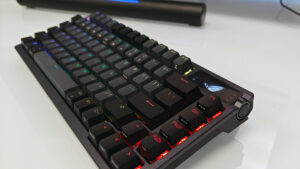


The ASUS ROG Falchion Ace 75 HE Gaming Keyboard is a compact, tenkeyless, wired keyboard built with one purpose: to be the most responsive and adaptable keyboard on the market. Part of the new ROG HE keyboard platform, the Falchion Ace 75 HE uses the HFX V2 magnetic switches to deliver a lag-free, ultra-responsive gaming experience. With a host of impressive features and settings, ASUS ROG has pulled out all the stops to present one of its most impressive 75% tenkeyless keyboards to date.
The Falchion Ace 75 HE is built for premium precision gaming. Constructed of a combination of dense plastic and powder-coated aluminum, every aspect is built with function and features in mind. The top plate includes a progressive indicator bar that offers contextual indication of the current feature being adjusted. When not actively used, the bar becomes part of the keyboard’s single RGB zone lighting effect.
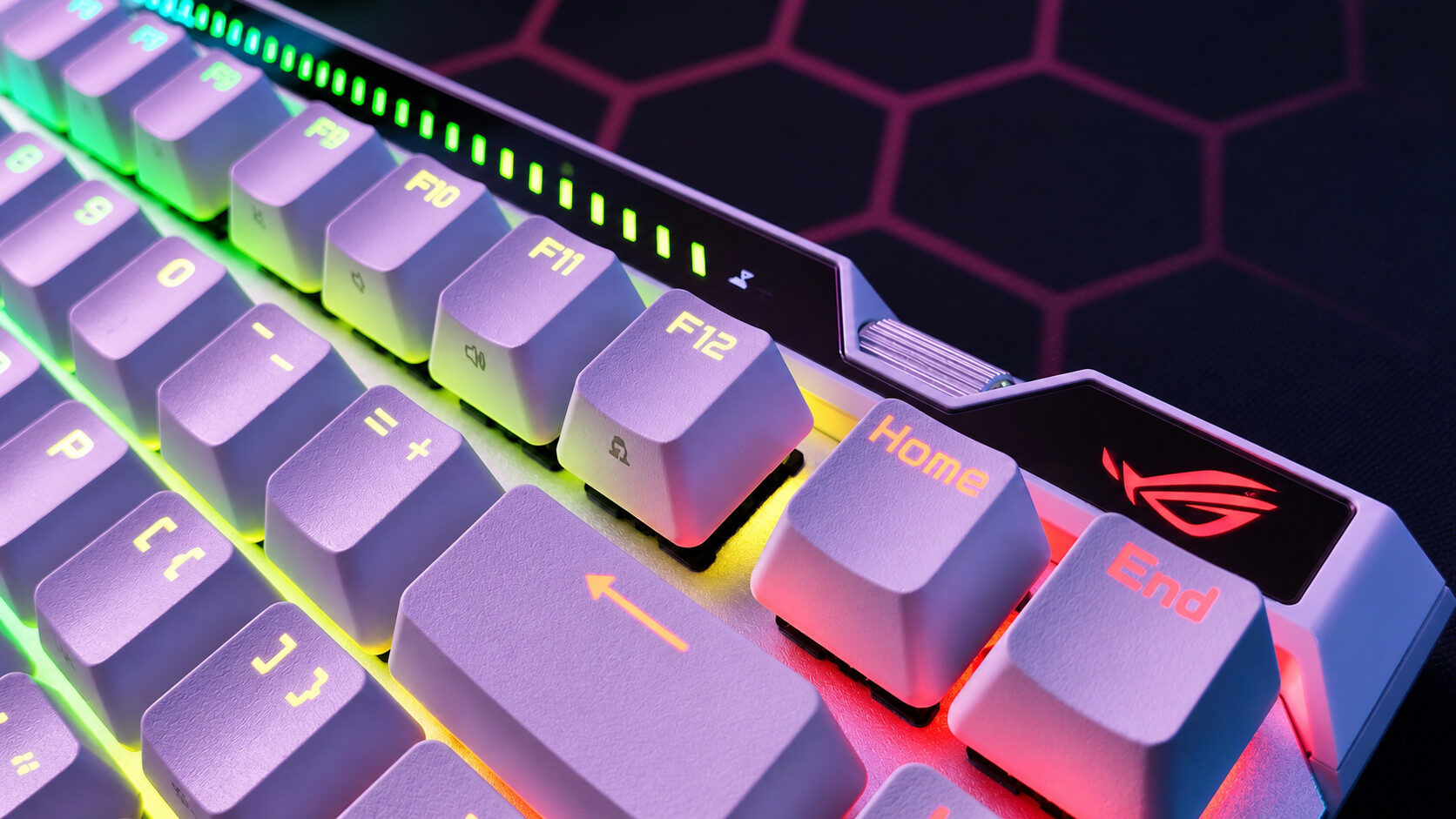
While the single-zone RGB lighting is beautiful and accents nicely the white version of the keyboard sent for review (also available in black), I was a bit disappointed to see that the Falchion Ace 75 HE lacks per-key or even multizone RGB. Considering its premium build quality and price point, this feels like a bit of a missed opportunity.
“ASUS ROG has pulled out all the stops to present one of its most impressive 75% tenkeyless keyboards to date.”
What wasn’t missed was the incredible level of detail in the construction. 6 layers of dampening materials help absorb shock and create a consistently smooth typing experience. ASUS ROG even goes so far as to throw in a nice travel bag for gamers on the go. It’s a nice quality-of-life accessory.
The rest of the board’s design makes up for this small shortcoming. Along with the indicator bar, ASUS ROG has included a couple of additional toggles, switches and even a touch bar for feature control. The Dial, located on the right side of the keyboard, allows for global and per-key adjustments to accuracy and rapid trigger sensitivity on the fly, features I am quite impressed with. Gone are the days of fumbling through settings and profiles; the dial allows for real-time adjustments. It works exceptionally well and has allowed me to dial in per-key settings for specific games.

As mentioned, rapid trigger functionality is present and accounted for and can be activated once again, on the fly, thanks to the toggle switch located on the top edge of the board. Turning it on changes the dial’s functionality instantly. It’s slick and is a smart implementation of the feature.
Another excellent addition to the Falchion Ace 75 HE is the combo multi-function switch and touch panel. In essence, the button allows you to cycle between four modes (enabled and disabled through Gear Link), with the touch panel’s functionality changing with each mode. Media controls, volume, lighting brightness and a programmable fourth mode are all readily available for quick adjustments. Like the toggle switch, both the button and touch panel are along the top edge of the keyboard for easy, no-look access.
The Falchion Ace 75 He uses the new hot-swappable ASUS ROG HFX V2 magnetic switches, which offer smoother, more responsive engagement and allow for more detailed adjustments. The result is an exceptionally responsive and accurate keystroke that feels great both for gaming and typing. A unique feature of the new HE keyboard platform is that it’s built around a new magnetic switch identifier that supports hot-swapping magnetic switches. While it’s still a fairly new platform, it already supports the new HFX V2 and V2X with more magnetic switches on the way.

With an 8000Hz polling rate and the HFX V2 switches on board, the Falchion Ace 75 HE performs incredibly well in testing. The most impressive feature is how adjustable each switch is. The onboard dial makes it incredibly easy to adjust each key, and when dialled in to my preferred settings, it’s a real treat to use. FPS titles, specifically, feel tight and responsive with every keystroke captured at light speed. As someone who likes to crank the sensitivity on specific keys while pulling it back on others, I’ve never had an easier time than when setting it up on the Falchion Ace 75 HE.
“The Falchion Ace 75 HE is built for premium precision gaming.”
I also appreciate the ASUS ROG included Speed Tap for those panicked gamers, like myself, who mash the A and D keys consistently. Speed Tap, which functions like Razer’s Snap Tap, prioritizes the most recent keystroke even when two keys are engaged, temporarily disengaging the first. Once the latest key is released, the keyboard continues to input the original signal. The result is movement that never stops or locks up. Its feature is one I loved on the Razer Huntsman V3 Pro 8Khz (albeit under a different name), and I love that it is present on the Falchion Ace 75 HE.
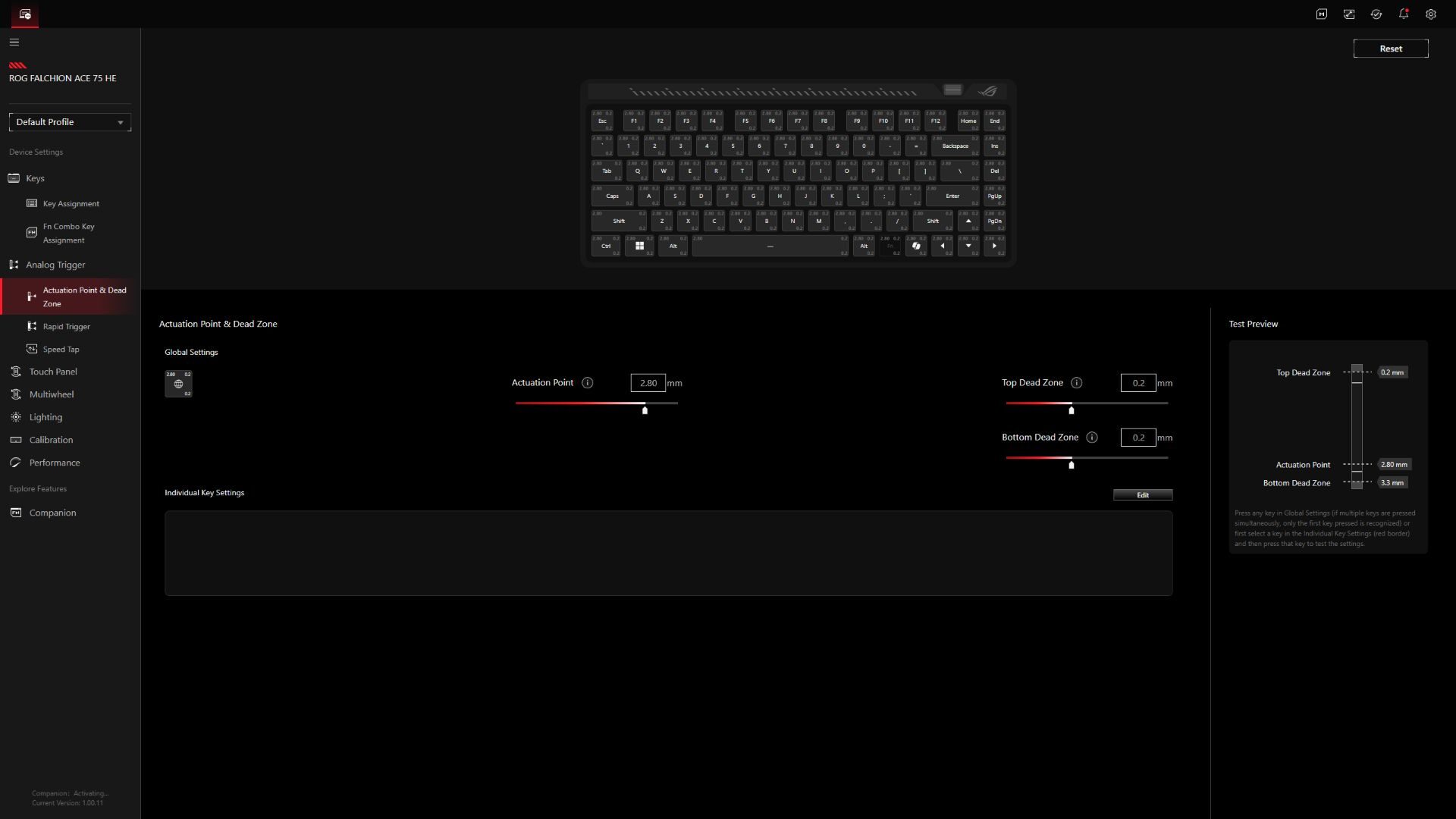
From construction to performance, the Falchion Ace 75 HE Gaming Keyboard is an excellent choice for gamers looking to level up their kit. With a host of impressive features and easy-to-onboard configuration options, ASUS ROG has done a great job of creating an excellent keyboard for professional gamers. The Falchion Ace 75 HE Gaming Keyboard is one I have no problem recommending.

- Hot-swappable ROG HFX V2 Magnetic Switches: Enjoy refined keystrokes with customizable 0.1–3.5mm actuation and precise 0.01mm-step fine-tuning
- New ROG Hall Sensor: Delivers exceptional precision and accurate input detection, reduces electrical noise and interference, and increases magnetic flux limits for superior performance