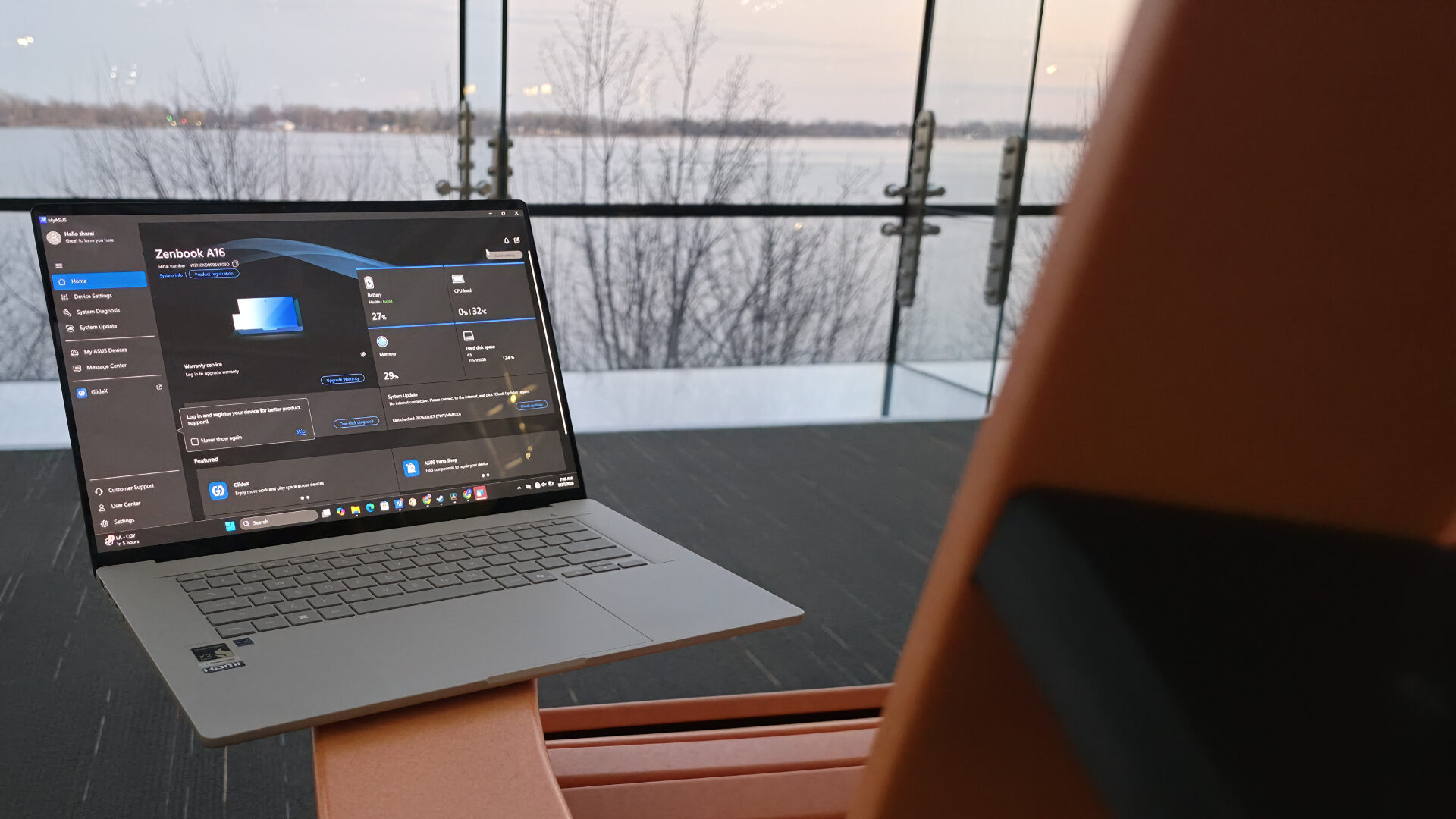


I am always interested in seeing the newest generations of laptops. What consumers demand of their laptops has certainly changed over the years, and how each company handles that, both in the ways they do things similarly and how they diverge, fascinates me. ASUS’ work with the Zenbook series may have reached a new peak with its latest offering, the ASUS Zenbook A16. It looks and feels like a totally different machine, impressing from unboxing to day-to-day use.
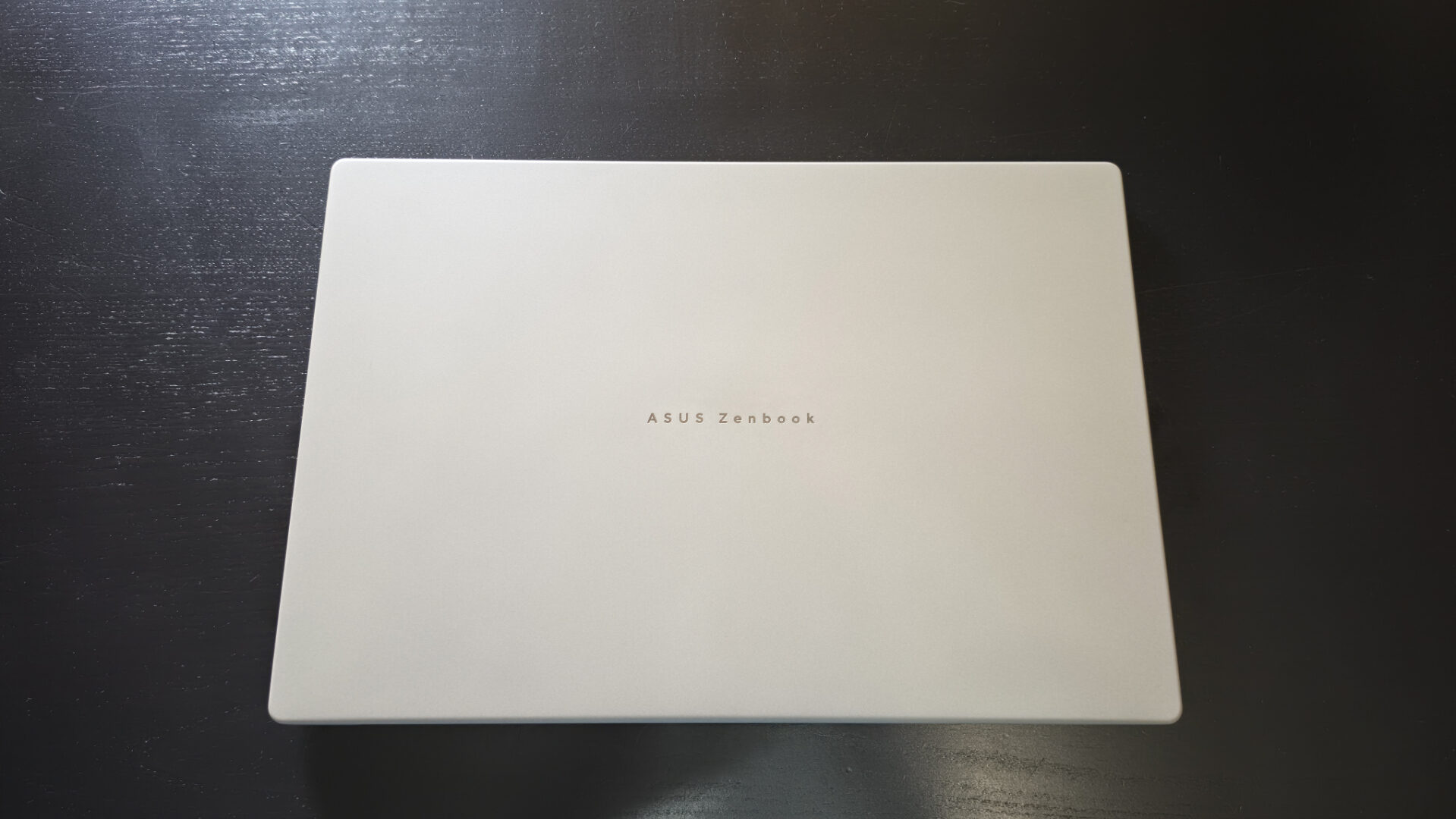
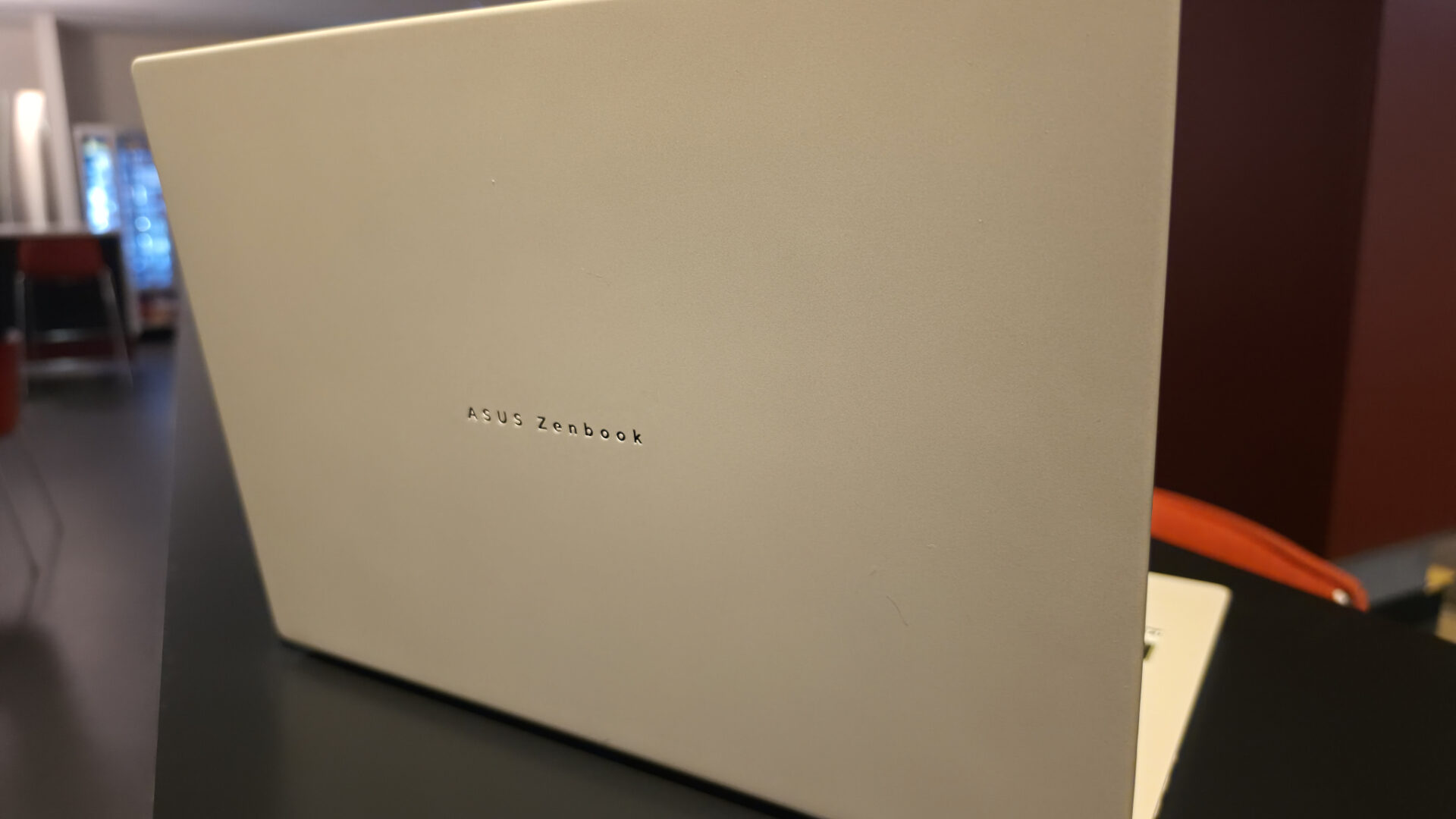
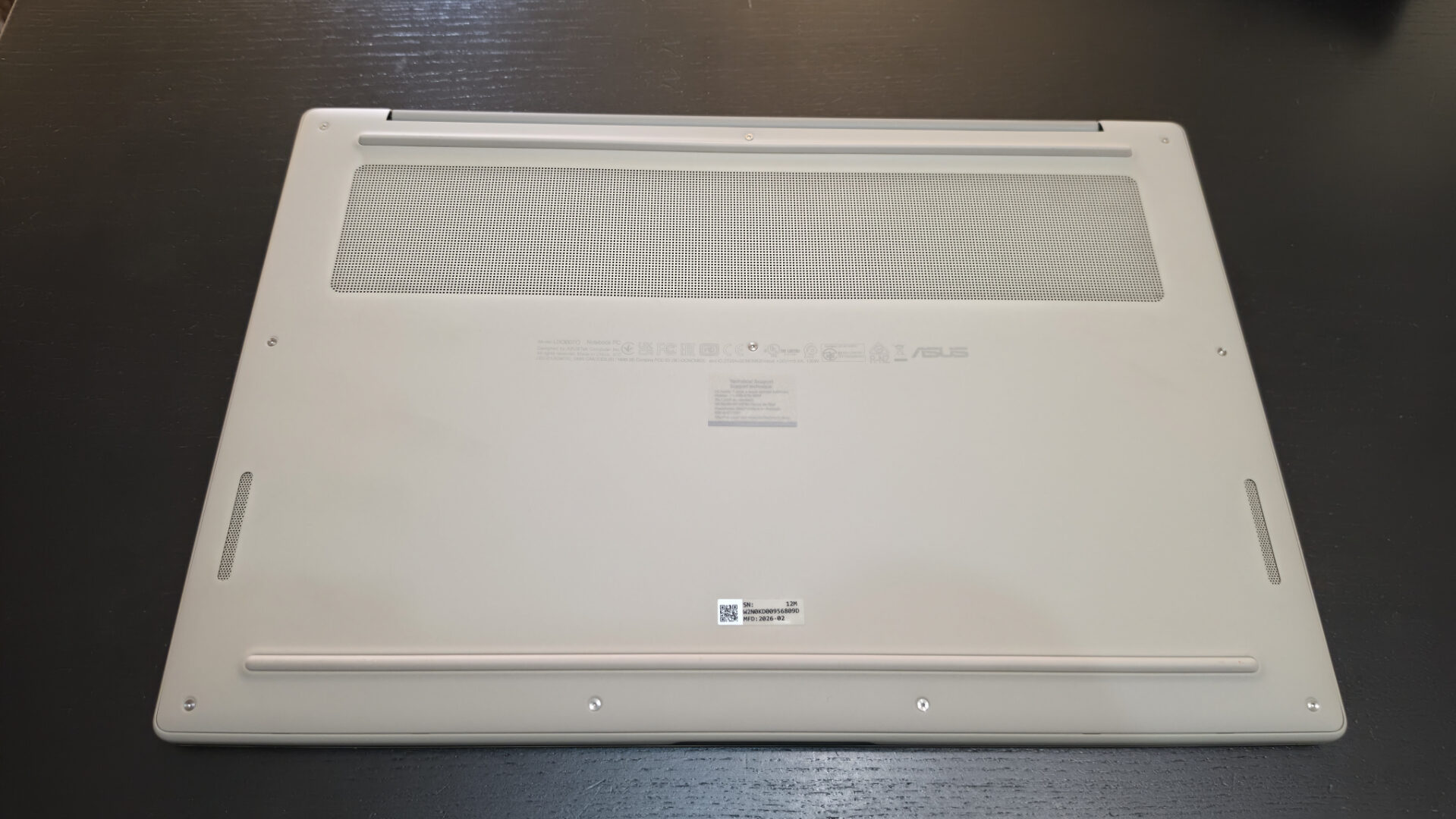
The experience of the ASUS Zenbook A16 starts the first time you lay eyes, and hands, on it. The Zabriskie Beige model of the A16 looks as if it has a sandy texture, and it does not feel like your everyday laptop chassis. This is due to ASUS’ new Ceraluminum design, which almost makes it feel like you are holding a high-quality hardcover book. The material makes the laptop incredibly light at only 1.2 kilograms for a 16-inch device, and incredibly durable. Its coating also makes it smudge-free, keeping it looking its best when you take it out on the town.
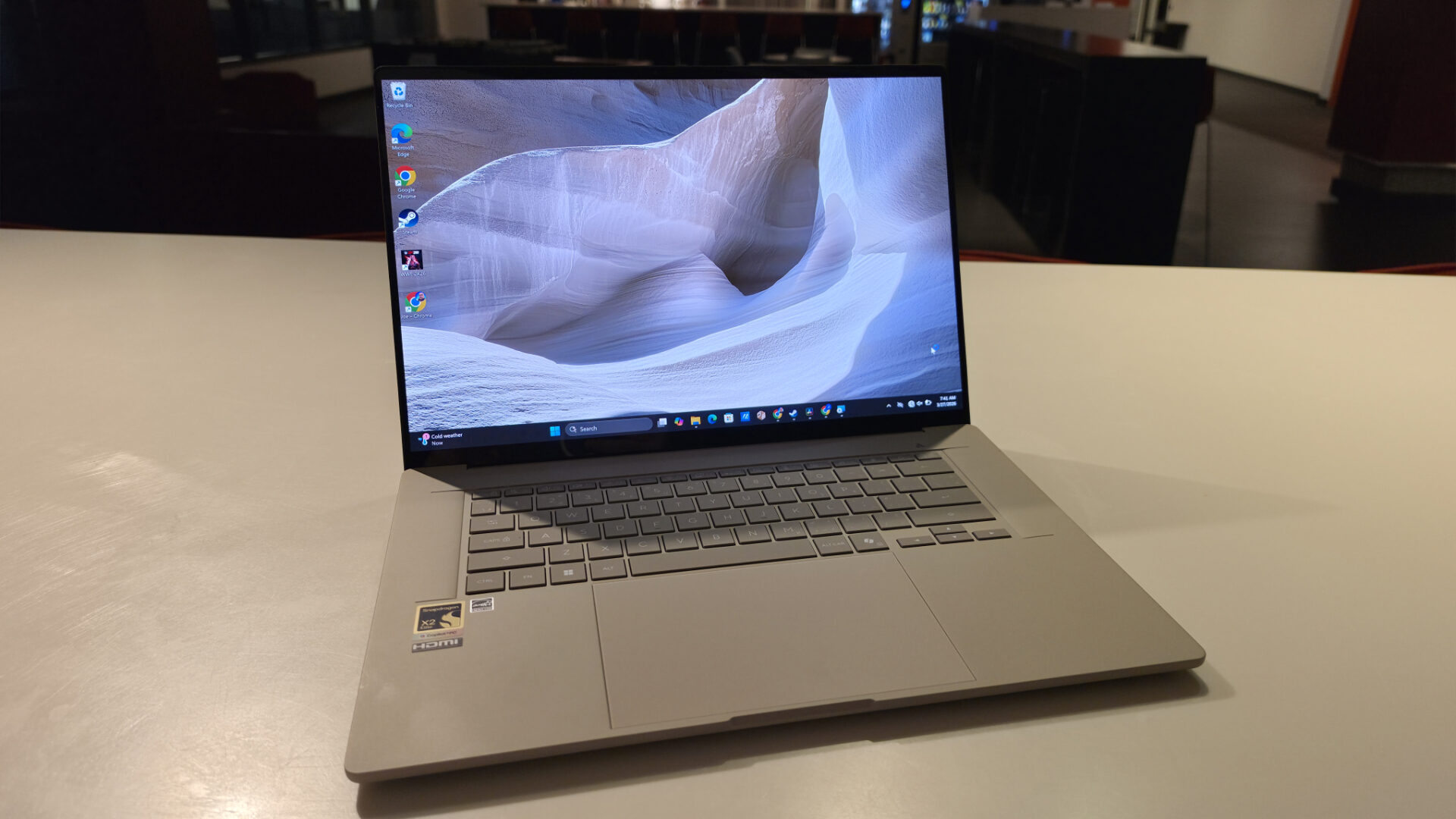
You do not have to wait long for the next time the ASUS Zenbook A16 impresses you. All you have to do is open it. The A16’s Lumina OLED screen provides a 2800-by-1800 resolution in a 16:10 aspect ratio and a 120 Hz refresh rate, with 1100 nits of peak brightness, and is VESA DisplayHDR 1000 True Black certified. The display is also quickly adaptable, able to switch between sRGB, DCI-P3 and Display P3. It is a gorgeous display that holds up to any movie or game you put in front of it.
The ASUS Zenbook A16 is equipped with a Qualcomm Snapdragon X2 Elite Extreme CPU, an 18-core chip built for true speed, along with a neural processor that gives you up to 80 trillion operations per second, a huge stat for this Copilot+ PC, which usually tops out at 40 TOPS. The chip supports up to 228 GB/s of memory bandwidth, and you feel it in every part of the A16. Also helping you get the most out of the laptop is 48 GB of LPDDR5X memory and up to 2 TB of storage.
The Snapdragon X2 Elite Extreme pairs with the Adreno X2 GPU, with four processing blocks that handle graphics before handing off to eight shader processors. Looking at gaming, the chip delivers higher frame rates for many games compared with the previous generation, with Fortnite boosted from 56 fps to 111 fps and Cyberpunk 2077 from 24 fps to 53 fps. These are not phenomenal numbers, but for the average person, this does mean the Snapdragon X2 Elite Extreme can finally run games at decent framerates.
But when it comes to more modern AAA gaming, the Snapdragon X2 Elite Extreme in the Zenbook A16 can handle much more than we have seen in the past, but that comes with some caveats. With games like A Plague Tale: Requiem, it ran without issue, delivering a decent experience, but when a game is built for a different platform, along with a discrete GPU, like WWE 2K26 and Hogwarts Legacy, you may find it simply will not load on this device, despite troubleshooting to see if it is possible.
Please make sure to look up a game’s system requirements so you do not find yourself with something you cannot play. You need to think of it like a Mac. The power is there, but the games are not built for those chipsets.
“The ASUS Zenbook A16 provided plenty of I/O.”
Now, the games I did play and actually loaded up correctly on the Zenbook A16, Fortnite and A Plague Tale: Requiem, performed quite well under some constraints. You are not going to play these games on their highest settings on an Adreno GPU. But I was creeping up on 100 fps in Fortnite on high settings. To play A Plague Tale: Requiem at the Zenbook’s 3K resolution, though, most settings needed to be at low or normal for the best results, with the resolution optimizer set to performance. At these settings, the game operated at more than 60 fps the whole time.
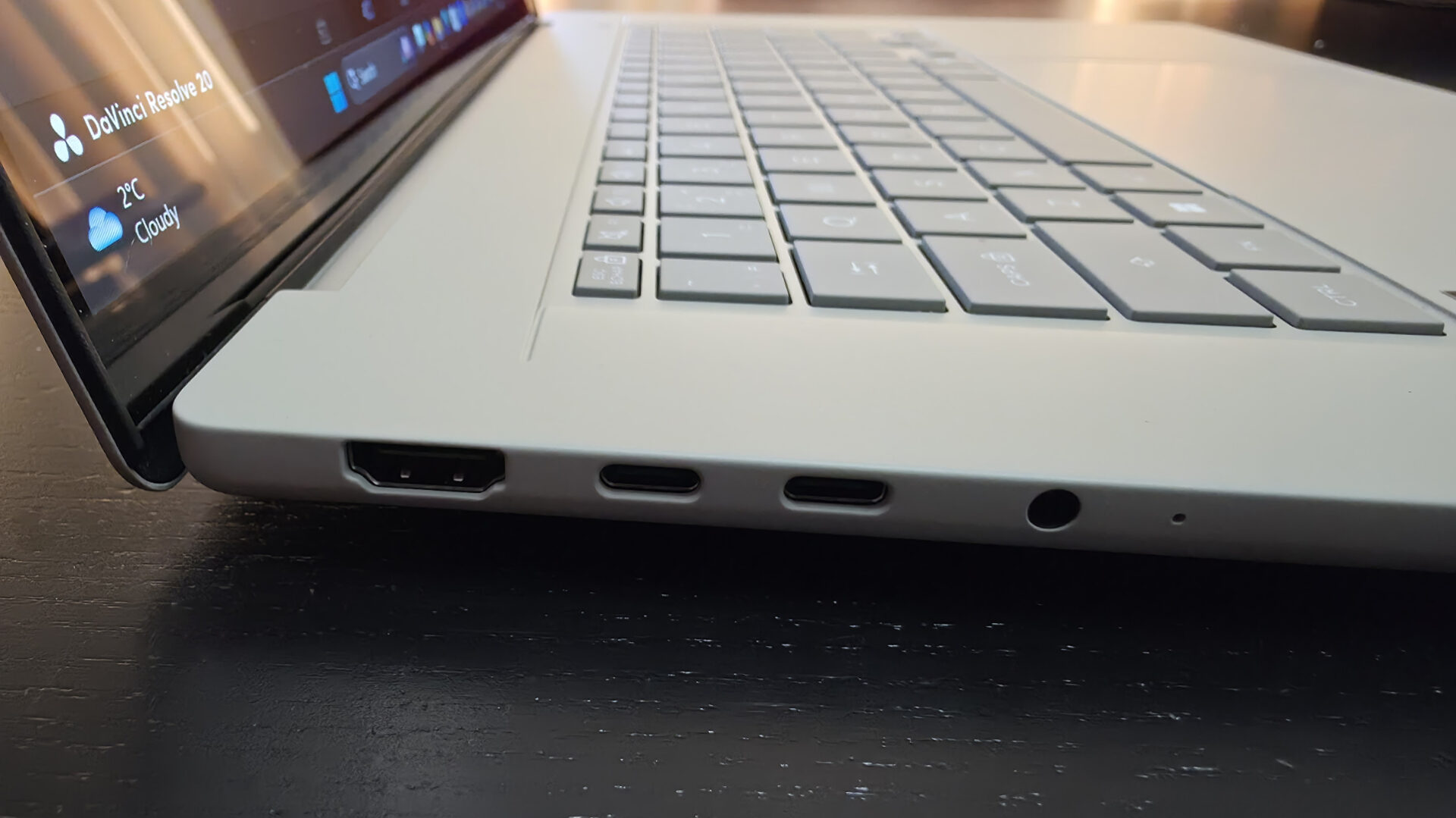
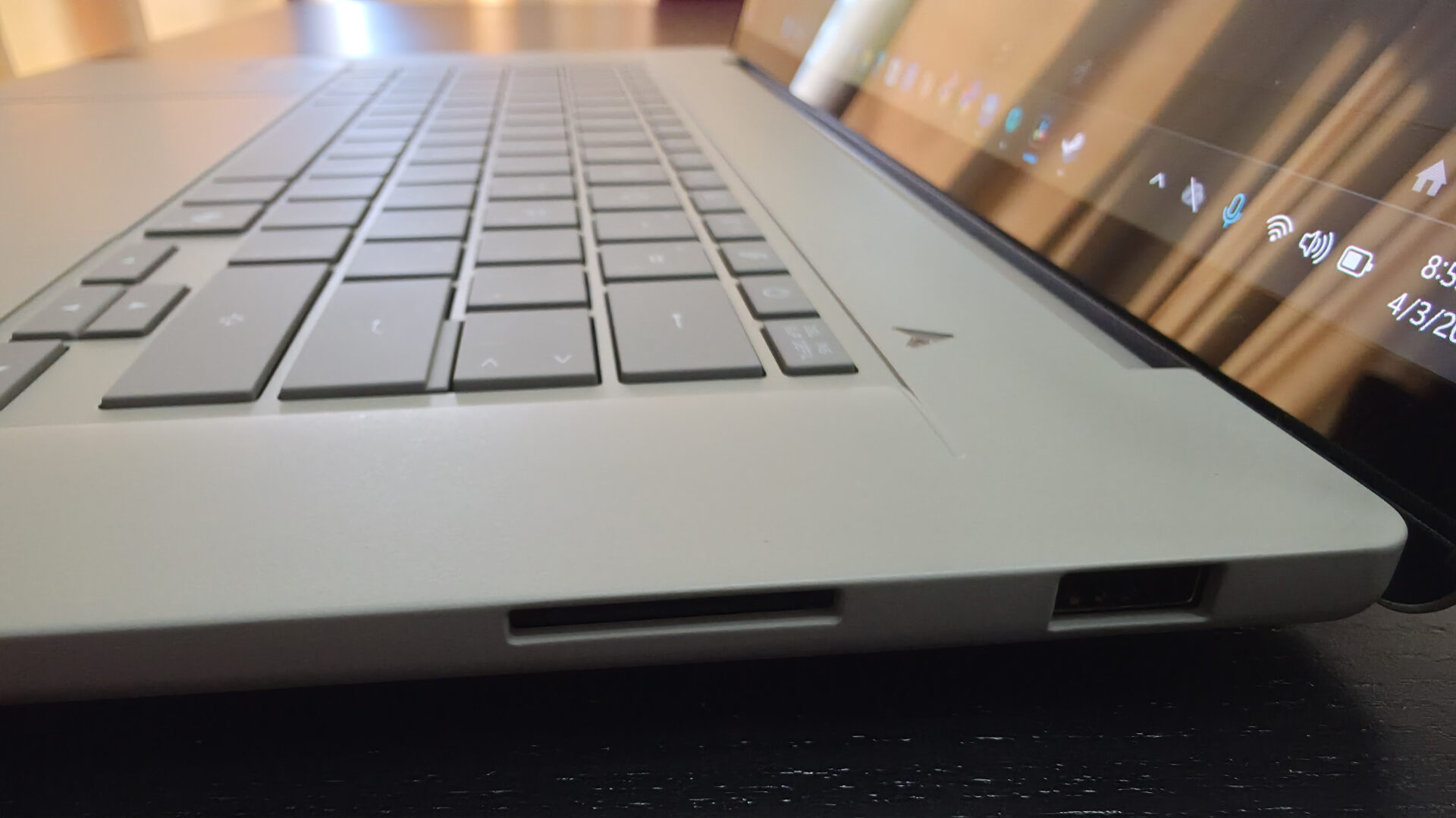
The ASUS Zenbook A16 provided plenty of I/O, including two USB4 Type-C ports, a USB 3.2 Gen 2 Type-A port, an HDMI 2.1 port and a 3.5 mm jack. The ports provide some ridiculously fast data-transfer speeds, and the HDMI port frees up the USB-C ports when using external displays, which is a real treat if you are going to make the Zenbook A16 the computer you use at your desk and on the go.
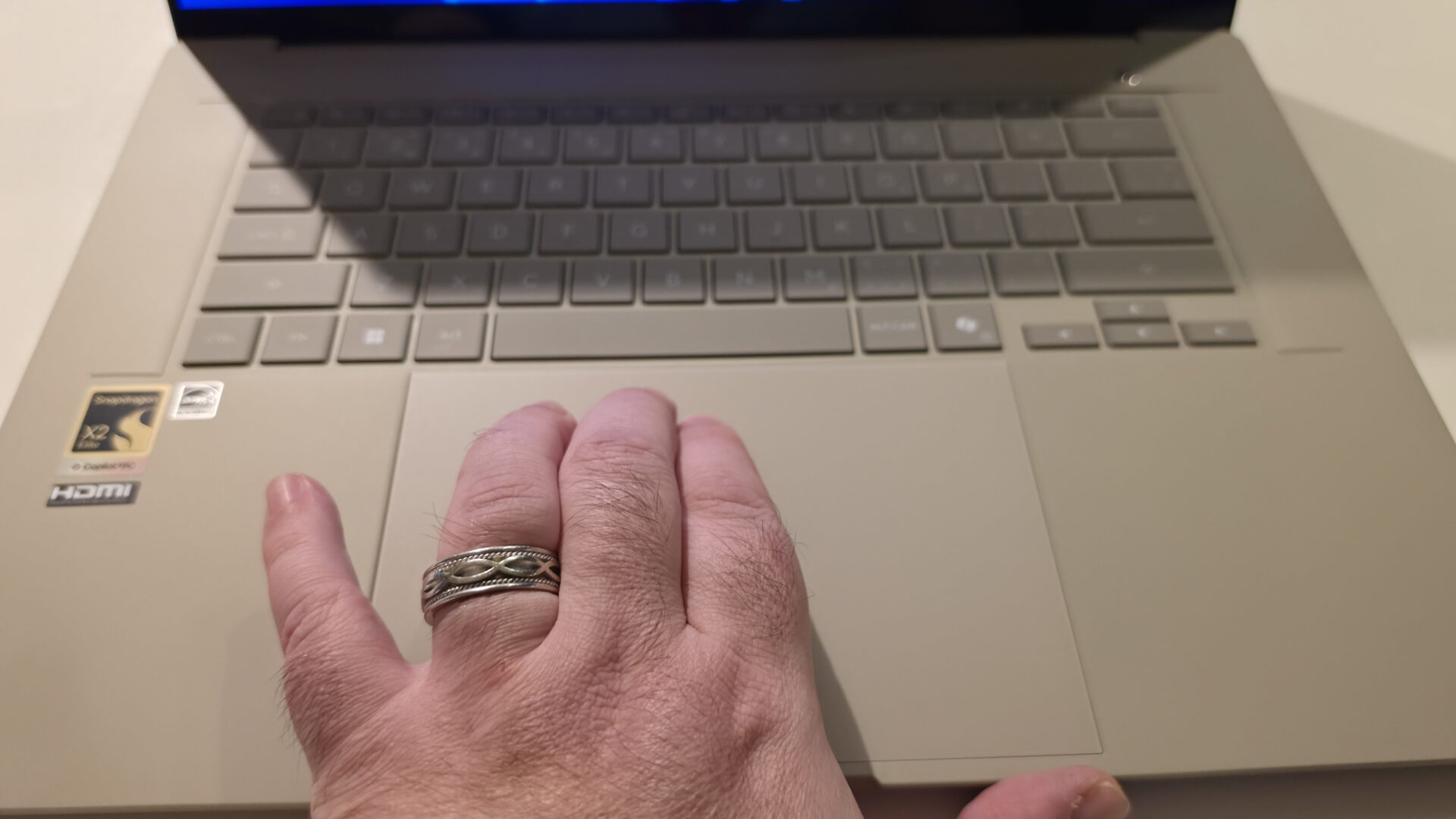
The keyboard on the ASUS Zenbook A16 is gorgeous, with fantastic backlighting, a 19 mm pitch, and shortcut keys for ASUS’ MyASUS and ScreenXpert apps, as well as the Copilot app. The Zenbook’s super-sized trackpad is incredibly responsive, with a nice click when pressed, and has a few tricks up its sleeve. Smart gestures allow you to control volume and brightness, scan through media and access the ScreenXpert control centre, while three-finger gestures let you quickly select your active applications.
The ASUS Zenbook A16 promises a lot in terms of performance, even drawing comparisons to Apple’s M5 chip, so I ran benchmarks under more typical conditions to see how it held up. On Cinebench, the Zenbook A16 scored 621 on single-thread and 5,705 on multi-thread, putting it just behind the Apple M4 Max. It also beat the Intel Core Ultra 9 285K in single-thread, but lost to it in multi-thread. Looking at Geekbench 6, the single-core score was 3,311, similar to the AMD Ryzen 5 9600X in performance, while the multi-core score was 21,677. With an OpenCL score of 40,043, it ranked somewhere below the Apple M2 Max.
For both tests, I used ASUS’s suggested settings, with the power plan set to Balanced and the fan profile set to Performance. The only variables different between my tests and theirs, which came in slightly higher on both Cinebench scores, are that I am not in a controlled environment, so temperatures will vary, and I am testing a model with 1 TB of storage, not 2 TB. These scores, for the uninitiated, are exceptional numbers for a laptop, indicating high-tier performance across the board.
For day-to-day use, the ASUS Zenbook A16 almost seems overqualified for every task you put in front of it. It is lightning-fast, it looks and sounds great, and it makes using AI faster and easier than any other device I have used. The laptop is a productivity factory, giving you what you need as fast as virtually any machine can, and looking fantastic while doing it.
My biggest disappointment with the Zenbook A16 came when I tried to bring some content creation into the mix, using DaVinci Resolve Studio’s ARM-compatible variant to do some simple editing. I made a 15-minute video to compare rendering times across devices, and while I was trying to add some transitions to the project, it crashed time and time again, even after fine-tuning the settings. Being unable to easily accomplish the same task on a MacBook Air, and not even getting to the point of rendering here without giving up, was my main low point.
I will note that I have spoken to my editor, who recently tested a laptop using the Snapdragon X2 Elite chip and had no issues using Resolve on that machine, so it may be an issue with my unit. Some troubleshooting you can do is make sure in the preferences that the Adreno X2 GPU is selected under GPU, and that your project, even if you are outputting 4K video, is set for 1080p playback. You should also make sure render cache is set to Smart and Proxy Media Resolution is set to “half” or “quarter” to ensure the smoothest results.
“For day-to-day use, the ASUS Zenbook A16 almost seems overqualified for every task you put in front of it.”
I did, however, have a successful test editing the same content of CapCut on the Zenbook A16, which is a lot less of a resource hog than its more pro-level counterpart. The same content, complete with transitions and effects, ran incredibly smoothly. It isn’t my ideal software, but someone looking to put together some simple content would enjoy the speed and simplicity of CapCut over some other options.
Compared to other laptops I’ve tested, the ASUS Zenbook A16 is at the high end in terms of price, even higher than the gaming laptops I have tried. While these devices are really like comparing apples and oranges, I’d say that what they’ve put into the Zenbook, including the R&D that went into the new design, justifies the price. You really see what you lose in more budget options, like the MacBook Neo, for example, where the cost-cutting comes from, like losing fingerprint scanners, backlit keys, and downgrading the chip.
With the testing of DaVinci Resolve really being the only issue we experienced with the ASUS Zenbook A16, we reached out to the team at ASUS for some insight into what they thought the problem might be, and they were incredibly cooperative in troubleshooting the issue. ASUS sent us a statement regarding the issue:
“ASUS is aware of reports of crashes affecting DaVinci Resolve on laptops powered by the new Snapdragon X Elite 2 Extreme processor and is actively investigating the issue in collaboration with Qualcomm. At this time, the issue appears to be limited in scope, and our teams are working to better understand the root cause. We appreciate the feedback received so far and are exploring potential remedies, including future software updates.”
At $1,999.99 US, the ASUS Zenbook A16 is a very high price for what most people will get out of the device. If you are someone putting that neural processor to work, the Zenbook A16 is a fantastic buy, but for people who just want a laptop to browse, write and watch media, what you are really paying for are the quality-of-life aspects of the laptop. The lightweight, the fingerprint-free surfaces and the amazing screen are the luxuries you get from the Zenbook, but the performance may be more than you really need for the price.