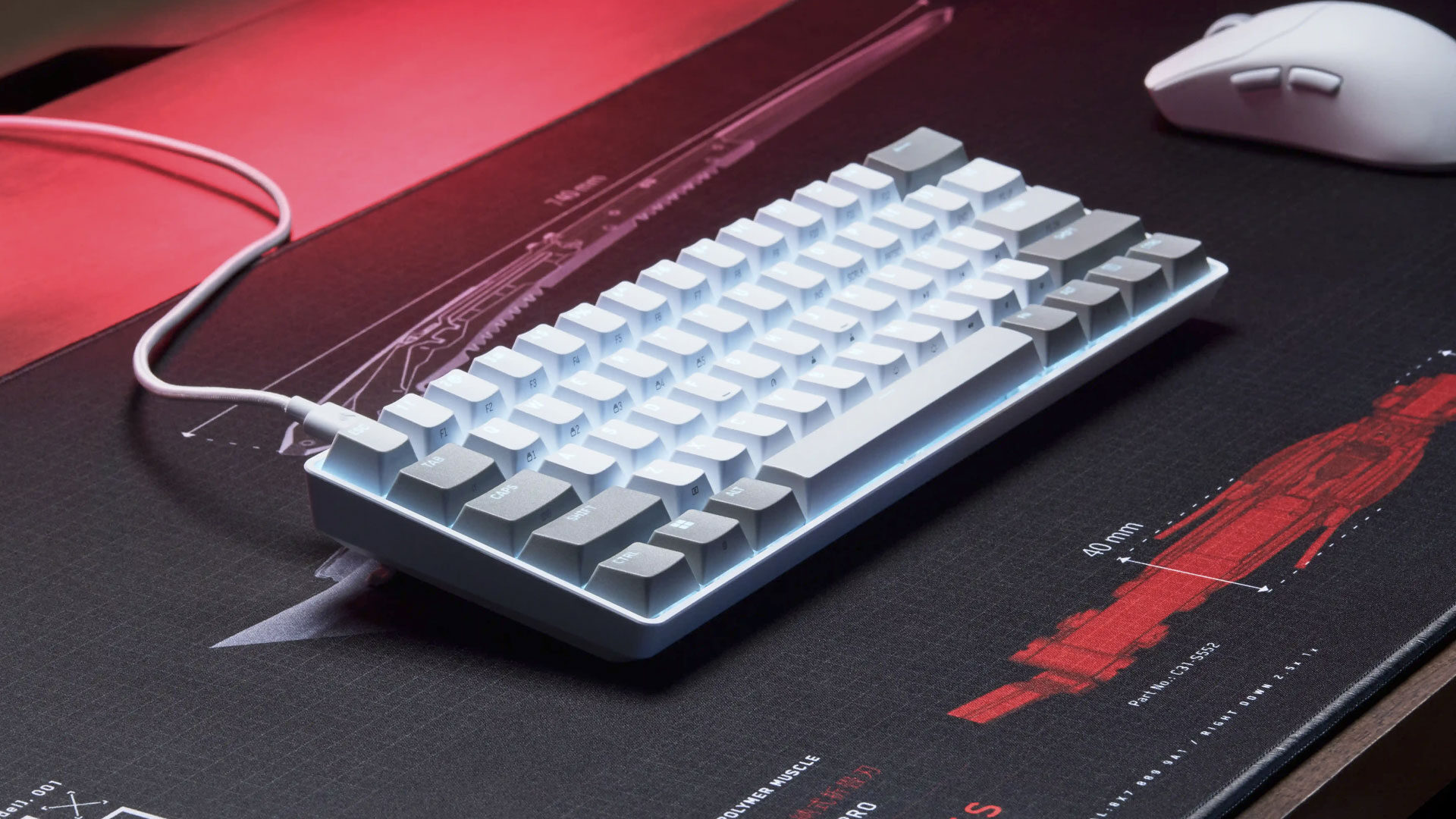


Hardcore gaming keyboards can often be as bulky as they are flashy, which makes Corsair’s new Clipper Pro Mini 60 the best of both worlds. The company has made a name for itself with a large variety of gaming and computer accessories, and this incredibly light and convenient mini keyboard proves that they can create a portable keyboard that works for nearly every gaming machine someone may have in their home.
For a keyboard that barely fits in your lap, the Clipper Pro Mini 60 feels very sturdy while being extremely light at only 414 g (14.6 oz). The small, sturdy, and colorful device easily slips into a travel bag and hooks up to any device with a standard USB port—including a PlayStation 5! Depending on which device it is plugged into, there are many cleverly designed quirks and features the Clipper Pro Mini 60 is capable of.
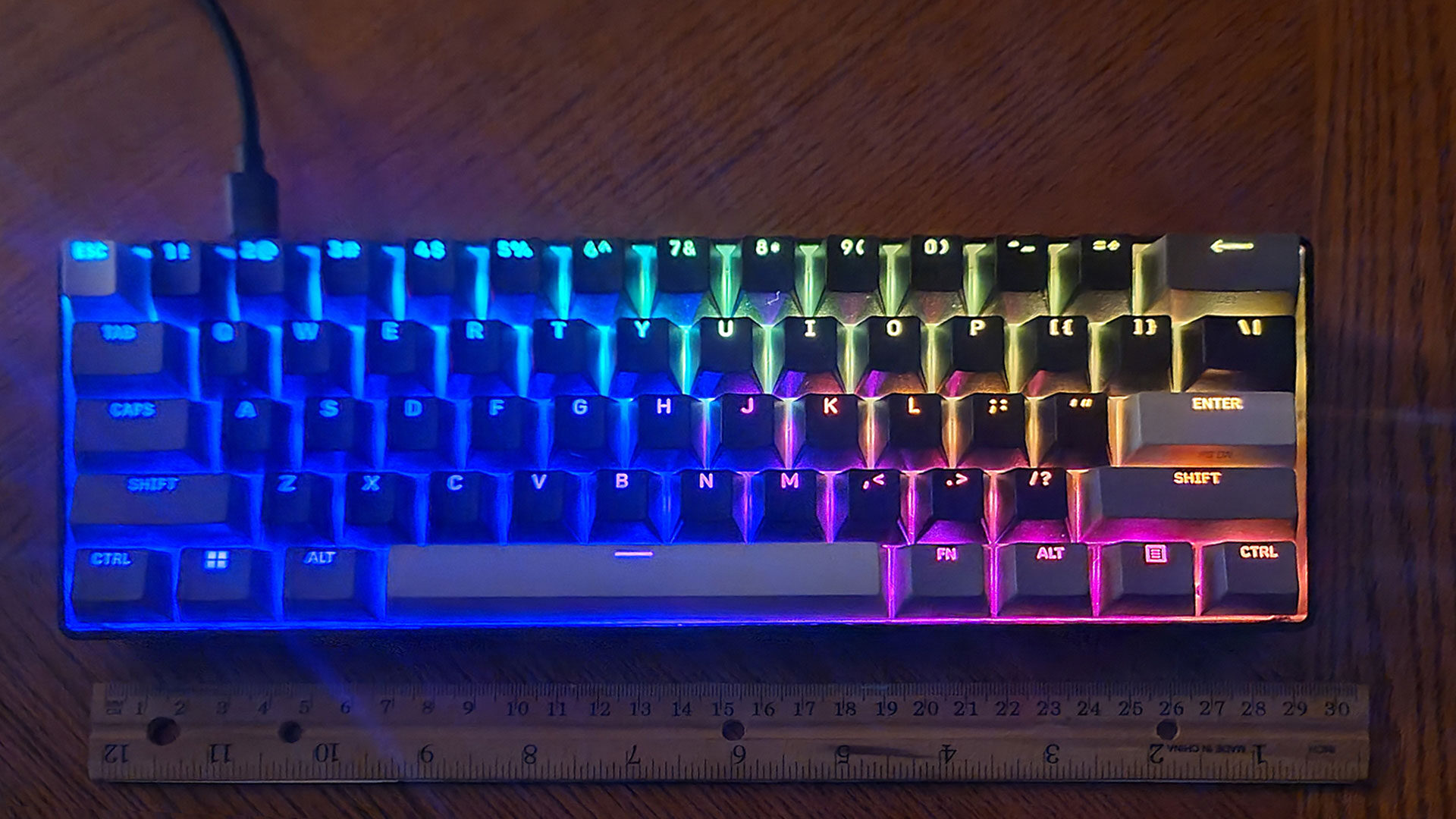
As someone who is no stranger to mechanical gaming keyboards, I was soothed by how great the Clipper Pro Mini 60 feels to type on. Taking the device out of the box was a surprising experience because at first glance, the keyboard’s light weight and size make it seem like it would feel fragile and unstable. Thankfully, that is not a problem for this mini-keyboard.
The unit works smoothly as soon as it’s plugged into a PC, but by accessing the Corsair Web Hub it can do a lot more. LEDs built into the Clipper Pro Mini 60 offer a wide array of lighting options, allowing for custom colors and patterns to fit nearly any desire. The simple and intuitive UI makes it very easy to change the keyboard’s look to match any room’s style. However, the Web Hub’s color options are only a tip of the iceberg of customization options it can alter on the keyboard.
“…the Corsair Clipper Pro Mini 60 is not restrained by decades of preconceived notions of what keyboard buttons are supposed to be…”
Because the keyboard is so small, it obviously lacks the real estate to include a number pad or top row of function keys. The keyboard remedies that lack of buttons by making specific keys capable of executing multiple functions that can be activated by holding down the “FN” button near the space bar. At first, it takes some getting used to, but Corsair’s small imprint on the multi-use keys helps remind users where the extra functions, like volume control, brightness settings, arrow keys, etc., can be used.
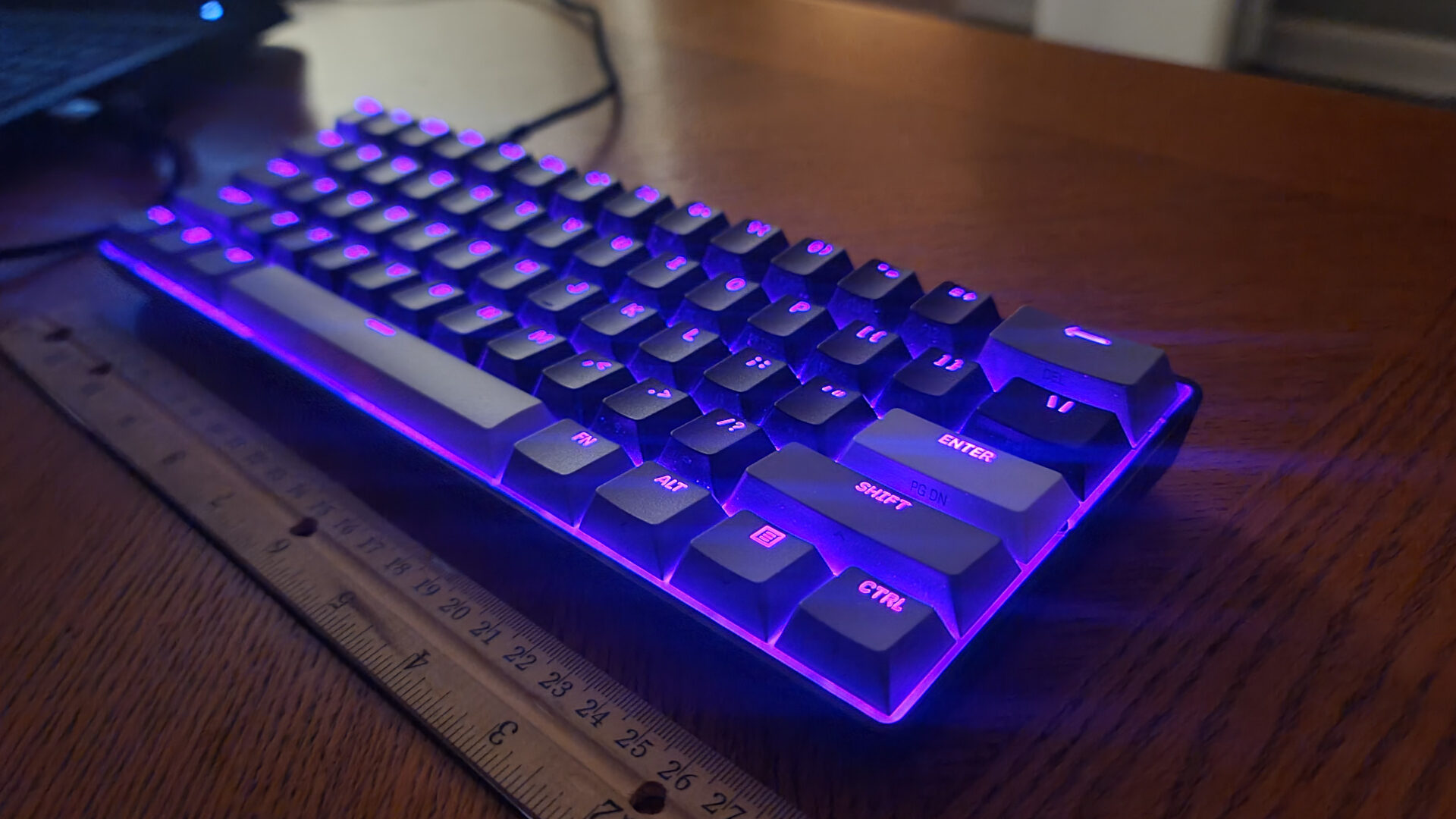
The custom lighting and overall presentation of the mini keyboard are top-notch and incredibly sleek. However, if the multi-use keys were designed in a way that allowed the LEDs to shine through and highlight the buttons’ alternative functions, they would be a lot easier to see. But the Corsair Clipper Pro Mini 60 is not restrained by decades of preconceived notions of what keyboard buttons are supposed to be, because the Web Hub allows you to change input options in more ways than I could have ever imagined.
Besides being able to customize the Clipper Pro Mini 60’s light display, individual keys can be programmed to operate four separate inputs with the Multi Action feature. Using the Corsair Web Hub, each key can be mapped to do a different function depending on whether the user half-presses, fully presses, half-releases, or fully releases the key. This means that, despite being only 60% of the size, the Clipper Pro Mini 60 can technically offer more button input options than other full-sized keyboards.
Other key input customization options include the Tap Lock and Smart Tap, allowing even more options for alternating the keyboard’s inputs to nearly any desire or gaming need. Tap Lock can help create toggles so any button that would normally need to be pressed a lot while playing a specific game can instead be pressed once and stay pressed. The Smart Tap creates even more options, allowing multiple inputs to be assigned to any key, enabling favorite combos or even editing shortcuts to be assigned to any button.
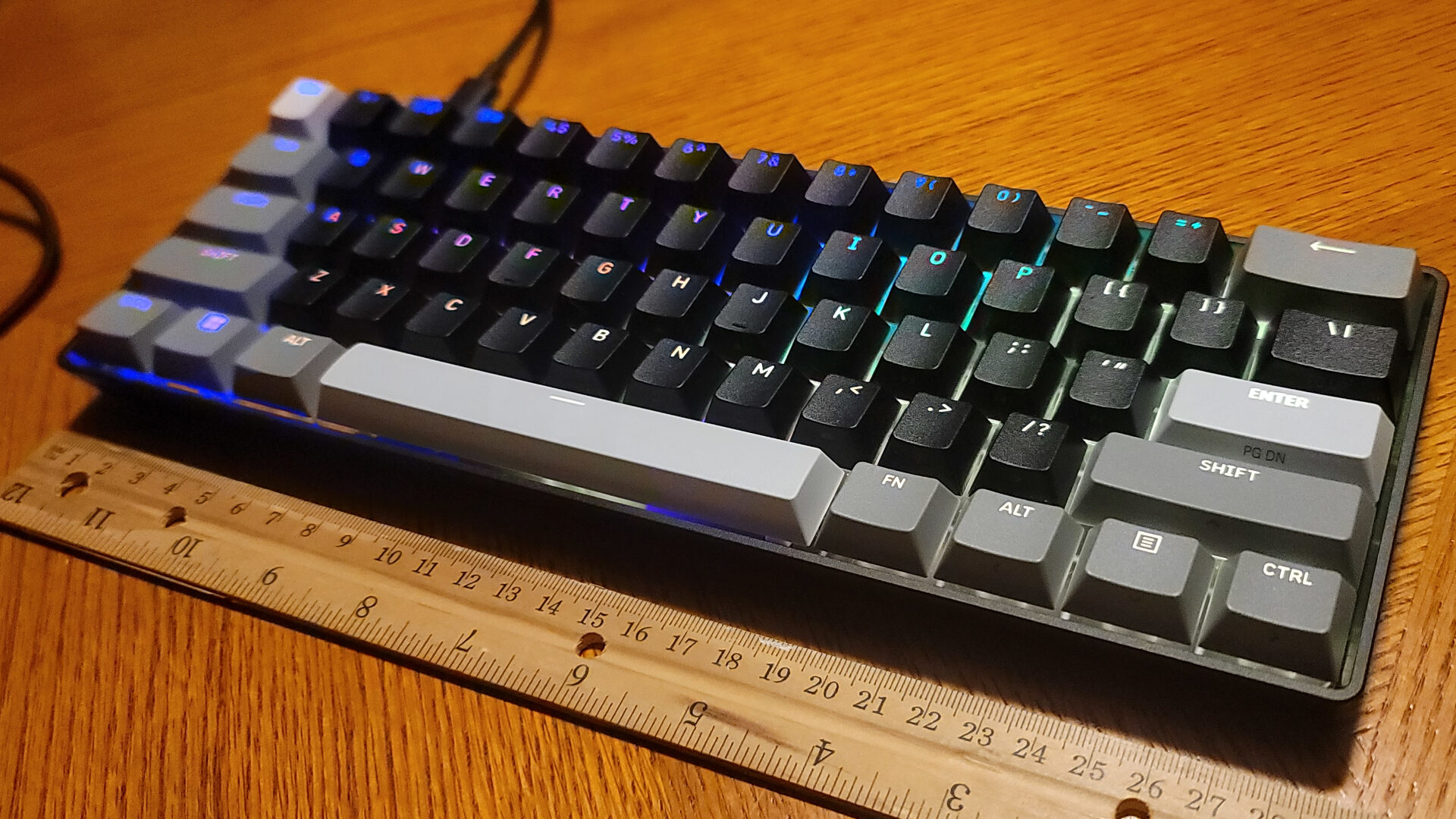
That amount of customization makes the Clipper Pro Mini 60 extremely versatile for gaming, editing, and typing in all capacities on any computer, but that’s not the only device it is compatible with. It also works with Apple Mac computers and the Xbox One and Series X/S. The keyboard even has its own specialized PlayStation compatibility mode, allowing it to give console players the more accurate controller option. Testing it on the PS5 was a flawless experience and adds yet another seamless feature in the keyboard’s long list of abilities.
The wide array of visual and input customization options has created a new bar for keyboard personalization, and those looking for extremely fast and accurate inputs for fast-paced gaming have even more reasons to admire the Corsair Clipper Pro Mini 60. With outstandingly fast key detection, up to 8,000 Hz/sec, the incredibly light and portable keyboard is capable of delivering performance that was once exclusive to traditionally huge and clunky mechanical gaming keyboards.
“That amount of customization makes the Clipper Pro Mini 60 extremely versatile for gaming, editing, and typing in all capacities on any computer, but that’s not the only device it is compatible with.”
The Corsair Clipper Pro Mini 60 is capable of doing everything this reviewer could want a keyboard to do and then some, with style. I’ve never experienced a gaming keyboard that was easier to customize and even easier to transport. If it were able to perform the same functions wirelessly and make the alternative key symbols more apparent, it would be the ultimate miniature keyboard. Still, with the low price point, variety of customizable features, and solid design, the Clipper Pro Mini 60 should be a great choice for anyone looking to upgrade the keyboard in their lives, especially if it needs to travel.