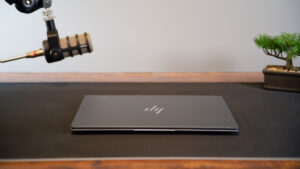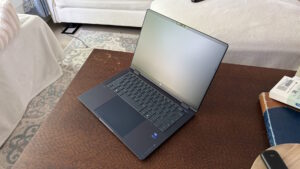

For the past few years, HP has given me the opportunity to test several classes of its business laptops. With each passing year, the company continues to innovate and improve its products. To start this year, I spent some time with the latest model in the OmniBook lineup, the HP OmniBook Ultra 14. It is an ultrathin, portable laptop with some impressive hardware.
Before we dig in, it is important to know that business-class laptops can cost much more than traditional consumer laptops. My review unit carries a hefty price tag of US$3,049.99, although businesses will likely receive discounts when buying multiple units. Lower-end models start at about US$1,699.99 and can be configured on HP’s website.
The box does not include much beyond the laptop, charging cable and power adapter. However, HP has included one of the smallest 65-watt adapters I have seen. It is not much larger than my Nissan key fob and can easily fit into a pocket or bag. Its small size makes carrying the laptop much easier than in previous years.
The USB cable is fairly standard, but it offers more length than those included with some competing laptops. I found that especially helpful when nearby power outlets were not as close as I would have liked. I do wish the cable were braided, like those included with some of the other HP laptops I have tested in previous years.
“The HP OmniBook Ultra 14 is an ultrathin, portable laptop with some impressive hardware.”
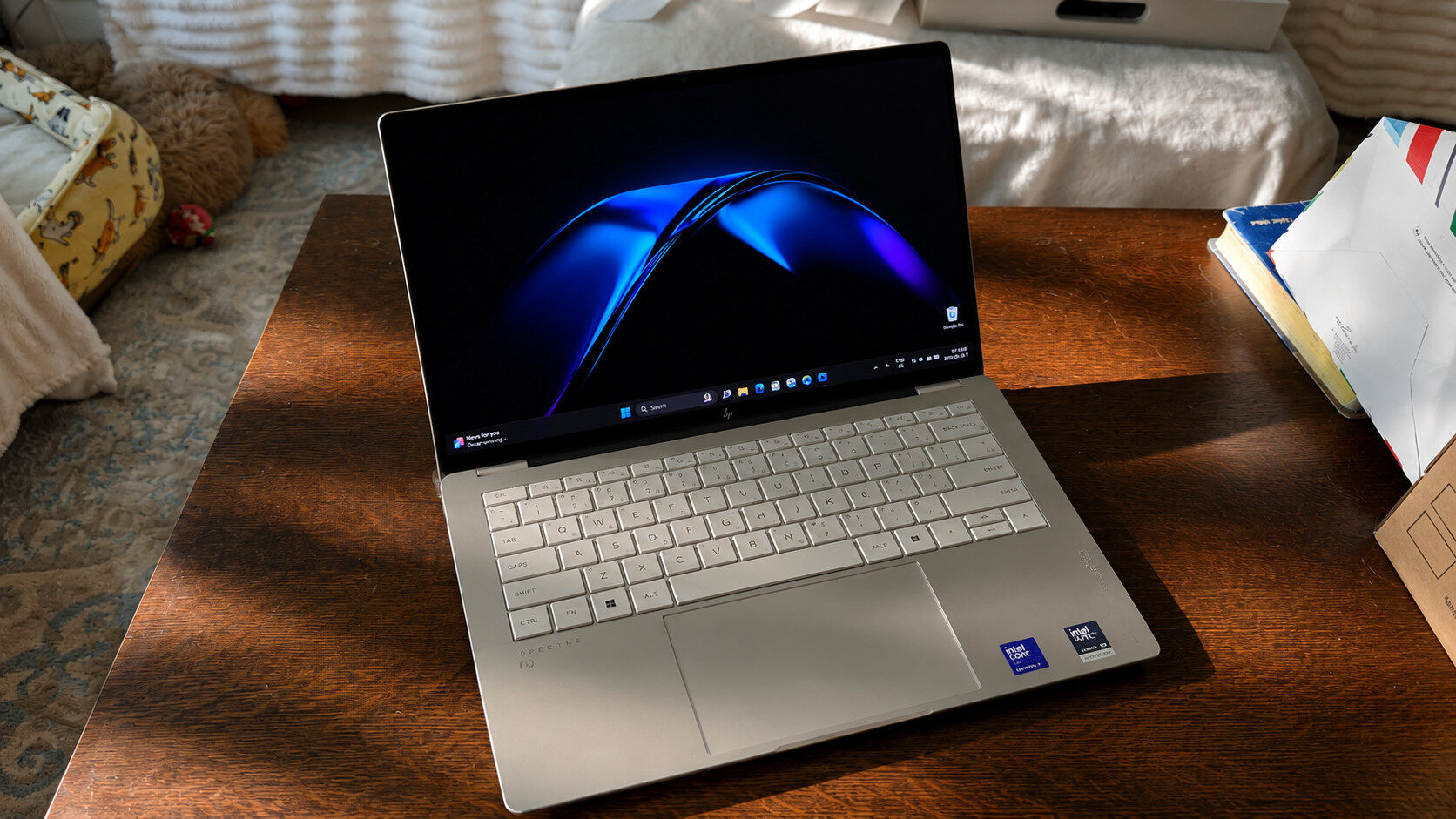
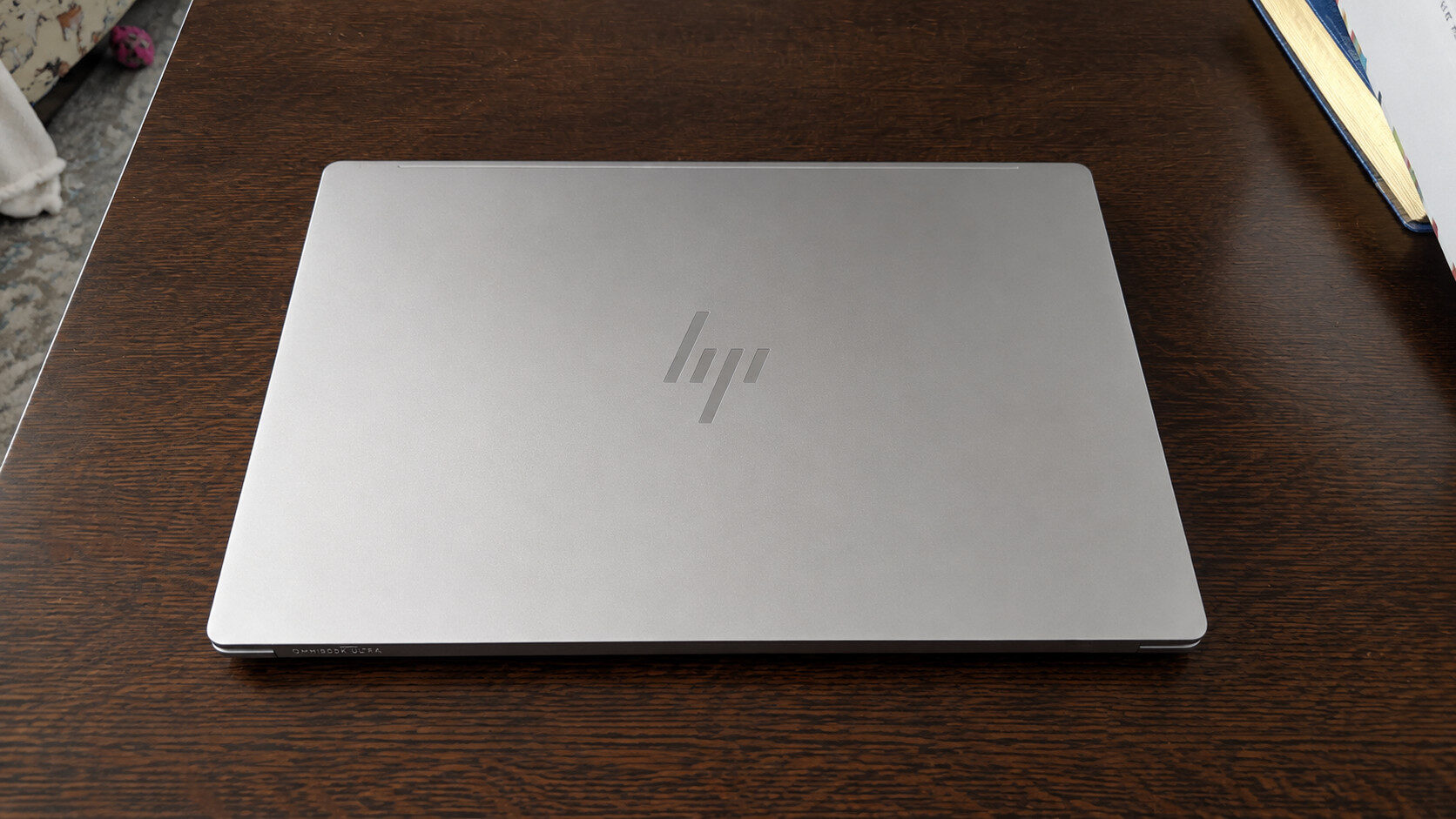
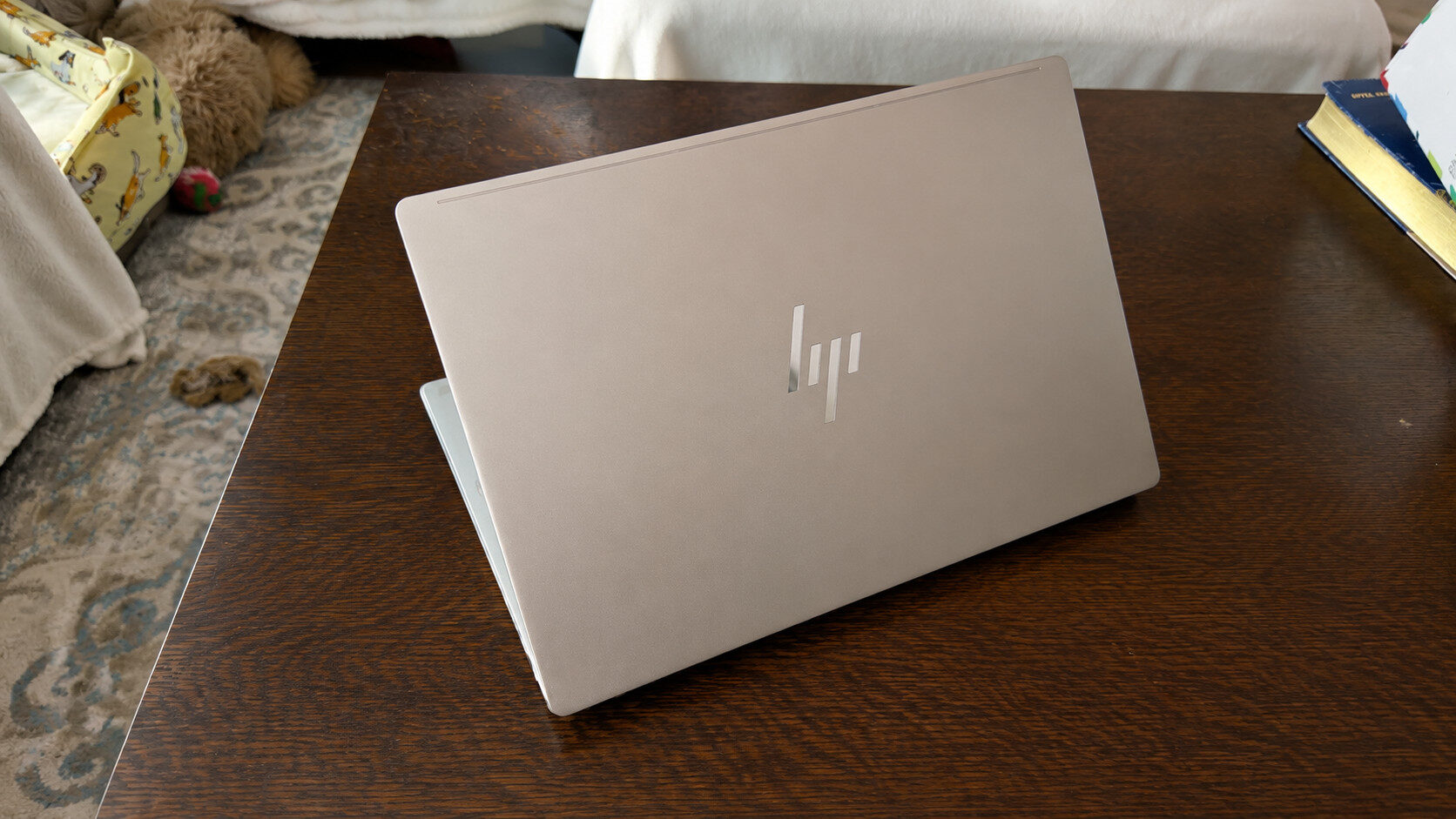
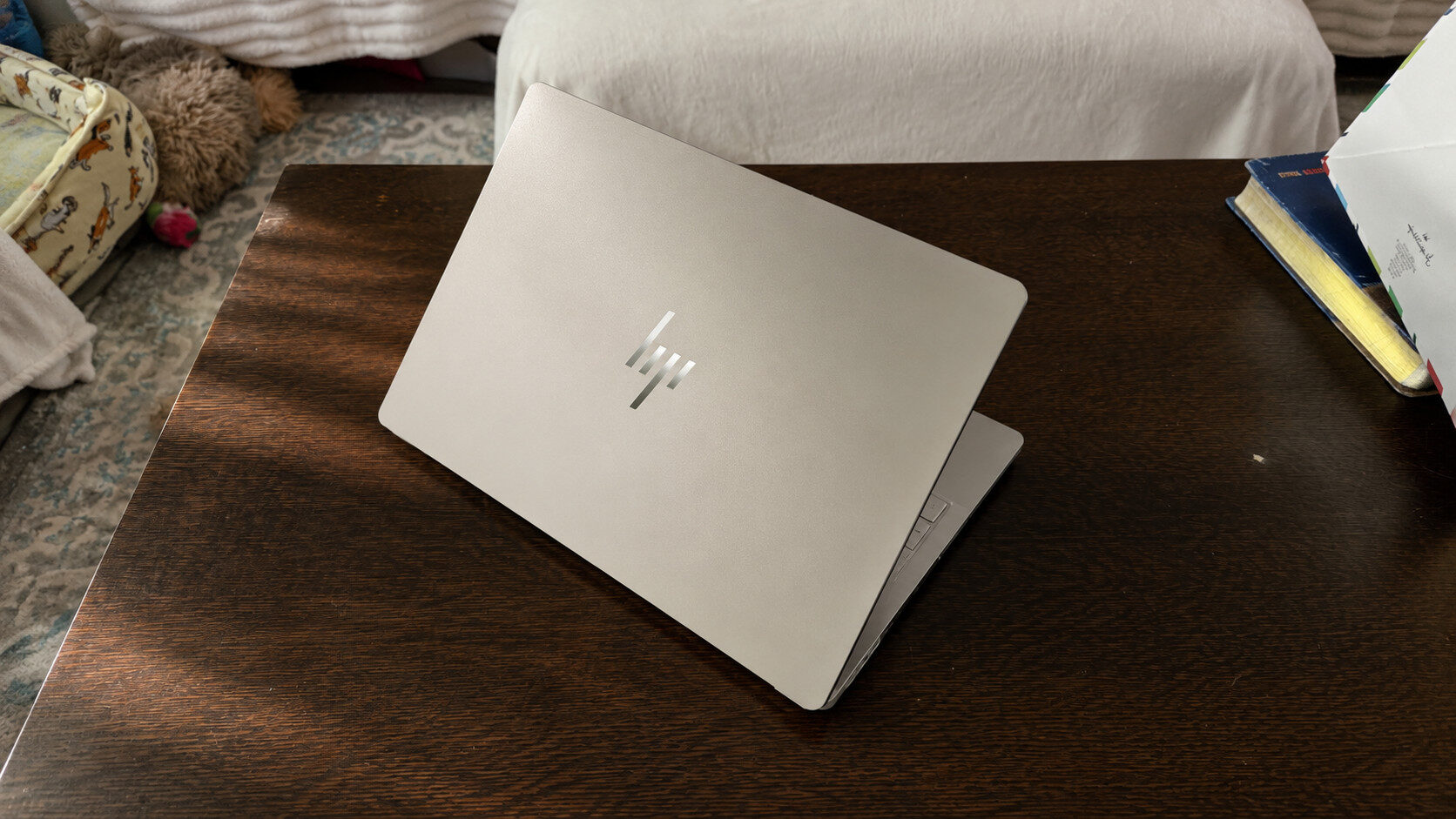
The HP OmniBook Ultra 14 has a fully forged aluminum body, which feels excellent to hold and improves its overall durability. It is available in Eclipse Grey and Stone Blue, which is exclusive to Snapdragon models, and Silk Sand, the colour of my review unit. Each option gives the laptop a striking appearance. I especially like the muted rose-gold look of Silk Sand, which stands out from the finishes on many other laptops I have used.
I hope HP continues to use this colour on future products because it adds a touch of elegance. The laptop also has shiny, brushed aluminum edges, although they may be more prone to scratches over time. All three colours appear to resist fingerprints better than the finishes on some competing laptops, helping them remain clean for longer.
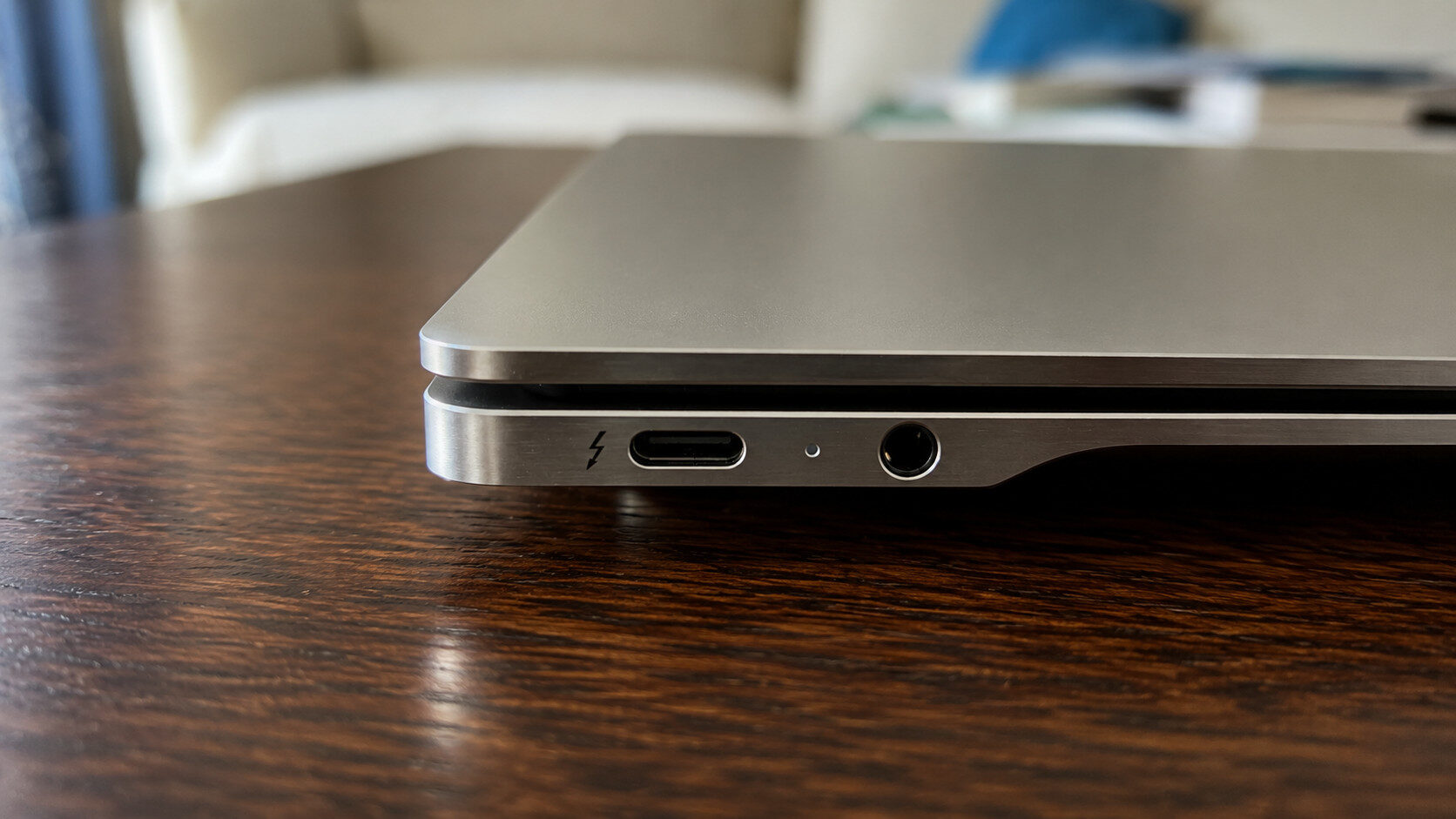
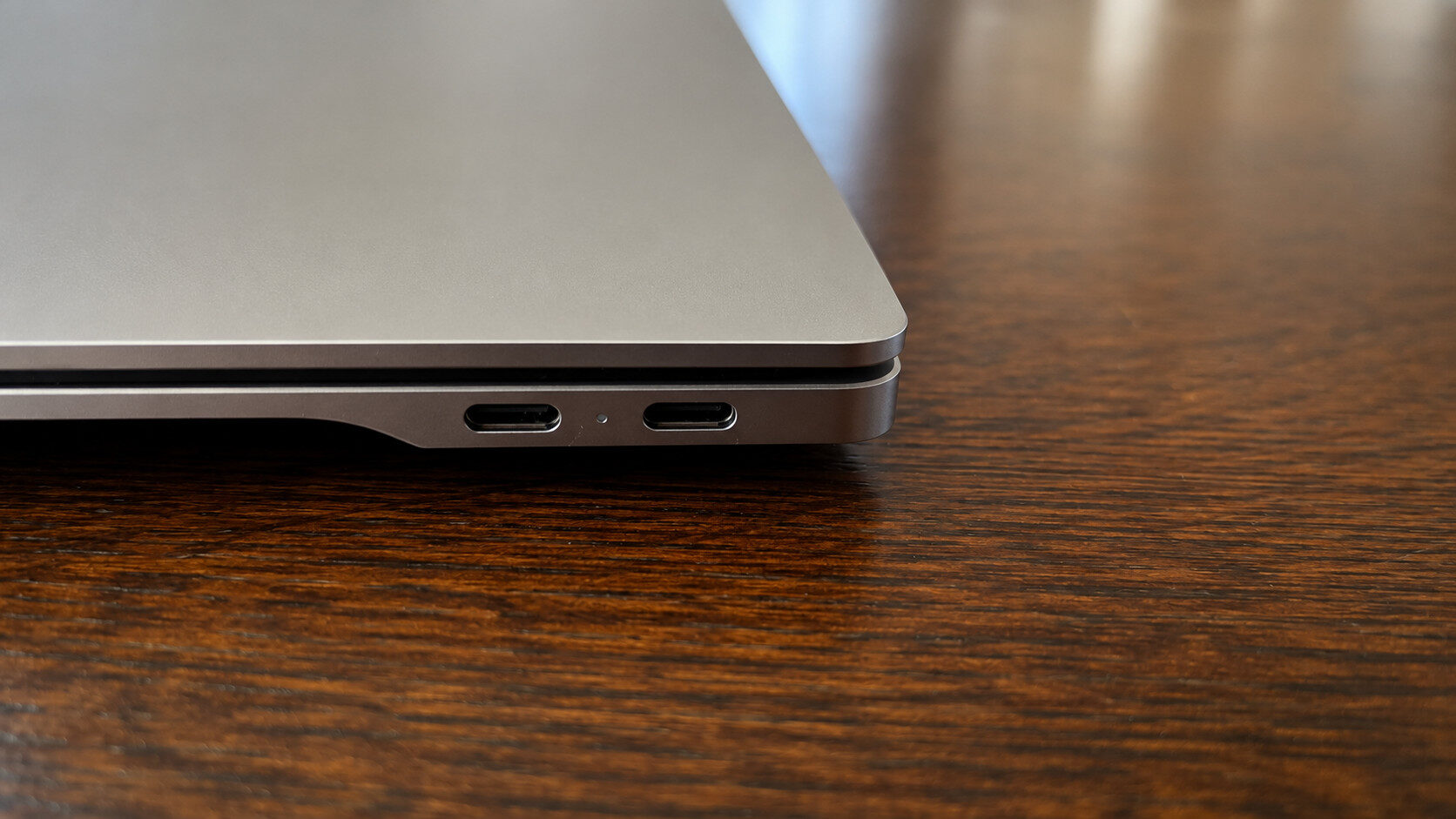
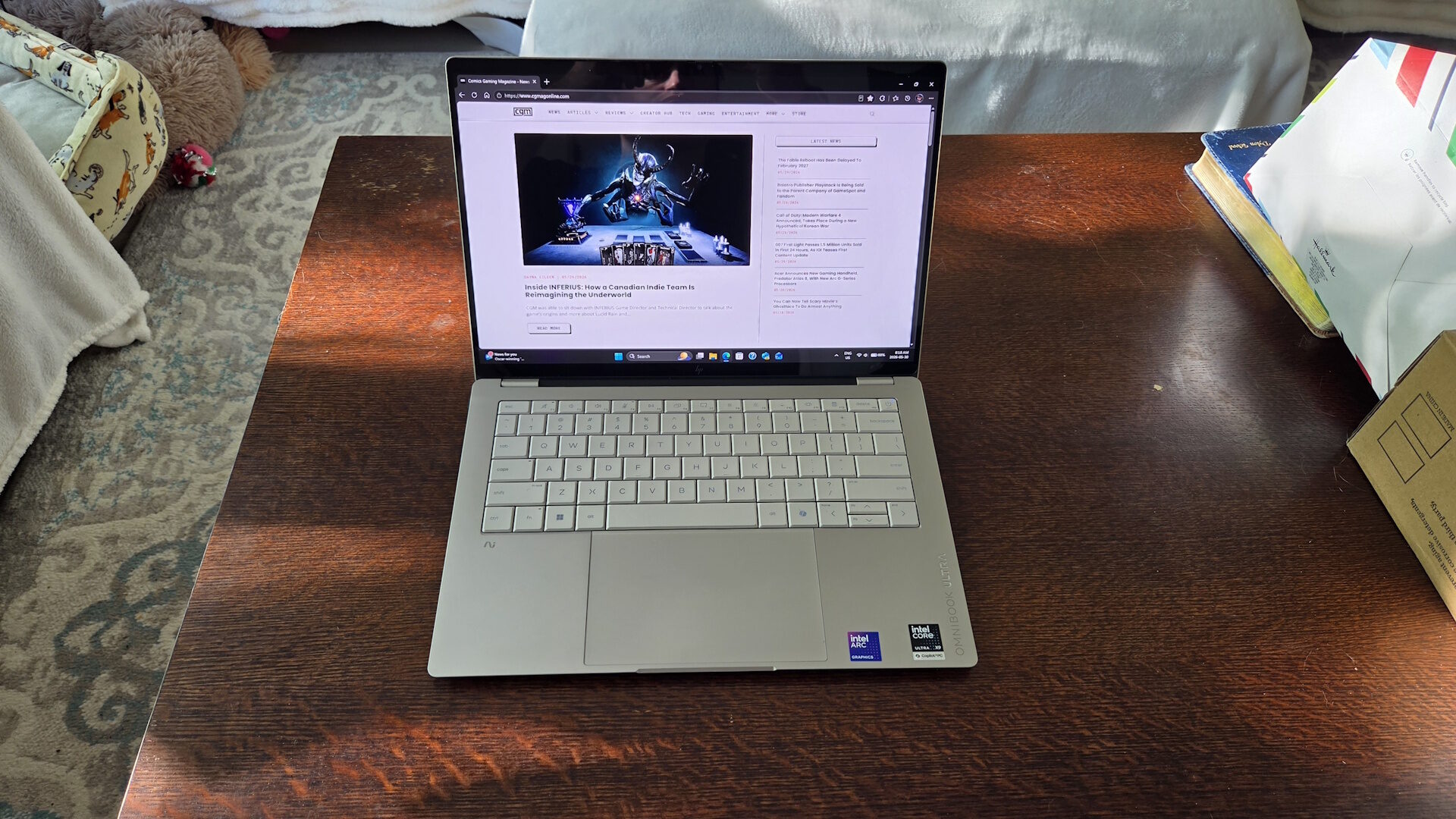
Port selection is fairly limited on the HP OmniBook Ultra 14. The left side has one Thunderbolt 4 port and a 3.5 mm headphone jack, while the right side has two Thunderbolt 4 ports. Thunderbolt 4 is versatile, supporting data transfer, display output, charging and external hubs. However, you will need a hub or dock to connect anything that does not use USB-C. That said, I appreciate being able to charge the laptop from either side, which is not possible with every business-class laptop.
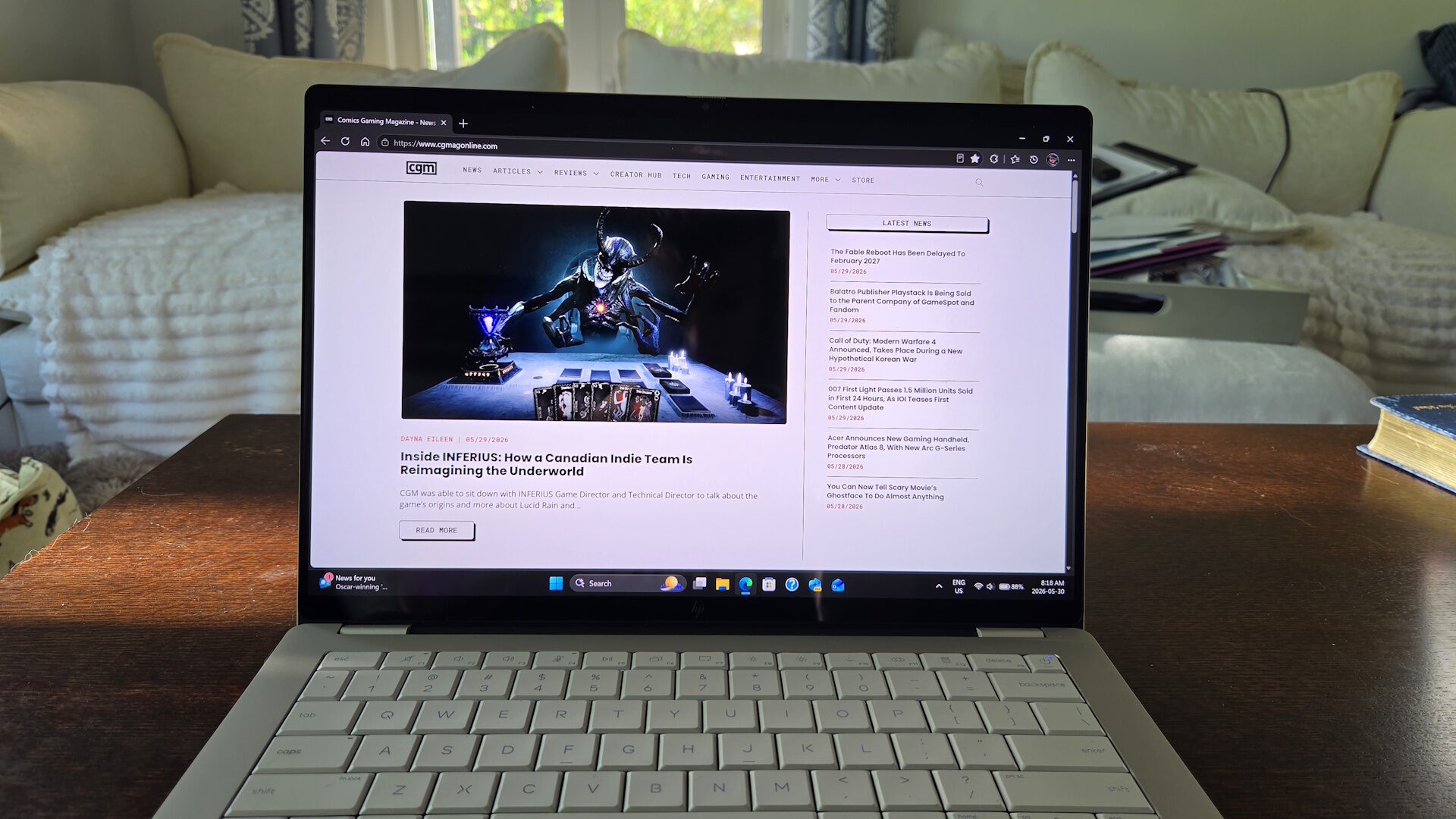
The display on this year’s HP OmniBook Ultra 14 is one of my favourite aspects of the laptop. The screen is nearly bezel-free, gets very bright and supports the full DCI-P3 colour gamut, helping colours stand out on screen. Blacks are also appropriately deep and dark, giving videos and photos a vivid appearance. This would be an excellent display for anyone doing photo or video editing.
HP has further improved the screen by giving it a 3K resolution, touchscreen support and Gorilla Glass 3. These features make it sharper and more durable. Despite its glossy finish, reflections were less distracting than on many other glossy displays I have used. My only complaint is the limited range of motion. HP has restricted the display to an opening angle of about 120 degrees. Most other HP laptops I have tested offer a wider range, making this screen slightly awkward to use when the laptop is propped up at a steeper angle or resting on my lap.
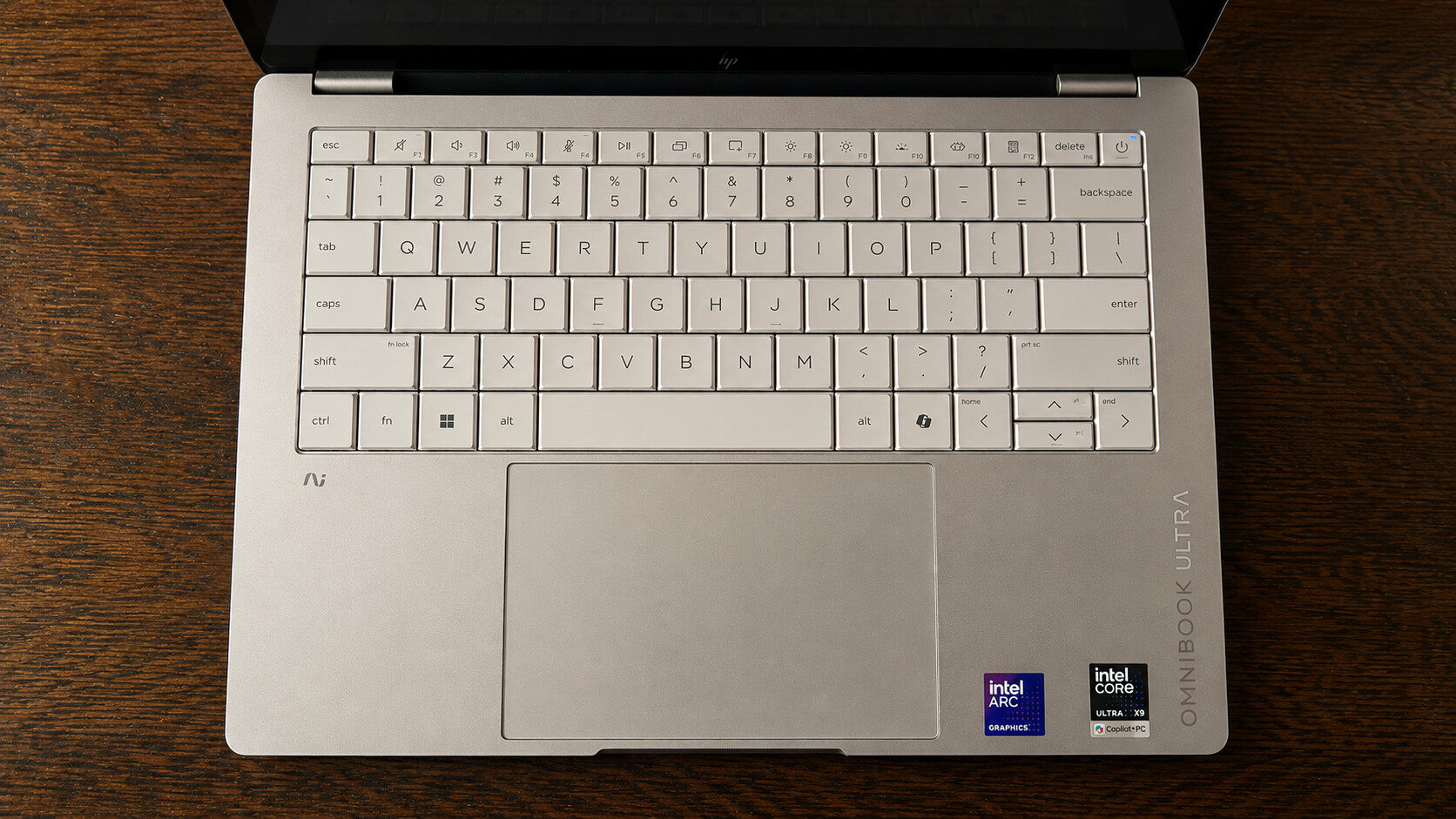
HP has equipped the OmniBook Ultra 14 with a large haptic touchpad instead of its traditional mechanical design, which I was thrilled to see. It feels smooth and responsive, while remaining accurate once adjusted to my preferred settings. HP has also used nearly all the available vertical space for the touchpad, giving your fingers plenty of room to move.
The lattice-less keyboard is also excellent. It is comfortable to type on and quickly became one of my favourite keyboards on any business-class laptop. Key travel is deeper than on some other laptops, and every key feels balanced and stable. The backlight has two brightness settings. However, the keys on the lighter-coloured model can sometimes be harder to see under certain lighting conditions.
Audio from the HP OmniBook Ultra 14 is impressive given its thin design, and it is a major improvement over previous generations. Despite its slim profile, HP has packed four speakers into the chassis. They are among the best speakers I have heard on an HP laptop. Audio is crisp and clear, retaining the detail I expect from a high-quality set of speakers. Bass and lower frequencies leave a little to be desired, but there is likely only so much HP could do within such a compact form factor. Overall, the company has done an excellent job with the available space.
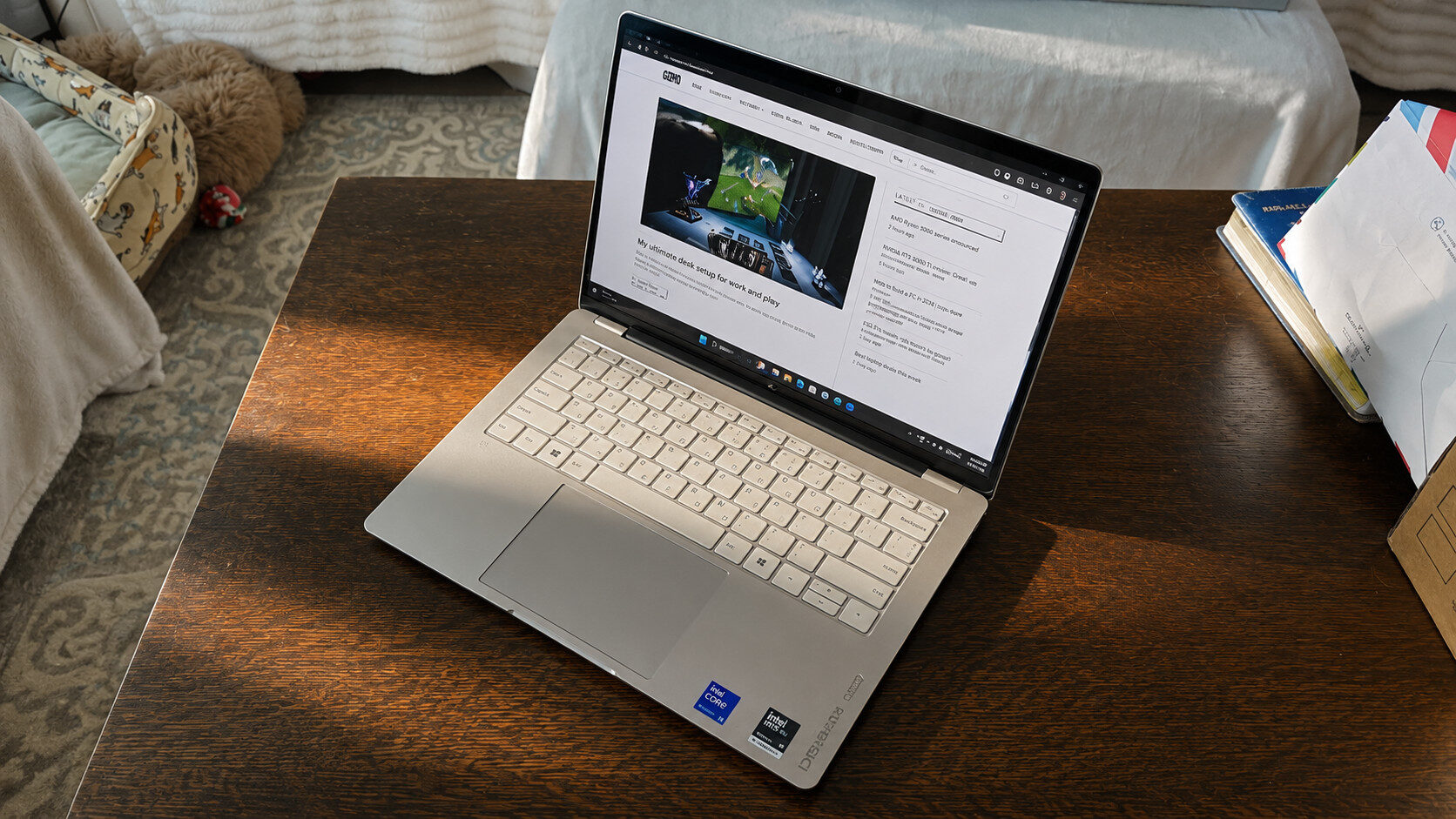
Performance is where the HP OmniBook Ultra truly shines. It is more powerful than some recent gaming laptops I have tested. My review unit is powered by an Intel Core Ultra X9 388H Panther Lake processor and 64 GB of RAM. This year’s OmniBook Ultra 14 models have enough power to remain capable for years. The processor is even more powerful than the one in the ASUS ROG Zephyrus G14 I recently reviewed, which was already an impressive laptop.
“The display on this year’s HP OmniBook Ultra 14 is one of my favourite aspects of the laptop.”
Using my usual suite of synthetic benchmarks, the HP OmniBook Ultra easily topped every business-class laptop I have tested. In Cinebench 2024, it achieved an impressive score of 1,025. That was nearly twice the score of the Acer Predator Triton 14 AI and only a few points behind the ASUS TUF A14 I recently reviewed. It also trailed the ASUS ROG Zephyrus G14, but that laptop required a 300-watt charger to achieve its score, while the HP used only a 65-watt adapter. That gives the OmniBook Ultra 14 a clear advantage in its power requirements.
Similarly, the HP OmniBook Ultra 14 scored 3,034 in Geekbench 6’s single-core test and 17,682 in its multi-core test. Those results were 200 points higher than the Acer Predator Triton 14 AI in single-core performance and more than 7,000 points higher in multi-core performance. Considering how much thinner and lighter the HP OmniBook Ultra is, these results place it ahead of many other business-class laptops and even some gaming models.
Despite being a thin and light laptop, the HP OmniBook Ultra even manages to handle playing some AAA games at rather impressive framerates, handling games like Cyberpunk 2077 and GTA 5 at full speed, even while on higher preset settings and at the native resolution. While I certainly wouldn’t market this as a gaming laptop, the internal Intel Arc B390 graphics truly impressed me with how much they could pump out at such low wattage. Even on battery power, I could still run games at full speed, allowing me to have a thin and light laptop when on the go while still being able to play the odd game if I need to pass some time.
“For a compact, thin-and-light laptop, the HP OmniBook Ultra 14 has easily become one of my favourite business-class models to date.”
Surprisingly, the HP OmniBook Ultra 14 remained relatively cool throughout my testing, even while gaming or running benchmarks. Its fans also never became overly loud, making it less distracting than a typical gaming laptop.
Another major benefit of the Intel Panther Lake processor is its impressive power efficiency. HP claims my OmniBook Ultra 14 configuration can deliver up to 28.5 hours of battery life. In my testing, which included watching several hours of videos on YouTube, I could generally get well over 12 hours of use. When completing less demanding tasks, such as writing emails, browsing the web and working on documents, I could easily get several days of use before needing to find an outlet and recharge.
For a compact, thin-and-light laptop, the HP OmniBook Ultra 14 has easily become one of my favourite business-class models to date. It handles everything I throw at it with ease, looks polished and professional, and keeps me away from a charger longer than any other laptop I have tested. It is certainly not cheap, but it has earned a well-deserved place among my favourite business laptops.