

For about the last month, I have been using the latest HP OmniBook X as my daily laptop for everything from writing emails and documents to consuming various forms of media, light gaming, and more. Is it a good enough laptop to replace my other daily laptop, or is it just another well-spec’d laptop that stands with other expensive laptops? We will dig into all of that, and more, in my review below.
Unboxing/Look Around
While you won’t find much more than the standard cable, charging brick, and laptop itself inside the box, the first thing I really liked was how compact HP has made its latest 100W charging brick. The previous HP OmniBook Ultra I recently viewed had an already compact 65W brick that wasn’t much larger than my car’s key fob, and this OmniBook X’s brick is about the same size as my older Anker 65W brick, making it easily able to slip into a backpack or laptop bag without it taking up much space.
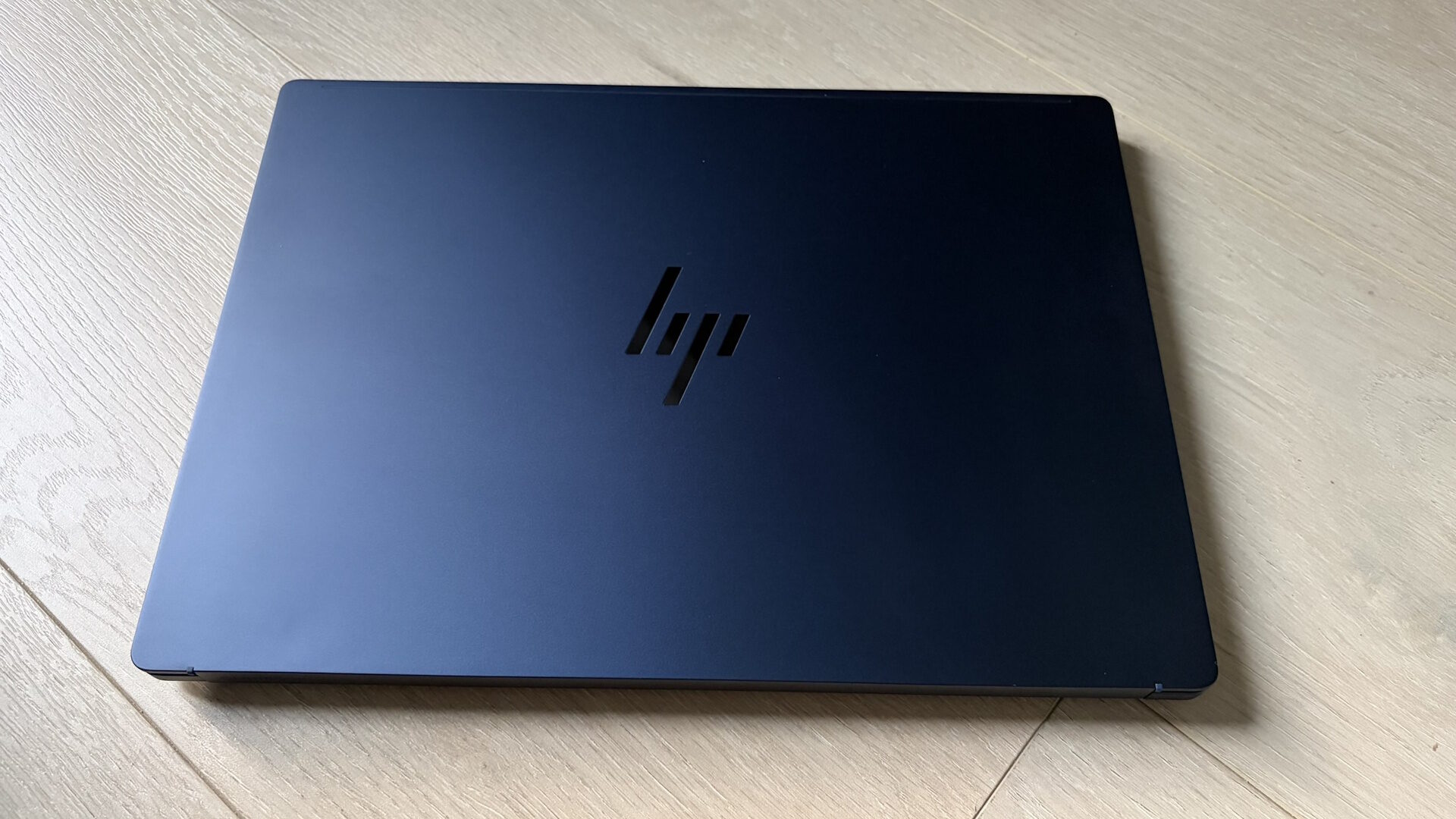
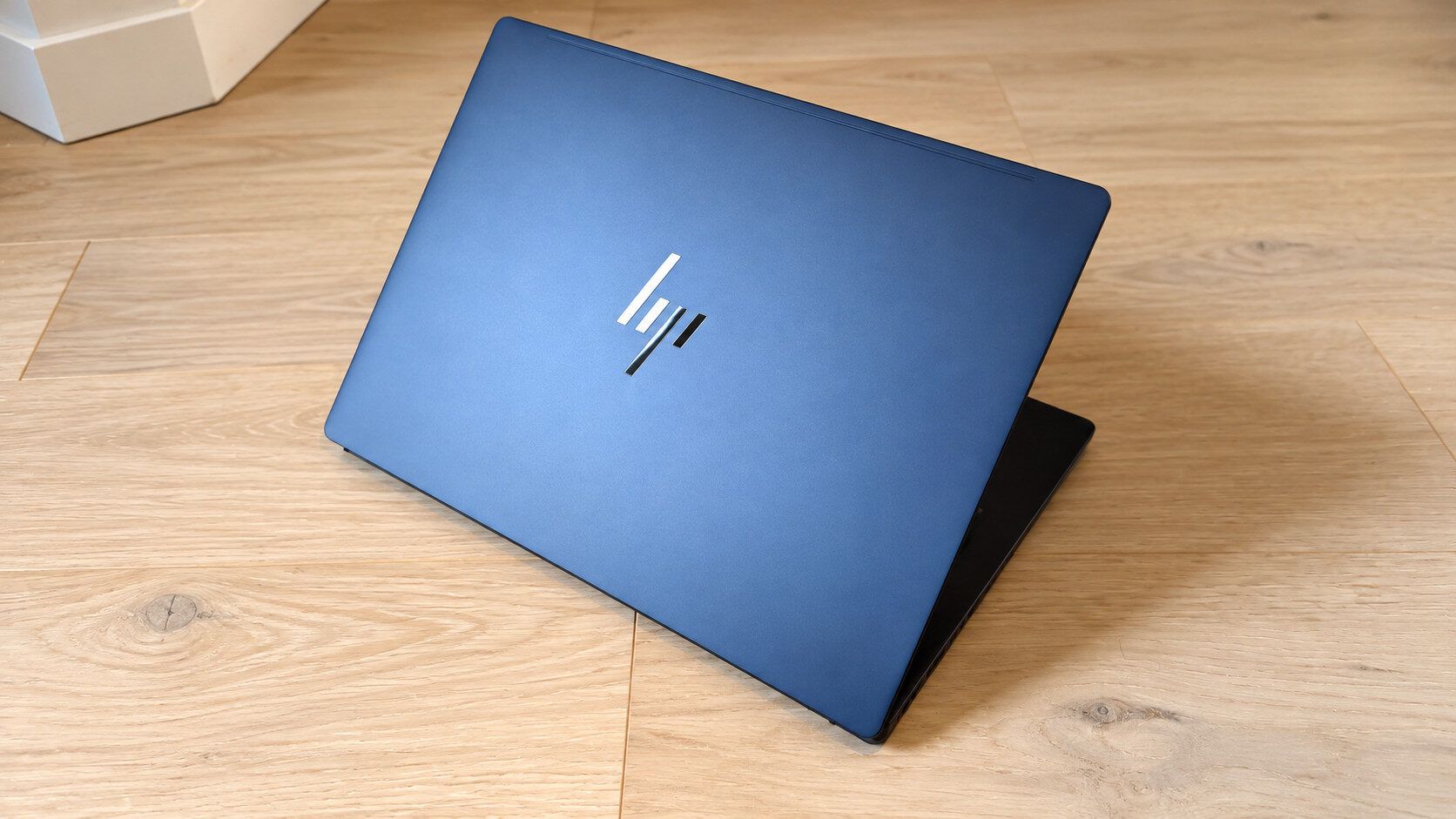
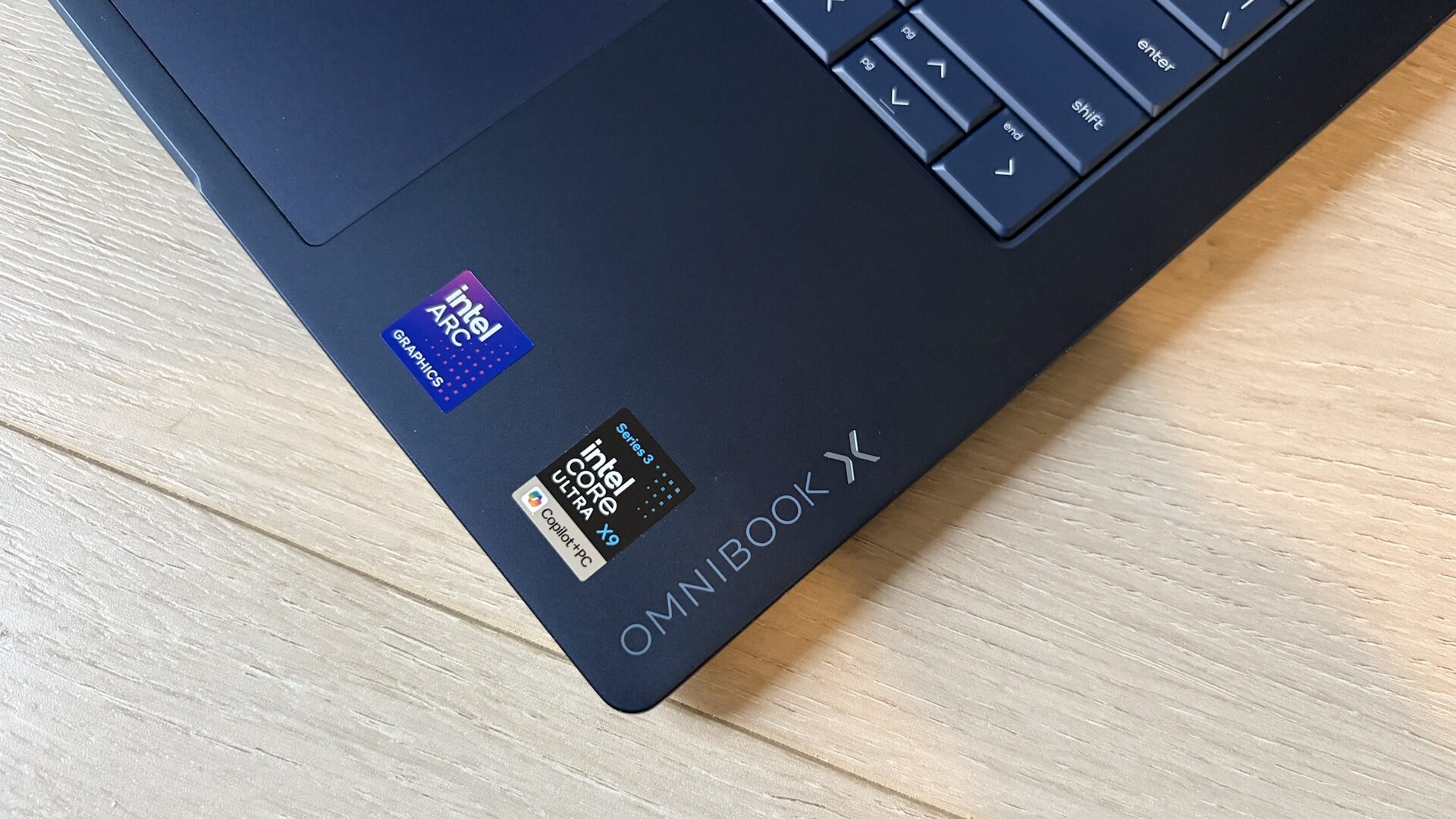
The laptop itself comes in either Glacier Silver, as seen in older HP laptops I have reviewed, or my personal favourite, Atmosphere Blue, that my unit came in. I absolutely love the deep, rich navy blue colour HP has chosen, as it’s elegant and stunning while staying sleek and subtle, setting it apart from the sea of grey and silver laptops you see almost everywhere. I truly hope HP continues to use this colour for years to come, as the added splash of colour is refreshing these days.
“The keyboard on the latest HP OmniBook X is top-tier in my books.”
Looking at the available I/O on the HP OmniBook X, HP has done an amazing job ensuring you have all the ports you’d expect on the go, so you don’t need to carry a dongle. This not only lightens your laptop bag load, but also frees up space for other important items or documents.
Along the left side, you will find a single USB Type-A port, HDMI 2.1, a Thunderbolt 4 port, and a combo headphone/mic jack. On the opposite side, you get an additional Thunderbolt 4 and USB Type-A port, missing only a MicroSD card slot, although not many laptops have these days. The availability of having Thunderbolt 4 ports on either side allows for charging from either side of the laptop, something I am always thankful for, and wish all manufacturers did, as it is just so much more convenient when it comes time to top up my battery.
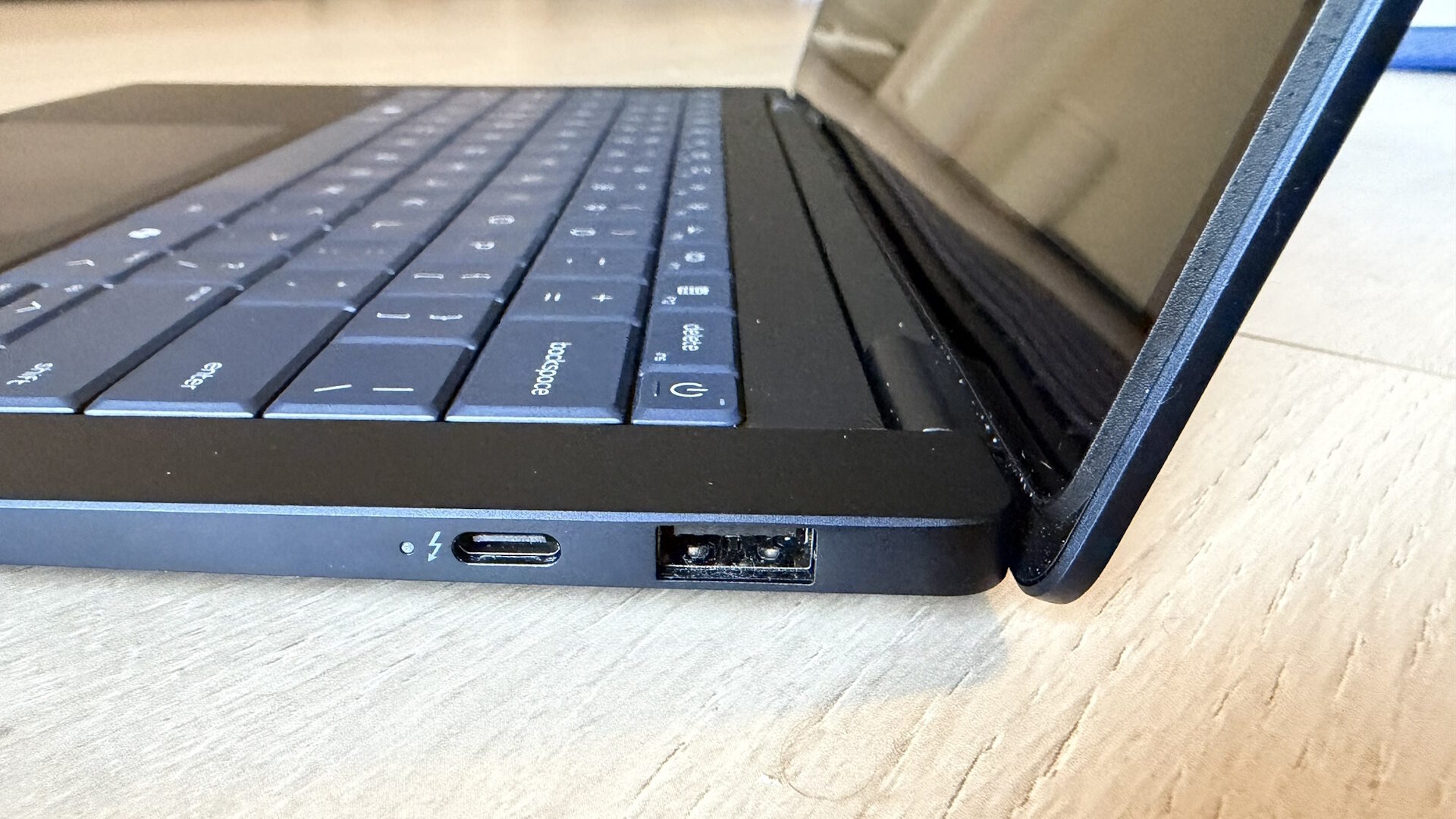
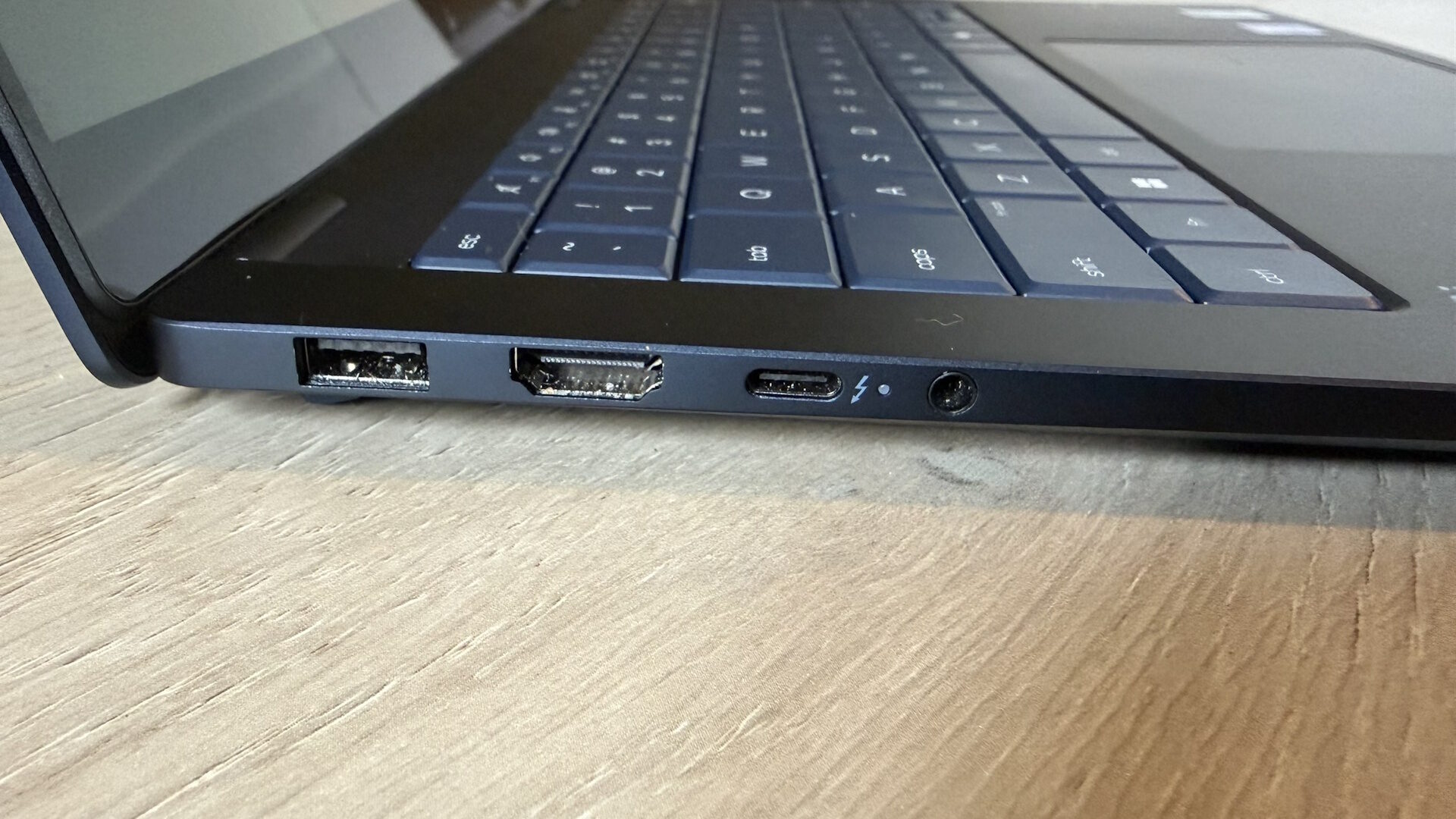
Unlike the HP OmniBooks I reviewed last year that had sharper edges, this year’s OmniBooks have a new design that feels almost like some older HP EliteBooks I have tested. With more rounded edges and an aluminum build with a coating that makes it much less prone to showing fingerprints, this generation is more comfortable to carry while also looking cleaner than other laptops tend to. The Atmosphere Blue colour of my unit does show some smudges in some lighting, but cleaning them off is a breeze when it becomes too distracting to me.
Display
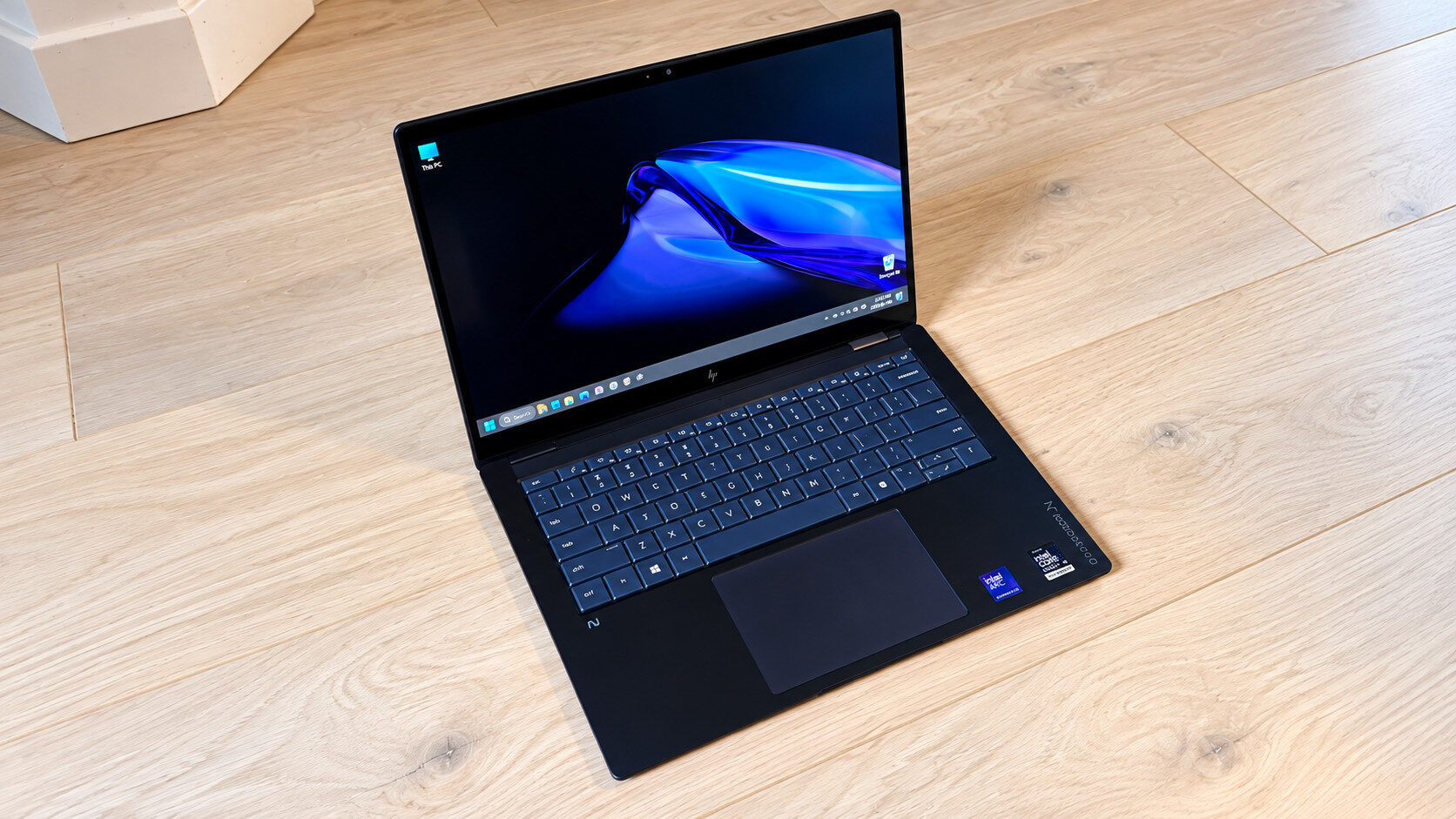
Starting off with the main aspect of the laptop you’ll be looking at most, the display, HP has not skimped out and has built in a 14” 3K OLED panel that also features a 120Hz variable refresh rate, making this one of the nicer laptop displays on a laptop of this form factor. This panel supports the full DCI-P3 colour gamut for photo or video editing and is also a touchscreen, which I often used for a variety of tasks, from scrolling or zooming in/out on documents to checking details in photos.
This panel is also among one of the brightest panels I have tested, reaching up to 1100 Nits of brightness, significantly more than competitors who generally pack no more than 400-nit screens, making them harder to use outdoors in brighter sunlight. That was never a concern with the HP OmniBook X, and I had no issues working on my front porch with my laptop in my lap.
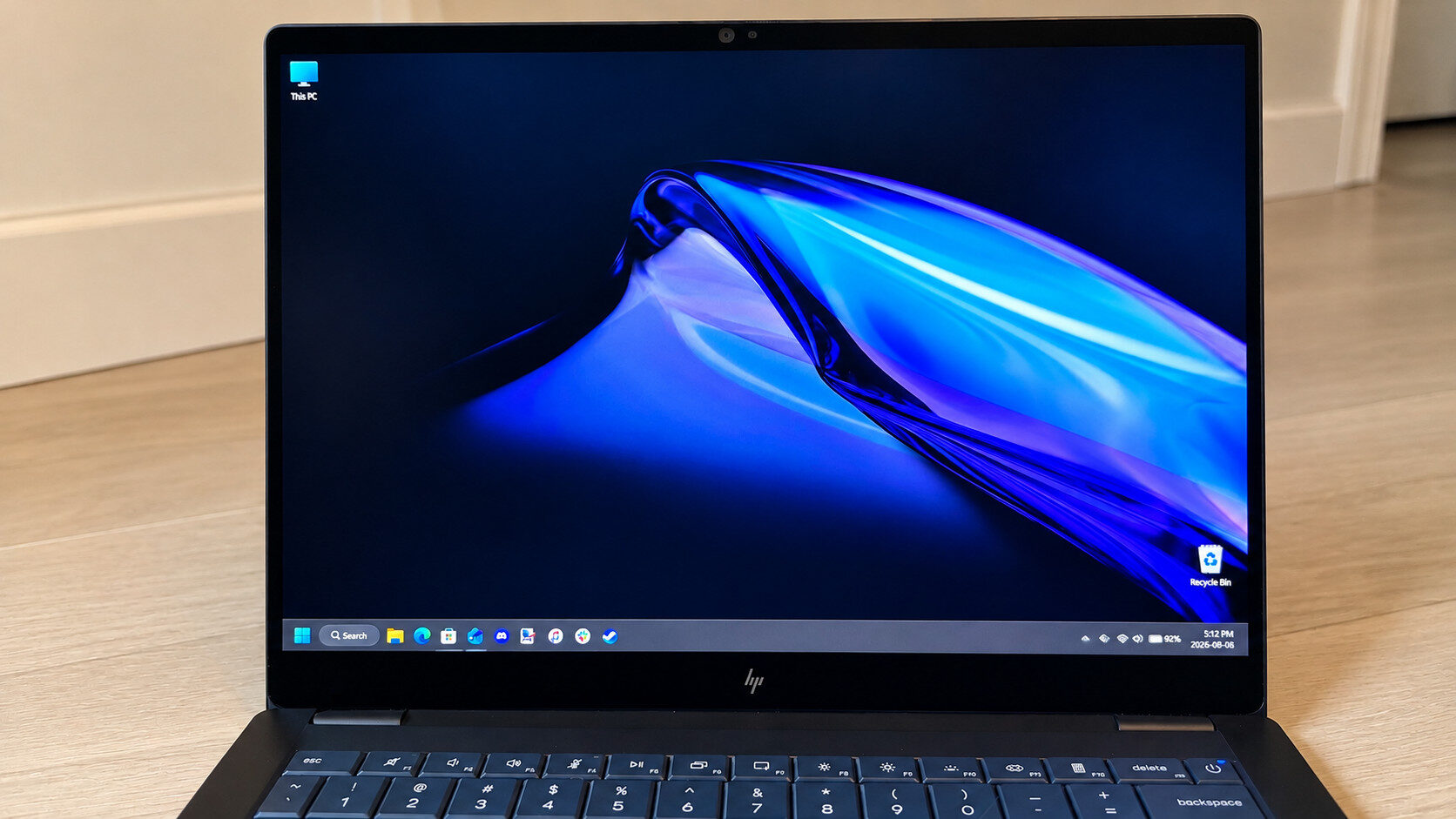
When watching movies, the rich colours and deep blacks made on-screen content pop and look true to life, creating an immersive experience and making this one of the best laptops I have tested for kicking back and relaxing. My only minor gripe was that the panel is very glossy, which can cause glare in some situations.
Keyboard/Touch Pad
Like many recent HP laptops I have tested, the keyboard on the latest HP OmniBook X is top-tier in my books. The keys offer plenty of travel without feeling too shallow, along with a pleasant amount of tactility, making for a truly comfortable experience when typing longer emails, documents or even this review.
When working in the dark, the keyboard offers three brightness settings, and HP also includes a small software pop-up that lets users choose how long they want the backlight to stay on. I found myself using this more than I expected, and it made working in darker environments much easier and more seamless, helping me stay productive.
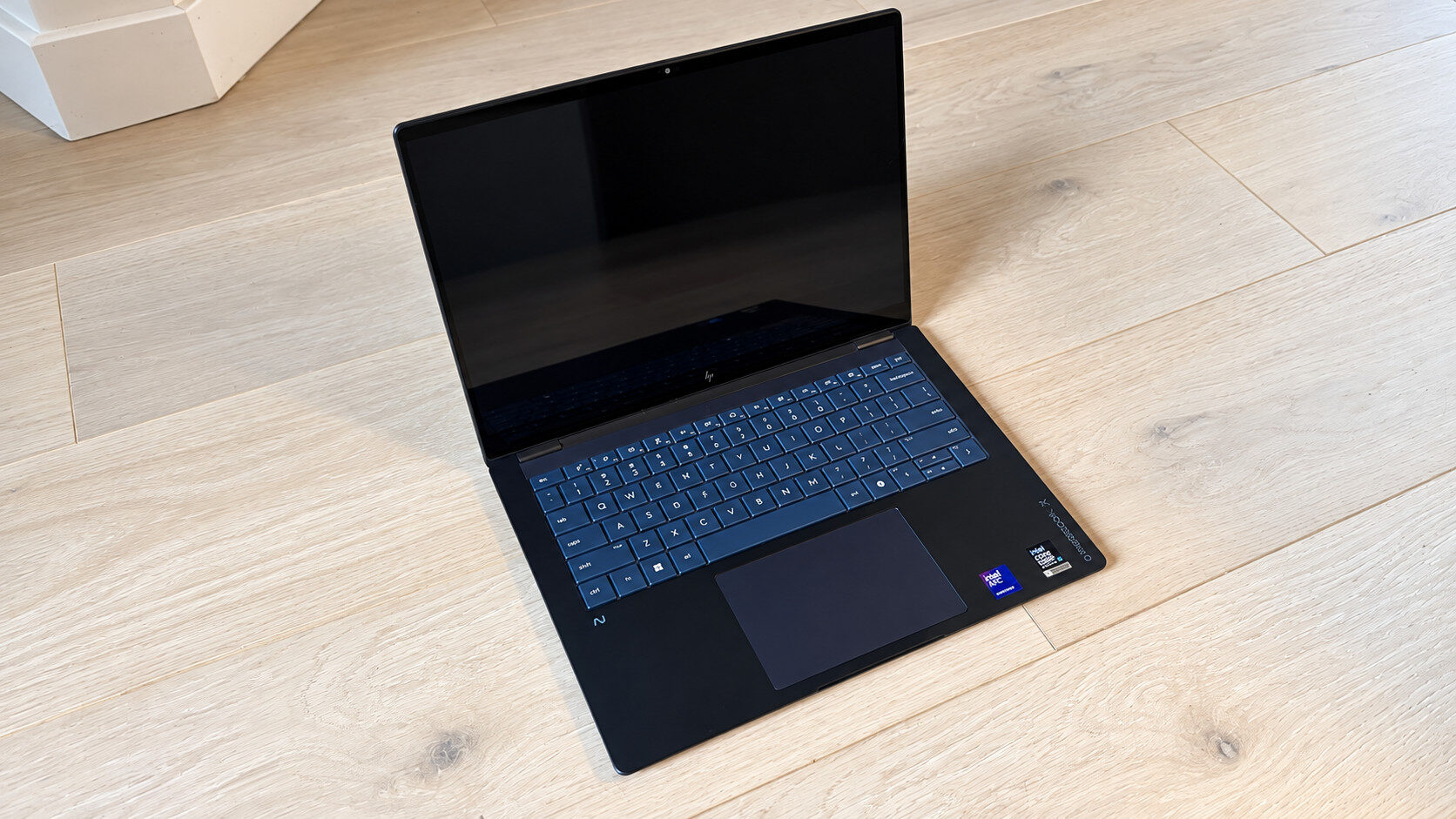
The touchpad on the HP OmniBook X is a traditional mechanical pad rather than one of the more modern haptic options seen on other HP laptops. This felt a little like a double-edged sword. I would have liked a haptic pad to help the laptop feel more premium, but the ability to physically click has its advantages as well. While the touchpad on the HP OmniBook X isn’t as large as those on some other laptops I have used, there is still plenty of room to scroll and use it comfortably without any trouble.
Audio
The speakers on this year’s HP OmniBook X offer a dual-speaker setup instead of the increasingly popular quad-speaker setup, which, while this may be a bit of a bummer to some, proved quite competent for listening to music. They may be downward-firing, which isn’t my preferred setup; however, they make up for it with overall audio quality. The music sounded rich and detailed, and it delivered an experience I always enjoyed, regardless of what I was listening to. At all volume levels, I never heard any noticeable distortion, and I feel these are among the best dual-speaker setups I have heard in a while.
Performance
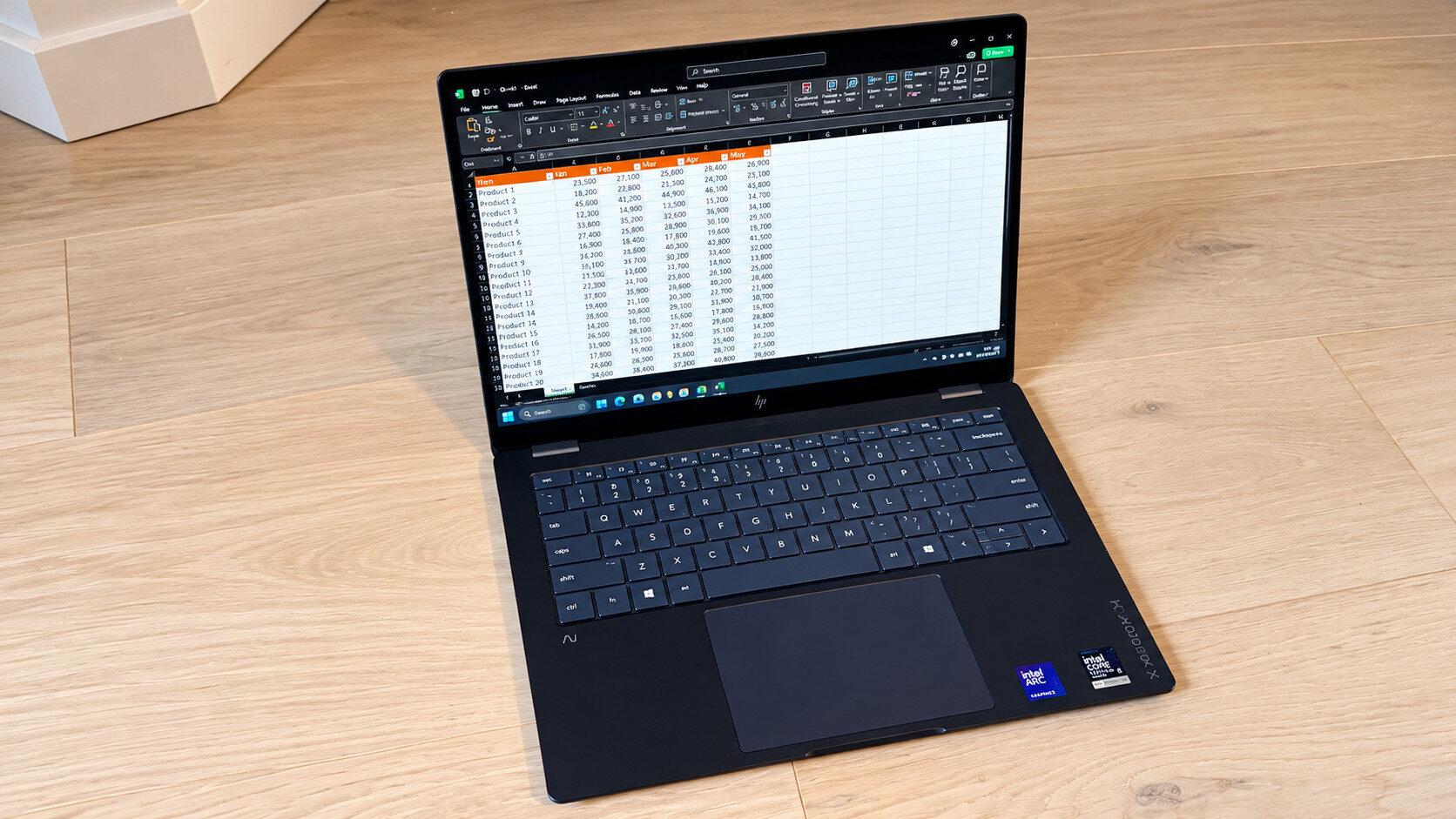
My HP OmniBook X comes packed with the latest Intel Core Ultra X9 388H, Intel’s top Panther Lake CPU available on laptops, paired with 32GB of LPDDR5x RAM, meaning it is an absolute beast of a laptop. Like other laptops I have tested with the same chipset, the HP OmniBook X will have no trouble with everyday tasks such as web browsing, email, and typical office work.
In my usual set of synthetic benchmarks, and with results similar to the HP OmniBook Ultra I recently reviewed, my HP OmniBook X performed very well for a laptop in this class. In Geekbench 7, the HP OmniBook X achieved a remarkable score of 2693 points in Single-Core and 17310 in Multi-Core, very similar to its “Ultra” sibling.
This additionally places it higher than the Acer Predator Triton 14 AI, which I reviewed earlier this year, quite impressive when you consider the HP uses a much less powerful charger and has a slimmer chassis. In 3DMark’s Time Spy benchmark, a score of 6667 points is quite impressive. About 300 points lower than its sibling, the OmniBook X also has half the RAM but still lands in a similarly impressive range.
Gaming
While the HP OmniBook X is in no way a gaming laptop, its Intel Arc B390 graphics are no slouch. With performance similar to an NVIDIA GeForce RTX 4050, the HP OmniBook X can handle some AAA games respectably when the settings are tuned correctly.
I never thought I would be able to play games like Cyberpunk 2077 on a laptop in this class, but even at nearly maxed-out settings with frame generation enabled and a resolution of 1920×1200, I was able to hit more than 90 FPS in the in-game benchmark. Games like Grand Theft Auto V also ran silky smooth at maxed-out settings.
“While the HP OmniBook X is in no way a gaming laptop, its Intel Arc B390 graphics are no slouch.”
The only game I regularly play that gave the HP OmniBook X a real challenge was BeamNG.drive, and even that ran between 50 and 60 FPS on high settings at 1920×1200. That’s still quite respectable for a laptop that is not only this thin, but also not designed with gaming as its primary focus.
Battery Life
Of course, battery life is a major factor for any business worker, especially on days when you are on the road more than at the office. HP’s decision to build in a large 70 Wh battery means this laptop has a larger battery than even some much larger laptops, meaning it will keep you running for several hours at a time, so you can generally ditch carrying a charger, unless you know you will be away from the office for several days at a time.
In this regard, the HP OmniBook X continued to impress me as I could easily get well over 14 hours of use when watching videos, and even more than that when working on lighter tasks such as writing up documents, sending emails and other similar office-style tasks. On days when I did much more online media consumption, such as binge-watching hours of video on YouTube, I still got well over 12 hours of battery life, making this one of the best-performing laptops I have tested to date.
Wrap up
There is no doubt in my mind that this is one of my favourite HP laptops I have tested in the last several years. I have virtually no complaints, and I have no issue doing my usual daily tasks, plus occasional gaming, while still being able to take it with me wherever I go. I absolutely love every aspect of it, from its striking Atmosphere Blue colour to its port selection, and even the overall feel and tactility of the keyboard. While my unit is the top-of-the-line model and is certainly not cheap, I can’t help but feel as though HP has designed a laptop that is, overall, perfect for every single one of my needs and desires.