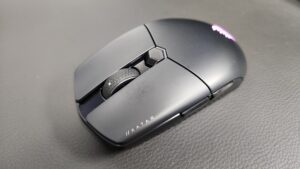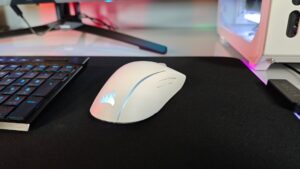


When gaming, you need as much control at the tip of your fingers as possible. This goes double for a gaming streamer, where taking your hand off your keyboard or mouse for a split second can be the difference between a win or a very premature loss. And for what—because you were on the wrong scene in OBS? The Corsair Nightsword v2 Gaming Mouse combines all the functionality of a premium gaming mouse with Elgato Stream Deck compatibility, so you can run lobbies and streams without lifting a finger.
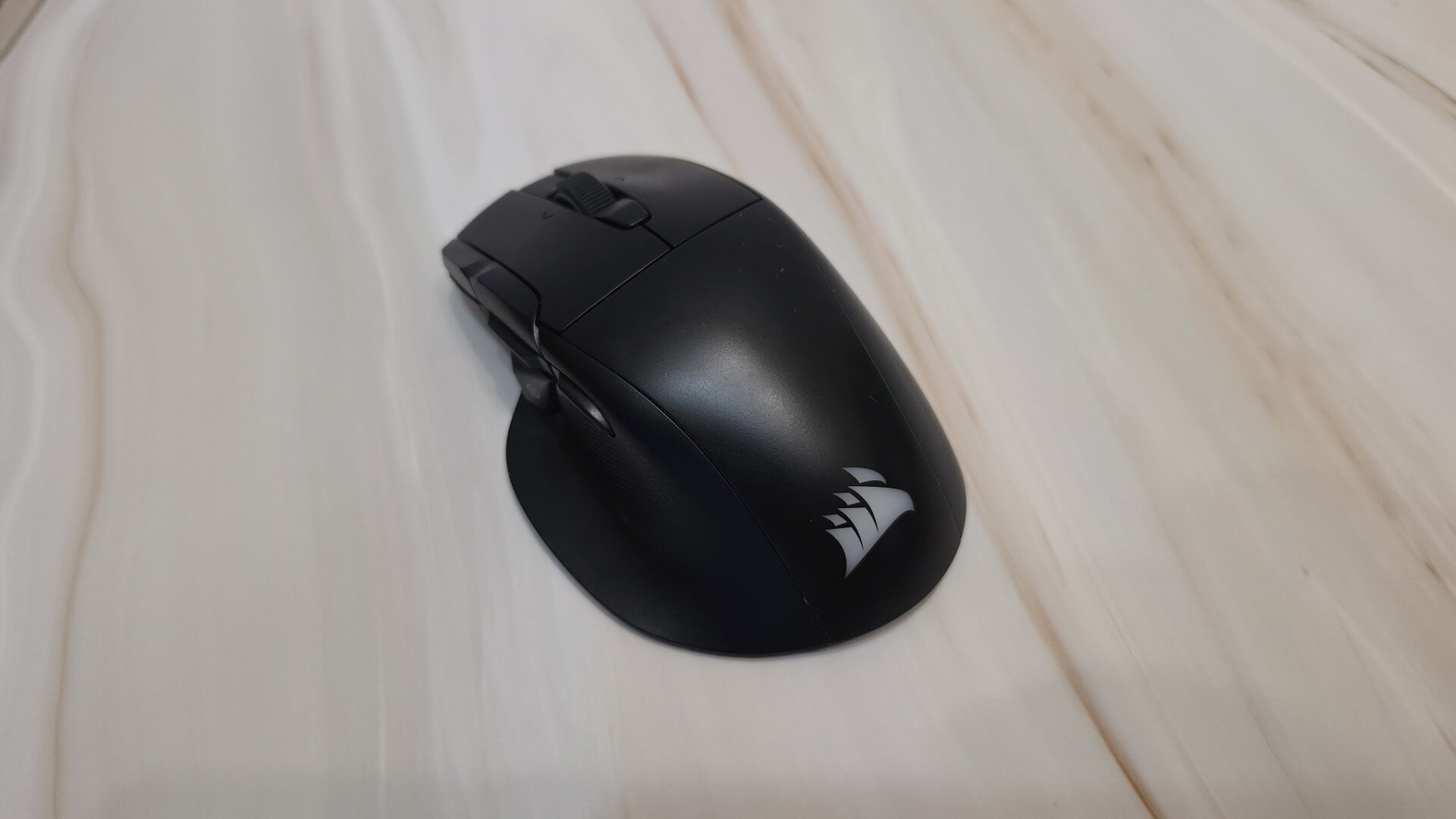
The Corsair Nightsword v2 Wireless Gaming Mouse has resolutions between 100–30,000 DPI and is capable of steps as low as 1 DPI to really hone in on what resolution you are looking for. The Nightsword v2 is also capable of USB report rates from 125 Hz up to an incredible 8,000 Hz. You should be confident in a smooth gaming experience with virtually no input issues while gaming with this beast.
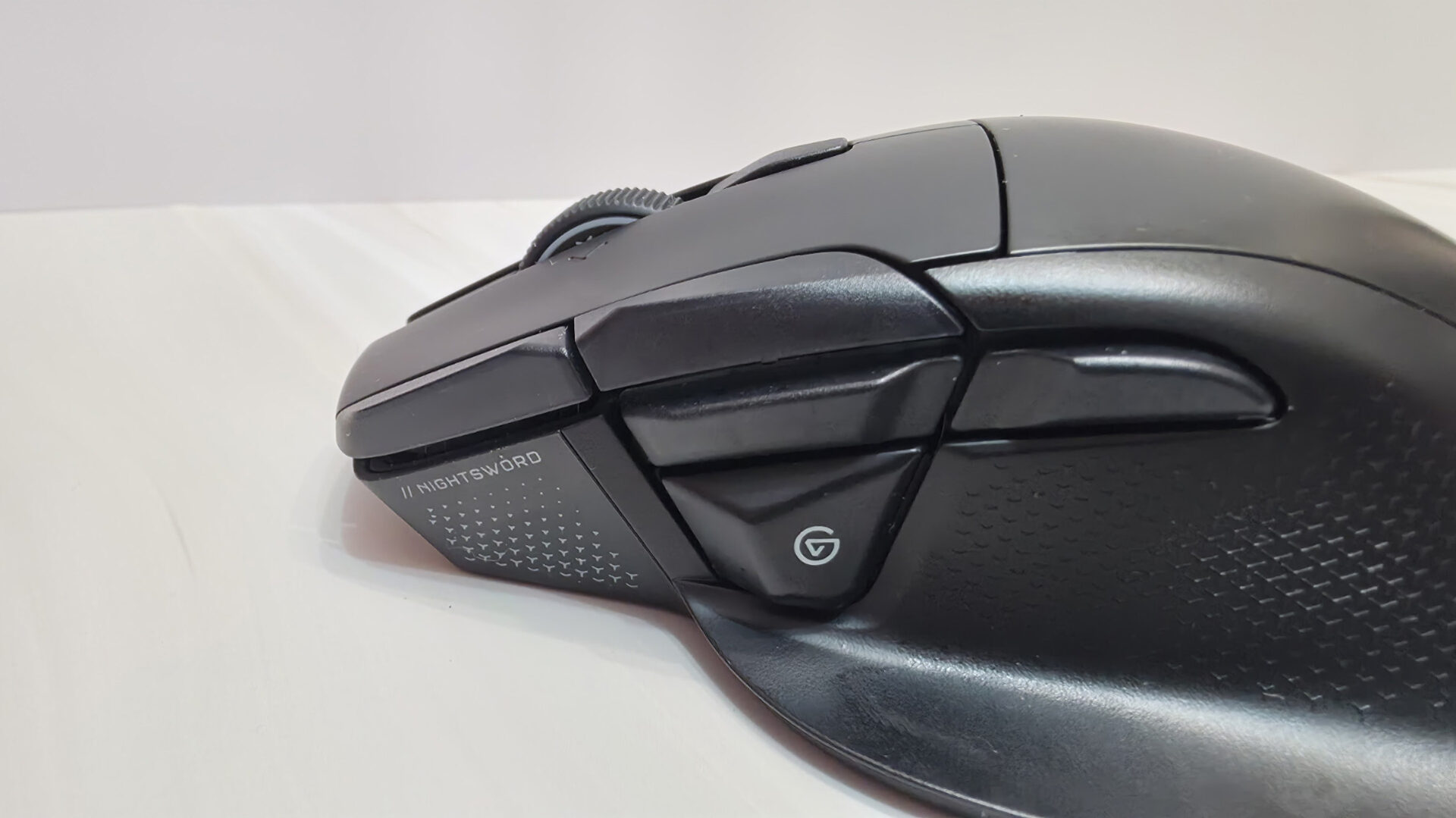
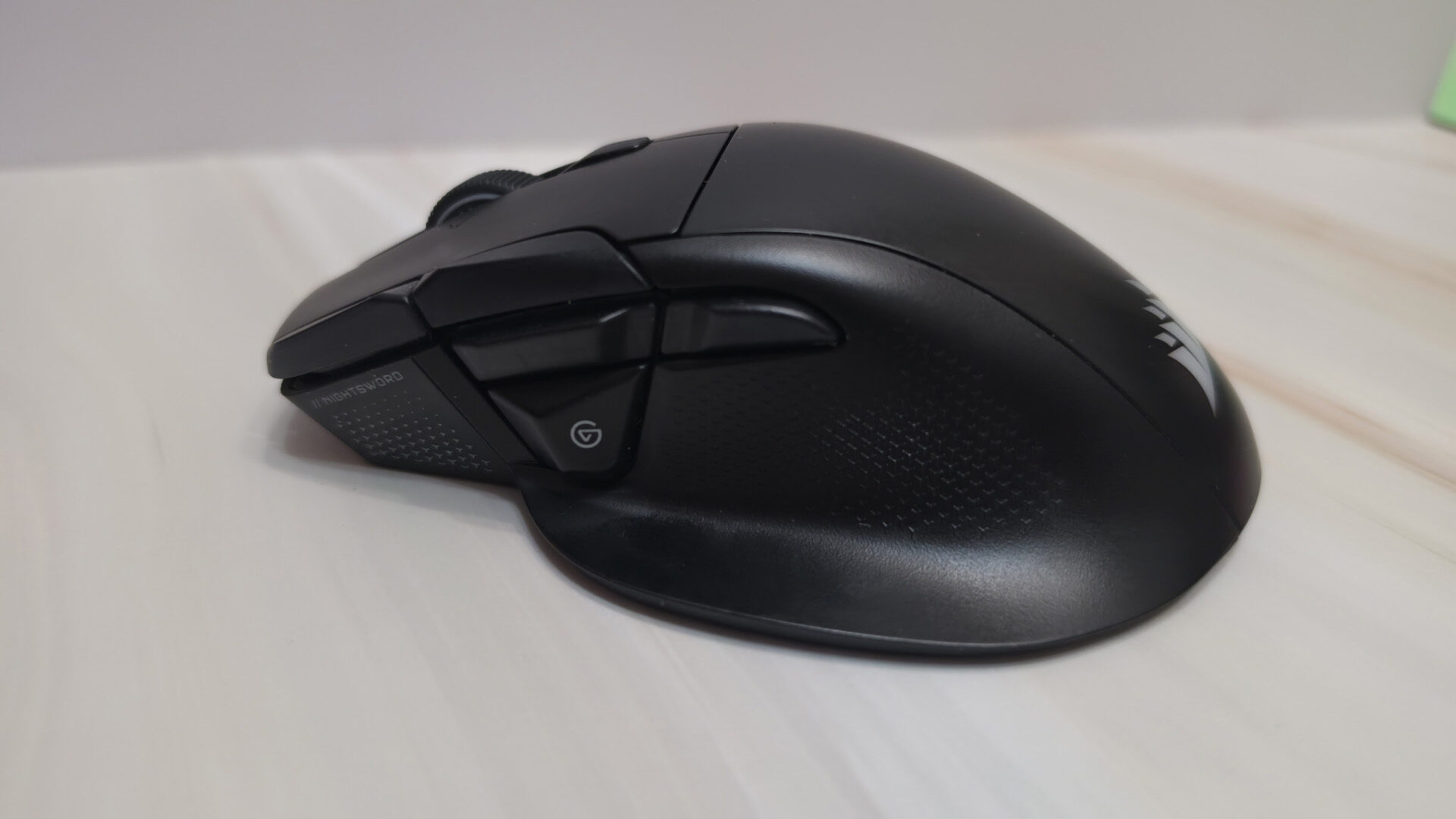
The Corsair Nightsword v2 Wireless Gaming Mouse comes with a USB wireless receiver, a USB adapter, a 1.8 m braided USB-C cable, and the mouse itself, which is packed with controls, including a clickable scroll wheel with left and right tilt, onboard DPI controls, forward and back buttons, and the Elgato Virtual Stream Deck Button.
“At $129.99 USD, the Corsair Nightsword v2 Wireless Gaming Mouse is more than fairly priced for what it can do. “
You have three methods of connectivity with the Corsair Nightsword v2 Wireless Gaming Mouse. There is a 2.4 GHz wireless connection via the wireless receiver, a Bluetooth connection, and a wired connection, which users can alternate between via a switch at the bottom. In addition, there are five DPI stages (400, 800, 1,200, 1,600, and 2,000 by default) and a sixth DPI-shifting stage that can be accessed if you assign it as a button in the app.
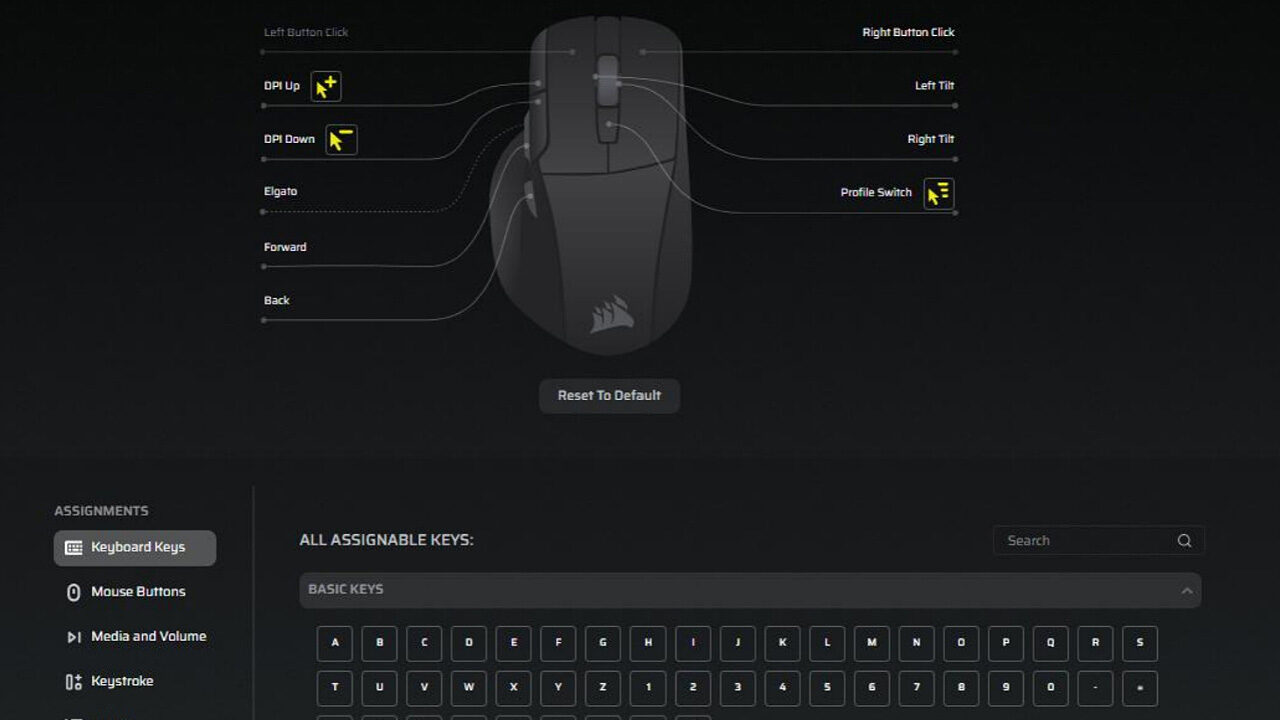
Speaking of apps, there are two that users can utilise when using the Corsair Nightsword v2 Wireless Gaming Mouse. First, you can use the Corsair Web Hub, which, once you connect the mouse, will allow you to configure every aspect of it. You can change those DPI stages and enable as many as you wish to use, assign keys to any of the buttons for faster gameplay, and change the RGB lighting on the mouse. You can also save as many profiles as you want, depending on which games you are playing or whatever software you are using.
The other app is your Elgato Stream Deck app. The Corsair Nightsword v2 Wireless Gaming Mouse will be recognized as a device (as long as it is connected via the wireless receiver) and will allow you to configure eight buttons with any controls available to the Stream Deck, as well as activate a virtual Stream Deck on your screen. The virtual Stream Deck can also be moved around so it doesn’t cover up anything important as you game or stream.
It can’t be overstated how much of a Quality of Life upgrade this compatibility is for a gaming streamer who will use their Stream Deck for all sorts of things, like changing scenes, running an on-screen win/kill count, controlling their chat, and so much more. To be able to do all that from the convenience of a mouse can make the need for a full Stream Deck setup a thing of the past. Users can have their most-used controls with a single click of a button on the mouse and the rest on a virtual Stream Deck.
How I typically judge the performance of the mouse is a) how quickly I adapt to the different controls and b) how good my in-game performance is (because I want to be able to blame the equipment for my below-average gaming). It took me about half of my first game of Fortnite to wrap my head around where everything was on the Corsair Nightsword v2 Wireless Gaming Mouse, as the buttons are all close together, but I did win that game, and the next one. If I can blame a mouse when I am bad, I have to give it credit when I am good.
“It can’t be overstated how much of a Quality of Life upgrade this compatibility is for a gaming streamer who will use their Stream Deck for all sorts of things…”
At $129.99 USD, the Corsair Nightsword v2 Wireless Gaming Mouse is more than fairly priced for what it can do. There are performance mice that are lighter and a little more streamlined for the pro-level player, that is for sure. But for the gamer/creator, this mouse checks a lot of boxes. Whether you’re in a game, in a stream, editing, or you just want some productivity shortcuts at your fingertips, you can have it all with this mouse.