
Over the past 10 years, the letters DJI have become synonymous with drones. But the company is also a leading name in high-end action cameras. It was only a matter of time before someone at DJI HQ pushed an aircraft and an Osmo 360 together on the boardroom table.
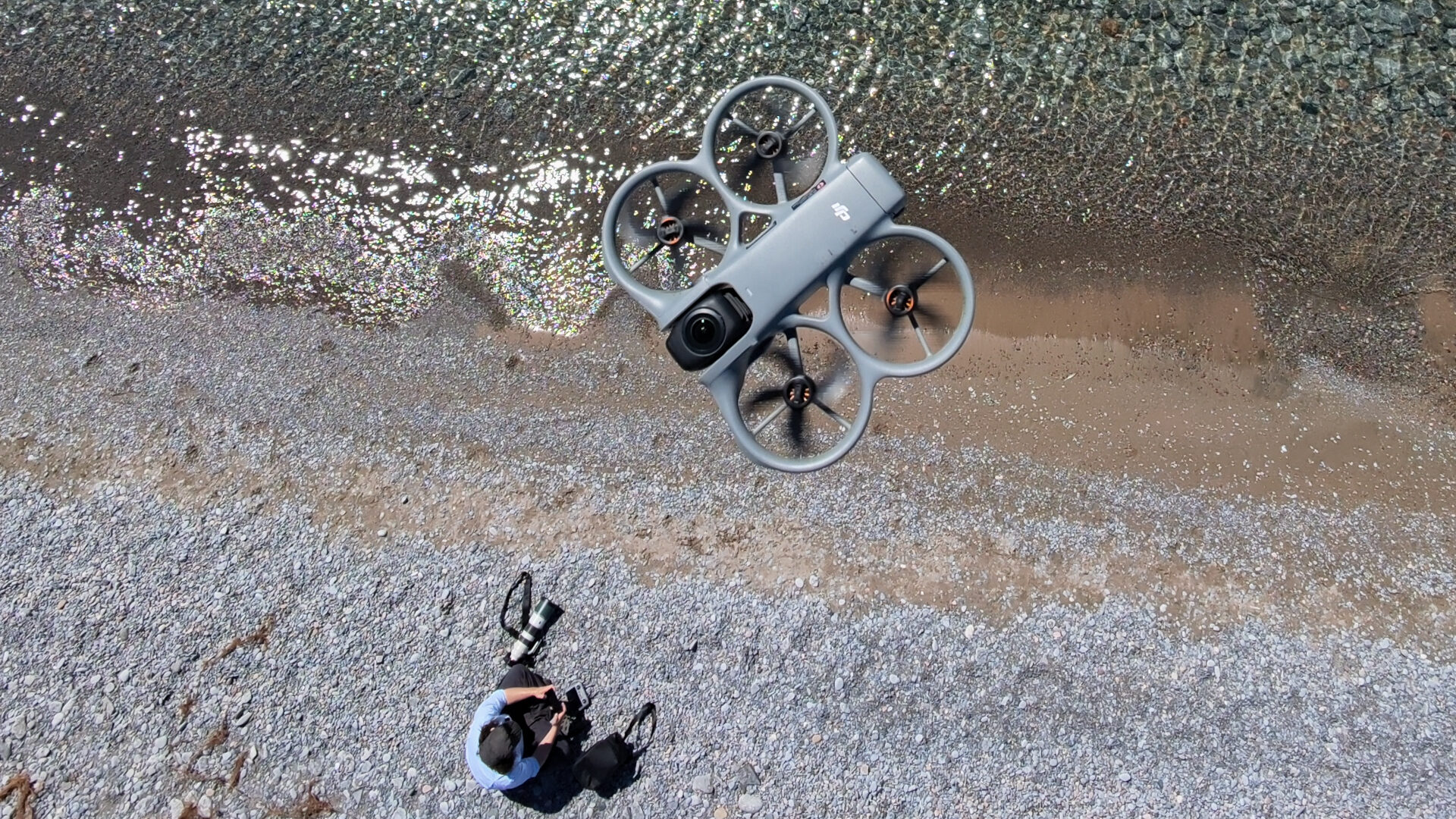
The result is the Avata 360, a drone that combines DJI’s Avata platform with an 8K panoramic camera system. On the surface, a flying 360 camera sounds like a niche tool for making BMX videos. But you don’t have to spend much time flying the Avata 360 to see its creative potential. DJI certainly seems to. If 360 was a gimmick, the biggest name in drones wouldn’t have bothered adding flagship camera sensors, wide controller support, powerful transmission, and a full suite of new software tools.
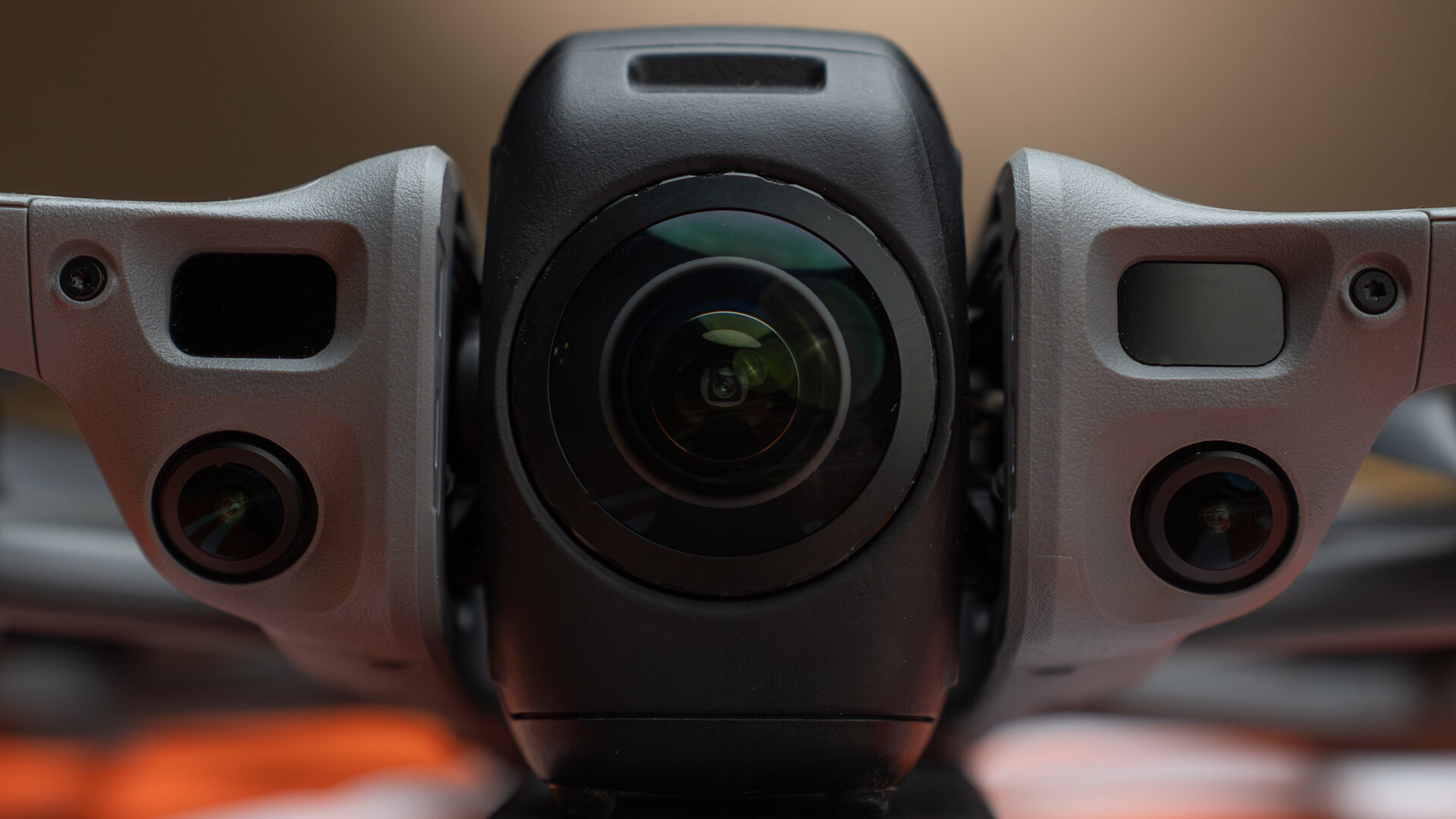
The Avata 360 is only the second panoramic drone ever, the first being Insta’s AntiGravity A1, released last year. DJI’s version places greater emphasis on practicality. It carries over most of the novelty and playfulness but has refined the idea into a professional tool. The technology is still too new to know where its ceiling is, or even where it will ultimately find a home. But given the level of effort DJI has invested, it’s safe to say this category isn’t going anywhere.
“The result is the Avata 360, a drone that combines DJI’s Avata platform with an 8K panoramic camera system.”
I have spent a few weeks flying the Avata 360 and a few months before that getting lost in the hype. Is it really the game-changing creative powerhouse the internet has suggested?
Yes, emphatically so.
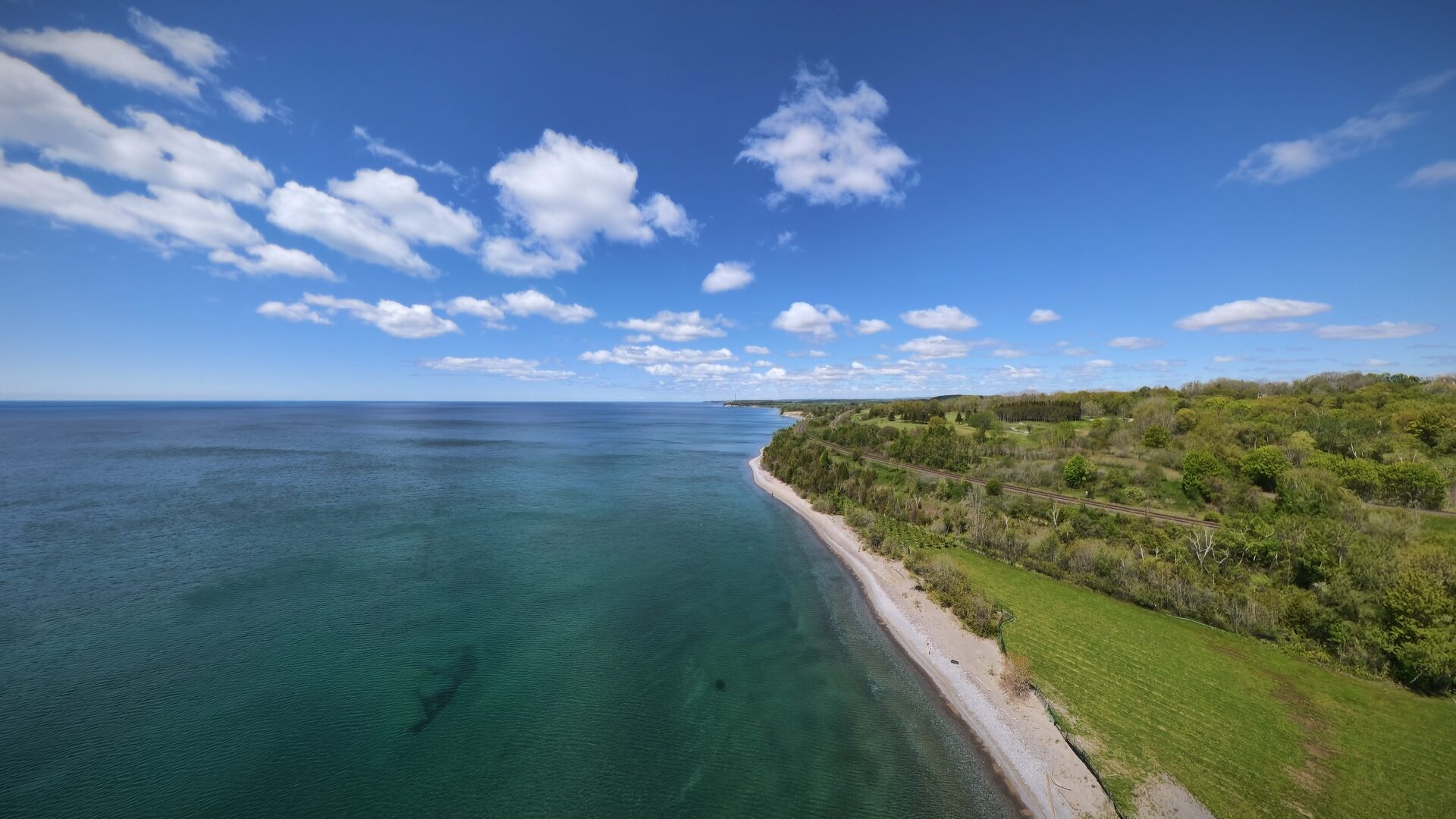
Drones and 360 are the perfect match. Panoramic photography isn’t without its challenges or limitations, but it has never made as much sense as it does in the air. With a single flight, users can capture complete coverage of a scene in 8K resolution and 10-bit colour. It’s a flying fix-it-in-post machine that creates reframable images. The Avata 360 opens creative pathways and workflows that simply didn’t exist last year.
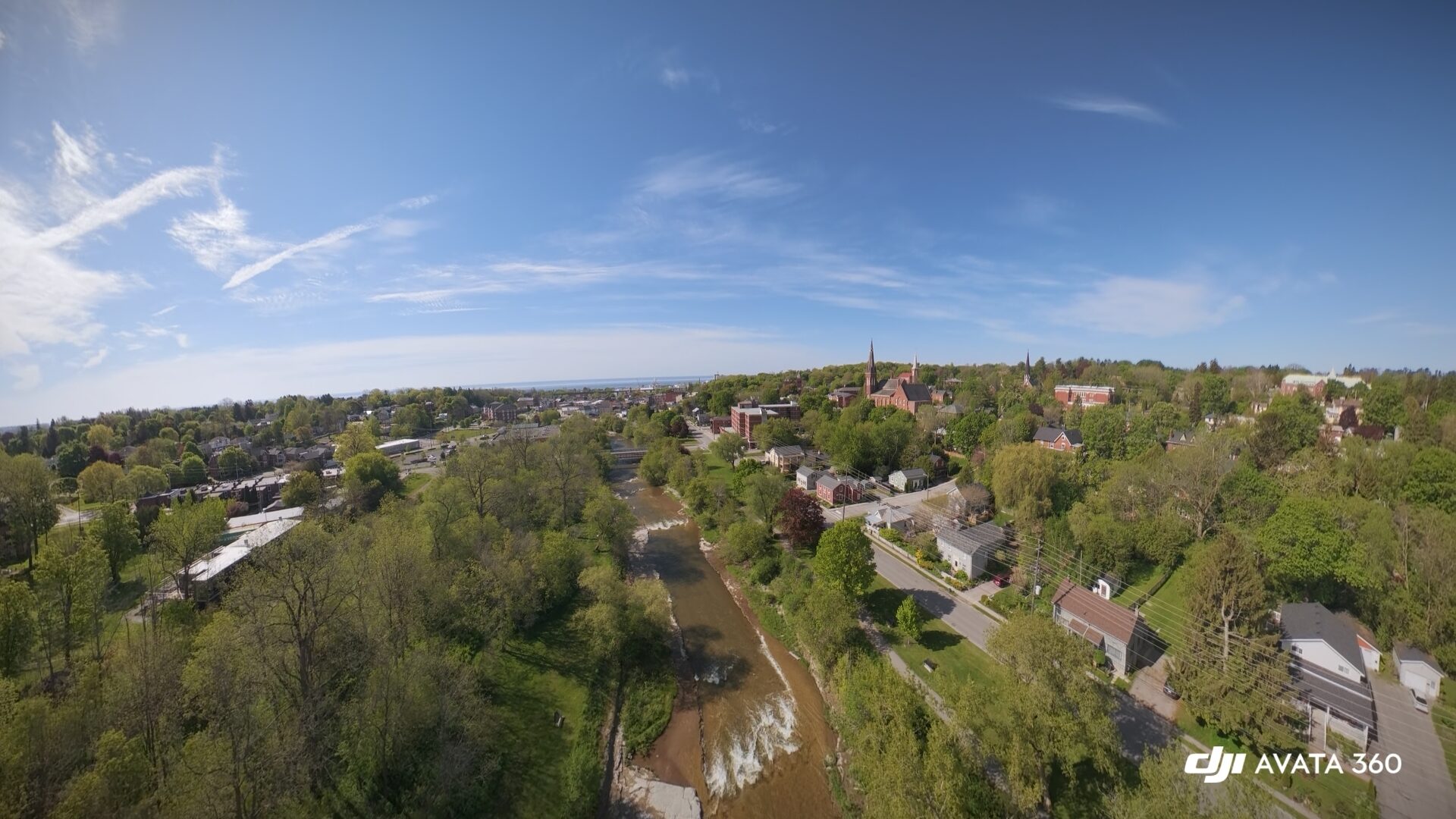
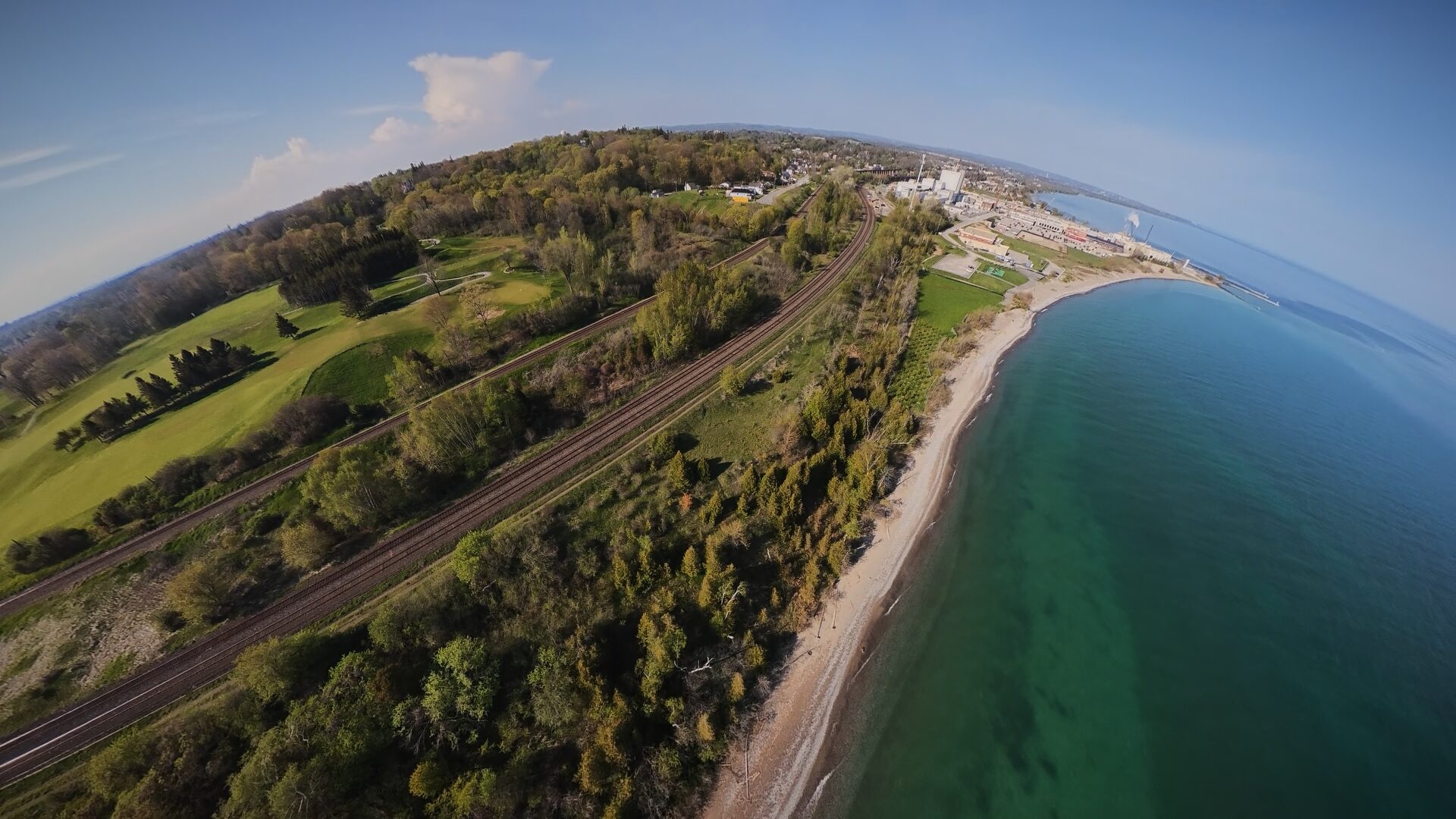
That freshness can take some warming up to. In the beginning, I wasn’t always sure where to take the Avata 360 or what to do with it. My first shoot was just warp shots: turning rivers into tunnels, and aerial landscapes into tiny worlds. I also wasn’t thrilled that I needed to add steps to my editing workflow to use my footage.
But with experience, I started to think in panorama. Over the next few days, I found myself spending more and more time dreaming of ways to use the perspective, revisiting old shot ideas that I couldn’t pull off with other equipment.
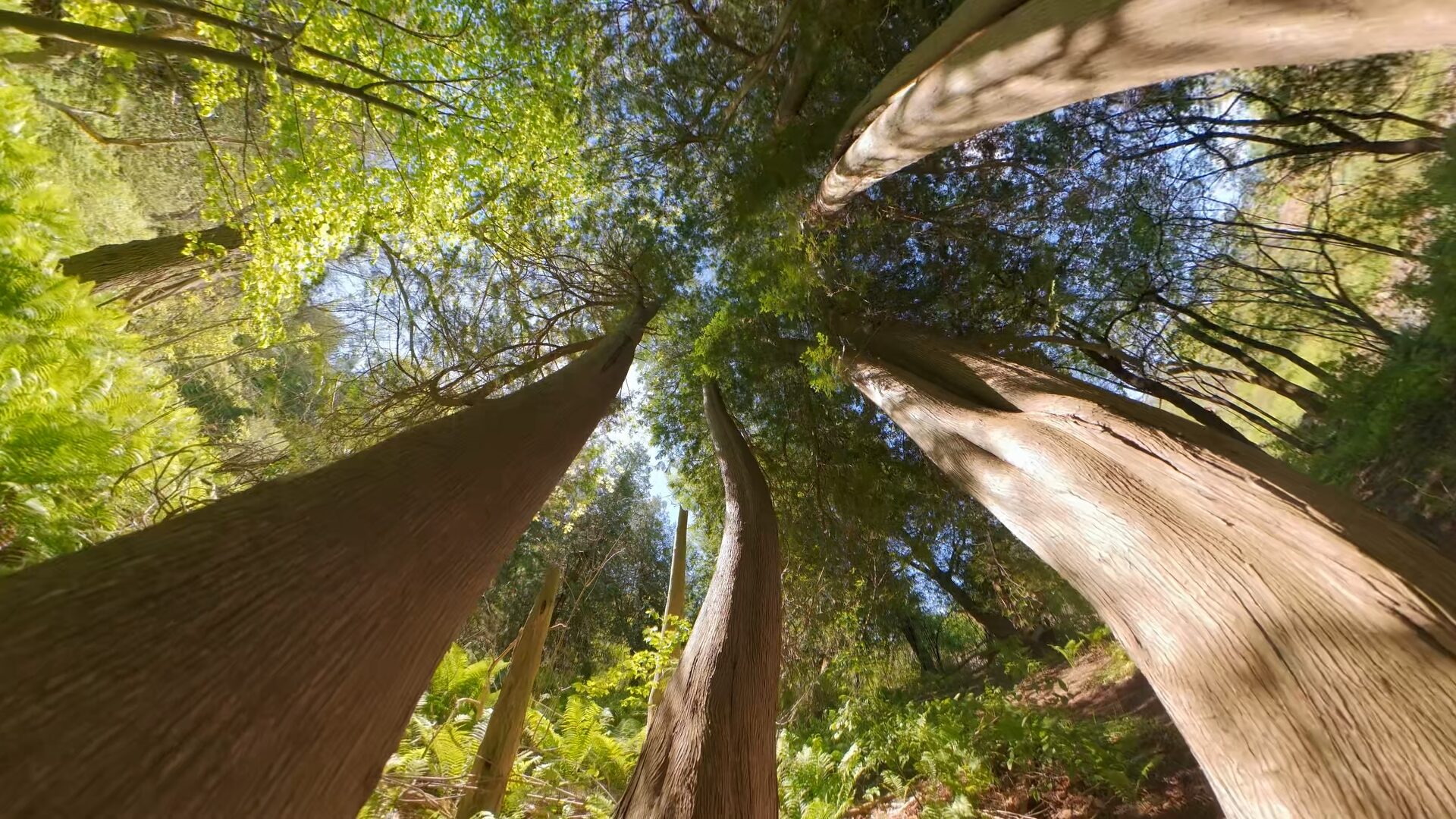
I’ve always loved the idea of a low reverse shot that follows a winding river and dollies through twisted cedars. But my reflexes are garbage, and you can’t see obstacles when your camera’s backwards. So it never happened. With the Avata 360, all I had to do was fly forward. After filming, the extra editing took on a different vibe—it was playing.
That was the eye-opener. This is a drone whose purpose was hard to pin down, but I think I get it: It’s for all the shots you couldn’t get otherwise. It captures everything, so you can do anything. It’s not the best tool for every job, but it’s the only one that can do every job. In that freedom, you can also find a lot of fun. But to use it right, you really have to get to know it.
What’s Changed?
The first thing you have to know about the Avata 360 is that it’s not really an Avata. The Avata 2 is a cinewhoop, an agile FPV drone with enclosed rotors that make it safer to fly.
The Avata 360 sits in a cinewhoop frame, but crosses a line, becoming its own thing. It retains FPV support, but performance is significantly reduced. Top speed drops to 18 meters per second, down from the Avata 2’s 27, and full manual mode has been replaced by an Easy Acro Mode that uses the 360 camera to simulate FPV tricks. A true cinewhoop feels like piloting a tiny fighter jet. The Avata 360 is closer to a UFO.
But these limitations have a purpose. Automation and simulation let inexperienced operators pull off complex shots without risking their drone, while helping experienced pilots work more efficiently.
Safety
While it’s not a drone you can push as hard, you won’t have to worry about hitting things.
In Normal and Cine mode, the drone uses an omnidirectional vision system supplemented by forward-facing LiDAR and an infrared sensor on the underside. The safety suite provides ample on-screen warnings and audio cues to help avoid collisions, and it will automatically stop the drone when it gets too close to an obstacle.
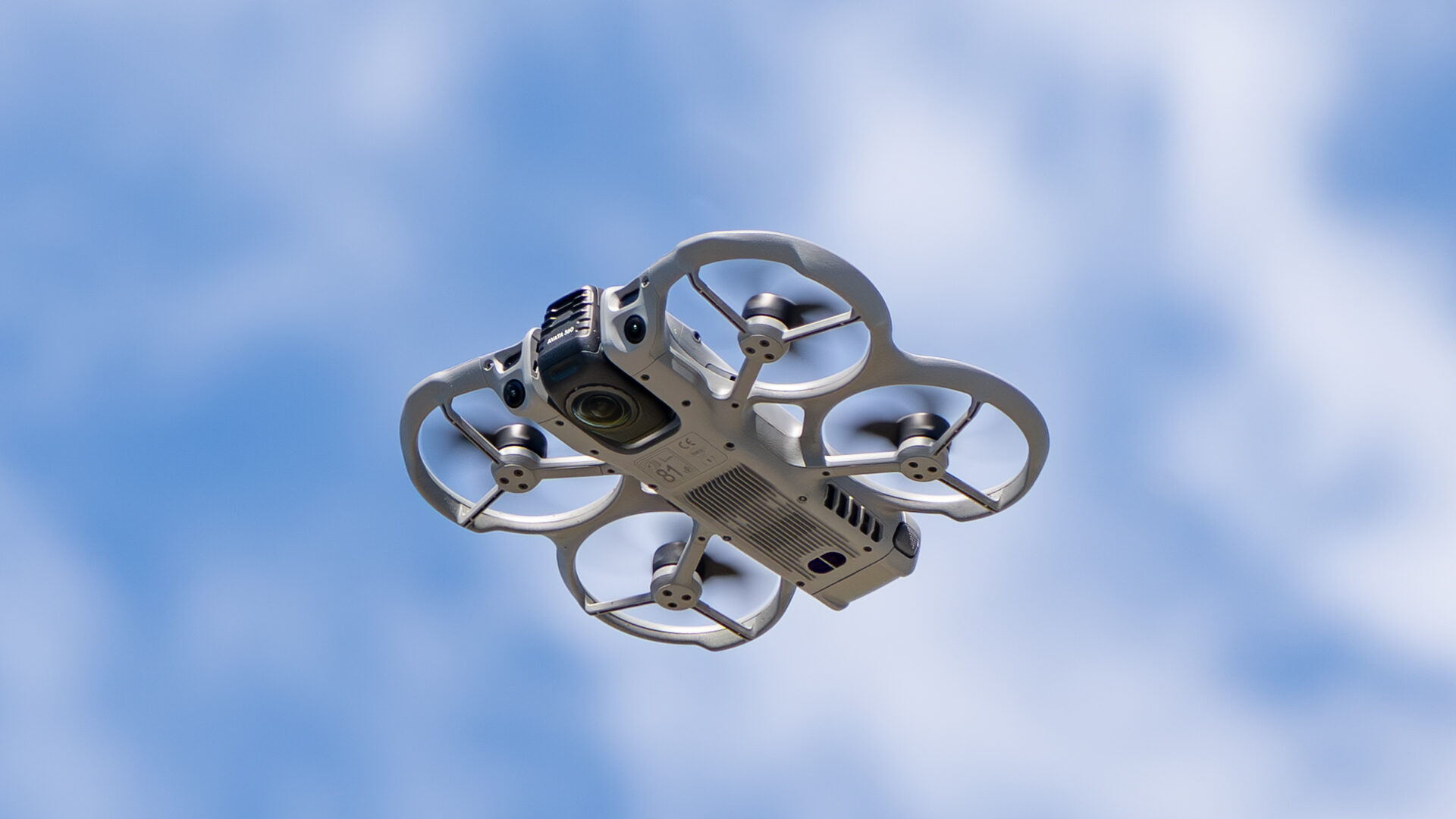
The flight stability in strong winds is also exceptional, though it’s best to watch the drone and not the camera. Panoramic stabilization can make a half-sideways aircraft look totally even-keeled. While flying low to the ground in 20ish Km/h winds, the drone was still controllable, but the rotors were audibly complaining.
But drones will be drones. Eventually, you will whoopsie into a tree, fall out of the sky, or skid into the bushes. When that happens, you’ll probably be fine. I had a few spills while zipping around in sport mode, but the plastic airframe is no worse for wear. In fact, even the original props are still intact.
Controls
The Avata 360 is being advertised primarily as an FPV drone, but it supports a wide range of other controller options. Each control type unlocks unique features.
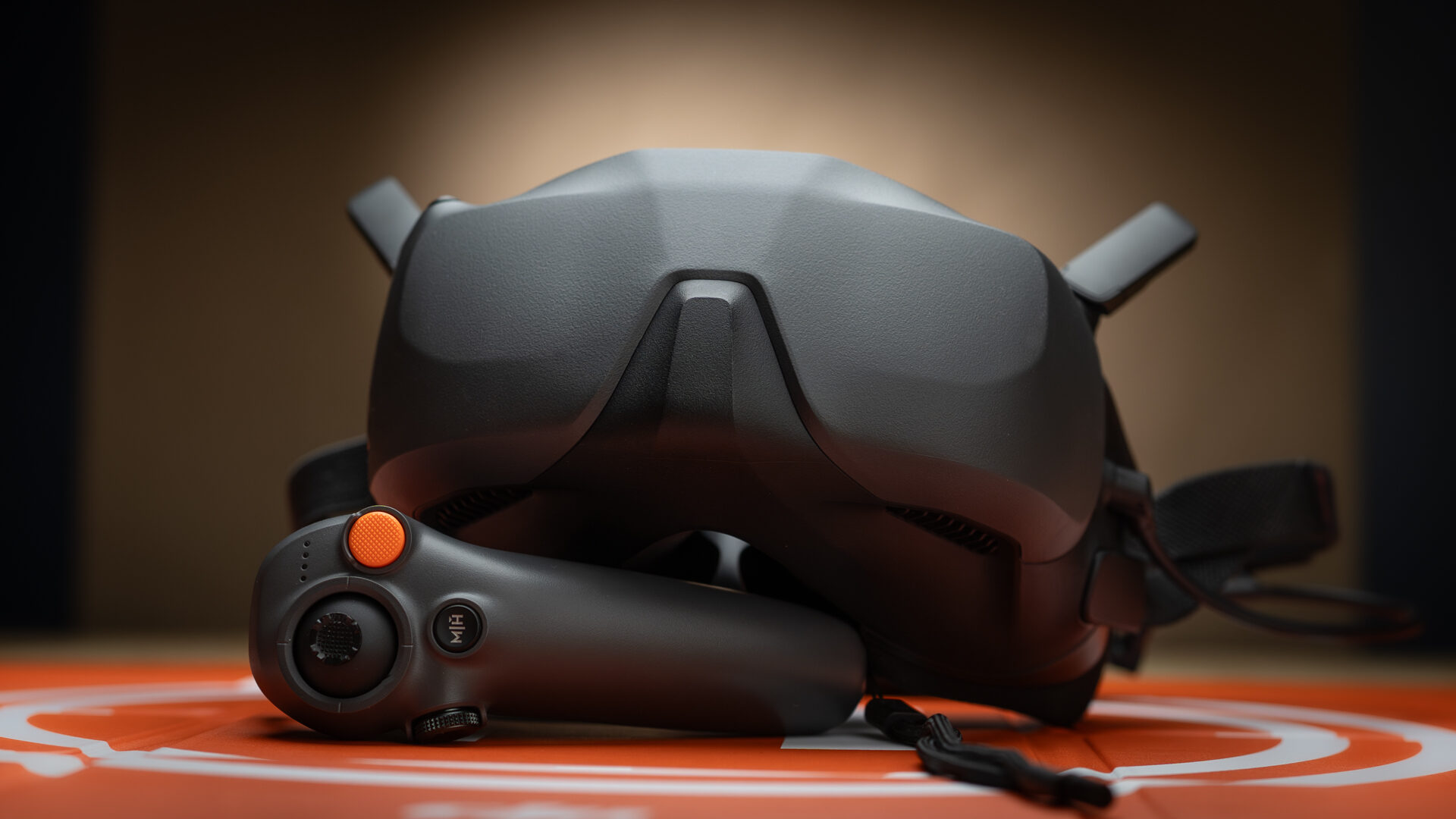
The FPV modes are well-suited to recreational flying, but using goggles adds a practical feature of their own: FreeLook. It turns your head into a gimbal controller. While not new, it becomes far more useful with a 360-degree camera. You can frame off-axis shots by looking away from the drone’s flight path, with that movement recorded into the footage. In 360, FreeLook also makes flying safer, allowing pilots to check their surroundings before zipping around at full throttle.
If you’re interested in this kind of flying, the Avata 360 is available in an FPV-focused Fly More Combo that includes three batteries, a landing pad, Goggles N3, and the RC Motion 3 Controller. It ships in a high-quality sling bag, along with a replacement lens and extra props. DJI’s FPV Remote Controller 3 and Goggles 3 are also supported.
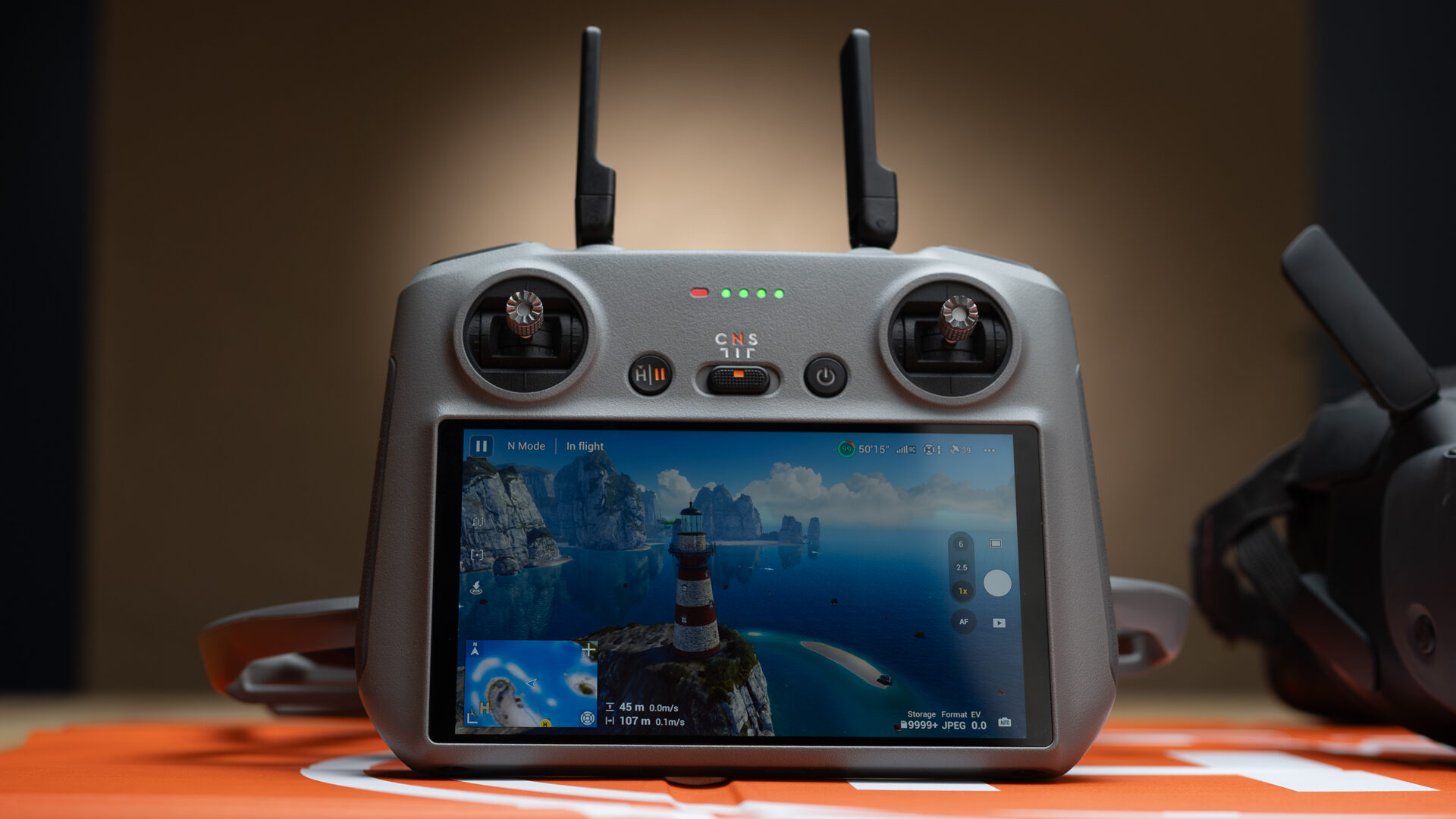
There is also a Fly More Combo that swaps FPV controls for the RC 2 remote. This is the first Avata to include RC 2 compatibility, and it is the controller I ended up using most. The joysticks and shoulder buttons make the drone easier to control, while the touchscreen is faster than a wrist-mounted pointer. It also unlocks more advanced automation features, including subject tracking and automated camera moves. There are practical benefits as well—you don’t need a spotter when flying with it.
“The Avata 360 opens creative pathways and workflows that simply didn’t exist last year.”
For new pilots, the RC 2 includes a built-in training simulator covering basic flight and drone-specific features. Overall, it’s a more practical, well-rounded option that unlocks more of the drone’s potential.
Interestingly, the RC 2 Fly More Combo retails for $979, which is $600 less than the basic Antigravity A1 package, despite that drone offering a lower-resolution camera and no option to fly backwards.
Battery and Transmission
Regardless of how you choose to control the Avata 360, I’d recommend a Fly More Combo just for the three batteries. The 2700 mAh Intelligent Flight Batteries are rated for 23 minutes of flight time.
But lab conditions are not the real world. Flying slow in windless conditions, I averaged 15-18 minutes before the warning notifications started. In sport mode, you get even less. For a 455-gram drone, the battery life is on the short side of average, but still acceptable.
The shortened flight times are only really noticeable because the Avata 360 is a drone you want to push. Its antennas can operate at a 10-kilometre range, with O4+ transmission sending a clean video signal to the controller well beyond line of sight. But sending it that far would be playing chicken with the batteries and relying on RTH (return to home) for an aircraft you no longer see.
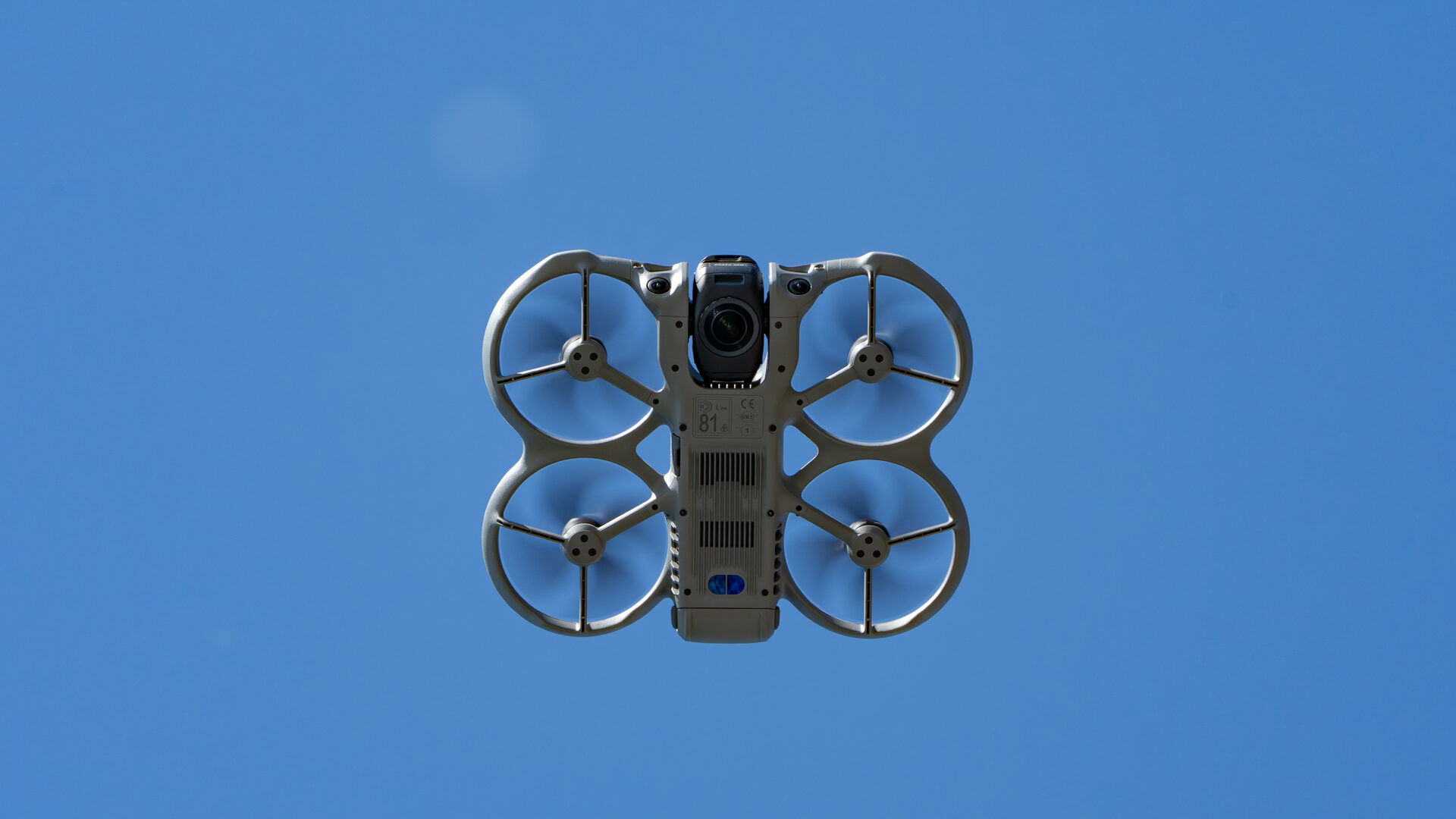
You might still hear it, though; the enclosed rotors are rated at 81 decibels. Maybe my hearing is worse than I thought, but I don’t think my test drone was that loud. My guess was around 70, but it says 81 right on the bottom.
Image Quality
The main reason the Avata platform was chosen was its shape. 360 cameras work by stitching two images together; the closer the lenses, the more seamless the stitch. An Avata 2 is a naturally thin drone. It’s designed with inline rotors, which are ideal for unobstructed top and bottom lenses. The Avata 360 refines the shape further, centring the rotors and tapering the tail.
The distance between lenses is greater than on a handheld, which means the stitch is more prominent. In-camera stitch correction is decent, but you’ll need at least three meters of separation from your subject for it to disappear. That’s not difficult to achieve with a drone, but in indoor videos it can introduce nasty artifacts. Stitching can also break down with fast motion and lens flare, factors you are likely to run into.
Learning the limits of stitching is the biggest hurdle with the Avata 360, followed by managing distortion. Once you understand how to position the camera, though, it becomes one of the easiest drones to shoot with. The key is managing expectations.
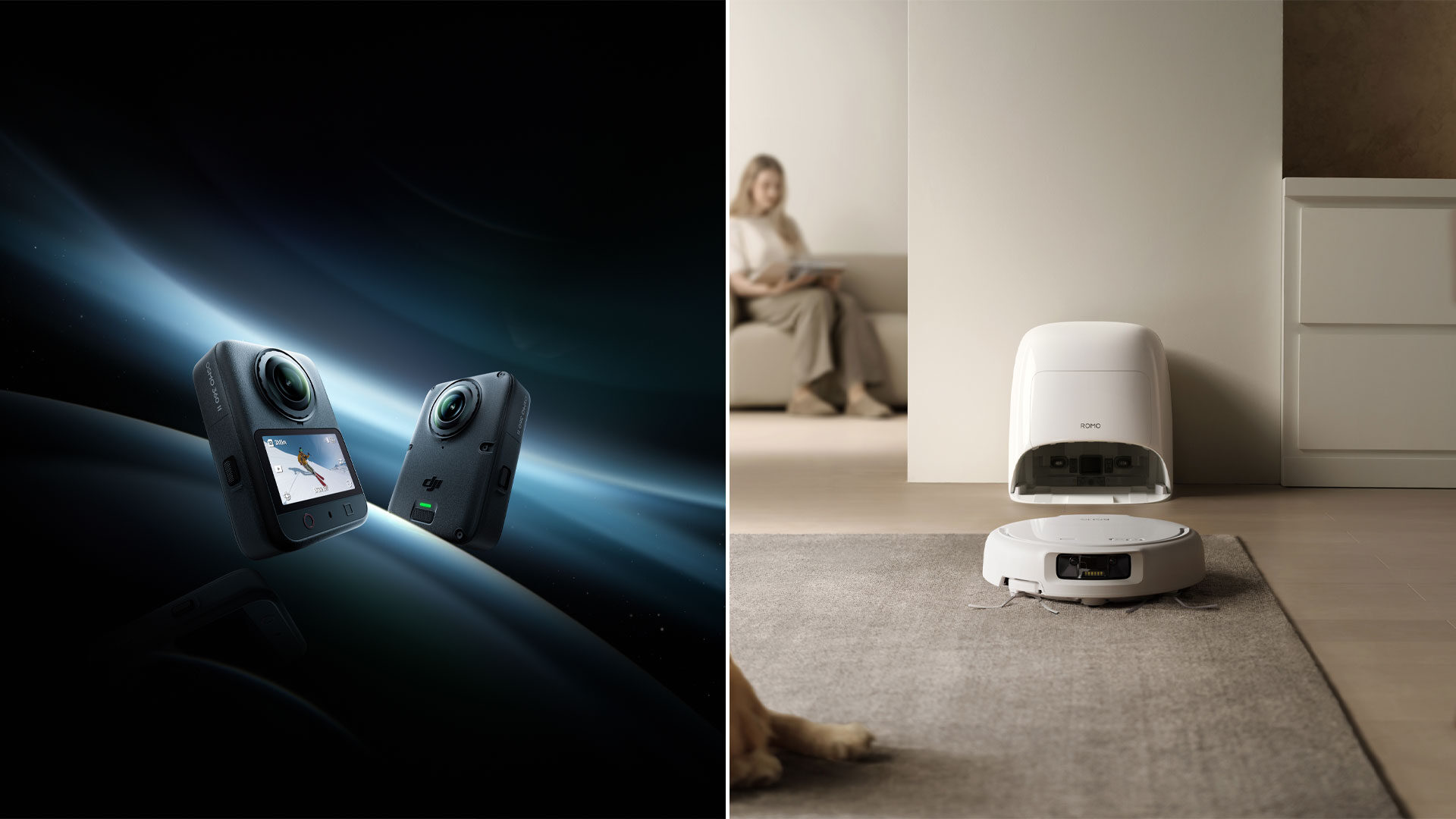
Yes, it uses two 64 MP image sensors. Yes, it shoots 8K at 48, 50, or 60 FPS. It even comes with 42 GB of internal storage. If you’ve shot 360 before, you’ll probably be impressed. The system is essentially a beefed-up Osmo 360.
If you haven’t used a 360 camera before, though, you might be surprised that your videos aren’t quite as crisp as expected and alarmed by how quickly your storage fills up.
“For professionals, it’s a Swiss Army knife that fills capability gaps you didn’t know you had.”
An Avata 360 is not a Mavic Pro, or even a Mini Pro. Shooting 8K panoramic video gives you an 8K working environment, not an 8K final image. At most, you’ll end up closer to 4K with a noticeable fisheye. For clean, distortion-free framing, you’ll either rely on finding the lenses’ sweet spots or crop in significantly, leaving footage that’s best suited for 1080p and 2K exports.
The cropped images are still very sharp, but the fidelity can’t hold a candle to a 4K sensor with a fixed focal length.
I don’t have a problem with that. Let’s be realistic: this is a drone for social media content and YouTube, not cinemas. Sharp 2K at 60 frames per second looks great on everything from phones to computer monitors. You’ll notice some pixelation on a large TV, but it still holds up well.
Post-Production
Editing is where things are a little less refined. All 360 footage needs to be transcoded before it can be used in other editing software. For this, you’ll have to use DJI Studio on a phone, PC, or Mac. The software is fine, but not equal across platforms. PC, for example, lacks subject-tracking features, and there’s no option to export still images or edit them outside a timeline. But for basic camera repositioning and D-Log M grading, it works well enough. You can also preserve 10-bit colour on export, so if you’d rather grade elsewhere, you can.
Verdict
Which brings us to the toughest question of all: Who is the Avata 360 for? I wouldn’t say it’s for everyone, but it will appeal to a lot more people than you might expect. But any recommendation comes with a caveat. For professionals, it’s a Swiss Army knife that fills capability gaps you didn’t know you had. For beginners, it has all the tools you need to get started and the performance to remain exciting — though at over 450 grams, you’ll need a license to fly it.
But you will want to fly it. I bought my first drone in 2014, so the thrill isn’t quite what it used to be. Flying the Avata 360 felt like flying for the first time. It was weird. It took some learning. I still don’t fully understand it. But every morning when I leave the house, I make sure it’s in my bag.
Because now, when I walk past something and wonder if it can get some impossible shot, the answer isn’t no. It’s maybe.
There isn’t much competition yet, but the Avata 360 is currently the most capable drone of its kind, and one of the best values in its price range.