

The Ducky Cushion 98 Keyboard is a premium keyboard with one purpose: to redefine typing comfort. Leveraging its experience as an enthusiast keyboard designer, Ducky has focused that energy into creating one of the most comfortable mechanical keyboards I’ve ever worked with. Featuring two distinct switch types, a nest-mount design and impressive customization capabilities, there is a lot to like about the Cushion 98.
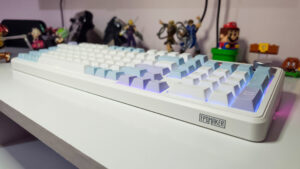
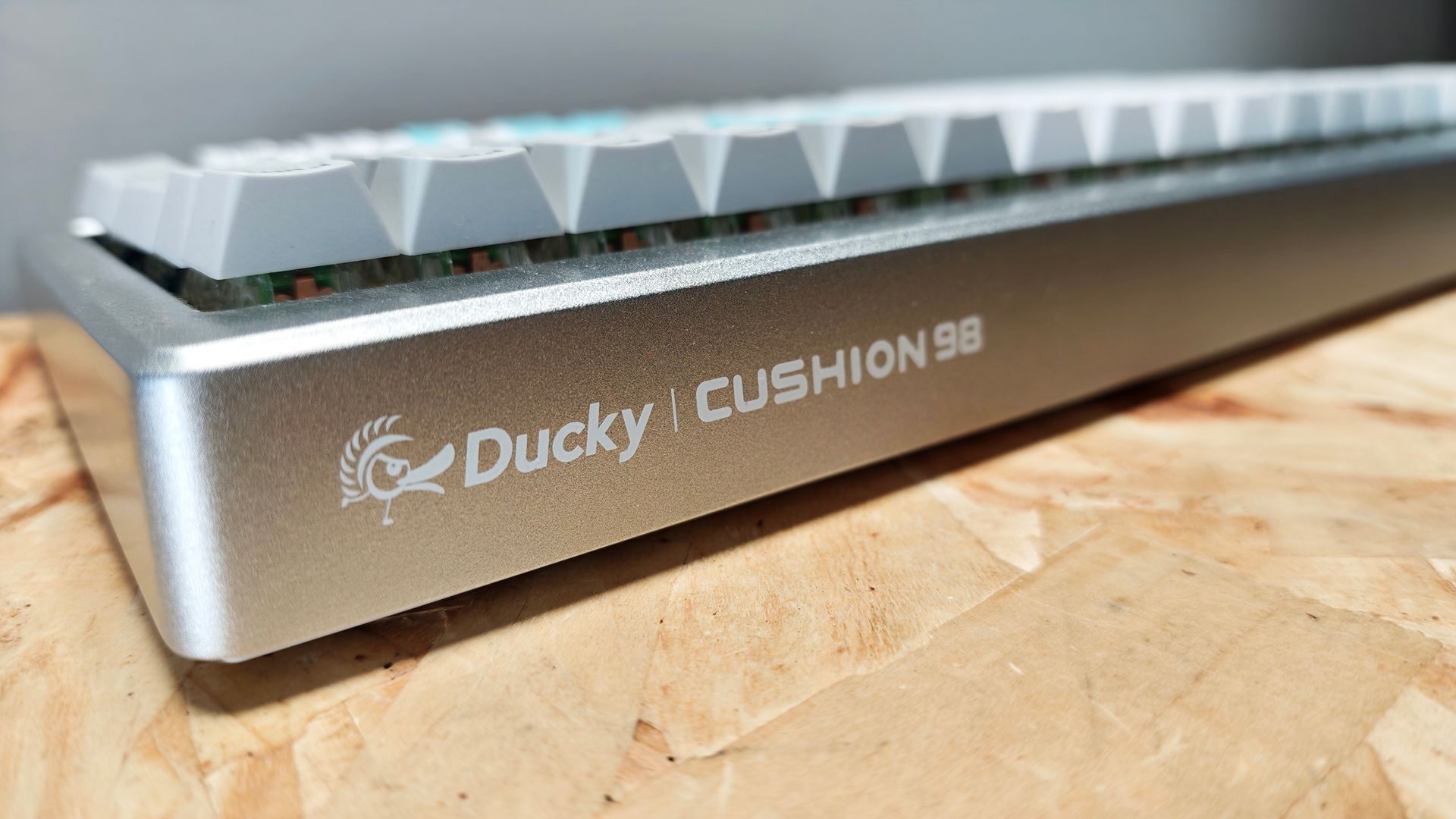
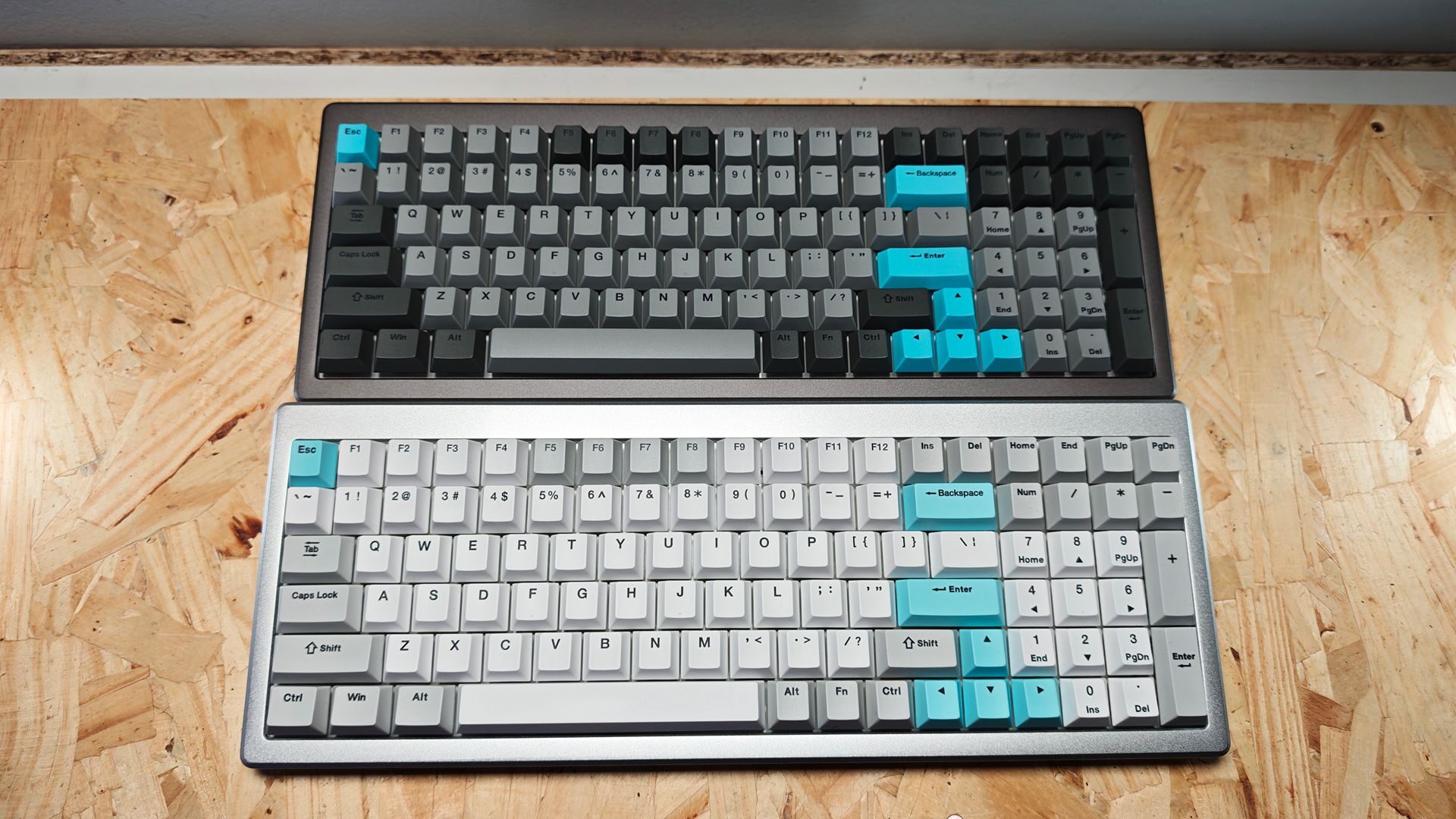
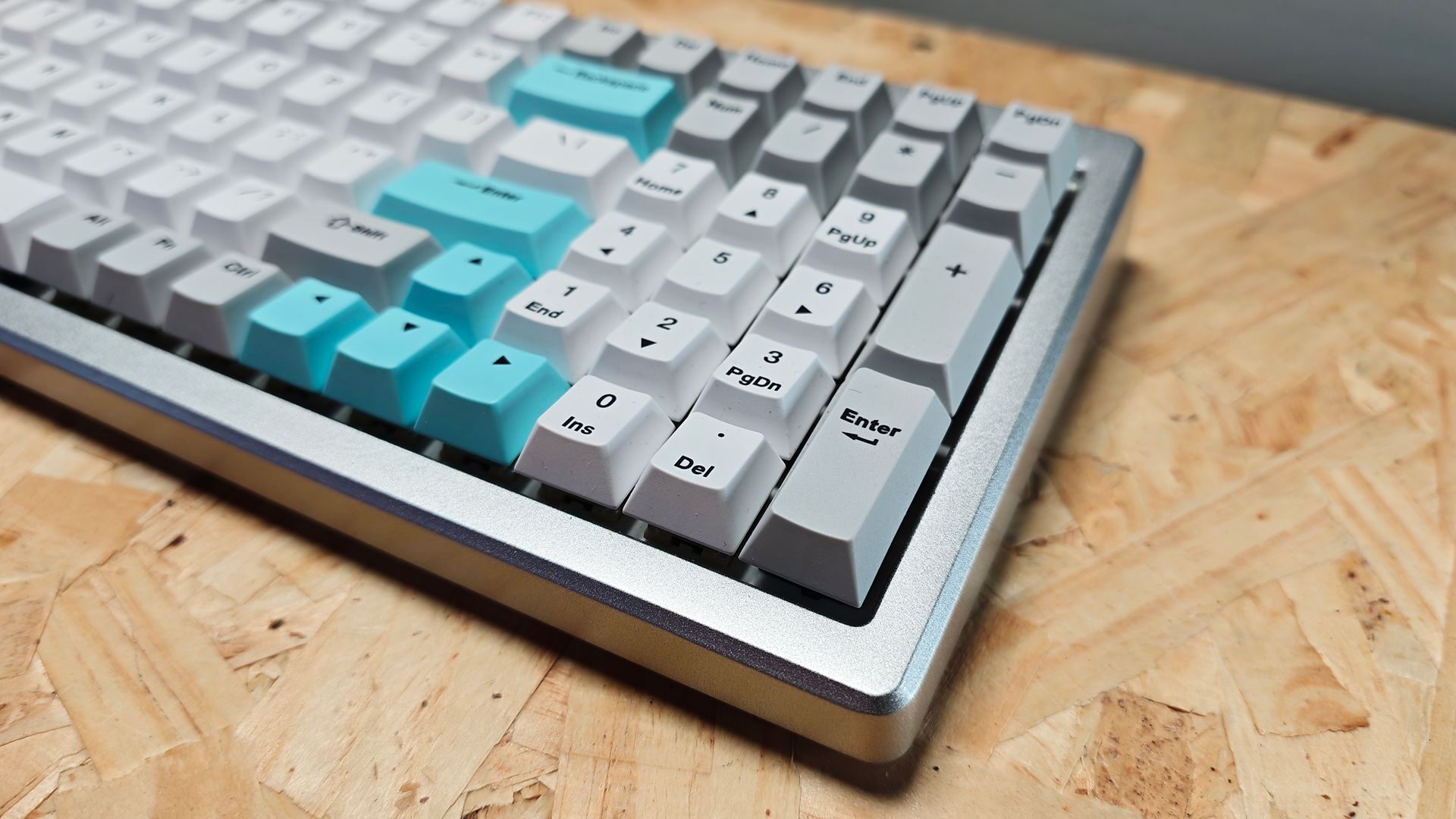
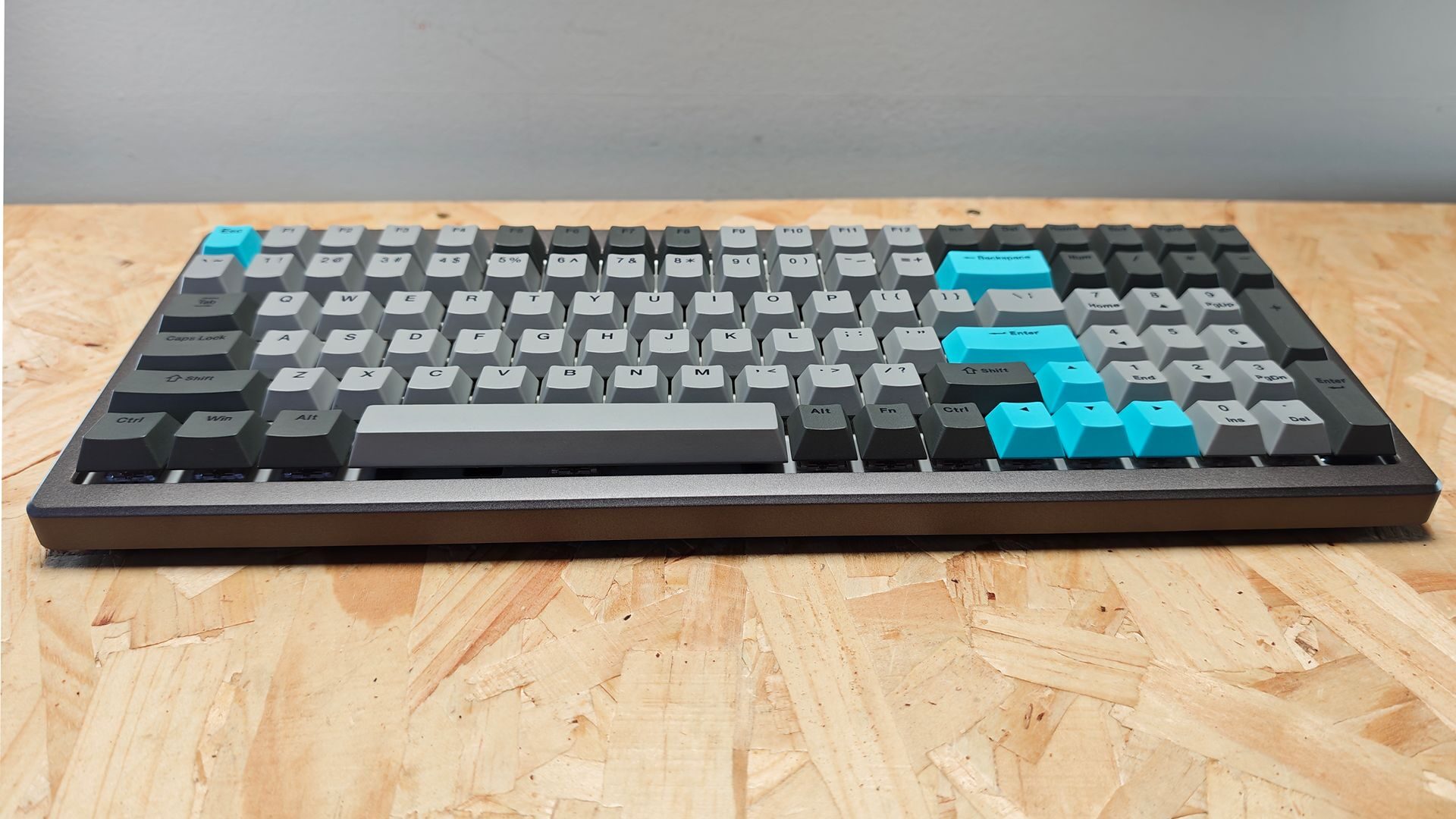
Constructed from tough ABS (bottom casing) and aluminum (top plate), the Cushion 98 delivers a full-size keyboard experience in a compact, functional 80% layout. Measuring 386.16 x 147.07 x 41.74 mm, the keyboard is solid and well constructed. It features a clean, well-laid-out look with two colour options to choose from: dark grey and light grey. Ducky was gracious enough to send over both for review and testing, and both look fantastic.
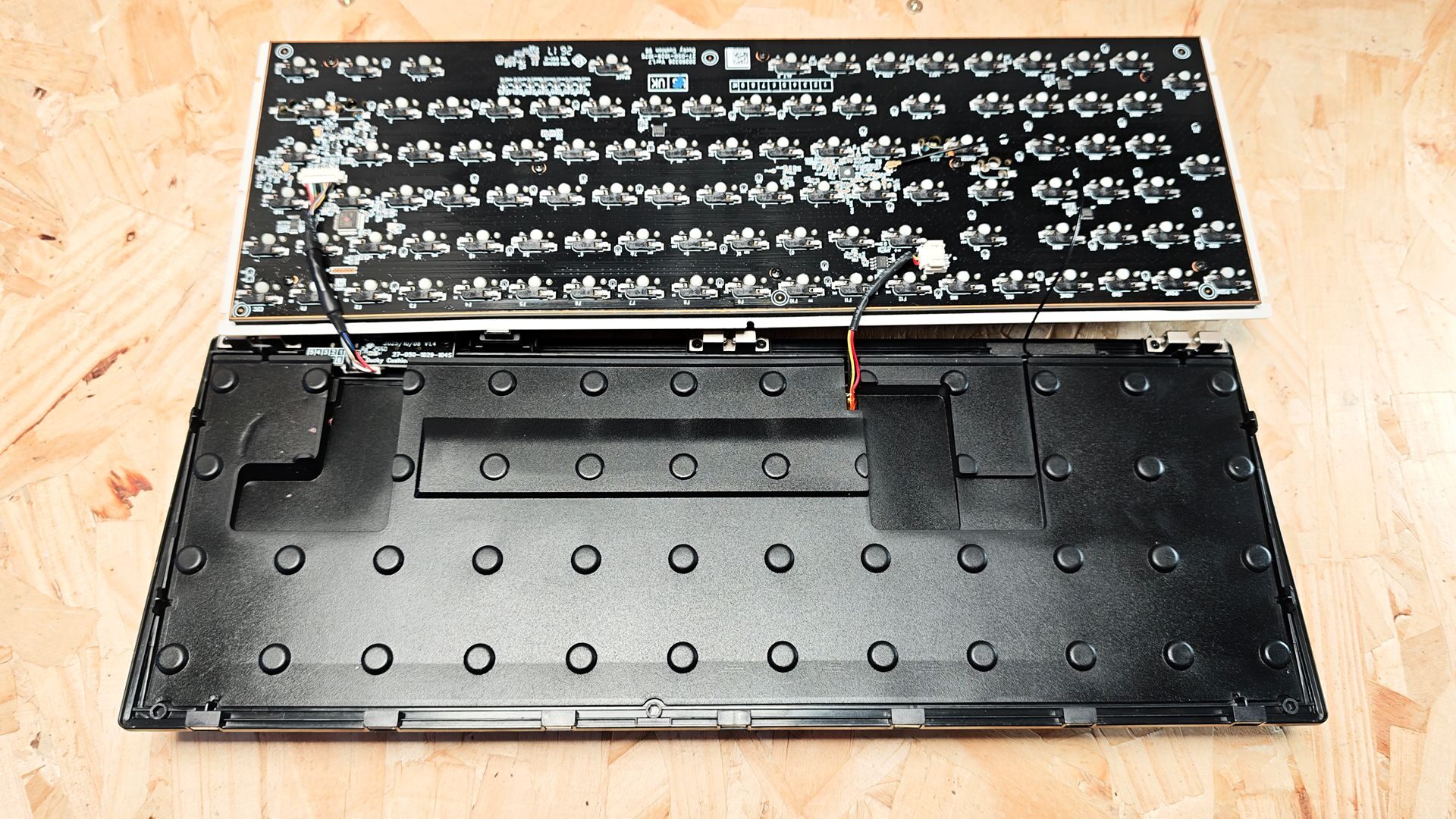
Even before diving into the hardware components specifically, I want to note a key feature of the Cushion 98. It boasts a quick-latch design, requiring no tools to strip it down and allowing for quick and easy swapping of most key components, including the soft cushion layer. While I love the softer padding it provides, Ducky has included a second firmer cushion for those looking for a bit more resistance in the typing experience. The whole process takes about two minutes thanks to thequick-latch aluminum top plate and is the easiest component swapping I’ve done on a keyboard.
Described as the “Comfort First Mechanical Keyboard,” upon receiving the board, I was curious to see if this was a simple marketing gimmick. After using it for almost a month now, I have to say that I stand by that claim. The Ducky Cushion 98 is the most comfortable keyboard I have ever used.
This is achieved thanks to Ducky shifting away from a traditional gasket mount system and instead deploying their Ducky Nest Mount layer, which not only absorbs the keystroke pressure but also distributes it evenly across the cushion, dampening the force feedback associated with mechanical keystrokes. It’s a small change that has a pretty impressive impact on the overall typing experience.
Another impactful result of the Ducky Nest Mount is that the overall audio feedback from typing is also dampened. When paired with either the Ducky Shush Linear or Tactile Switches, which are available on both versions of the Cushion 98, the result is an impressively quiet typing experience that still provides that tactile response you would expect from mechanical keys.
“The Ducky Cushion 98 is the most comfortable keyboard I have ever used.”
Having now tested the Shush Linear and Tactile switches over the past few weeks, I can say that, from a response perspective, they feel very much like linear reds and tactile brown switches, with more cushion when applying force on the keystroke. While I tend to lean more towards tactile switches, both sets have been absolutely great to work with.
As for response, the Ducky Cushion 98 performs quite well. It provides a 2,000 Hz scan rate (internal keyboard input frequency check) and a 1,000 Hz polling rate ( the frequency at which the keyboard sends signals to the PC), which puts it easily in the realm of gaming keyboard functionality. While it might lack the polling rate of esports-focused keyboards like the Huntsman V3, it provides impressive response for typing and still holds up well while gaming.
Having used it in both settings, I find the Cushion 98 is best described as a hybrid board managing productivity and leisure tasks exceptionally well. This adaptability is further enhanced by its tri-connection capabilities, managing Bluetooth, Wireless 2.4GHz and USB-C seamlessly, maintaining a 1,000 Hz polling rate in the latter two modes. When coupled with the full NKRO (wired mode) and 6KRO (wireless) Ghosting, the Cushion 98 provides a solid user experience no matter the application.
Ducky’s newest keyboard also features South-facing RGB, providing bright, clean lighting to the board. While the keycaps lack the translucent layer for through-key illumination, the PBT Dye-sub caps are easy to see, even in darker spaces, thanks to the lighting system. They feel great to use, offering a smooth surface that complements the cushioned keystroke experience nicely.
All of the features and settings are managed through the web-based DuckyHub. The interface is fairly straightforward, allowing for management of RGB, remapping and macro control. The only notable feature missing is control over the Polling rate, which is locked to 1,000 Hz in Wireless 2.4 GHz and wired.
The Ducky Cushion 98 is an exceptionally comfortable and functional keyboard. It works well in a wide range of environments, offering a superb typing experience for productivity and quick response for most gaming. Its best DIY design I’ve ever worked with and impressive build quality make it an easy keyboard to recommend for anyone looking for one of the most comfortable keyboards on the market.